A:AnswerHere are the dimensions:
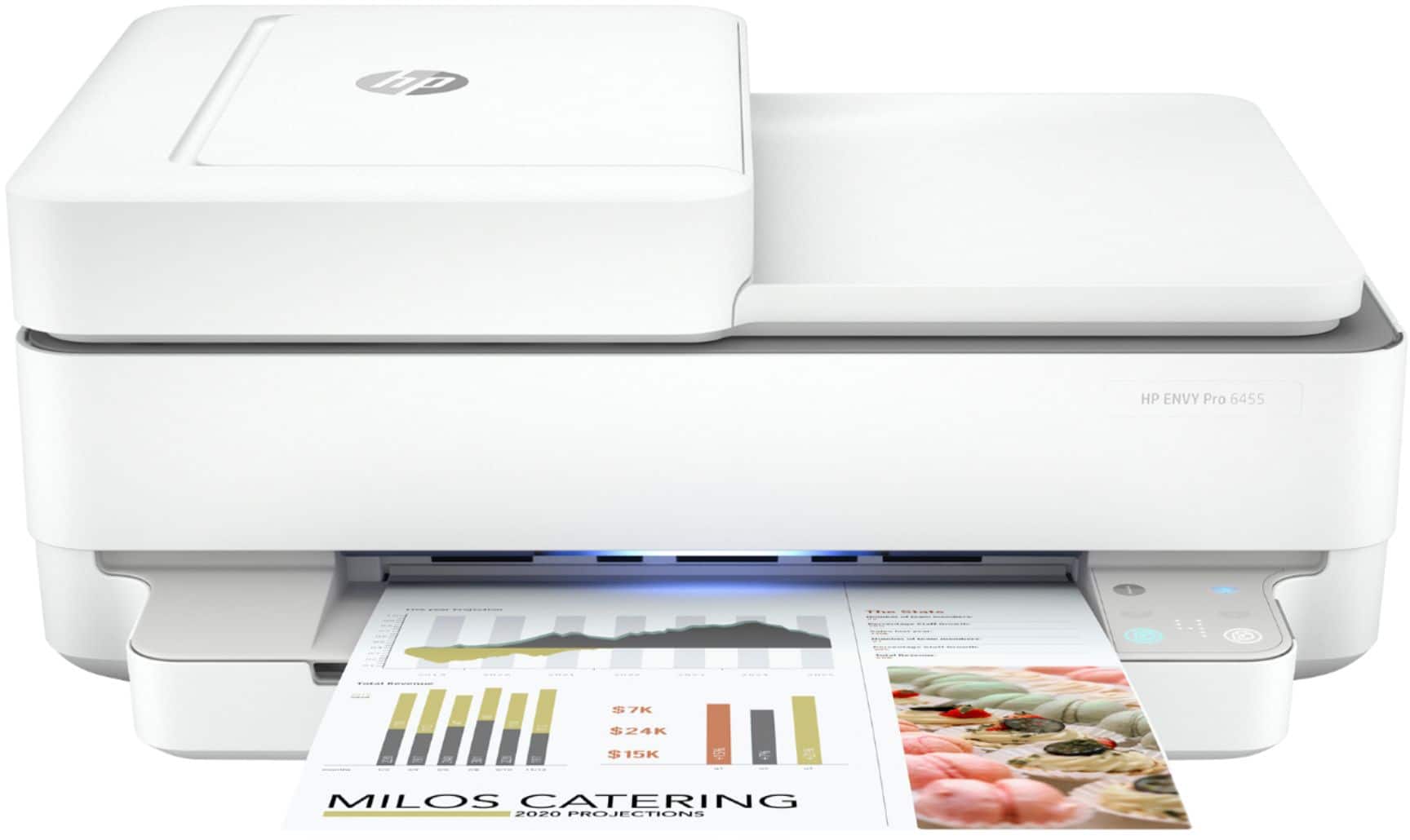
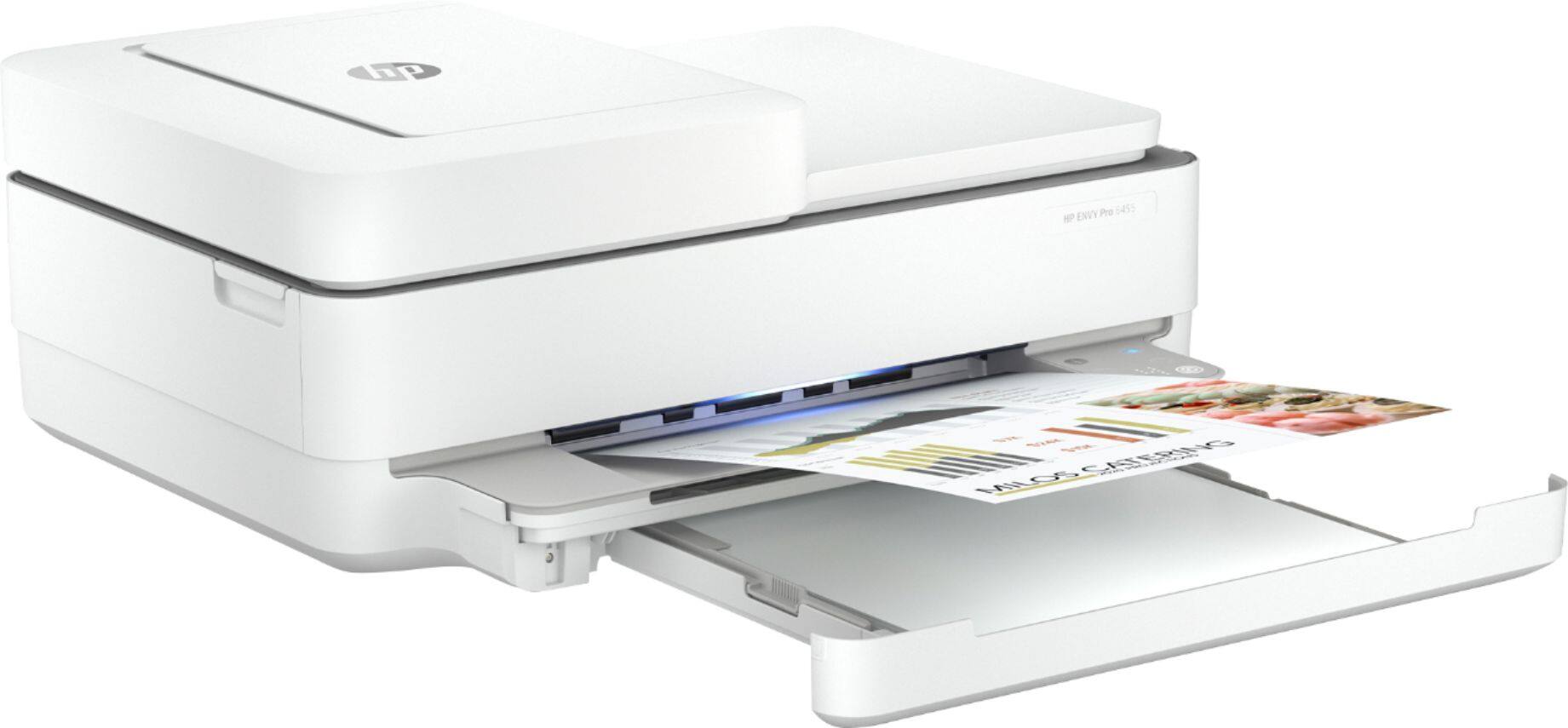
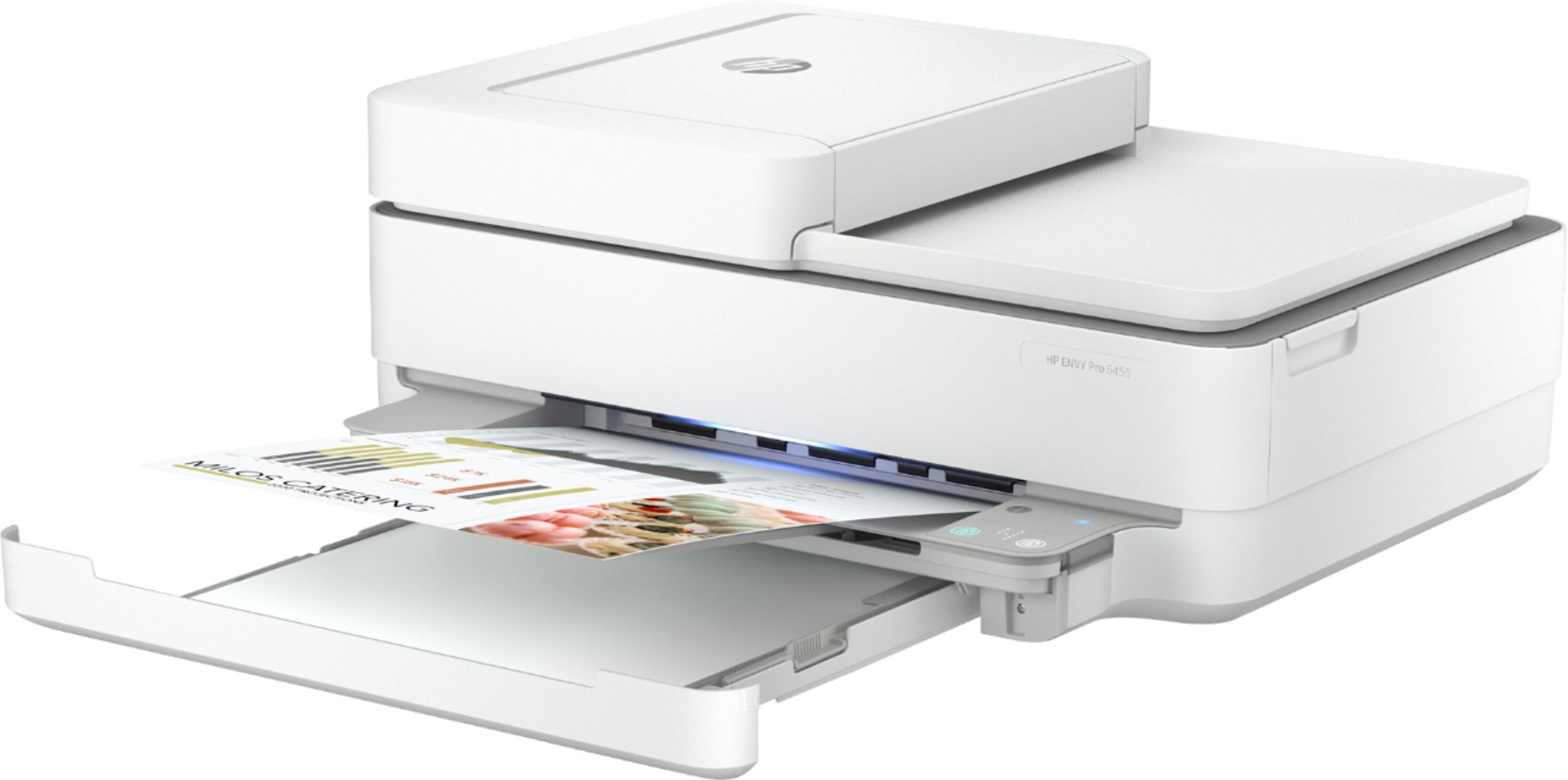
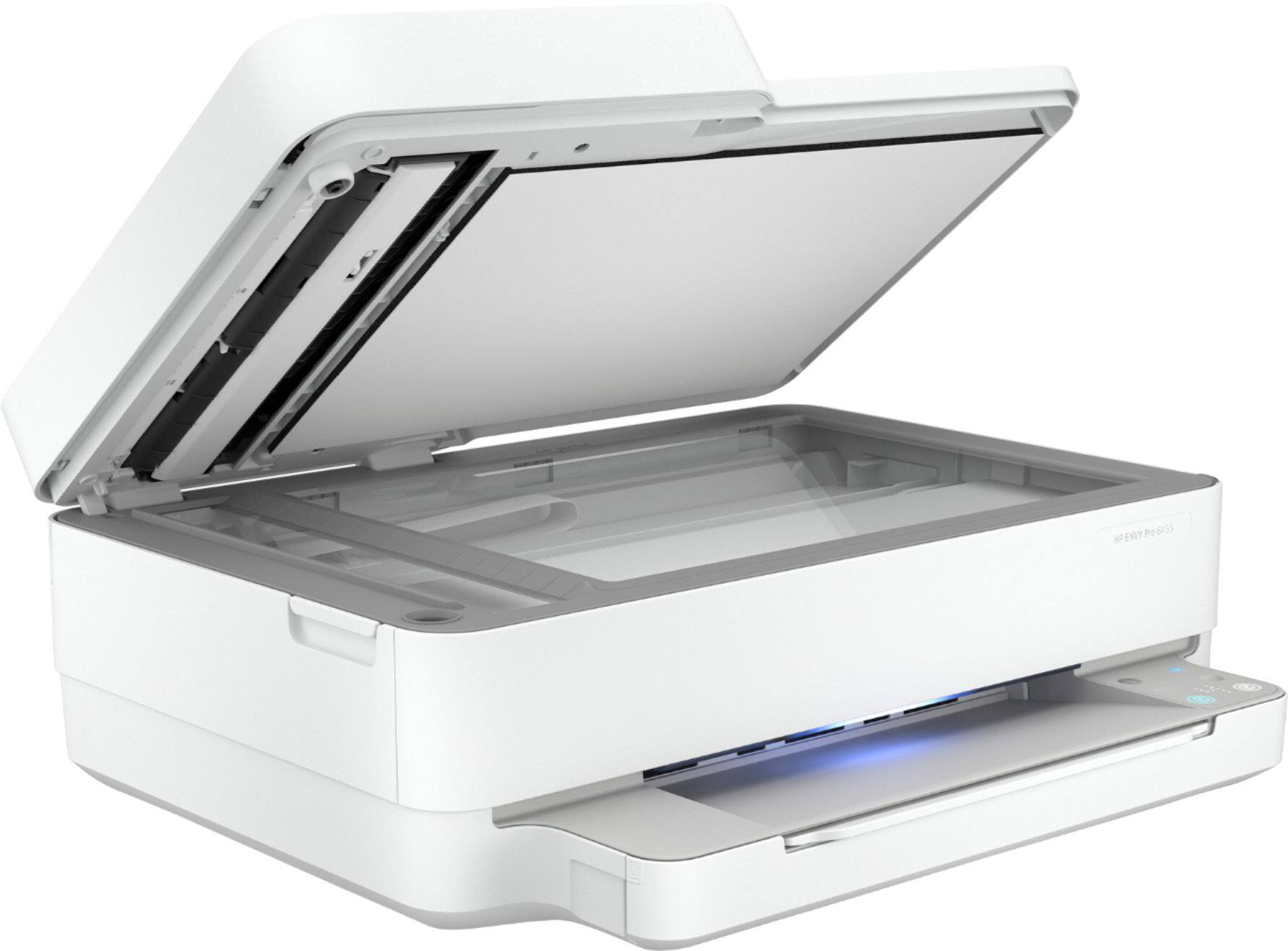
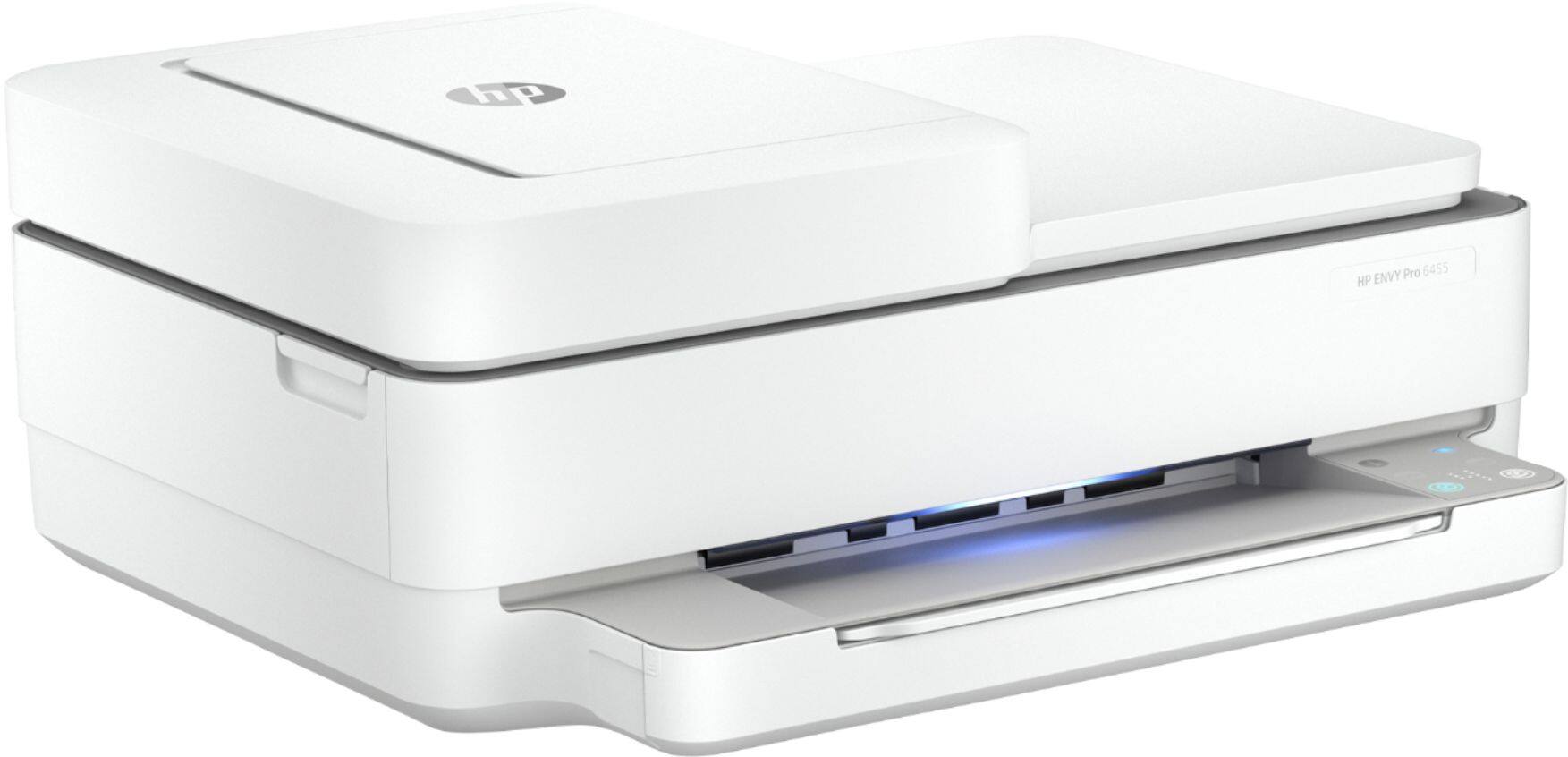
Maximum dimensions (W x D x H, U.S. standard) 17.02 x 20.13 x 7.6 in
The Depth shown includes the output tray extension which adds about 7 inches. This can remain retracted until use.
A:AnswerYes it can print on inkjet vinyl.
Here are the paper handling specs:
Media types
Plain Paper; HP Photo Papers; HP Matte Brochure or Professional Paper; HP Matte Presentation Paper; HP Glossy Brochure or Professional Paper; Other Photo Inkjet Papers; Other Matte Inkjet Papers; Other Glossy Inkjet Papers; Plain Paper, Light/Recycled
Media weight supported (metric)
A4: 60 to 90 g/m²; HP envelopes: 75 to 90 g/m²; HP cards: up to 200 g/m²; HP 10 x 15 cm photo paper: up to 300 g/m²
A:AnswerHello, you will need to contact your service provider, Verizon, and they will be able to assist you with that! Thank you for being an HP customer!
A:AnswerThank you for your question! Here is the user manual for your printer: http://h10032.www1.hp.com/ctg/Manual/c06584213.pdf
Please see pages 19-20 and 51 for instructions on how to load and print envelopes.
If you need further assistance, please use this link: https://support.hp.com/us-en/contact-hp
A:AnswerThanks for you question. You may have an issue, as the ink should not smear on the paper if it is loaded correctly and in the drivers you specify that you are printing a photo. Here is the link for HP support: https://support.hp.com. You can also reach them by phone at 1-800-474-6836.
A:AnswerWe recommend resetting the printer by unplugging the printer from the power for 30 seconds. Then, plug the printer back in. If you are still having issues, visit https://support.hp.com for further assistance.
A:AnswerNo, it cannot scan or copy legal sized documents. It cannot print on legal-sized paper.
PAPER SIZE SUPPORT – Letter, 4 x 6 in, 5 x 7 in, 8 x 10 in, and No.10 envelopes.
A:AnswerHere are the setup instructions: http://h10032.www1.hp.com/ctg/Manual/c06594833 Or you can go to https://123.hp.com/setup to set up your printer. Also, here is the user guide for this printer: http://h10032.www1.hp.com/ctg/Manual/c06584213
A:AnswerWe are sorry for the challenges you are having. If you have Windows, we recommend using the HP Print and Scan Doctor to diagnose the issue: https://support.hp.com/us-en/topic/printscandoctor If you need further assistance, visit https://support.hp.com
A:AnswerWe are sorry for the challenges you are having. If you have Windows, we recommend using the HP Print and Scan Doctor to diagnose the issue: https://support.hp.com/us-en/topic/printscandoctor If you need further assistance, visit https://support.hp.com