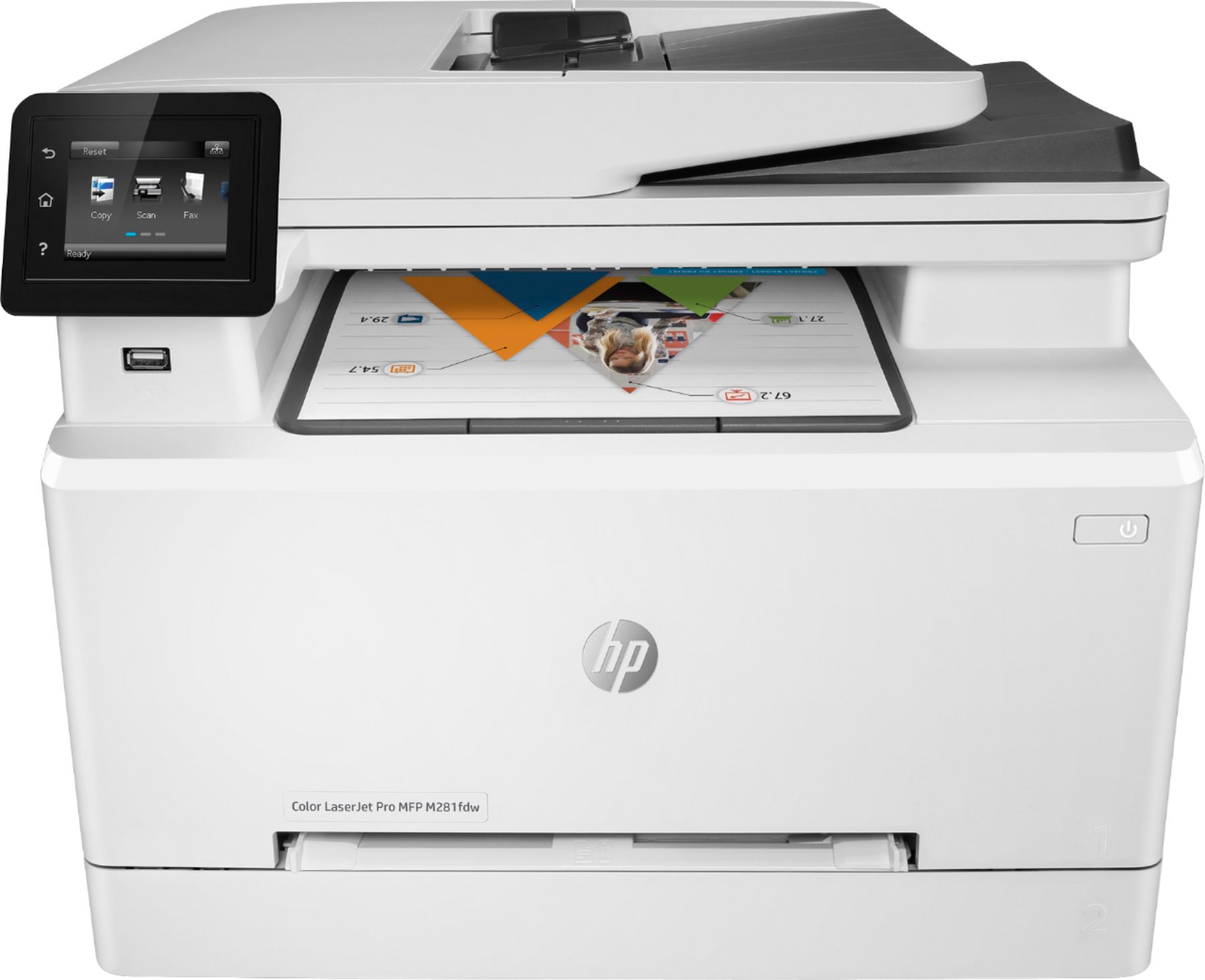
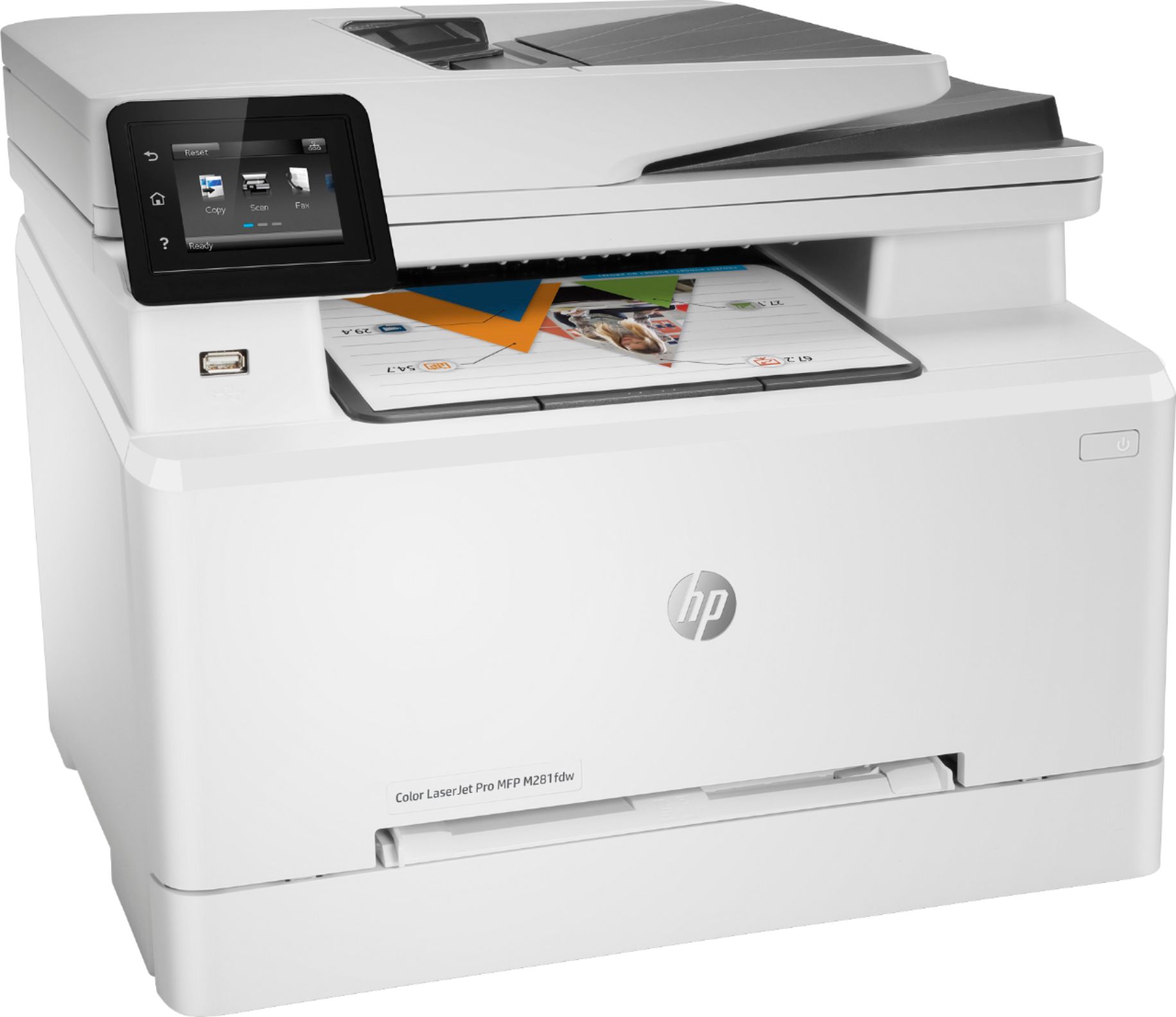
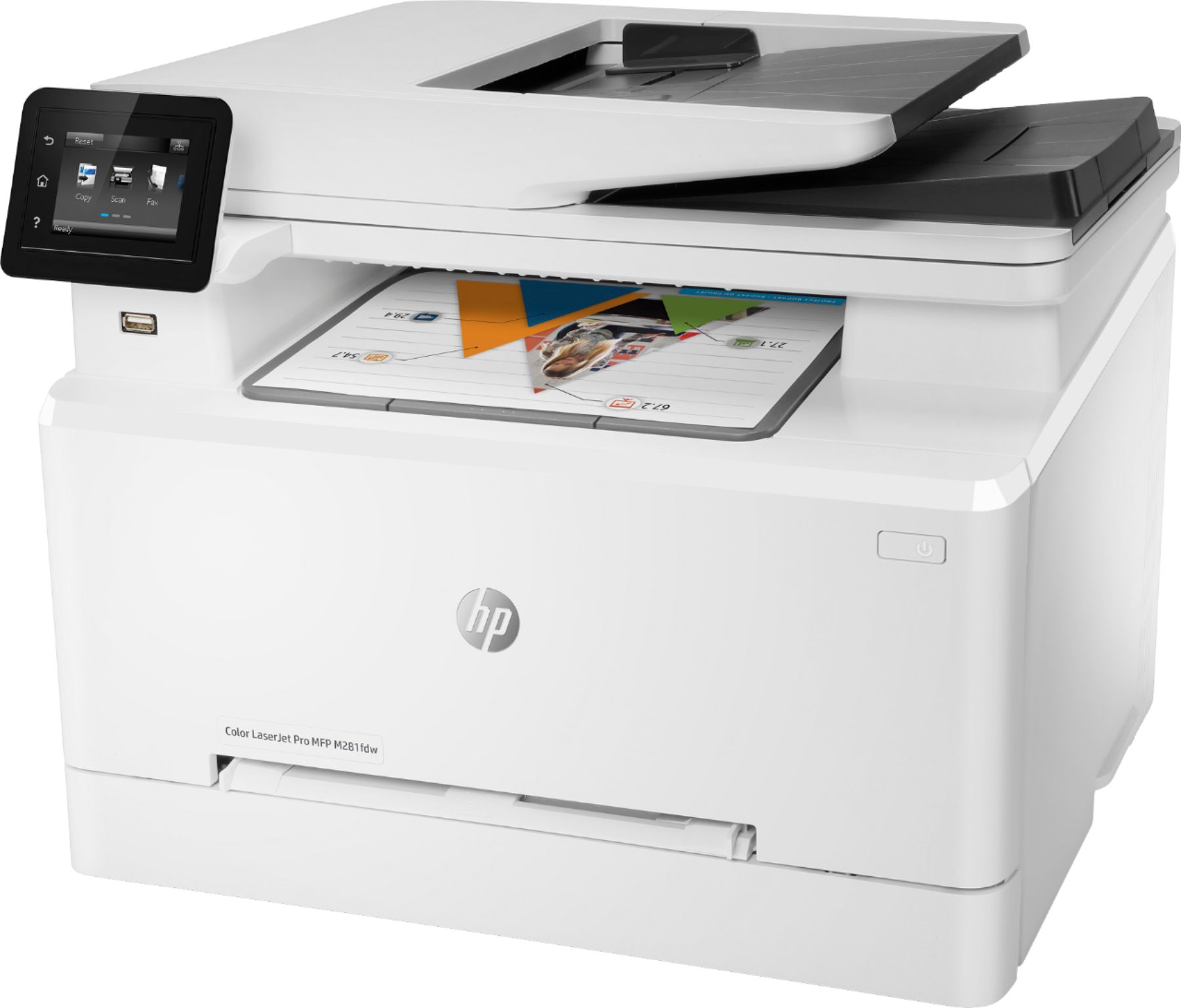
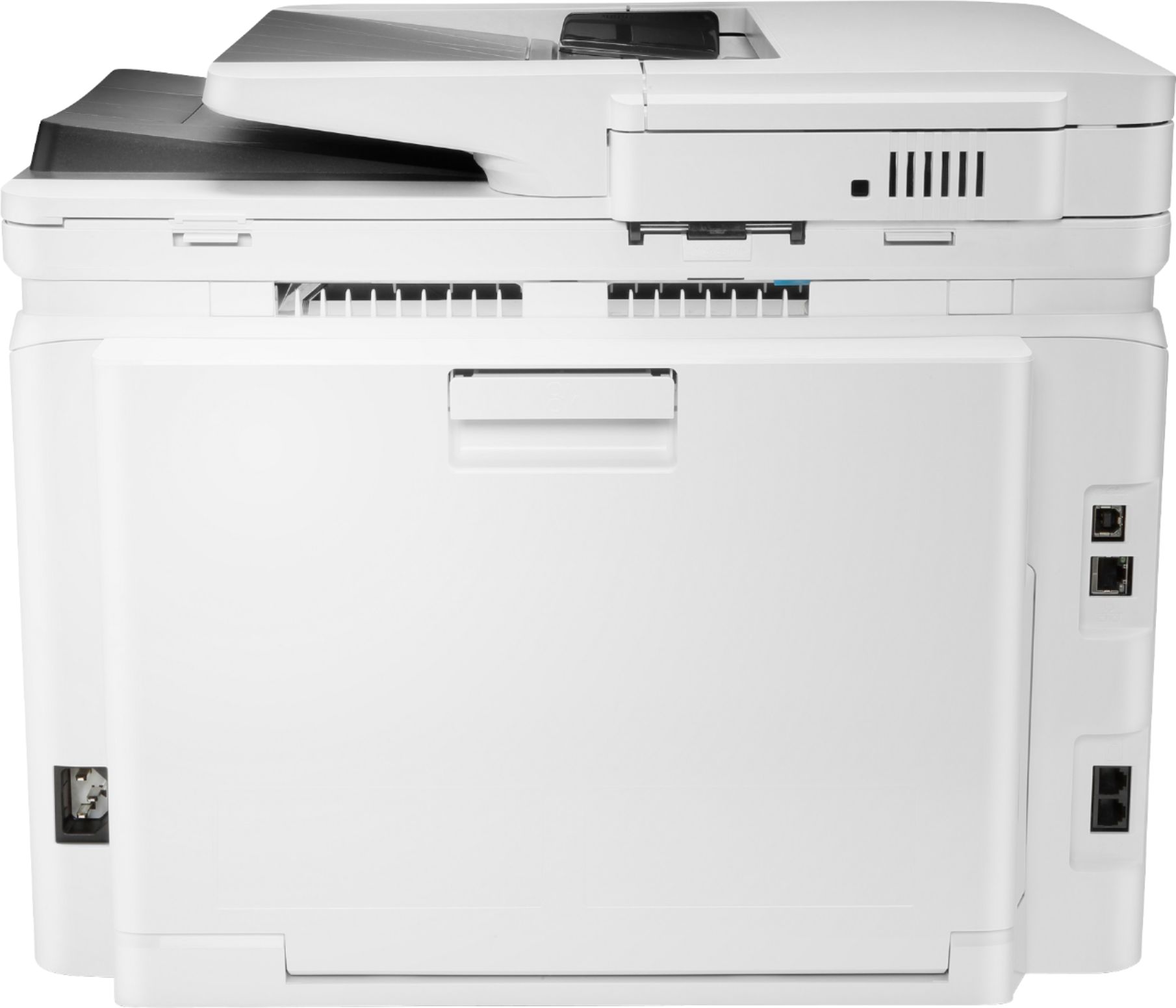
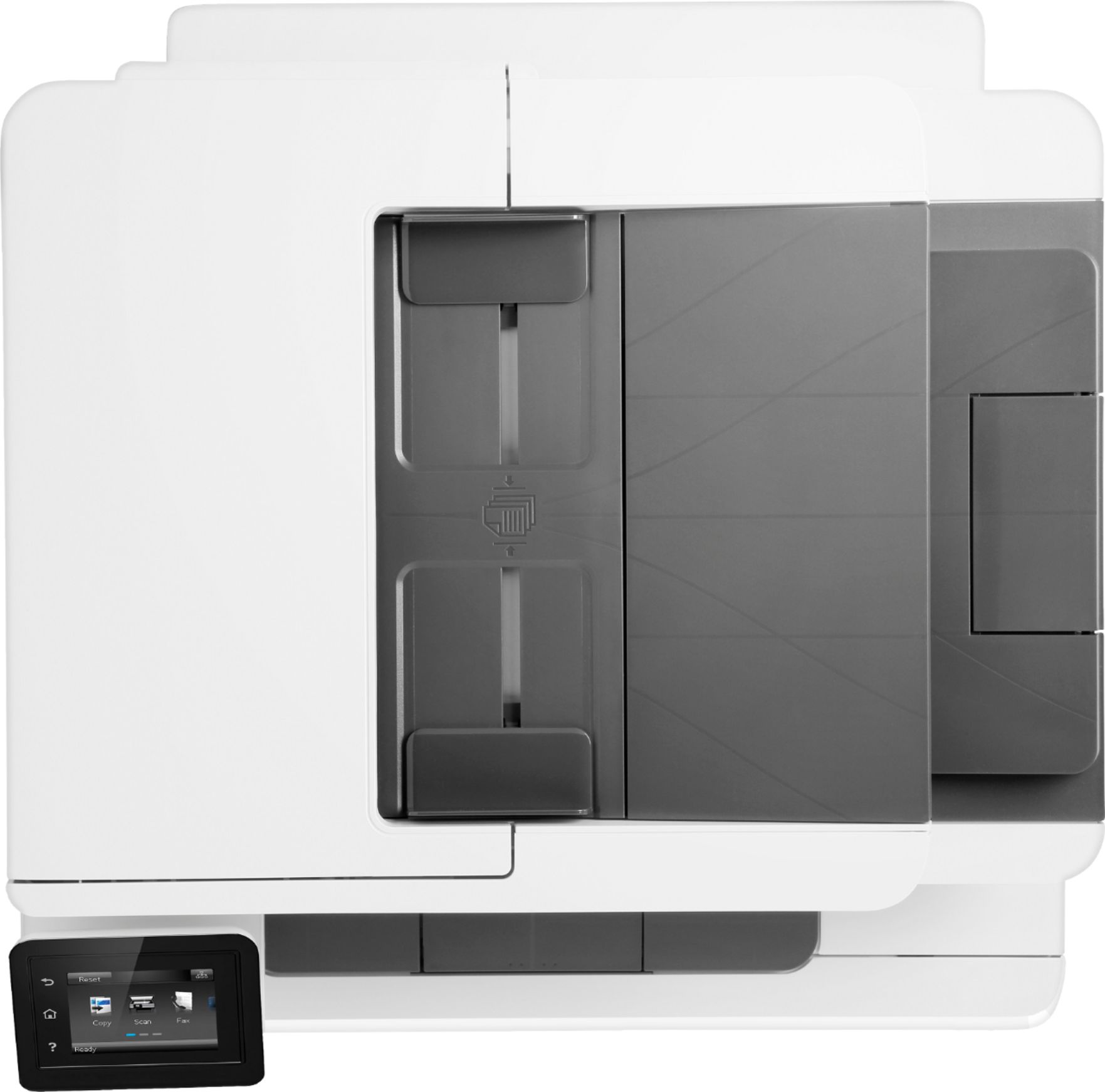
A:Answer The "second tray" is the MANUAL FEED "SLOT" directly above the main paper tray. You have to "explicitly" tell the printer, via "Setup", what paper size it'll be used for. The slot can only take ONE SHEET AT A TIME.
The Main Paper Drawer, OTOH, can be configured for ONE SIZE ONLY: Letter, Legal, Photo, etc.
The lack of a "separate drawer" for holding "other than Letter" stock is the only real "minus" of this printer. However, if you "infrequently" use paper OTHER THAN "Letter", then the Manual Slot isn't too much of a "hassle" to use.