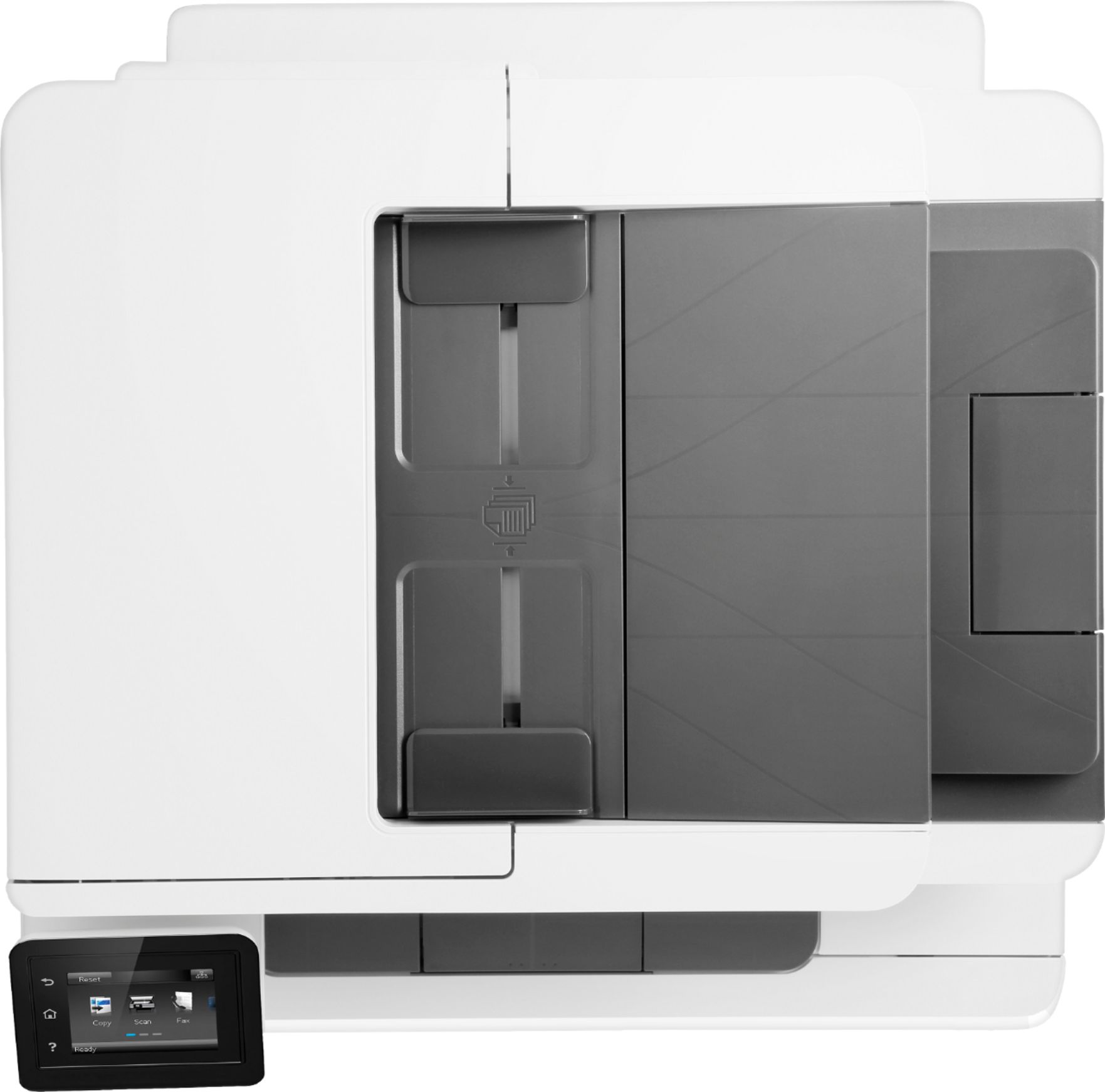
A:AnswerYes. It's also compatible with Linux, with the latest version of "HPLIP" installed.
I think the provided Installation Disc will work with Mac computers.
A:AnswerI cannot speak directly to the quality with Photo Shop, but I can say that the quality of scan from this printer is top notch. I use a lot of color photo printouts for my work and the images are always crystal clear, even when blown up. I highly recommend.
A:AnswerAs long as the printer is configured for "Wi-Fi direct", you're in range of the printer, and your phone can "see" the printer's Wi-Fi "credentials", you should be able to print. The User Manual will help you get things set up.
A:AnswerPrint rate is determined by a number of factors:
1) Text only or text and graphics or graphics only?
2) Single or double-side (double-side = SLOWER print rate)
3) Print resolution (higher resolution = better clarity = SLOWER print speed)
4) % of page covered in text/graphics (more "coverage" = SLOWER speed)
5) Paper SIZE ("larger" paper = SLOWER print rate)
The only way to determine "print speed" is to actually PRINT SOMETHING and time it from first page eject to last page eject, and test it with DIFFERENT SIZE papers (i.e., Letter, Legal, envelopes. etc.).
I suppose for "average" (i.e., 50%) text/graphic coverage, "Draft" mode (75 DPI), single-sided, you may get 20 PPM or so. Again, Your Mileage Will Vary based on the "print factors" I entered above.
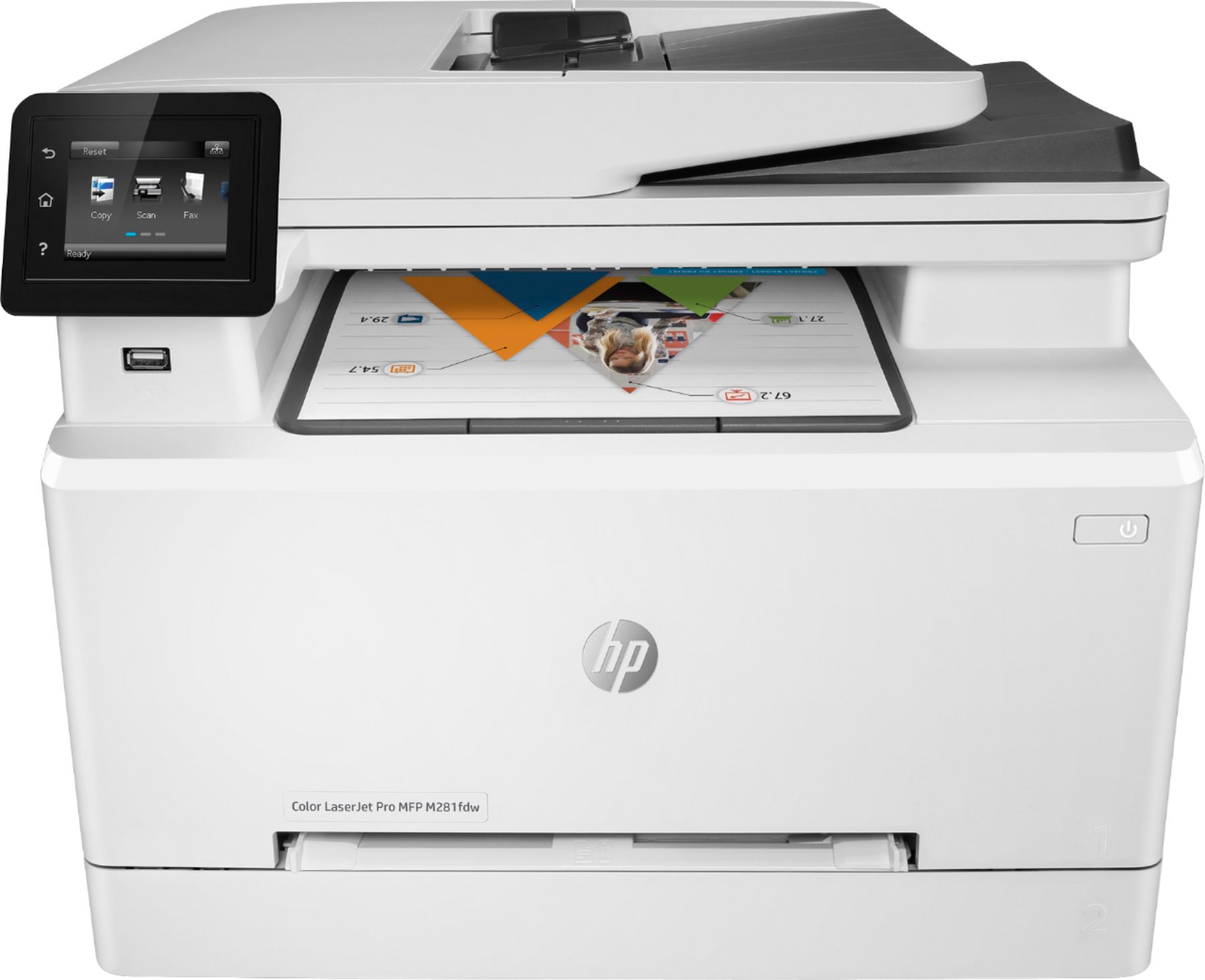
A:AnswerThe Best Buy prices for "HP Branded" cartridges are standard: typically $90+ per cartridge.
Research "Compatible" cartridges: their per-cartridge prices are MUCH LOWER, but make sure you carefully research for the "brand(s)" with the HIGHEST User Satisfaction.
A:AnswerYes it does and you can get super cheap non hp brands for all 4 colors off azon abbreviation them. for as low as 56 which is even better reason to by this
A:AnswerThere isn't an obvious or easy way to do it. However, if you turn off the regular WiFi connection to the printer and enable WiFi Direct on the printer, that will let you control who has the password, and you can change it if necessary without messing up the whole wireless network.
A:AnswerYou would need to extend the paper to tray to hold the legal paper. There is a lever just inside the paper tray to allow you to extend it. For more instructions, look under "Load plain paper in the main input tray" and Figure 3 on this webpage: https://support.hp.com/us-en/product/hp-color-laserjet-pro-m280-m281-multifunction-printer-series/14142489/model/14142491/document/c05574224
A:AnswerI would recommend reaching out to HP Support. Here's the link for HP Support: https://support.hp.com/us-en/contact-hp . Alternatively, you can reach them by phone at 1-800-474-6836.