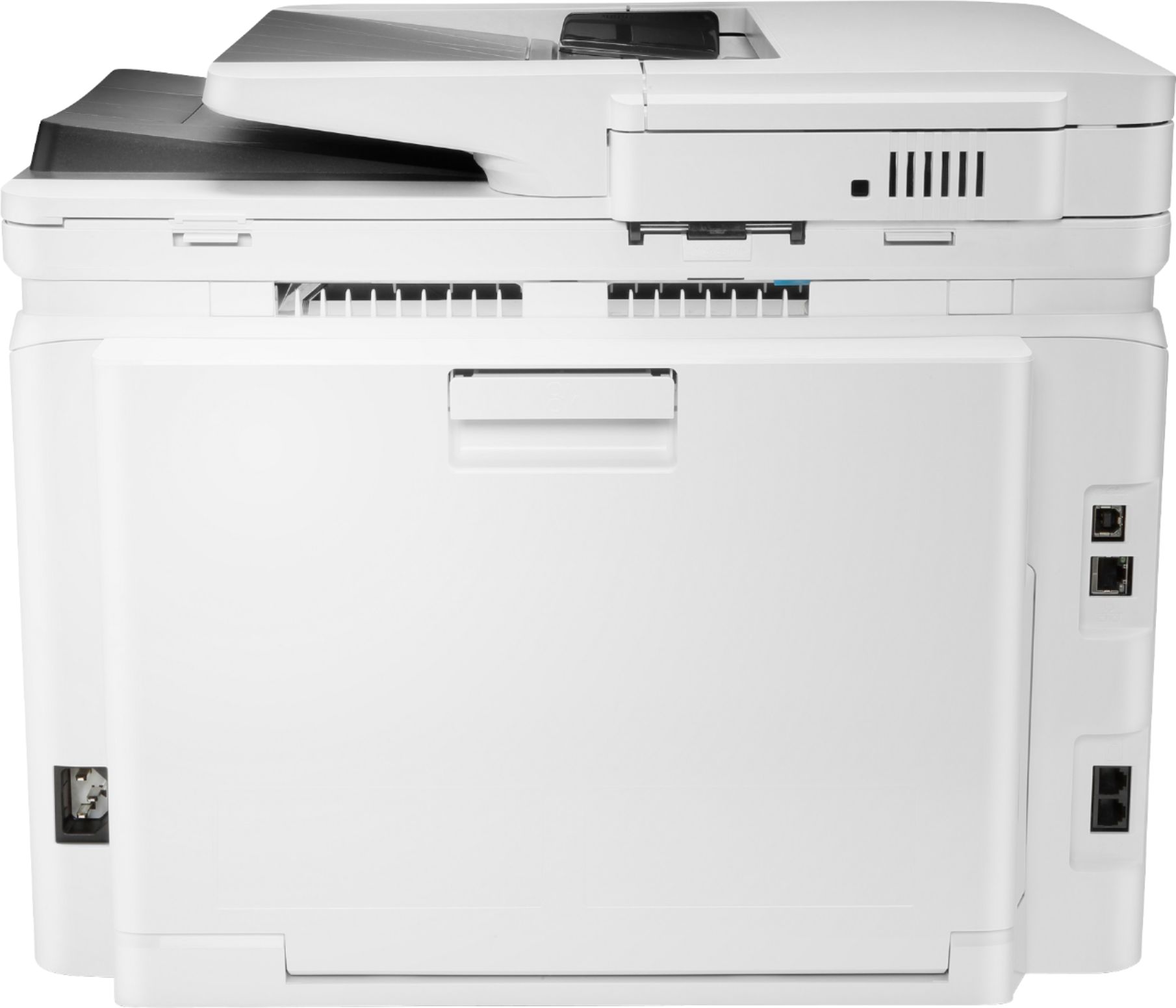
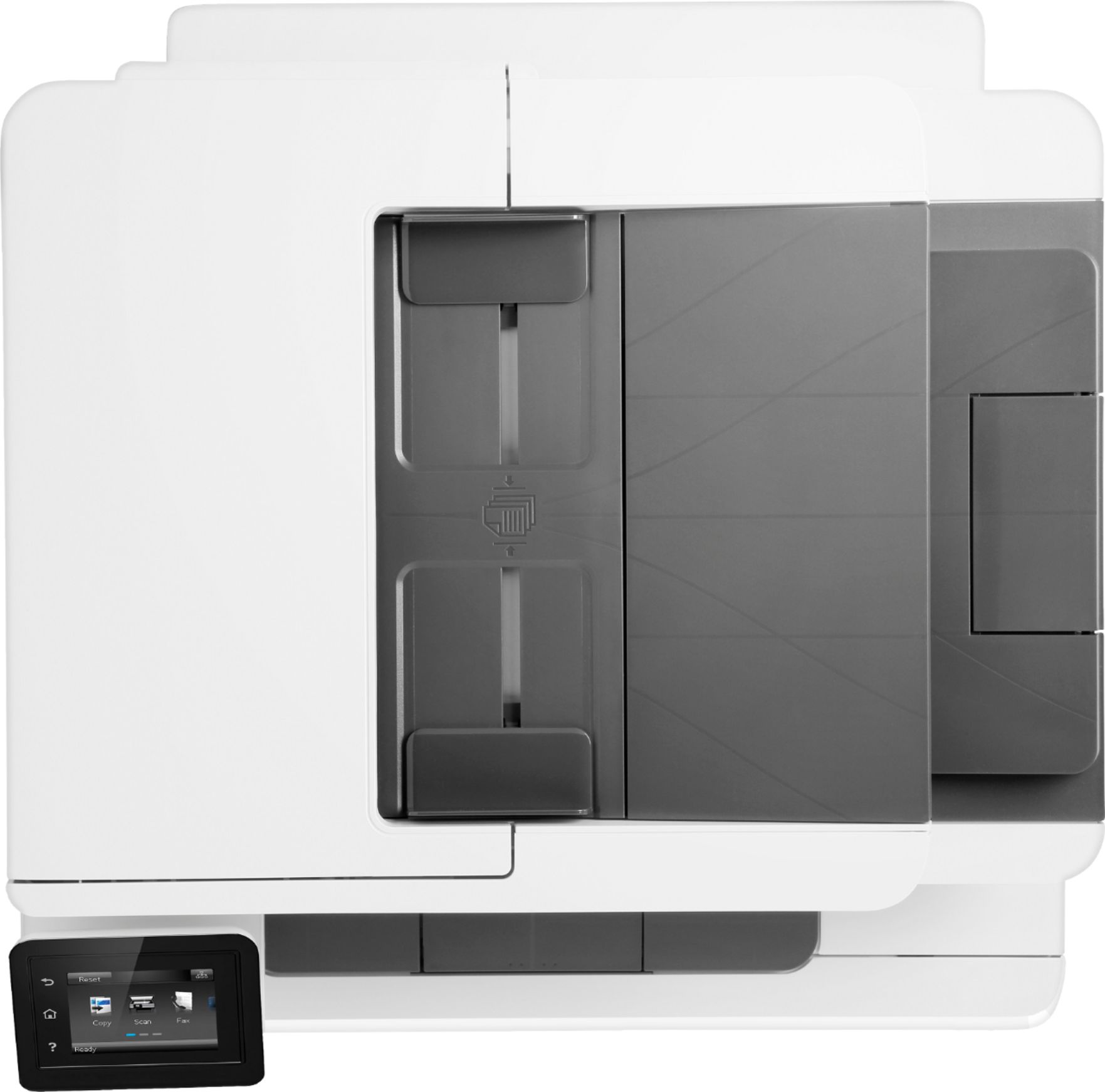
A:AnswerAccording to the specs, included with the new unit are Introductory HP LaserJet Color cartridges (approx. 700 color composite (C/Y/M) page yield and approx. 1400 page yield black);
A:AnswerYes, this printer can print on envelopes. Here are some instructions how to load the envelopes in this printer: https://support.hp.com/us-en/product/hp-color-laserjet-pro-m280-m281-multifunction-printer-series/14142489/model/14142491/document/c05574224
A:AnswerYou can set up the printer to scan to the Google Drive. https://support.hp.com/gb-en/product/hp-color-laserjet-pro-mfp-m277-series/7089945/model/7089949/document/c04707081 And you can set the printer to scan to email https://support.hp.com/us-en/product/hp-color-laserjet-pro-mfp-m277-series/7089945/model/7089949/document/c03953891 An alternative would be to use the HP Smart App on the computer or mobile device. You can even set up Smart Tasks to automate a task like scanning to a cloud. The cloud services available are DropBox, Google Drive, OneDrive and Box. You also automate a task like emailing a scanned document.
A:AnswerUnfortunately, off-the-shelf HP laser printers and toners are not MICR compliant since MICR check printing requires a MICR modified printer and MICR toner. HP does not support using MICR toner products in LaserJet printers that have not been modified. You can find more information here: https://support.hp.com/us-en/document/c03081484