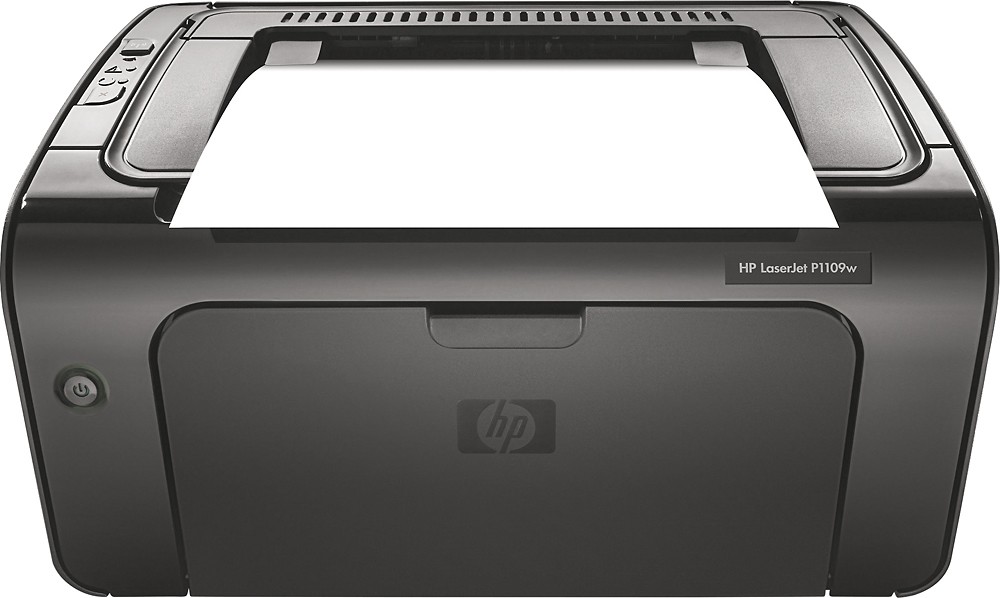
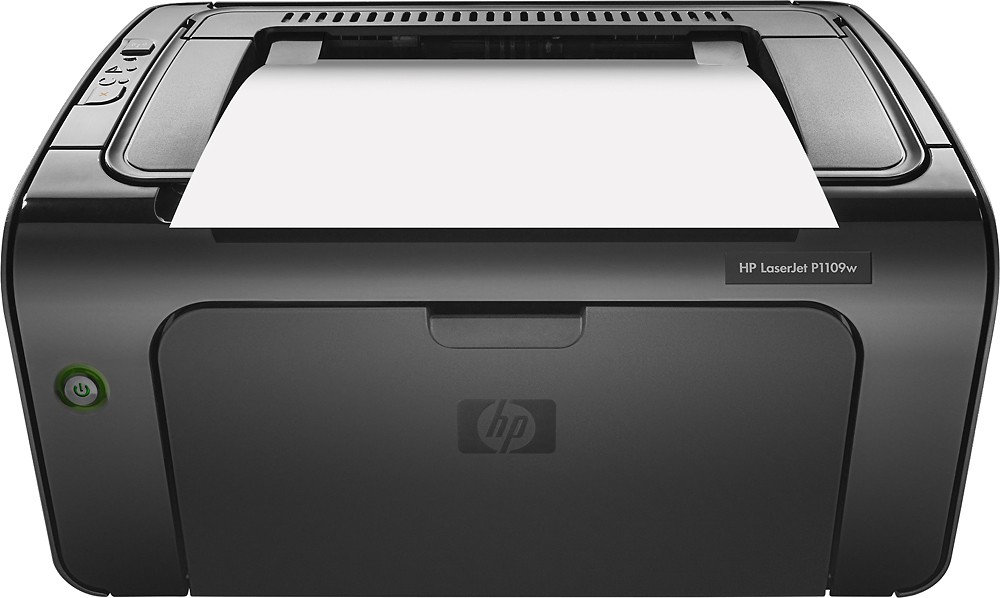
A:AnswerGood question. The setup is the same for both printers. It comes with a software CD that you must install on your computer. If your computer does not have a CD drive, then you can install the software from the HP website. The program will walk you through the set up steps once you install it. It is an easy process.
I hope this helps.
A:AnswerThis printer is a monochrome printer. It does not print color. This printer can print on transparencies, though. For more detailed specs on this printer, please visit the following link:
http://support.hp.com/us-en/document/c01999607
I hope this helps.
A:AnswerGreat question. Yes, this computer is compatible with Windows XP and Windows Vista. You can install the printer driver with the CD that comes in the box or you can download it from the HP Drivers website.
Here is the link to the driver page: http://support.hp.com/us-en/drivers/selfservice/hp-laserjet-pro-p1109-printer-series/8501654/model/8501690#Z7_3054ICK0K8UDA0AQC11TA930O2
I hope this helps.
A:AnswerIf you logged into your BestBuy.com account and placed an order, then you should be able to see an active order. You should also have received a confirmation email. I would encourage you to call into us at 1-888-BESTBUY.
Thanks!
A:AnswerThe toner cartridge for this printer is CE285A and they are rated at up to 1,600 pages. This will vary on how much of the page your printing covers.