A:AnswerUnfortunately, the OfficeJet 5255 does not include a USB printer cable in the box. If you want to use a USB cable instead of wireless connection, use a USB printer cable you may already have or choose one in the length needed.
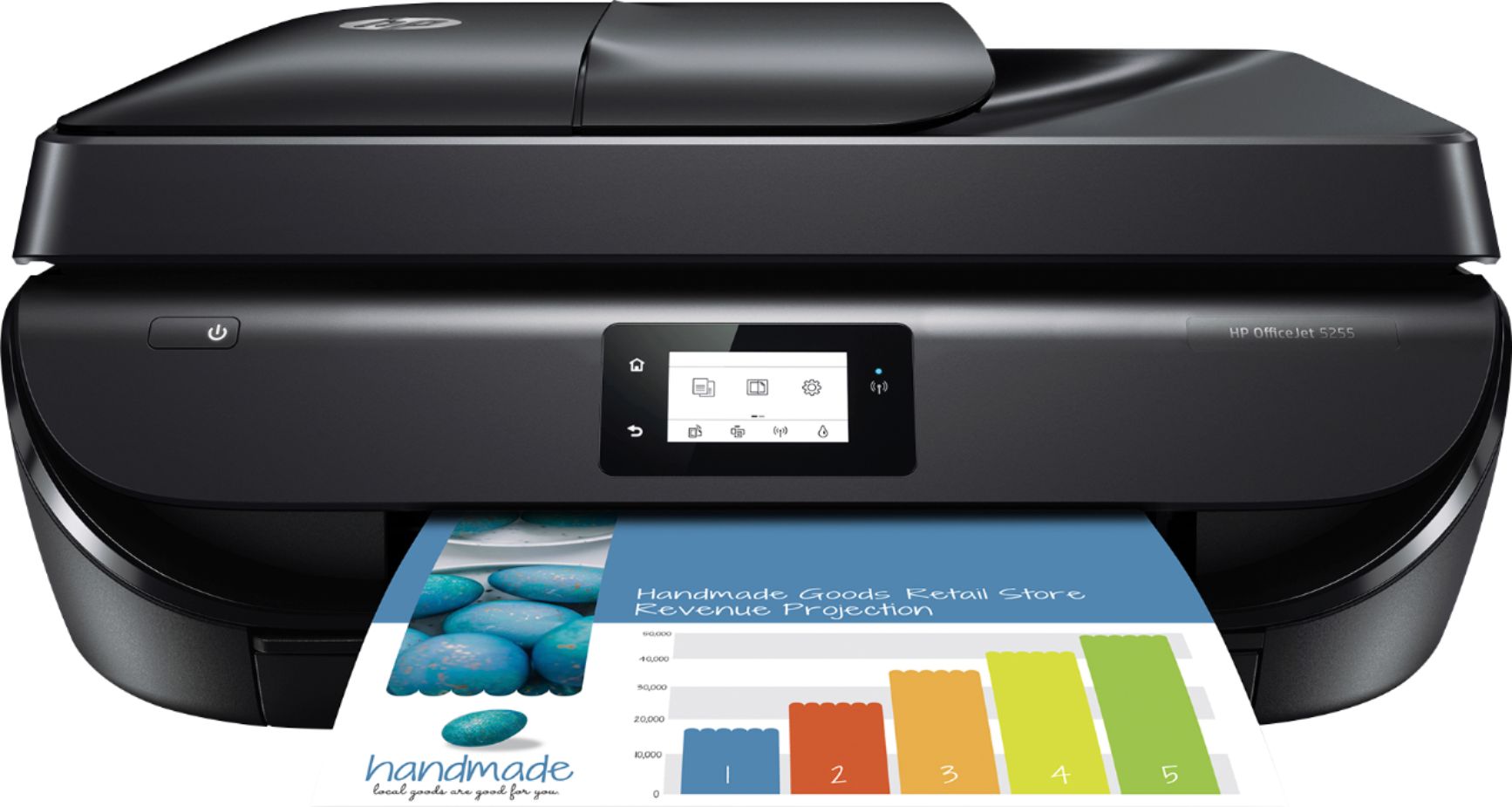
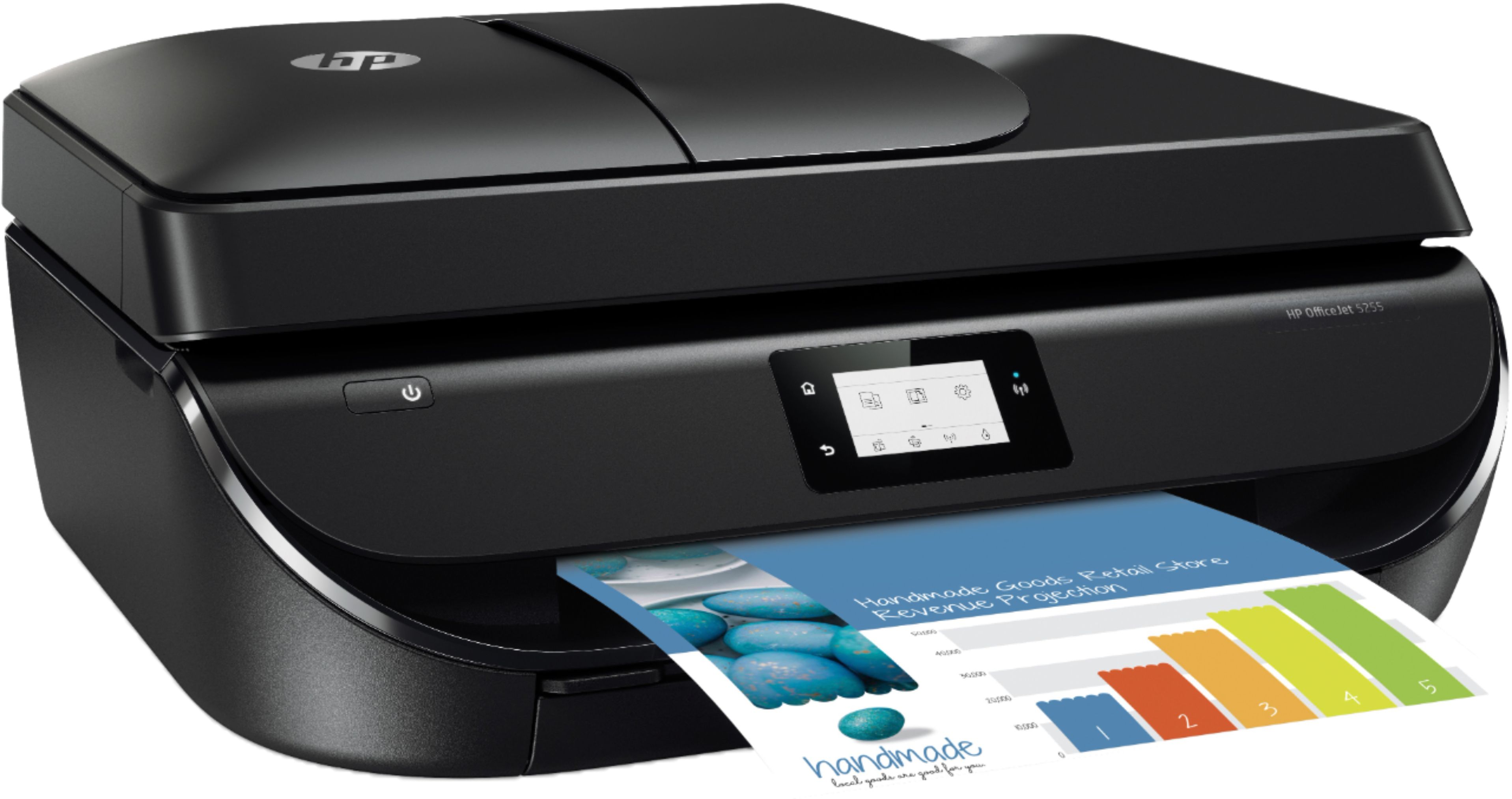
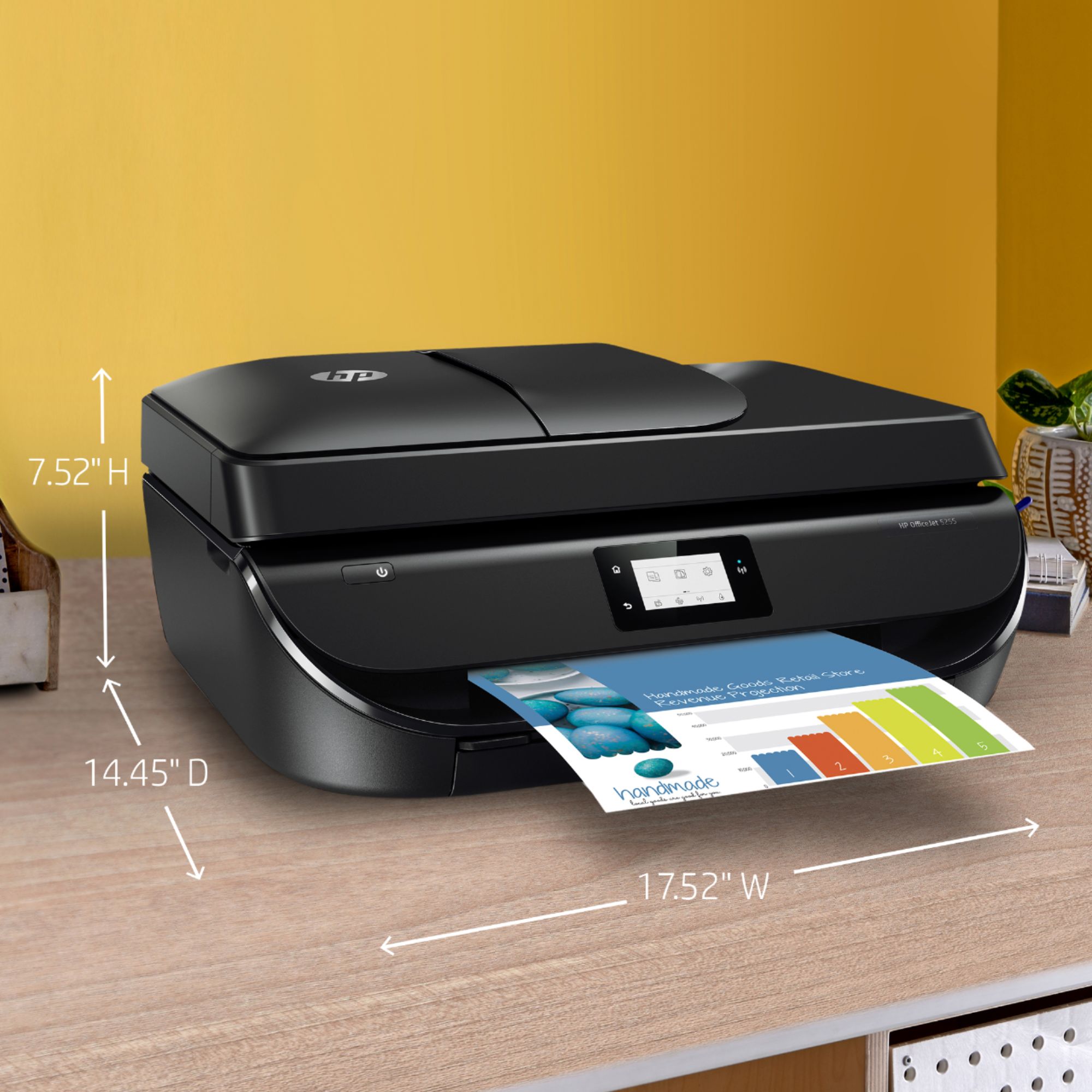
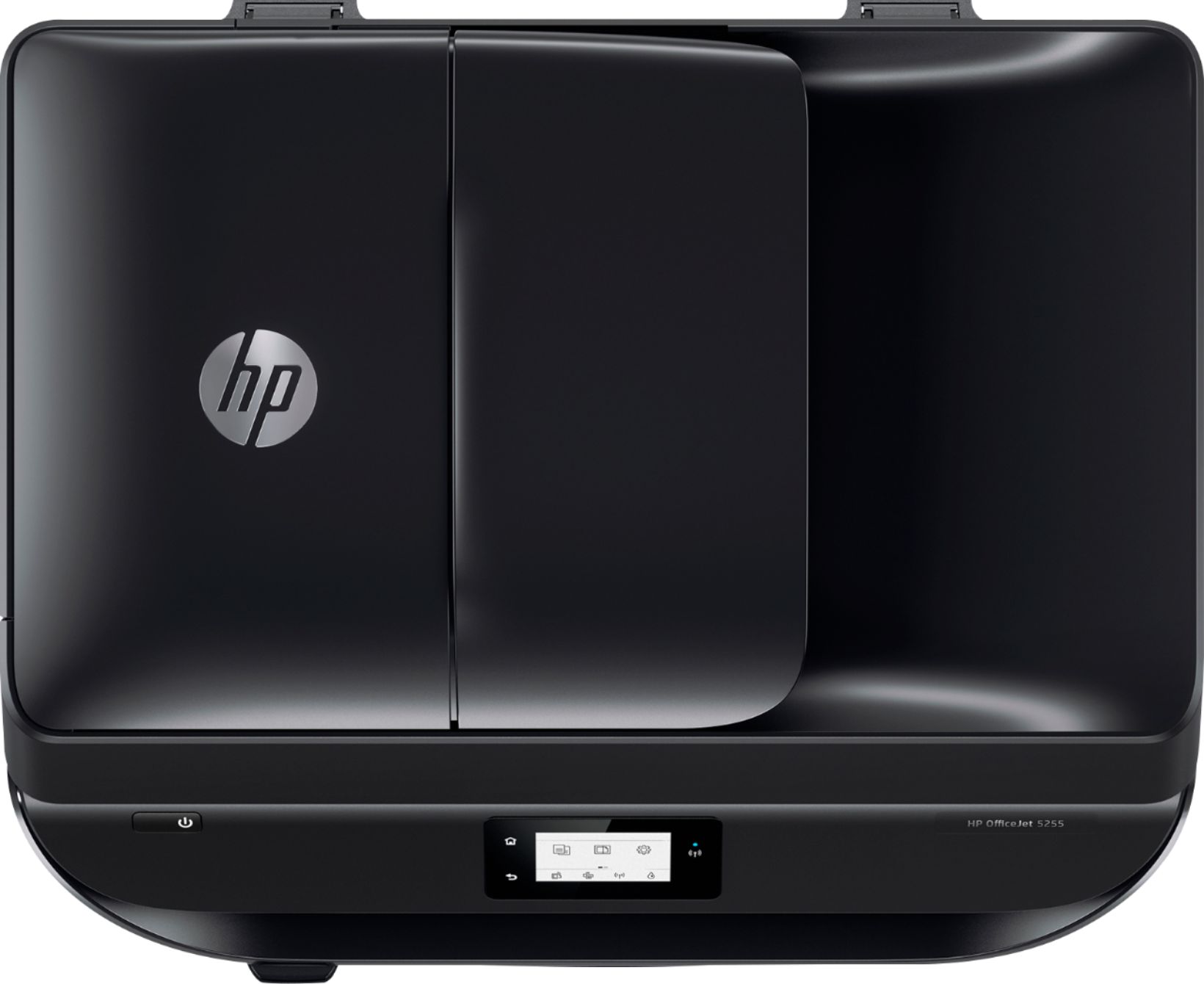
A:AnswerI recently replaced my old HP OfficeJet 5000 series printer with a similar new one. This printer scans, copies, and prints in black and color with high quality.
A:AnswerYes, the OfficeJet 5255 is a wireless printer that can connect to your home wifi or use WiFi Direct to connect to your devices without a router.
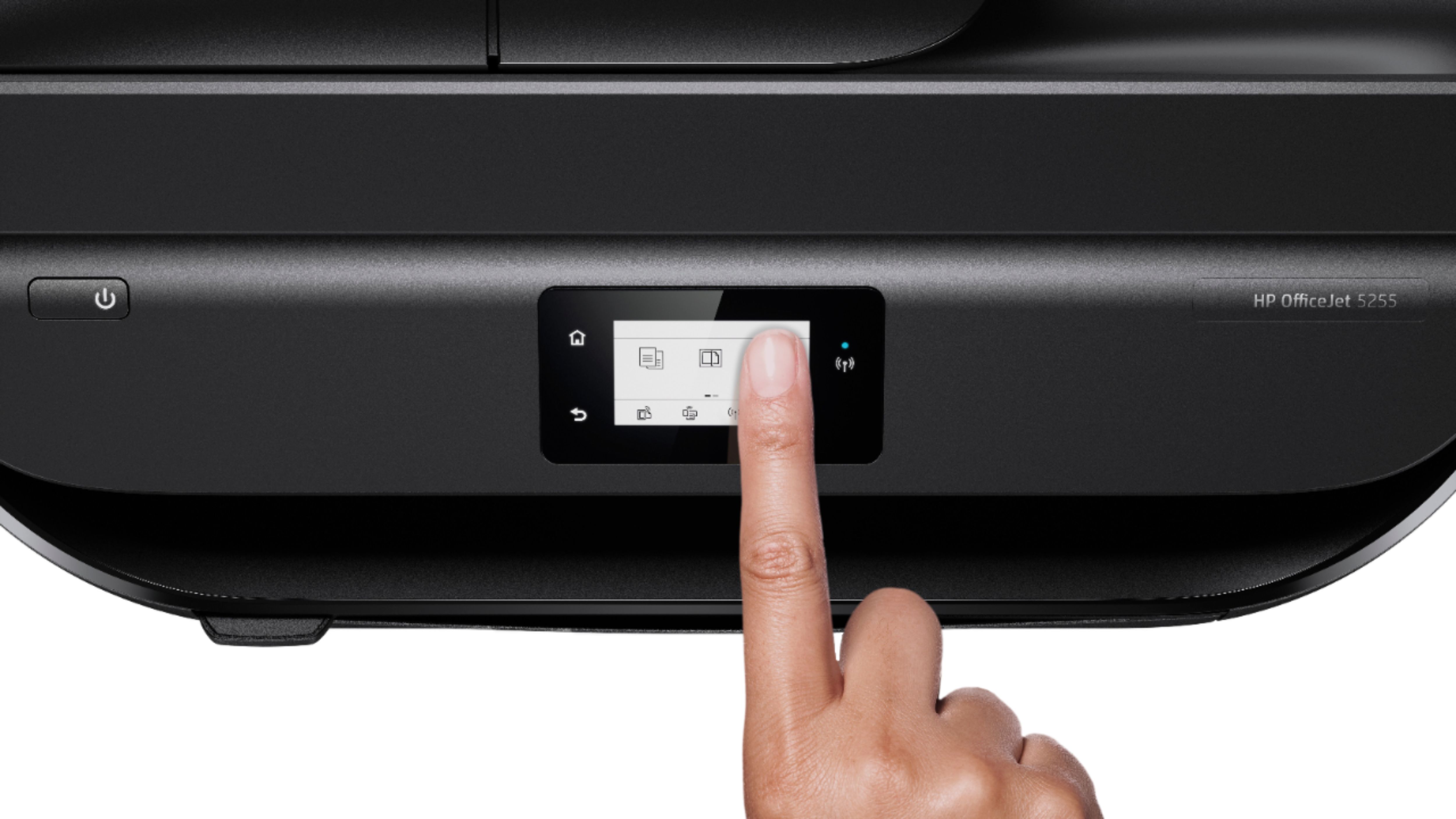
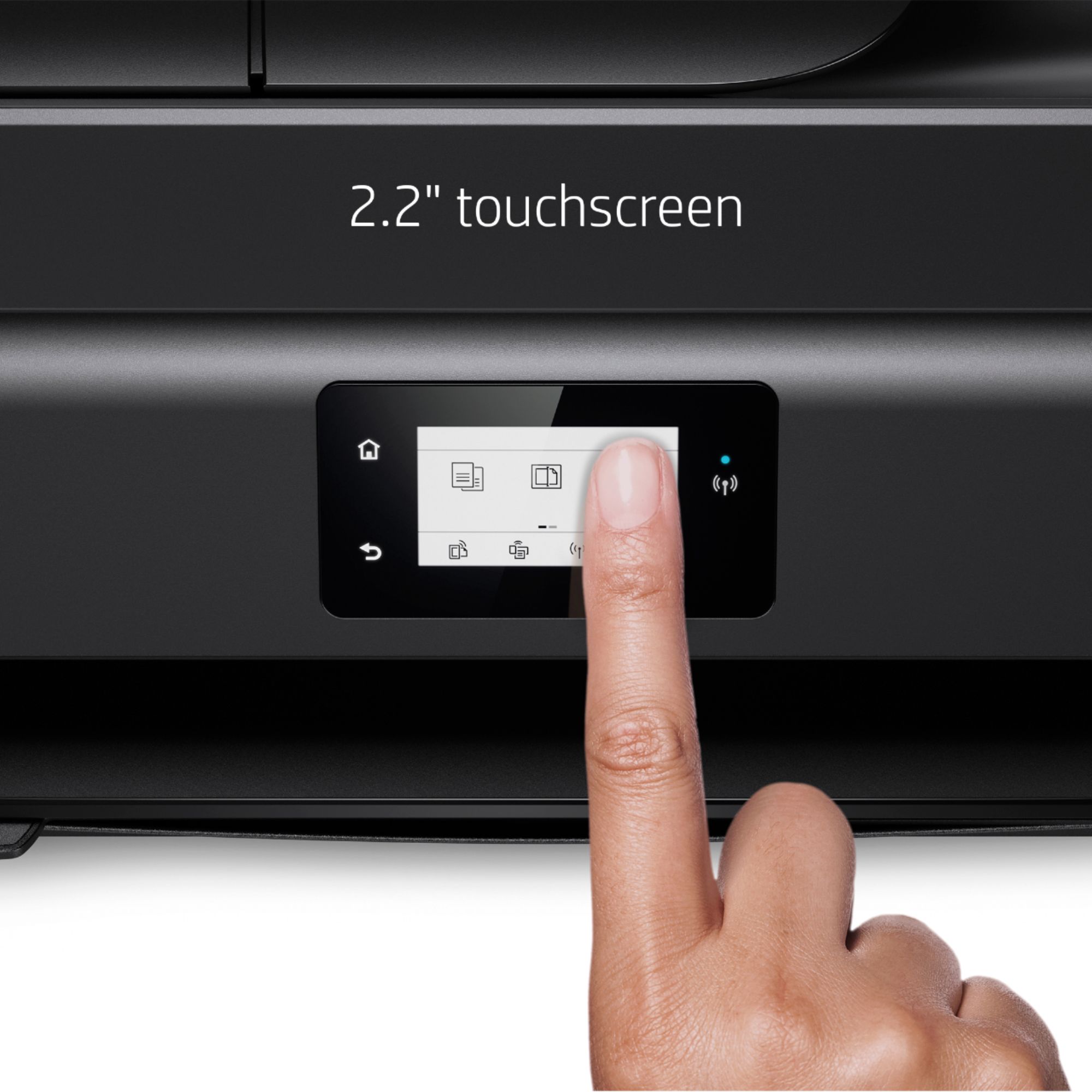
A:AnswerYou can scan using the OfficeJet 5255 automatic document feeder or the glass platen below it. The full HP drivers for Windows and Mac will allow for scanning management from your computer. Also, you can follow the scan setup on the printer's touchscreen.
A:AnswerThe 15 pages per month are not cumulative. You have 15 pages per month to use. If you go over extra 10 page sets cost $1. If you only use 5 of the extra 10 pages then you would carry over 5 pages, giving you 20 pages for the next month.
A:AnswerYes you can use this printer with your laptop. It can be connected with a USB cable, however no USB cable comes in the box so you will need to buy a USB A to B cable separately. By default it wants to be used as a WiFi printer.