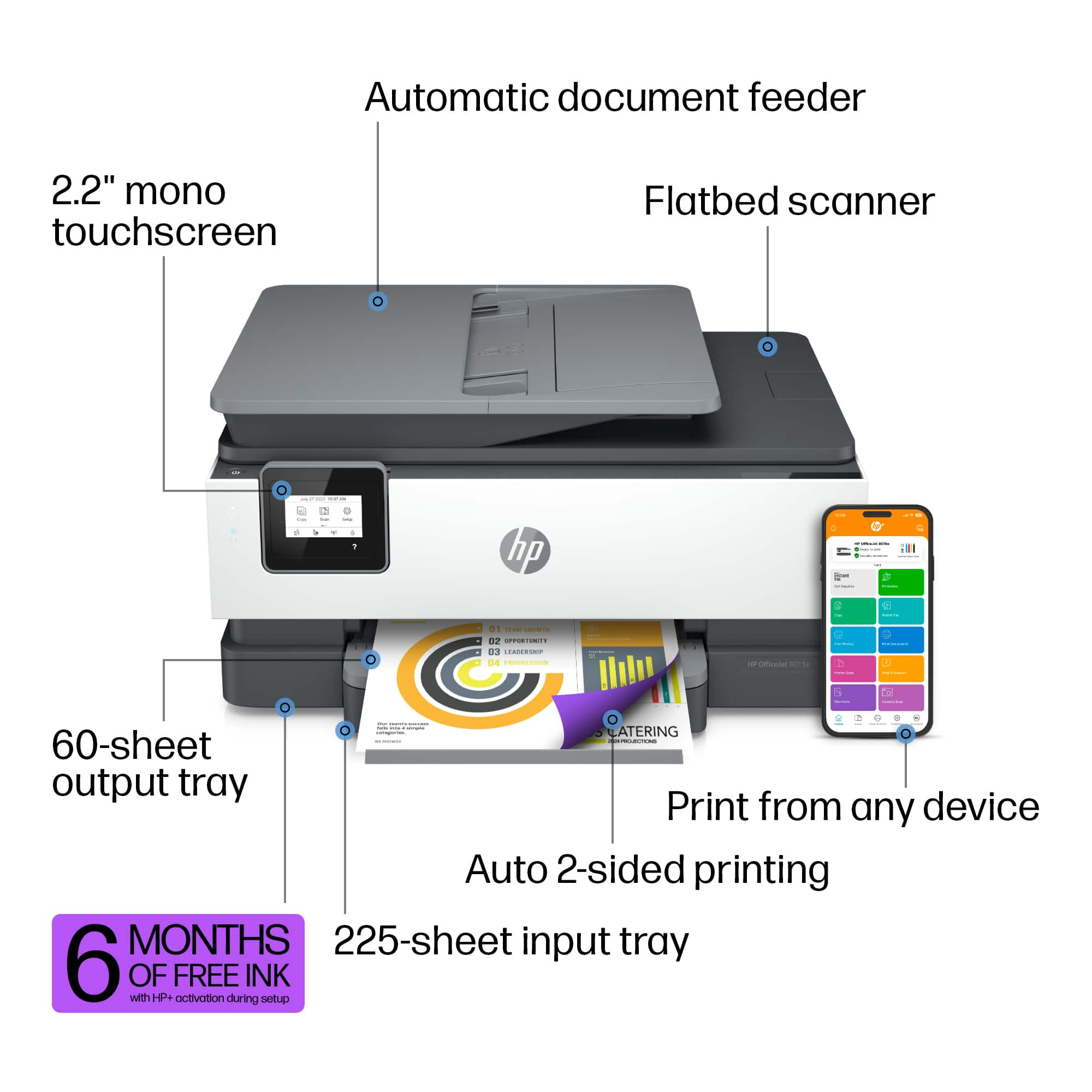
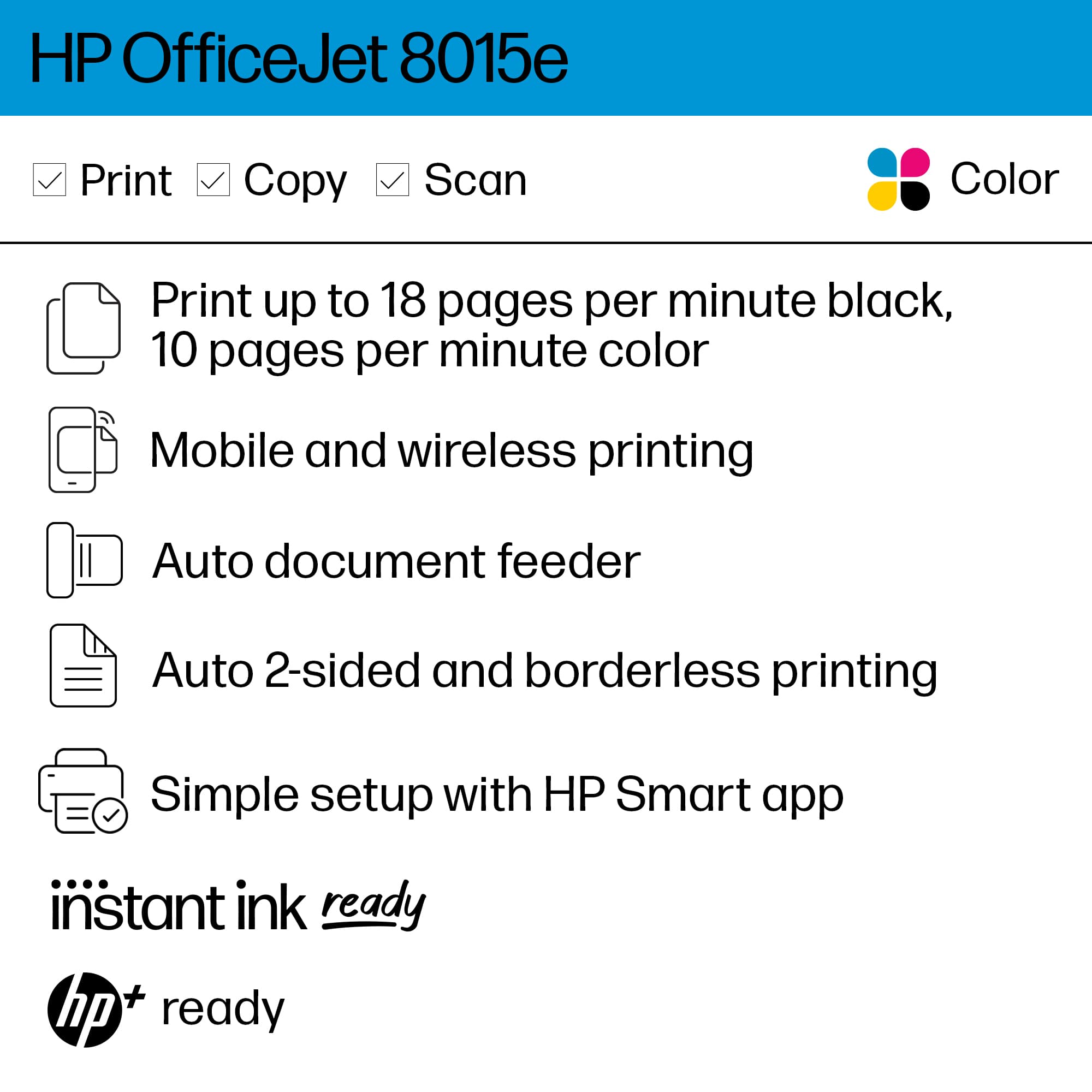
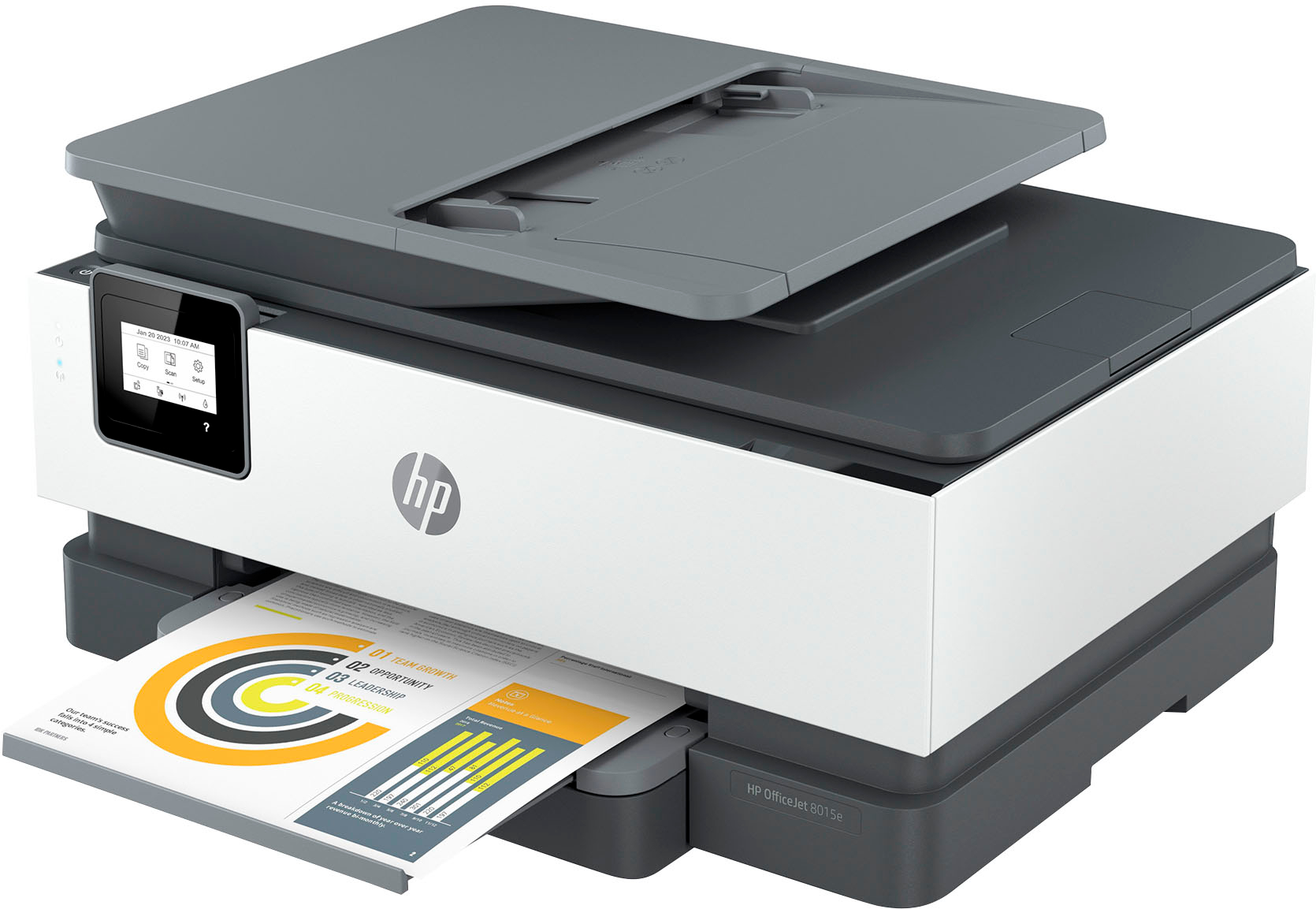
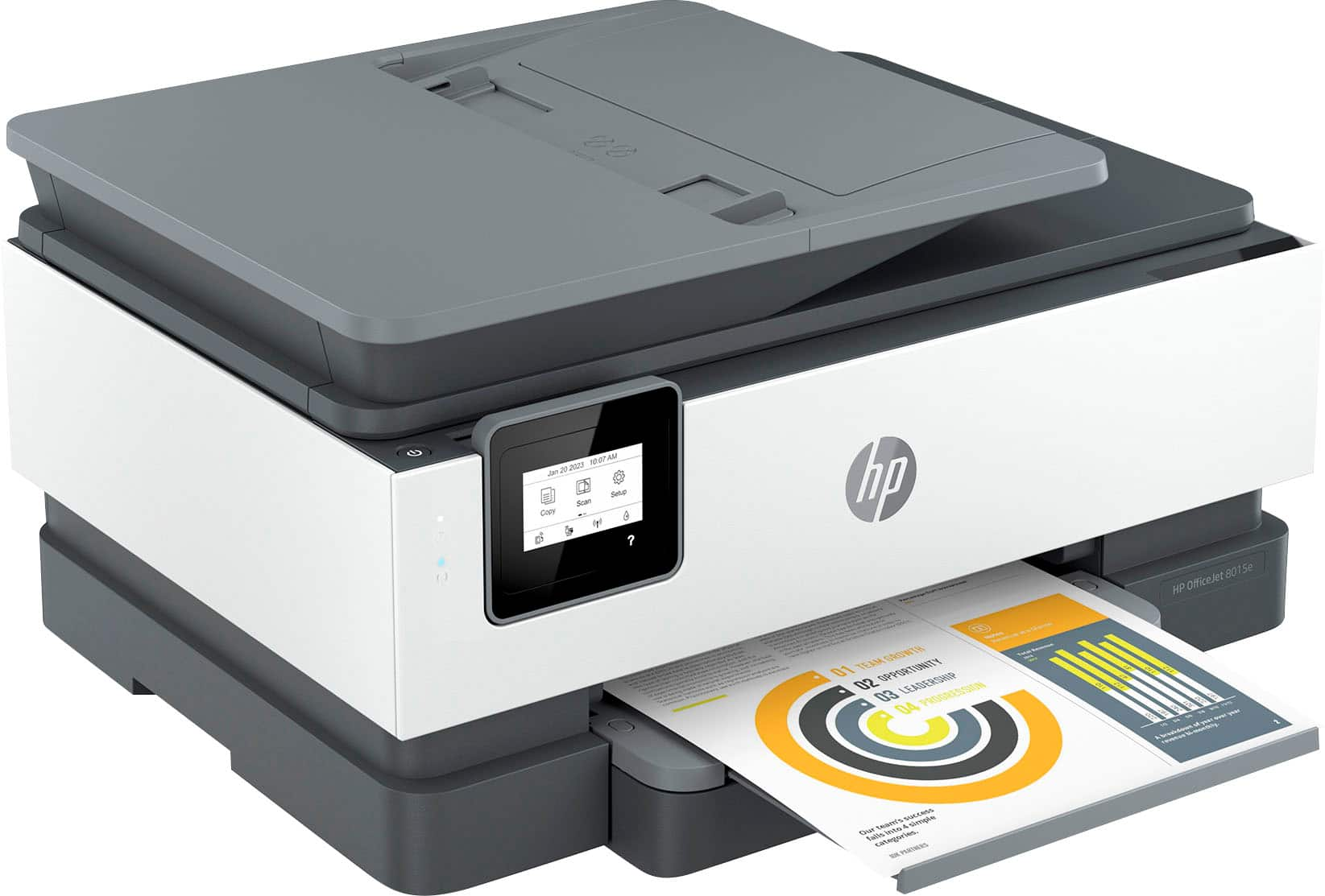
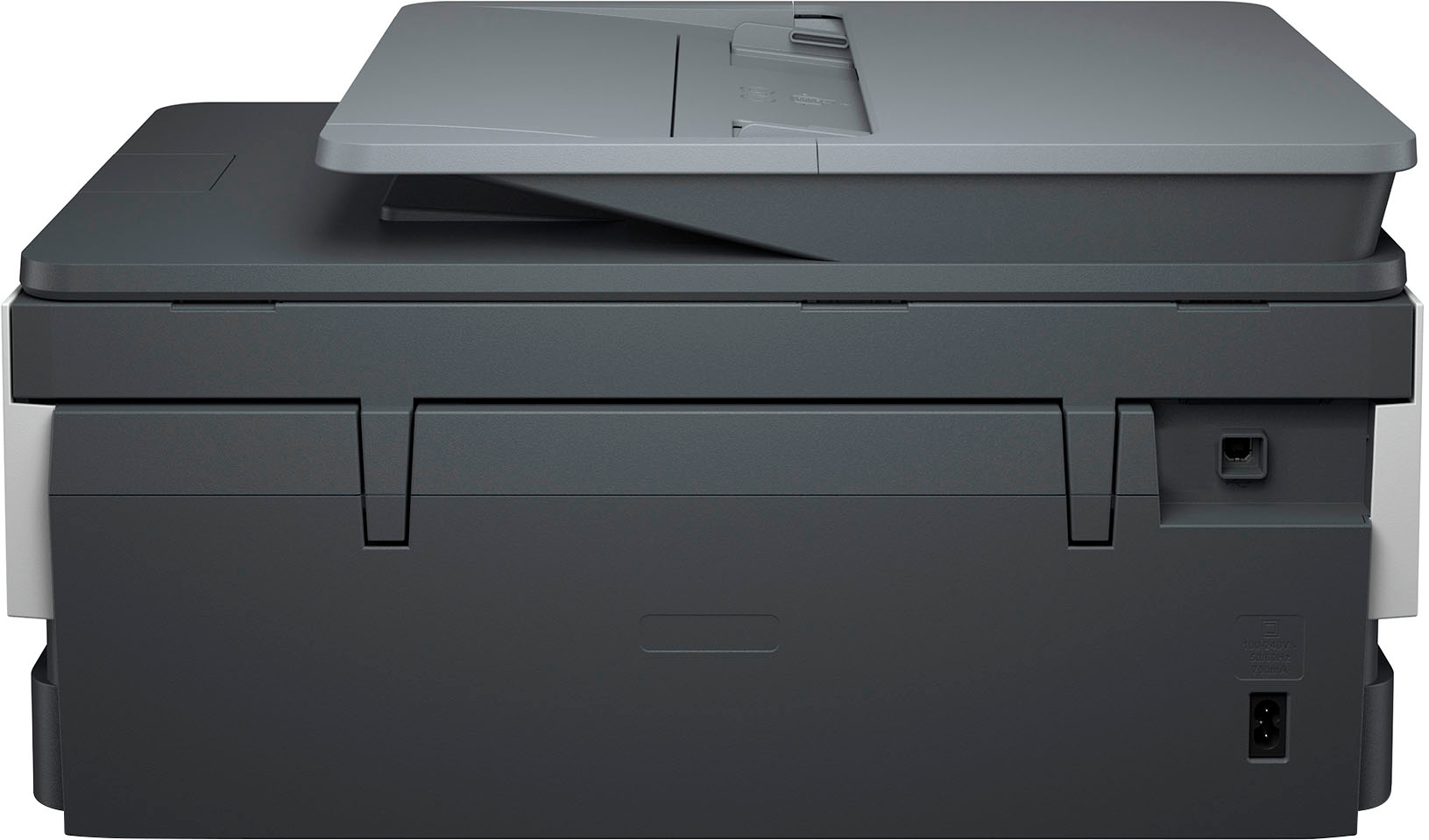
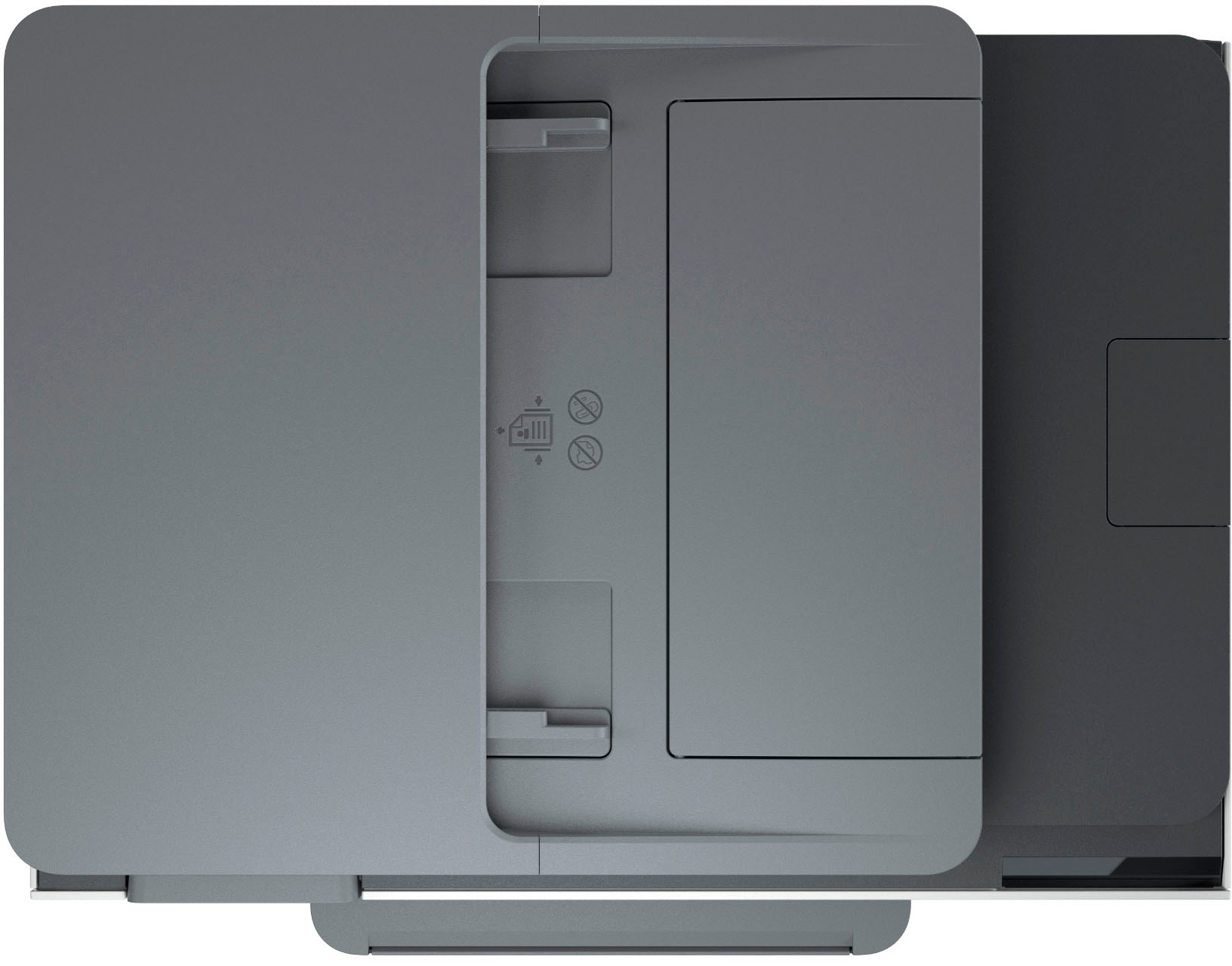
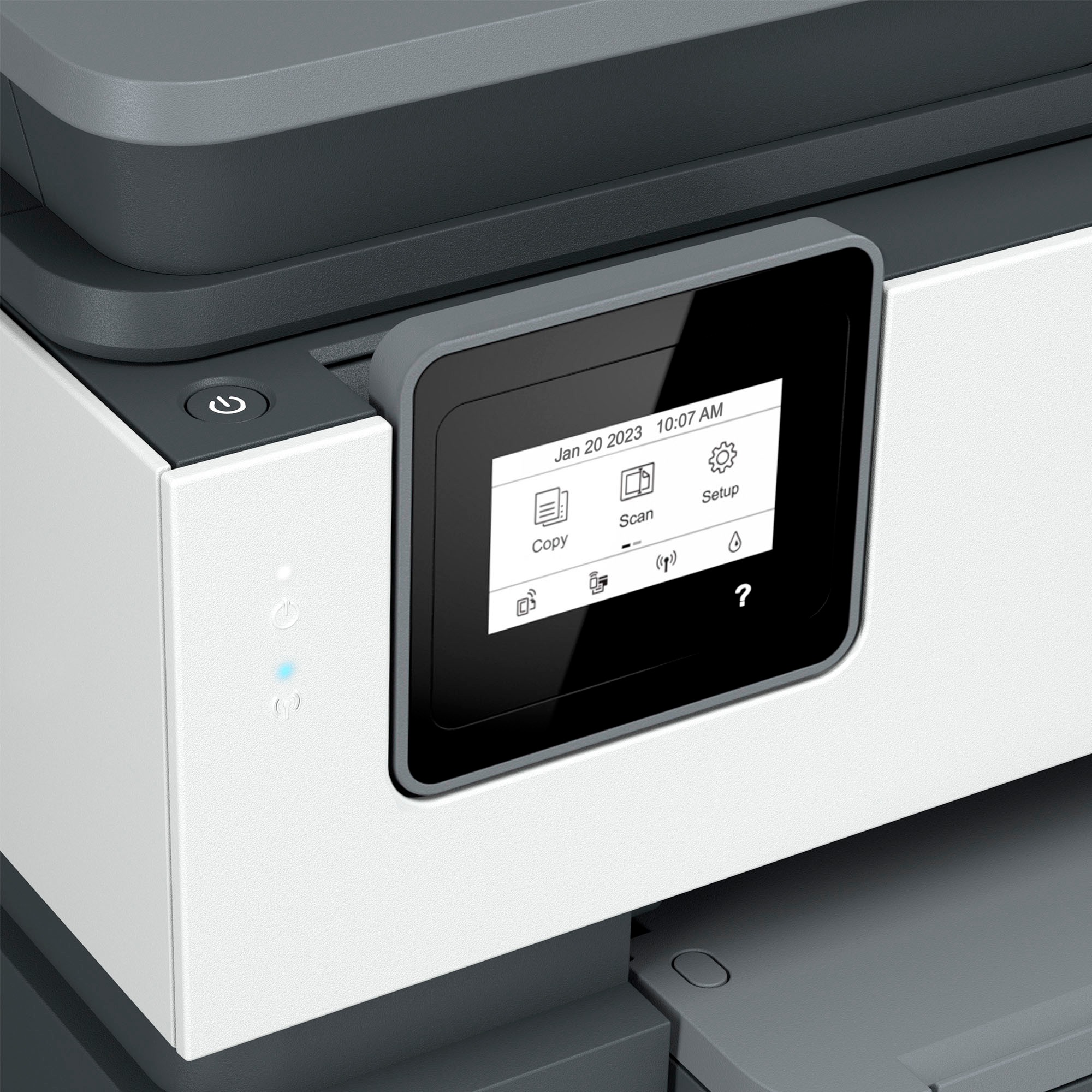
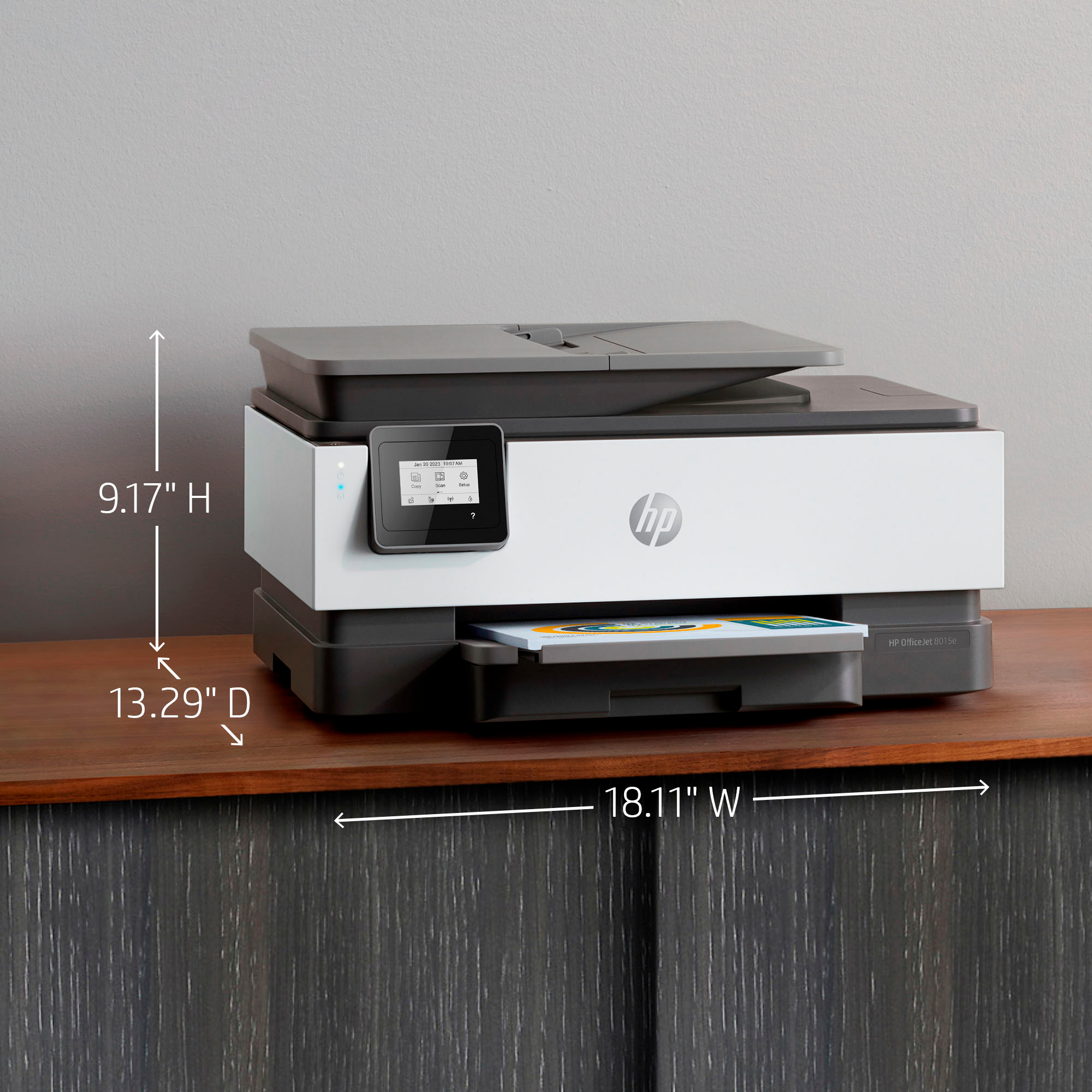
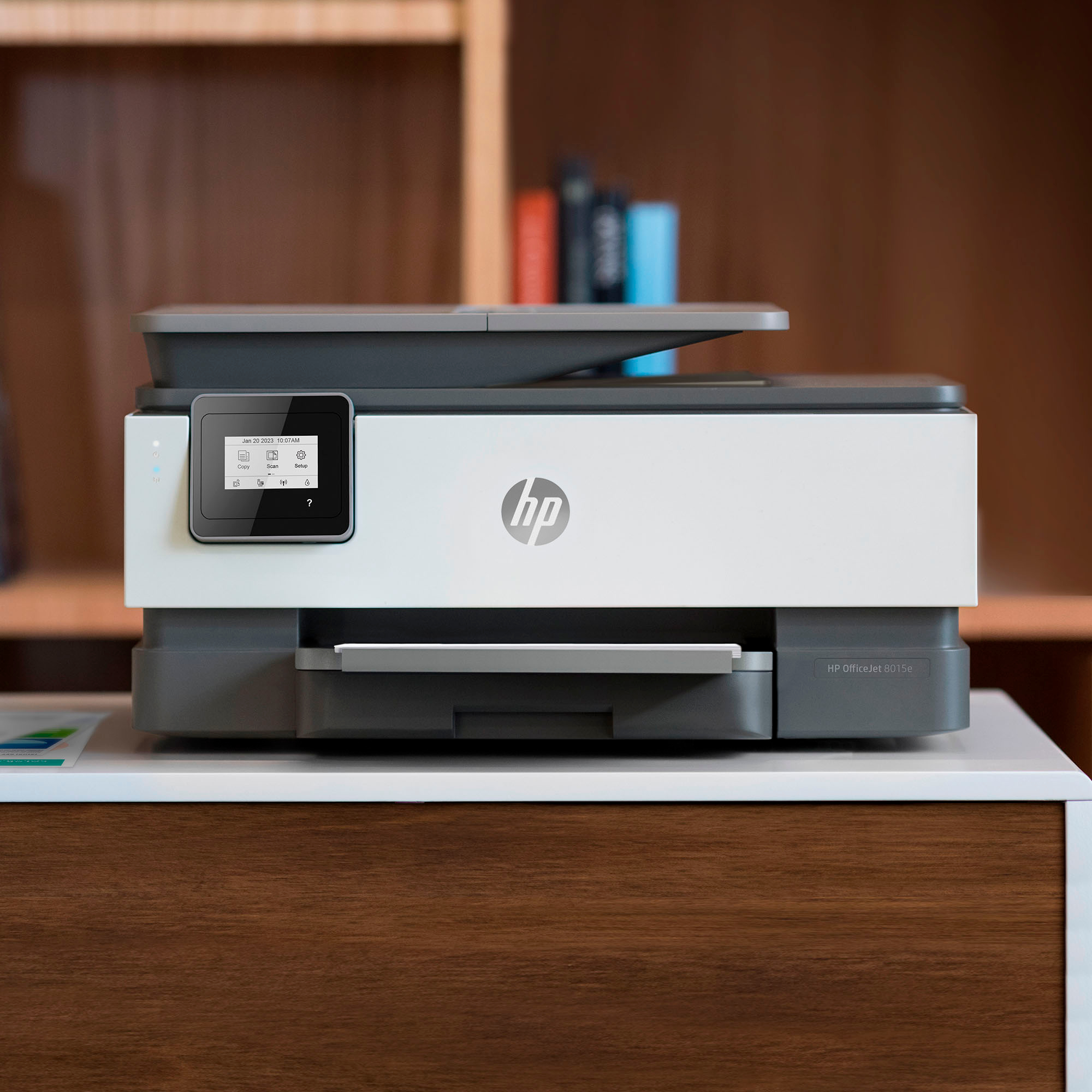
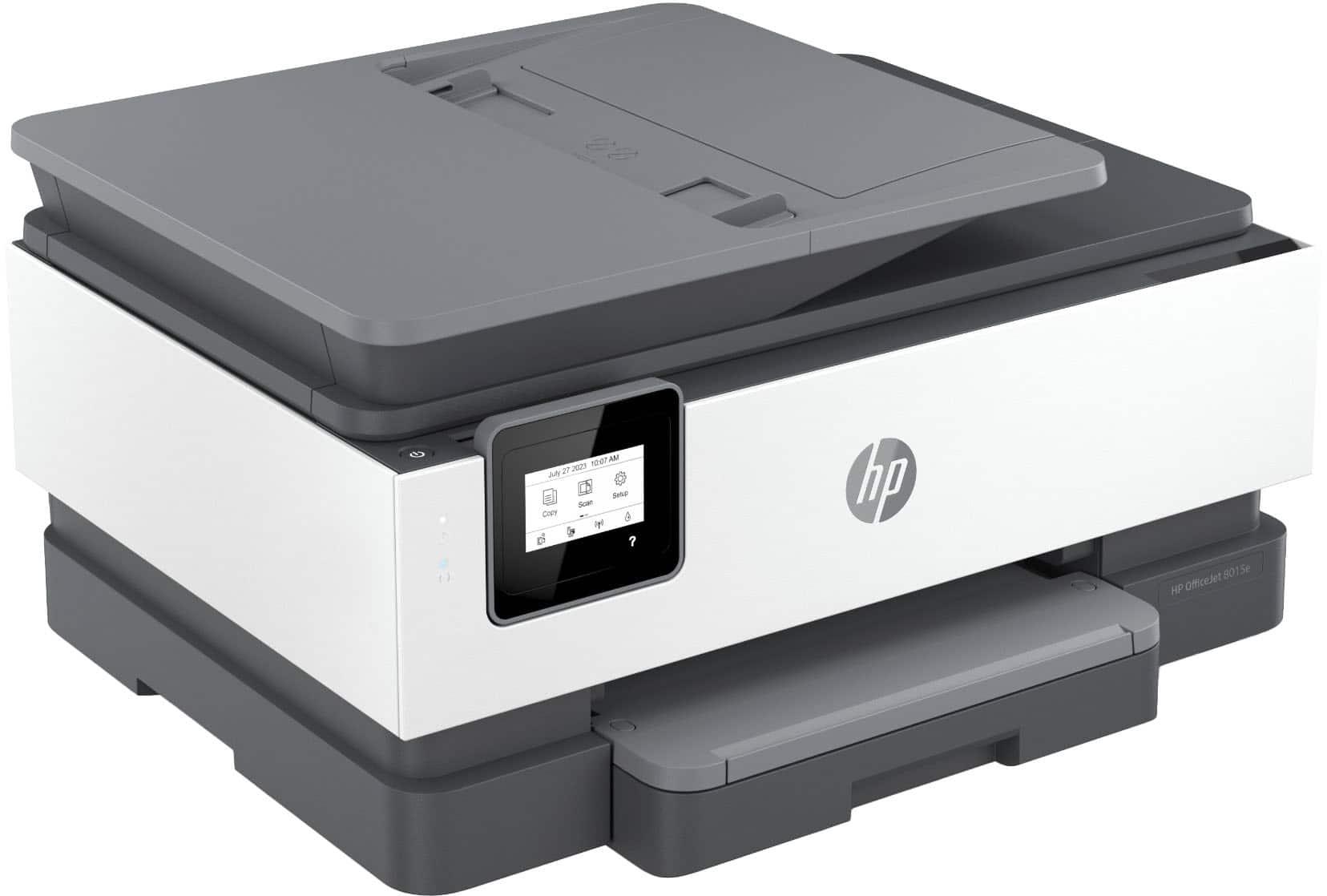
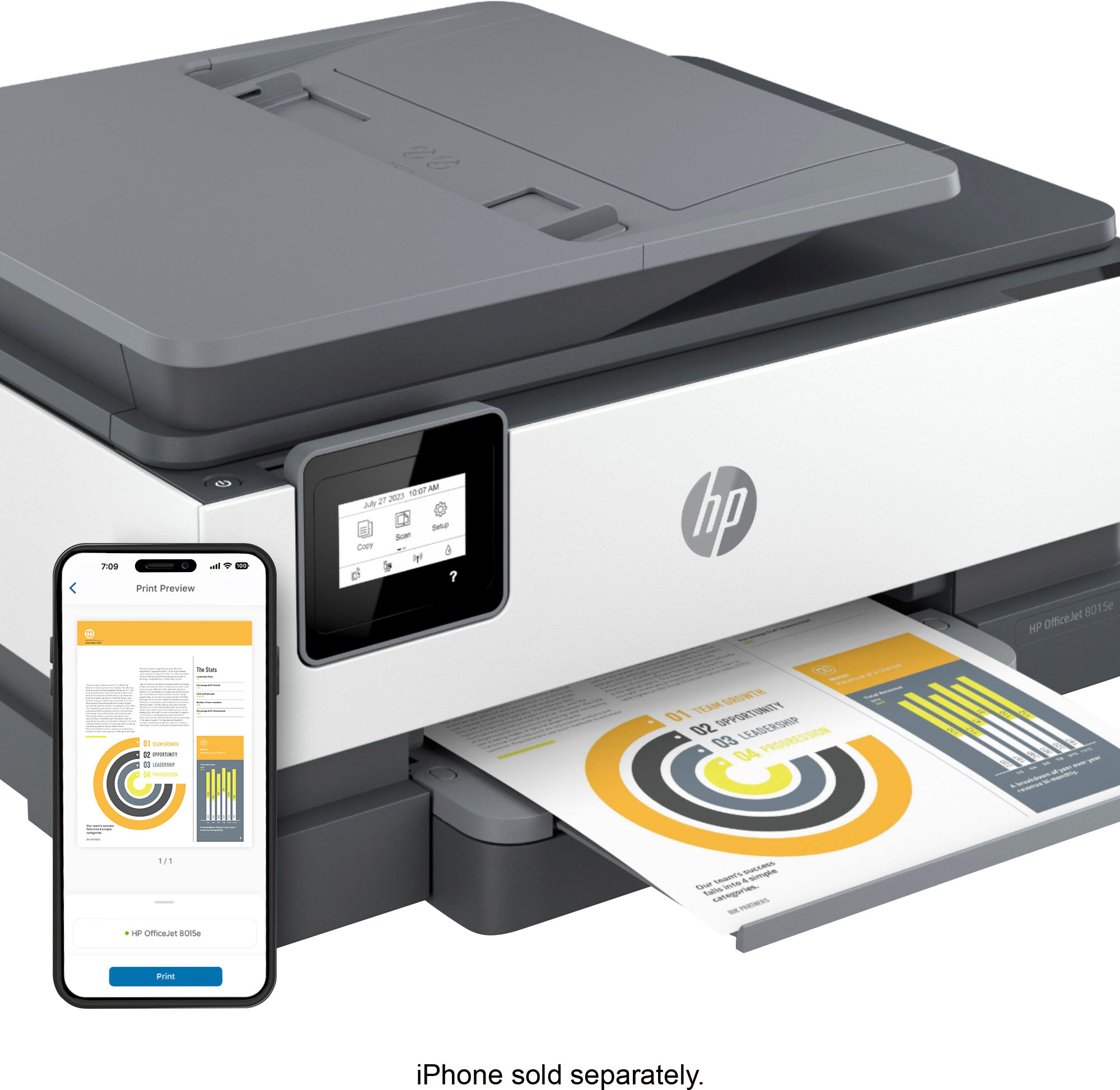
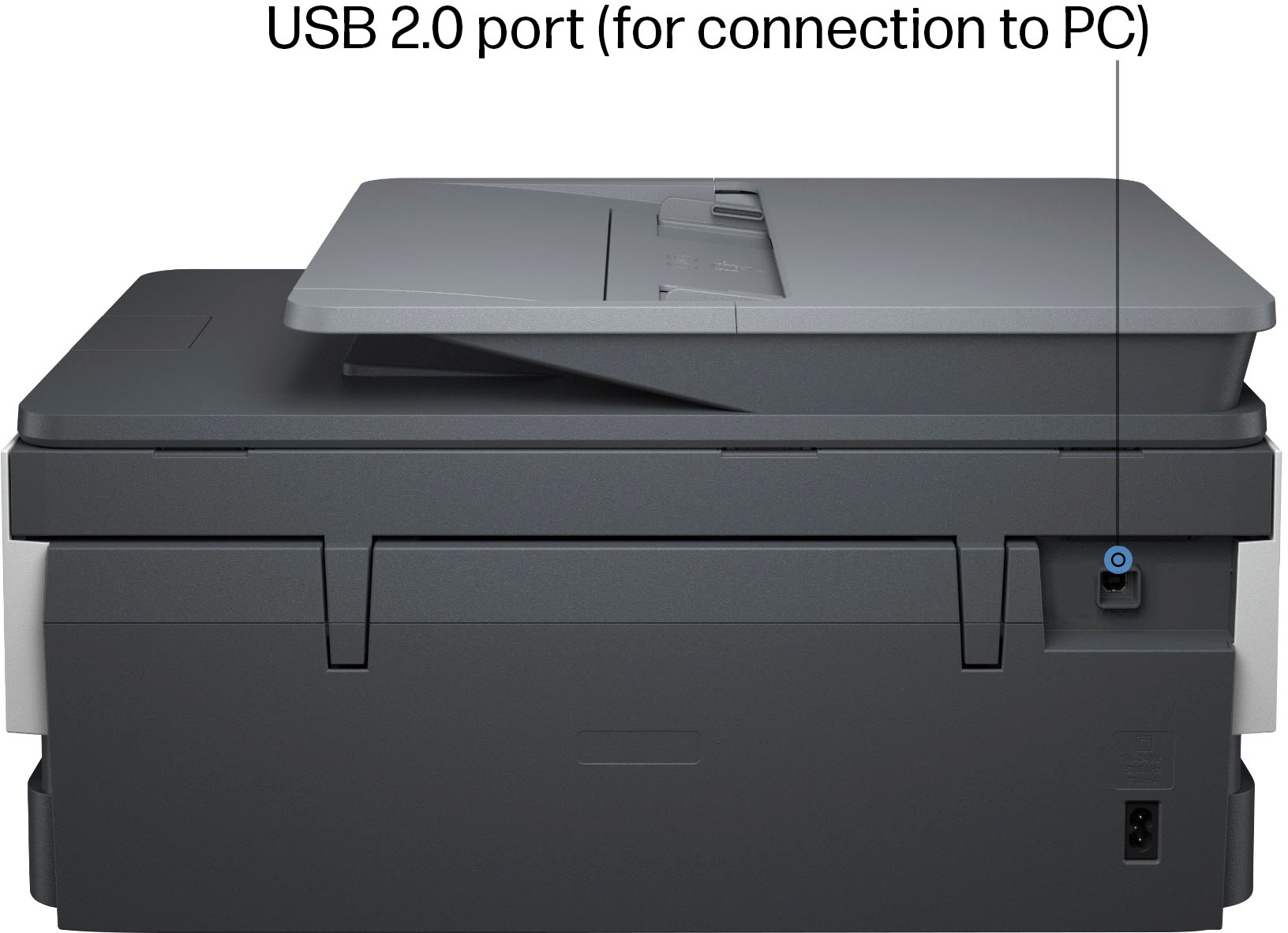
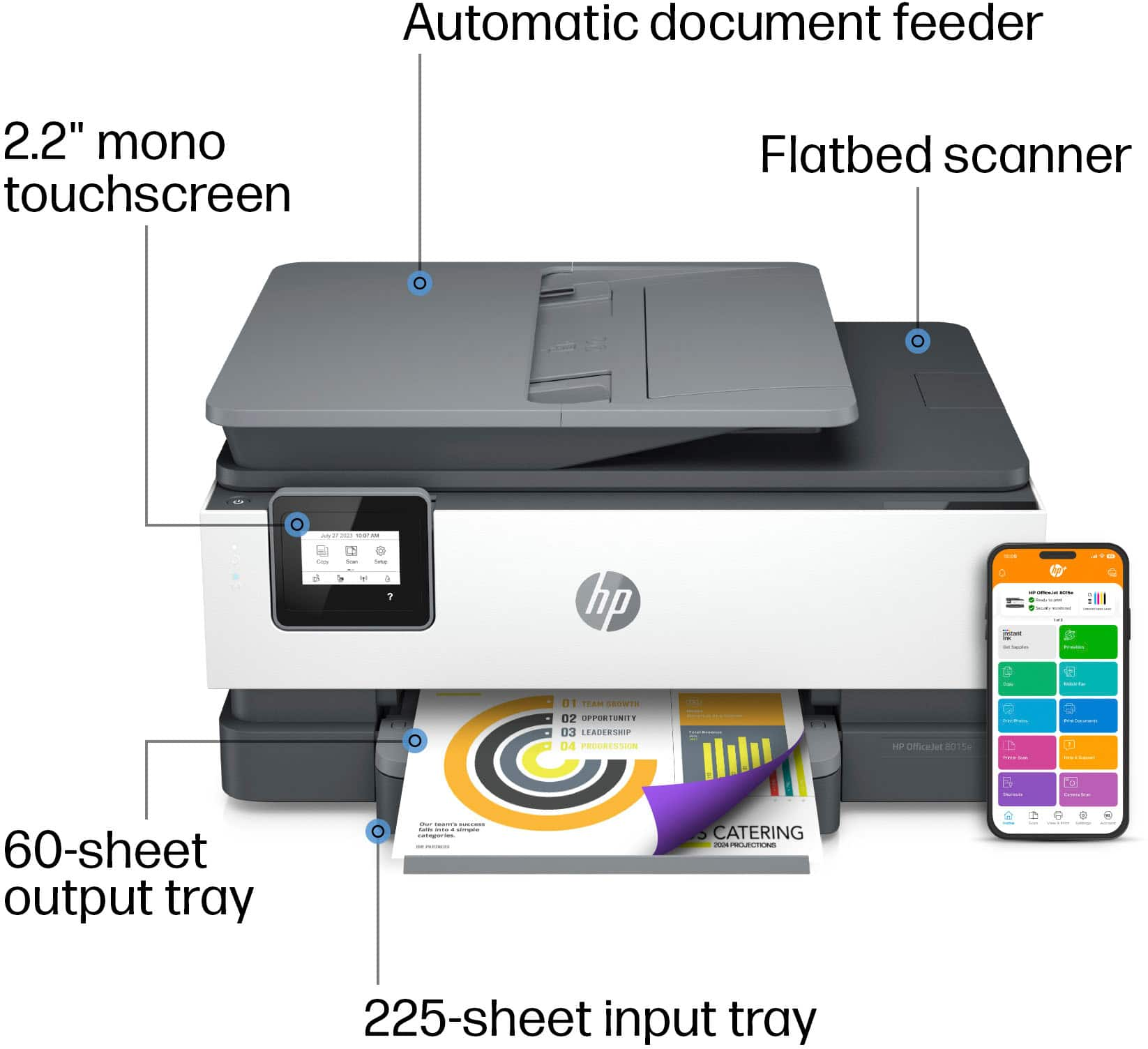
A:AnswerHello and thank you for asking, The HP OfficeJet 8015e has a 35-page automatic document feeder for scanning and copying. You can scan to email or to your computer or to a network folder. It does not have the ability to scan to a USB thumb drive.
A:AnswerHello and thanks for asking. The HP OfficeJet 8015e can automatically print 2-sided documents as it has a built-in duplexer. Check the printer setting in Acrobat/Acrobat Reader to configure the driver for 2-sided printing.
A:AnswerHello and thank you for asking. The HP OfficeJet 8015e can print on media from 3 x 5 to 8.5 x 14 in., including #10 envelopes. You may need to set a custom size in the printer drive to accommodate any media sizes it does not already have listed.
A:AnswerThank you for the question. The OfficeJet Pro 8015e consumes very little power (up to 21 watts (printing), 5.80 watts (ready), 0.90 watts (sleep), 0.08 watts (manual-off)). We suggest that you consult with an electrician if low power consumption from a printer causes an electrical fault.
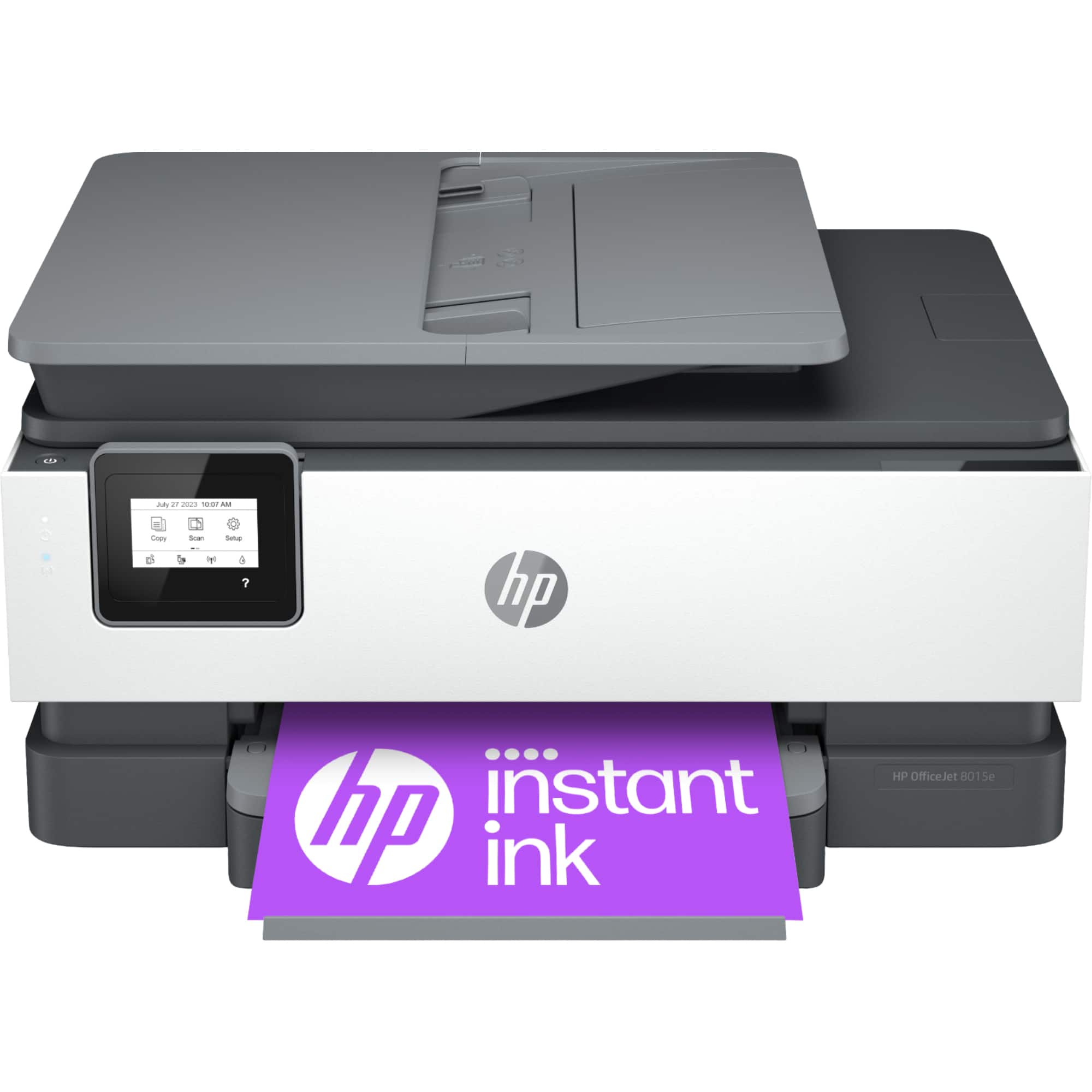
A:AnswerHi there. Thank you for your question! This printer will not work with the HP 950 or HP 951 ink cartridges. It will work with the HP 910 or HP 910 XL (High Yield) ink cartridges.
A:AnswerPrint drivers are software on a computer that converts the data to be printed in a format that a printer can understand. The purpose of printer drivers is to allow applications to do printing without being aware of the technical details of each printer model. HP printer software updates the drivers that may already be on your PC, and this is done when you set up the printer with the HP Smart App or the HP full-feature printer software.
A:AnswerHi! Thanks for your question about this HP OfficeJet Pro 8015e. You can download the HP Smart app on any compatible Windows or MacOS computer and use it for the printer as well.