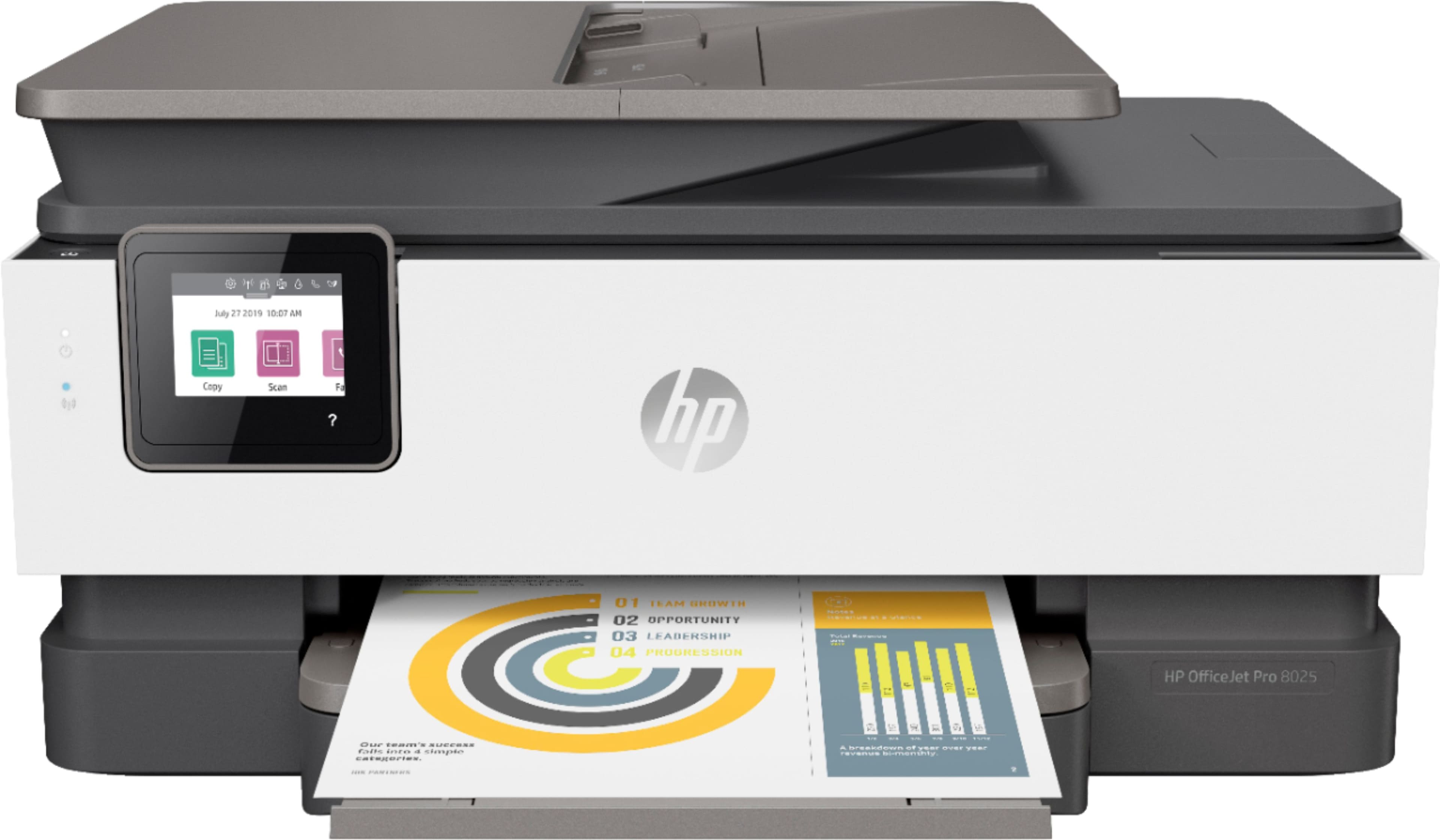
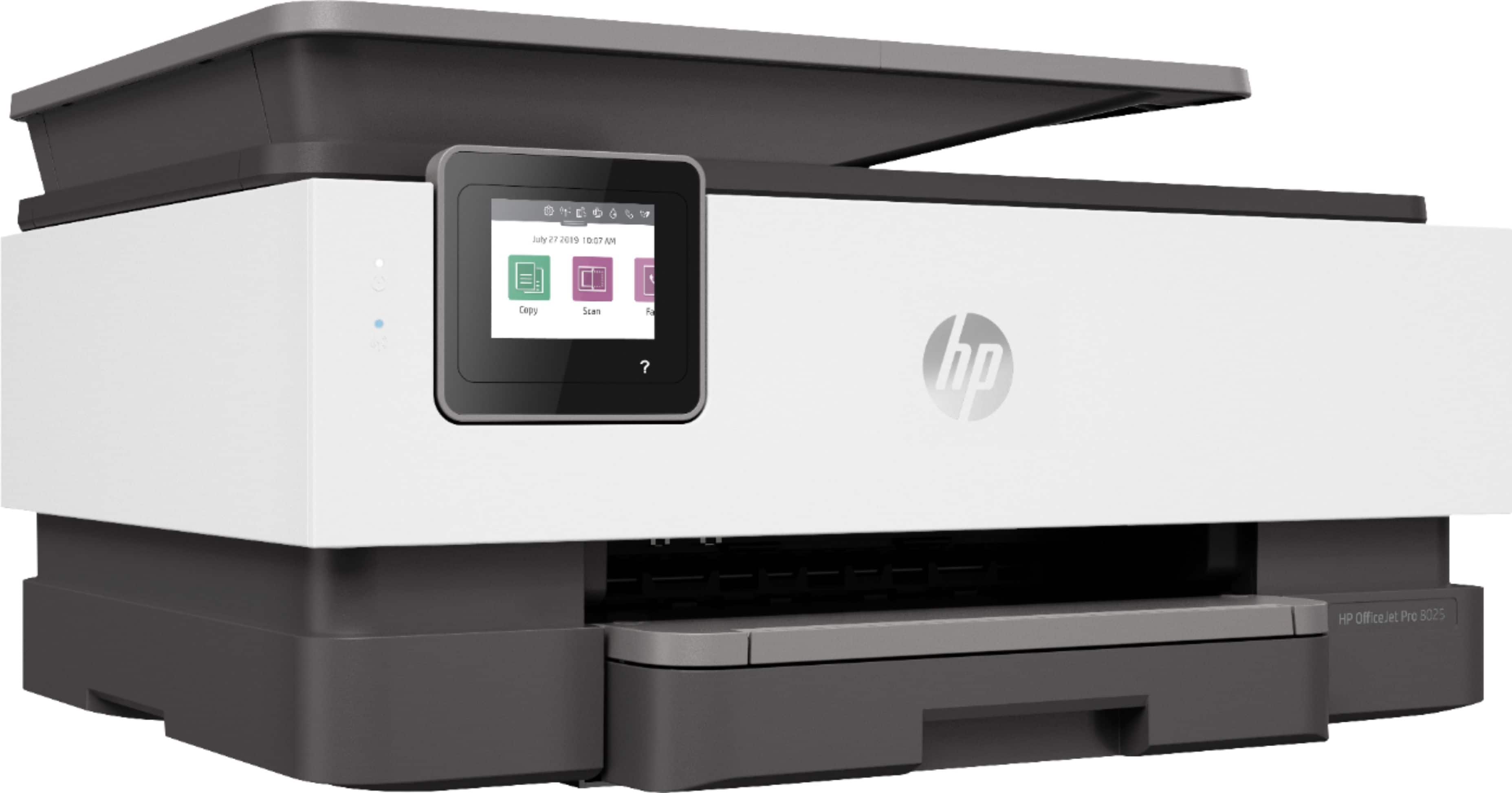
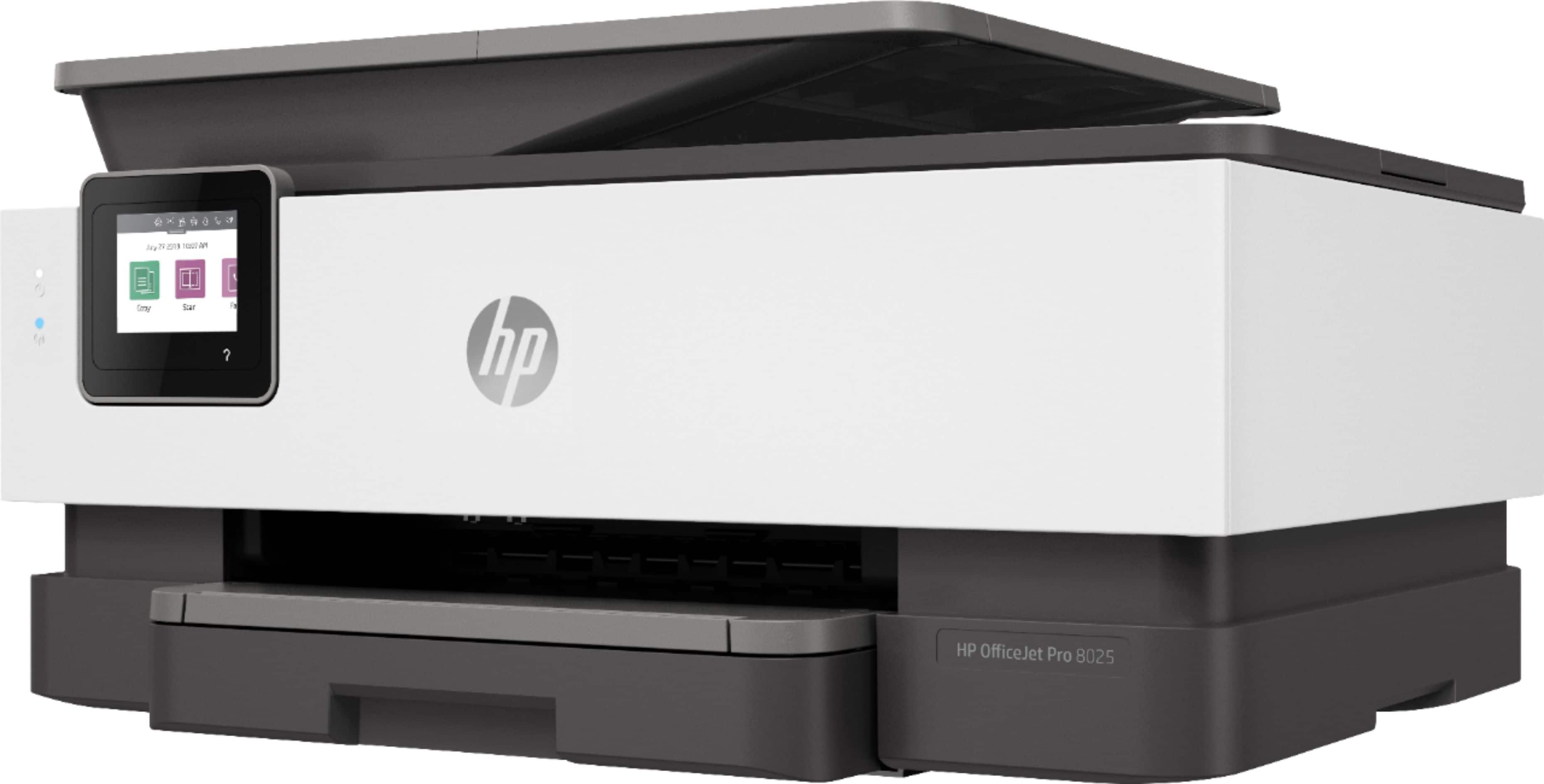
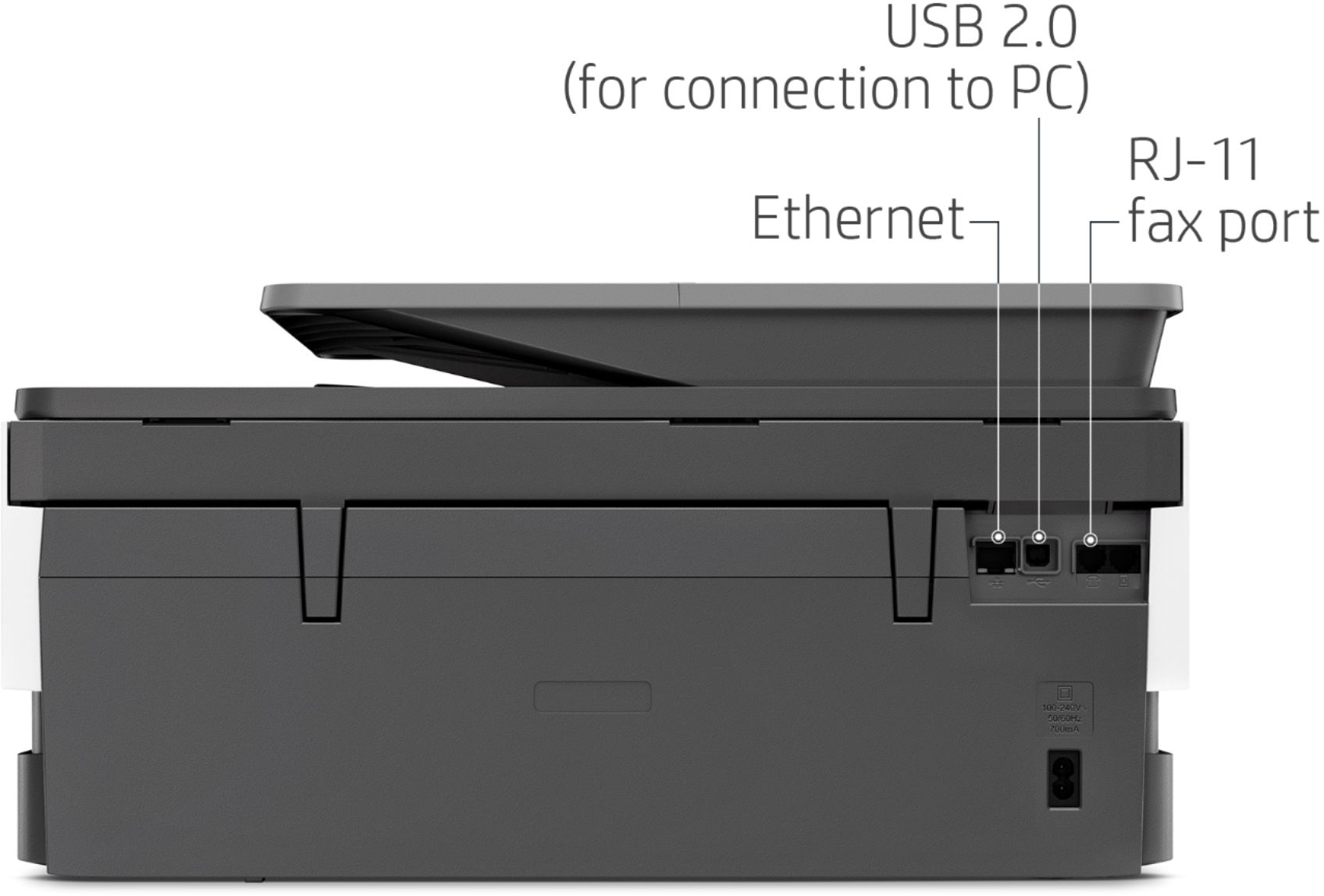
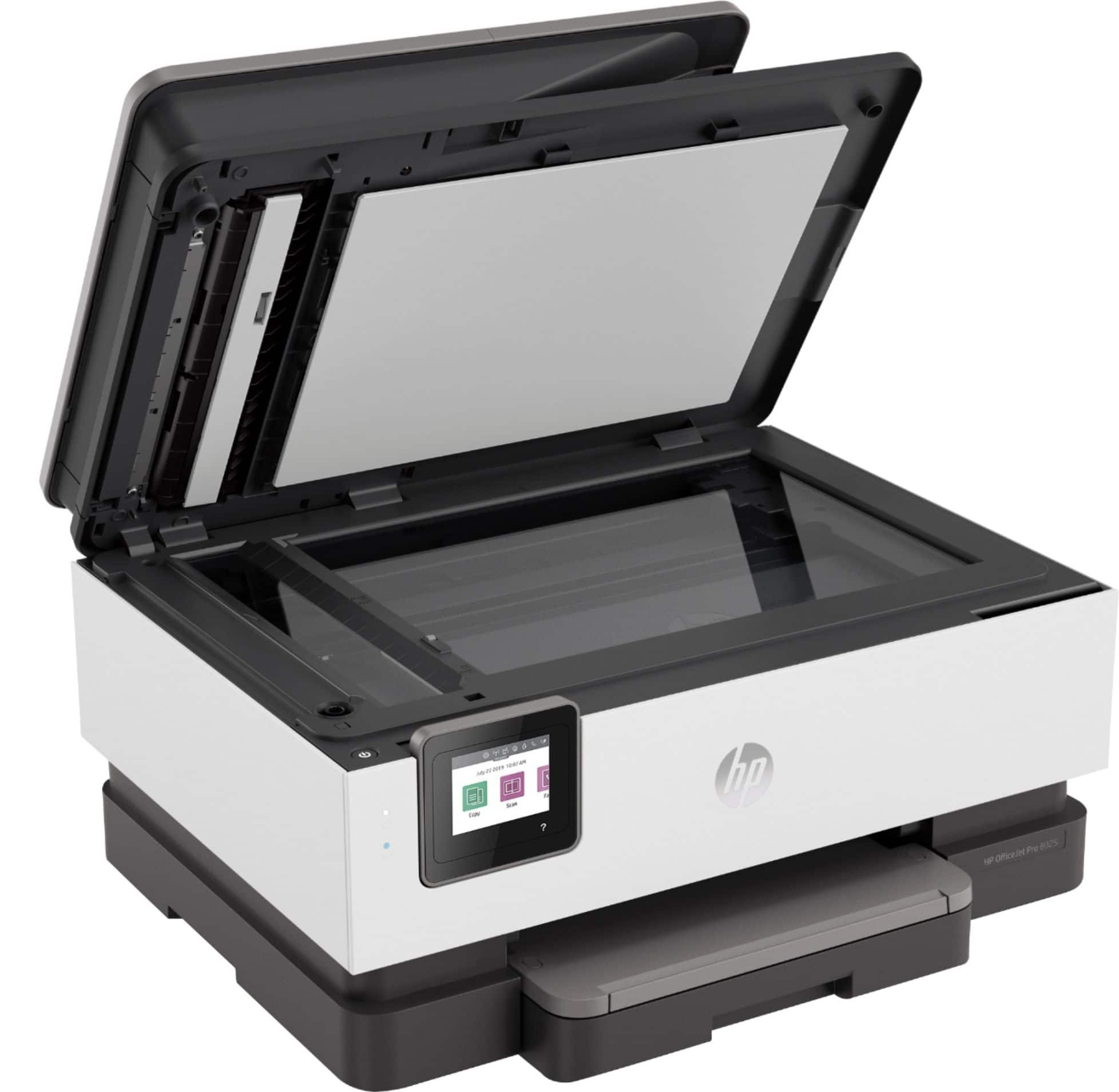
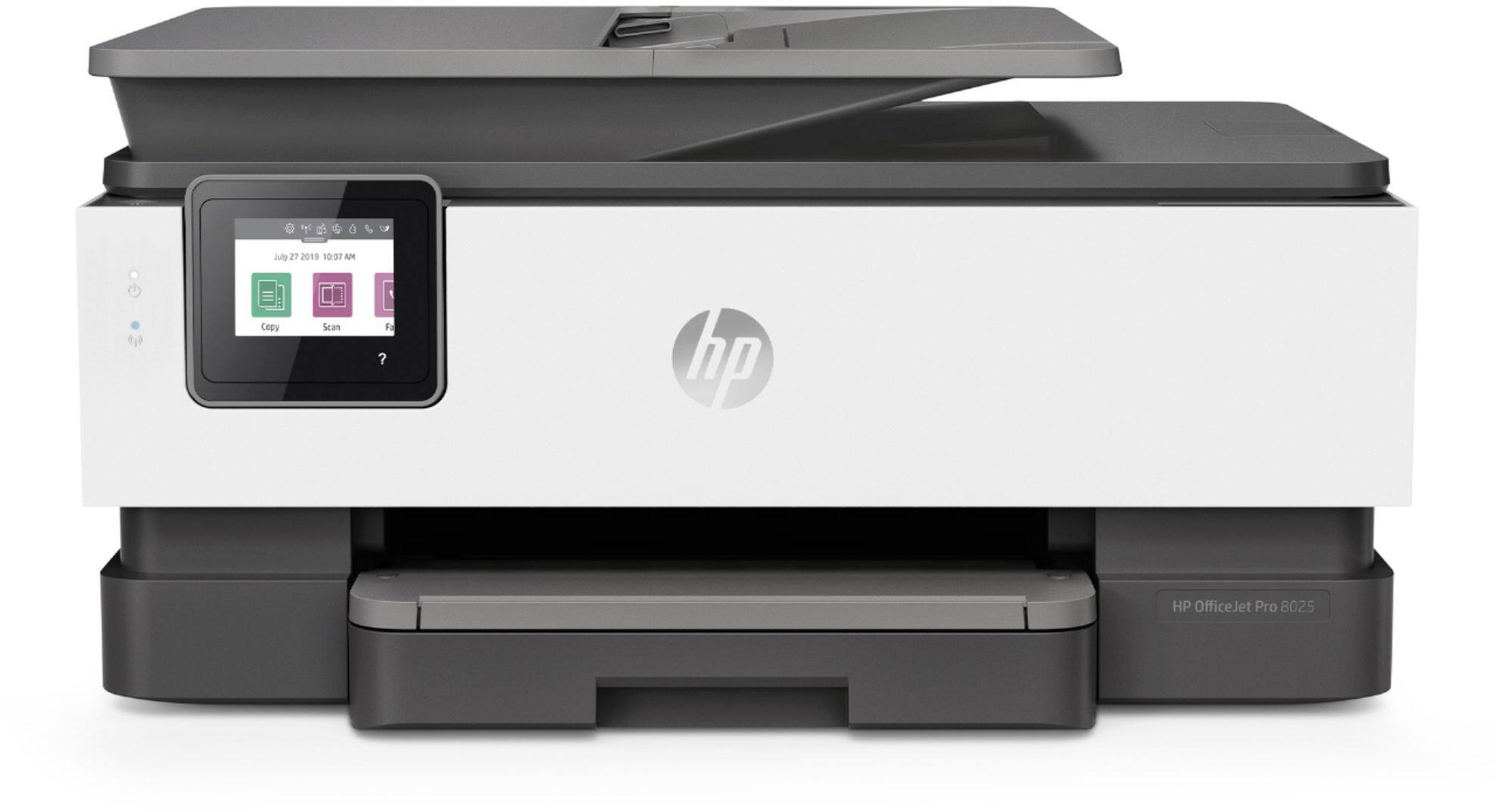
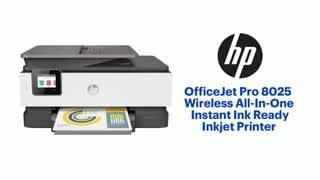
A:AnswerNo, the OfficeJet Pro 8025 printer can only handle up to 35 pages in the auto document feeder. The PageWide Pro 477 and 577 series printers have an auto document feeder that can handle up to 50 pages.
A:AnswerYou are not required to have a smartphone to use this printer. You can set up the printer on your computer by visiting https://123.hp.com/setup
A:AnswerCheck the fax settings on the printer, it might be set for a passsword. You can try 12345678, that is the default password on most HP printers.
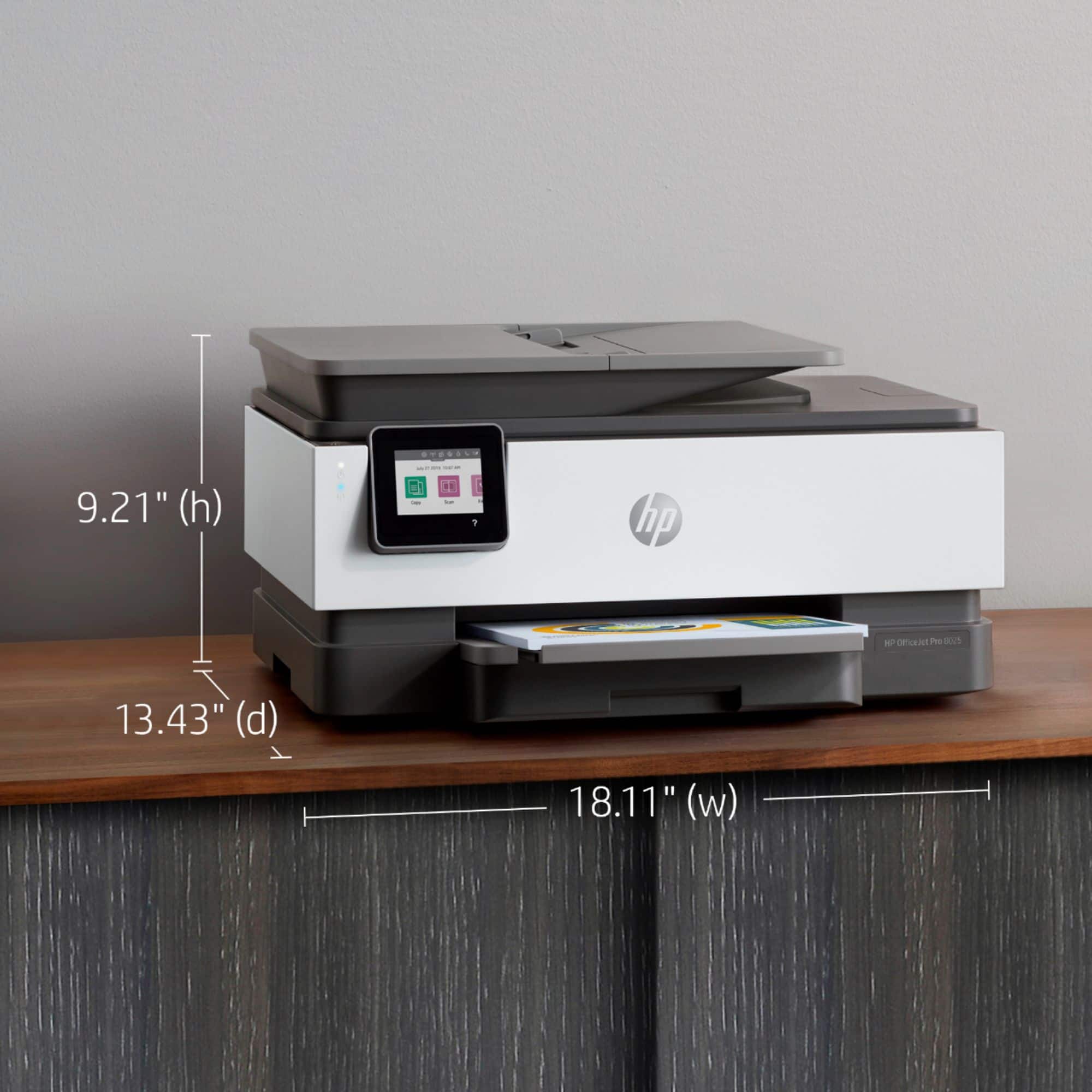
A:AnswerHello. Thanks for your question. This printer can only handle up to 8.5 x 14 inch paper. We recommend looking at the HP Officejet Pro 7740 printer which can handle 11 x 17 inch paper.
A:AnswerHello! Thank you for your questions regarding the HP OfficeJet Pro 8025 Printer! You do not have to worry about compatibility, it will work perfectly with your HP laptop! Once you have your printer it will guide you through setup and downloading the HP Smart Software. I hope this helps!
A:AnswerThis printer does allow you to scan up to 35 pages through the auto document feeder on top. You can choose to save the scanned item as a JPEG or PDF.