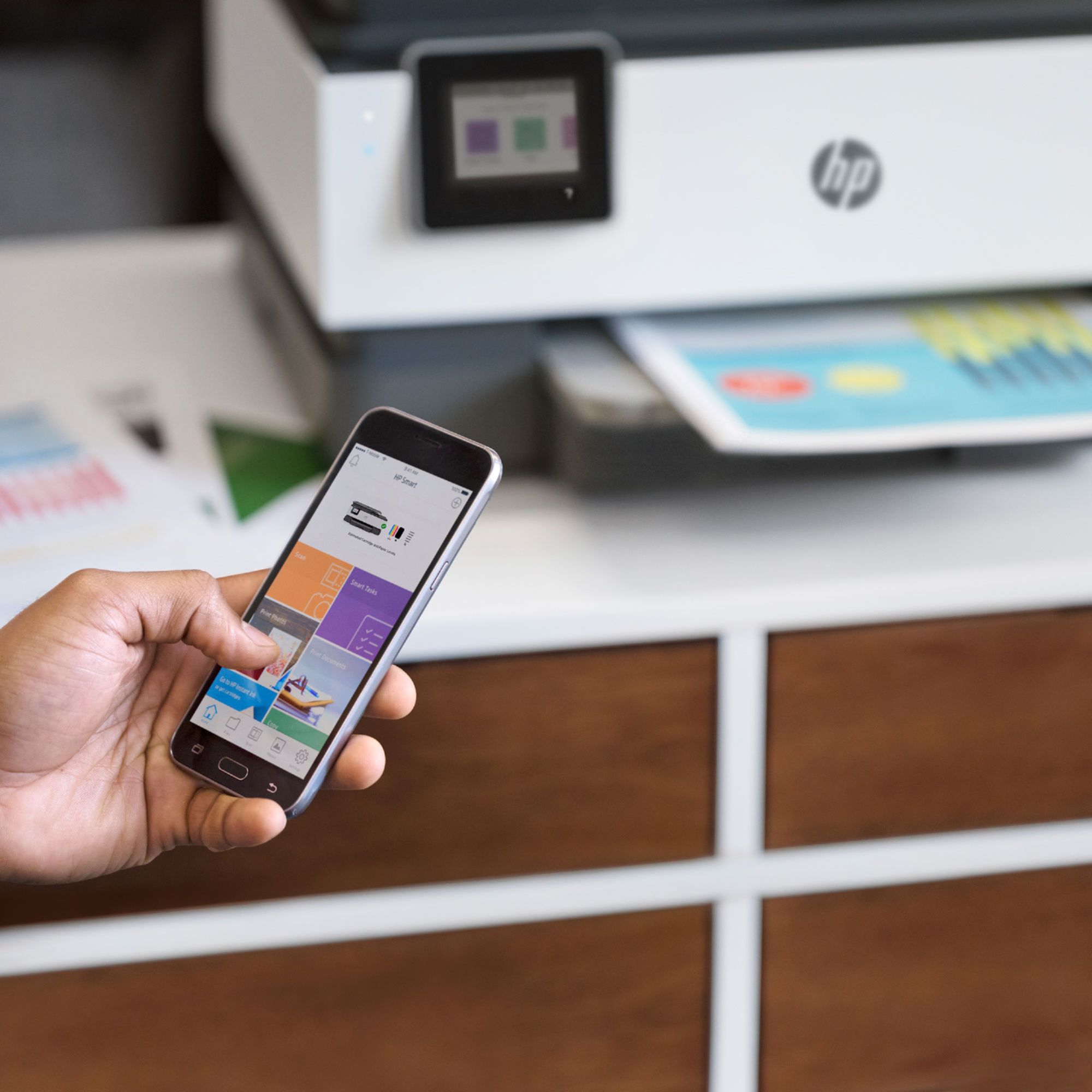
A:AnswerI turned bluetooth on, on the printer, then used my cellphone to search bluetooth devices and found it that way. still need to download the drivers from HP on your phone to make compatible... hope that helps...
A:AnswerHi snowywinter and thanks for your question! This HP OfficeJet Pro 8035 will print borderless on photo paper only, up to 8.5 x 11 in (US letter), 210 x 297 mm (A4)
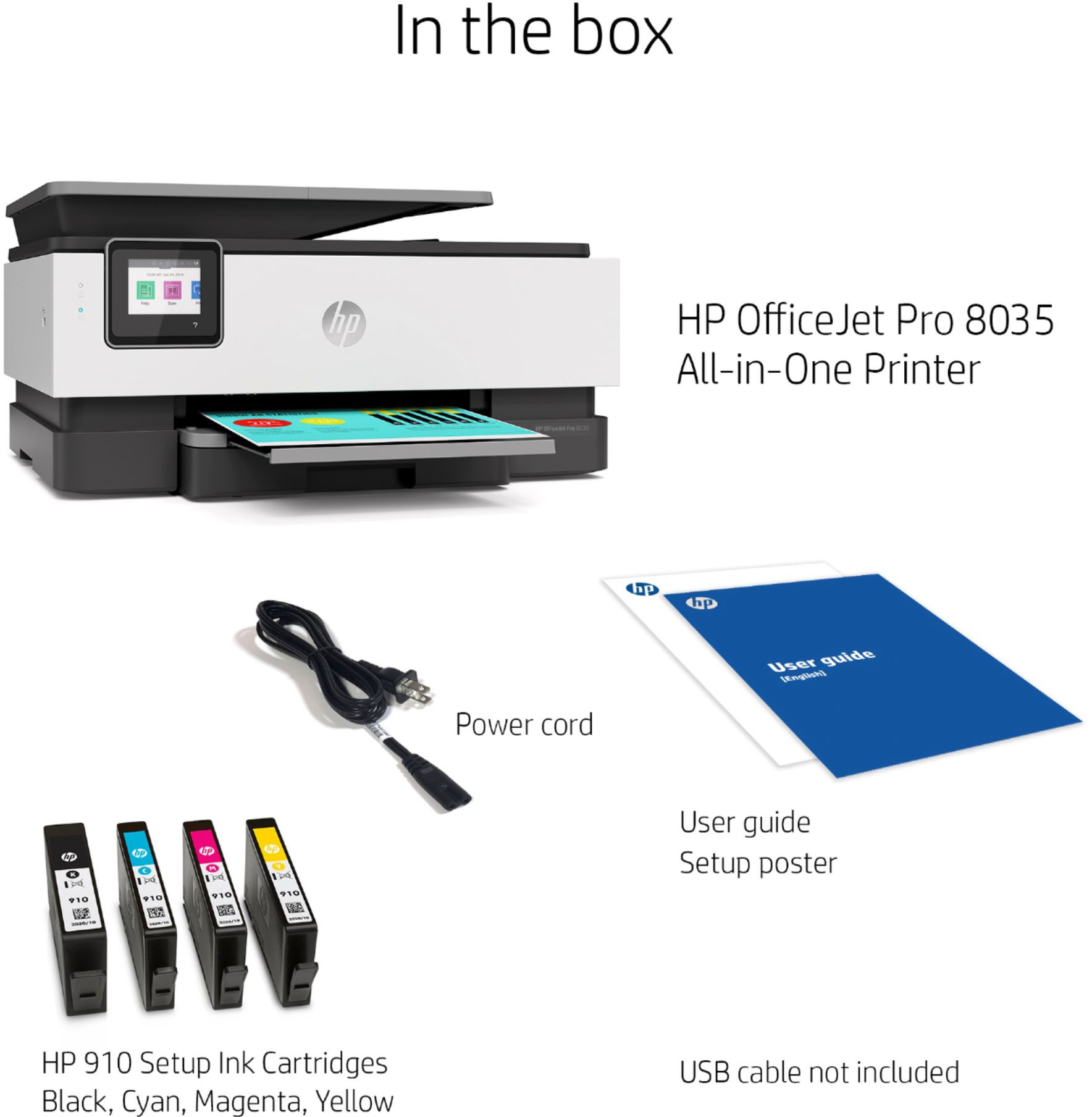
A:AnswerHello. Thanks for your question. If you want to connect this HP Officejet Pro 8035 printer to your wireless network, then you do not need the USB cable. This printer does have wireless capabilities.
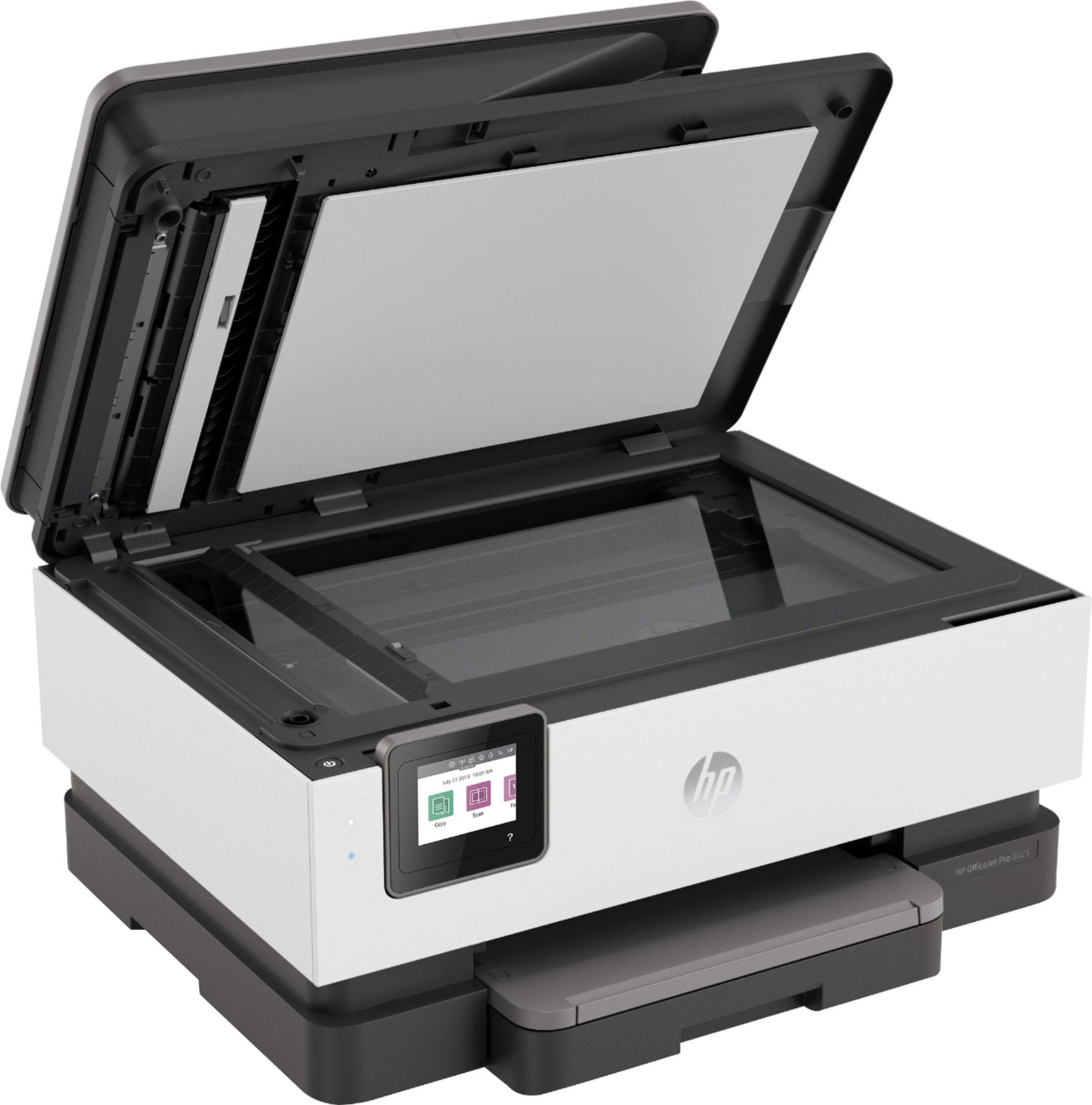
A:AnswerHello. Thanks for the question. The HP Officejet Pro 8035 printer can print legal size documents. You can scan legal size documents through the auto document feeder. The flatbed scanner can only support up to 8.5 x 11 inches. The HP OfficeJet Pro 7740 printer does have a flatbed scanner that can handle up to 11 x 17 inches.
A:AnswerHP's information says 35. I've learned not to push those things, so stopping at 30-31 could prevent a jam. If you're scanning that much that often, you may want to consider a more robust machine.
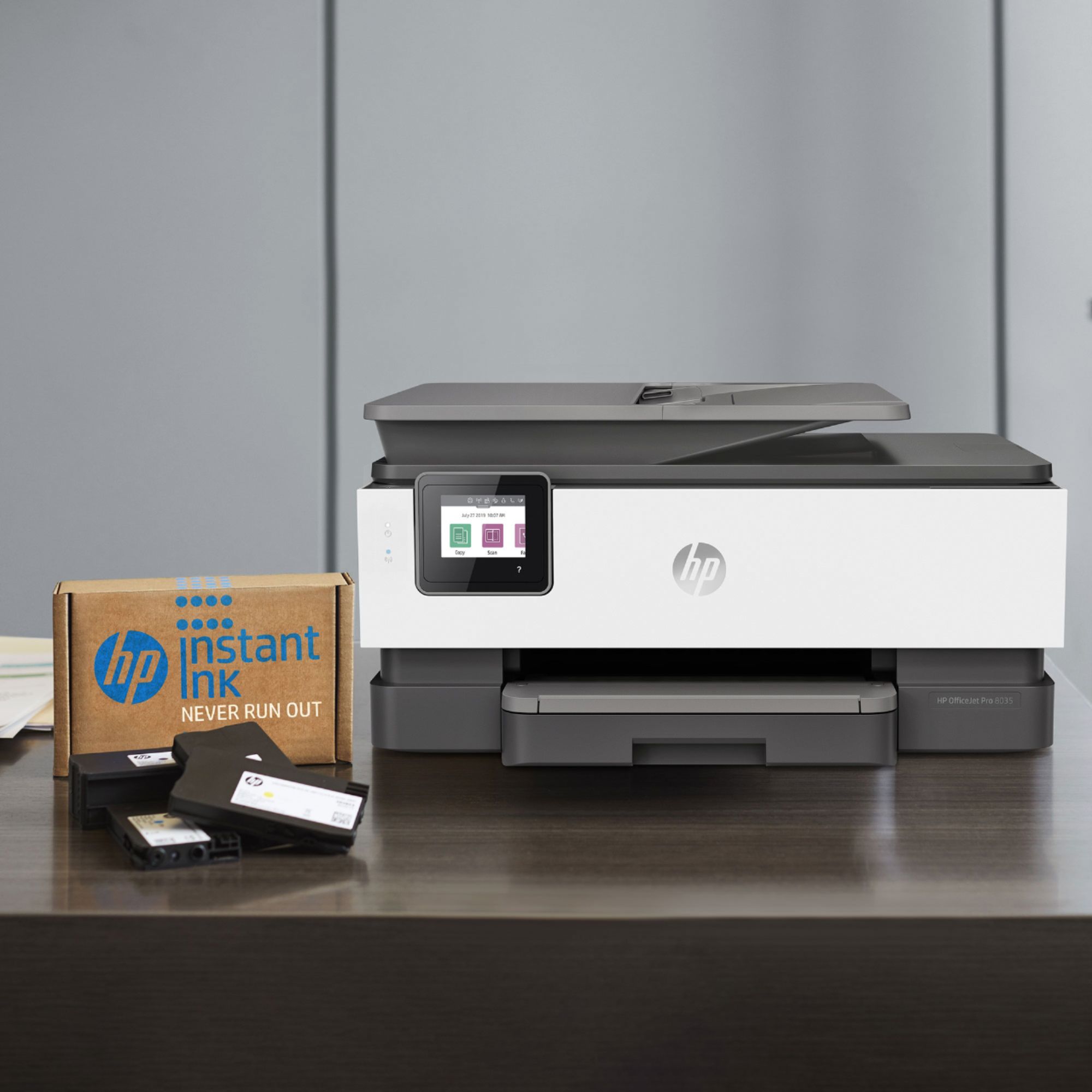
A:AnswerYou have to sign up with HP.com fo4 the instant ink. Leave your printer on and with WiFi on and it sends info on how much ink you’ve used. That’s how they know when to send ink to you.
A:AnswerYes, I have a HP Chromebook and it works great with the printer, I have no problems and I use it through the wifi, I will set up the hpeprint soon.