Questions & Answers
- Model:
- 3UC66A#B1H
- |
- SKU:
- 6335318
Q: QuestionCan I use my IPad to send and print
Asked by Louistight.
- A:Answer Yes, you can use iPad to print from this product.
Answered by CommunityAnswer
Q: Questiondoes this printer scan multiple documents from the feeder or do I have to scan one at a time
Asked by Anonymous.
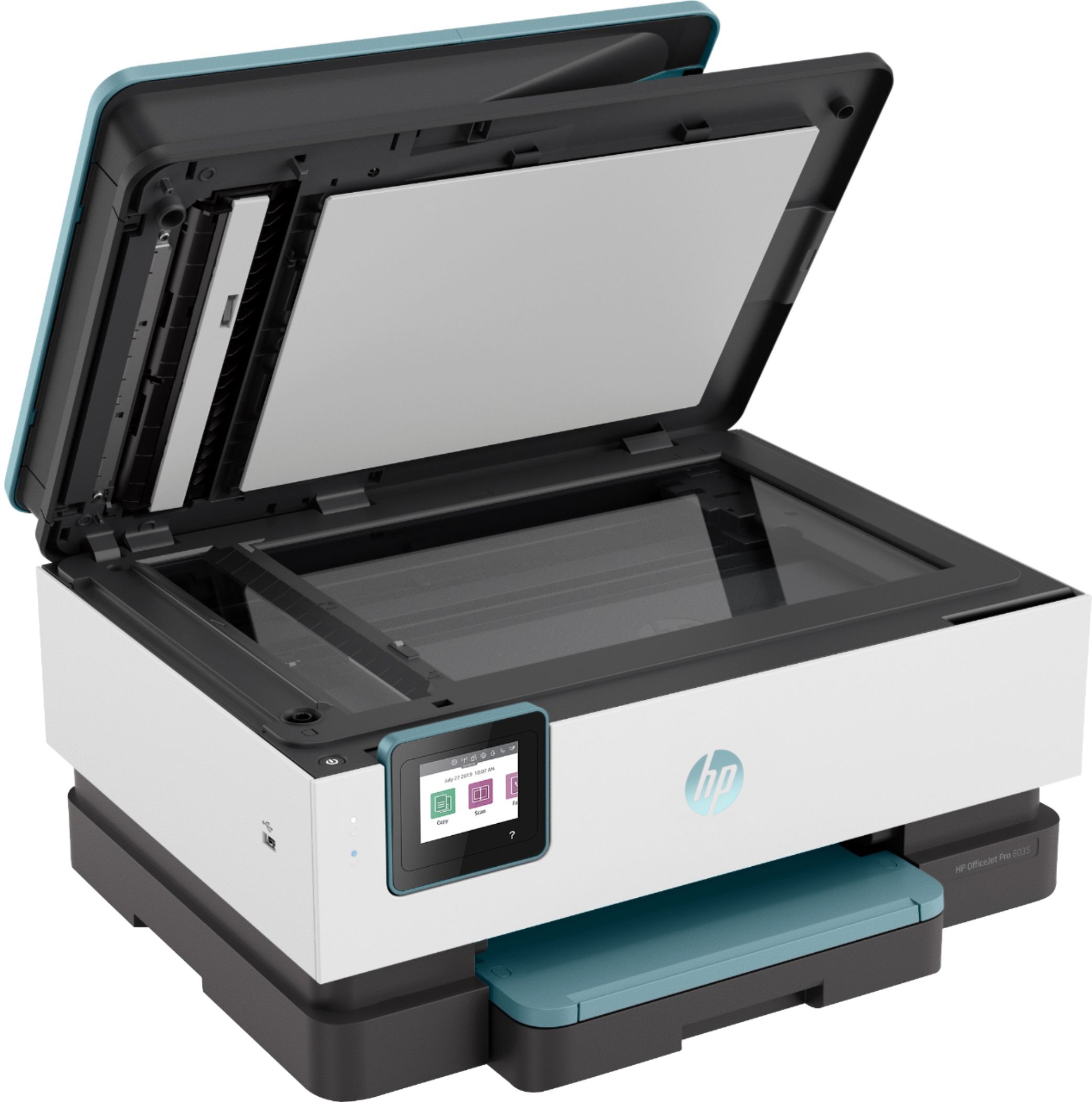
- A:Answer it can scan multiple pages at a time through the ADF!
Answered by HP Team

Q: Questionwhat is meant by all in one? ( hp8025)
Asked by Phil.
This question was asked about the related product: HP - OfficeJet Pro 8035 Wireless All-In-One Instant Ink Ready Inkjet Printer - Coral/White/Gray
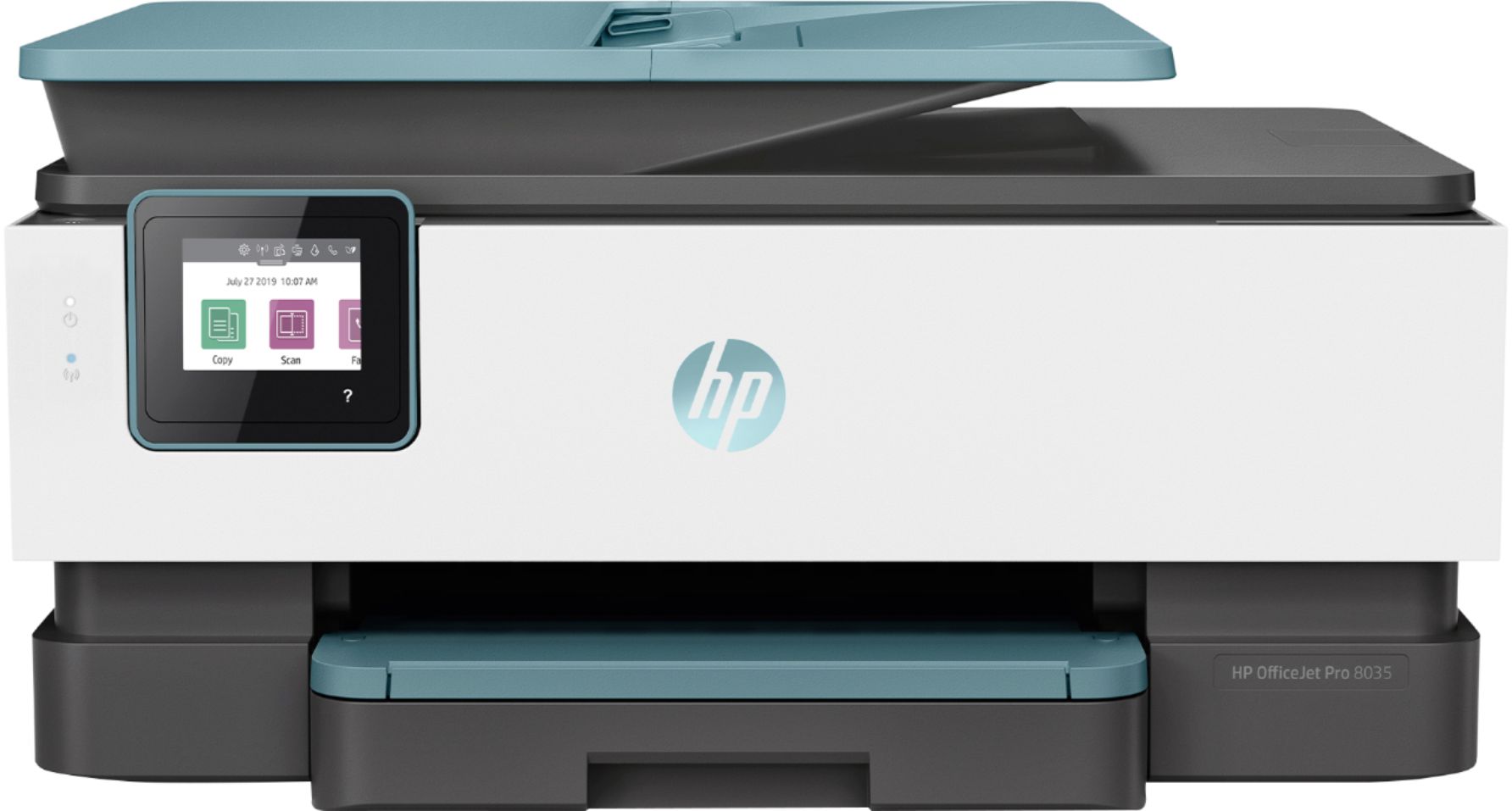
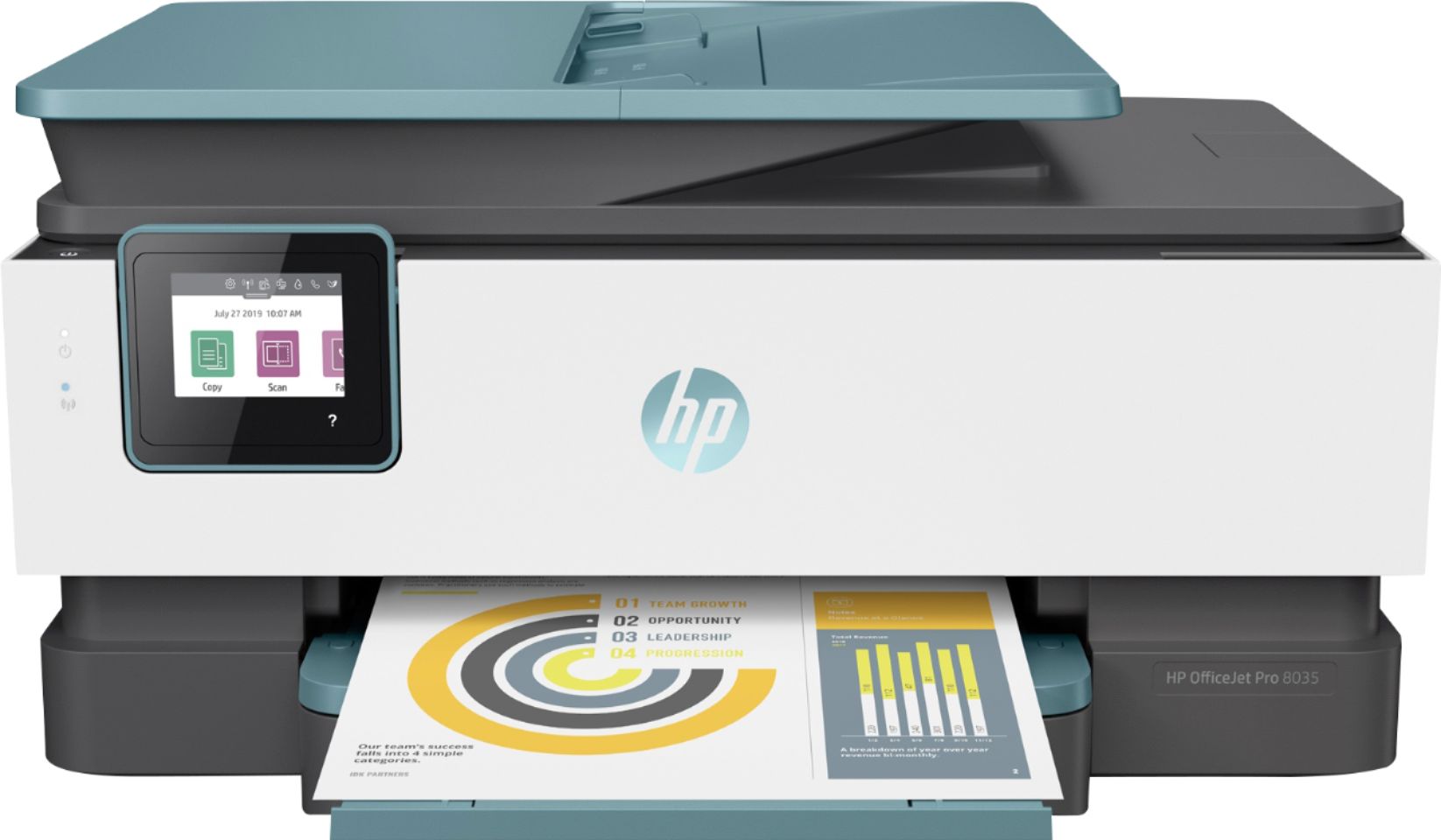
- A:Answer The machine functions as a printer, copier, scanner and fax machine.
Answered by Nesee
Q: QuestionCan I hard wire to my desktop computer?
Asked by hardwire.
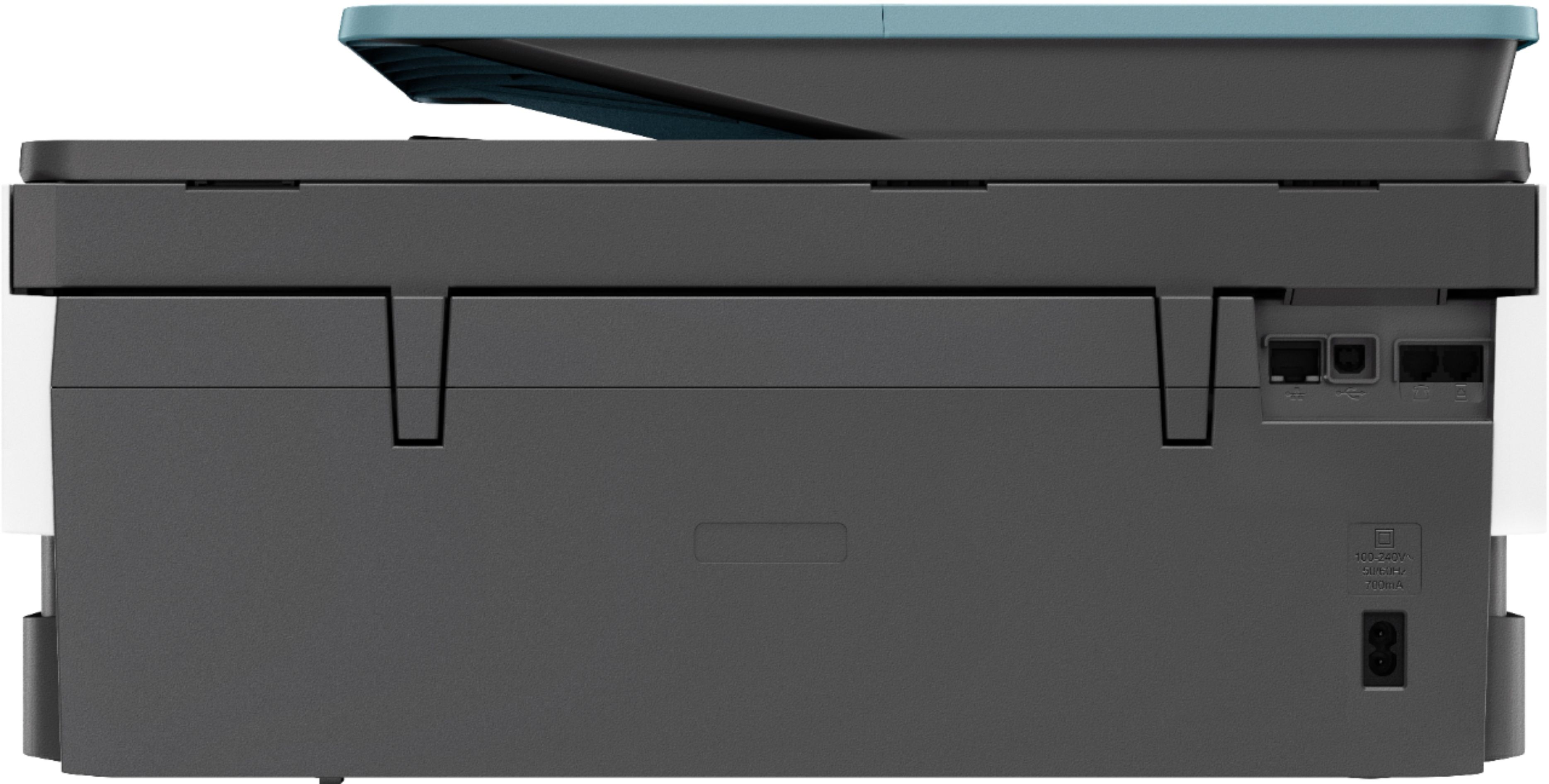
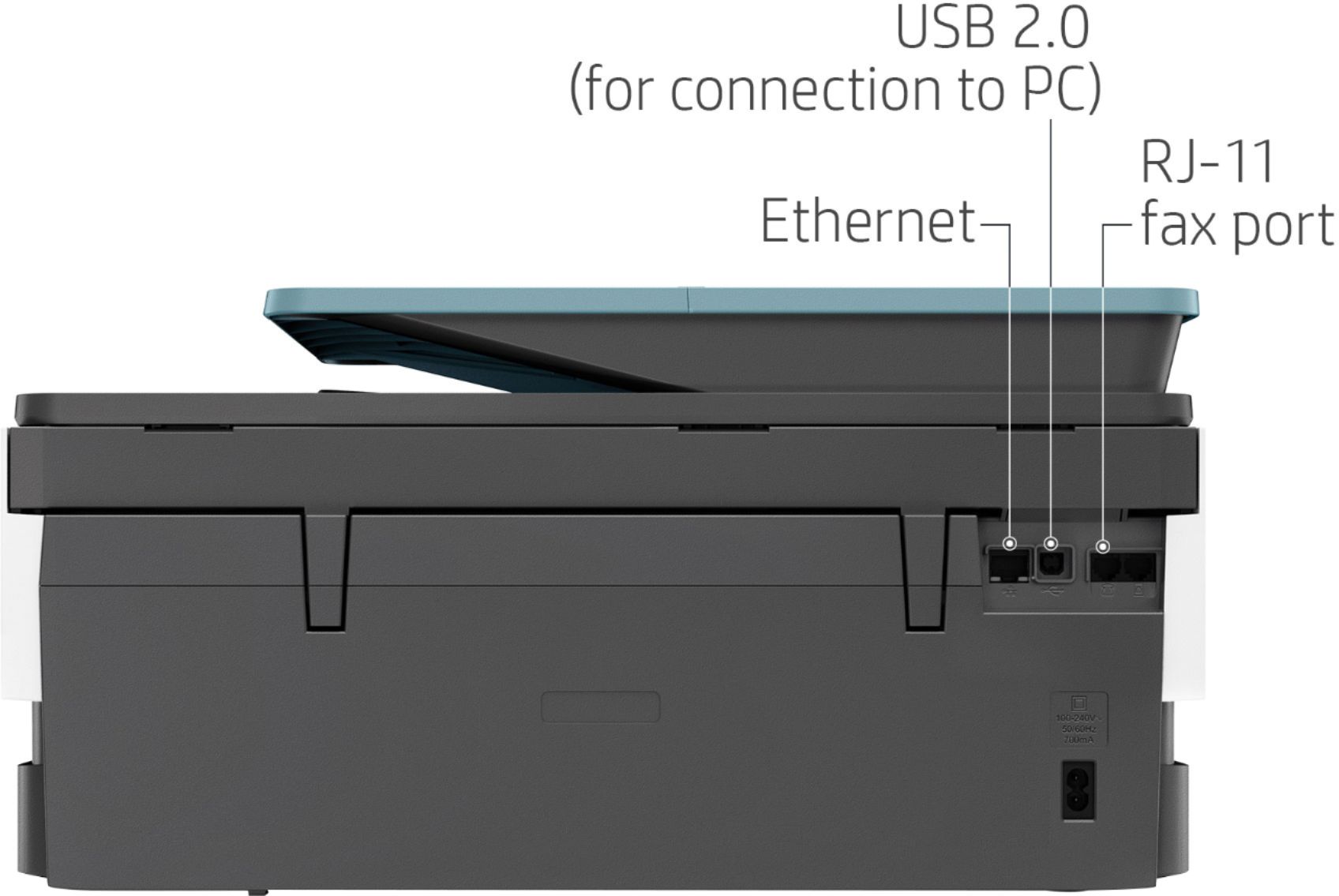
- A:Answer With USB cord
Answered by dld542004
Q: QuestionWill this printer connect to my daughters Asus chromebook?
Asked by Jhus77.
- A:Answer yes
Answered by REASONABLE
Q: Questiondoes this have a USB slot port
Asked by Joann.
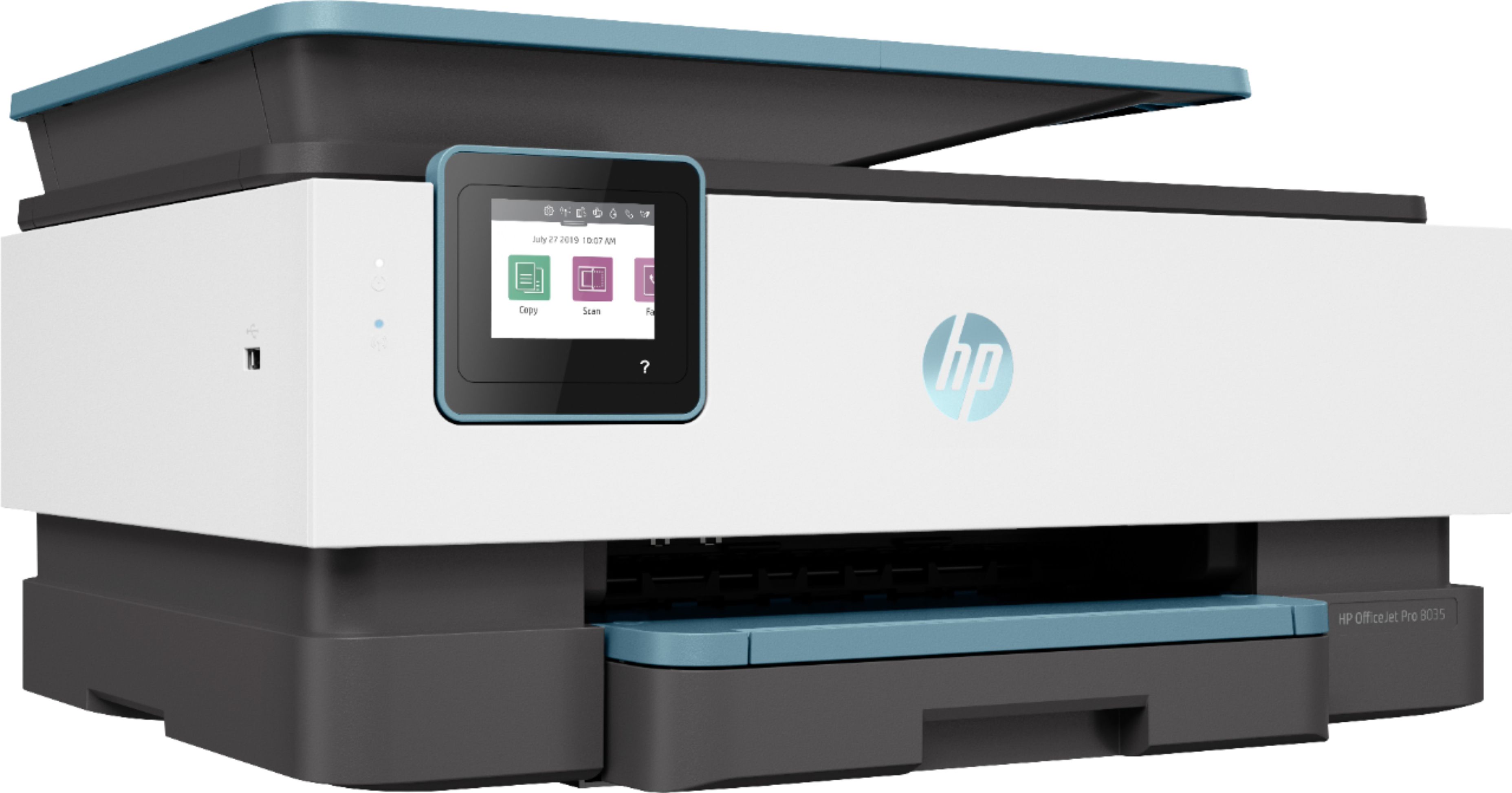
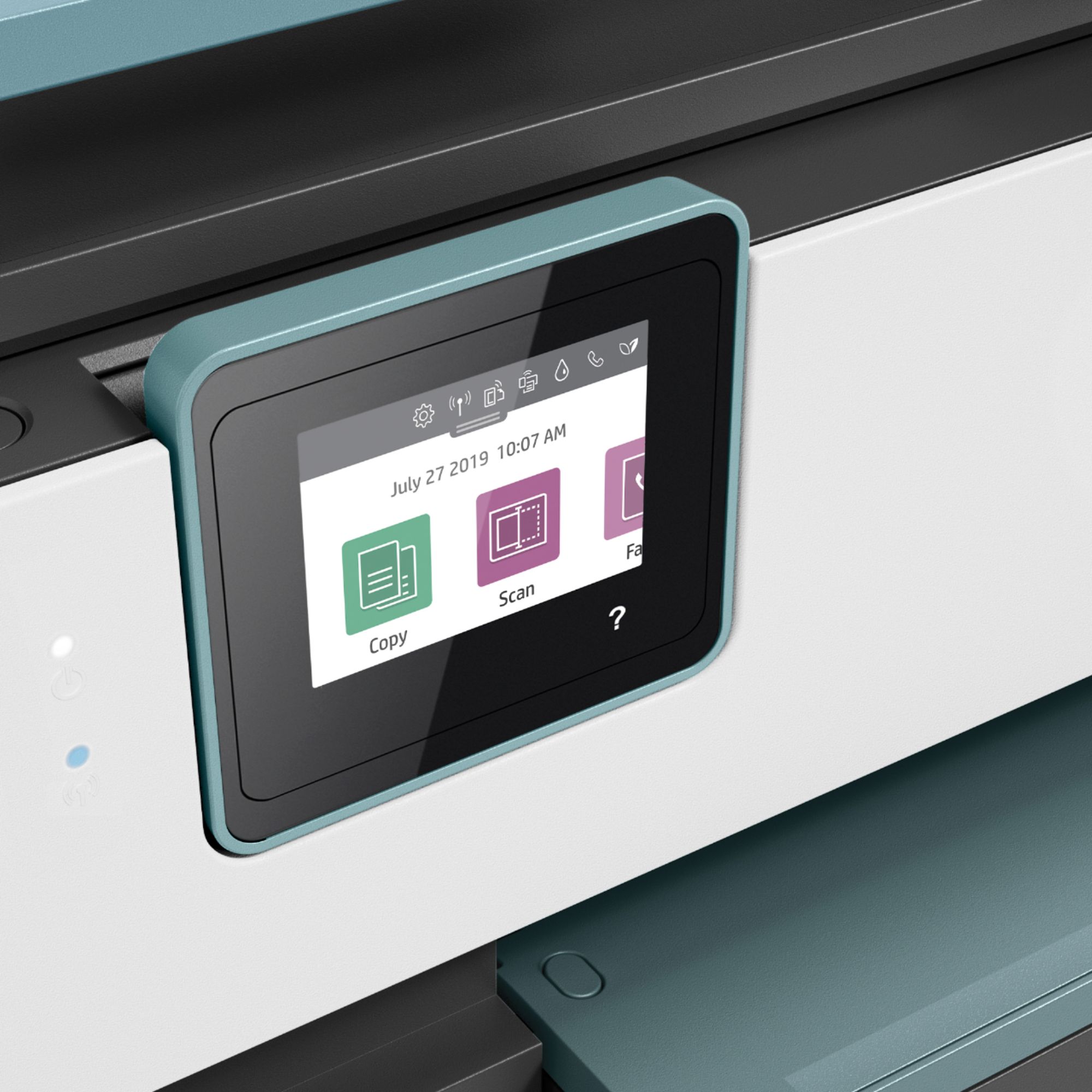
- A:Answer Yes, this printer has a USB port on the back to connect to the computer. There is also a USB port on the front to print photos or scan photos to or from a USB flash drive.
Answered by HP Team

Q: QuestionDoes this print on cardsock paper?
Asked by Violet.
- A:Answer Yes it does an excellent job on card stock
Answered by Nfd804
Q: Questionwill it print double sided pages from computer?
Asked by Kate.
- A:Answer Yes, this printer prints double sided. Make sure that you choose double-sided (on your computer screen) either as a default, or when you are printing documents that you wish to have print on both sides.
Answered by HP Team

Q: QuestionDoes the HP OfficeJet Pro 8035e wireless All-in-One come complete with all cables. Some reviews of this product mentioned problems with wireless connection requiring a cable between the computer and the printer. Thank you.
Asked by Norm.
This question was asked about the related product: HP - OfficeJet Pro 8035e Wireless All-In-One Inkjet Printer with up to 12 months of Instant Ink Included with HP+ - Coral
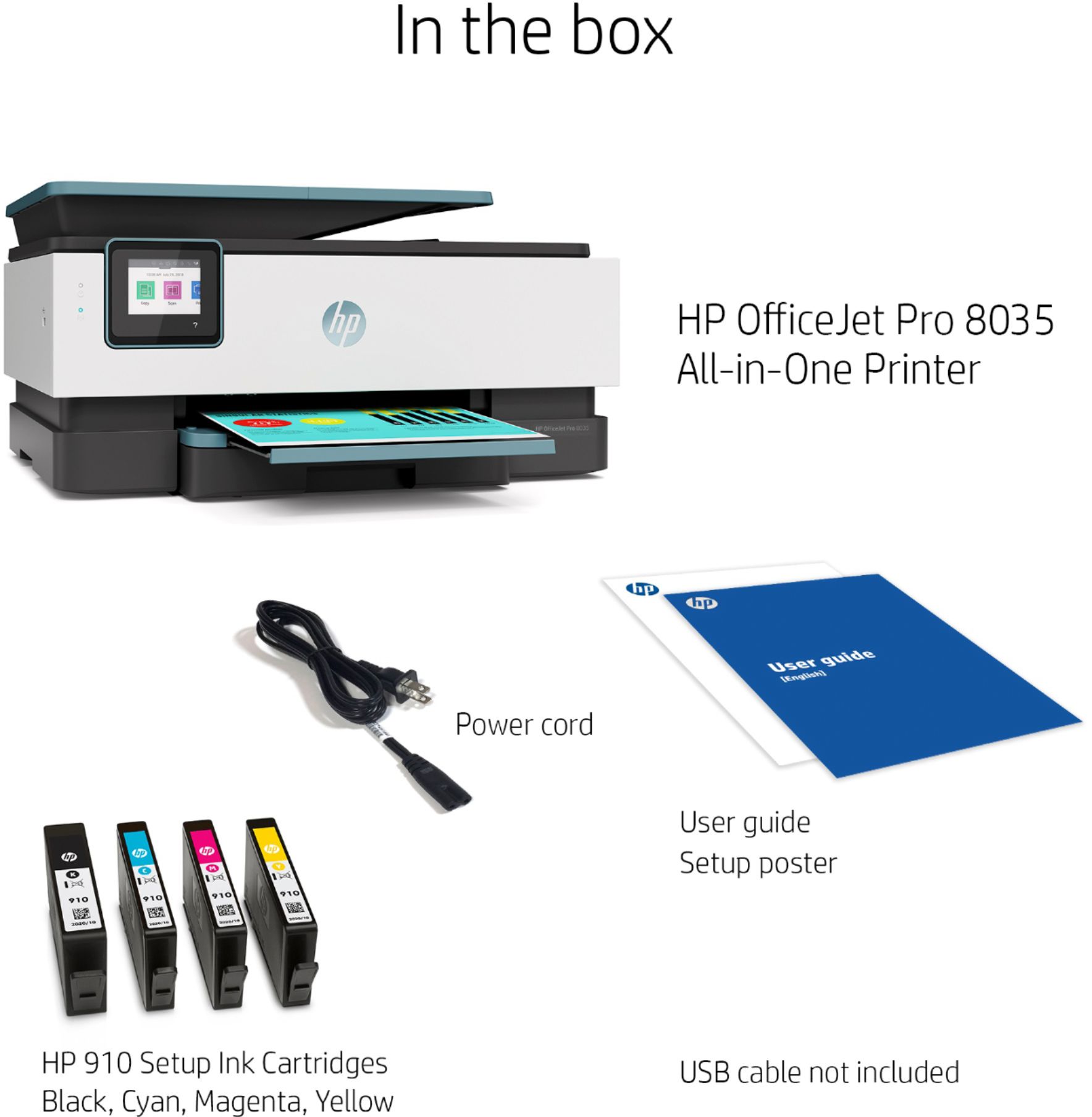
- A:Answer It has a power cord included, but not a USB printer cable to connect it directly to a computer. If you're replacing a printer that was connected with a USB printer cable, the same one will work with the OfficeJet Pro 8035e.
Answered by HP Team

Q: QuestionWhat cable would I used to connect this to the computer? The WIFI is not reliable here.
Asked by Jverver.
This question was asked about the related product: HP - OfficeJet Pro 8035e Wireless All-In-One Inkjet Printer with up to 12 months of Instant Ink Included with HP+ - Basalt
- A:Answer Thank you for the question. Any USB-A to USB-B cable will do. Find one here: https://www.bestbuy.com/site/insignia-6-usb-2-0-a-male-to-b-male-cable-black/5886035.p?skuId=5886035
Answered by HP Team

Q: QuestionDoes this printer print 2-sided?
Asked by Albiter.
This question was asked about the related product: HP - OfficeJet Pro 8035e Wireless All-In-One Inkjet Printer with up to 12 months of Instant Ink Included with HP+ - Basalt
- A:Answer Model 8035e-yes for printing only. I recently printed out a document from Apple and since it was a two sided document, it printed out 2 sided as well . Scanning- the flatbed is used for scanning as there is not a duplex scan function.
Answered by Value
Q: QuestionI have an hour office jet 8035 e printer. No wireless or internet available but have a usb connection. Won’t print. Say printer offline. Help.
Asked by Marty93447.
This question was asked about the related product: HP - OfficeJet Pro 8035 Wireless All-In-One Instant Ink Ready Inkjet Printer - Coral/White/Gray
- A:Answer apparently is s Firmware problem per HP
Answered by CatT10
Q: QuestionI am looking to replace our HP OfficeJet Pro 6978 Printer with another HP unit that is has a USB Flash drive port. Any recommendations?
Asked by OverlookatBailey.
This question was asked about the related product: HP - OfficeJet Pro 8035e Wireless All-In-One Inkjet Printer with up to 12 months of Instant Ink Included with HP+ - Basalt
- A:Answer Either the HP 9015 or the HP 9025 or even the HP 8035. All of these have a usb 2.0 port. I own the HP 8035, good printer
Answered by Terraleth
Q: QuestionCAN IT SCAN AND PRINT PDF /
Asked by SNICK.
This question was asked about the related product: HP - OfficeJet Pro 8035e Wireless All-In-One Inkjet Printer with up to 12 months of Instant Ink Included with HP+ - Basalt
- A:Answer Yes it can
Answered by Latifa
Q: Questionwhat is the difference between the OfficeJet Pro 8035 and the OfficeJet Pro 8035e
Asked by emma.
- A:Answer The HP OfficeJet Pro 8035e is eligible for the HP+ program. The HP+ program gives you 6 months of free HP Instant Ink, and an additional 1 year of HP warranty.
Answered by HP Team

Q: QuestionCan I print one QB check at a time on this printer?
Asked by Anonymous.
This question was asked about the related product: HP - OfficeJet Pro 8035e Wireless All-In-One Inkjet Printer with up to 12 months of Instant Ink Included with HP+ - Basalt
- A:Answer Thank you for the question. Yes, the OfficeJet Pro 8035e is capable of printing one QuickBooks check at a time, or a batch, as you see fit.
Answered by HP Team

Q: QuestionCan I scan to email
Asked by Anonymous.
This question was asked about the related product: HP - OfficeJet Pro 8035e Wireless All-In-One Inkjet Printer with up to 12 months of Instant Ink Included with HP+ - Coral
- A:Answer Yes you can. On the printer screen, you click scan and it’ll ask you how you want to it. You have to type in your email and verify and then it will send the scans to you.
Answered by Erika
Top Rated
- $249.99$249.99The price was $379.99
- $329.00$329.00The price was $349.00
- $99.99$99.99The price was $129.99
- $329.99$329.99The price was $469.99
- $1,399.99$1,399.99The price was $2,699.99
- $1,299.00$1,299.00The price was $2,799.00