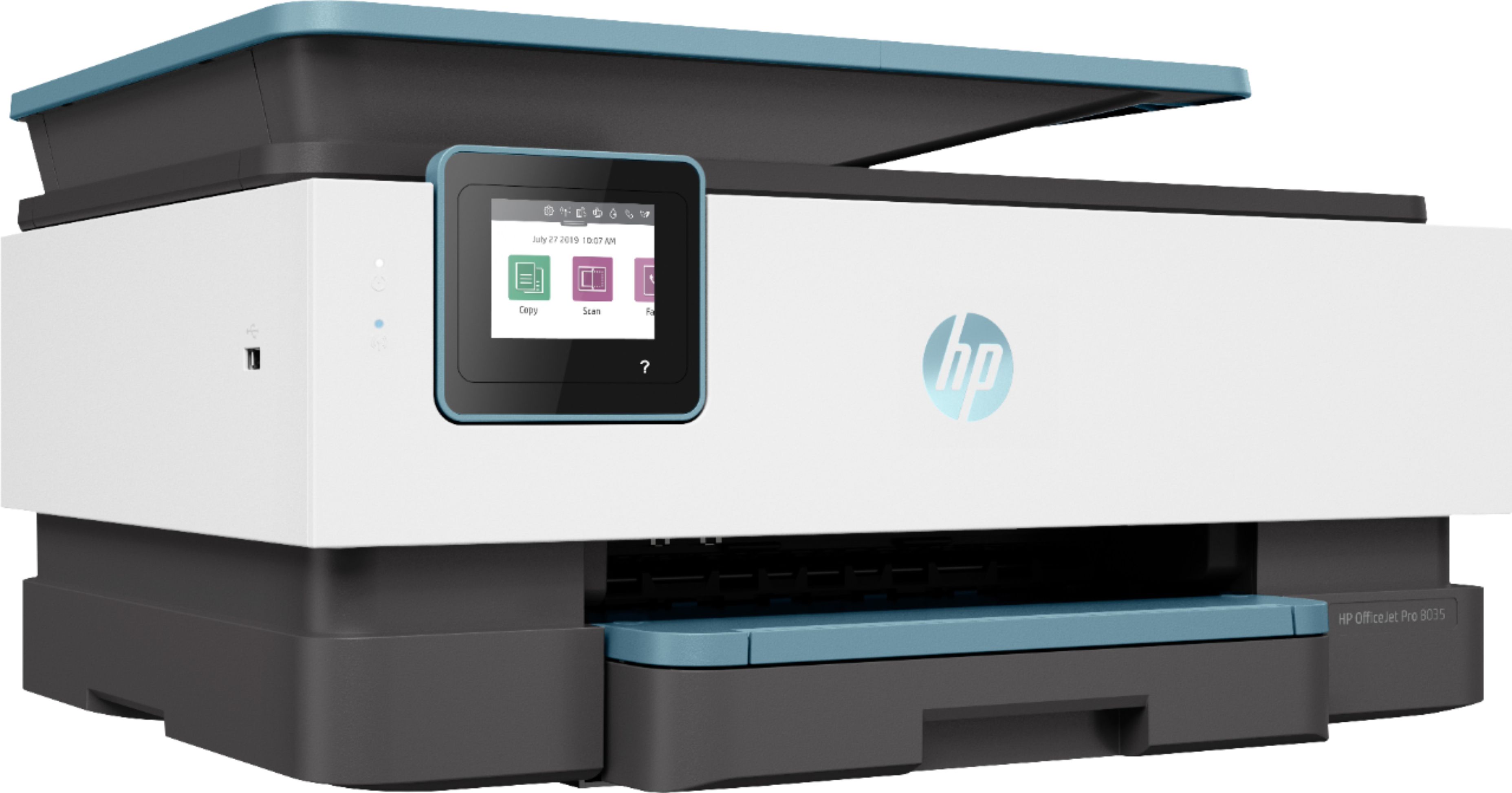
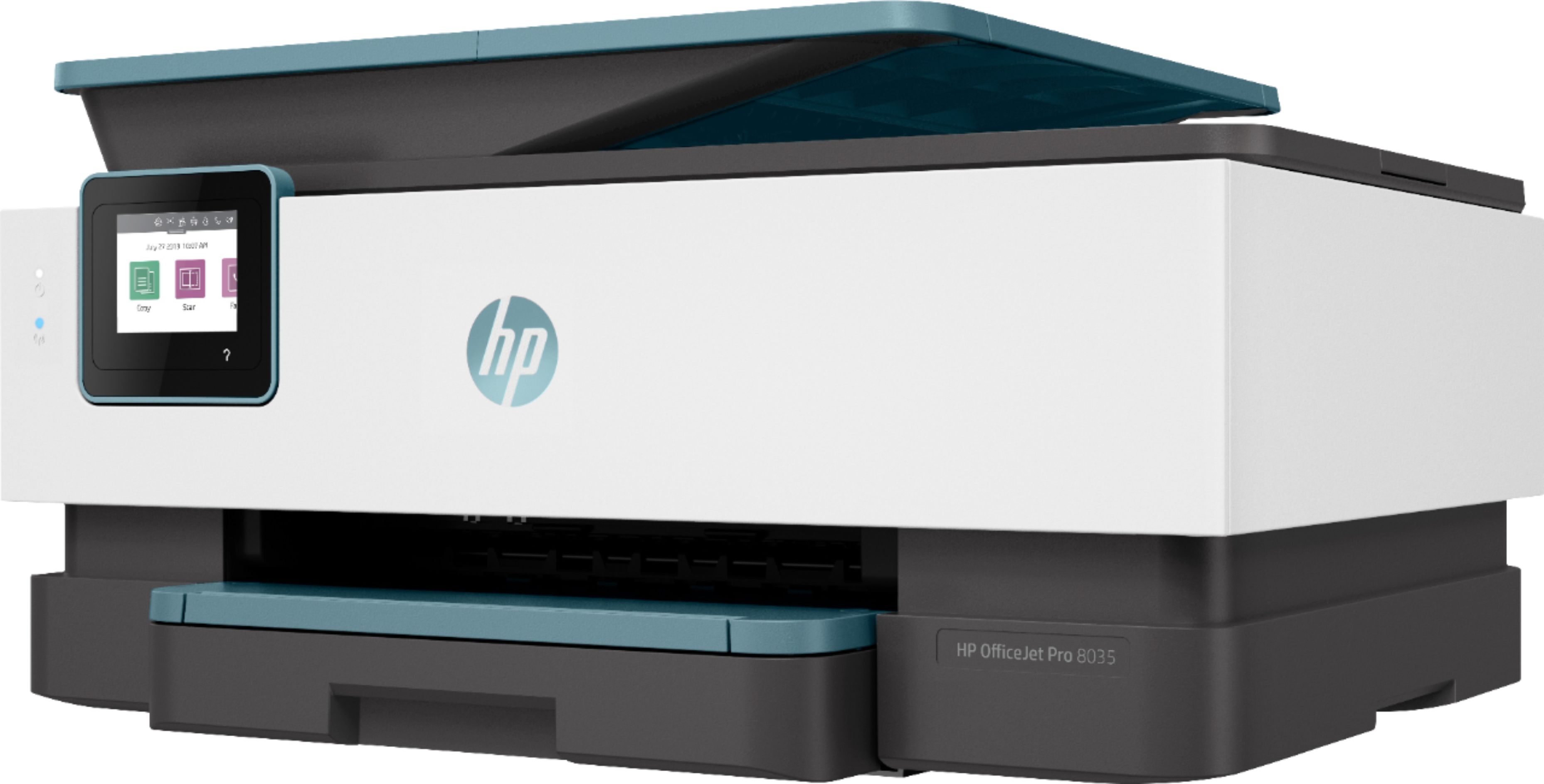
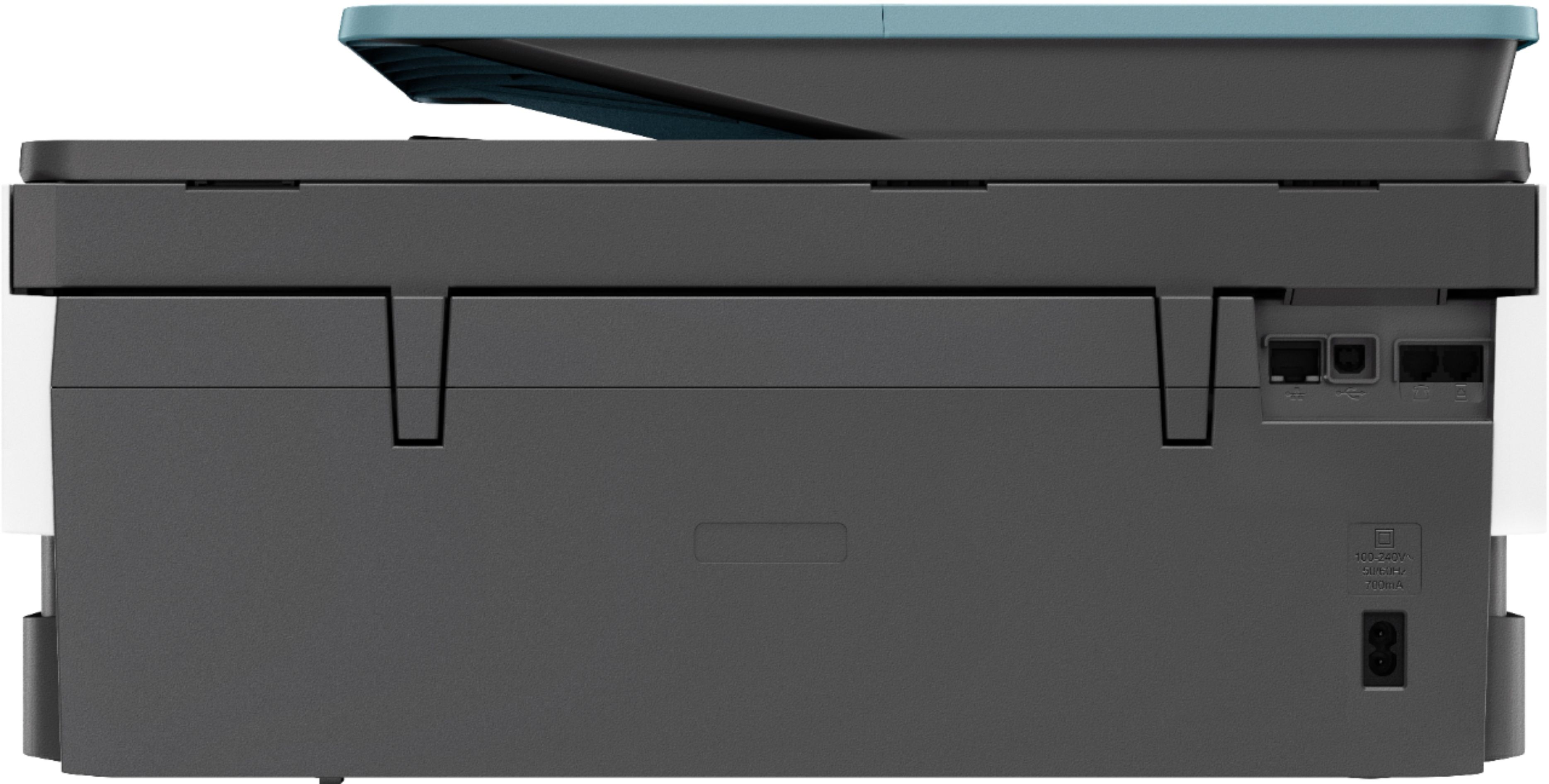
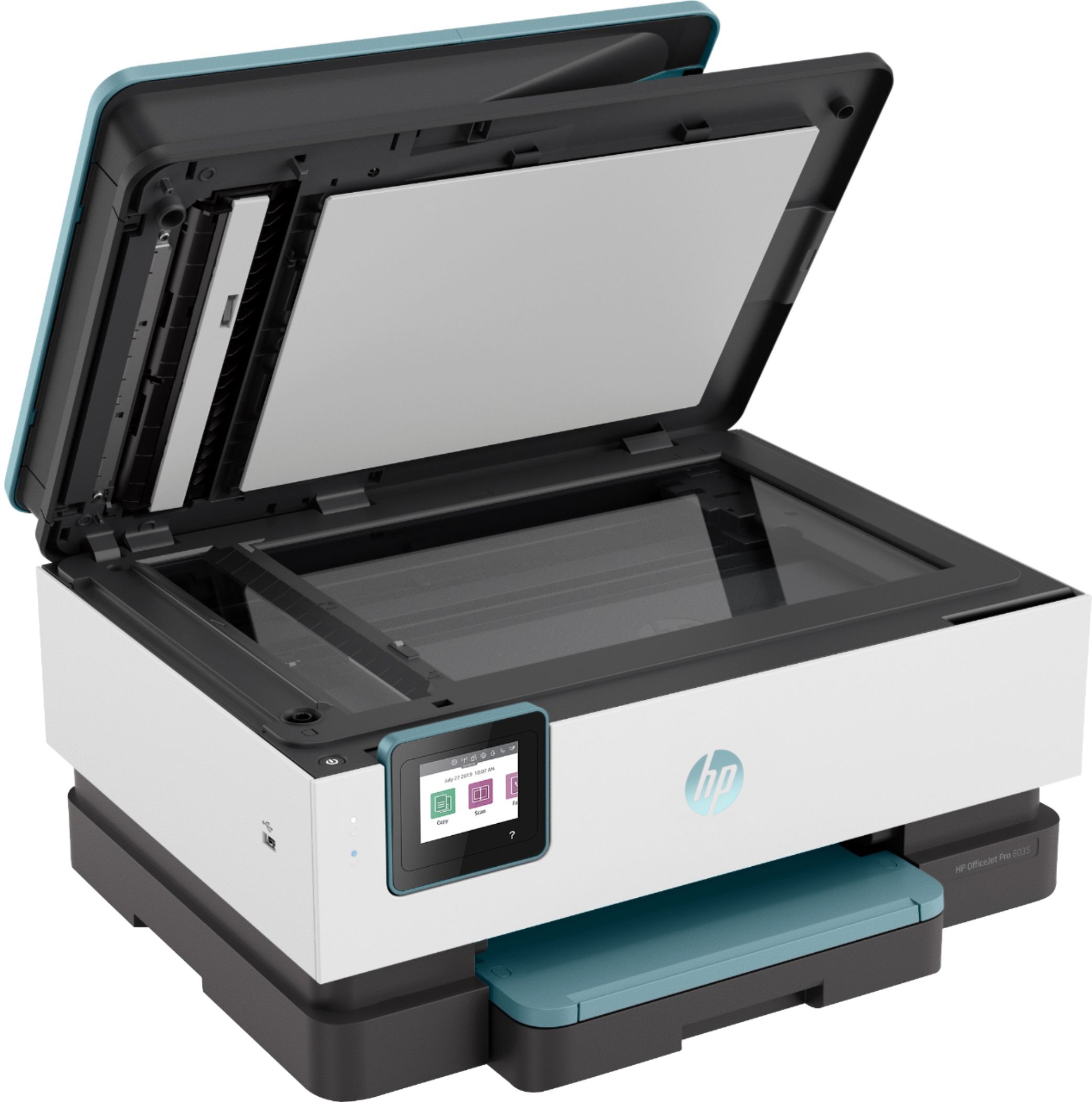
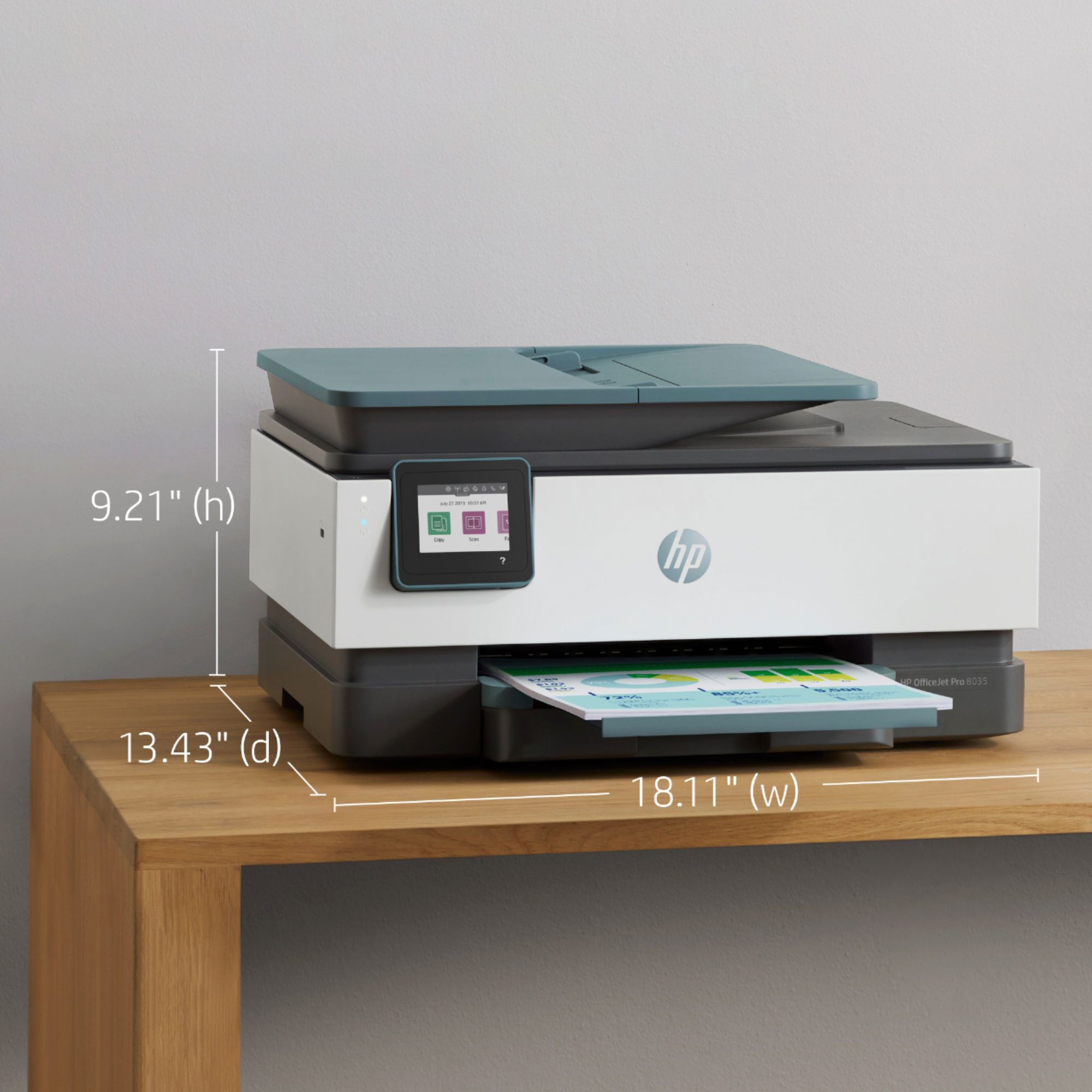
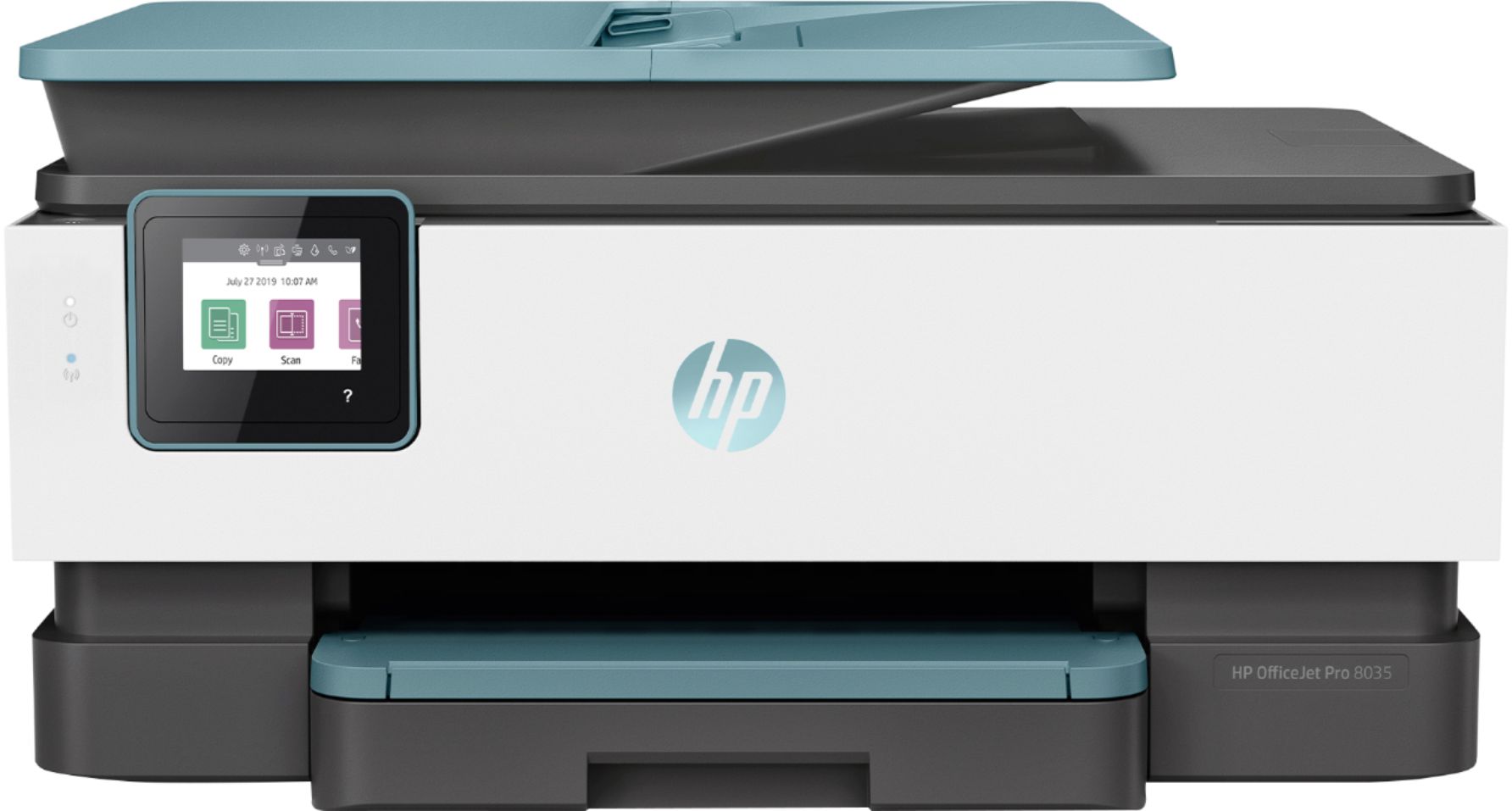
A:AnswerThe OfficeJet 8035 is the 'little brother" of the printer that is the successor to the 8600 series. It's slightly slower and costs a little more per page to run. However, it's also smaller so it takes up less space.
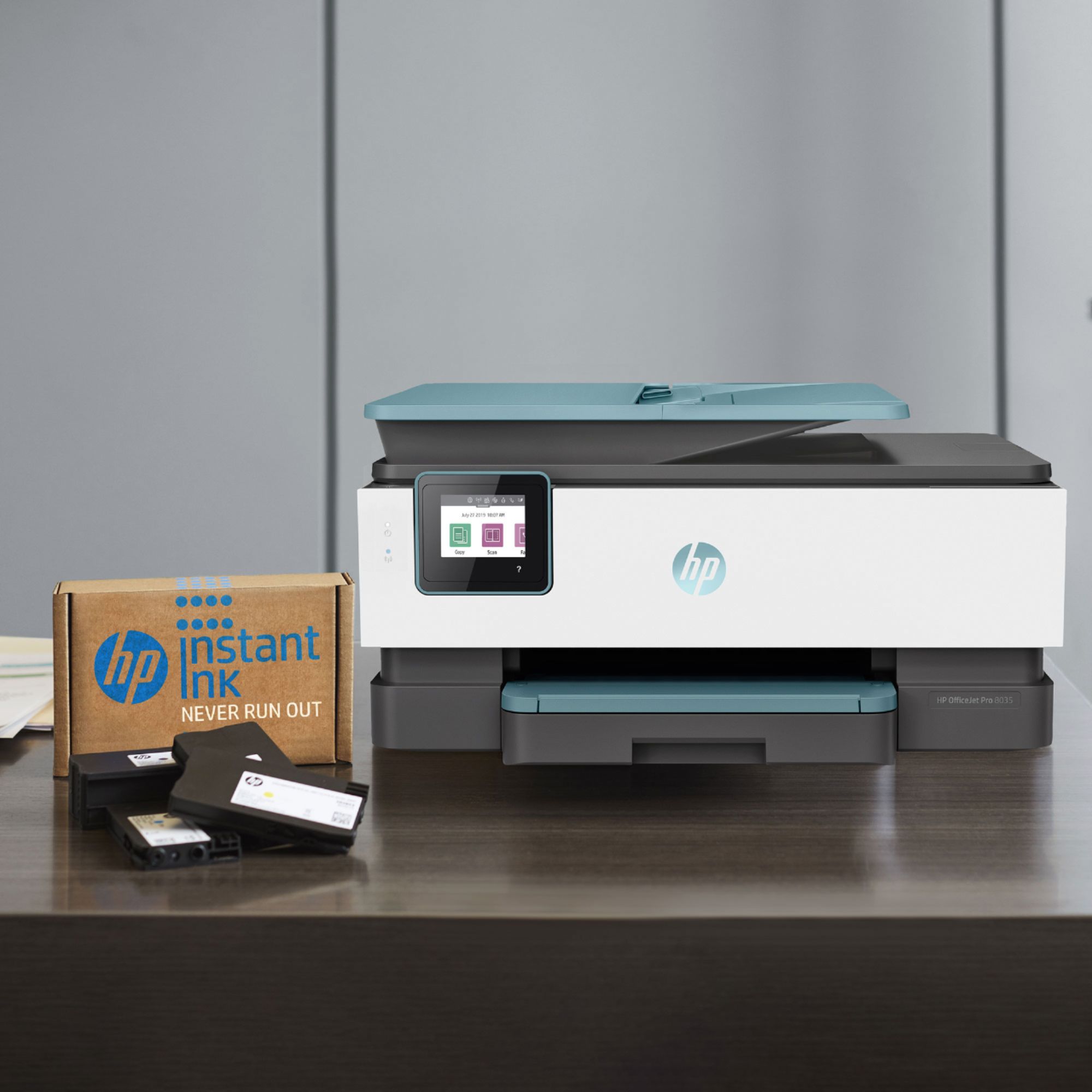
A:AnswerWith the instant ink plan, you are not paying for ink you are paying for pages printed. If you should quit instant ink(and stop paying), if there is any ink the the cartridge (which you haven't paid for because you are paying for pages not ink) the cartridge will need to be discarded, and you can begin buying regular ink cartridges.
A:AnswerIn draft mode, it's rated at 29 pages per minute black and 25 color. When printing in ISO mode (that's the normal print quality) it's 20 and 10
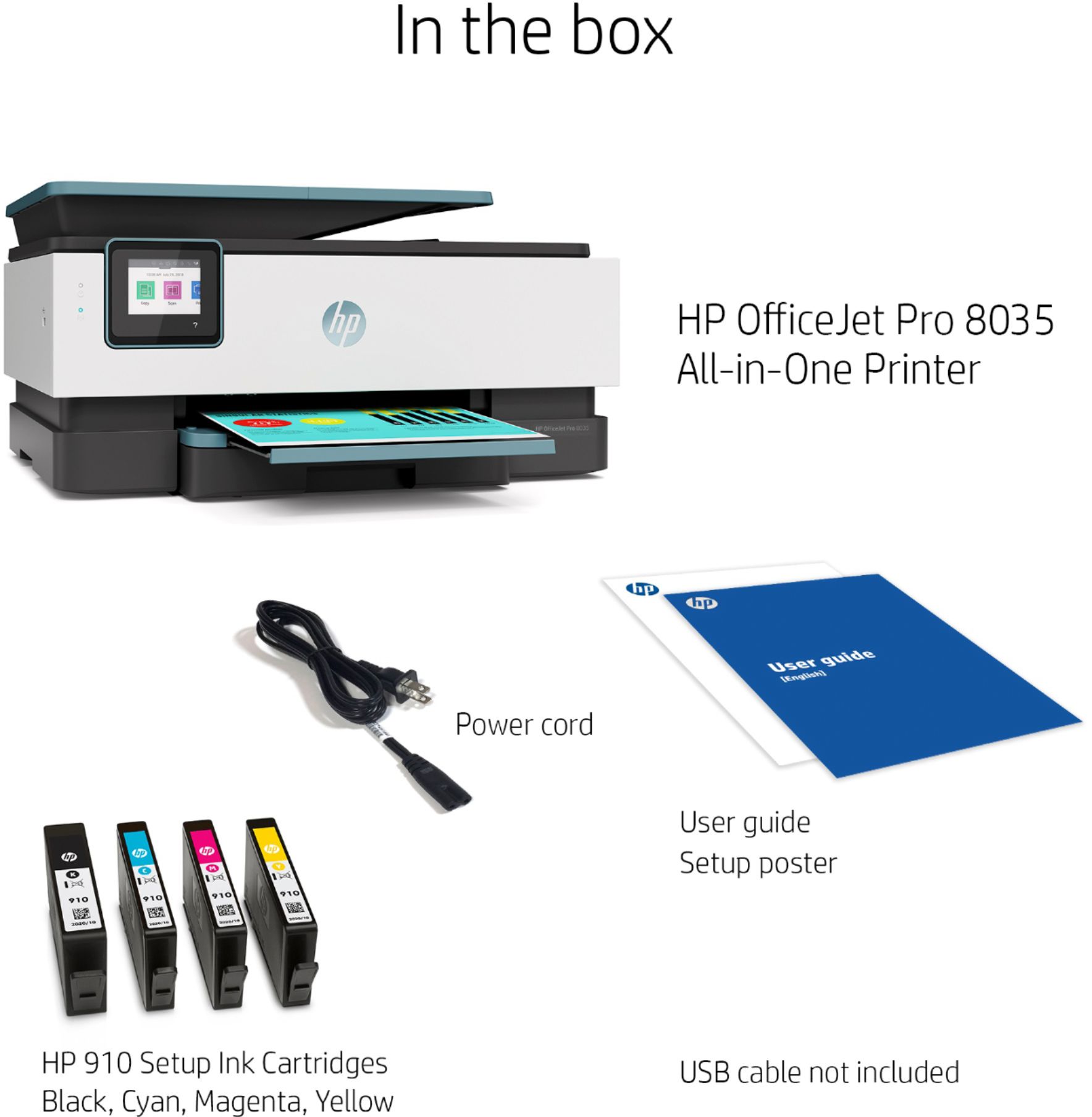
A:AnswerYou don't need a DVD drive to load the printer drivers. You need to be connected to the internet and navigate to 123.hp.com and follow the instructions to get your printer set up. It is a very simple process and it is outlined on the startup poster that comes with the printer.
A:AnswerYou can select black and white or color for printing. You will need to have all the ink installed to print. Only the models that have two ink cartridges can print in single-cartridge mode.
A:AnswerBEYOND simple! I'm the ultimate illiterate when it comes to electronics and it basically installed itself!!
Easiest printer ever owned to date!
A:AnswerYou can switch your plan to the new printer on the Instant Ink dashboard, or cancel your current plan and start fresh with your new printer. It is up to you!
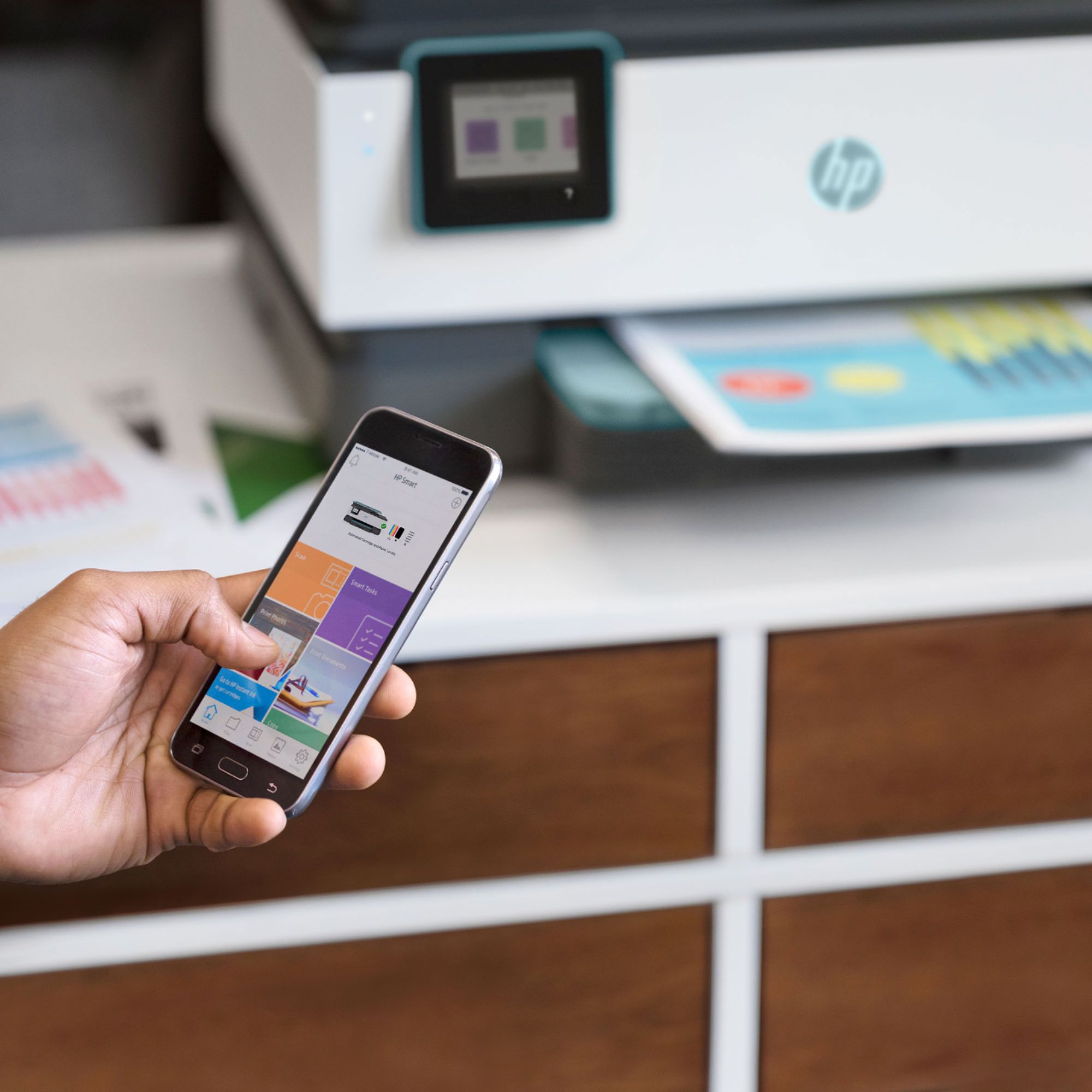
A:AnswerYes you can. That the only reason why I brought it is because I printer a lot of stuff from my MacBook Pro. As long as you have WiFi and your Mac is connected to your printer than it shouldn’t be an issue.
A:AnswerIf your printer is using Instant Ink, you should have ample ink on hand for printing 200 pages (depending on the pages' content, of course). When you purchase the printer, there is ink included in the box. WIthin about a week after setting up Instant Ink, you'll receive additional, high volume cartridges in the mail. You will continue to receive ink as needed, based on print volumes and ink use.
A:AnswerIf one color is empty, the printer will stop printing until it is replaced. This is to protect the printhead because it is built into the printer and would be damaged by continued use with an empty cartridge.