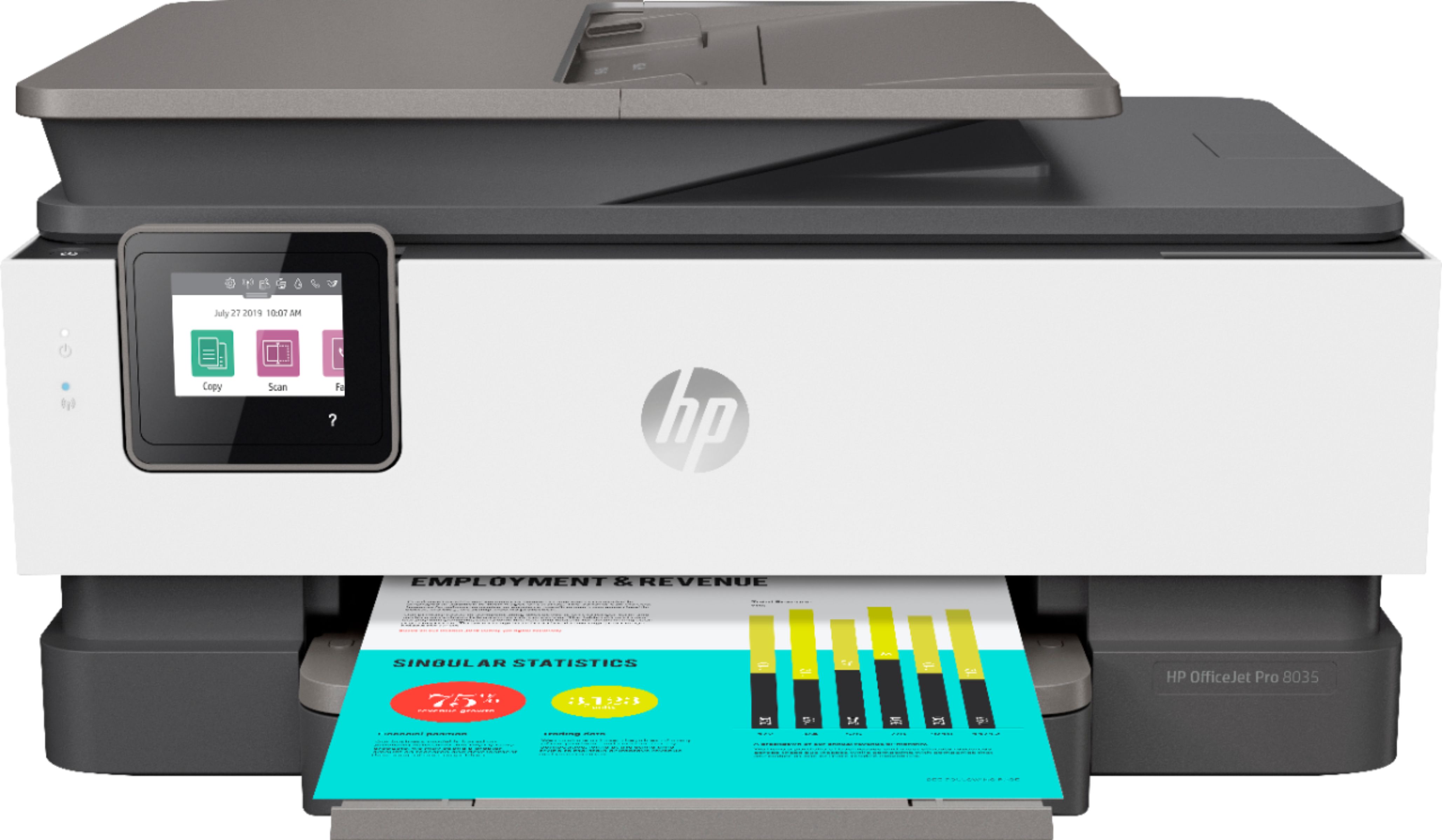
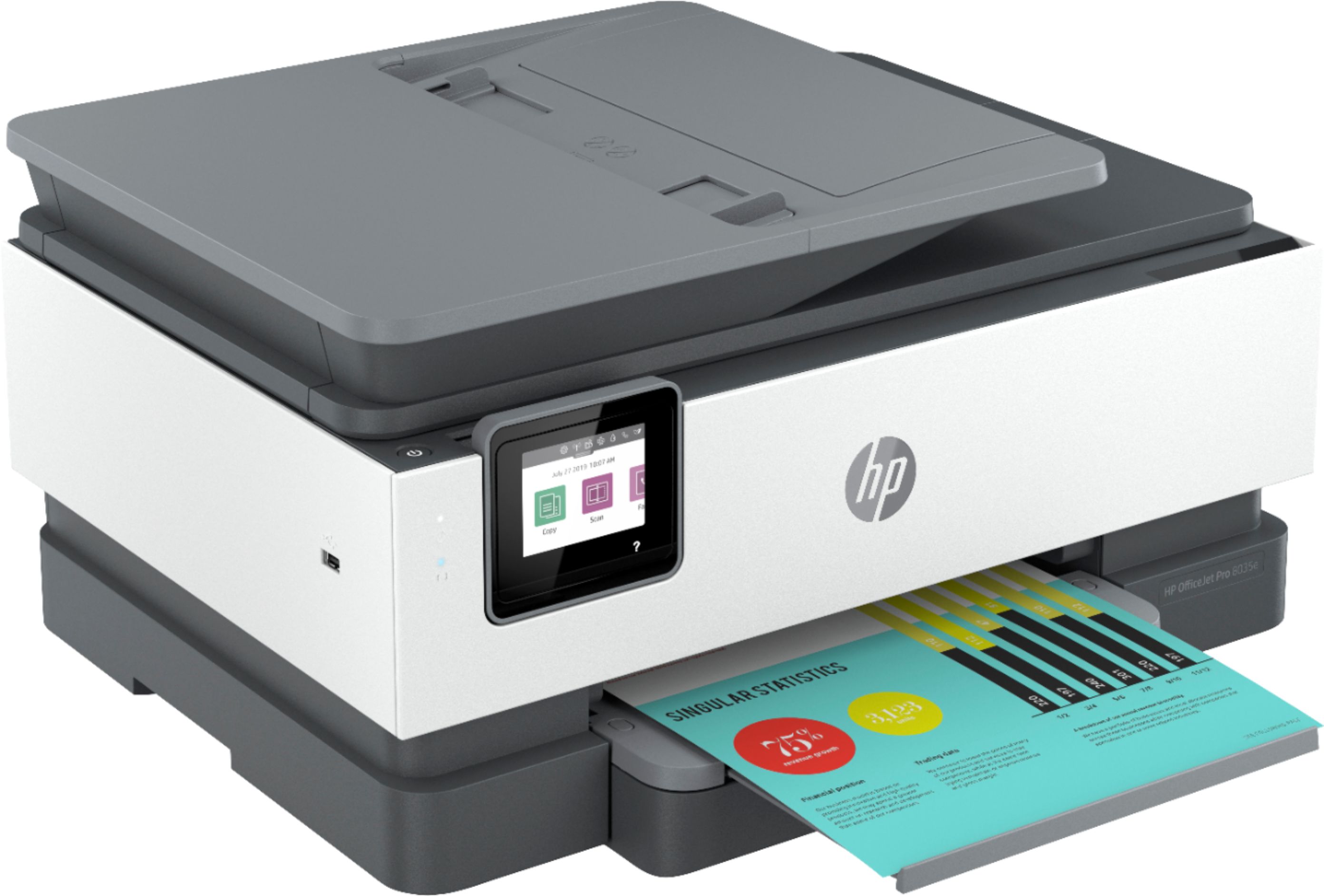
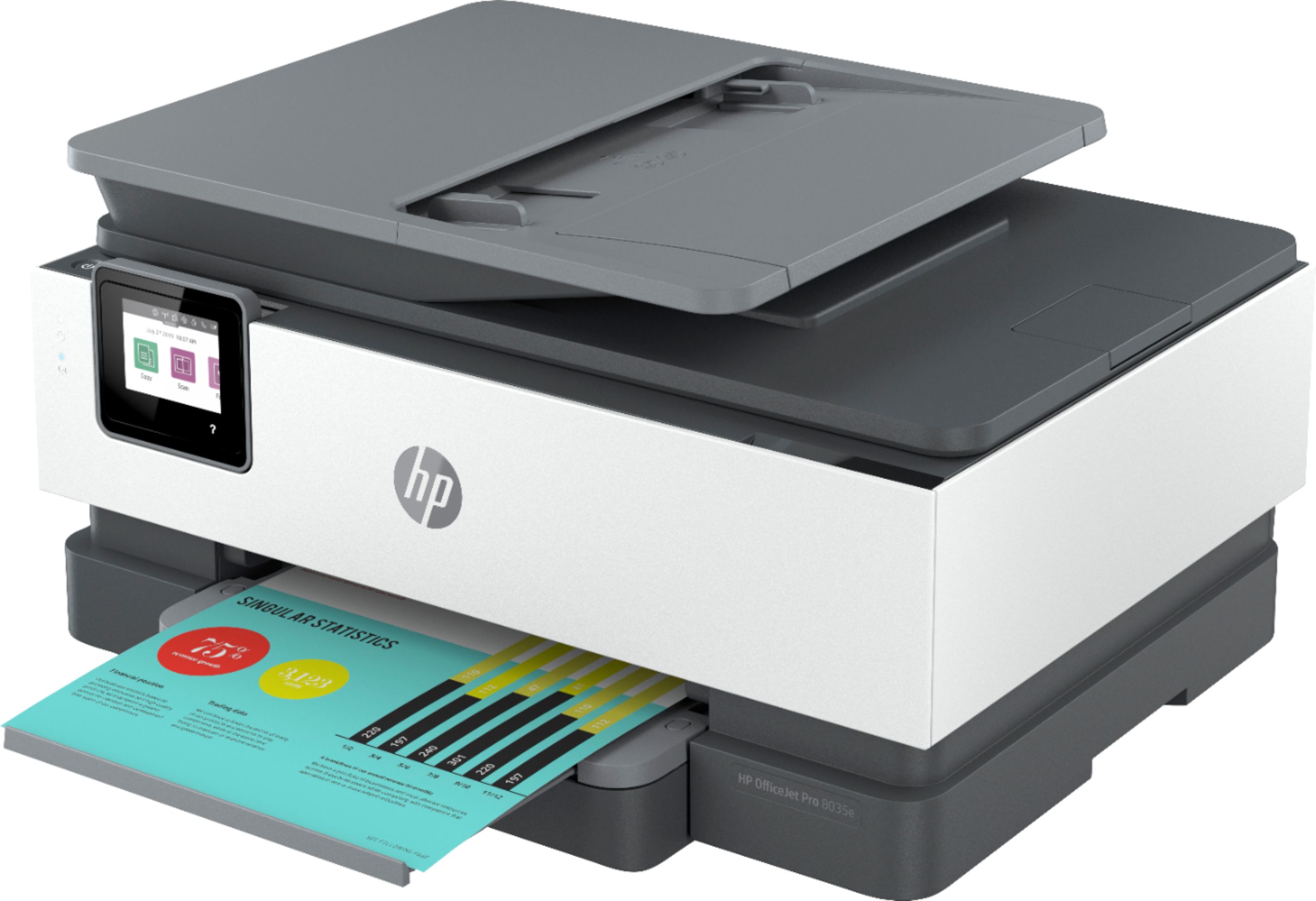
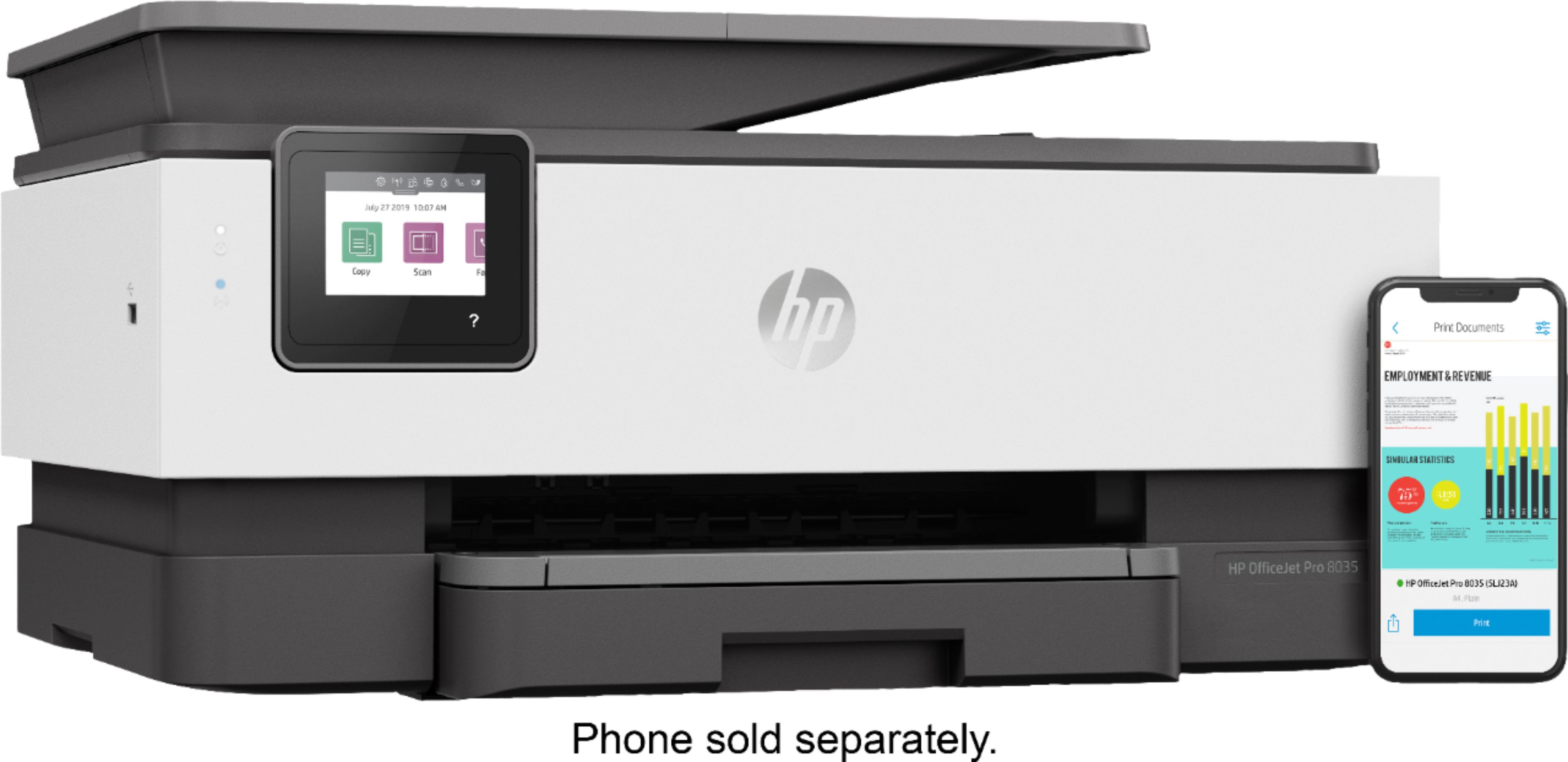
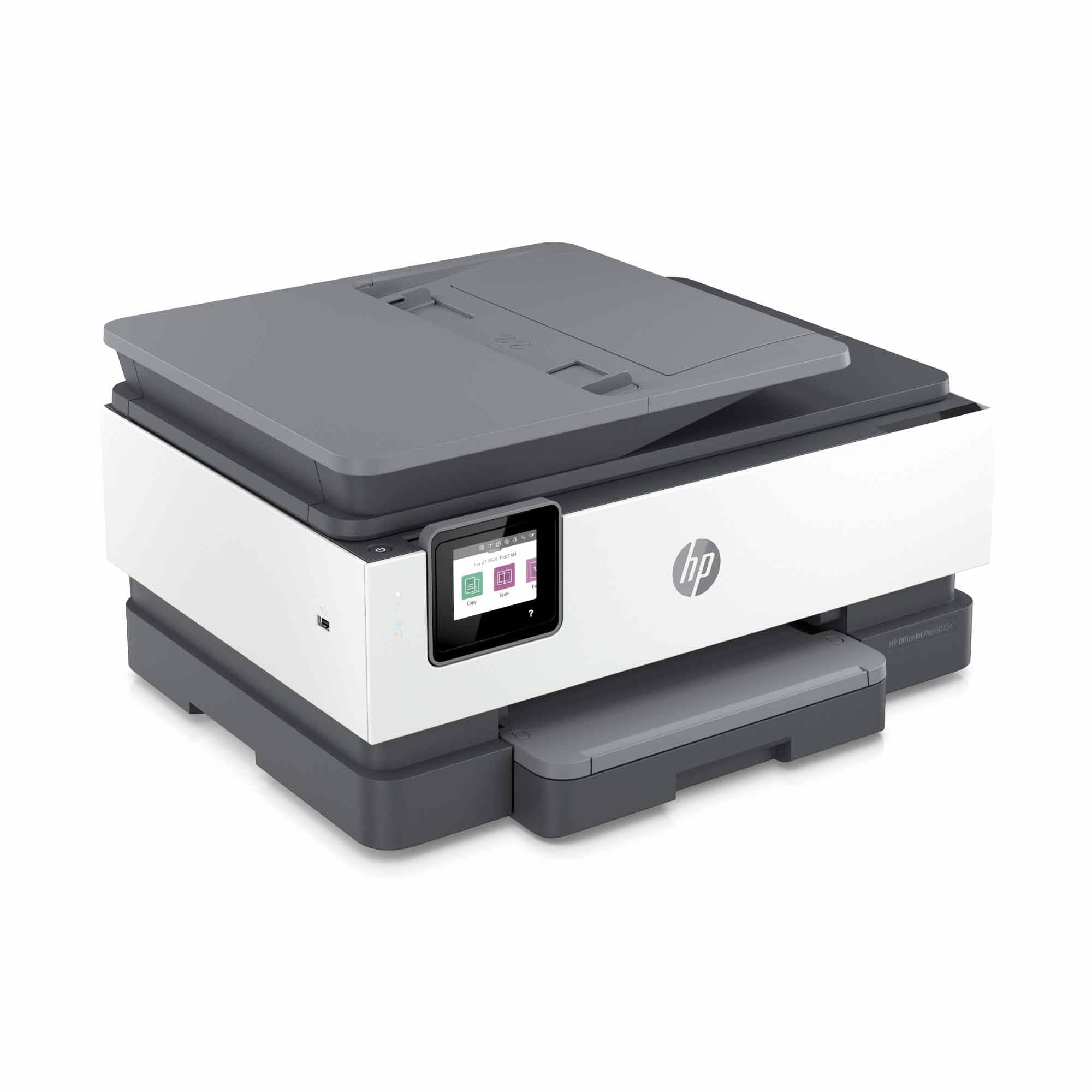
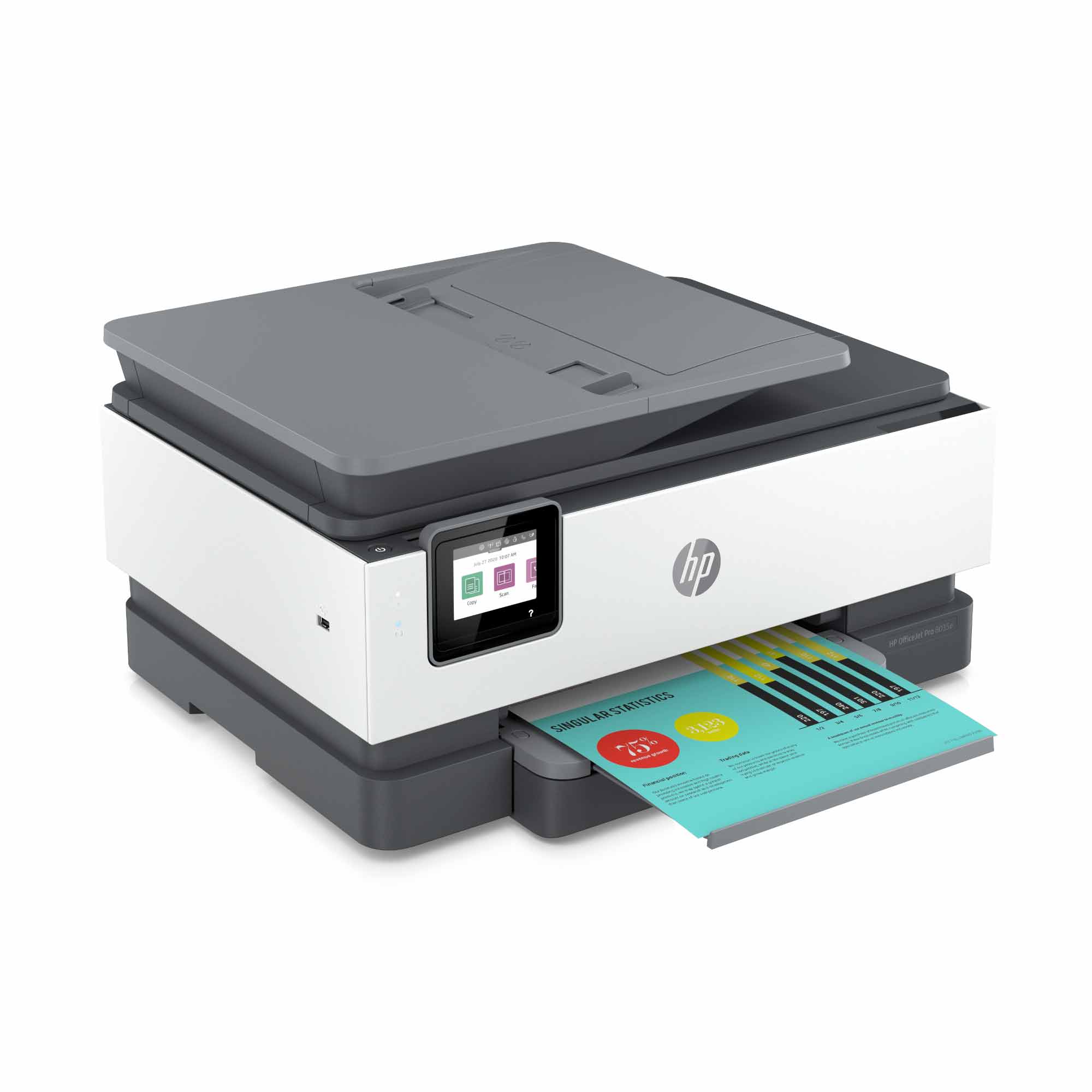
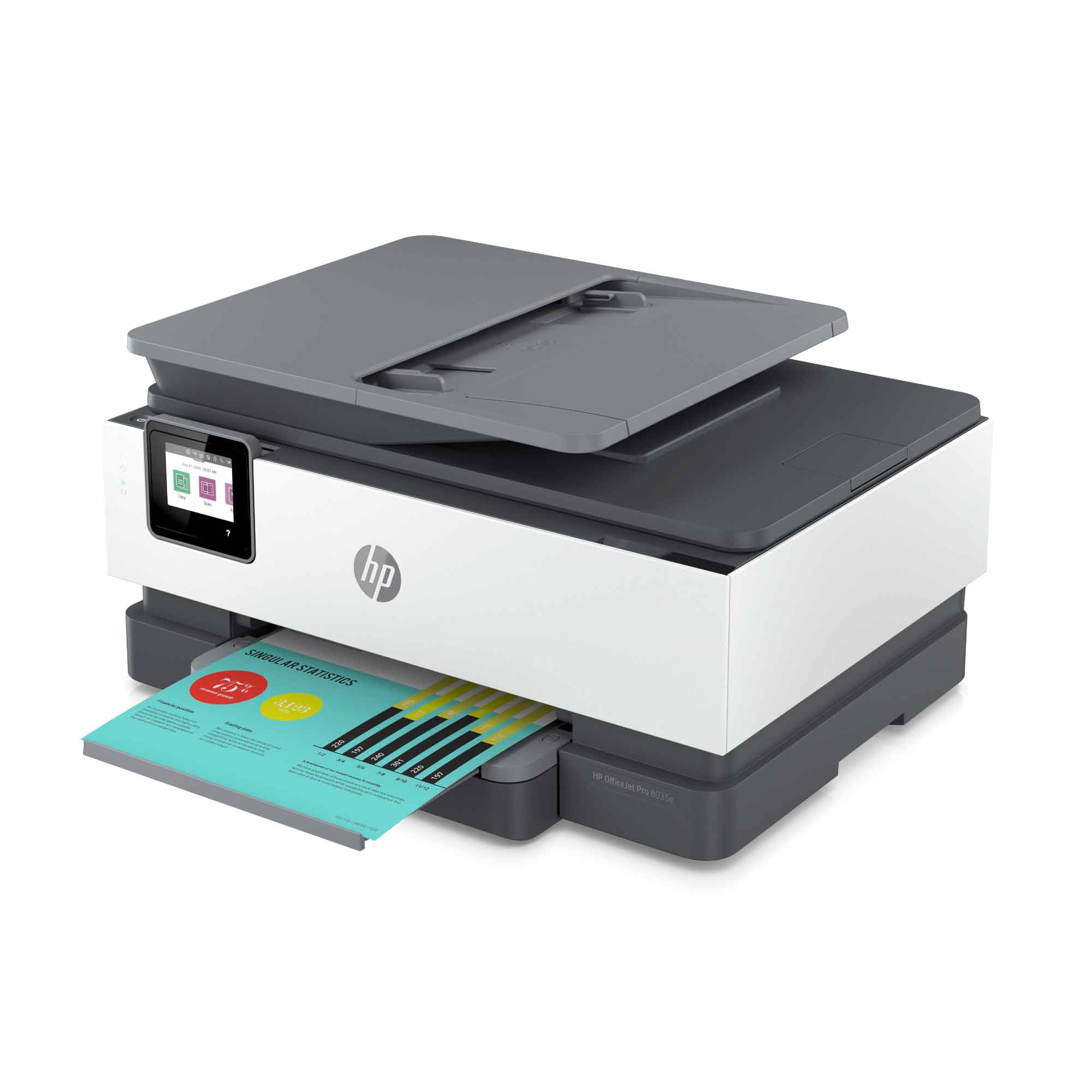
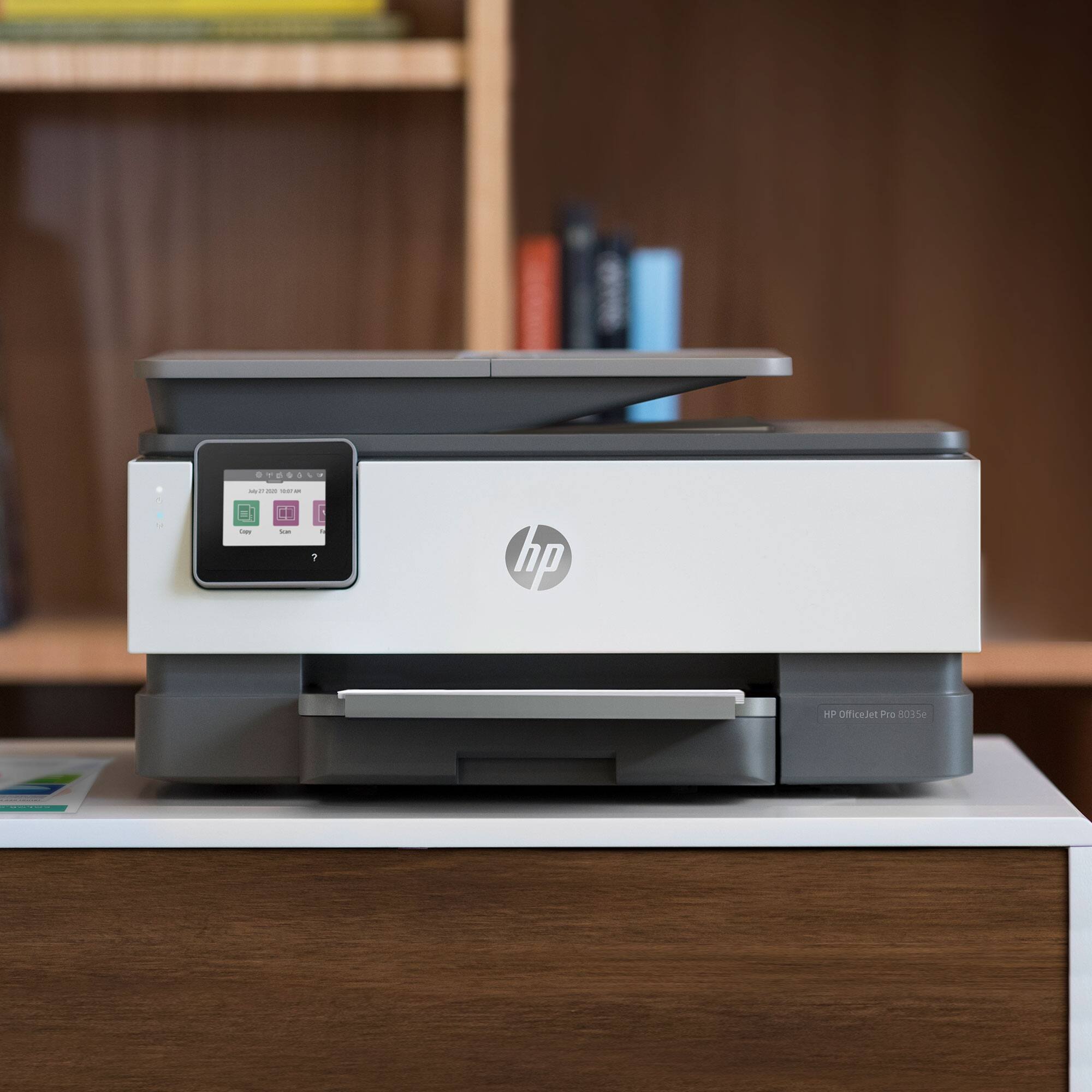
A:AnswerThanks for your question. The HP OfficeJet Pro 8035e uses HP 910 or HP 910XL ink cartridges. Once installed, they are capped inside the printer. HP does not make or endorse refillable ink cartridges. If you are interested, we do make a series of inkjet tank printers. Here is a link to them:
https://www.bestbuy.com/site/hp-smart-tank-plus-651-wireless-all-in-one-inkjet-printer/6390495.p?skuId=6390495
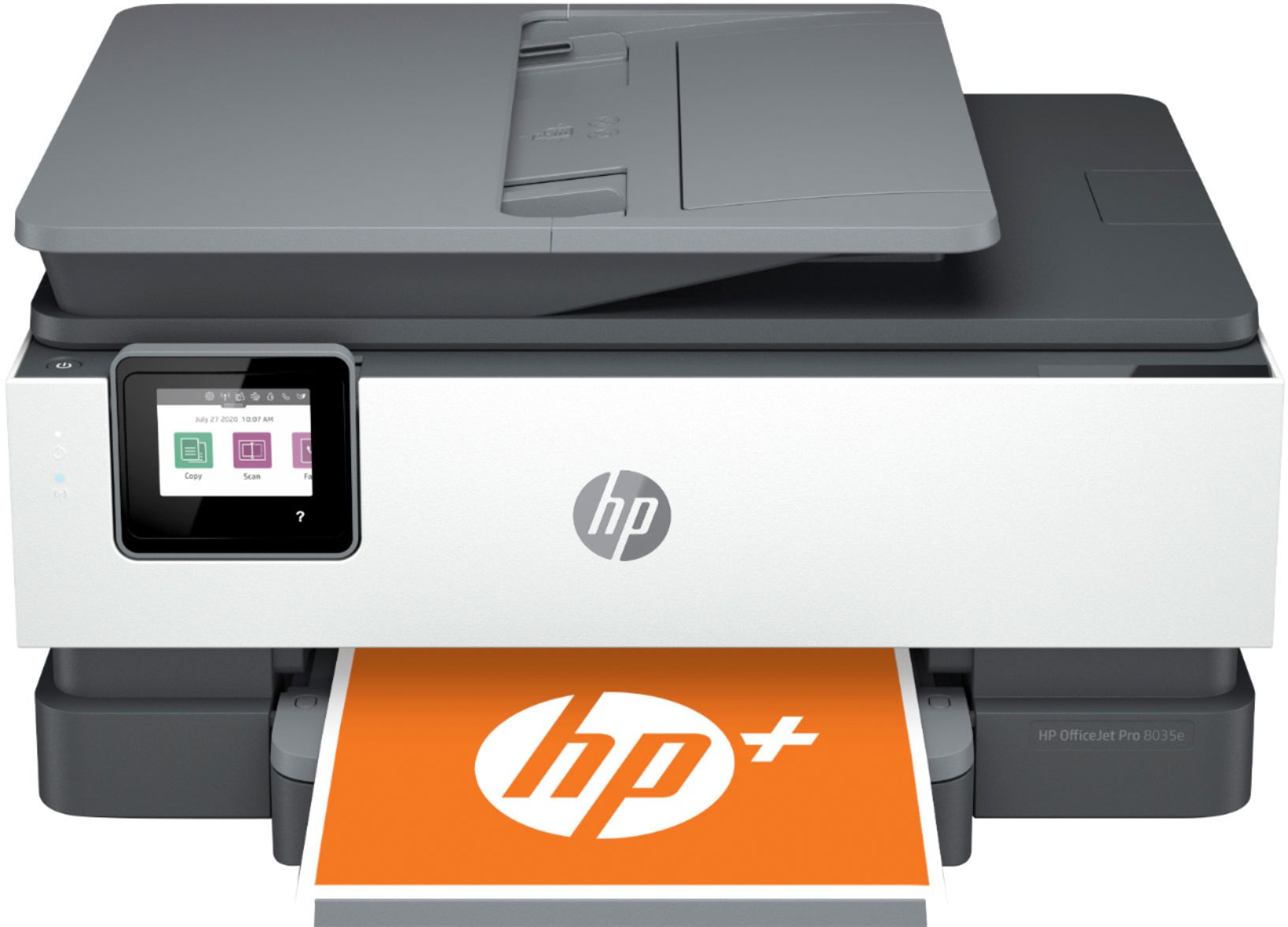
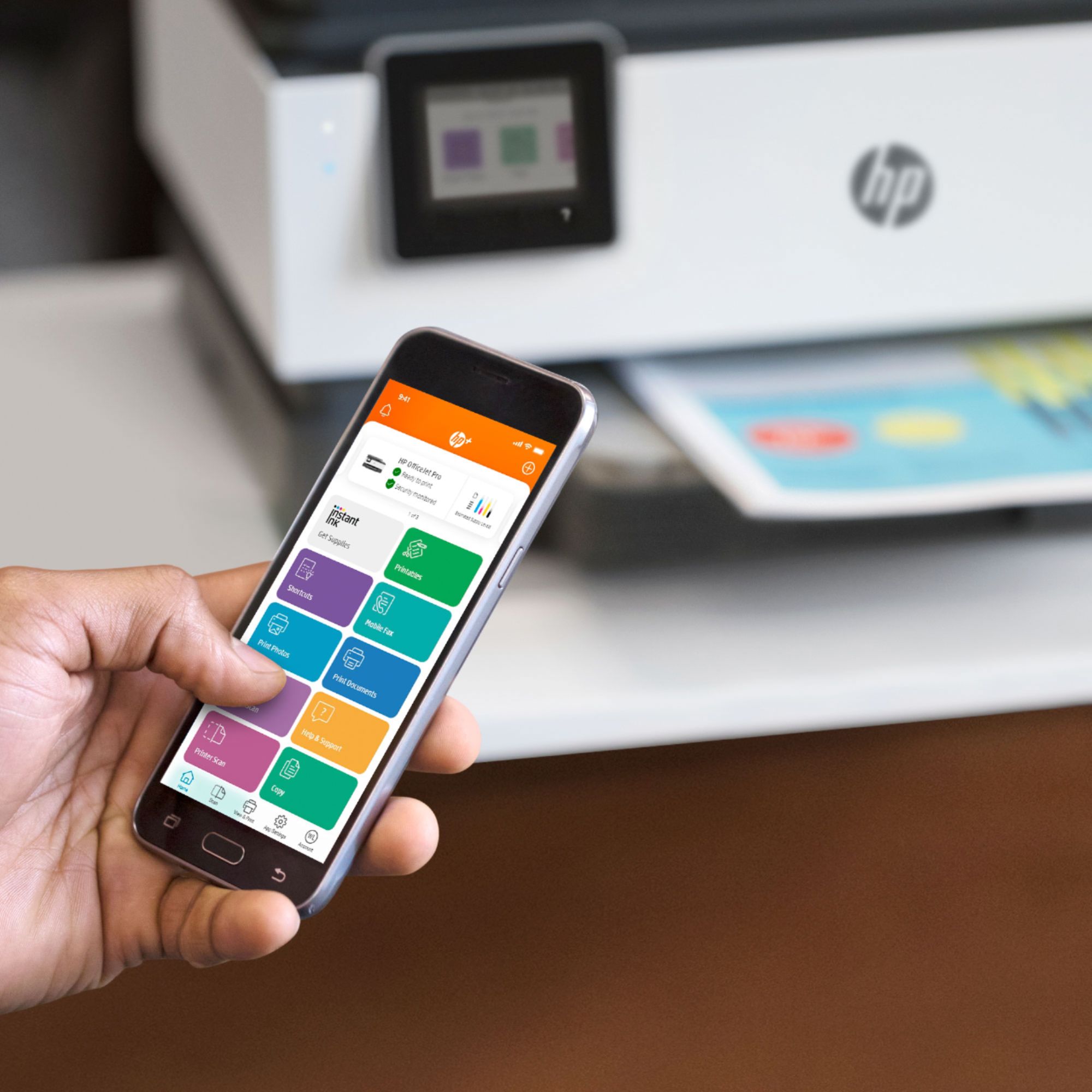
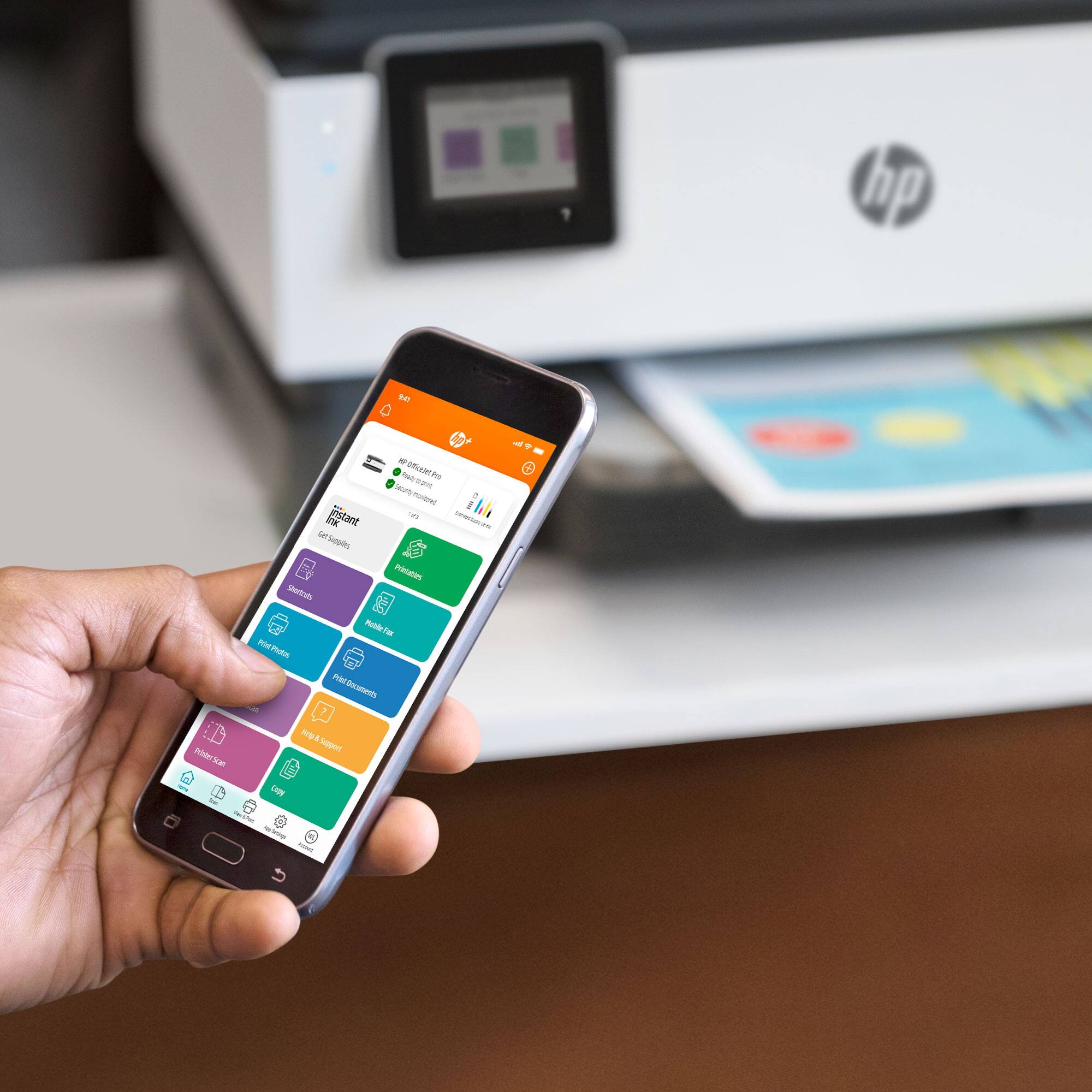
A:AnswerThe OfficeJet Pro 8035e is an HP+ printer which means you get free ink + double the warranty with HP+. Activate HP+ to get up to 12 free months of ink via Instant Ink and an extra year of HP warranty coverage. The printer itself is exactly the same as the 8035 model.
A:AnswerOnce you place the photo paper in the paper tray, the printer will ask if you need to modify the size, at that point you will choose the size of the paper you placed in the tray.
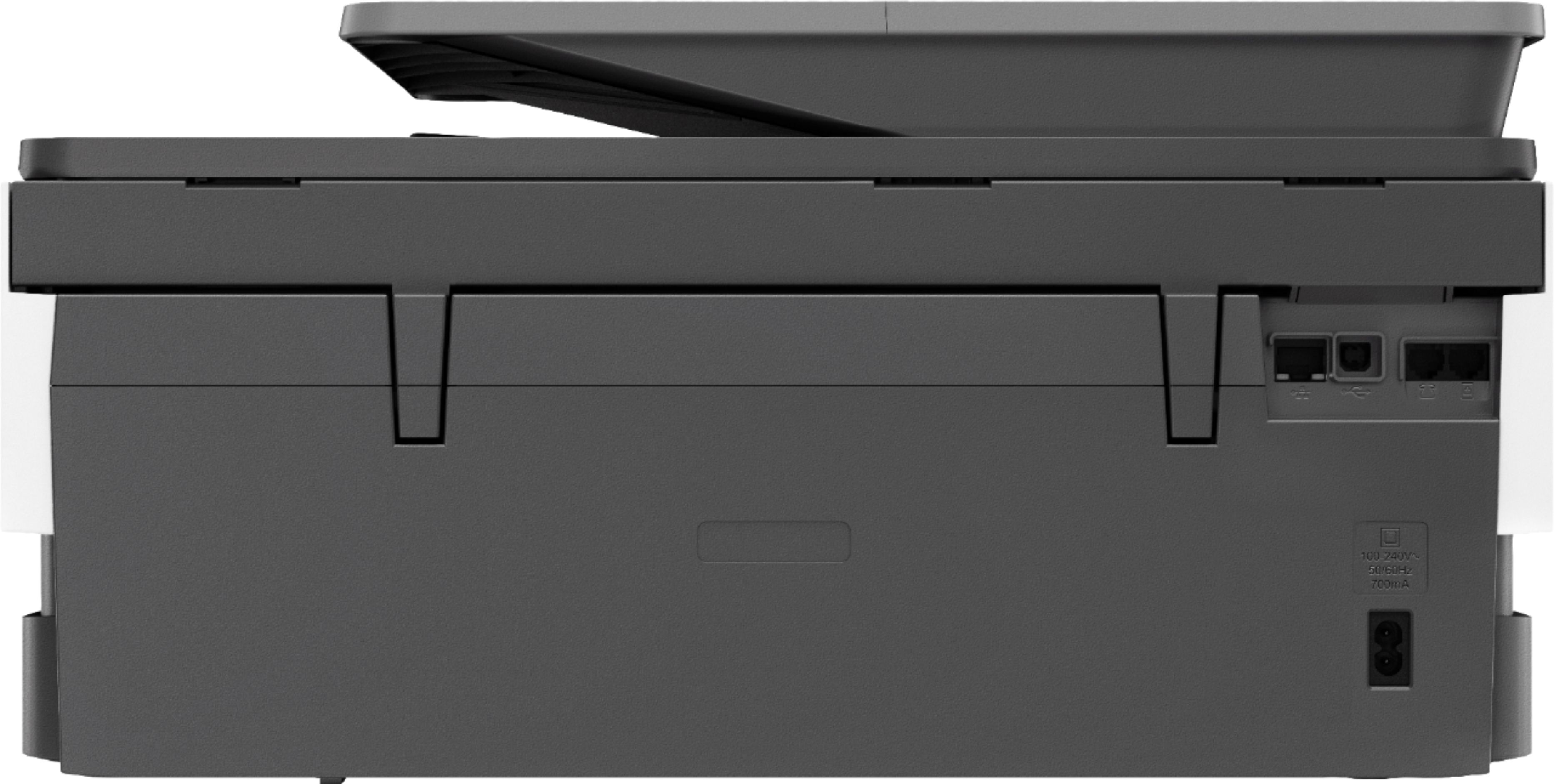
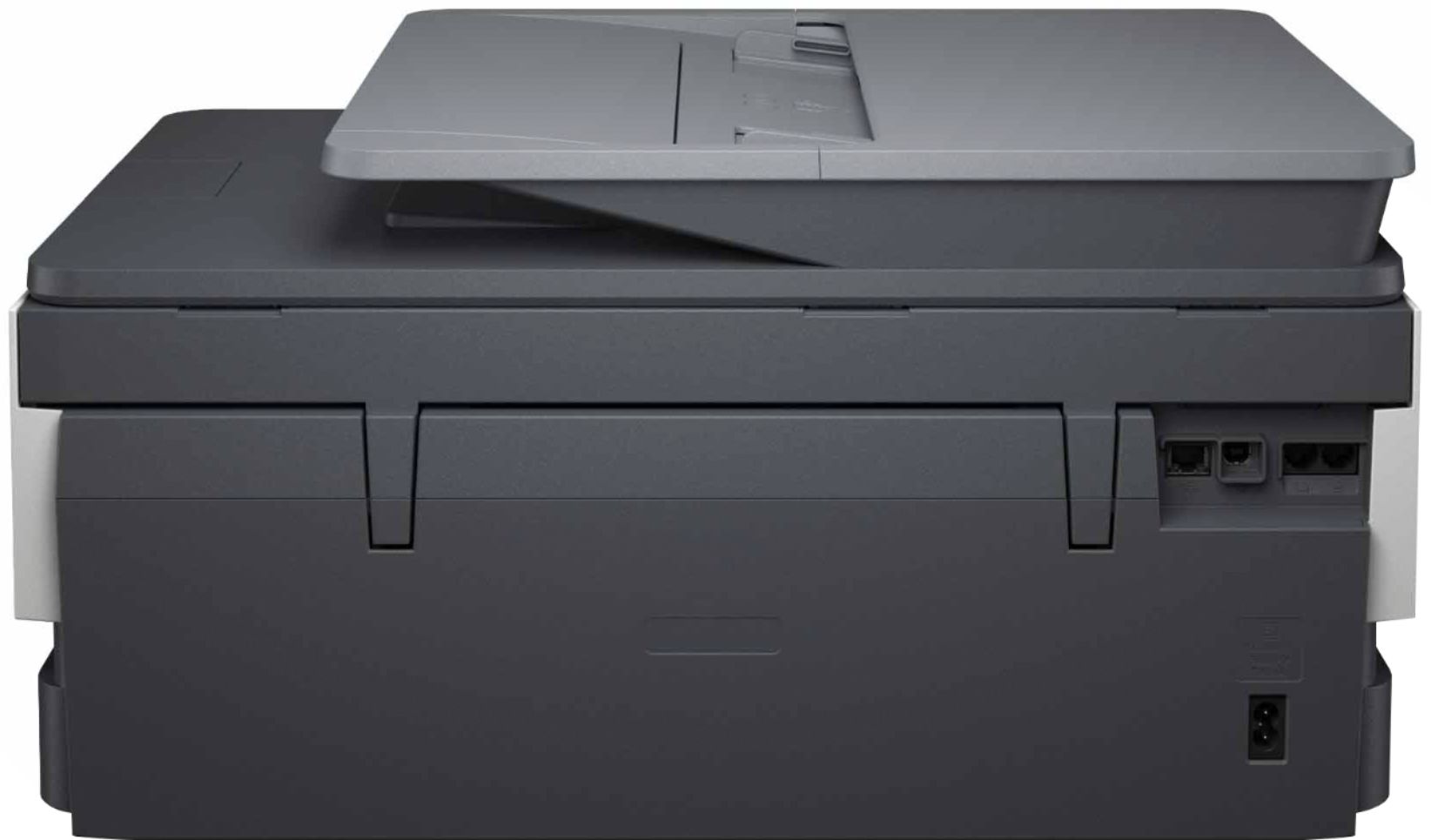
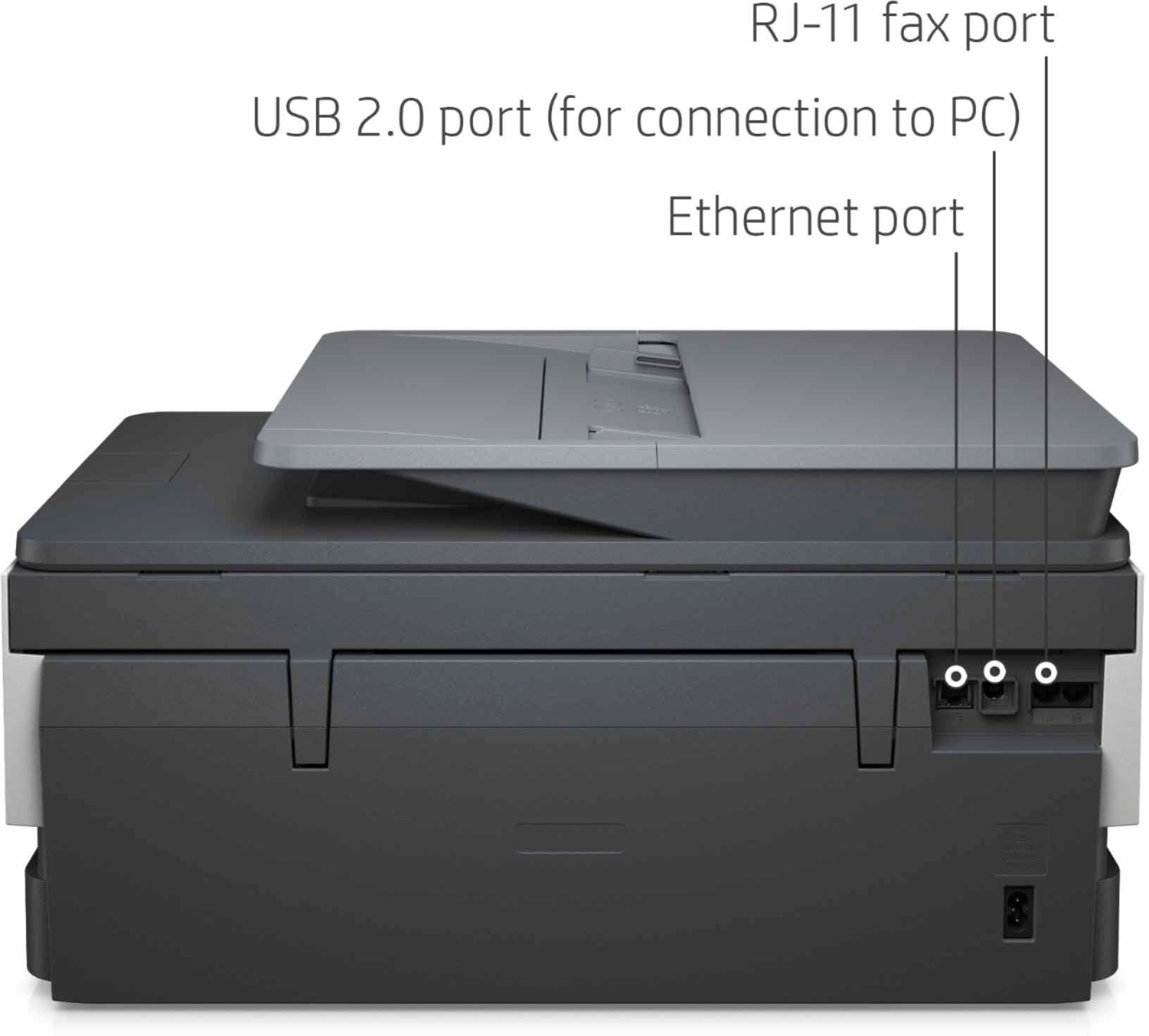
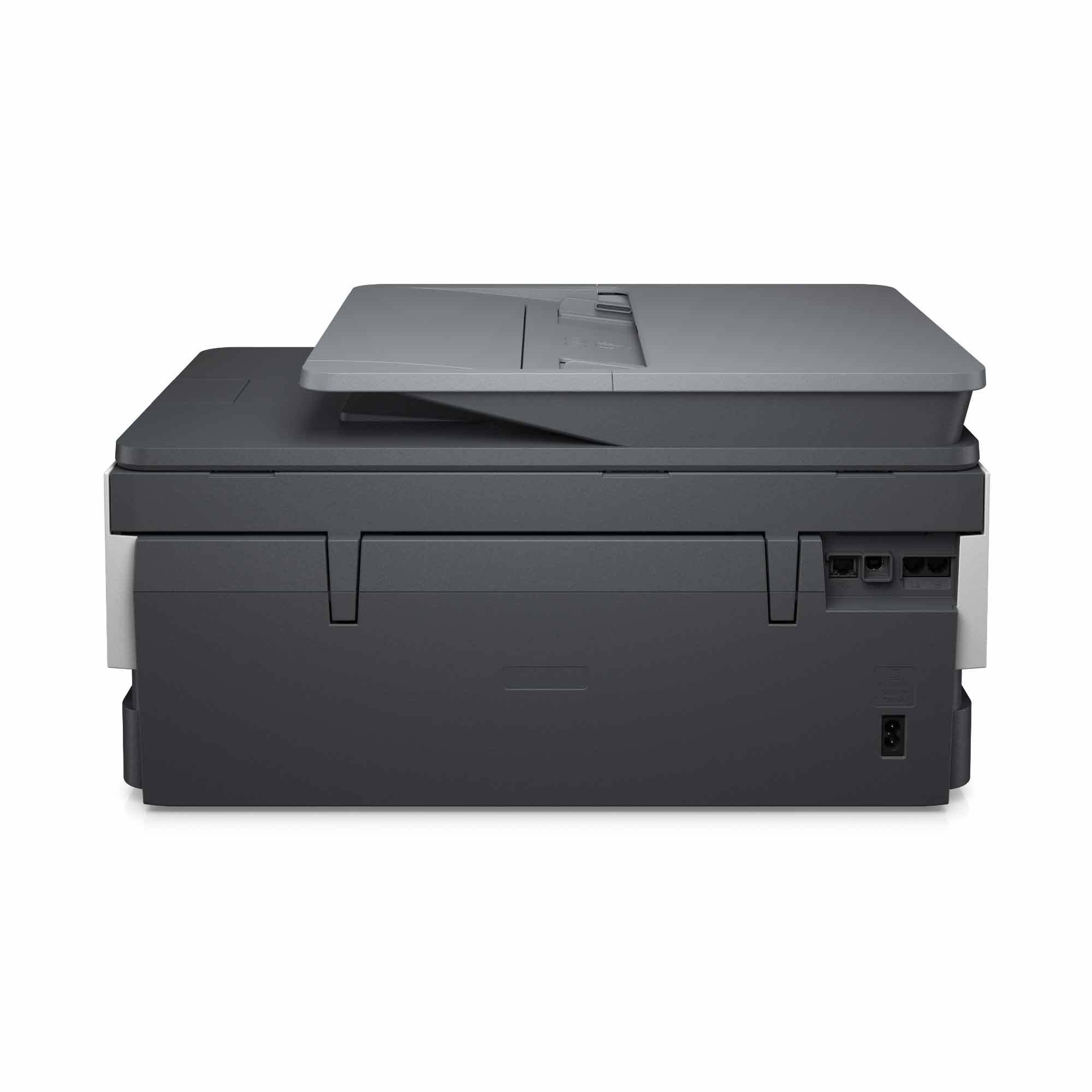
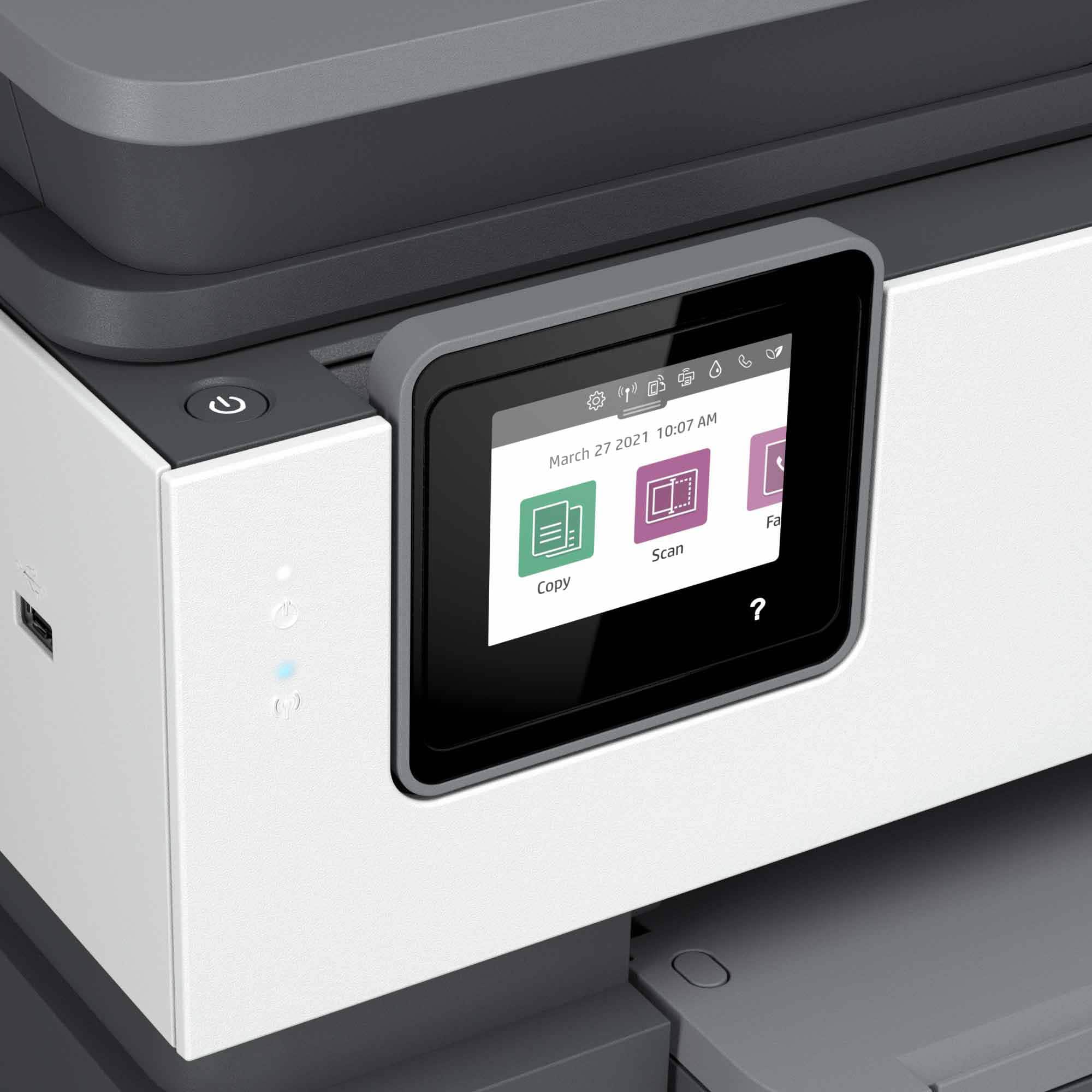
A:AnswerHello, and thanks for your question! The OfficeJet 8035e and the other OfficeJet Pro printers have a USB port and can connect to a computer using a standard USB printer cable.
A:AnswerGreat question! The 8035e is part of our HP+ program. Our HP+ printers come with 6 months of free Instant Ink and an extra year of HP+ warranty (2 years total). Printers with HP+ must be connected to the internet and can only use genuine HP cartridges.