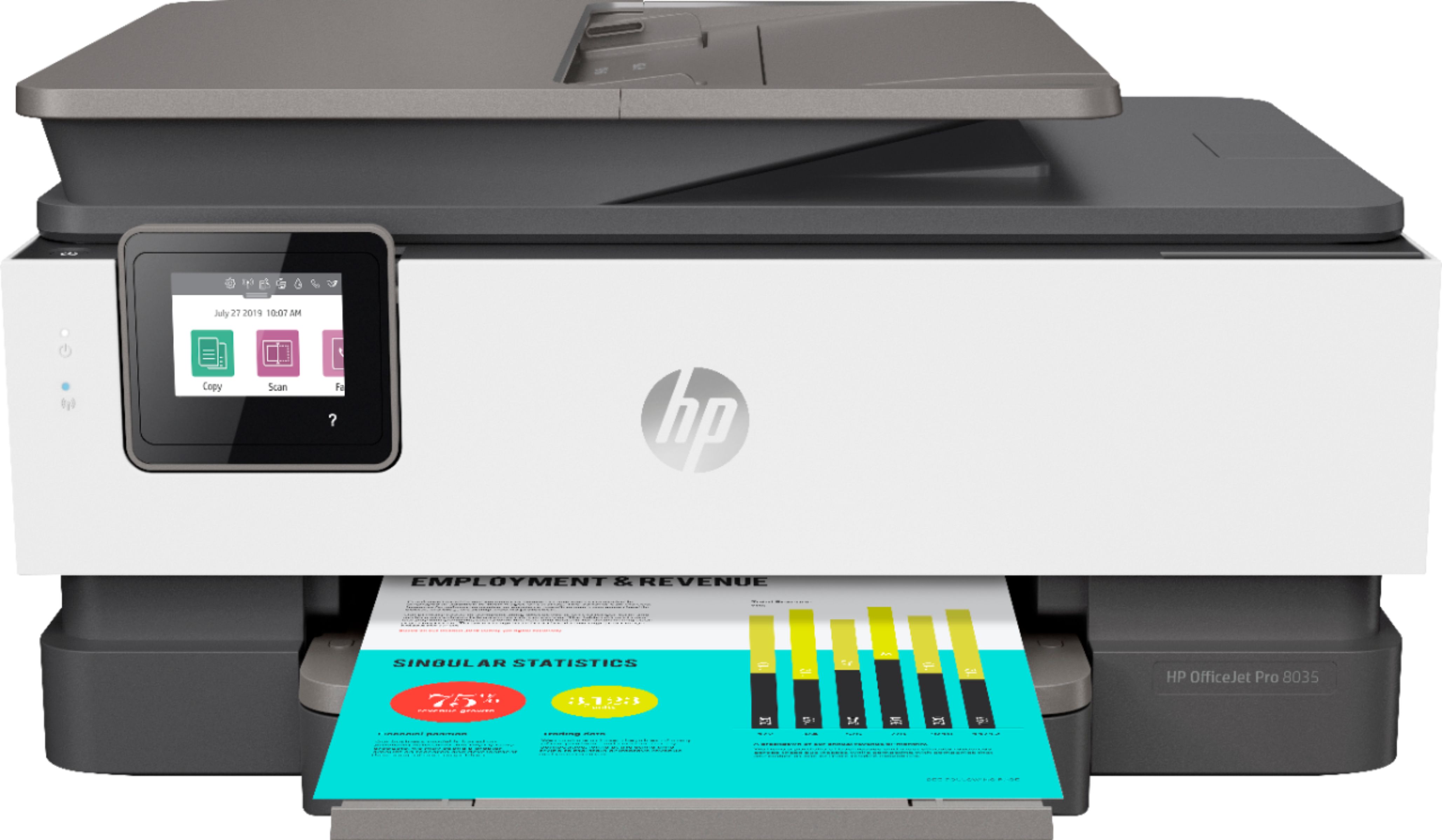
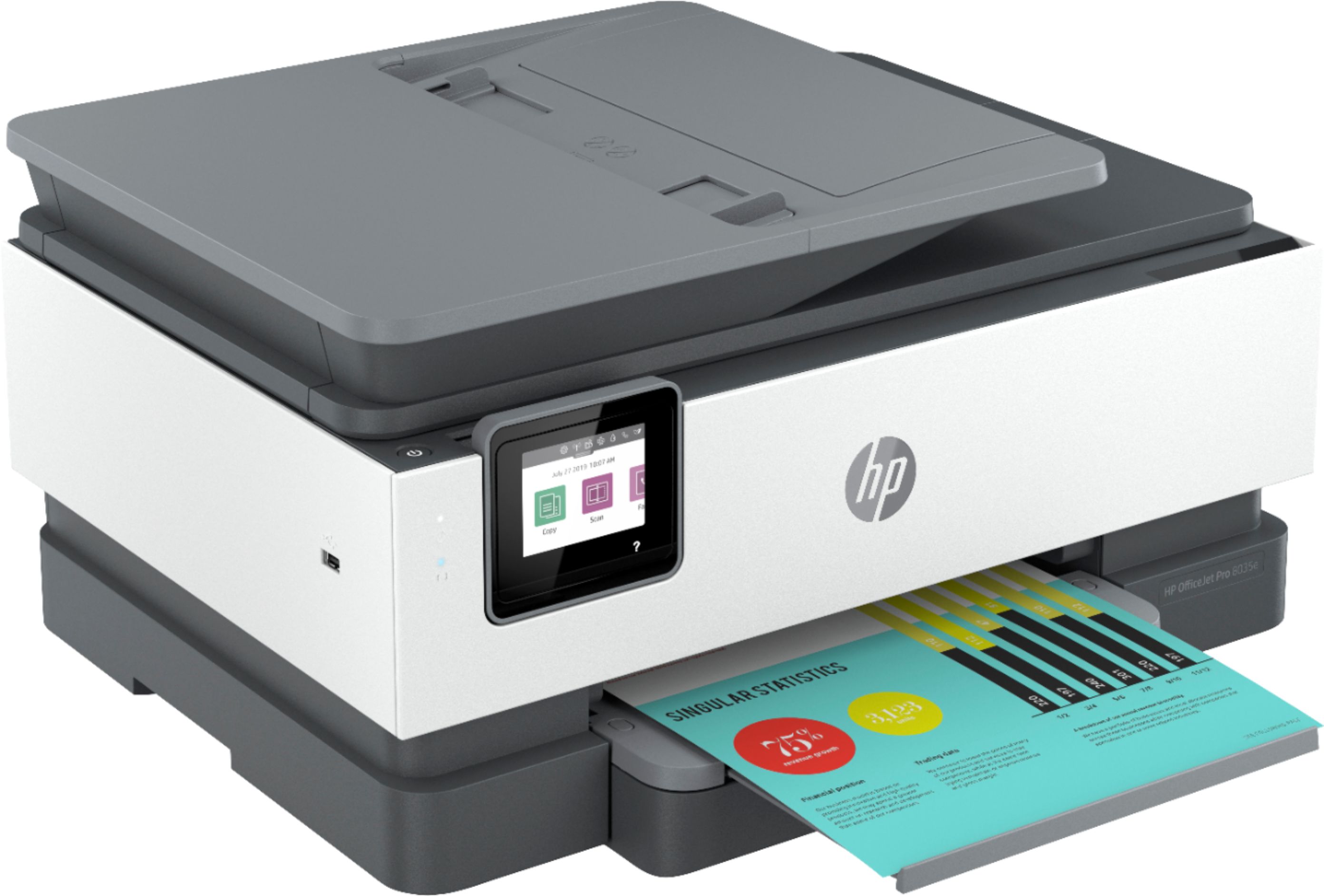
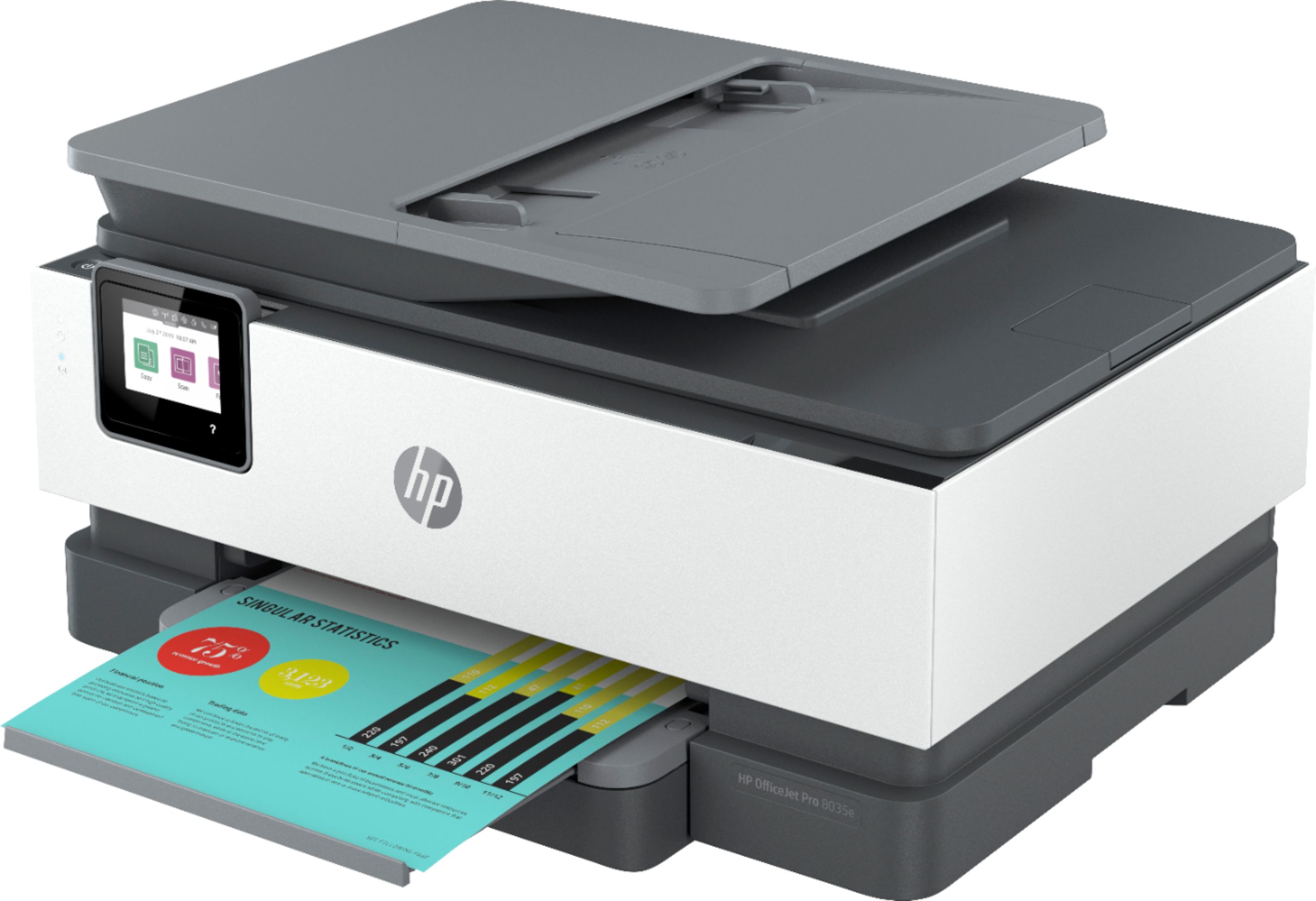
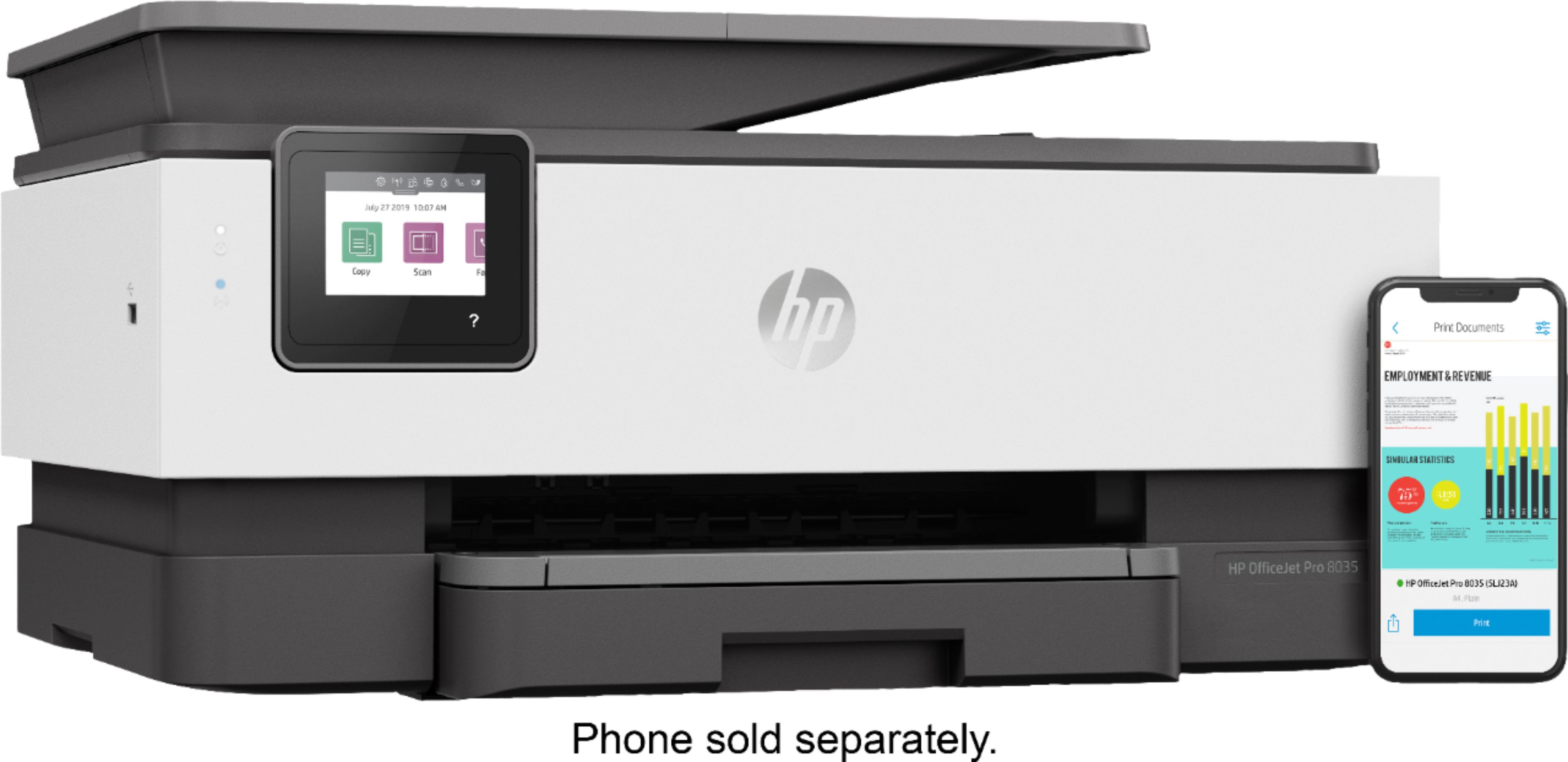
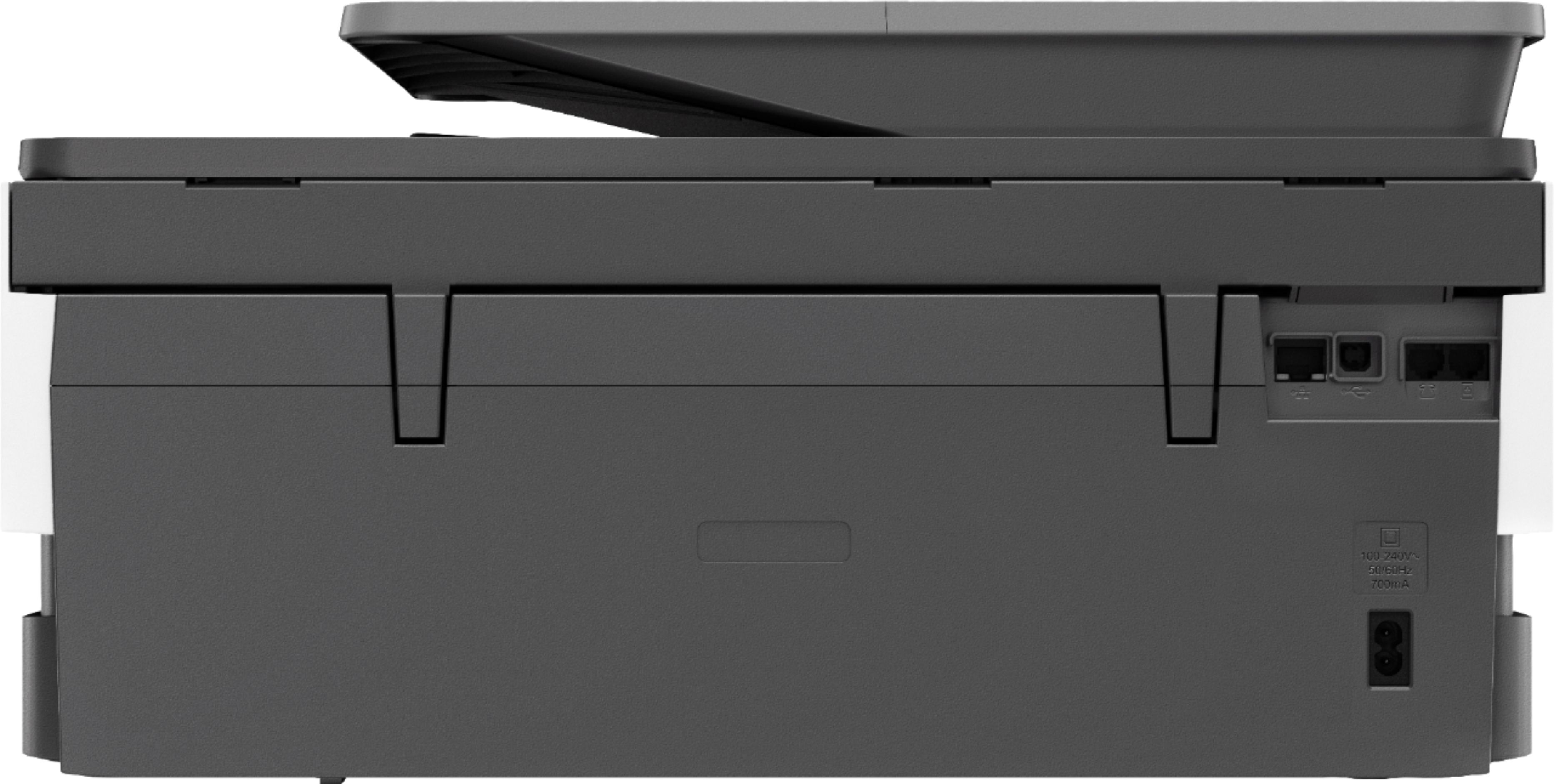
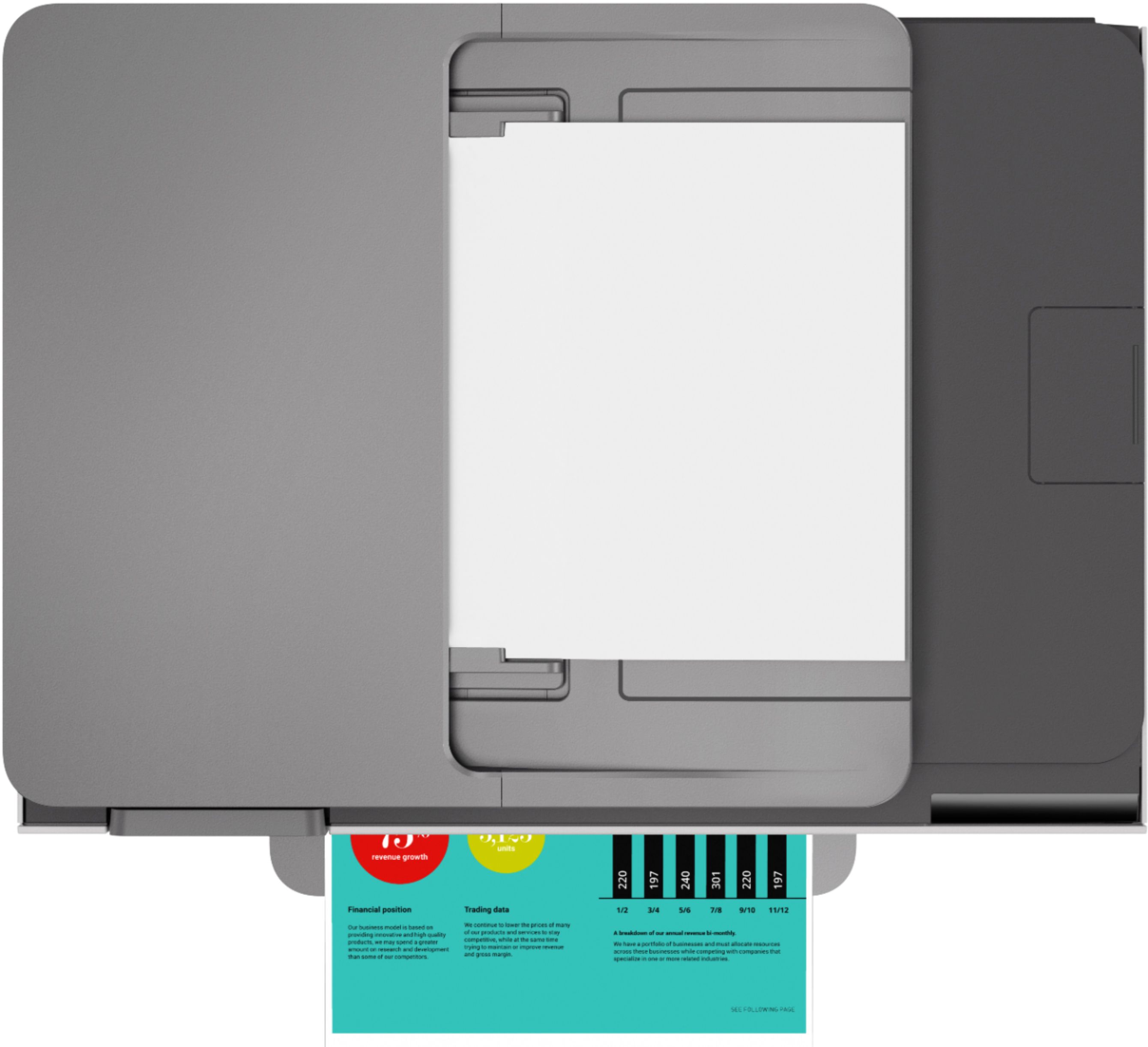
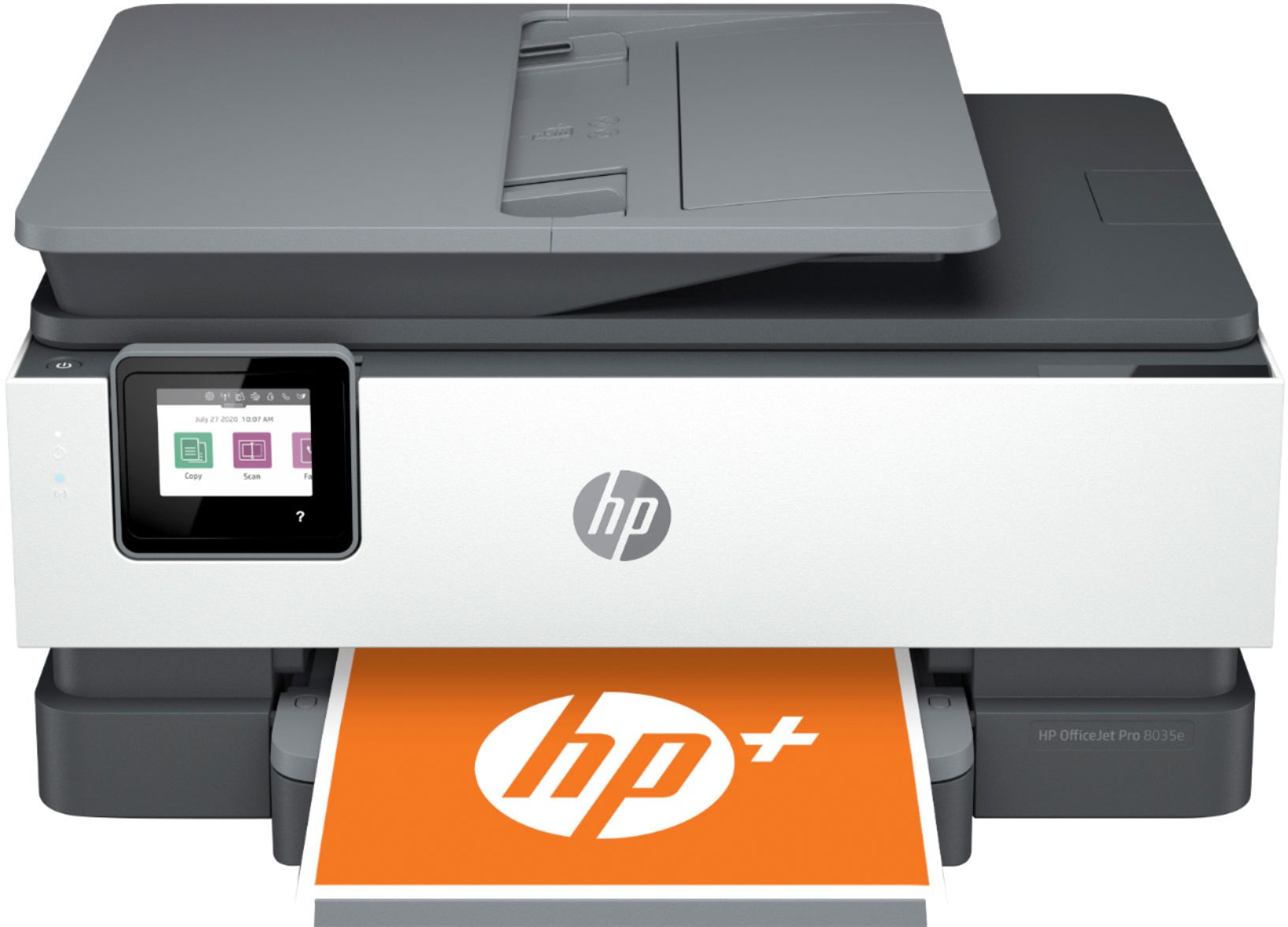
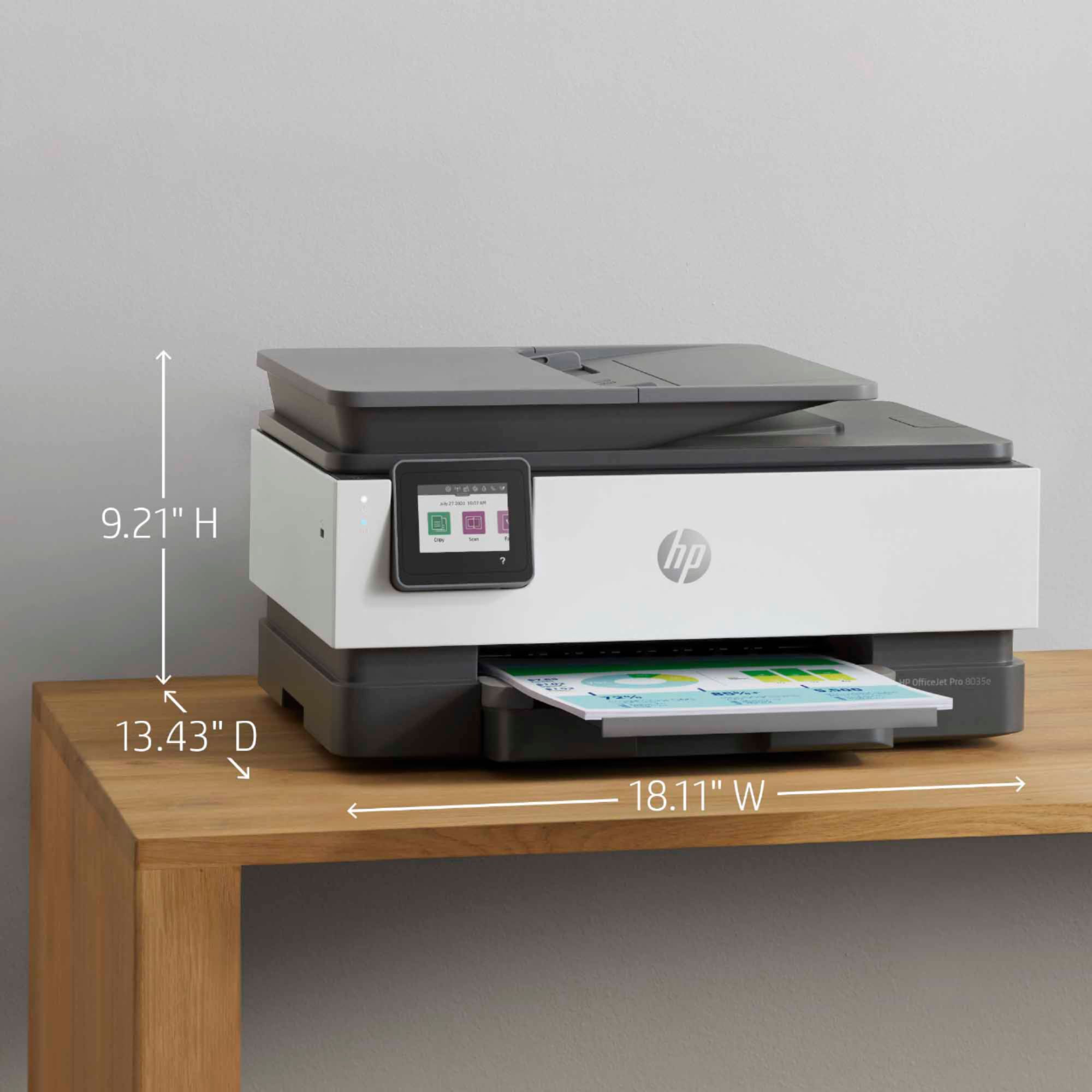
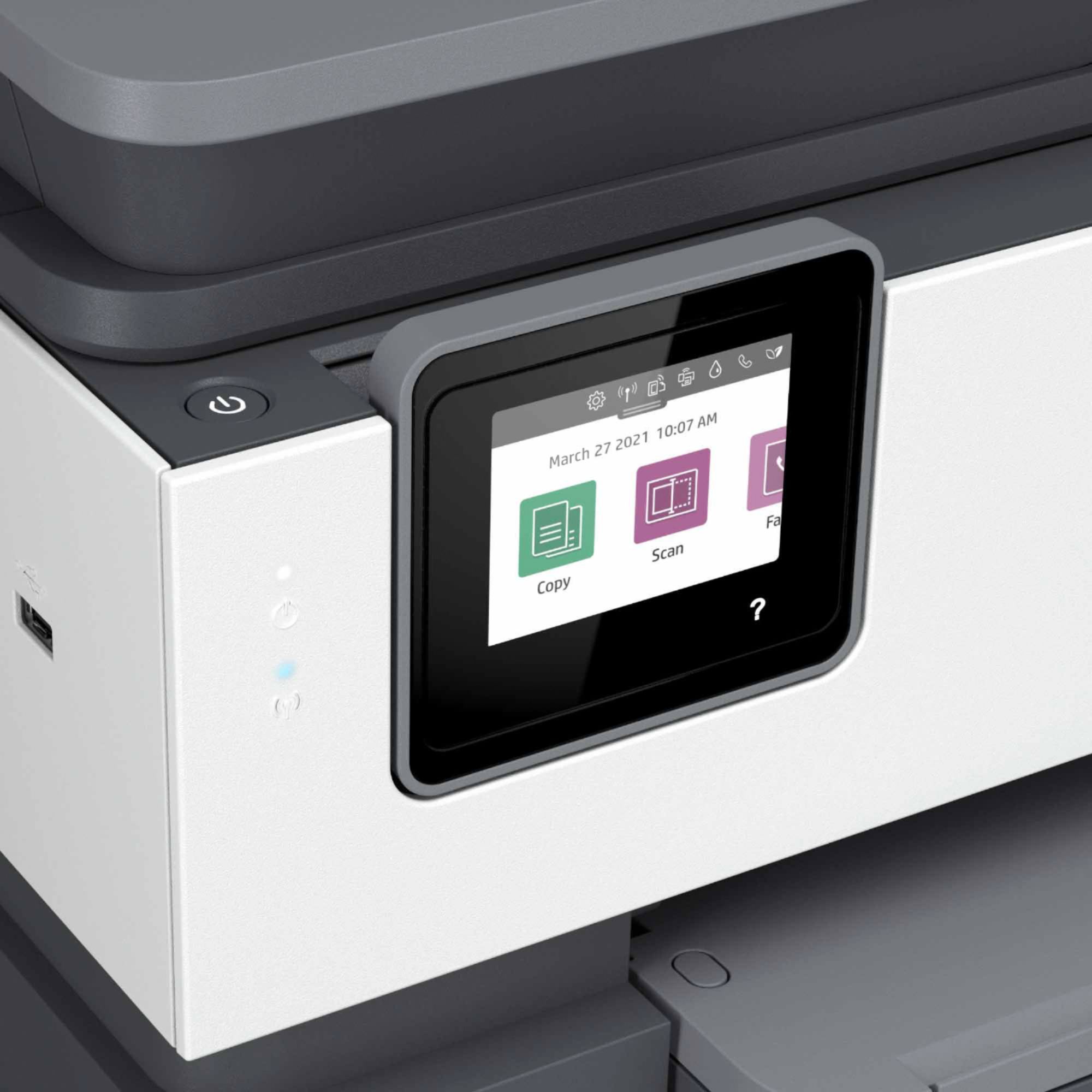
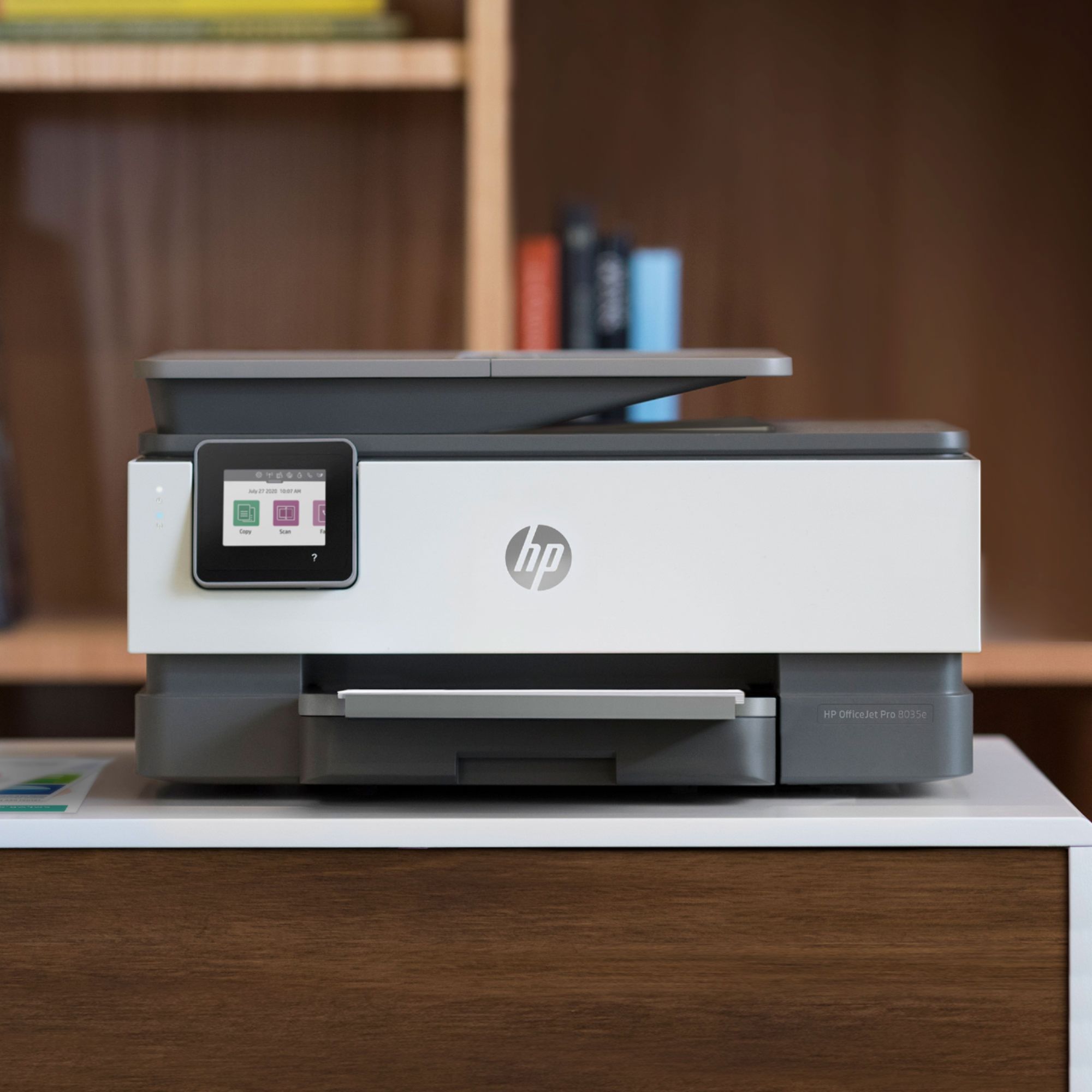
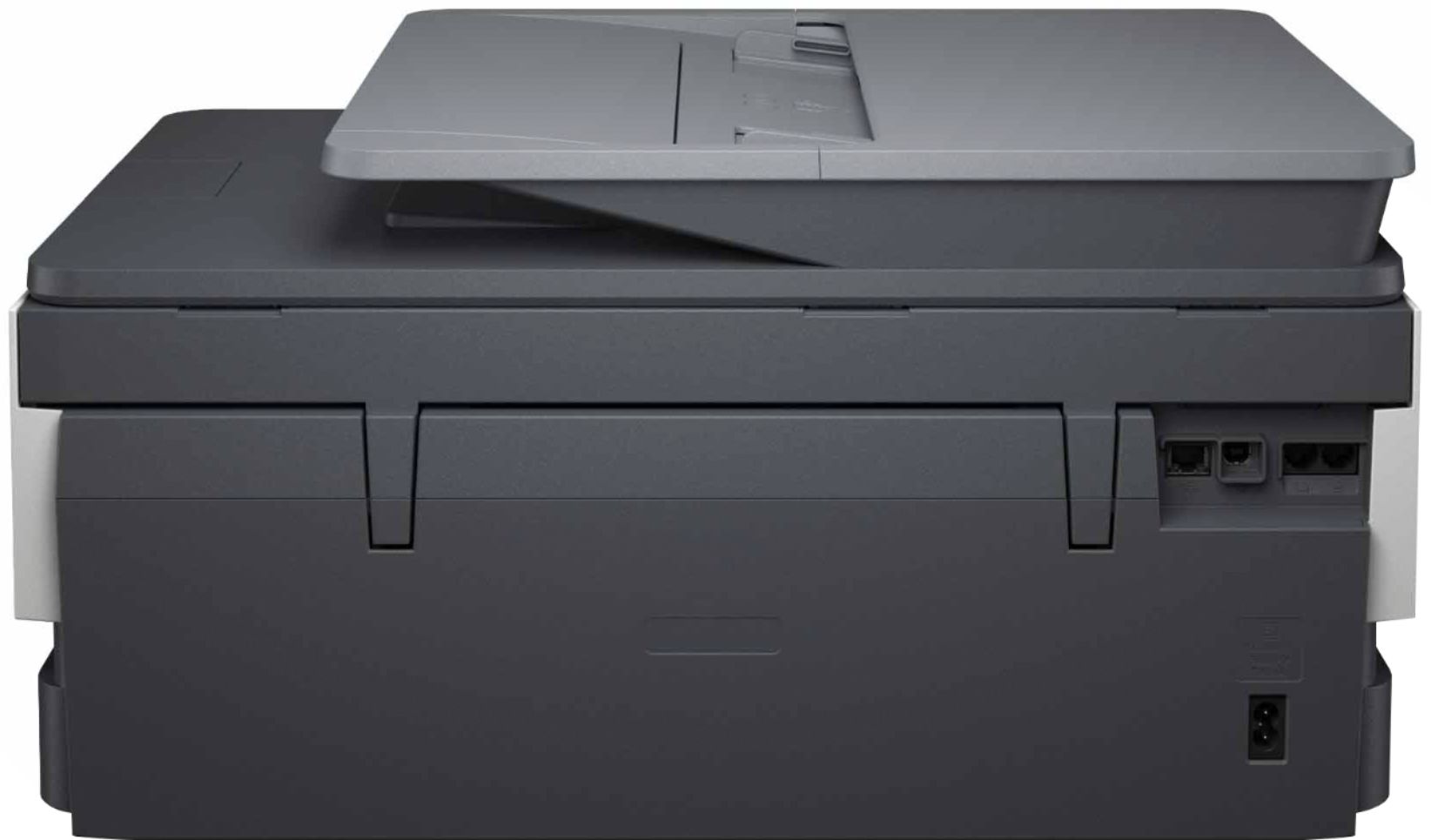
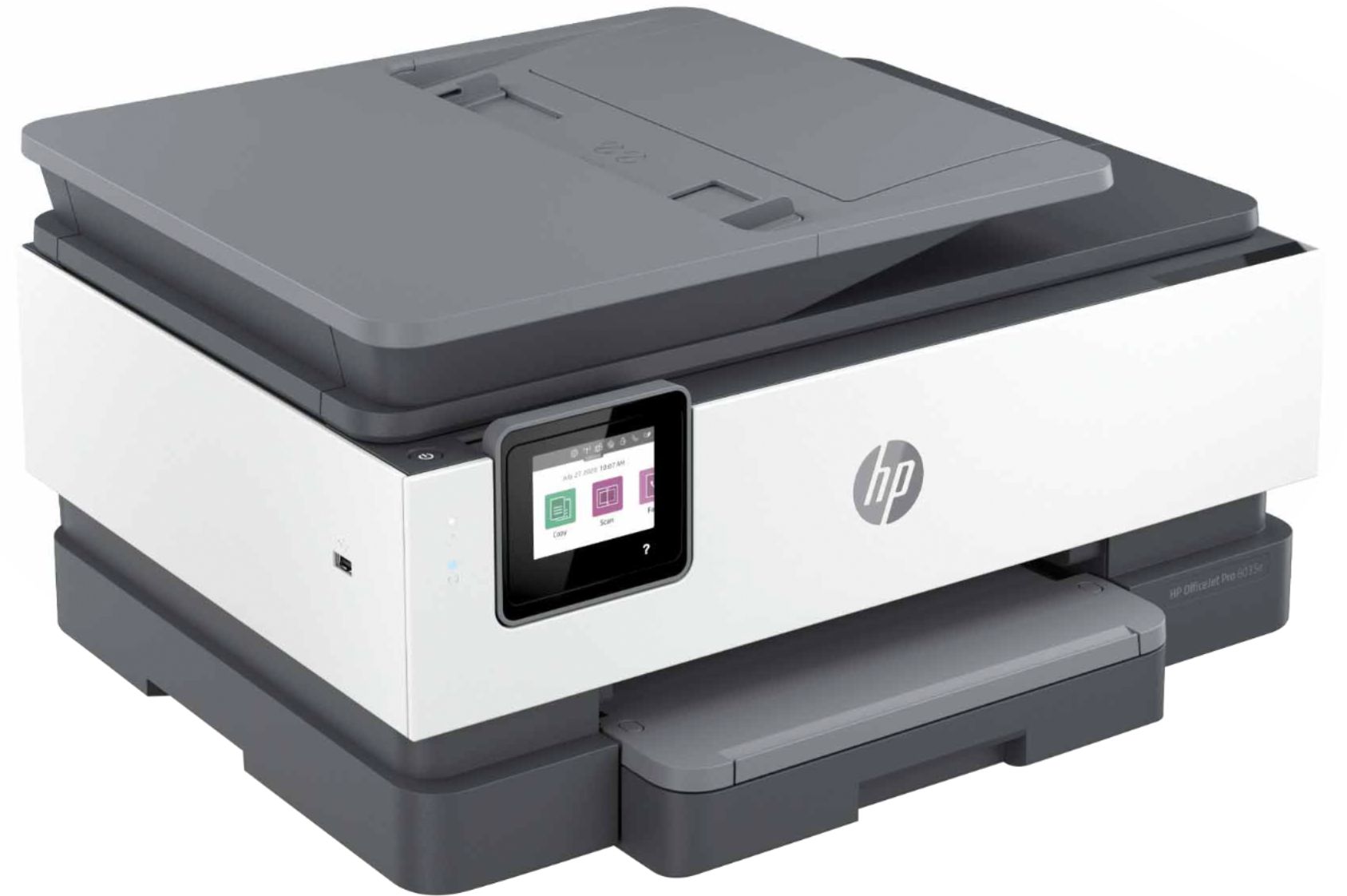
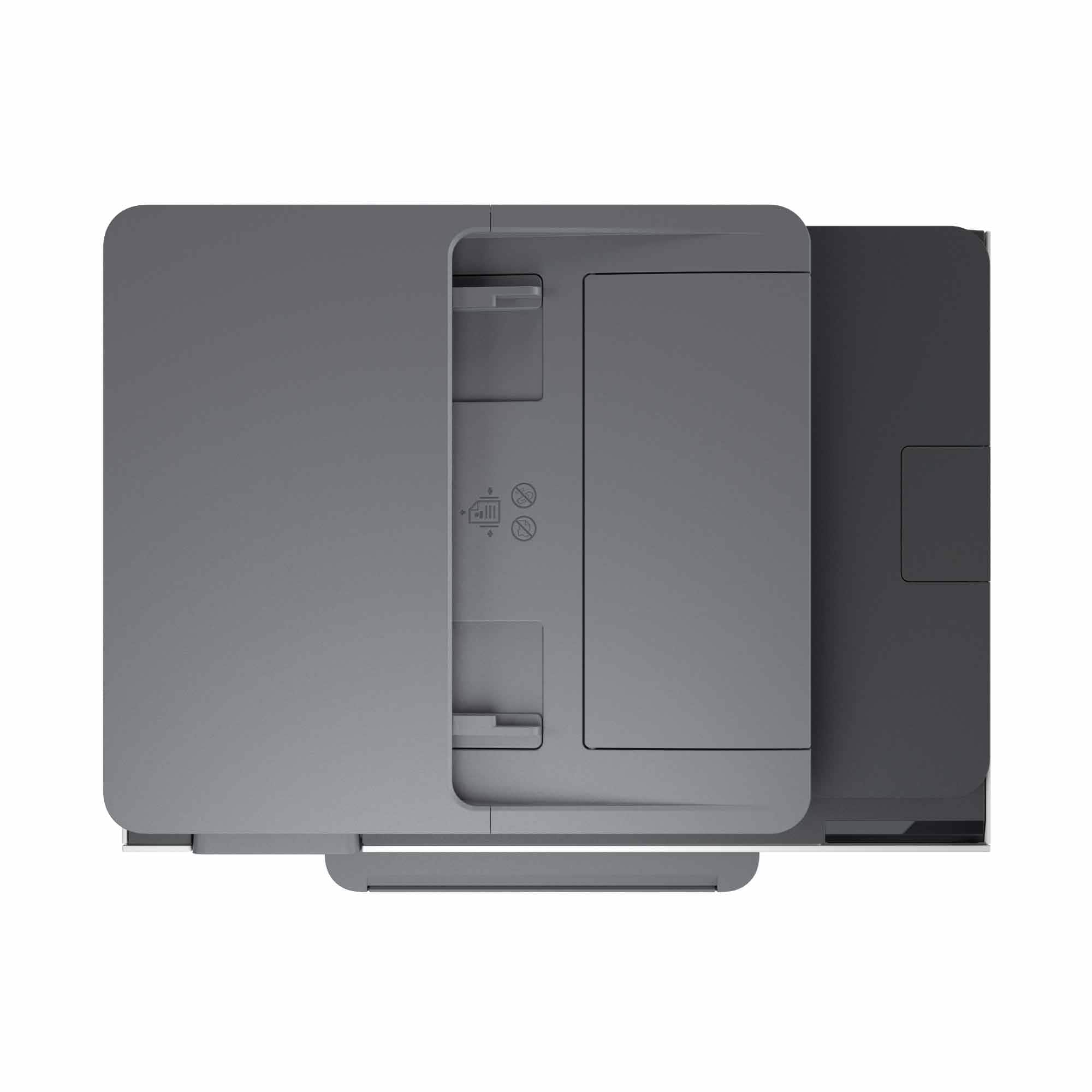
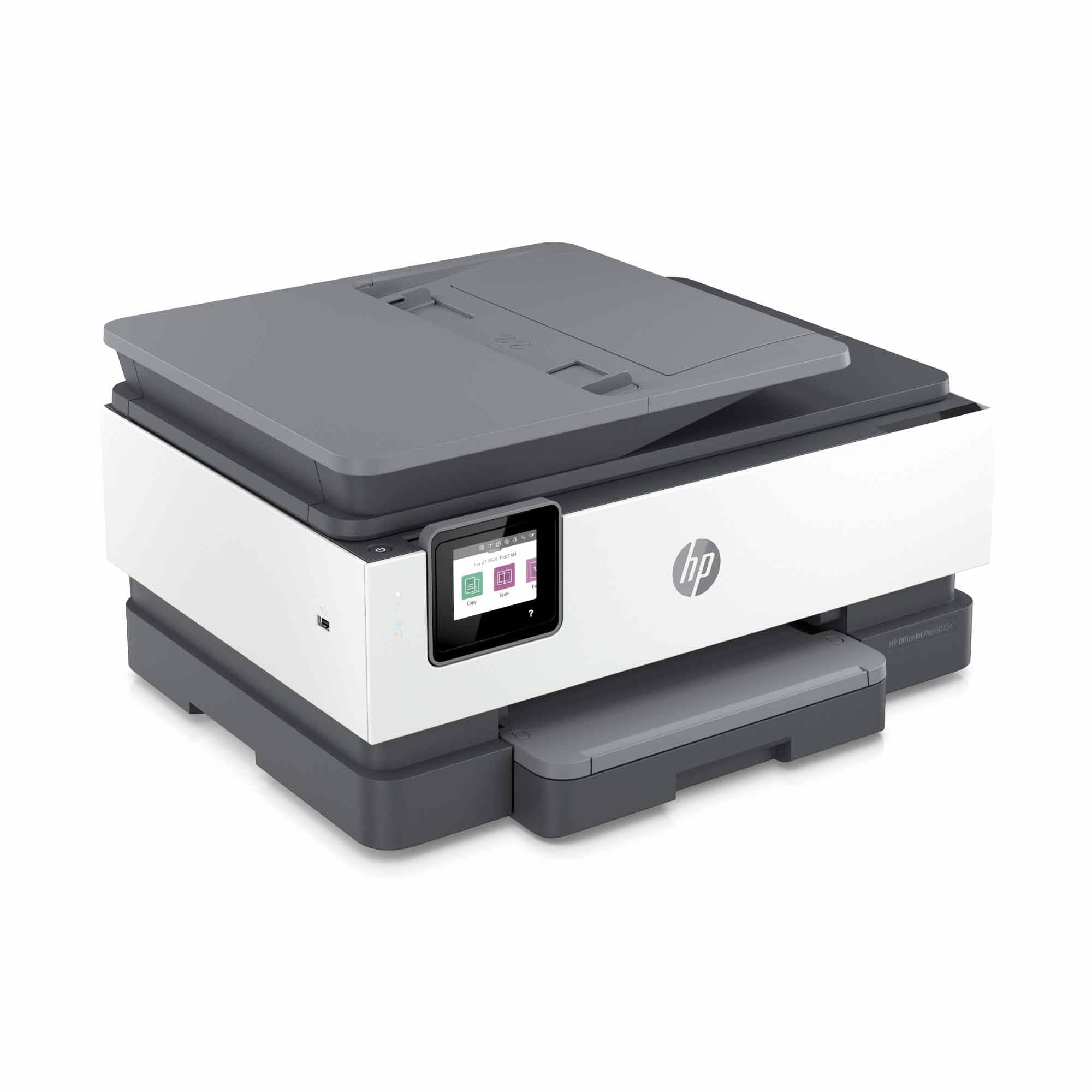
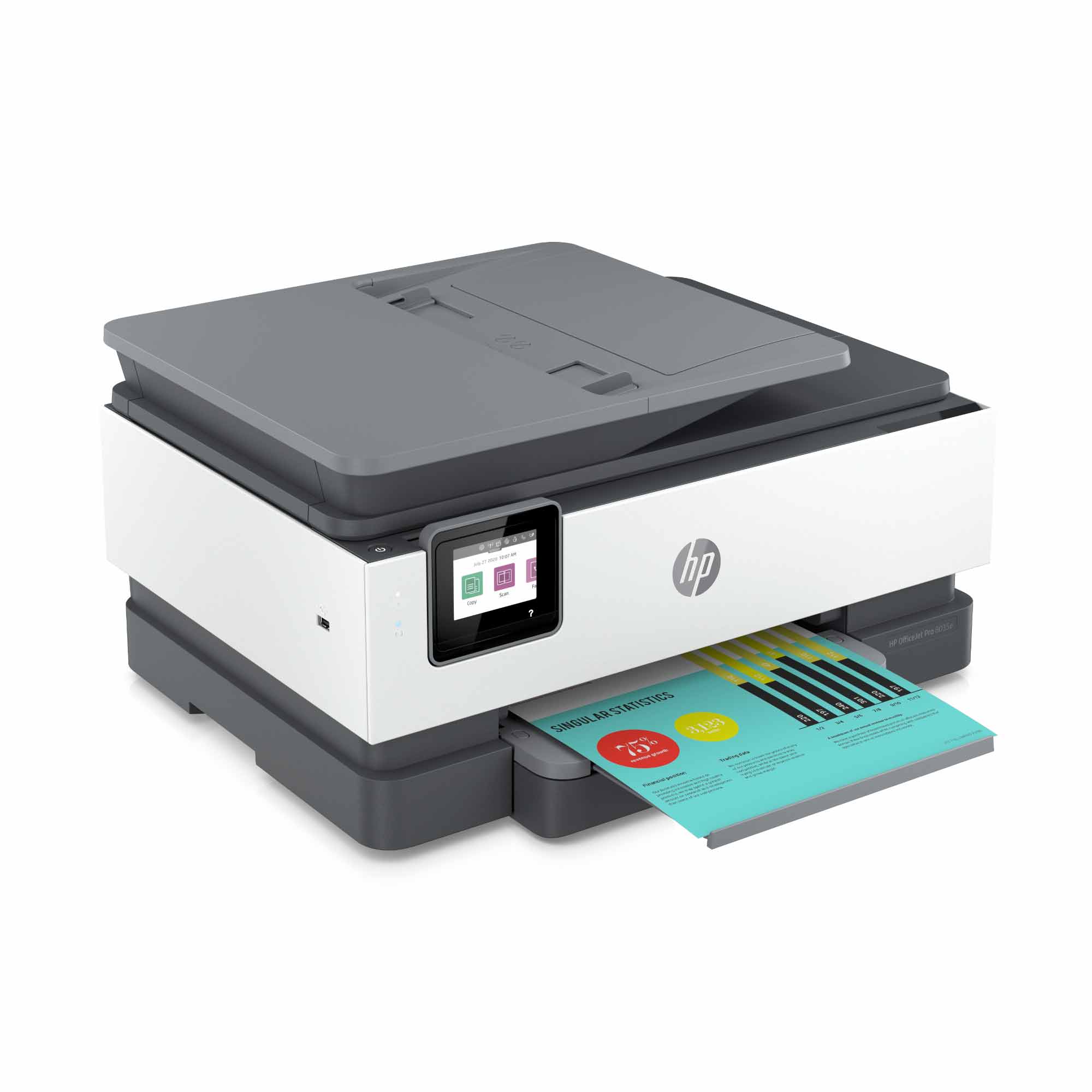
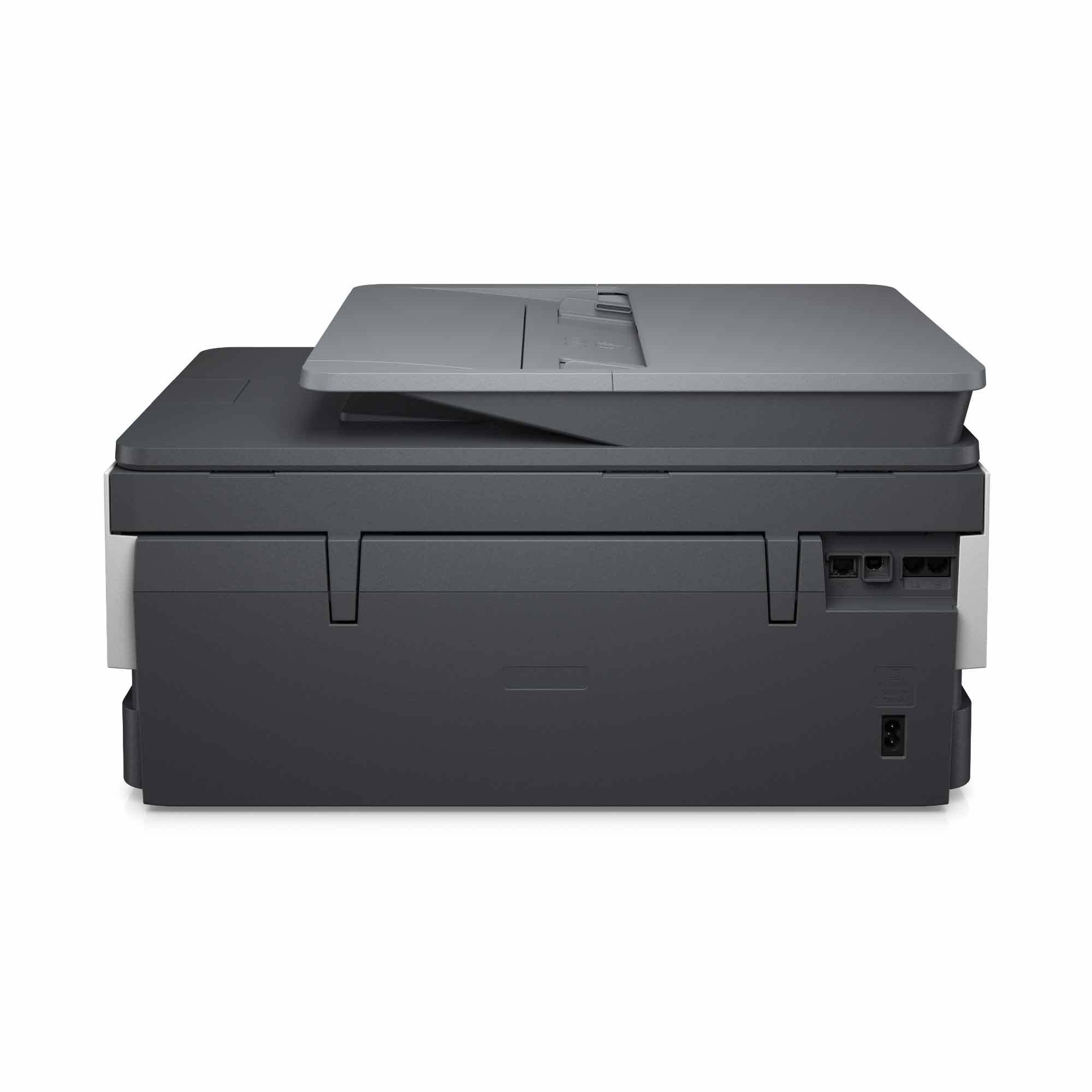
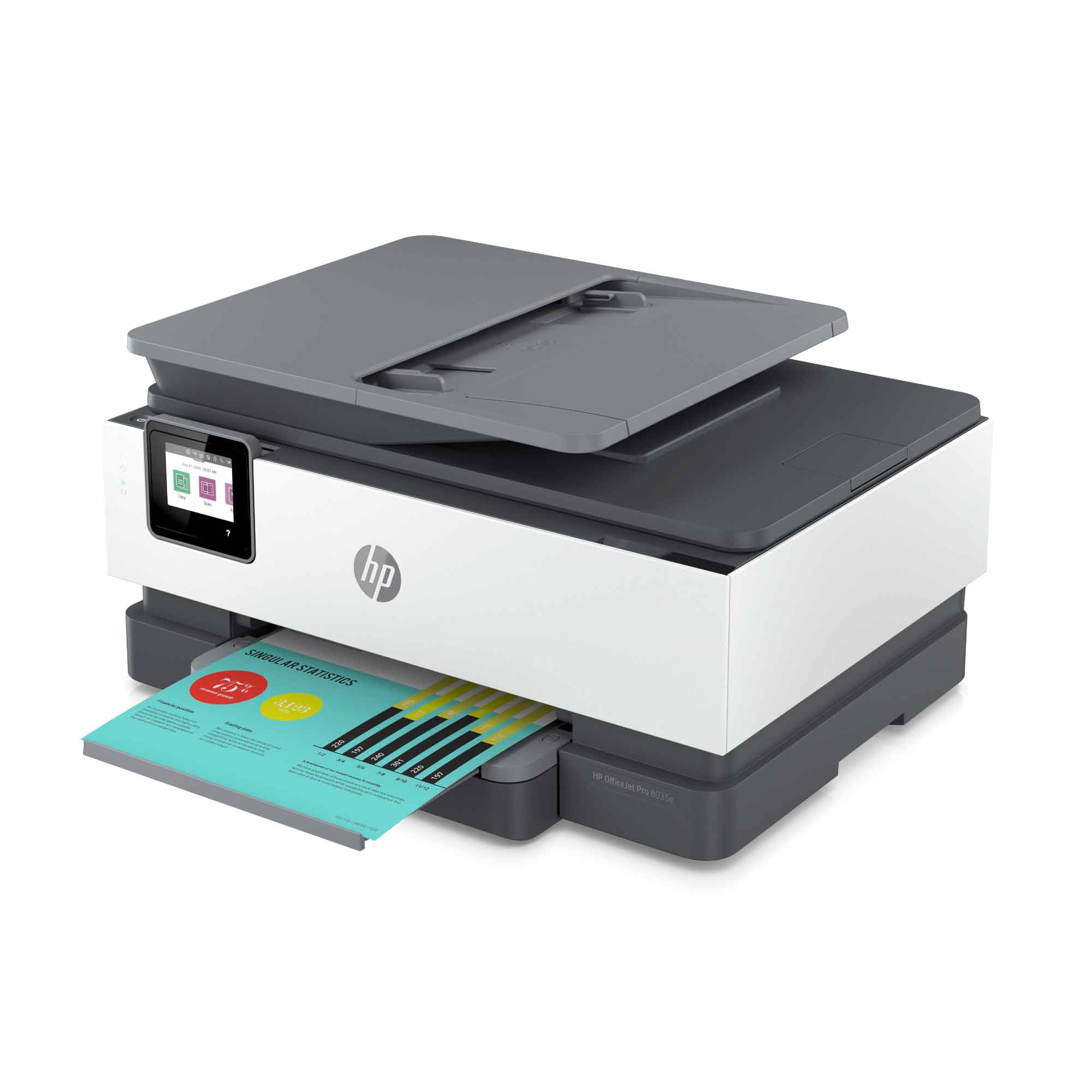
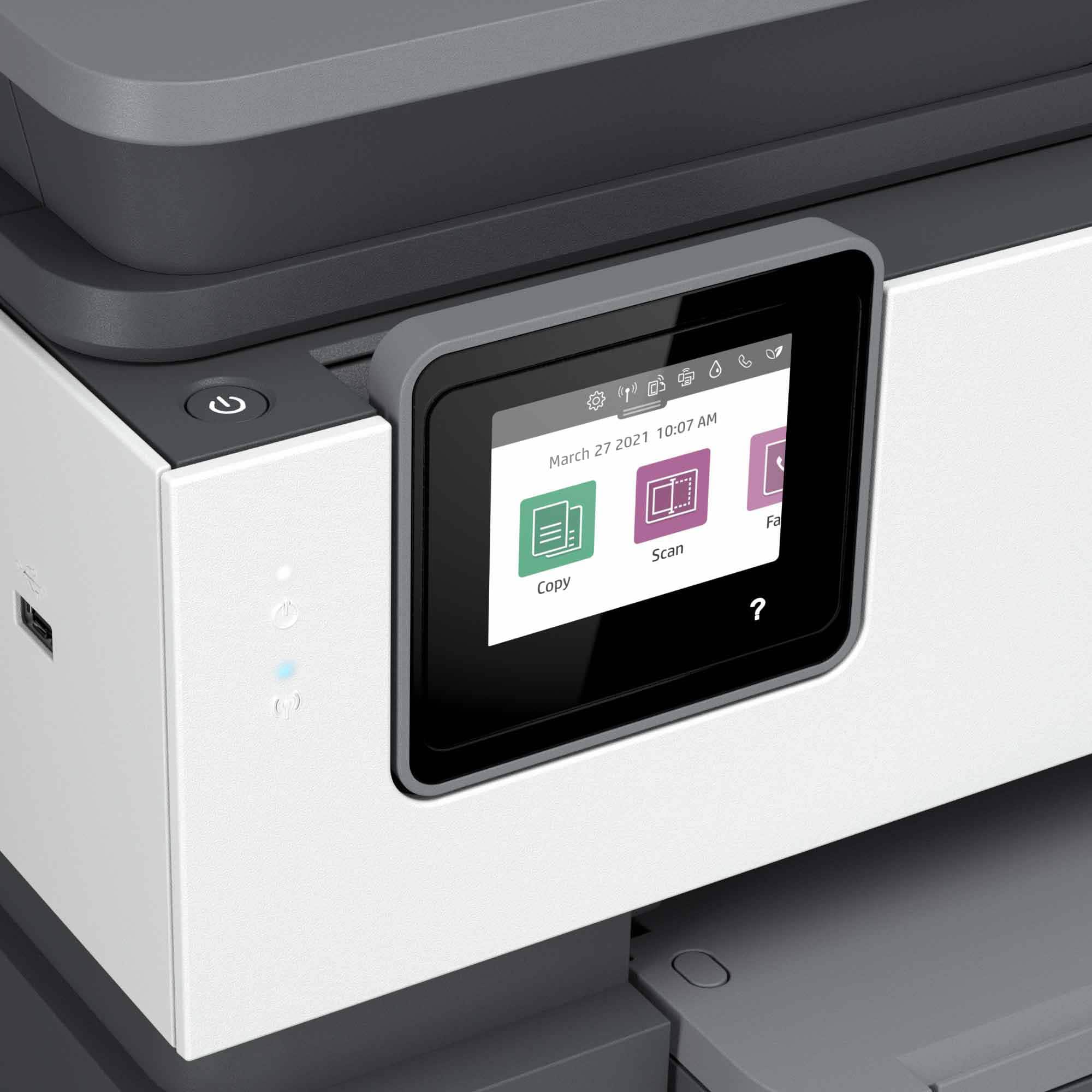
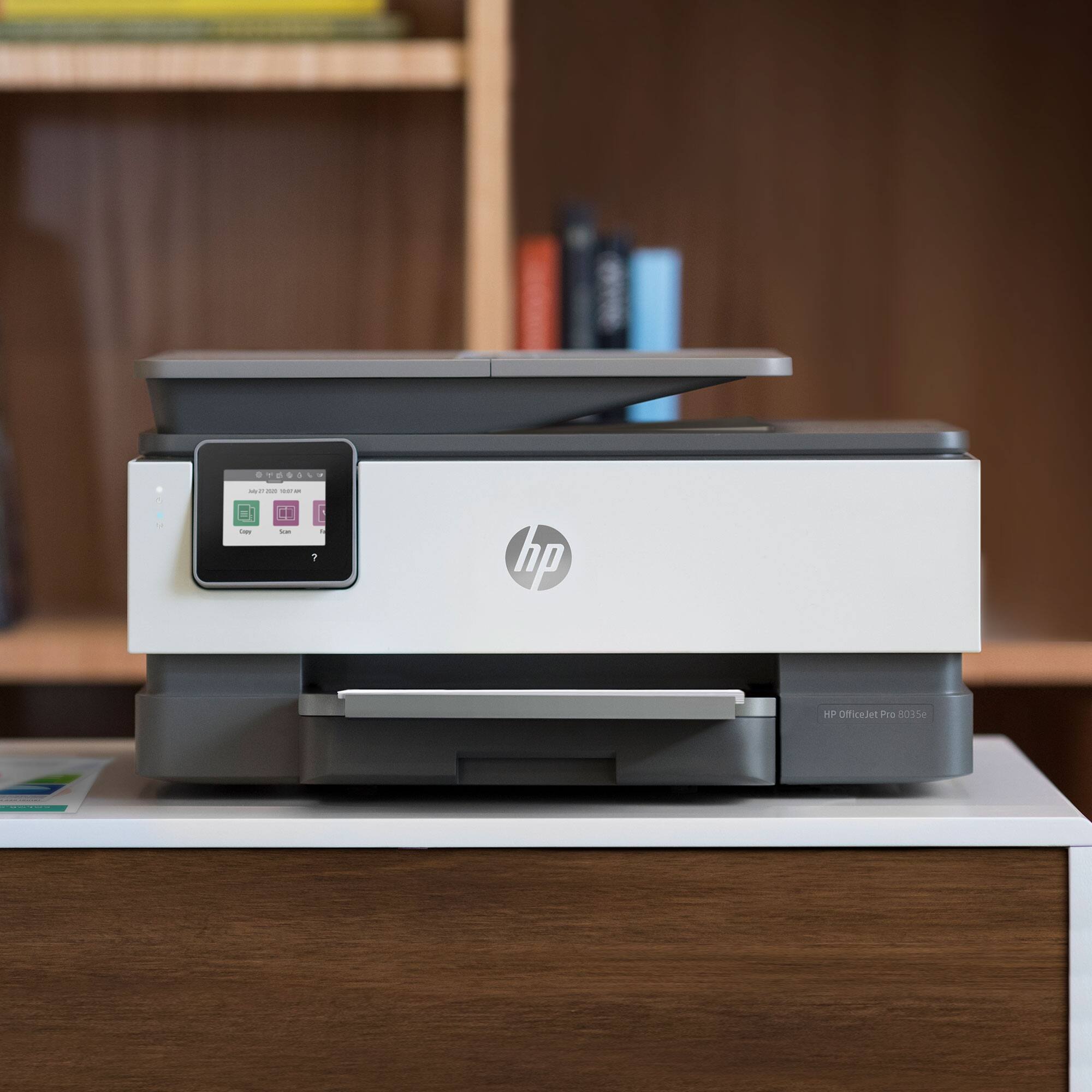
A:AnswerHello. Thanks for your question. You would need to manually turn the paper when scanning both sides with this HP Officejet Pro 8035e printer. If you want to scan both sides through the ADF (Auto Document Feeder) on top, we recommend looking at the HP Officejet Pro 9015e and 9025e printers.
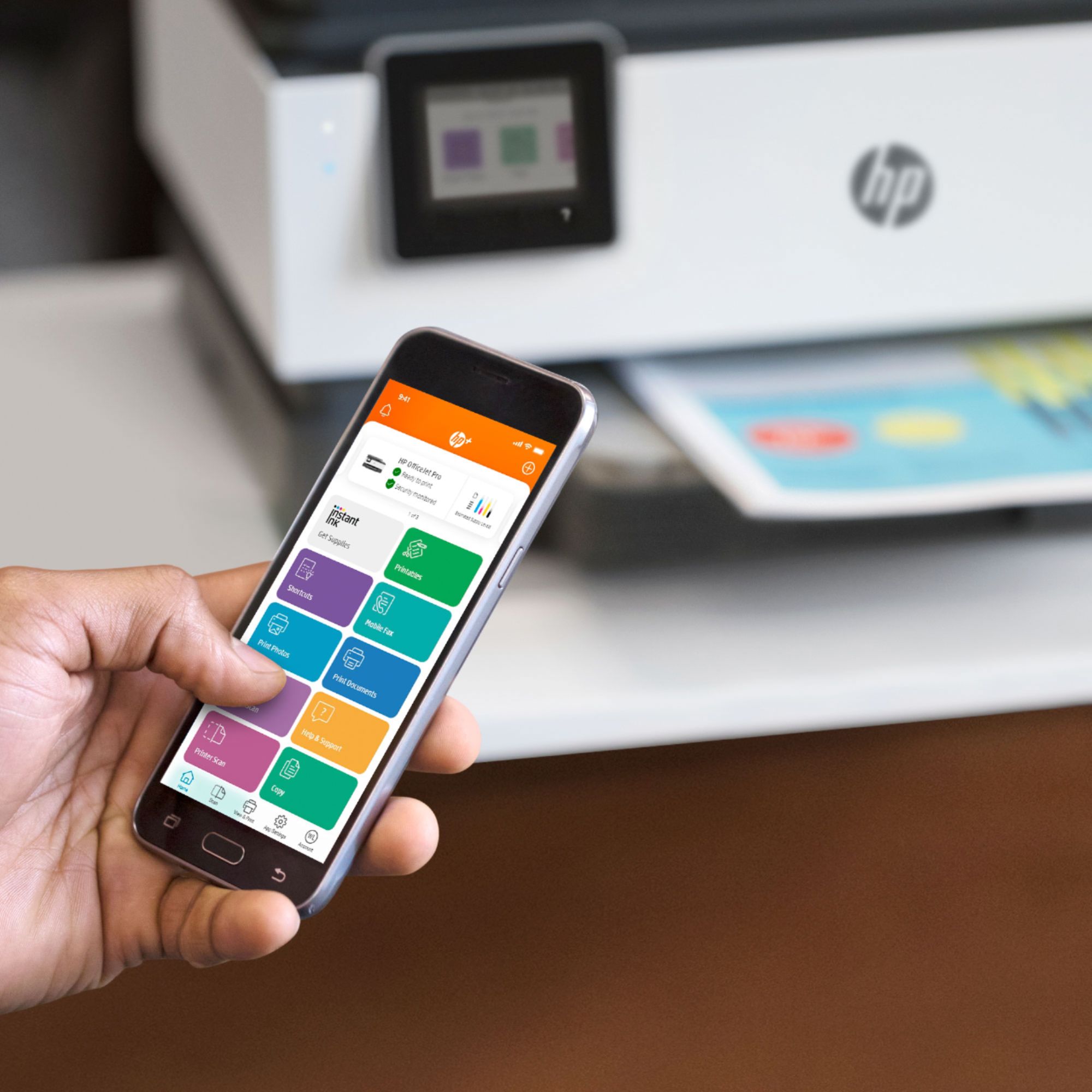
A:AnswerHello, your printer comes with complimentary support through the HP+ program. If you contact them they will be able to assist you with any concerns you are encountering. Here is the link to the HP Plus Exclusive Support website.
They can help answer questions and you can get assistance with setting up your new HP Plus printer: https://bit.ly/365XMuO -
You can chat with them at https://www.hp.com/plus-help -
Also available is to call 866-745-9852.
They are available weekdays 8am-8pm EST and weekends 9am-8pm EST. Thank you for being an HP customer!
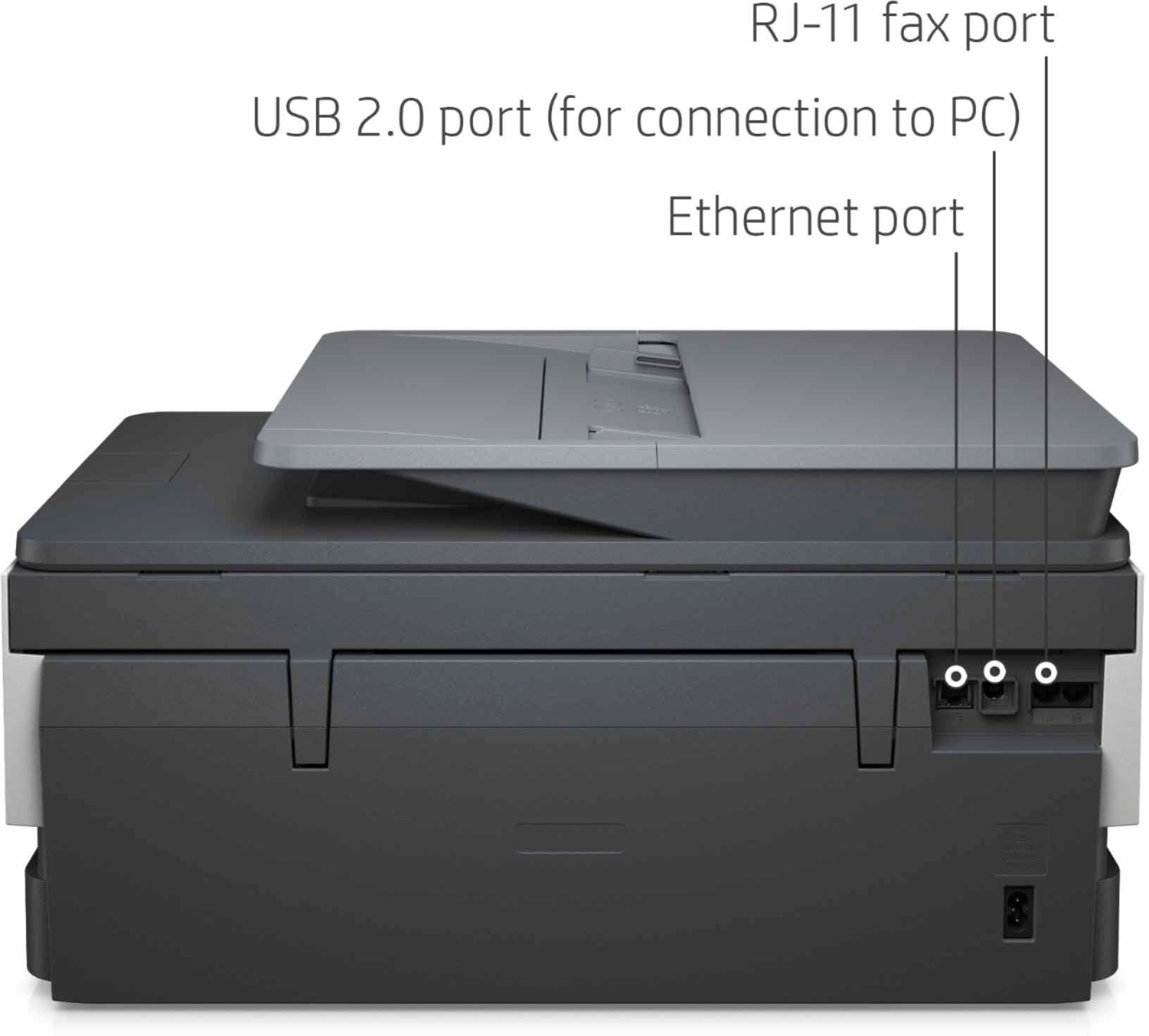
A:AnswerYes, I just plugged it in and connected it wirelessly with no problems I then connected the phone line and brought up the fax capability with no problems.