A:AnswerIf you look on the left or right ends of the boxes your print cartridges are packed in, you will see a list of all the HP printers those particular cart's are used in. This list will include outdated models as well.
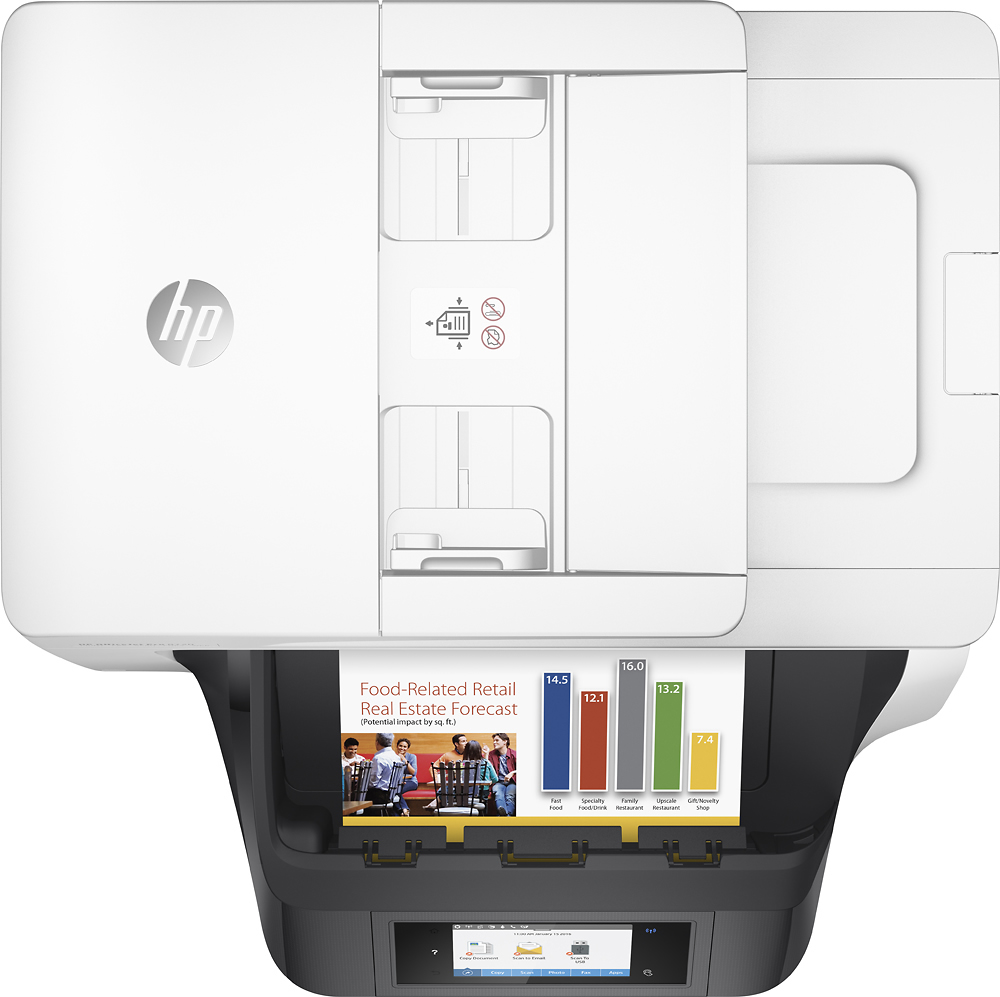
A:AnswerI have placed 10 documents in the tray and it scanned all of them. It does take a few minutes for the documents to be emailed, but no issues with the quality in the email. I have not tried more than 10 pages, due to not needing to do more than 10 pages that one time.
A:AnswerIf your using the same phone line to talk and to fax you can't do both at the same time it is very easy to fax place the fax item face up in the top tray until it touches the end and select the fax option on the touch screen follow the screen instructions placing fax number and select send the fax wizard would be set up before sending also this machine will receive/send digital faxes that's where the Item is selected from your computer but that has to be set up also in the wizard its more complicated to set up
A:AnswerI have not specifically tried it, bit here is a link directly from HP that shows how to resize and/or crop photos or documents.
http://support.hp.com/us-en/product/HP-OfficeJet-Pro-8740-All-in-One-Printer-series/7902055/model/7902056/document/c04964790/