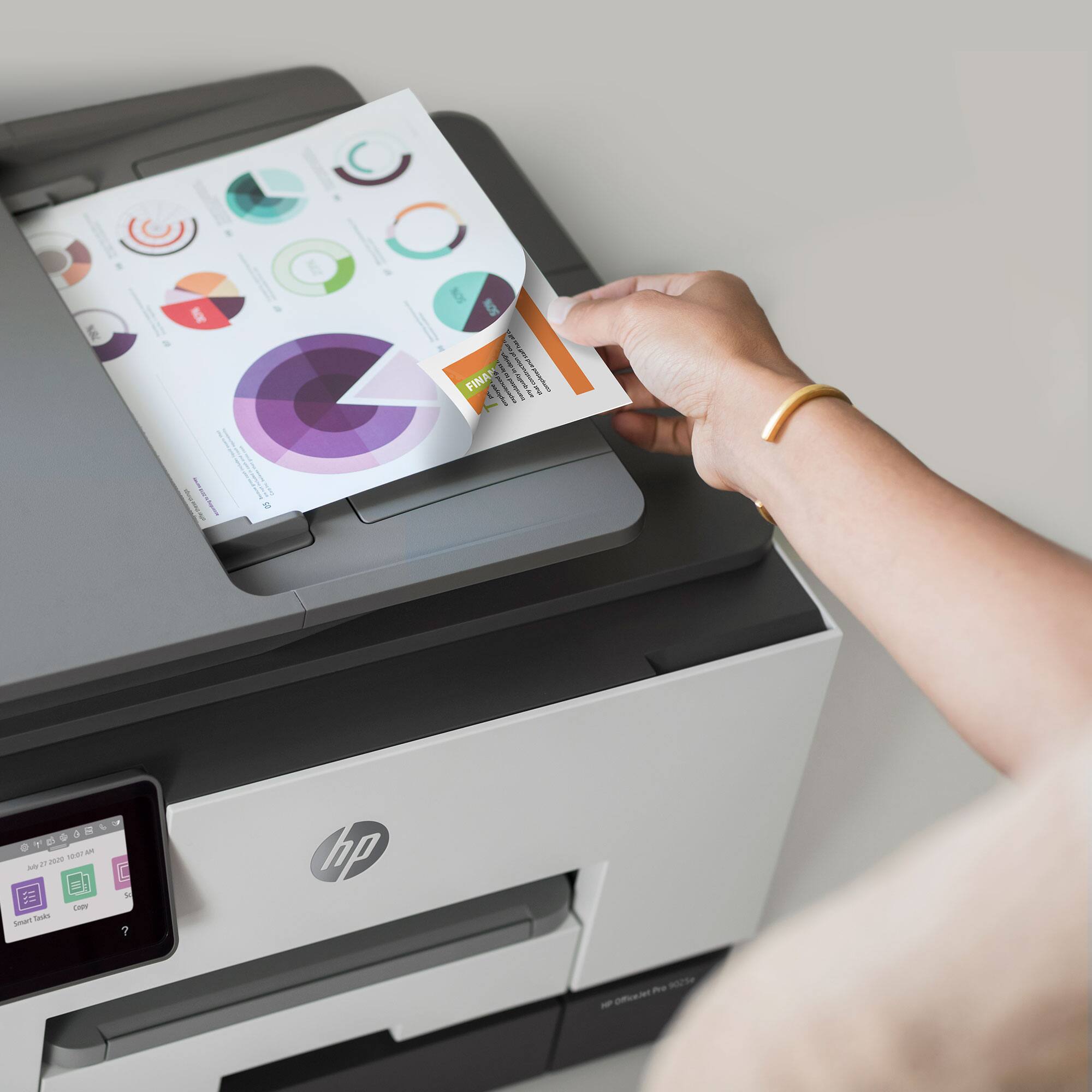
A:AnswerYes it does smear. However, I found that if I remove it and set it aside and let the ink dry it’s fine. Or I can’t touch the ink right away. This shouldn’t be the case, but unfortunately it is. Also, you may want to see if there is a certain type of label that needs to be purchased to avoid the smears.
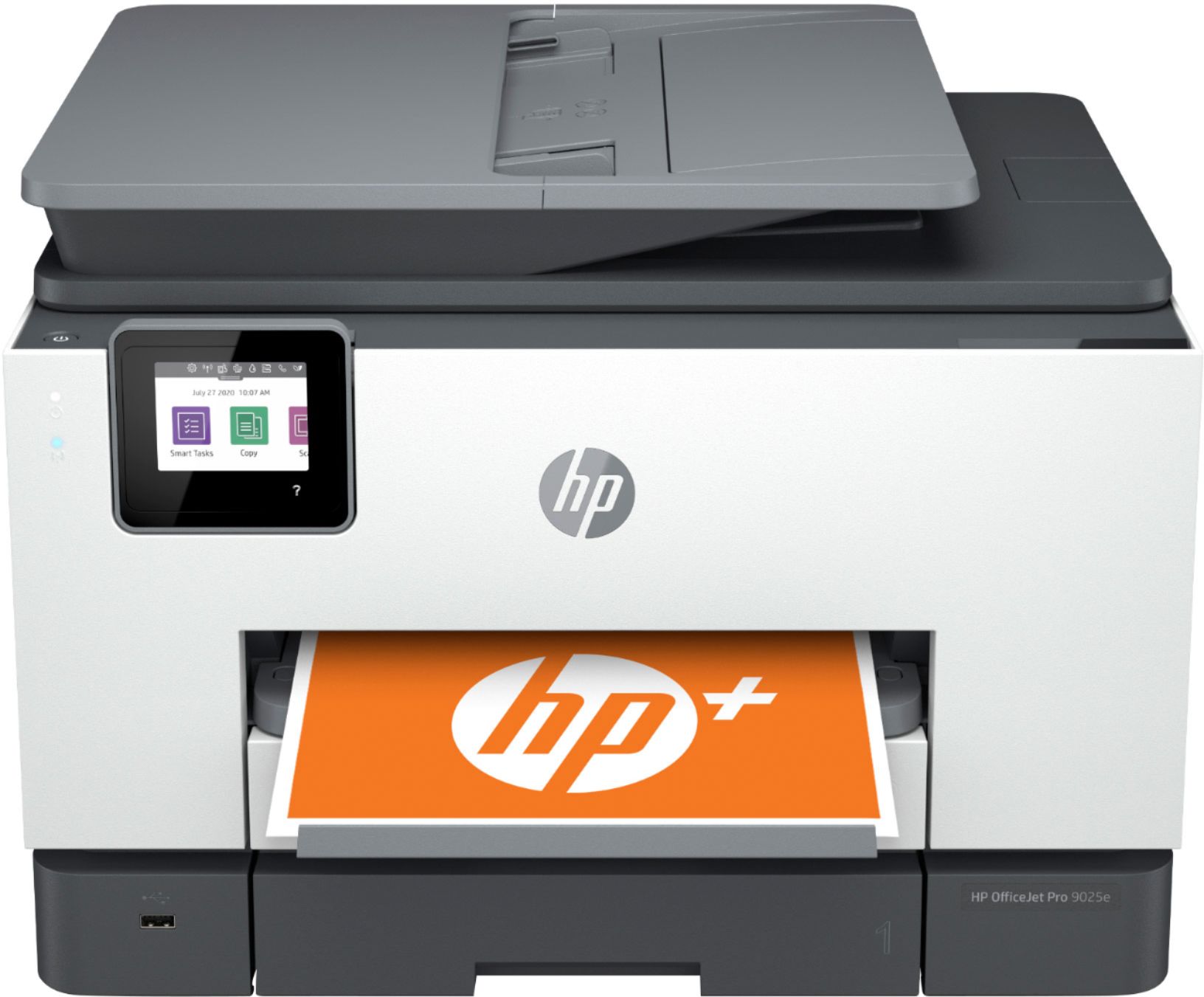
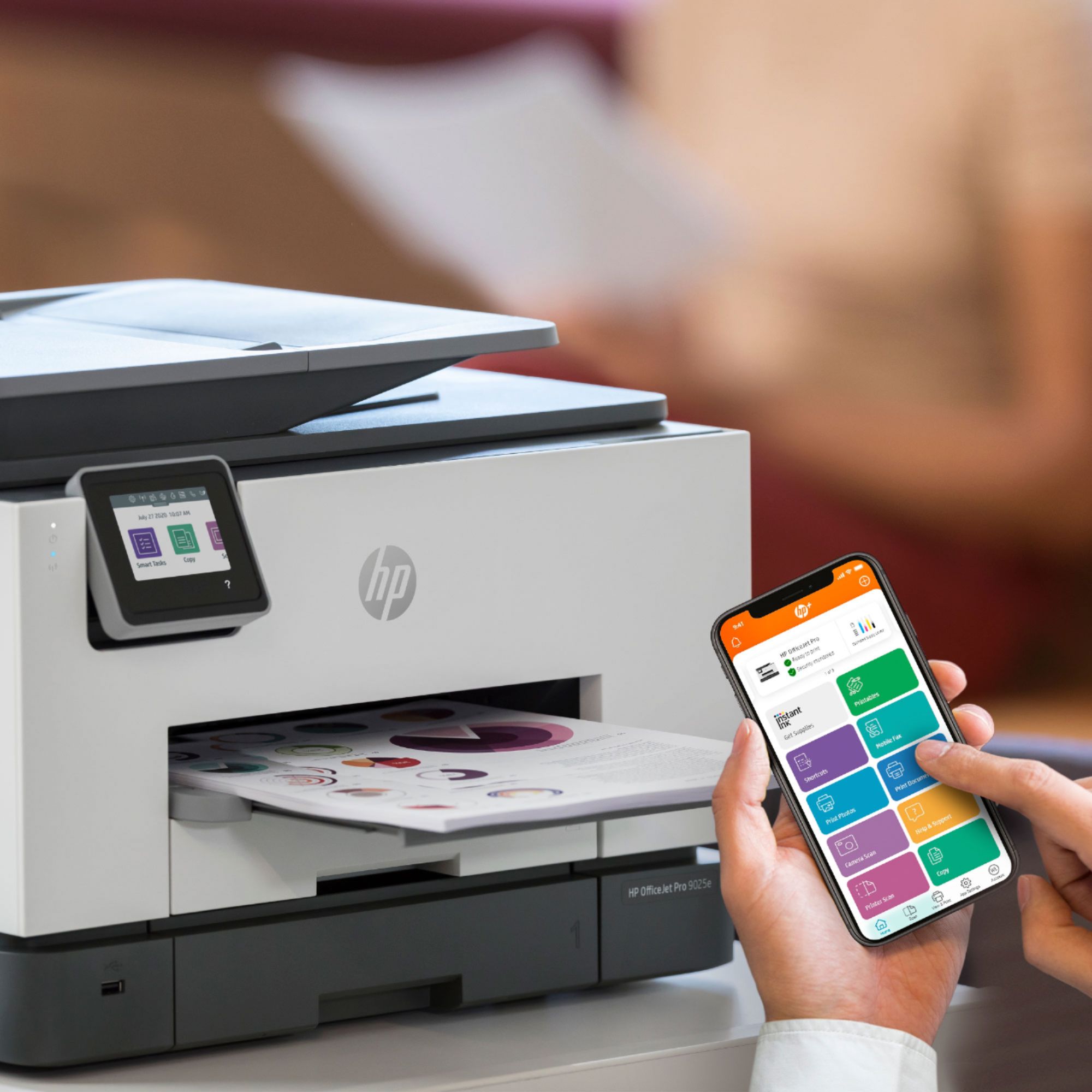
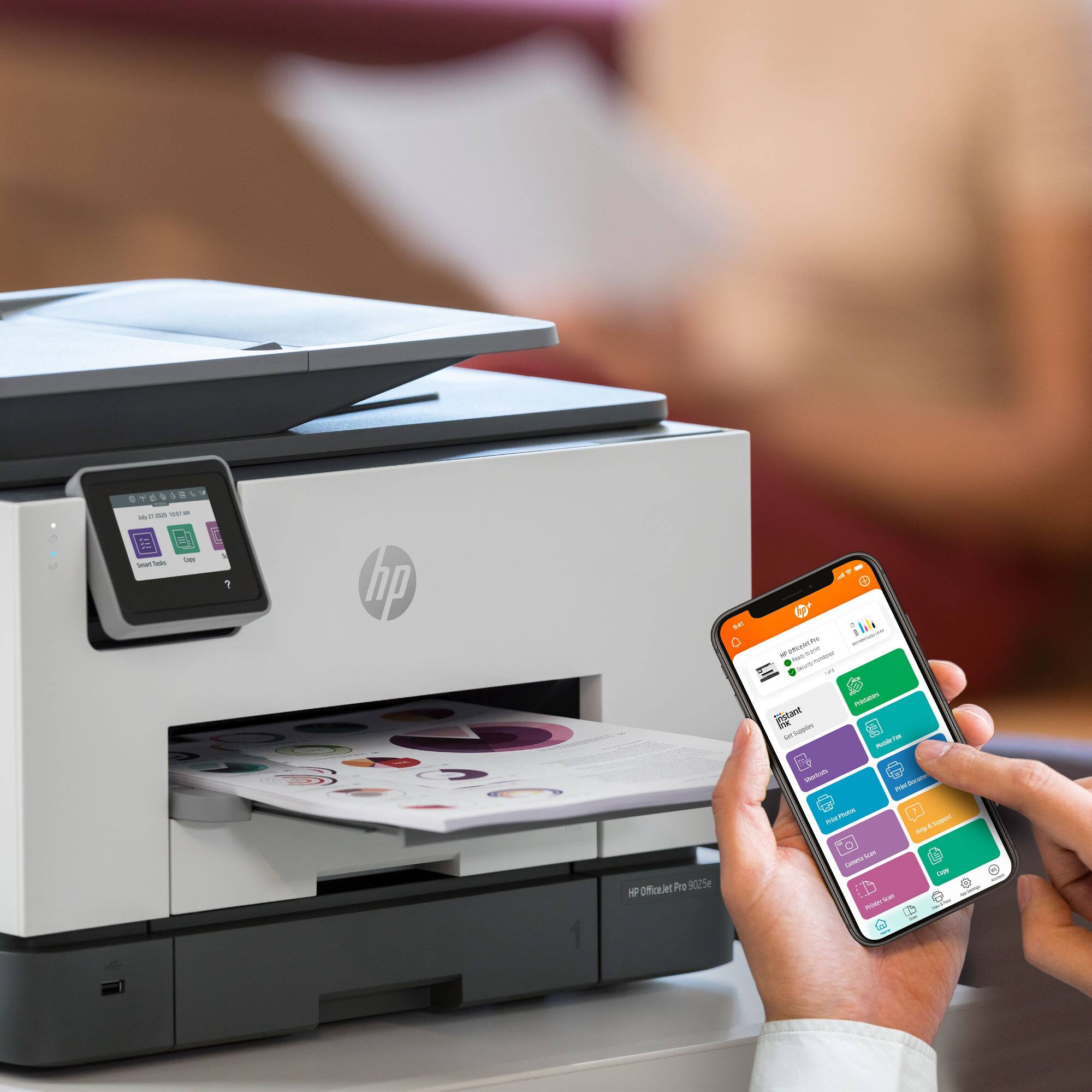
A:AnswerI am using a MacBookPro with the Apple M1 Pro chip and Ventura OS. I can print just fine over wireless to the 9025e. I also have a Mac Mini with the M2 Pro Apple silicon and that works also
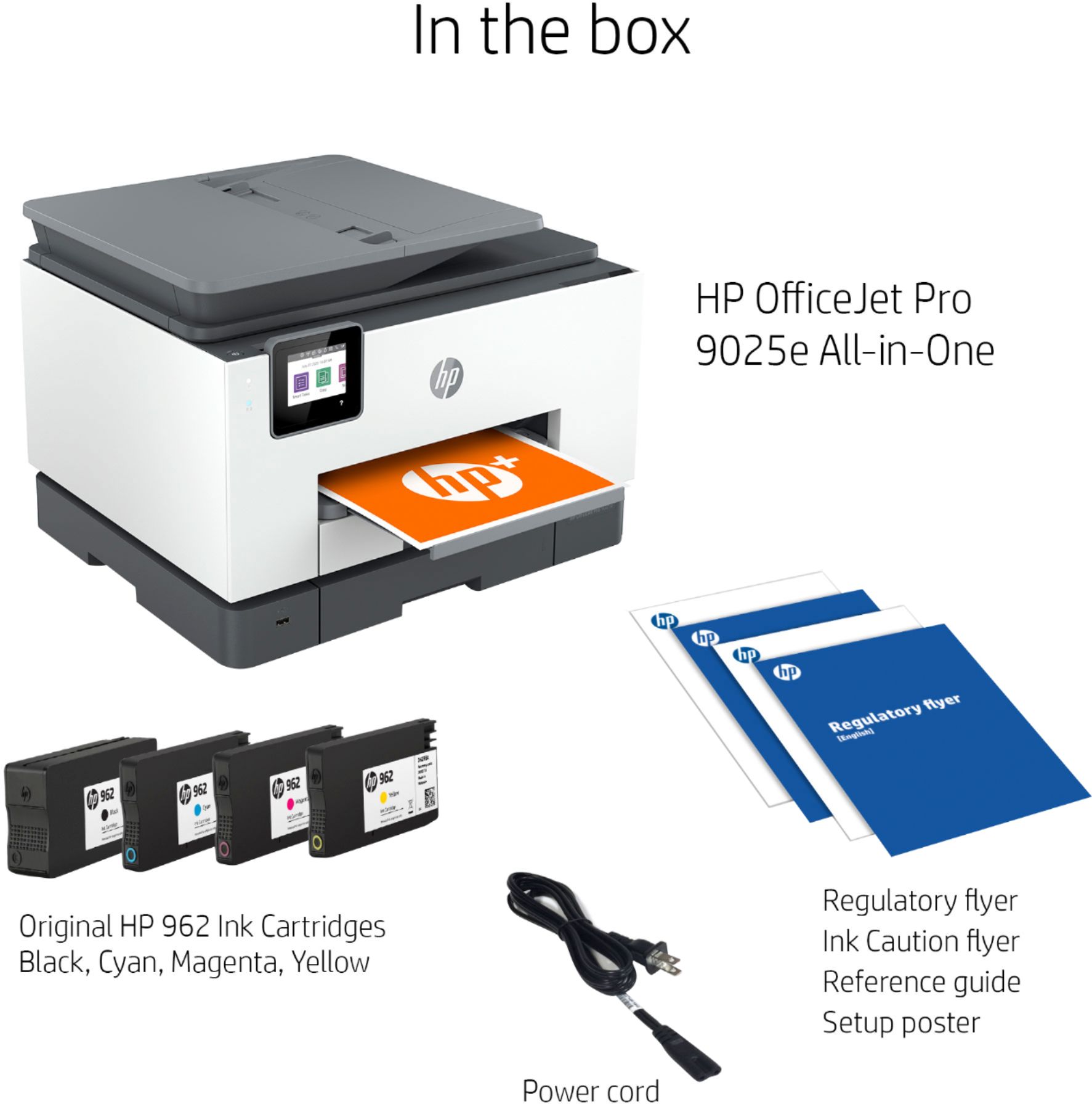
A:AnswerI see them in the stores alot. Usually means a customer has swapped out their spent cartridges for the ones in the store. Work with your vendor like Amazon if you are purchasing new ones to see if you can get replacements. If they are truly HP cartridges, you should not have these messages. Try not to mix store bought cartridges with instant ink cartridges as the latter are coded differently and often will give error messages.