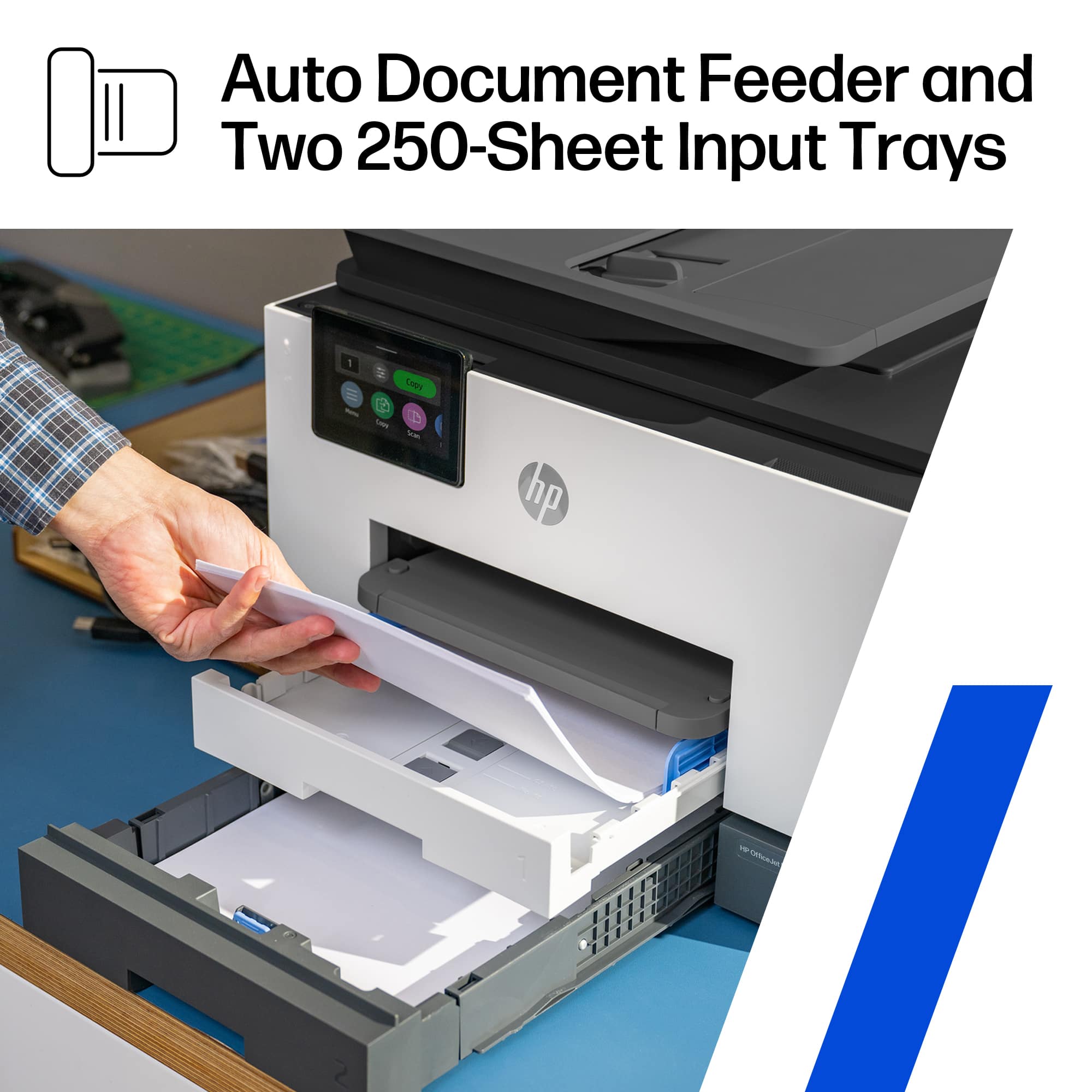
A:AnswerThank you for the question. You'll need to indicate the paper type before printing the document. Plain paper settings using card stock will not yield the desired results.
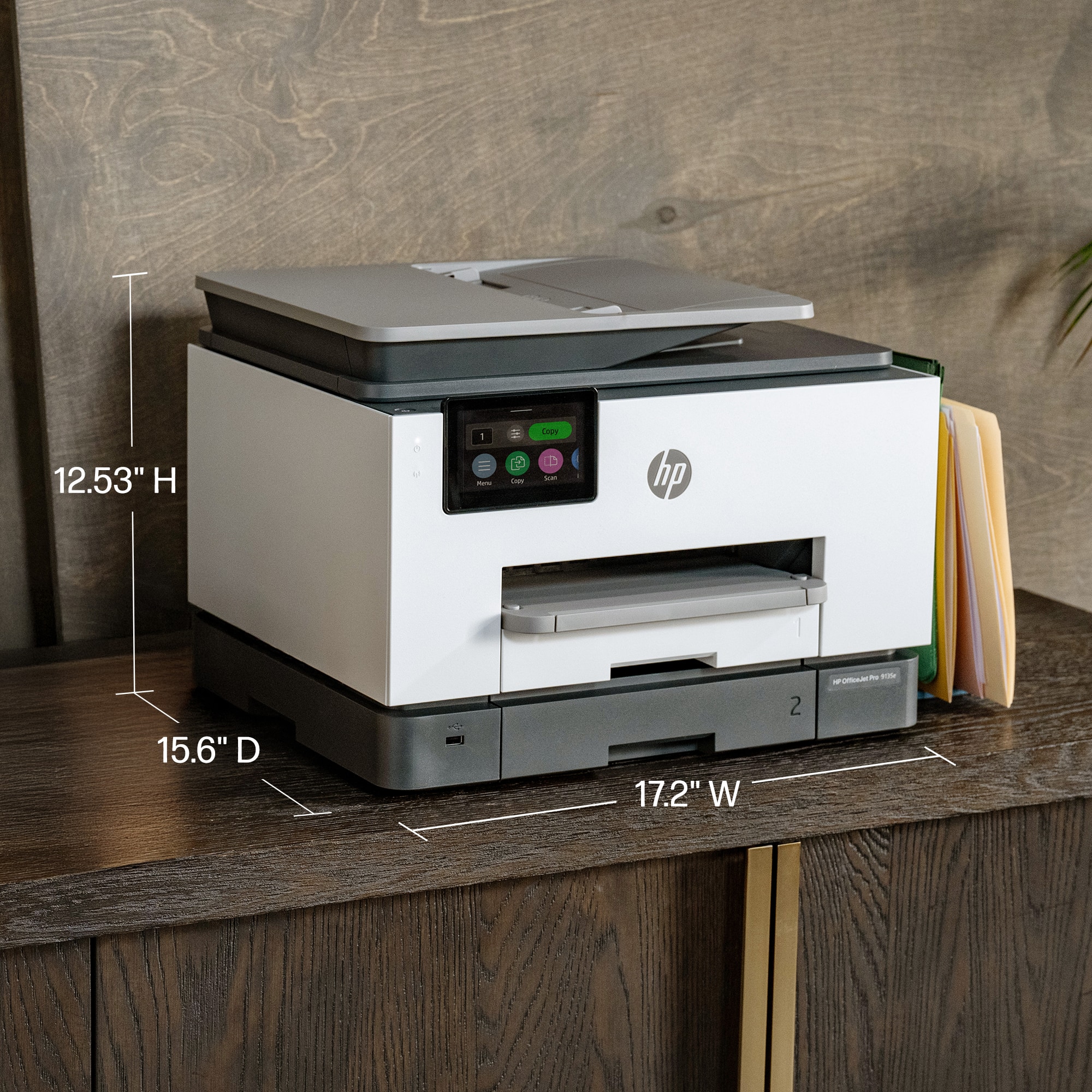
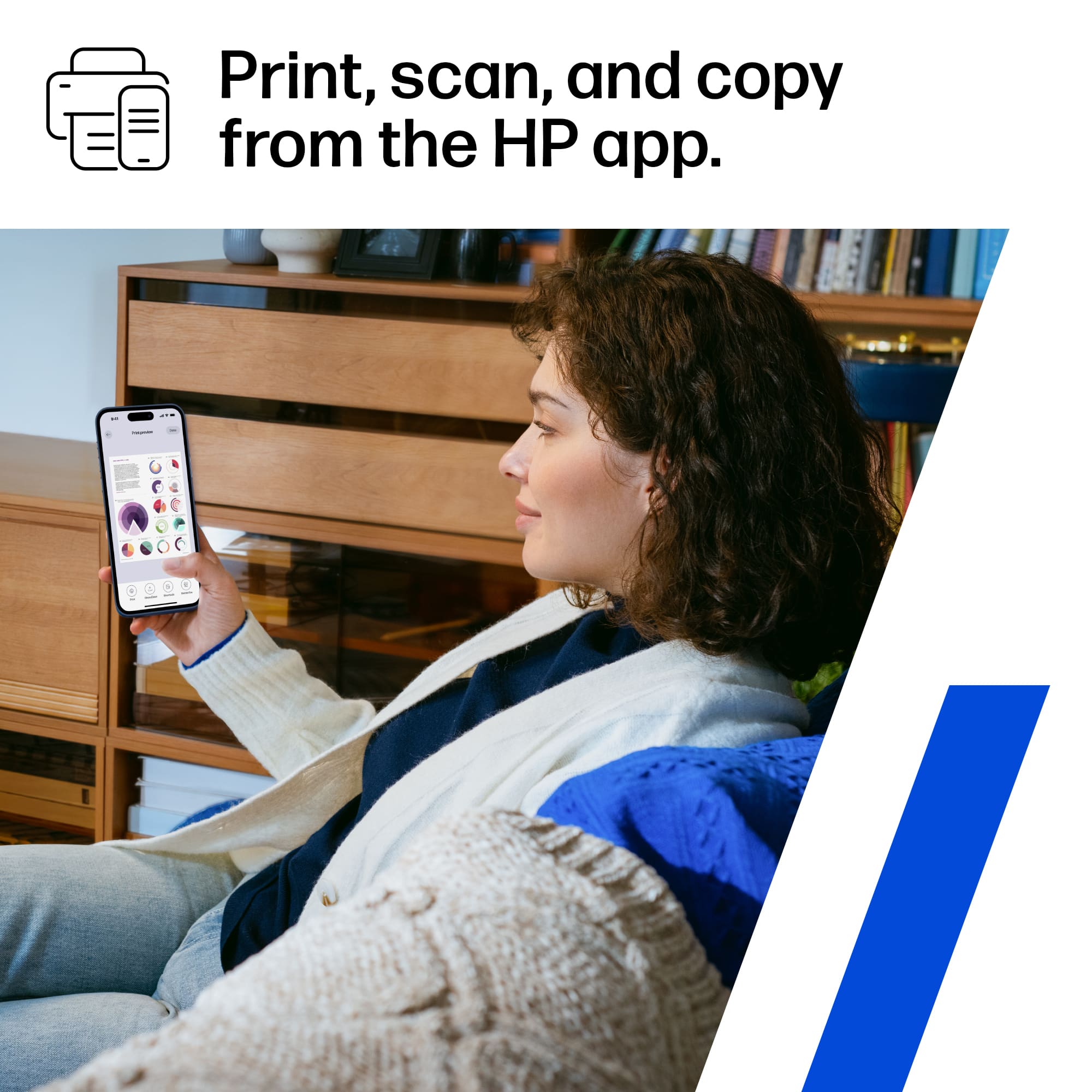
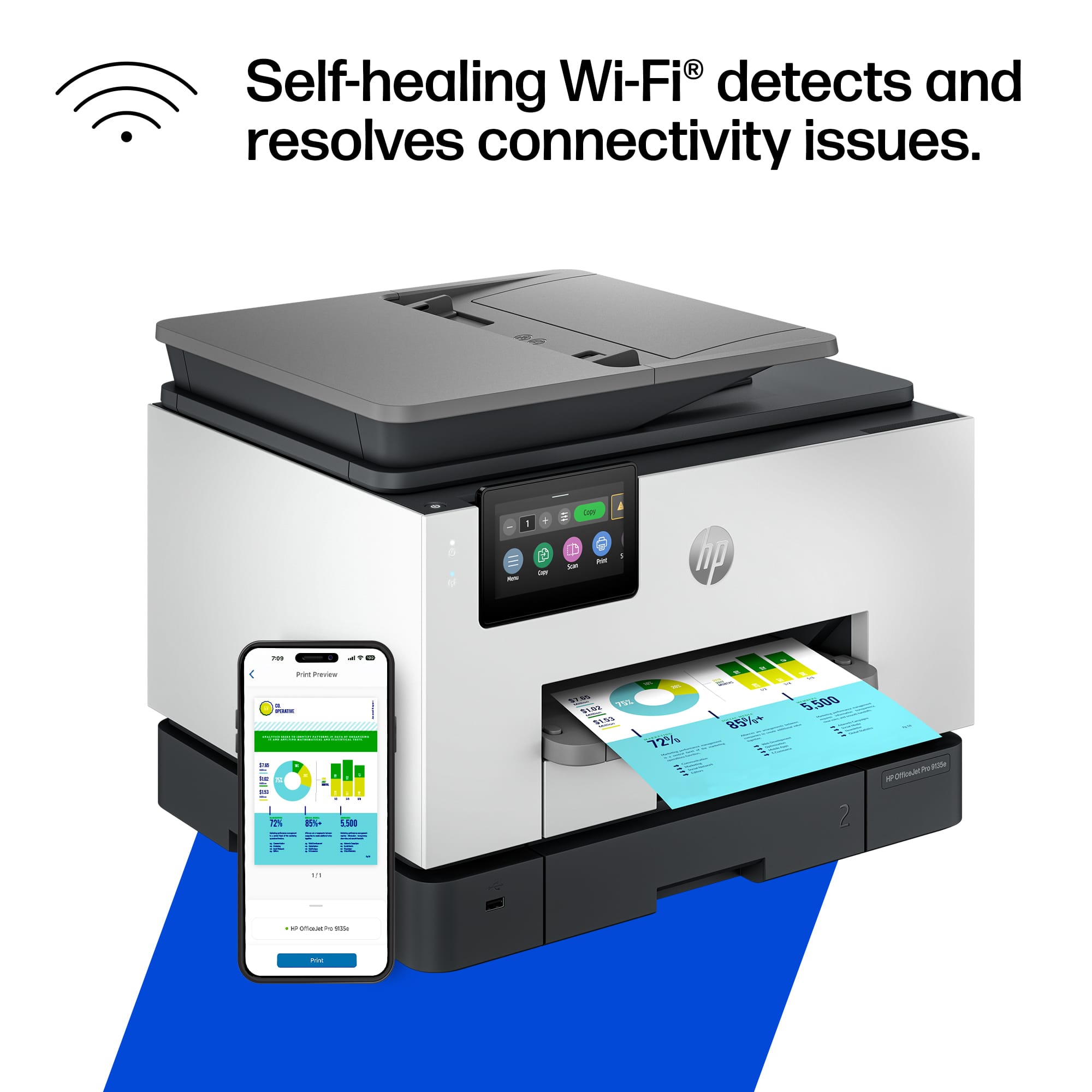
A:AnswerThe OfficeJet Pro 9135e is compatible with any computer running the Windows 11 operating system. Be sure to download the free HP Smart App that contains all of the software you'll need.
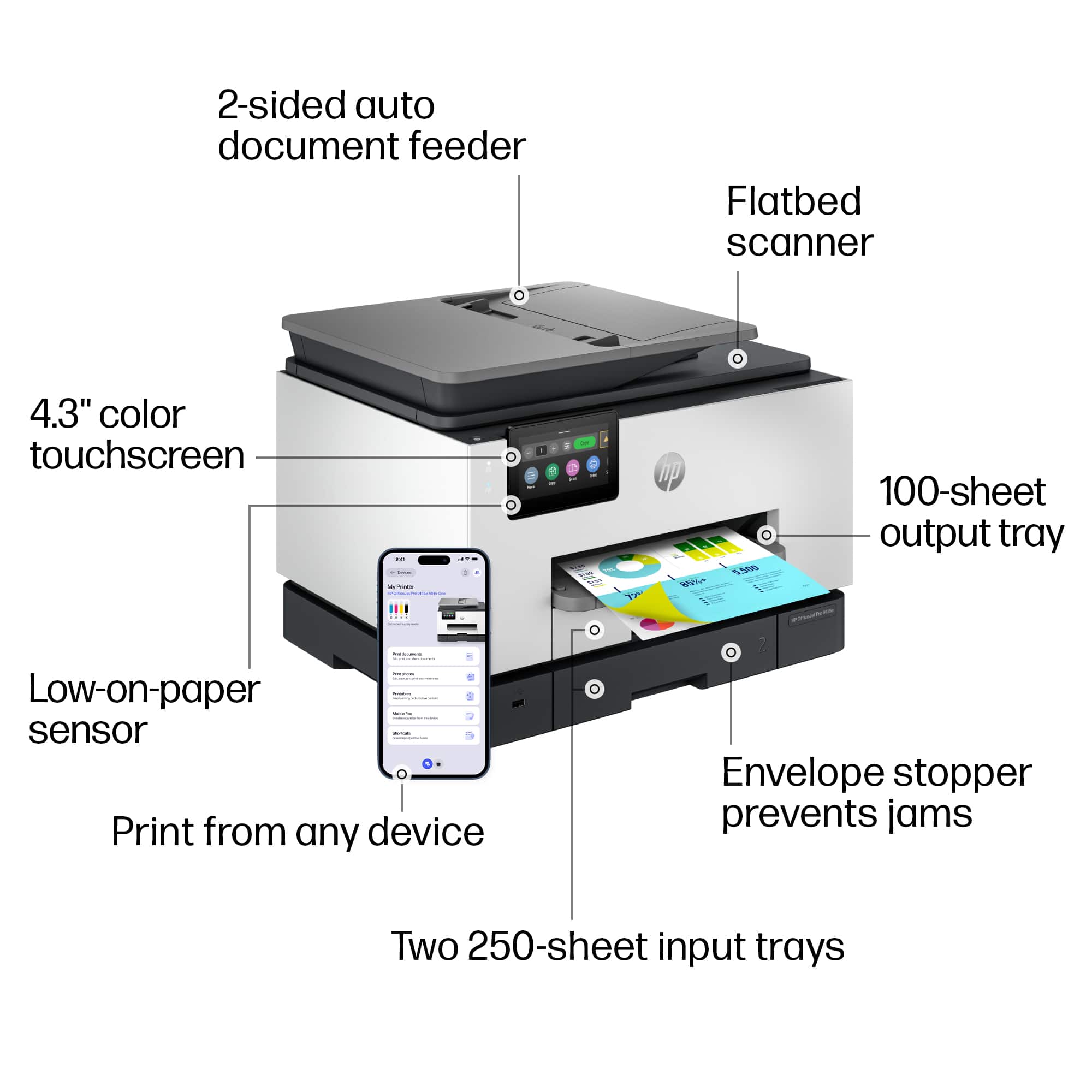
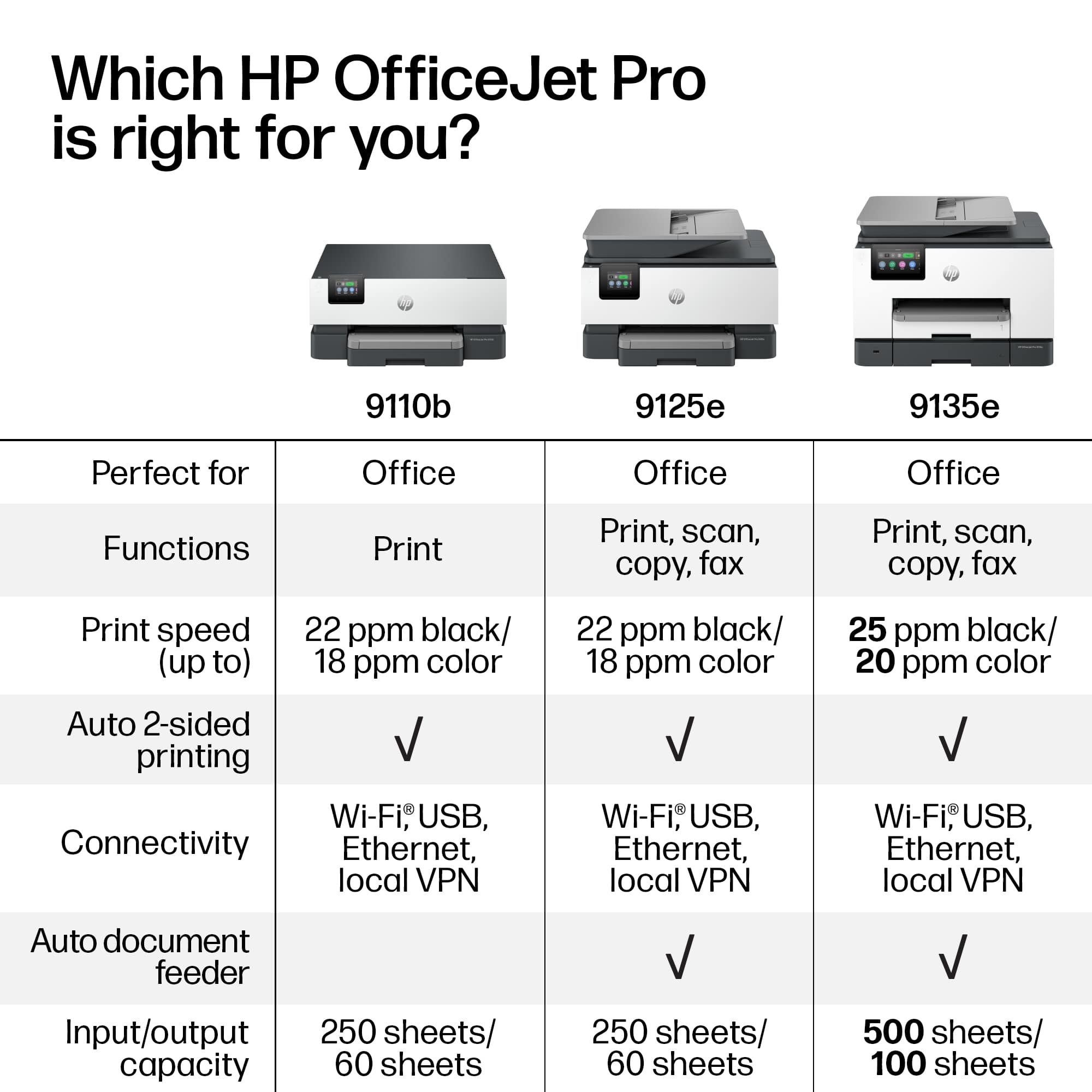
A:AnswerThanks for your question about this HP OfficeJet Pro 9135e! You can send faxes out through the HP Smart app that you can download to any compatible Android or iOS phone or tablet, or Mac or Windows computer.
A:AnswerHi Cutty, thank you for asking. Yes, the OfficeJet Pro 9135e prints double-sided in sizes up to 8.5 x 11". You'll want to set up the print job using "custom size".