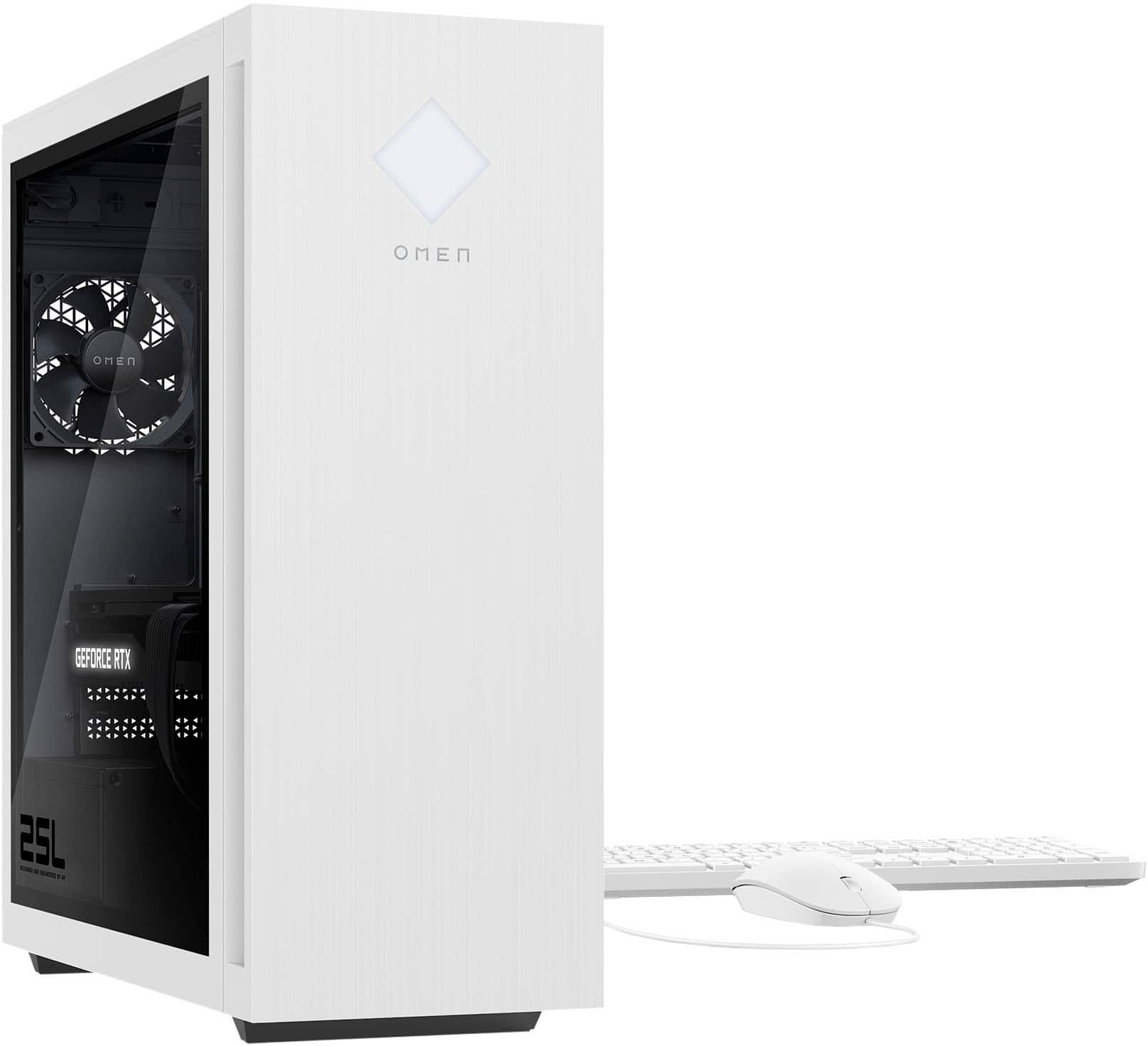
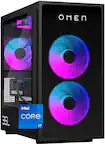
A:AnswerThe computer has a 500 watt power supply. The brand isn't listed on the parts list, but it has the code name "PERSAN3 " and it's HP part # M98828-001
A:AnswerThank you for your interest in the HP OMEN - 25L Gaming Desktop GT15-1134. For any software, you would want to check the system requirements from the publisher's website and make sure the device you want to run it on meets the requirements for the setting you would like to use. Updates can change the requirements which can impact what settings you run it on or if you can run it at all. For software that always require online or for sections that are online, your connection type and speed can also affect how well it runs.
A:AnswerThats gonna depend on what parts yer talking about.
Additional Fans? Nope.
Water Cooler/AIO? Nope.
CPU, RAM, HDD/SD - yes.
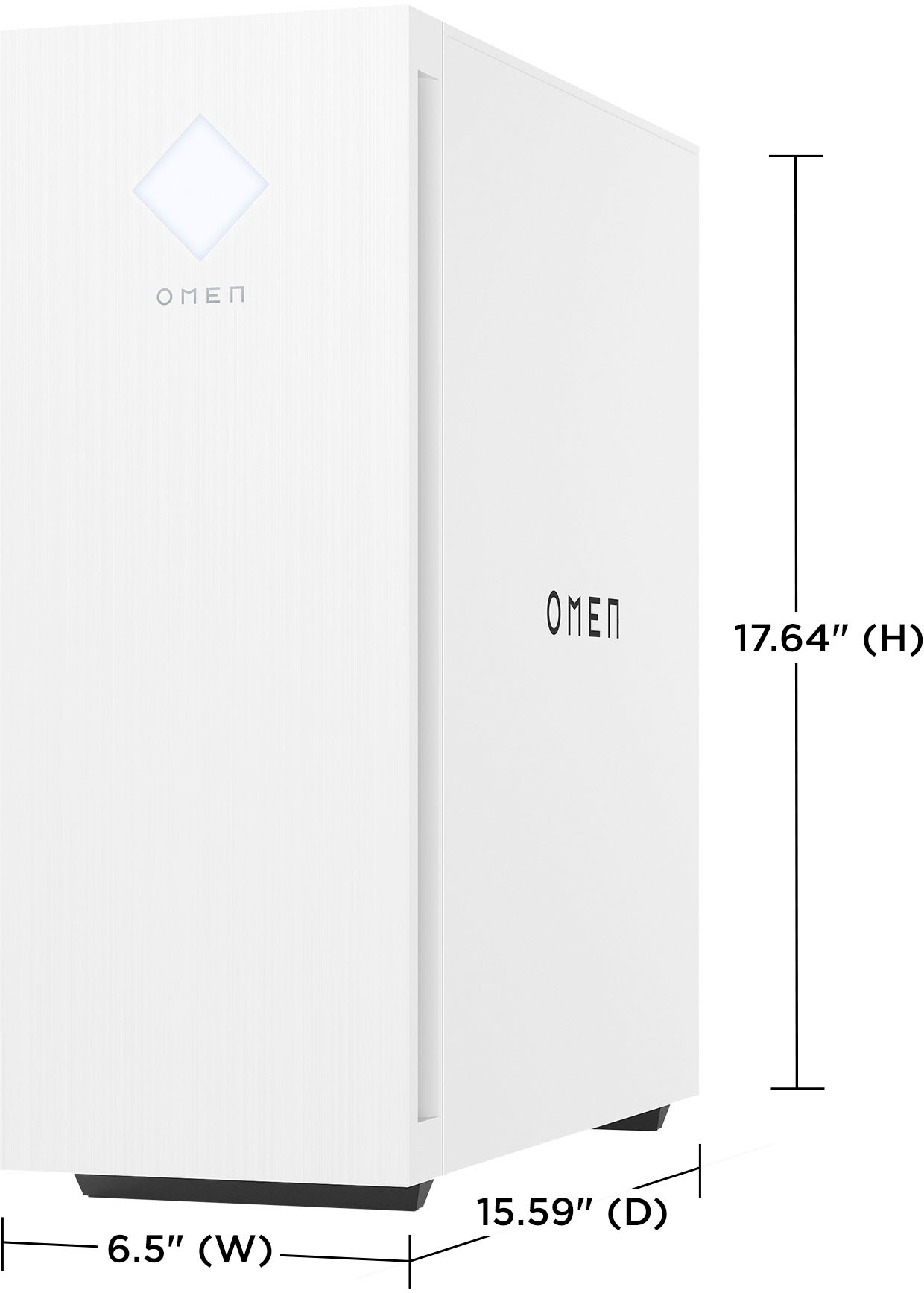
PSU - Its gonna take some work due to the design of the case, but you DEFINITELY should...
A:AnswerIt would depend on the game that you are trying to play and the settings they would prefer to use with that game. You would want to check the system requirements for the specific software. Updates can change the system requirements and settings you may be able to use. You can look up system requirements by searching game or software from the publisher's site.
A:AnswerThe RAM is actually an HP model of Kingston.
Kingston HP 52U40S6MA-8FRAE
DDR5/PC5 41600 5200MT/s XMP 40-40-40 79 1.25V
I believe it is Plug N Play at 4800MT/s 1.1V
PSU can be swapped as long as it fits and has proper connections.
Cooler can be added. CPU runs warm but not super hot. GPU runs near max temps of 83C.
Recommend to manually set fans in OMEN Gaming hub
Use something like Afterburner to set fan curve for GPU if you want it cooler.