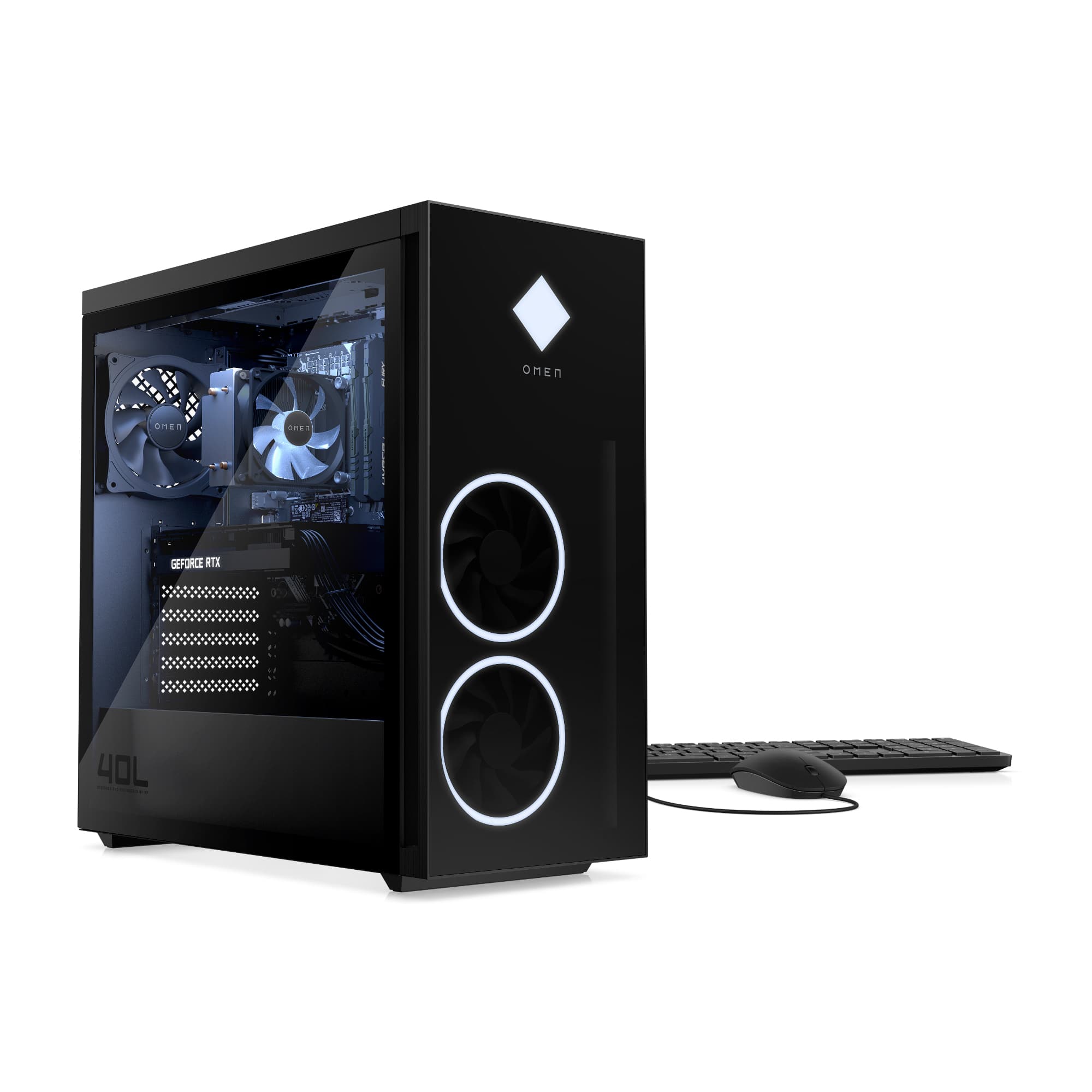
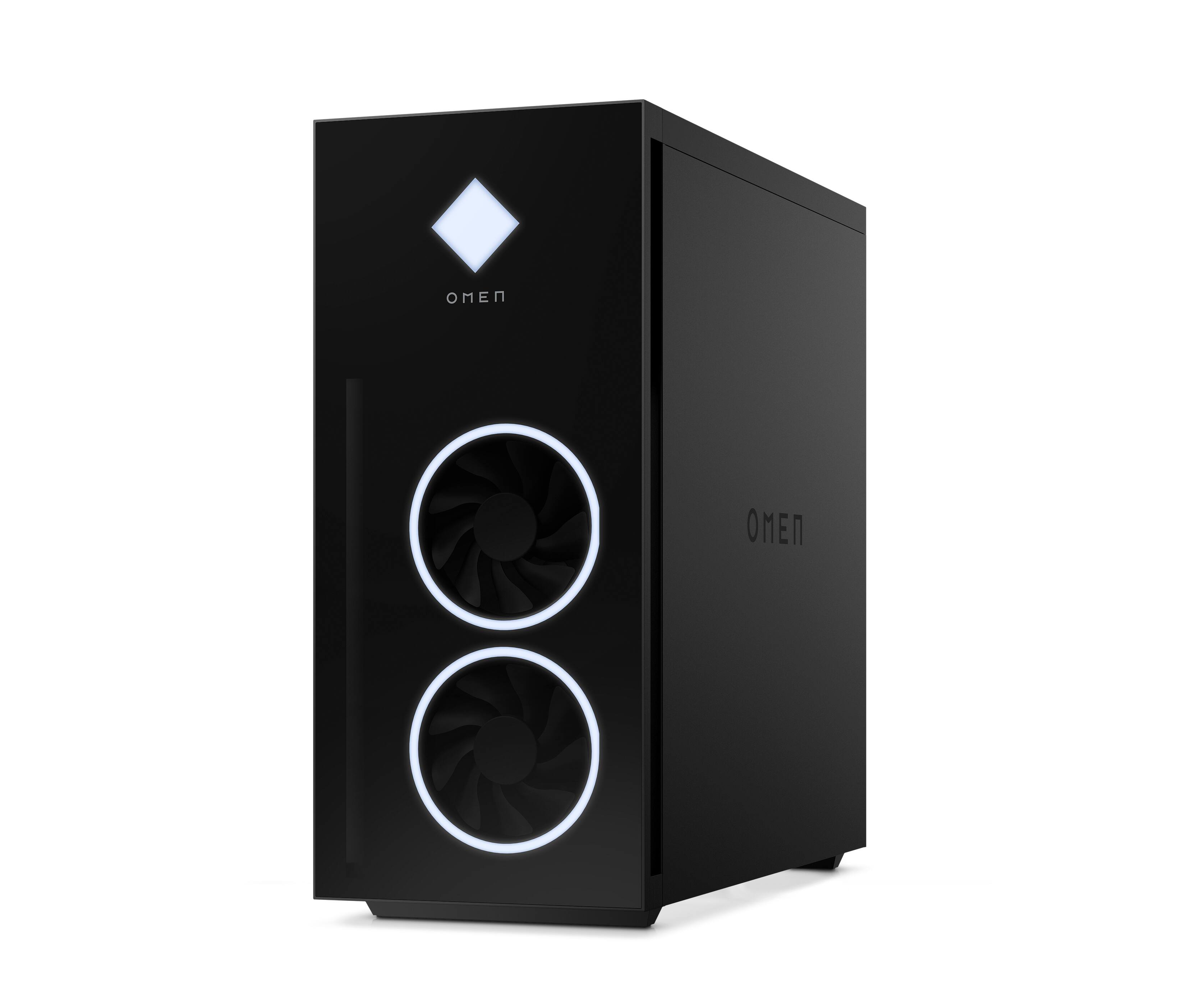
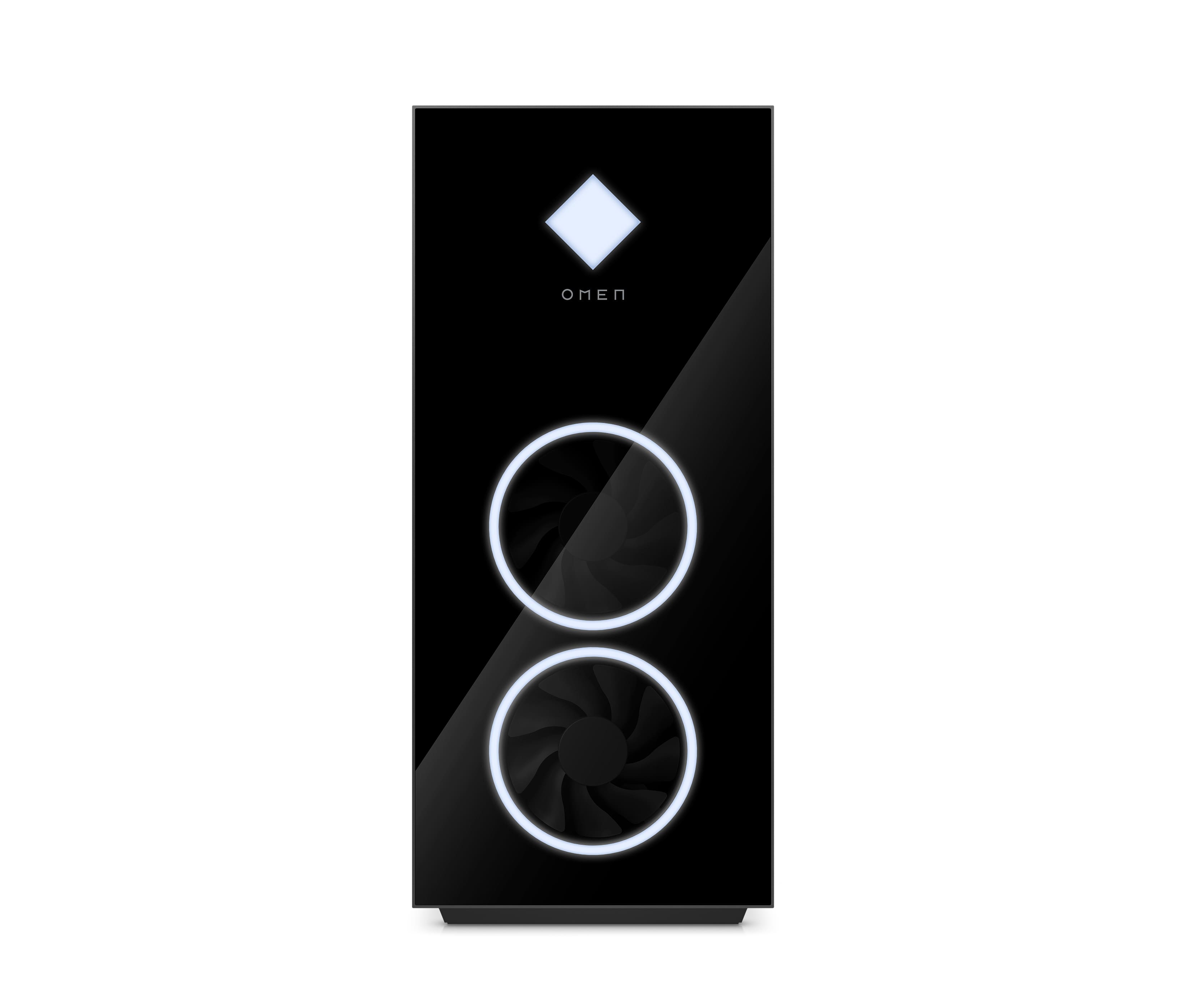
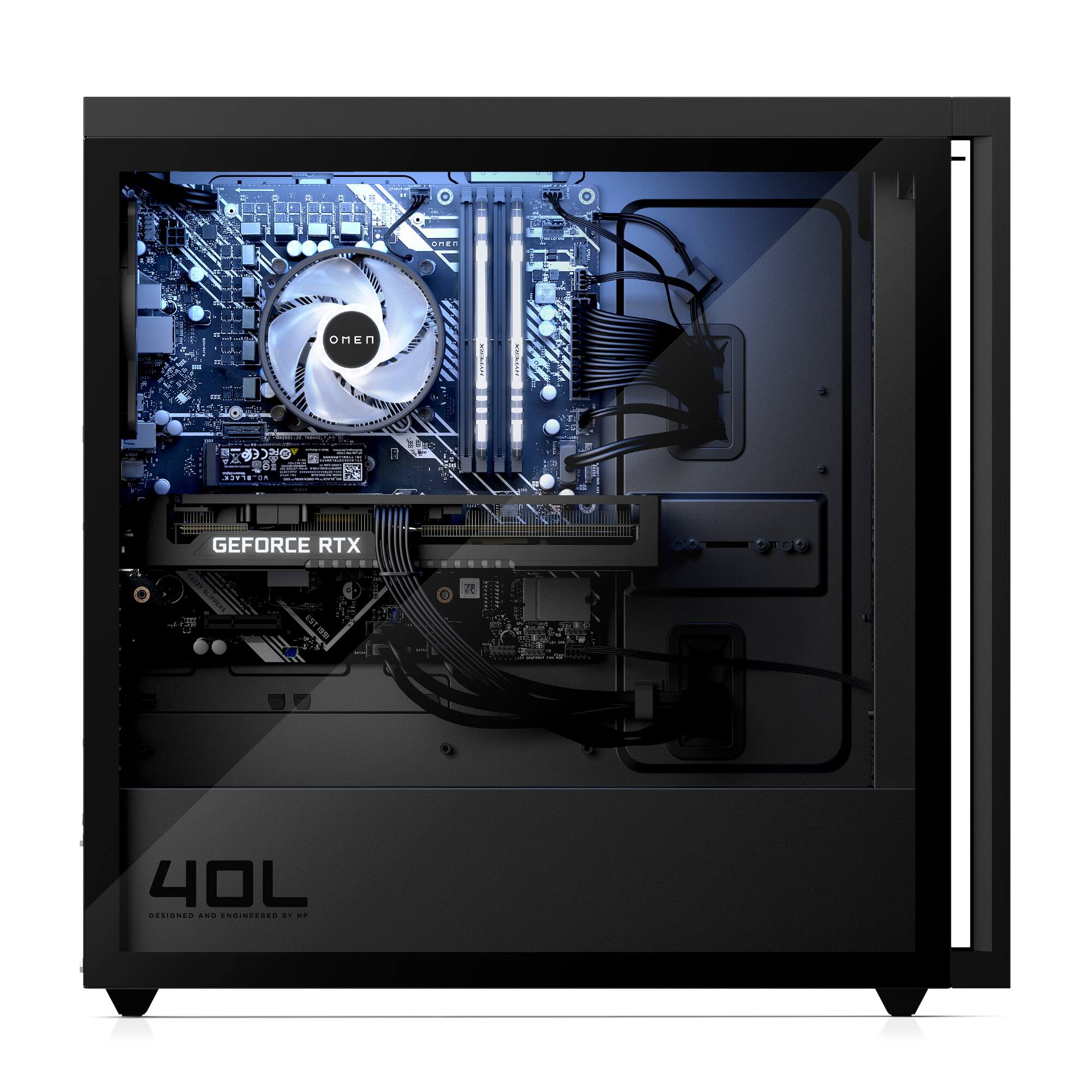
A:Answer You have two different apps you can use on the Desktop to adjust the lighting. The first is the OMEN Gaming HUB which will be preinstalled on the computer. The second is the OMEN Light Studio which you would have to download, but it is free. The difference between the two is that the OMEN Gaming HUB focuses on the devices individually, the Light Studio allows you to set it up so that you can control not only things like the OMEN Desktop, mouse, keyboard, and monitor, but you can also add HUE lighting into control zones.