A:AnswerBasic requirements
For an HP laptop running Windows, Cricut Design Space generally needs:
Windows 10 or later, 64‑bit, fully updated.
At least 4 GB of RAM and a dual‑core (or equivalent) processor.
At least 2 GB of free storage and a screen resolution of 1024 x 768 or higher.
Reliable internet connection, plus either a USB port or Bluetooth for connecting to the Cricut machine.
As far as Home Schooling you need internet access and a good speed from your internet host. If you can get Fiber Optic internet with your hosting company that would be the best connection.
But I am sure that this laptop will meet all your requirements for home schooling.
Merry Christmas!
John A.
A:AnswerHi LanellR.
This may help you!
It might, but it depends on both your laptop model and the type of Bluetooth your hearing aids use.[1][2]
## What needs to match
- The laptop must have Bluetooth (built‑in or via a USB dongle) and, for many newer hearing aids, support for Bluetooth LE Audio in Windows 11.[2][1]
- Many prescription hearing aids use special systems (MFi for iPhone, ASHA for Android, or brand‑specific adapters), so they often do not connect directly to a Windows laptop without an extra streaming accessory from the hearing‑aid brand.[3][1][2]
## How you can check quickly
1. On the laptop, open Settings → Bluetooth (Windows) or System Settings → Bluetooth (Mac) and make sure Bluetooth is on.[3]
2. Turn your hearing aids off and back on (or follow their manual) to put them into pairing mode and hold them close to the laptop.[3]
3. In the Bluetooth “Add device” screen, see if your hearing aids appear and can be added as an audio device.[2][3]
If you tell the exact laptop model and the hearing‑aid brand/model, a much more precise yes/no answer and exact steps can be given.
[1](https://support.microsoft.com/en-us/windows/using-hearing-devices-with-your-windows-11-pc-fcb566e7-13c3-491a-ad5b-8219b098d647)
[2](https://www.oticon.com/support/pairing/tvs-and-other-systems-with-sound/how-to-pair-hearing-aids-with-computer)
[3](https://www.miracle-ear.com/blog-news/connect-hearing-aids-to-pc-smartwatches)
[4](https://www.youtube.com/watch?v=1eTCqlE1ey4)
[5](https://www.reddit.com/r/HearingAids/comments/1133jou/how_do_i_connect_my_hearing_aides_via_bluetooth/)
[6](https://www.hearingsolutions.philips.com/en-us/support/pairing/tvs-and-other-systems-with-sound/how-to-pair-your-hearing-aids-with-a-computer)
[7](https://www.reddit.com/r/HearingAids/comments/1mx38kp/hearing_aid_compatible_laptops/)
[8](https://www.reddit.com/r/HearingAids/comments/1er5s02/seeking_advice_on_bluetooth_hearing_aids_with/)
[9](https://www.starkey.com/support/connectivity-and-pairing)
[10](https://h30434.www3.hp.com/t5/Notebook-Audio/Pair-my-laptop-to-my-hearing-aids/td-p/9000457)
This may be confusing to you but read through the first part of this answer and then use and of the URL links labeled 1 thru 10. Just copy the text that is within the ( and ) bracket and place it into the ADDRESS BAR at the top of your browser( Microsoft Edge, Google chrome, Comet, etc. and you will be delivered to more information about the problem
Merry Christmas!
John A.
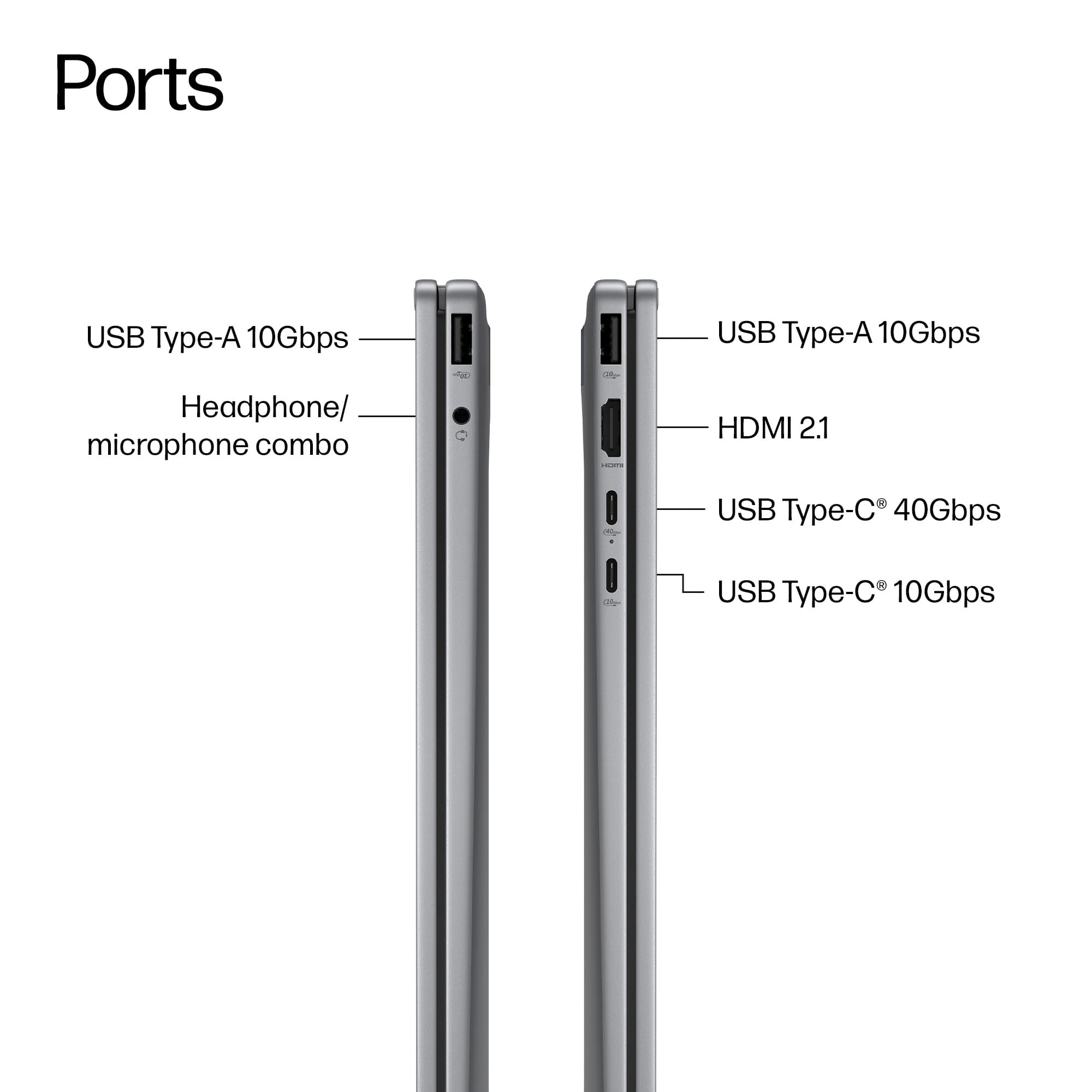
A:AnswerAll that is needed is to pick up a Media Reader which will plug into your USB slot on any PC. Plug it in, wait for Windows to recognize the USB Media Reader and then insert your SD card.
You can buy a media (memory card) reader at most electronics retailers, both online and in-store, including Amazon, Walmart, Best Buy, and office-supply chains.
For other models just search the HP.COM website.
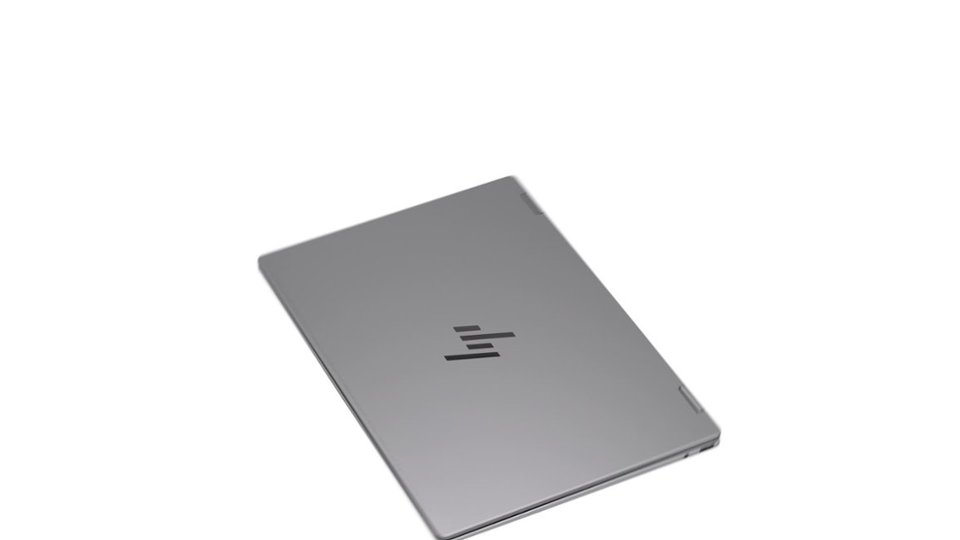
I have included a picture of the Media Reader I have. There are tons of different brands.
Merry Christmas!
John A.
A:AnswerUninstall and delete the 365 version. Then install the regular cheapest version of Office (for Home and Student). Shrink wrapped box $100-150, look for Cyber Monday sale. Or buy OEM license and just download and install it. Are you with me in hating Greedy-o-Soft for making life 4 times harder for those of us that want Office Forever, just so that they can dangle the yearly version in front of the dumb folks who are willing to pay MS every year for 10 years?
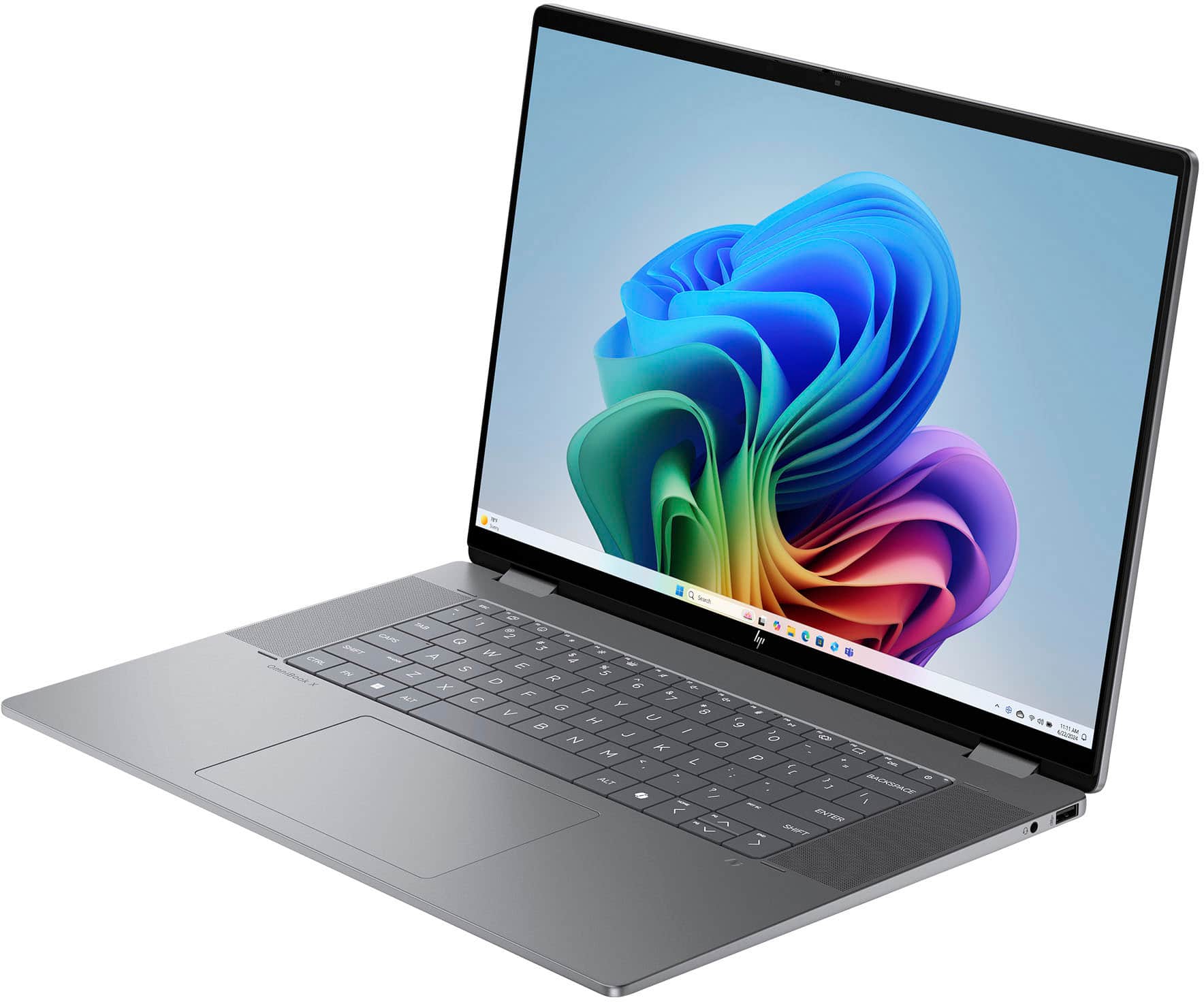
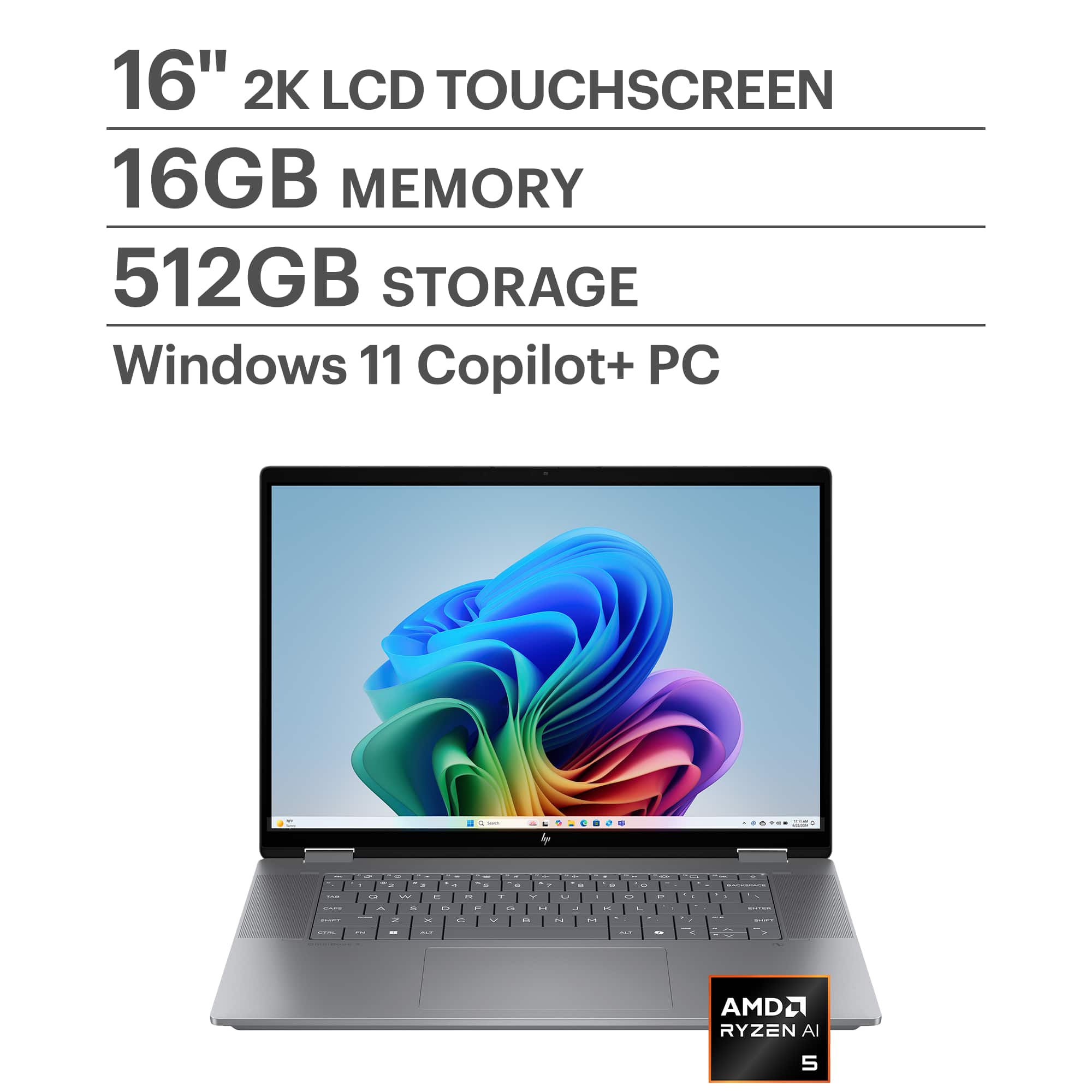
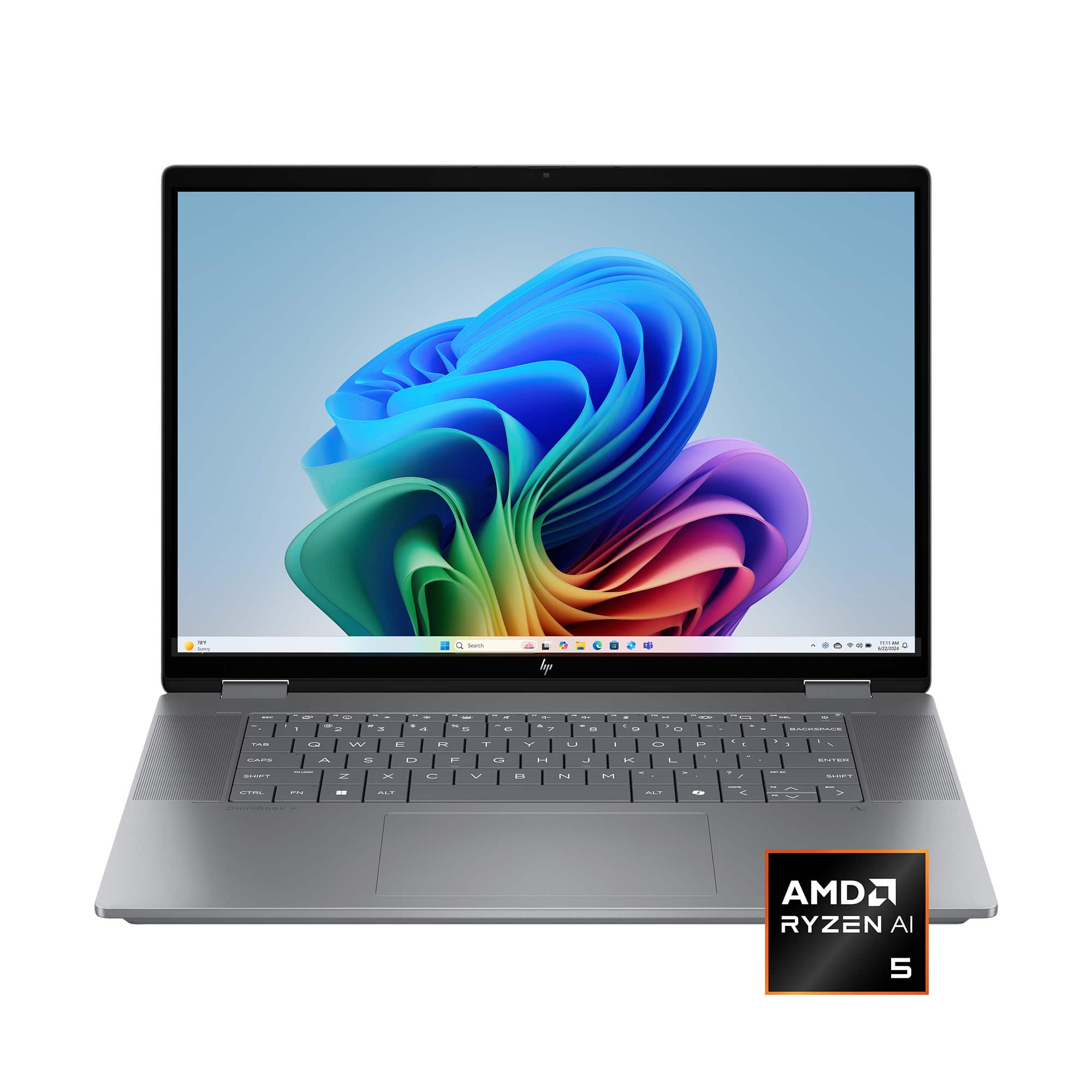
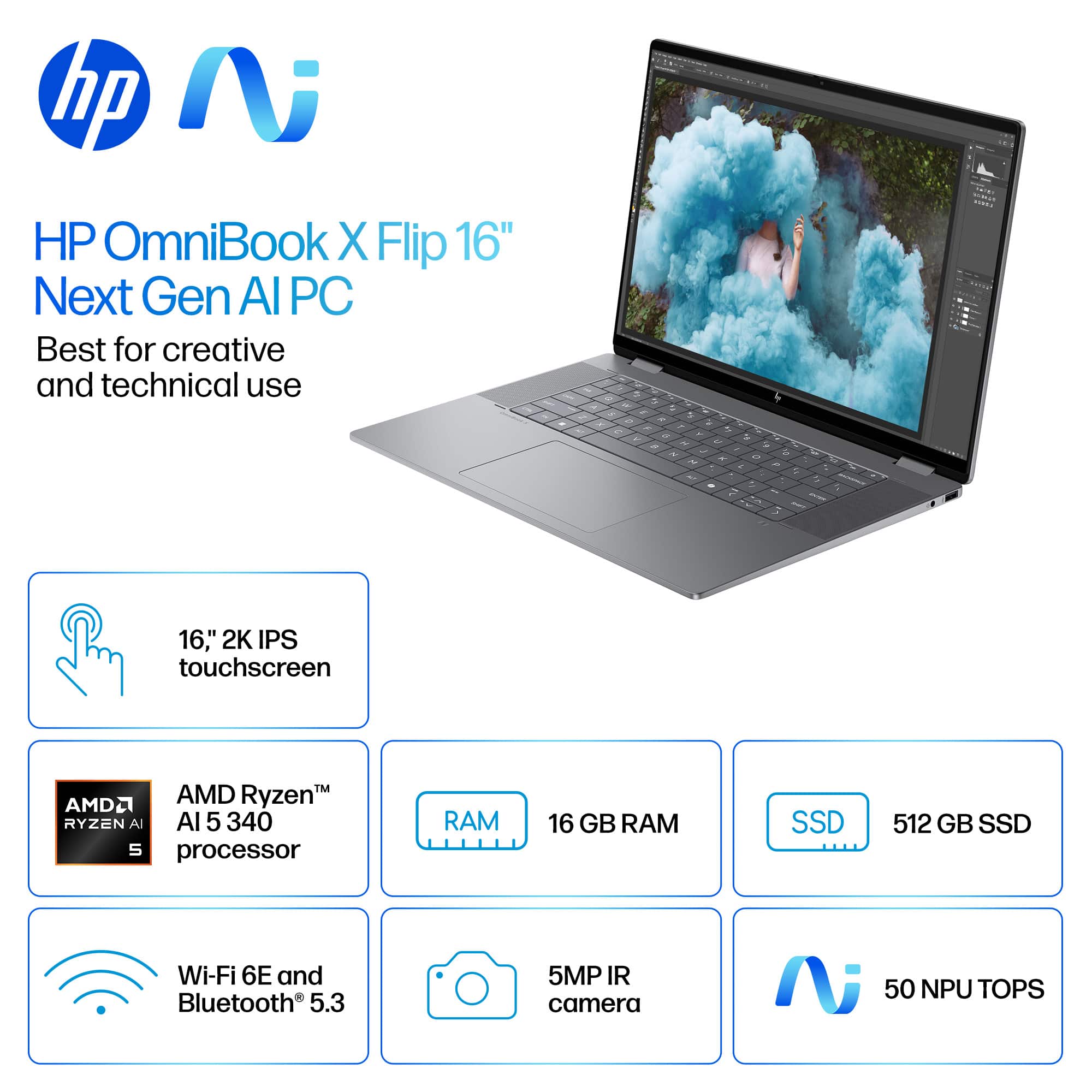
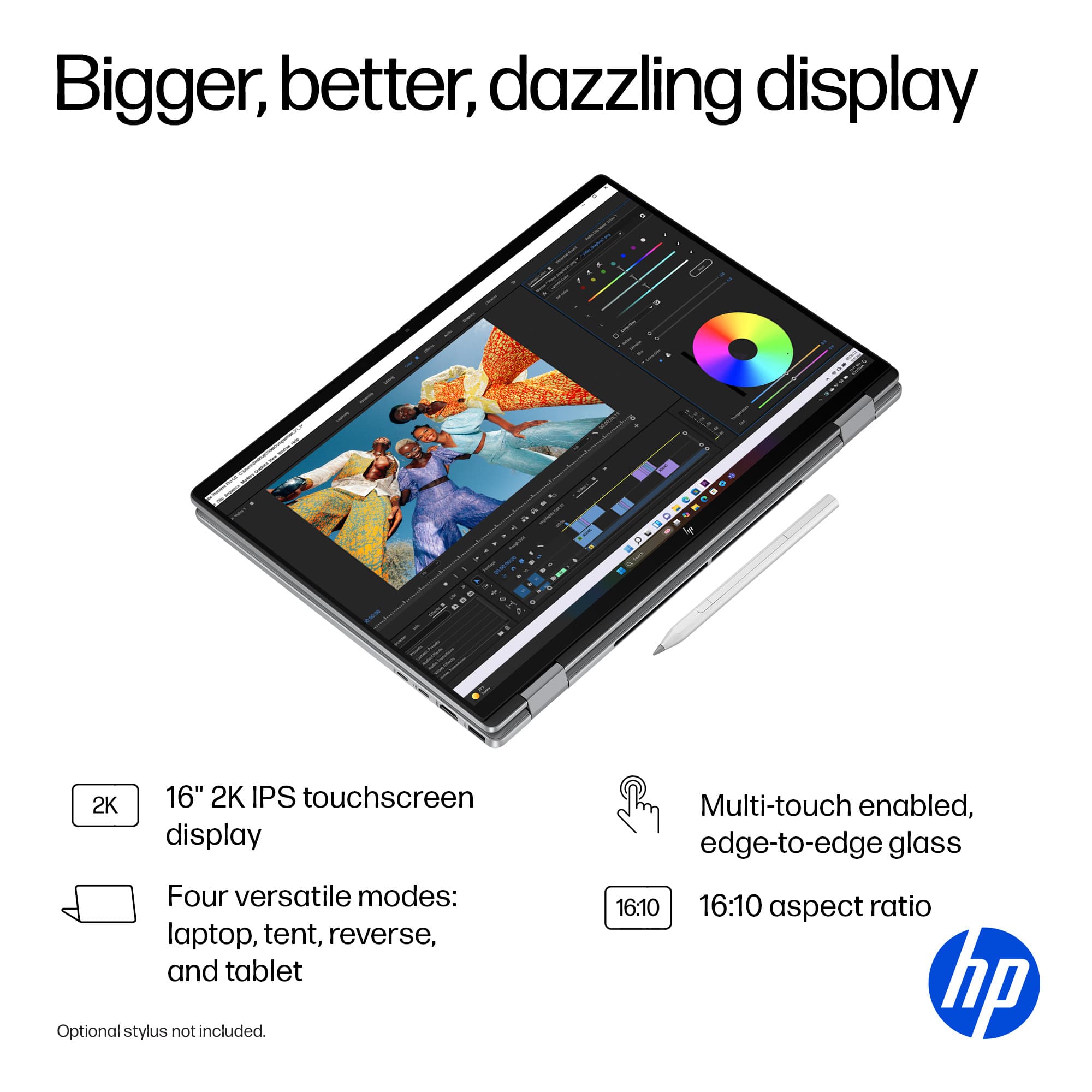
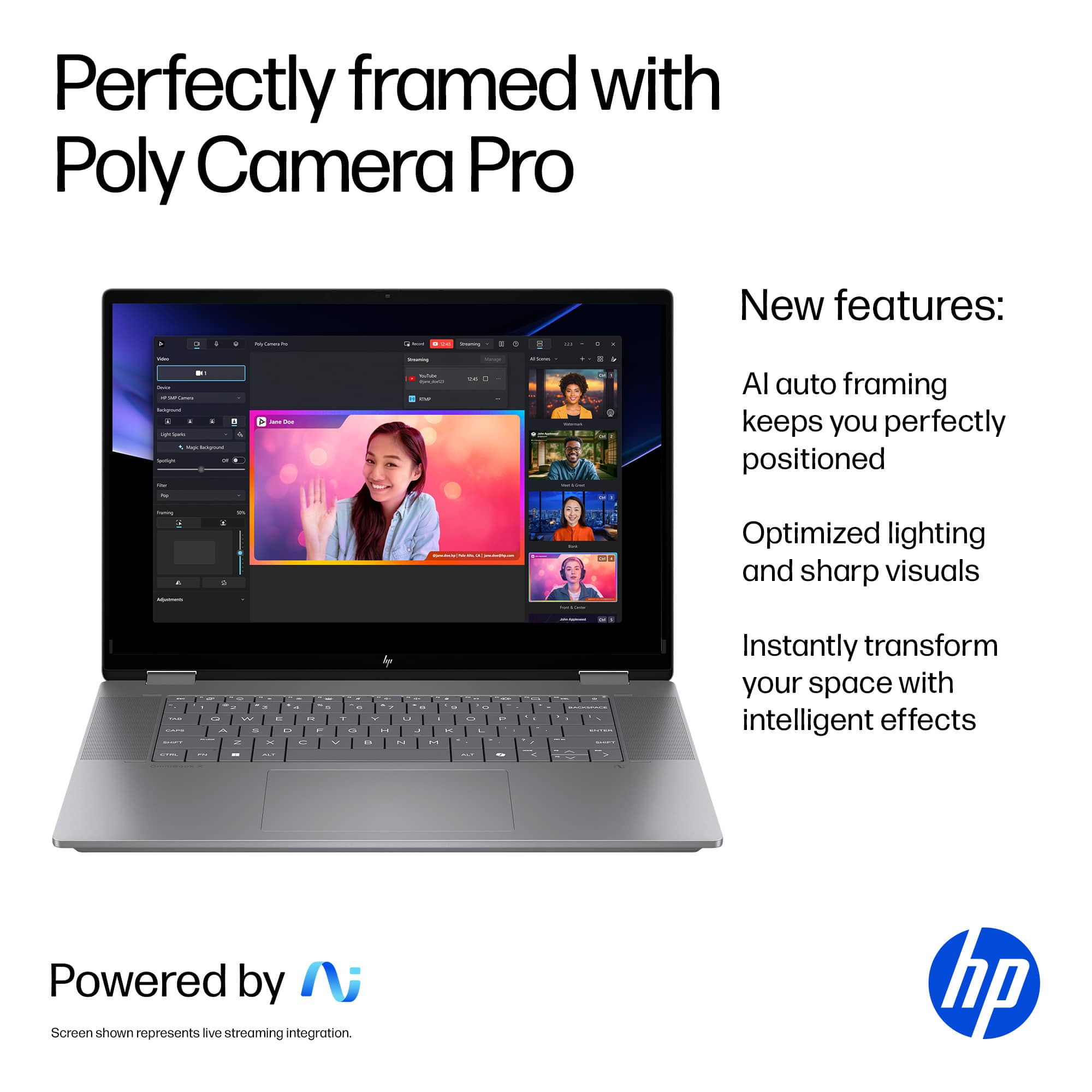
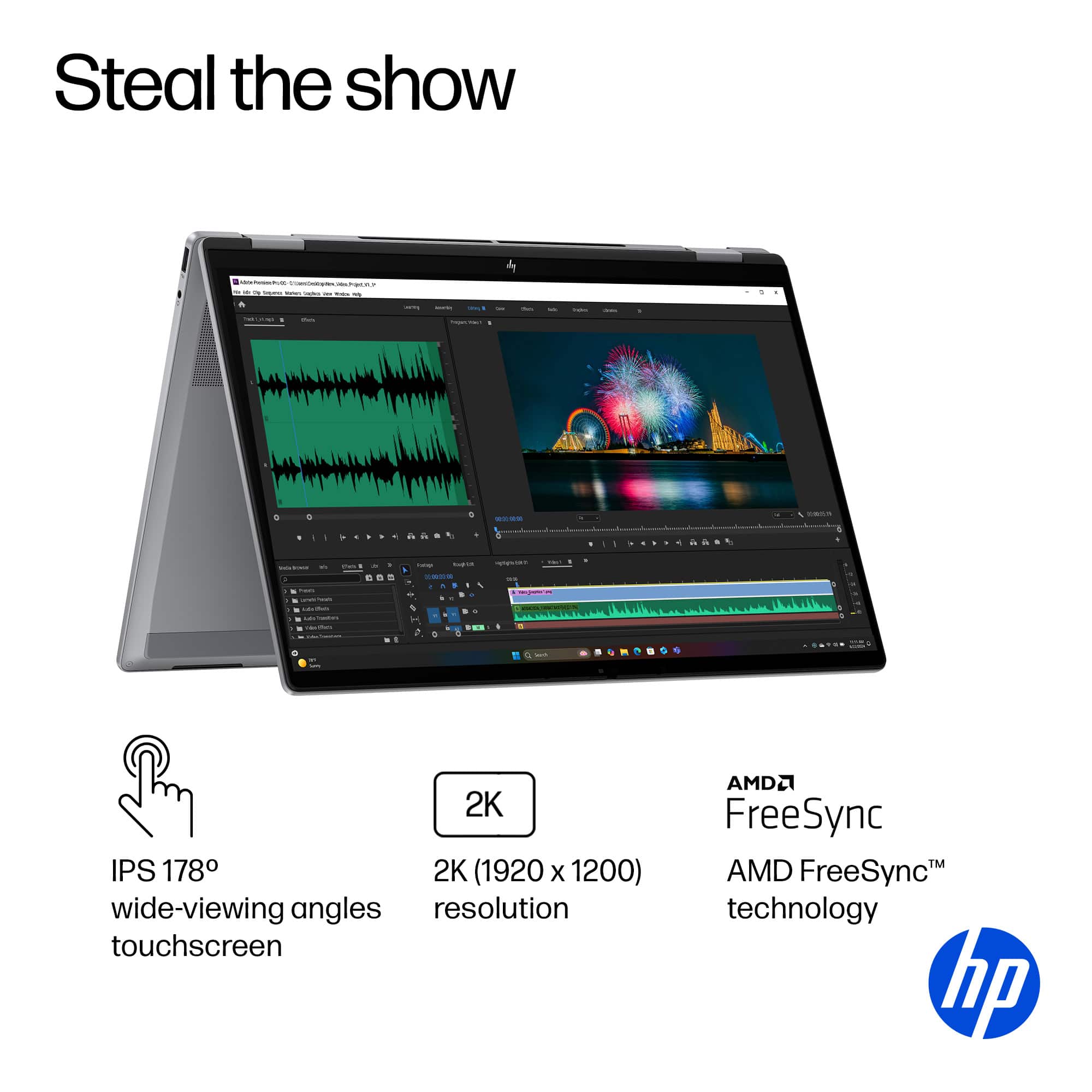
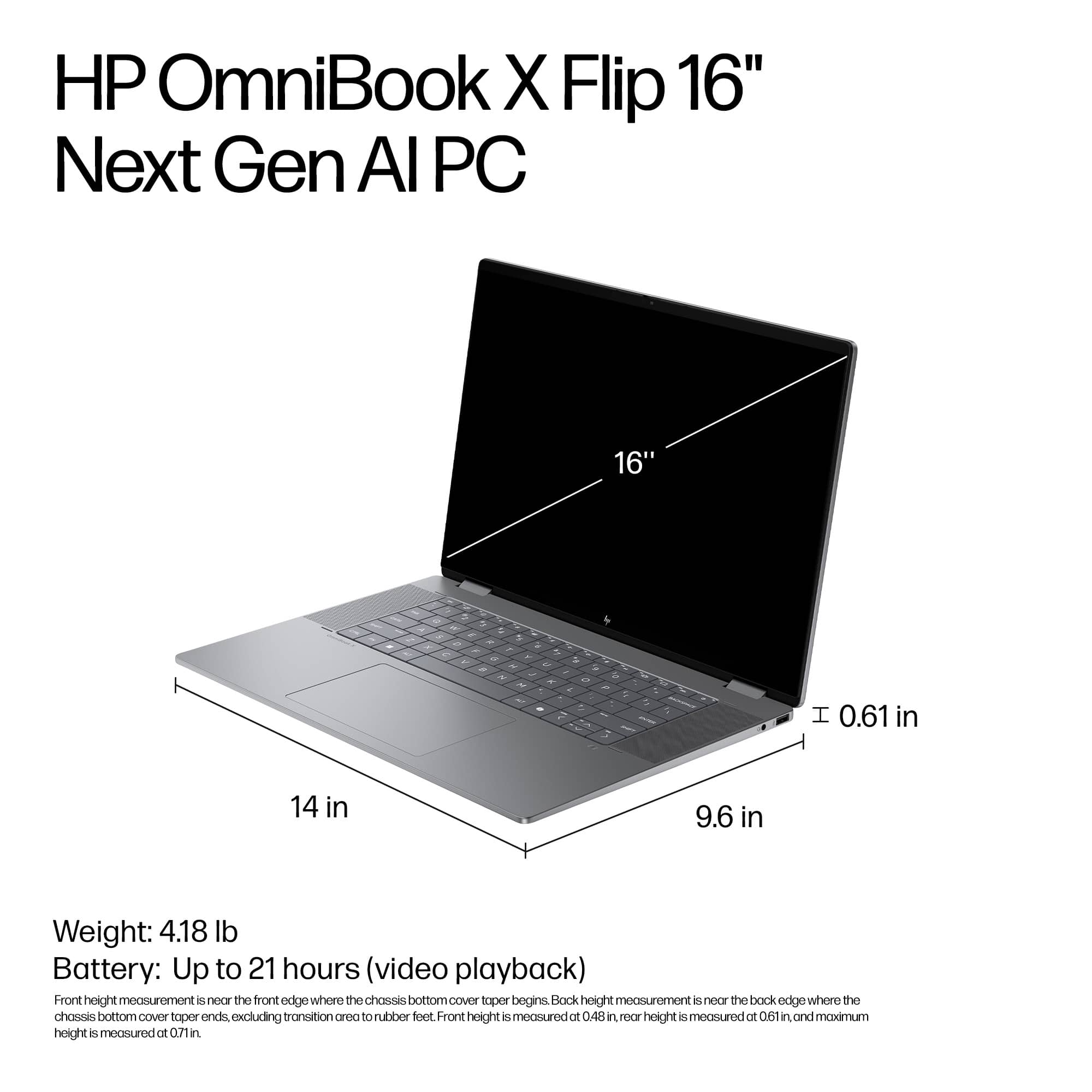
A:AnswerYes this OmniBook X is absolutely amazing for word and photos. I use it primarily for classes and have not had any issues or problems with power.
Photos, rather you’re just viewing or editing this can most definitely handle anything you throw at it.
 for registration status and tier levels by country. ENERGY STAR and the ENERGY STAR logo are registered trademarks of the US Environmental Protection Agency.](https://pisces.bbystatic.com/image2/BestBuy_US/images/products/528679fa-c5a1-4feb-bbc5-6eed3cb9cfad.jpg)