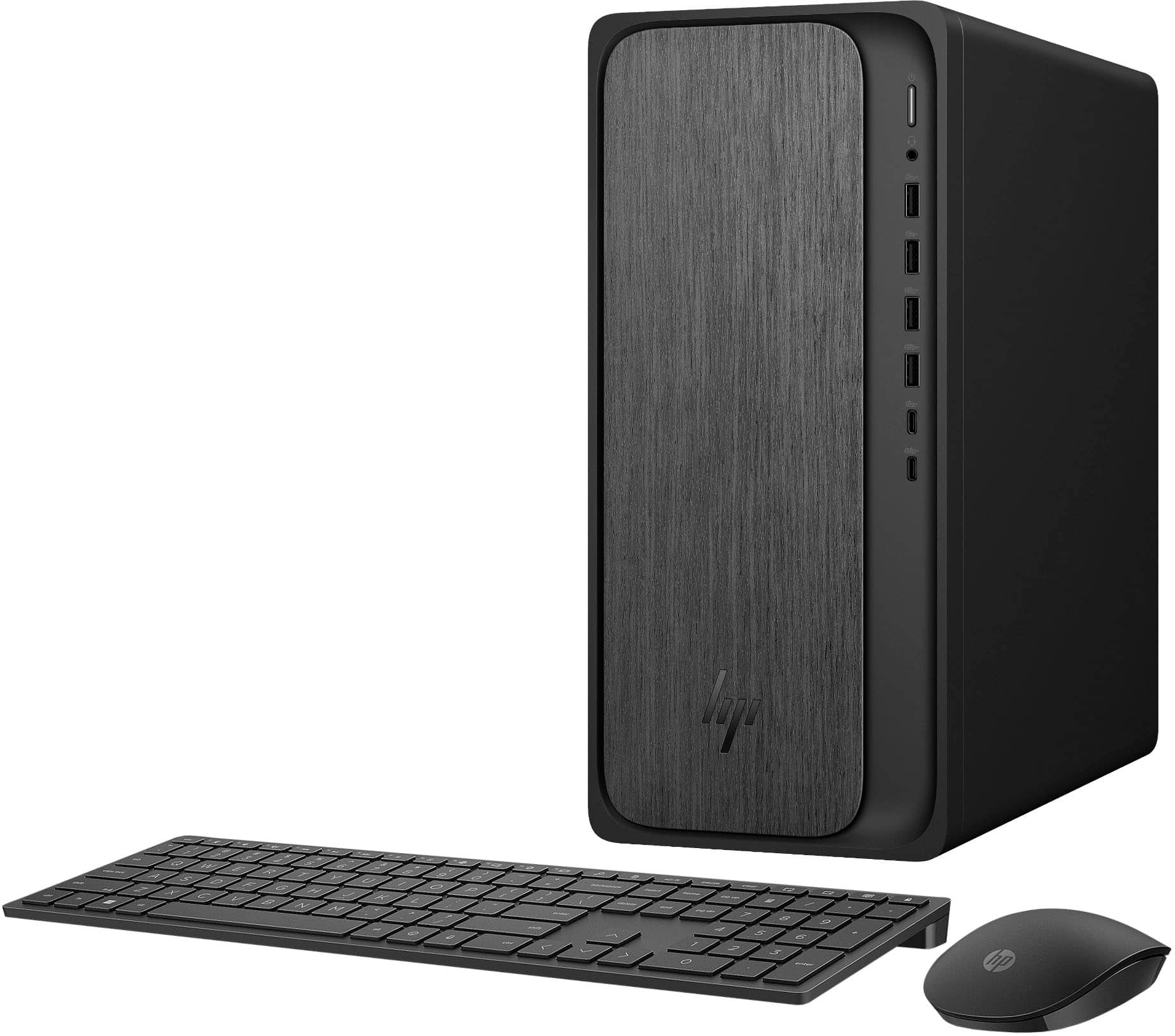
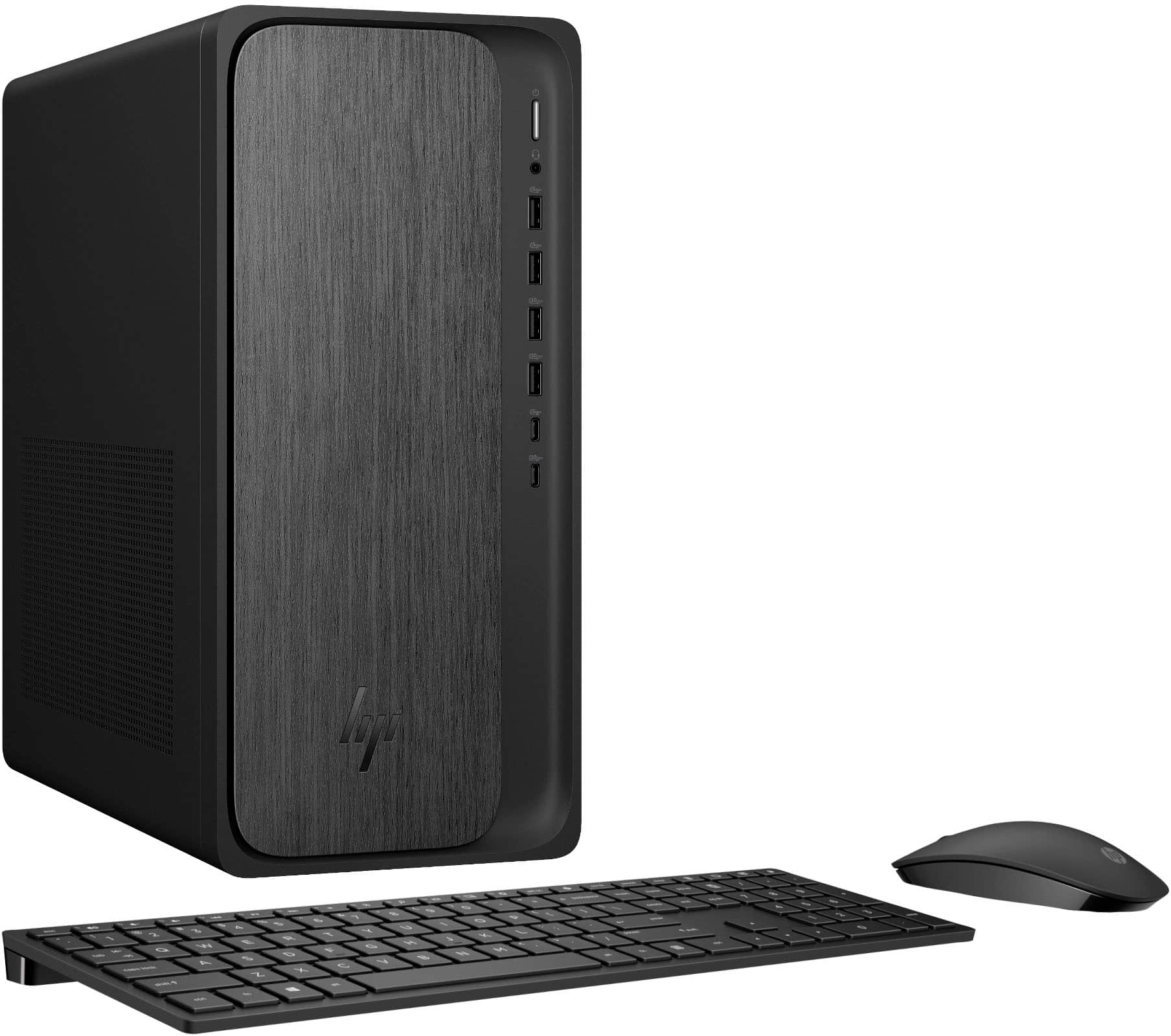
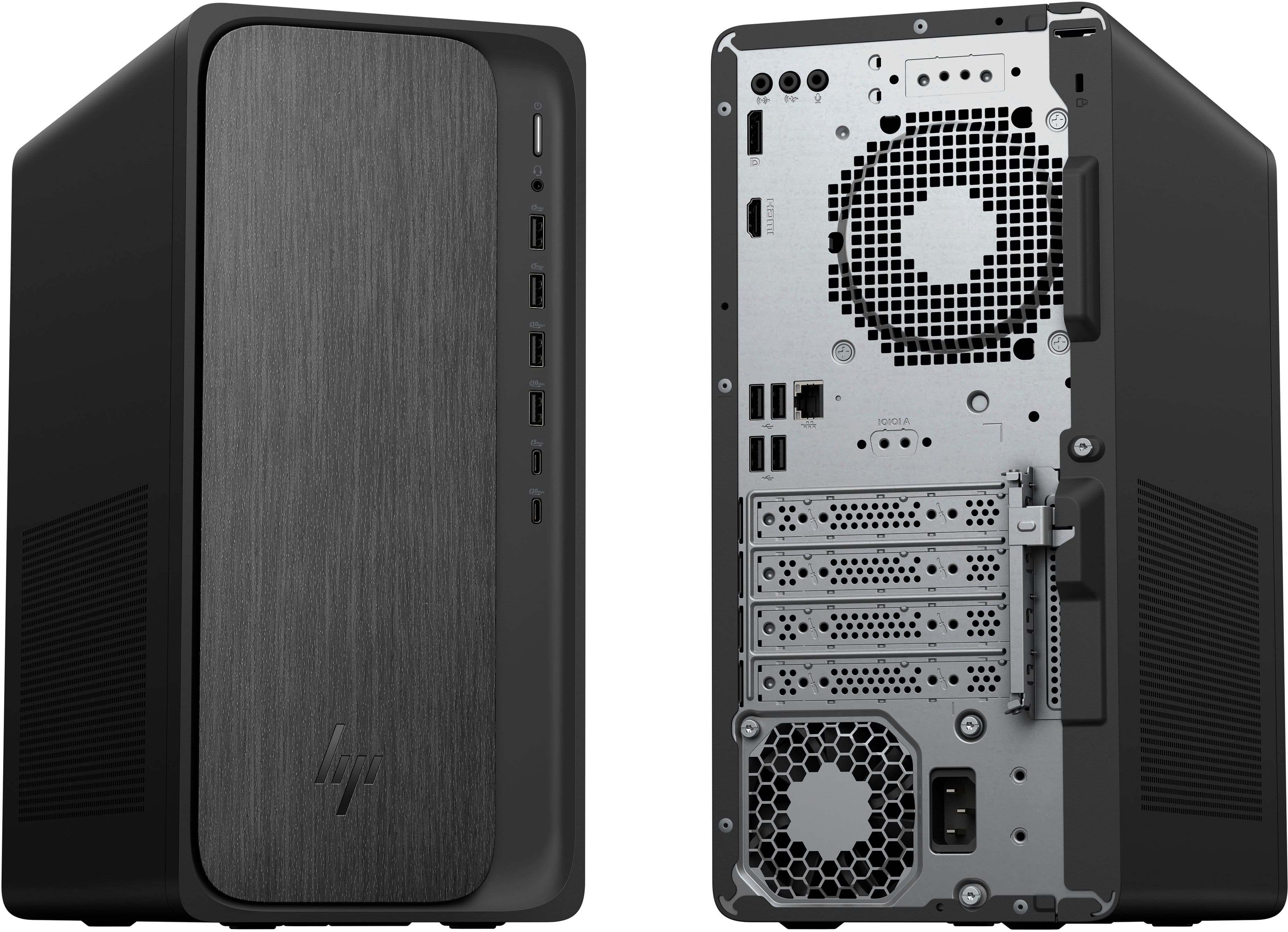
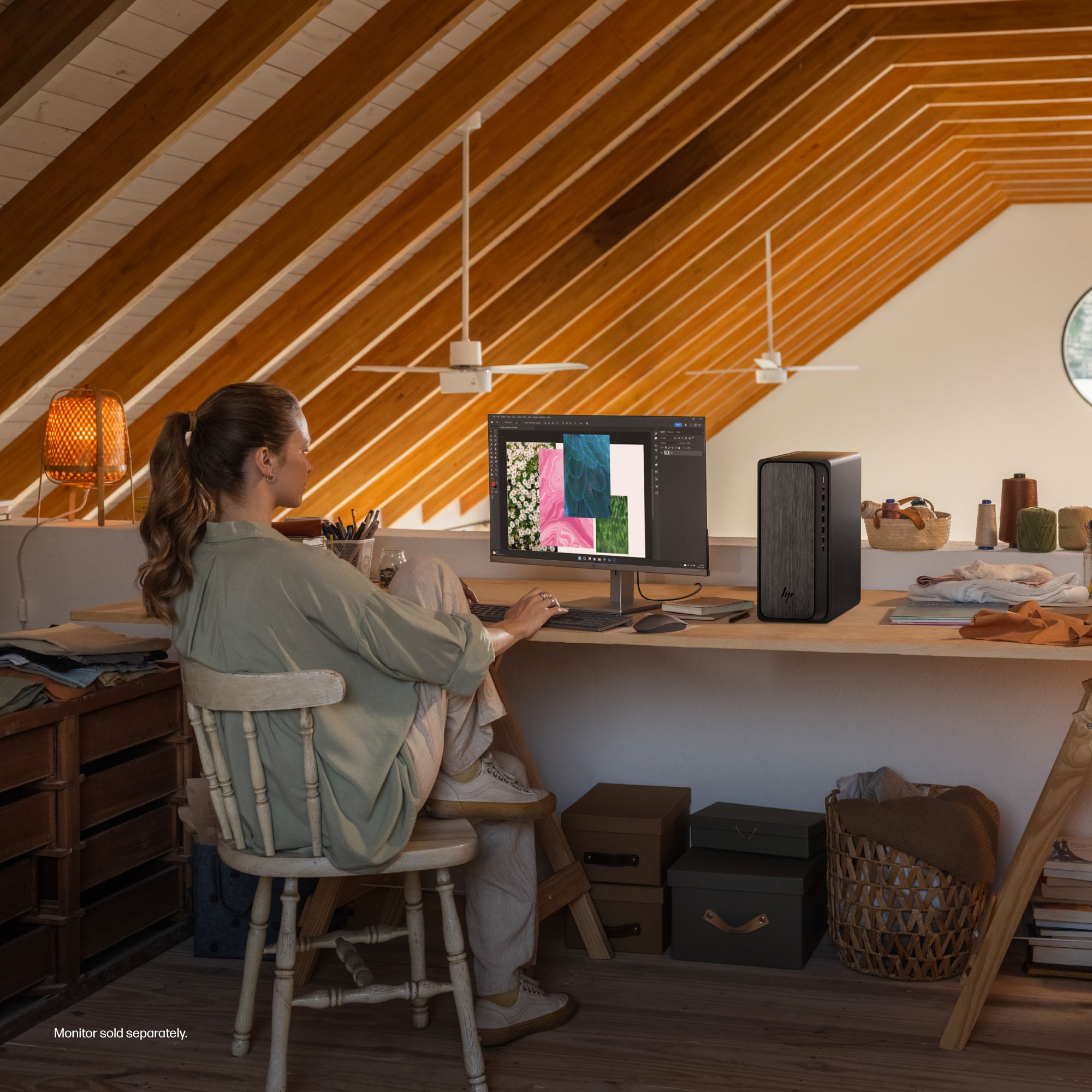
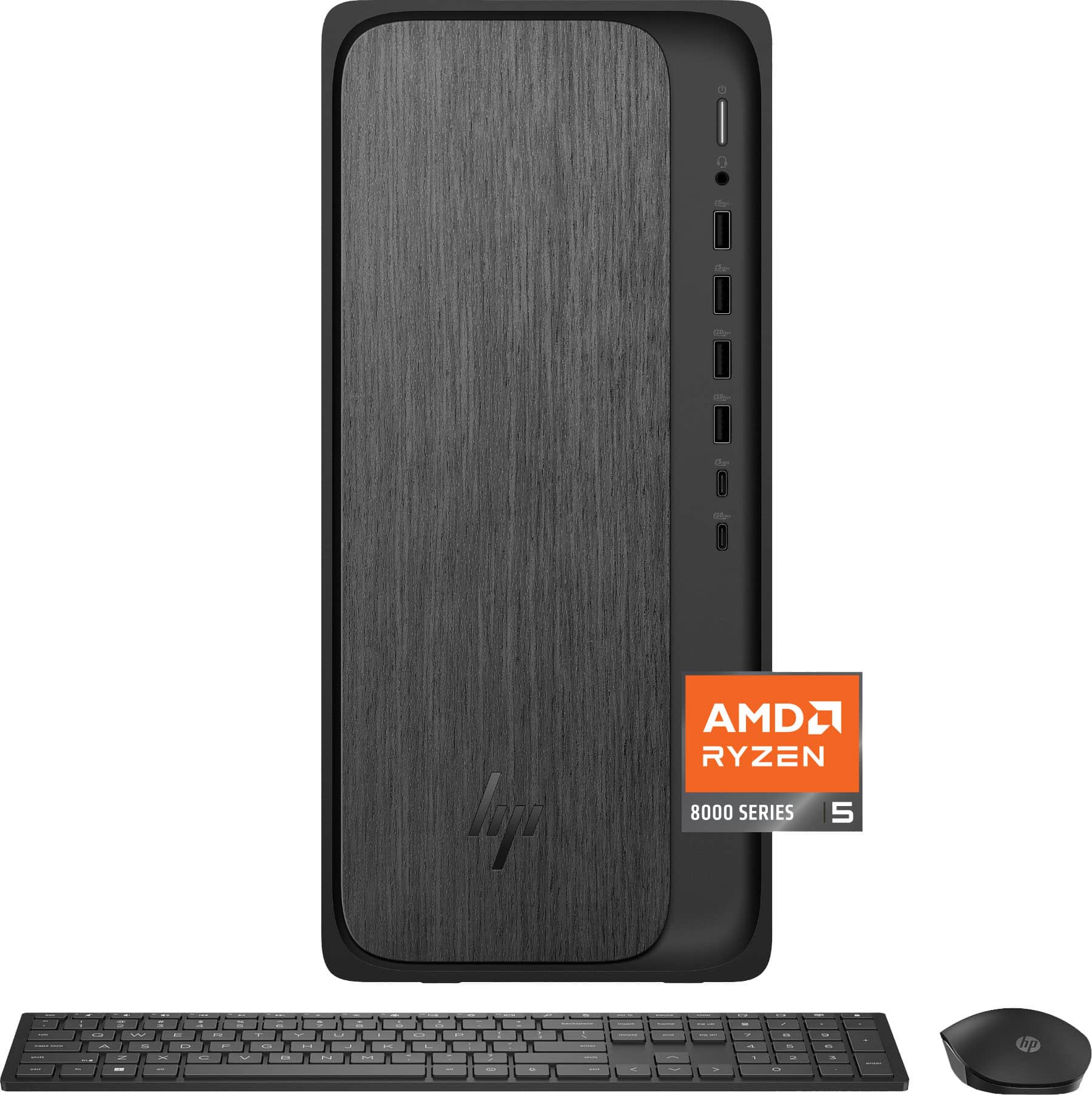
A:AnswerThank you for your question about this HP OmniDesk! Yes, it has a connector for a graphics card. Additionally, Best Buy sells a model from this series that is equipped with an nVidia GeForce RTX 3050 graphics card.
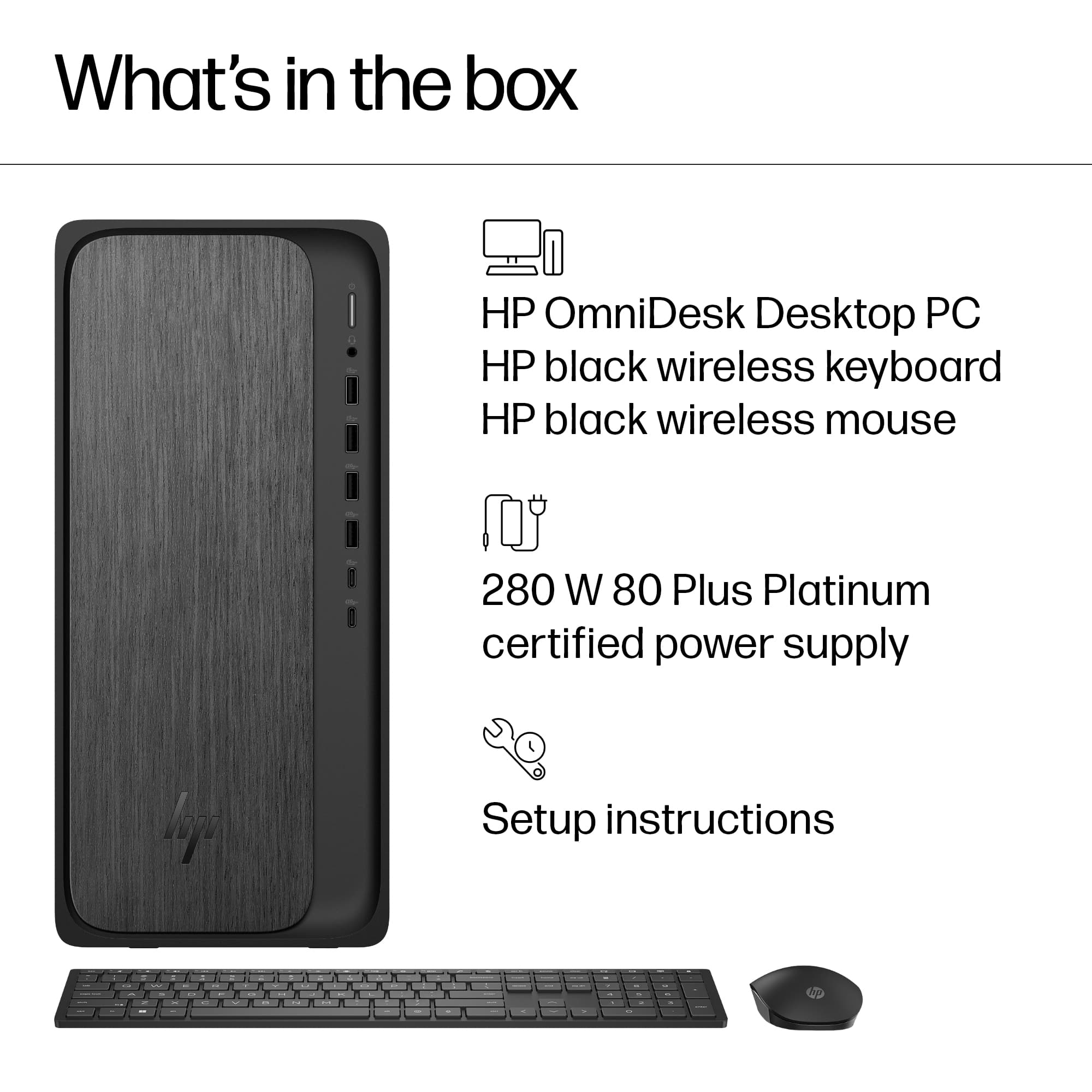
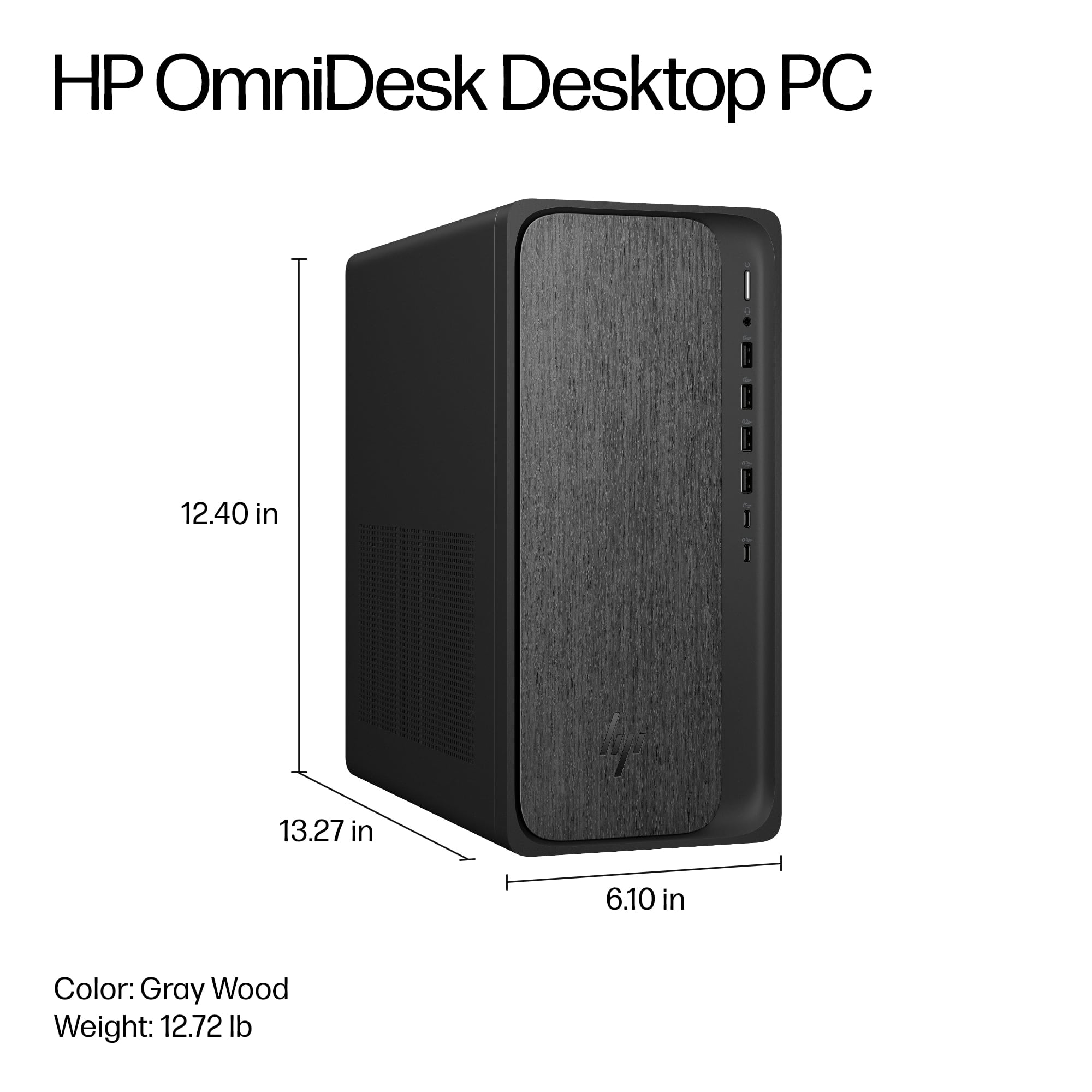
A:AnswerThank you for your question about this HP OmniDesk tower! It does not have space for a second SSD or an HDD. Additionally, the main spec sheet does not list the PSU wattage.
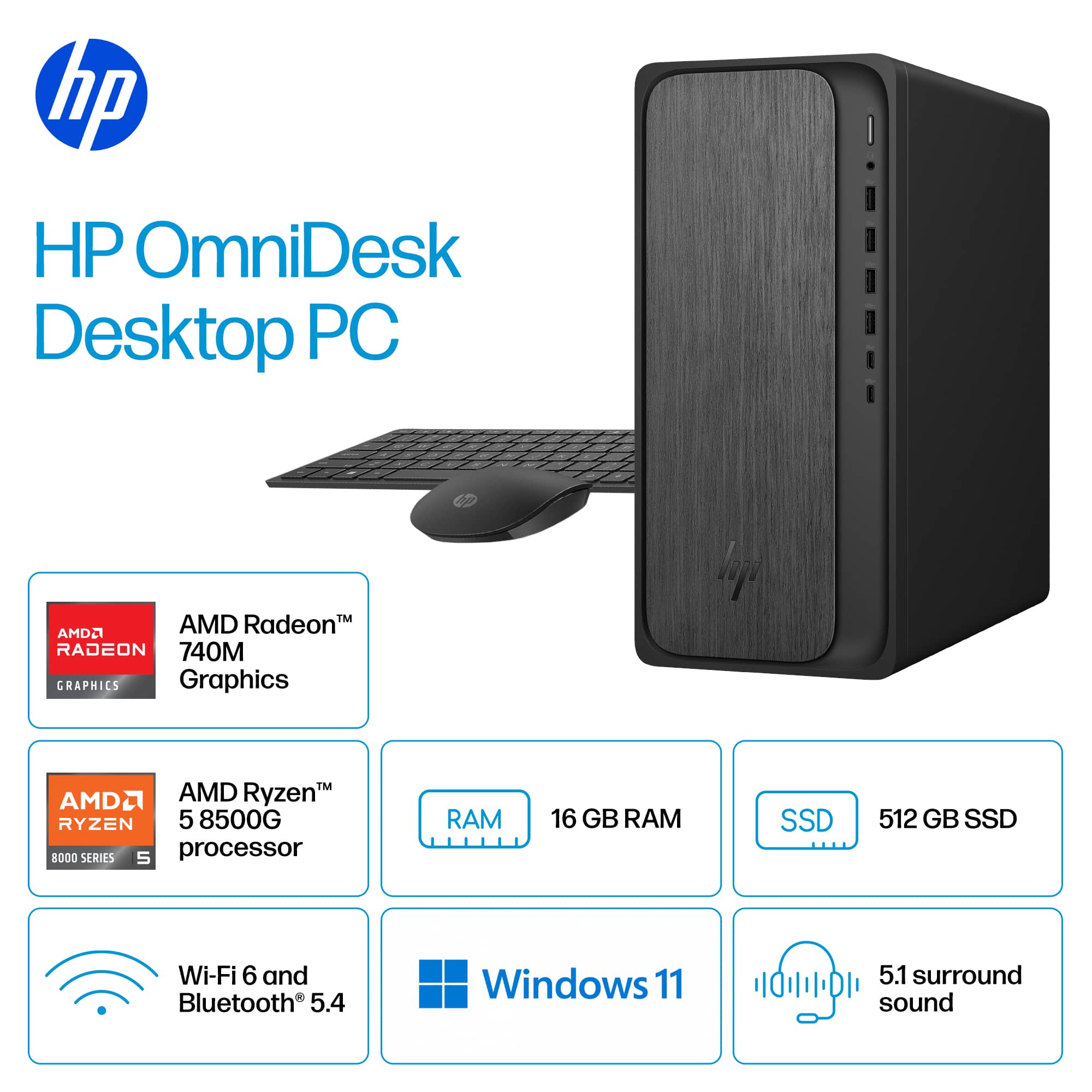
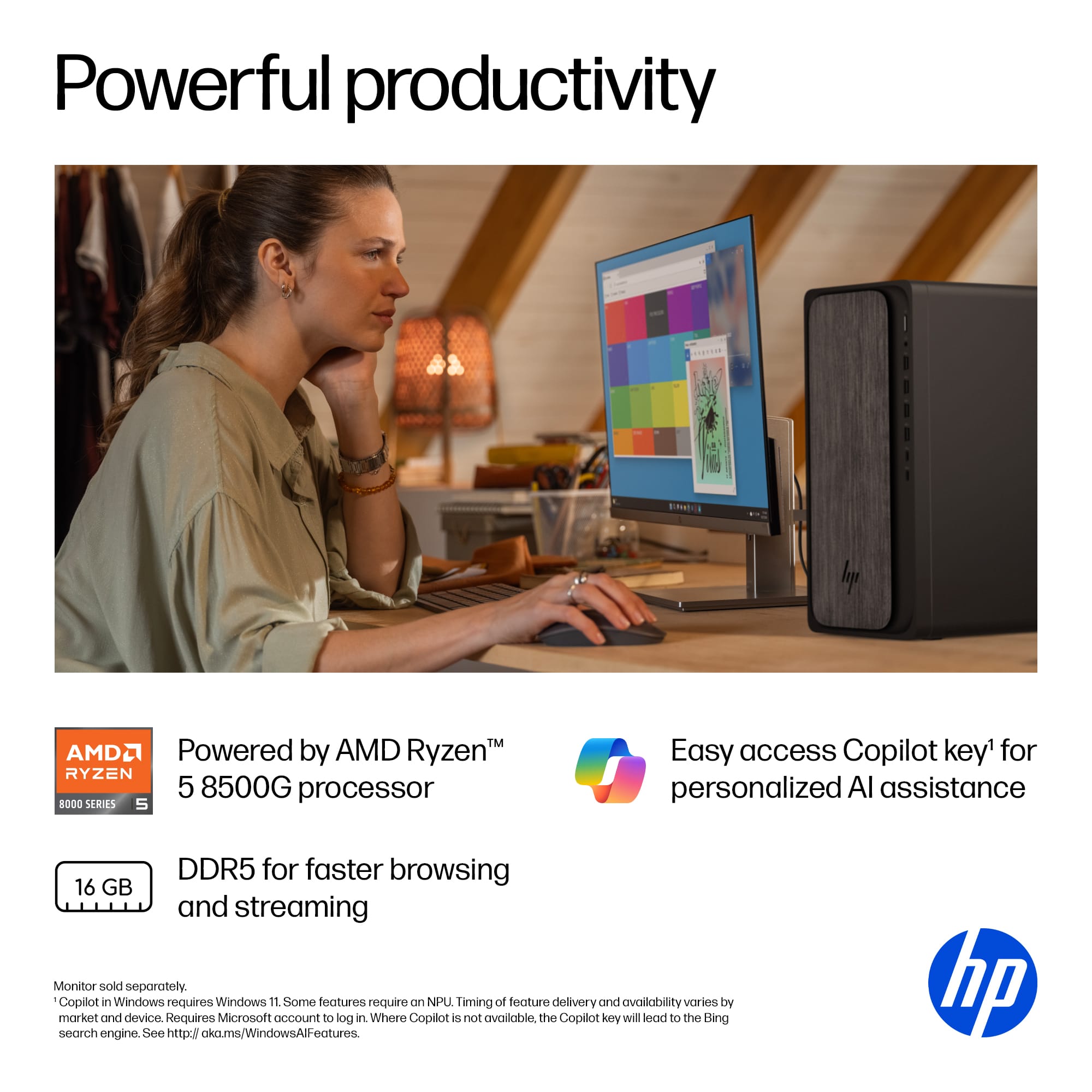
A:AnswerIt comes with one 16gb memory stick. It has another empty slot you could add another 16gb for a total of 32gb. Or remove the 16gb it comes with and add two 32gb sticks for 64gb.
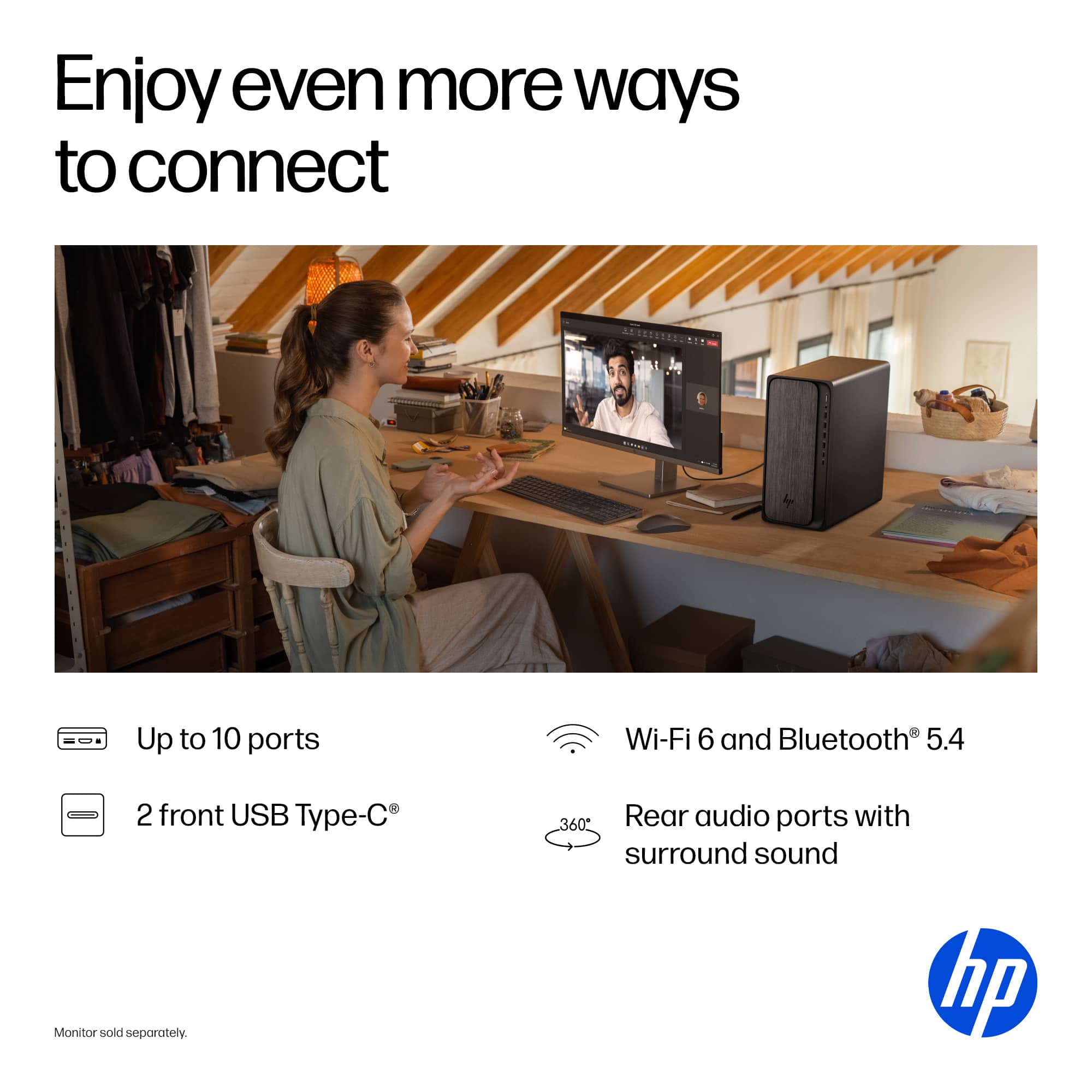
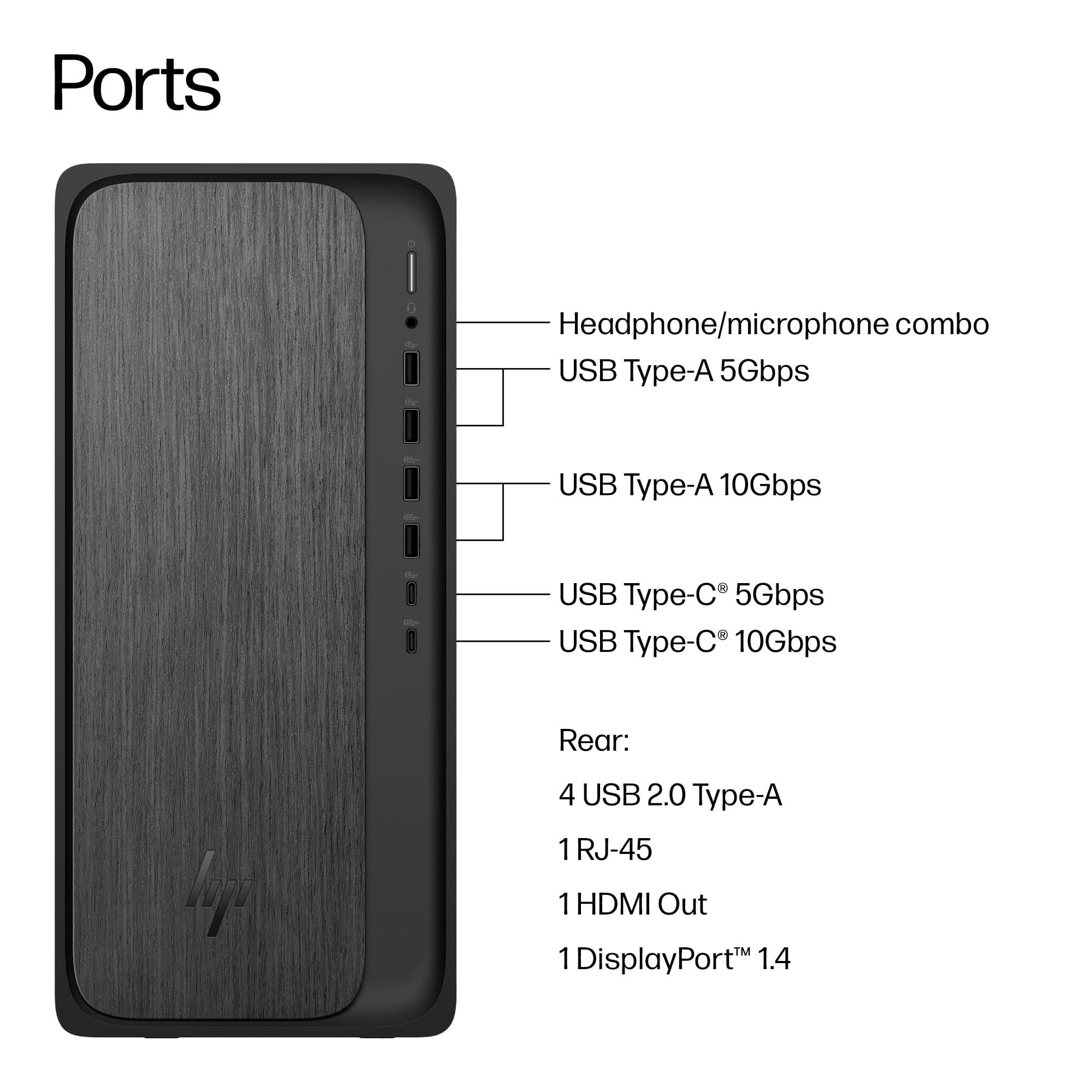
A:AnswerIf you have monitors that support a display port you can daisy chain up to 4 monitors. It also has an HDMI out port so what I did was I hooked one monitor up to the HDMI port, and with an HDMI to Display port adaptor I hooked my other monitor up to the display port. Those adaptors are quite inexpensive and are readily available most places that sell computers.
A:AnswerThank you for your question. Yes, the OmniDesk M02-0224 can support two monitors. It has one HDMI output and one DisplayPort output, allowing you to connect two monitors simultaneously.

 for more information.
* ENERGY STAR and the ENERGY STAR logo are registered trademarks of the US Environmental Protection Agency.
* HP](https://pisces.bbystatic.com/image2/BestBuy_US/images/products/992baeef-17dc-4428-82f4-0f0c2de9f557.jpg)