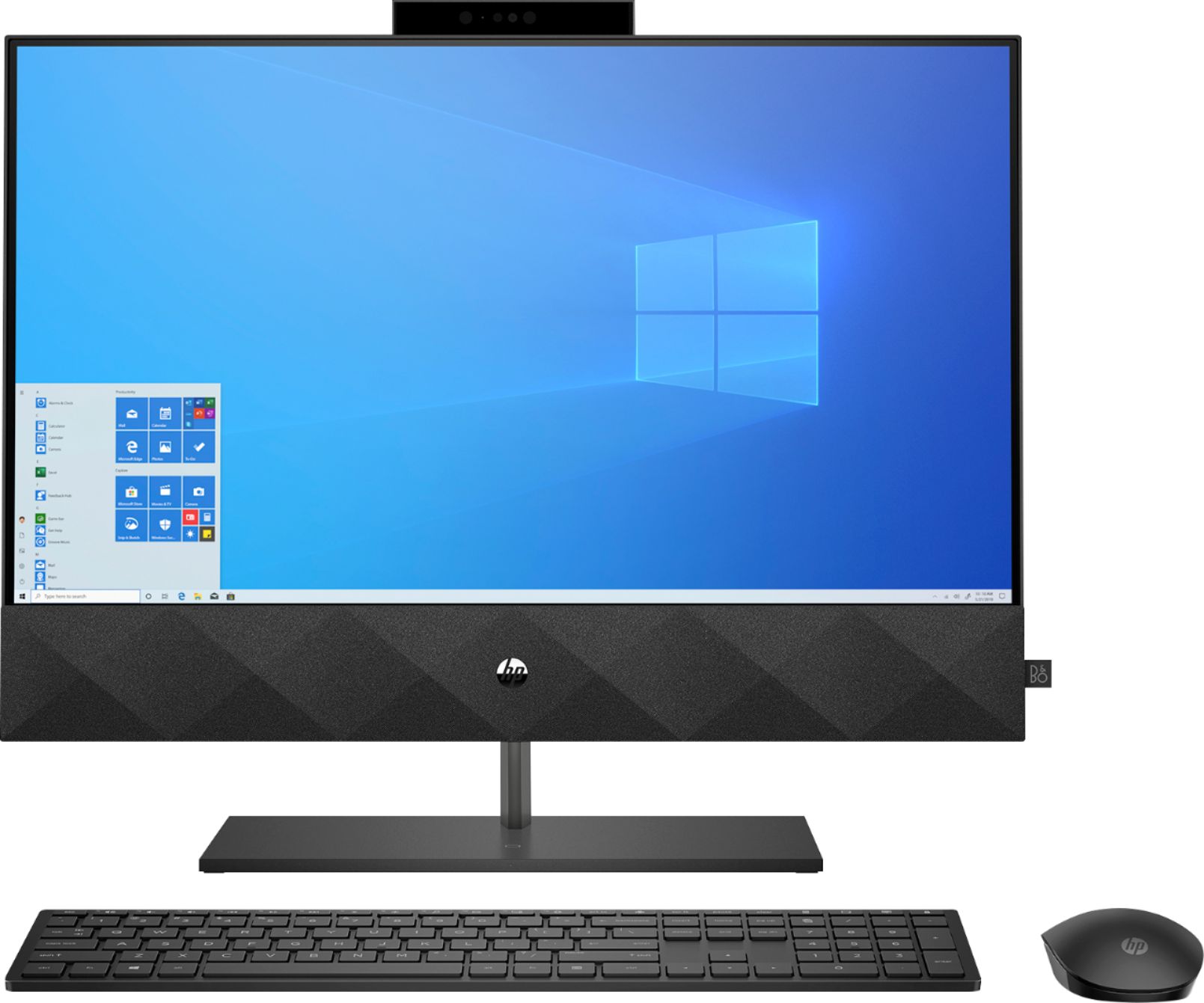
A:AnswerThanks for the question. The system has built-in high-quality stereo speakers. You can also use Bluetooth to connect external speakers if you wish.
A:AnswerHello Squeak! Thanks for taking the time to inquire about the HP Pavilion 24" Touch-Screen All-In-One! This model comes with Windows 10 Home - you are able to upgrade to Windows 10 Professional directly from your computer if that is what you require. This support guide from Microsoft will help you with that process: https://bit.ly/3p44fL9 . I hope this helps!
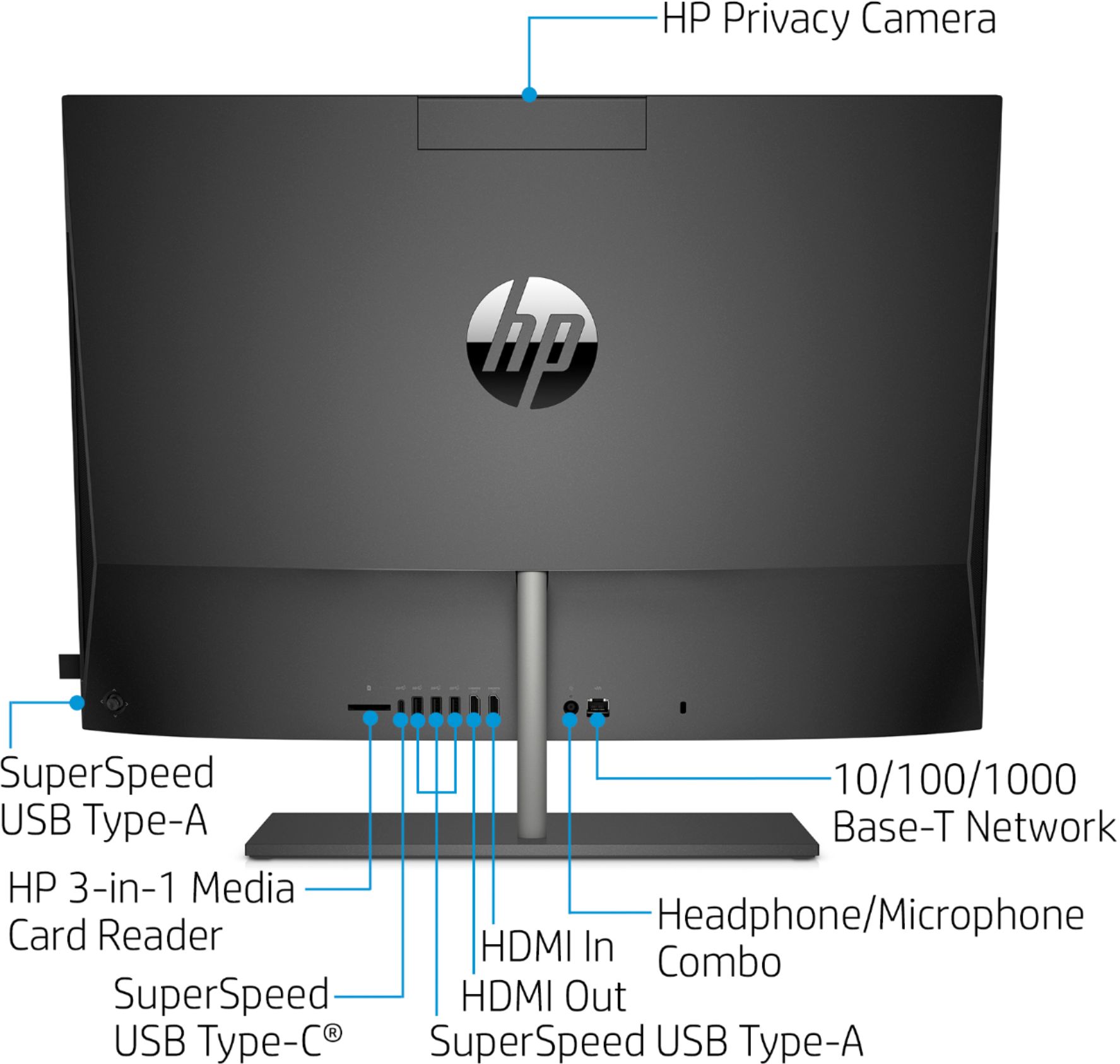
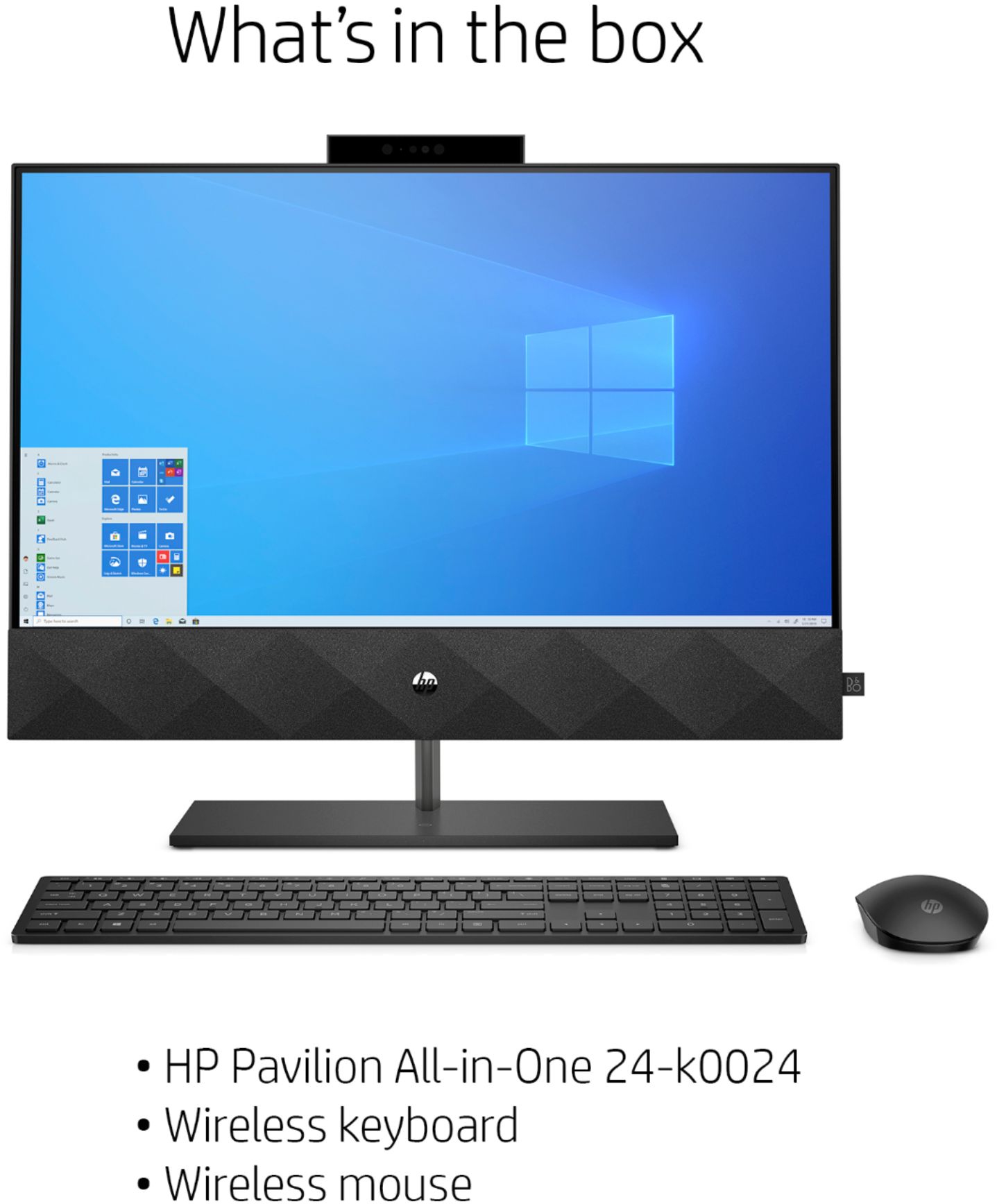
A:AnswerThank you so much for choosing HP and asking this question! Included in the box, in the foam with the Keyboard and Mouse, will be a small USB dongle. That single piece will allow both the keyboard and the mouse to be connected to the computer wirelessly. Plug it into one of the available USB ports and your computer will do the rest. If you're having further difficulties, please reach out to our HP Support team at https://bit.ly/3mULd9E . You can also reach them by phone at 1-800-474-6836.
A:AnswerYou would go to the manufacturer's website to get the drivers for the scanner or printer. For HP Printers, you can visit https://123.hp.com/setup. For HP scanner, you can visit https://support.hp.com
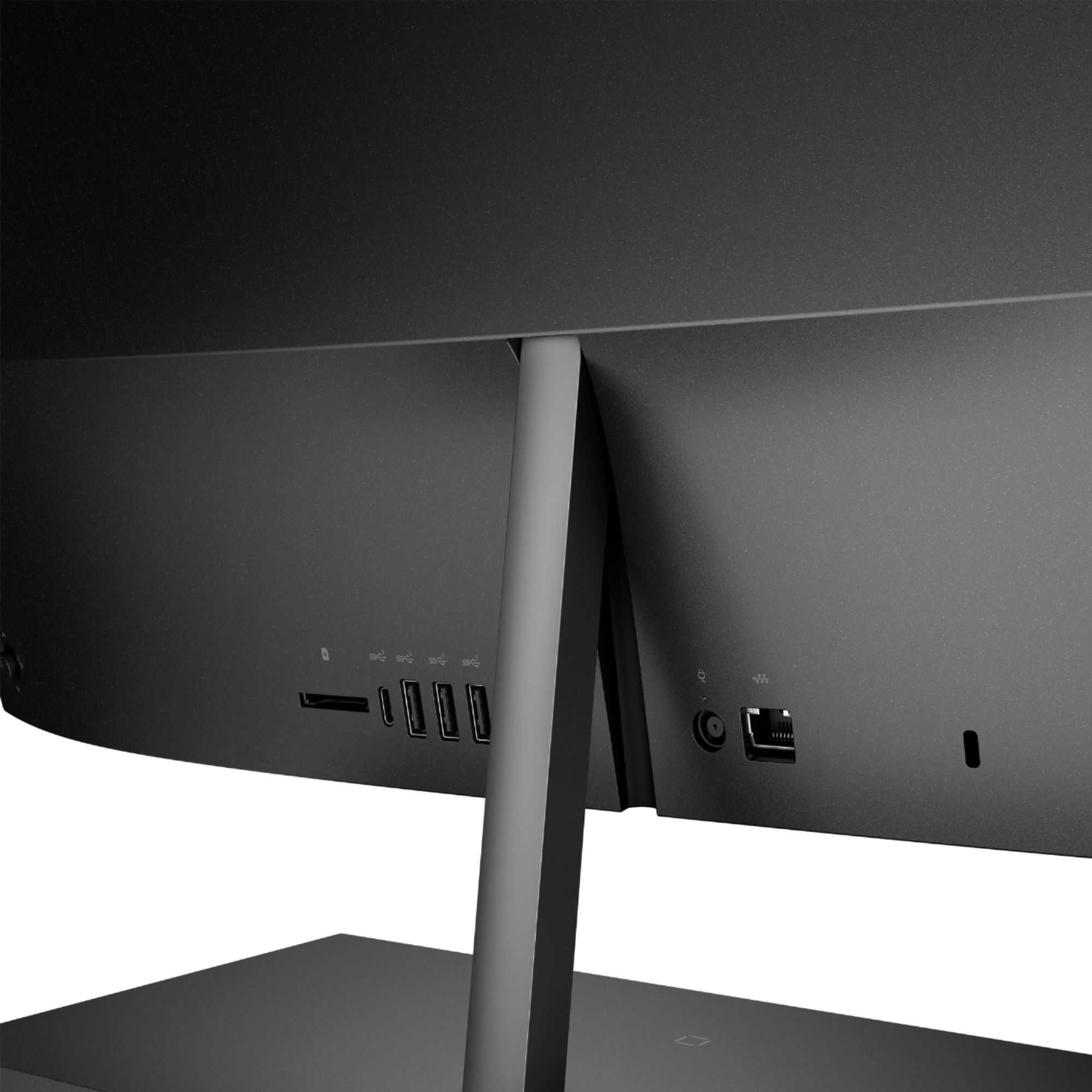
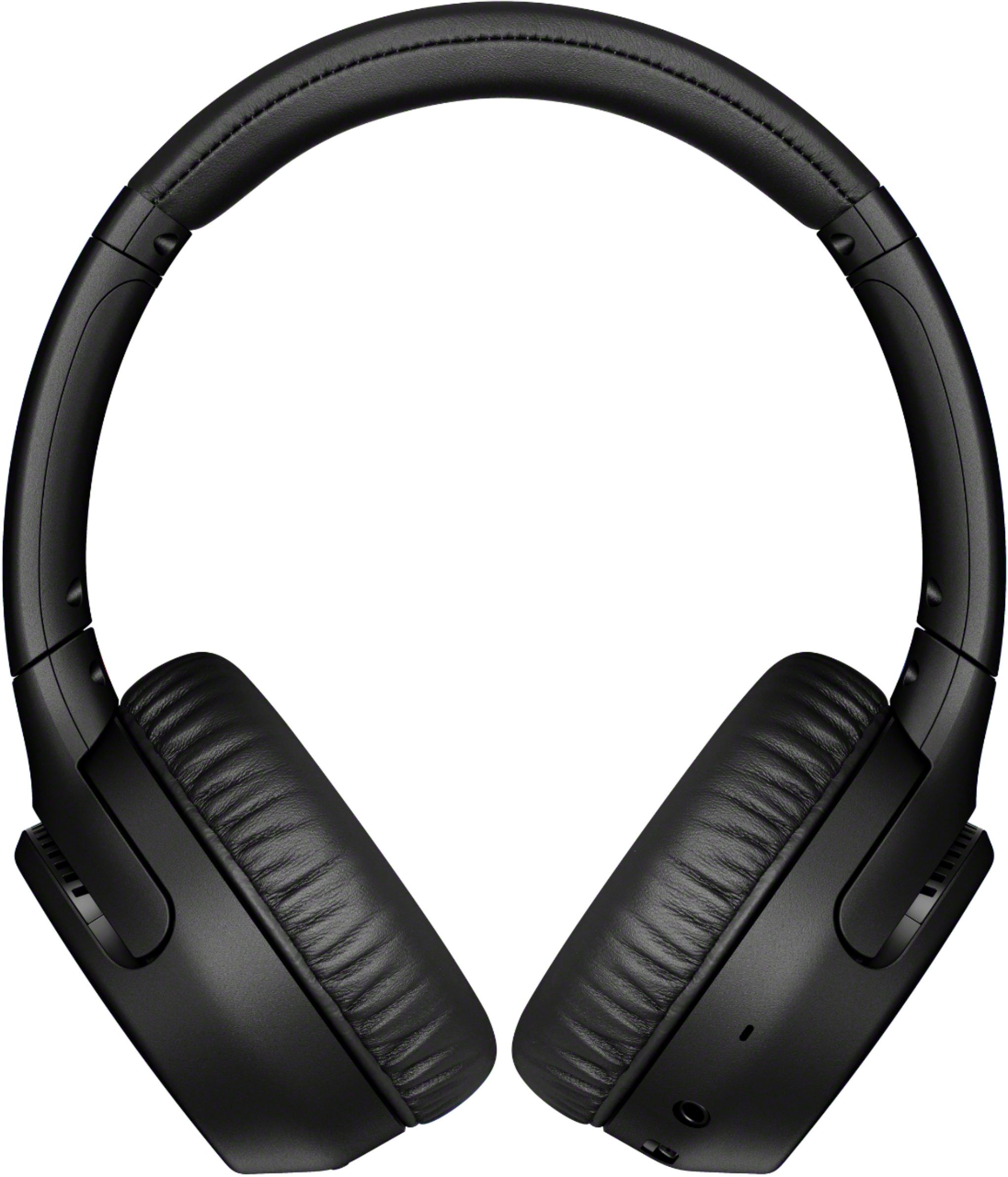
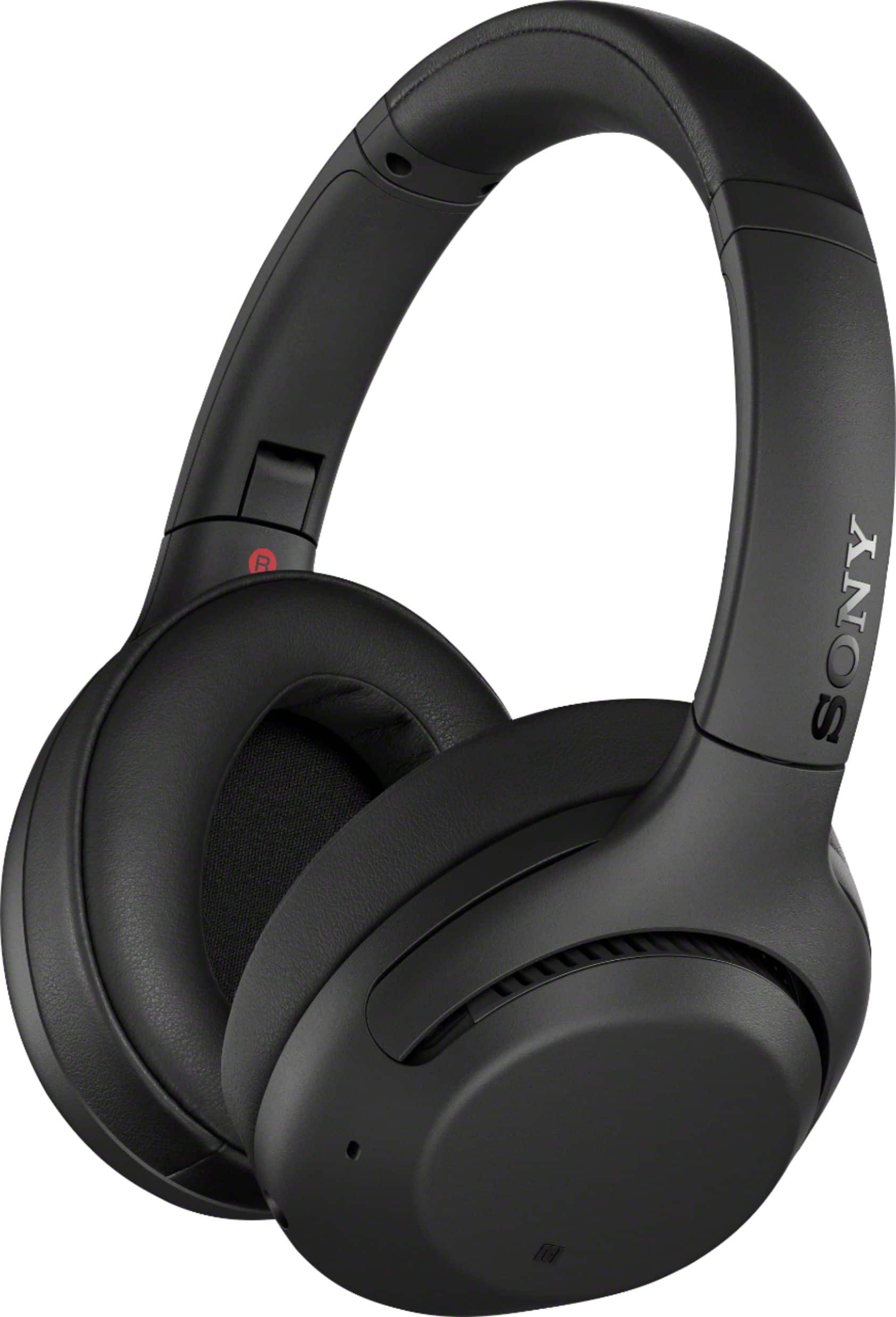
A:AnswerOn this computer, there is one 3.5mm audio jack. Yes, there a lot of different mics and headphones to buy from BestBuy, I have listed my suggestions. The first Sony Headphones are at a good price and have a good microphone. The Second Sony Headphones are at a very good sale and have better sound quality.
A:AnswerHi Mike. All of the programs would have to be re-installed on the new computer. Office 365 is a simple download, and if you still have a subscription, your login should work on the new PC. You would need to transfer your data separately. Here is some information from Microsoft about moving data to a new computer:
https://www.microsoft.com/en-us/windows/transfer-your-data