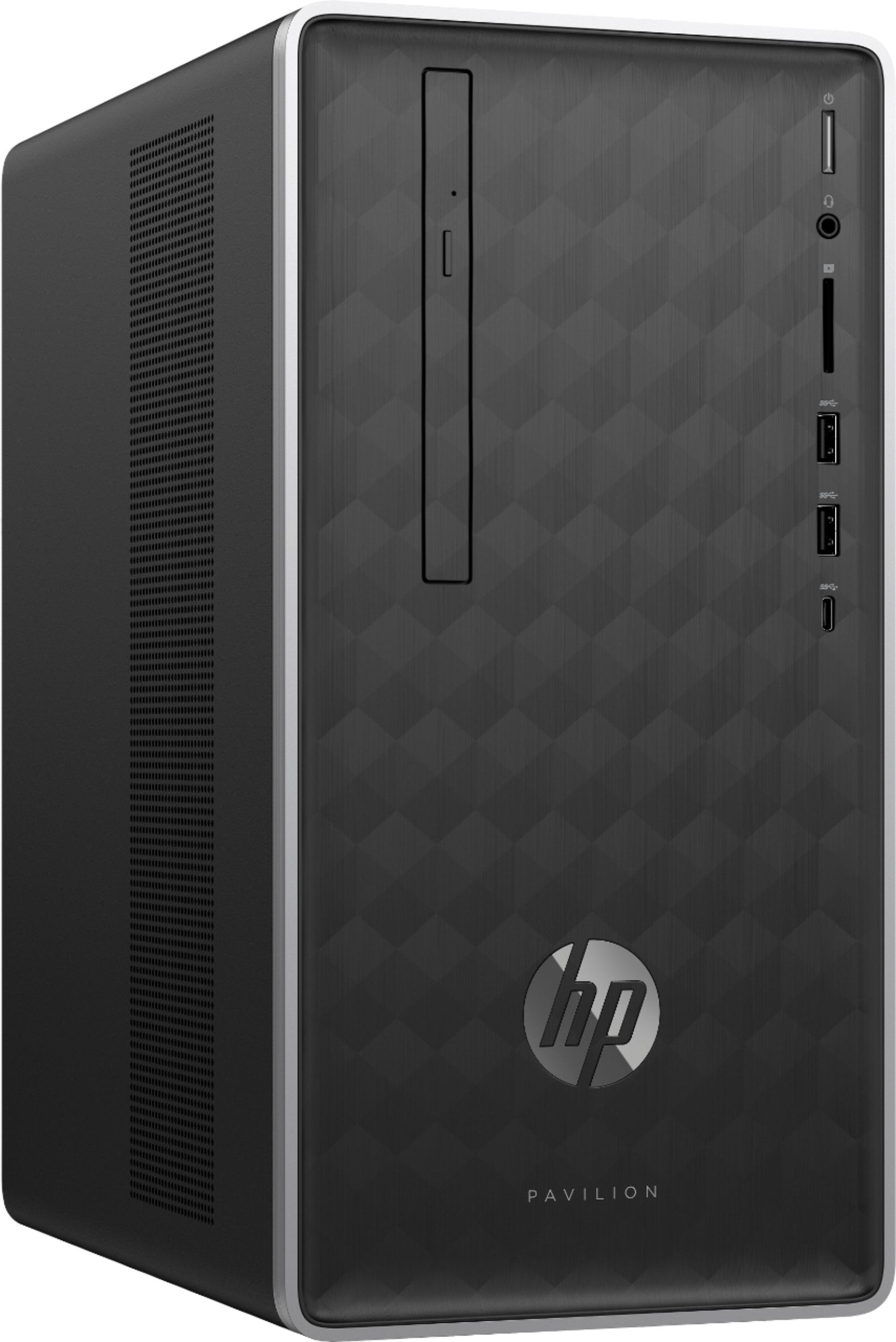
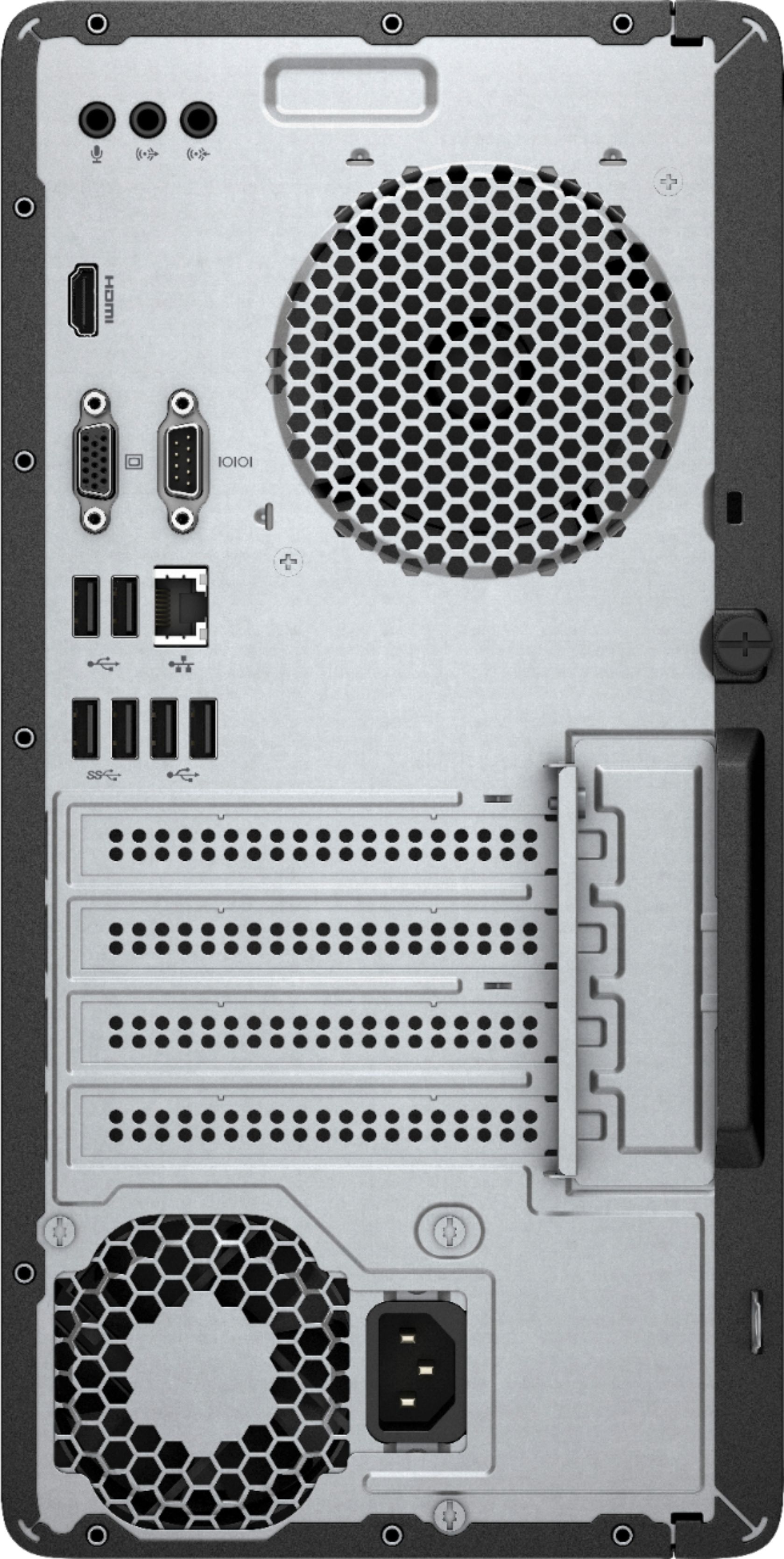
A:AnswerI asked a Best Buy tech via the chat portal on the Best Buy website and they said yes. They said I can hook one up Via the HDMI plug and one using the VGA plug. Does this sound right?
Thanks!
A:AnswerSure, I imagine it would run on medium to lower settings at 60FPS. My son plays it on an older machine with lower specs and it works. I just do not feel that is the quality one would really want from the game. Also, there are more modern games that require higher specs that would not run well on this. If you added a GPU it would be quite better.
A:AnswerI would first start with the PSU, putting in a 750w would be good to allow lots of upgrades. Next would be a GPU like the RX580, Then an SSD. After that, upgrading the CPU, then the RAM, then the Motherboard.
A:AnswerThank you for reaching out. This model would be a great business machine. It has a decent amount of processing power for most productivity tasks and internet browsing. As long as you don't plan to do any very intensive tasks like HD video editing and such then this would work great for you.
A:AnswerYes, this computer should handle all of that well, as long as you are not using a resource-heavy photo editing program (for example, PhotoShop does better with a faster processor).
A:AnswerYes, it can run the program, but we can't guarantee no crashing or lag. You will have less potential issues with a faster processor, such as a Ryzen 5 or Ryzen 7 (or Intel i5 or i7).
A:AnswerAfter many hours of research into this question, I would say no. Most graphics cards (if you really consider getting one) require power supplies higher than the 180 watt power supply installed in this computer. This is the same with some other models, and if you want a graphics card in there, you have to find a compatible higher wattage power supply, which I doubt exists.
A:AnswerSiempre que conecte solo el monitor y la computadora al suministro de respaldo, debería estar bien. No le dará mucho tiempo, pero será suficiente para guardar sus archivos existentes y apagar la computadora. Si desea que otros equipos utilicen la batería, deberá subir a uno con una clasificación de al menos 600 VA.
A:AnswerHi. No I don't think you can use the Red Dragon RX570 as it requires a minimum 450W power supply for the PC.
As far as I am aware, these models use a unique NON-Standard PSU. You would not be able to use an off the shelf power supply. HP does make a 310W than can fit in that case size but you would still be limited to 75W graphic cards. L03980-800 is the part # for the 310W power supply.
On the back side of the case is a screw you rotate counterclockwise to remove the left panel of the computer.
Here is the Upgrading and Service guide for this computer: http://h10032.www1.hp.com/ctg/Manual/c05934592
A:AnswerThe memory on this desktop is 288-pin. The HP spec sheet on the HP website does list the max RAM as being up to 32 GB https://support.hp.com/us-en/document/c06006068 .
A:AnswerNo, sorry, this is not a VR Ready computer. Look for computers with a Ryzen 7 or Intel i7 processor and a good discrete video card for that use.
A:AnswerYes, there are programs available. I would go to your local store to find out what they recommend or read a few articles online for the best programs for that task.