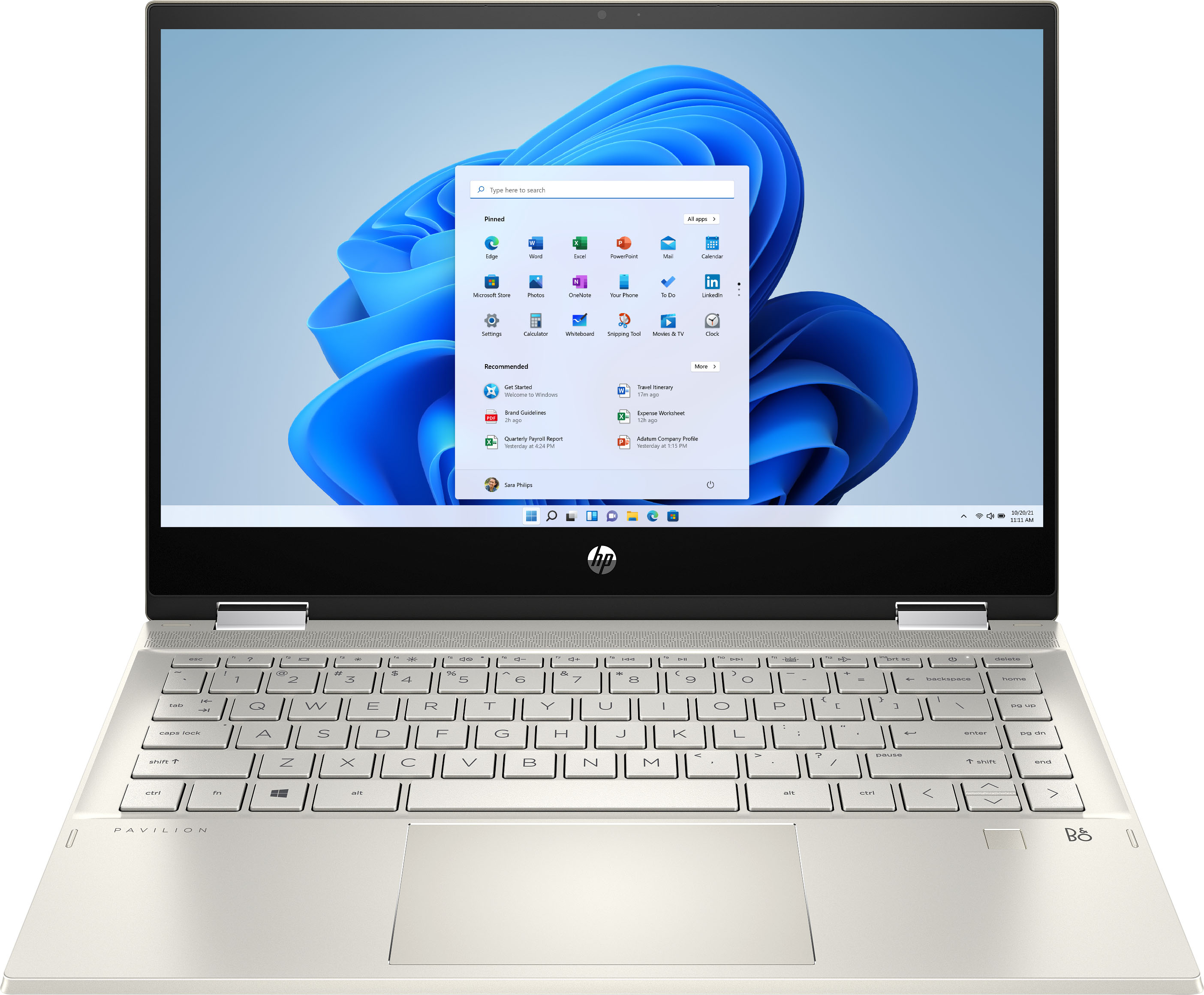
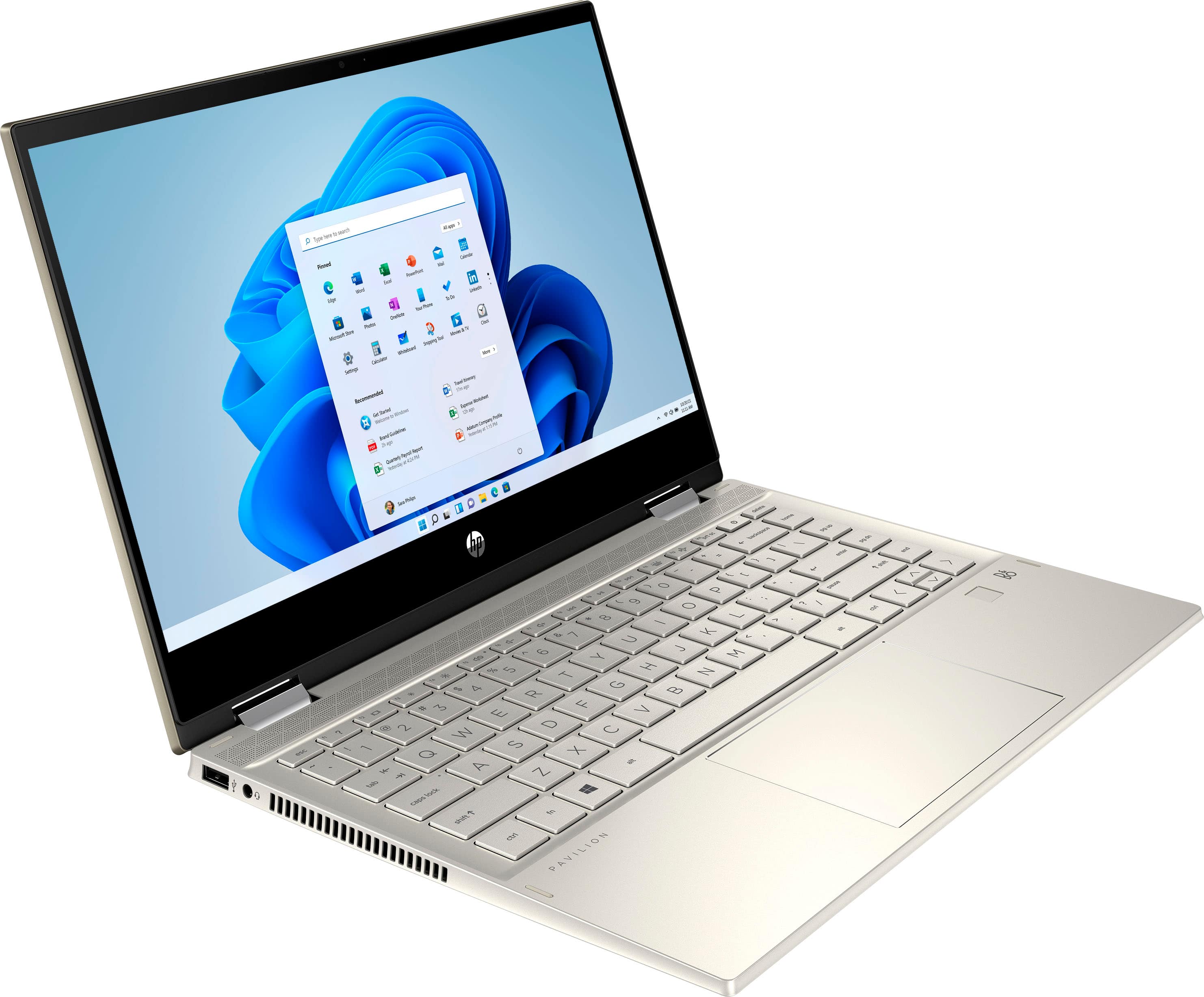
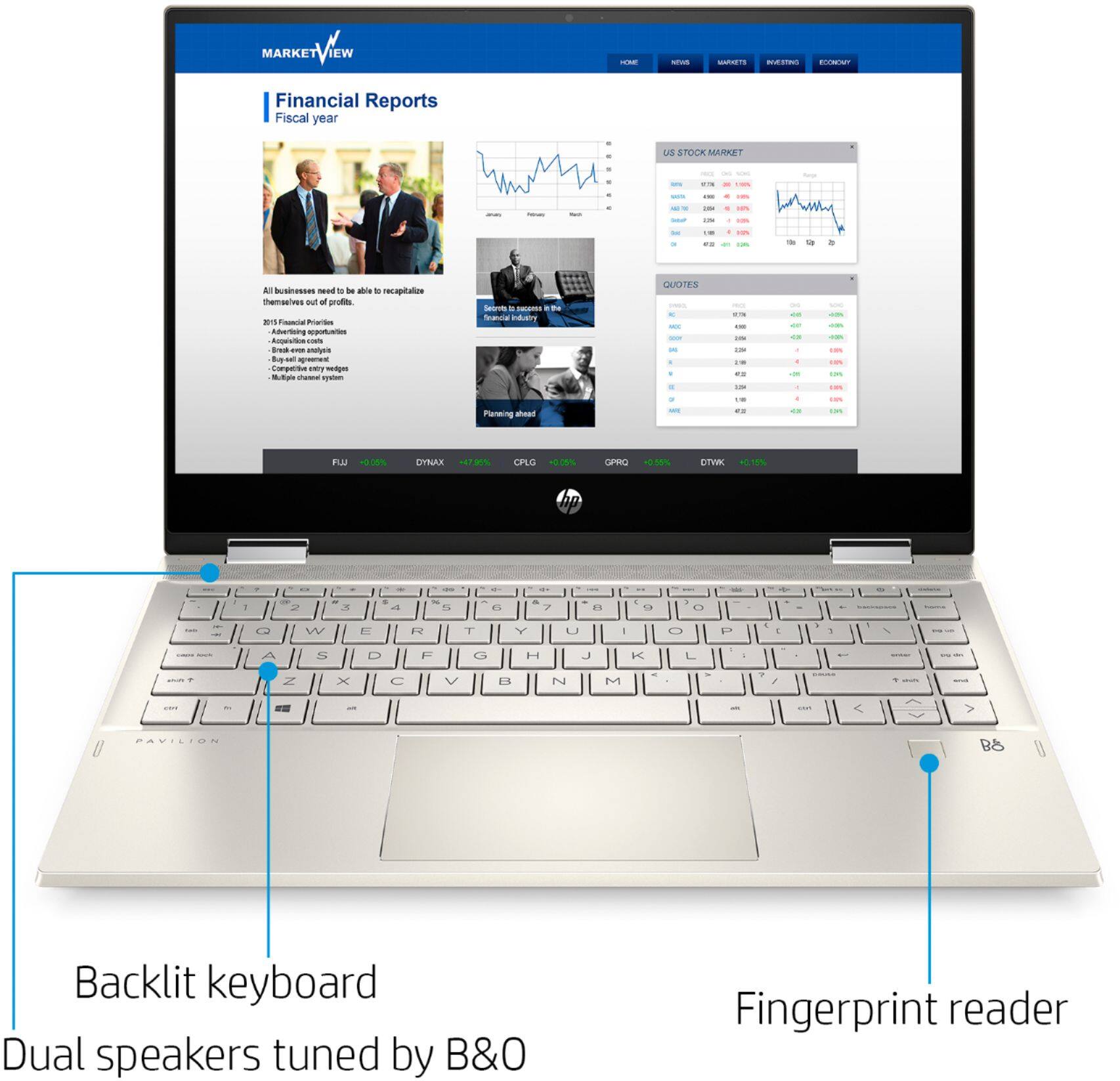
A:AnswerTo activate the backlight on this laptop keyboard, after you log into windows you should be able to press F5 (the 5th function key) to turn the backlight on and off. I don't believe a backlit keyboard appears in the Mobility Center.

A:AnswerYes you can my friend. Found some ram and SSD on Newegg. Not sure if it voids the warranty. Be careful of course about installing anything on your own. Upgraded mine to 16 GB of ram as the laptop has one additional slot and is upgradeable up to 32GB of ram.
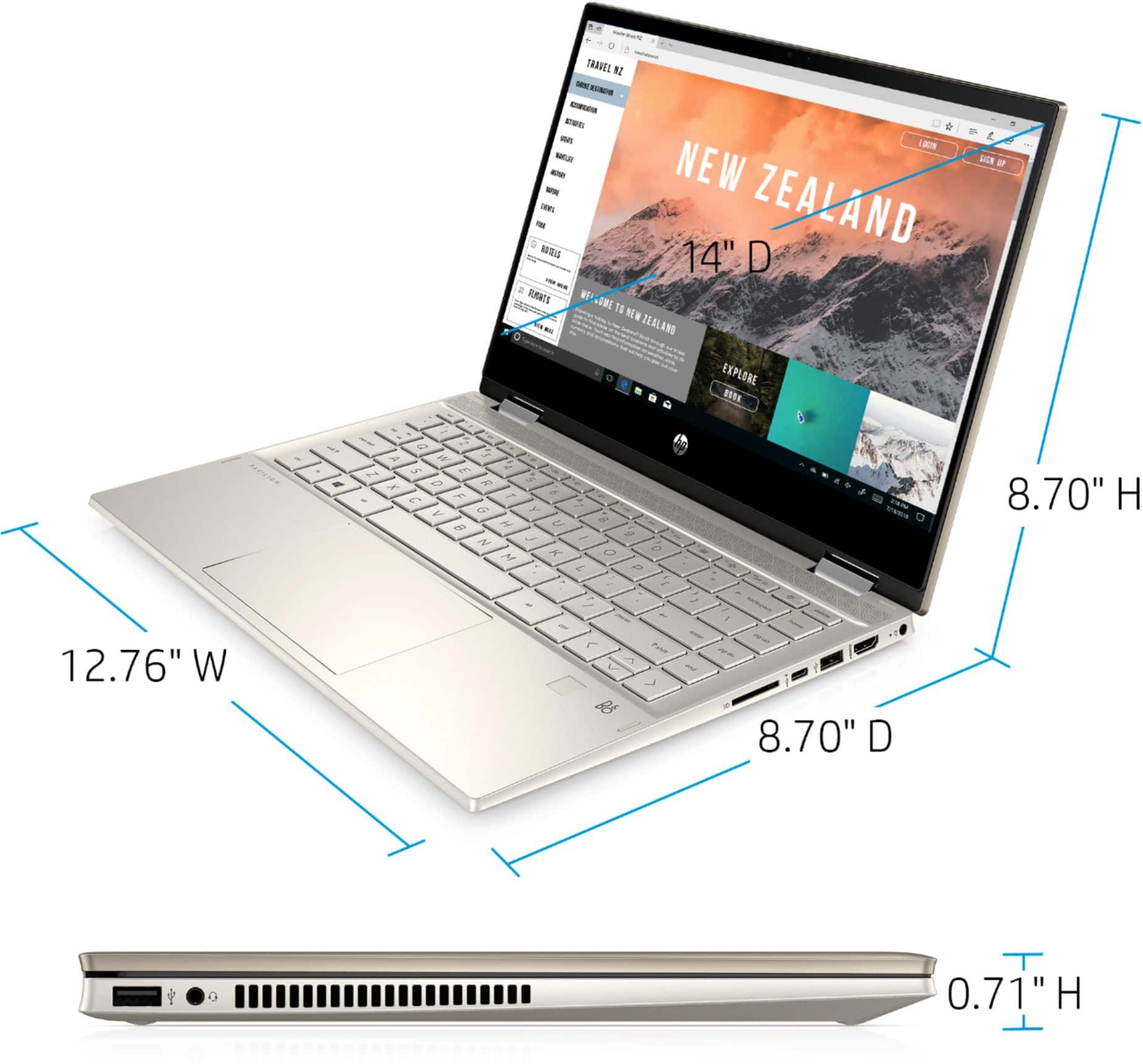
A:AnswerHP does not make hard cases for laptops. Here are the dimension in case you find one that will fit it:
(W x D x H) 32.4 x 22.1 x 1.87mm or 12.76 x 8.7 x .74in .
A:AnswerIt can be upgraded to 16 gigabytes of RAM. It looks like there isn't a slot for a second SSD, but you could always have a larger capacity one installed and the files copied to that larger drive
A:AnswerIt is more than powerful enough to run Zoom meeting and play videos in the meeting. You'll also need to make sure that your Internet connection is fast enough.
A:AnswerWe recommend trying these steps to improve battery life: https://support.hp.com/us-en/document/c01297640 If you are still having issues, visit https://support.hp.com or the Geek Squad at Best Buy for further assistance.
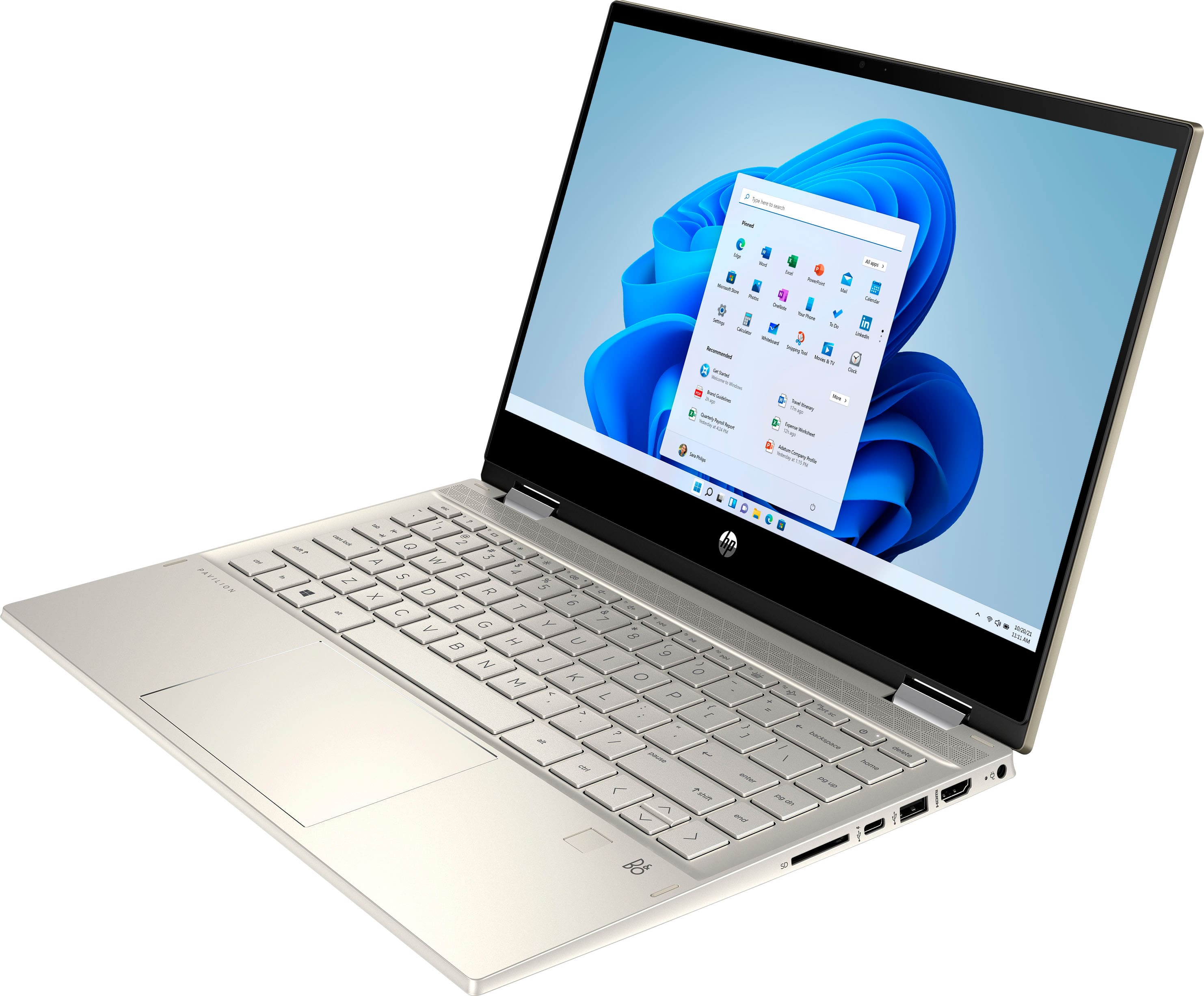
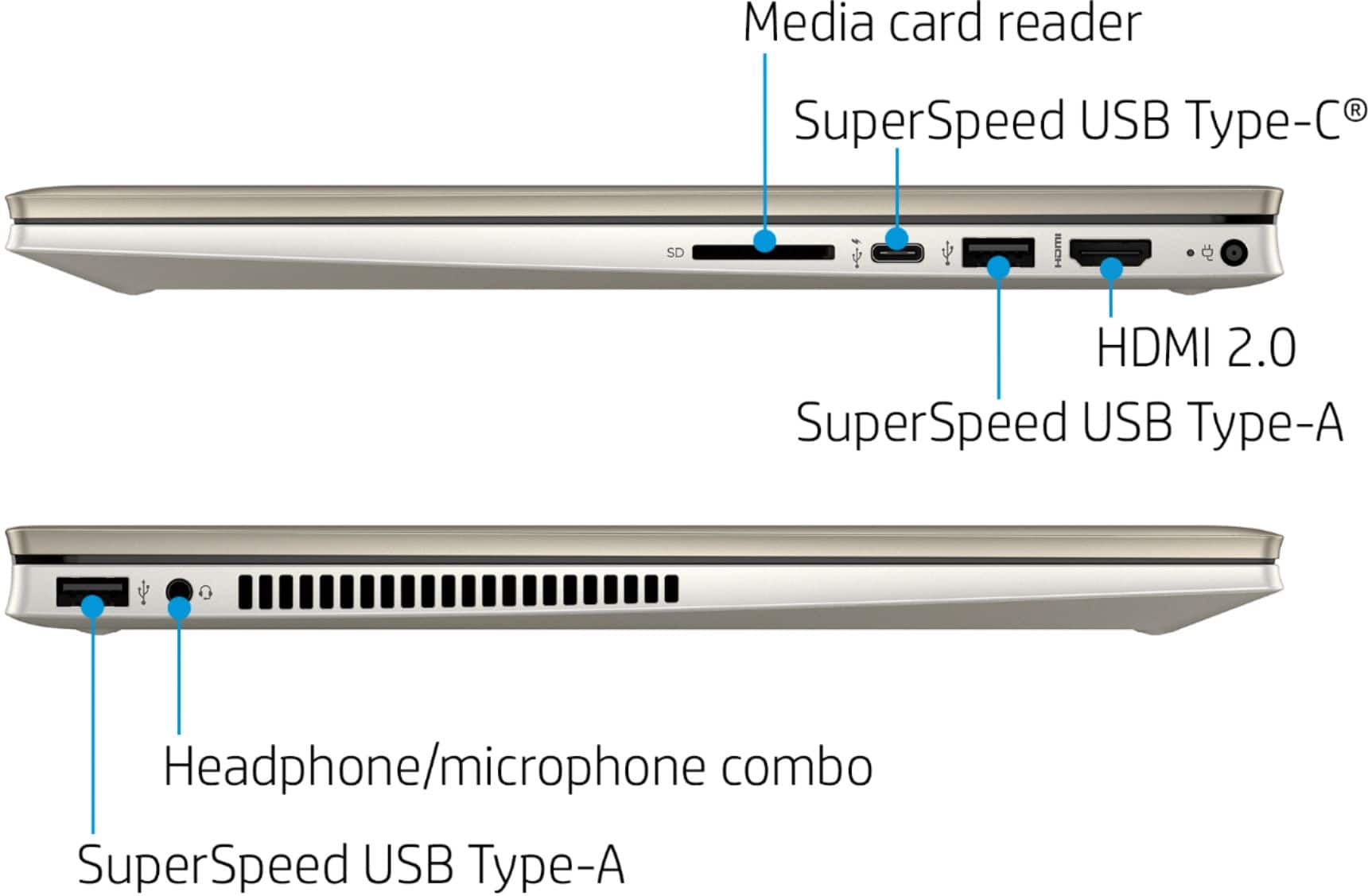
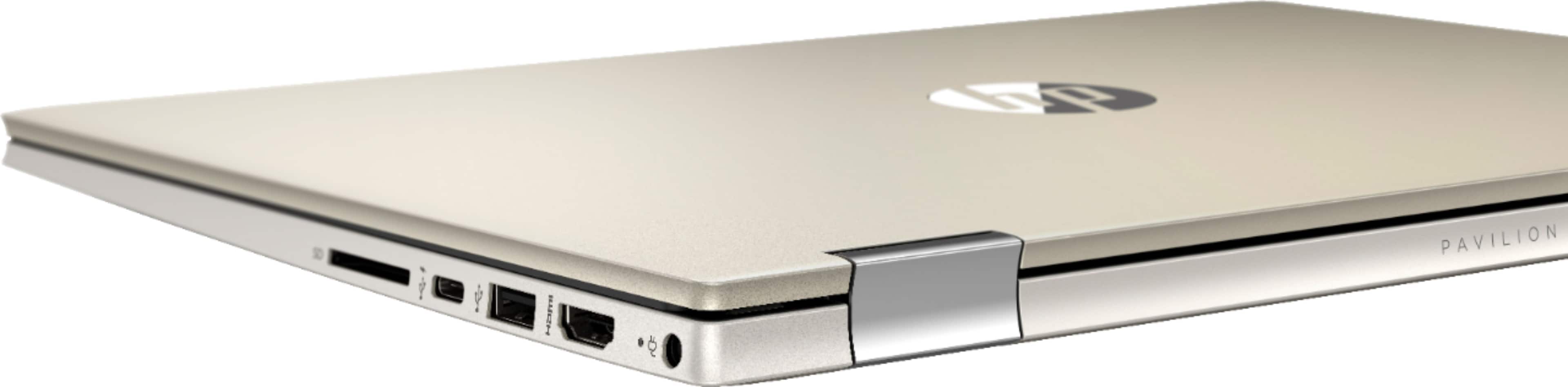
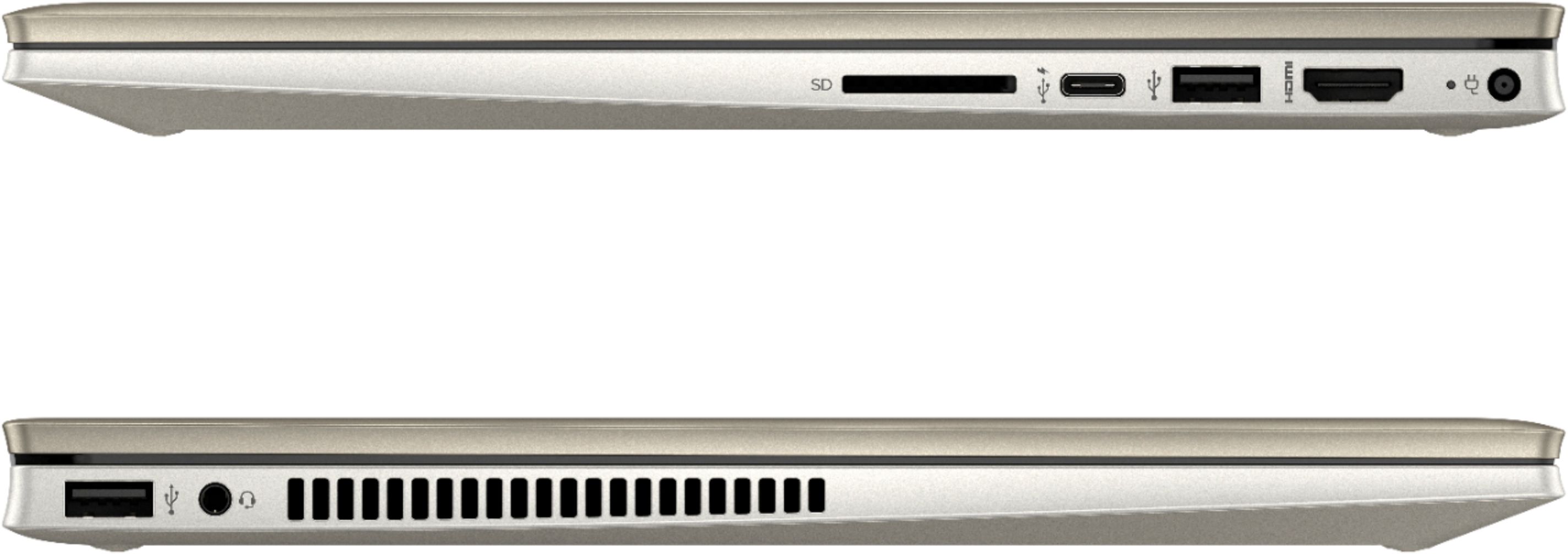
A:Answer3.5mm fits it just fine, I've got a pair of cheap headphones plugged into mine with no problem. If your headphone jack has a thicker casing, it does stick out a bit due to the newer hourglass shape of the laptop (angled keyboard), but it's still a snug fit. If all else fails, go with bluetooth :)