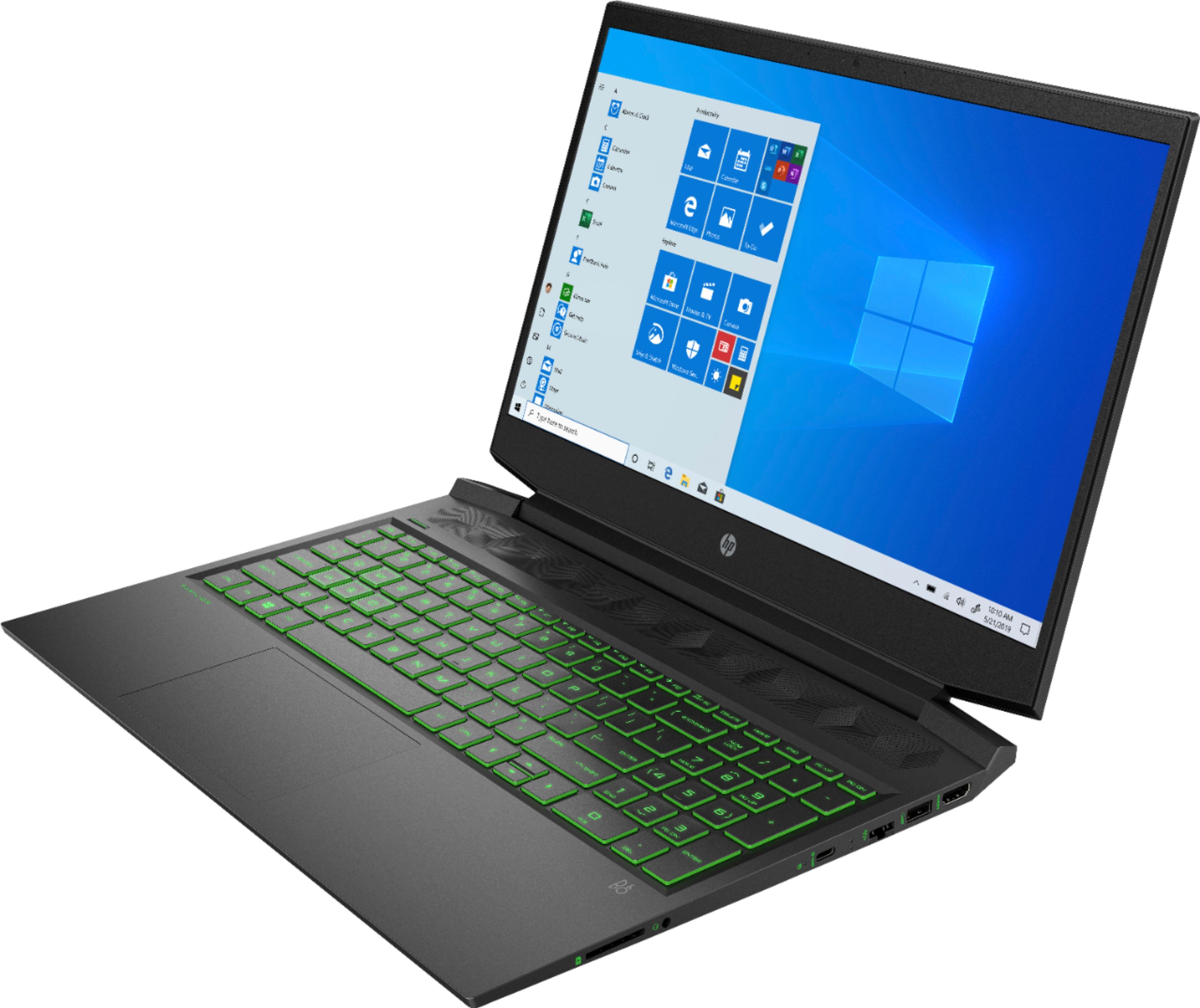
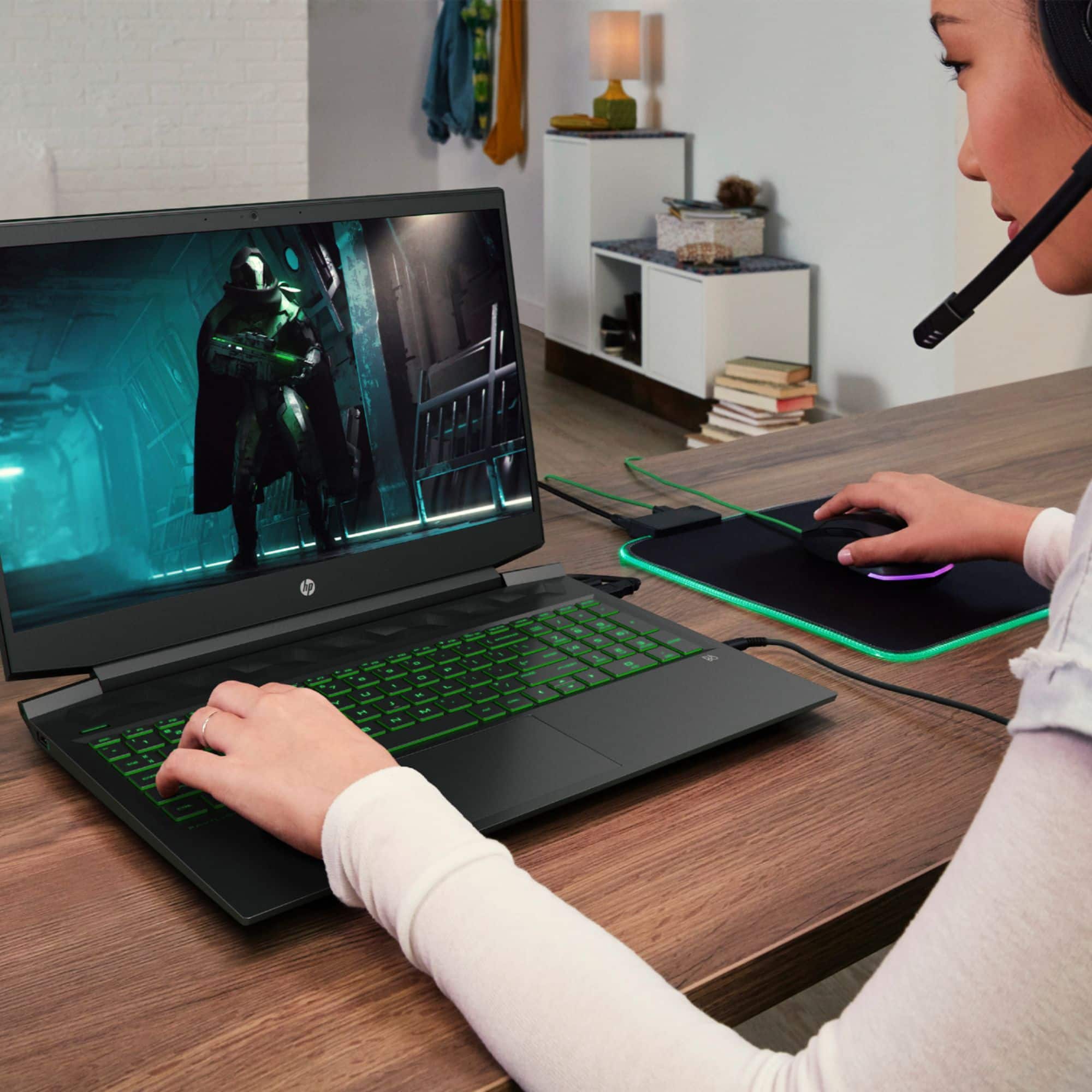
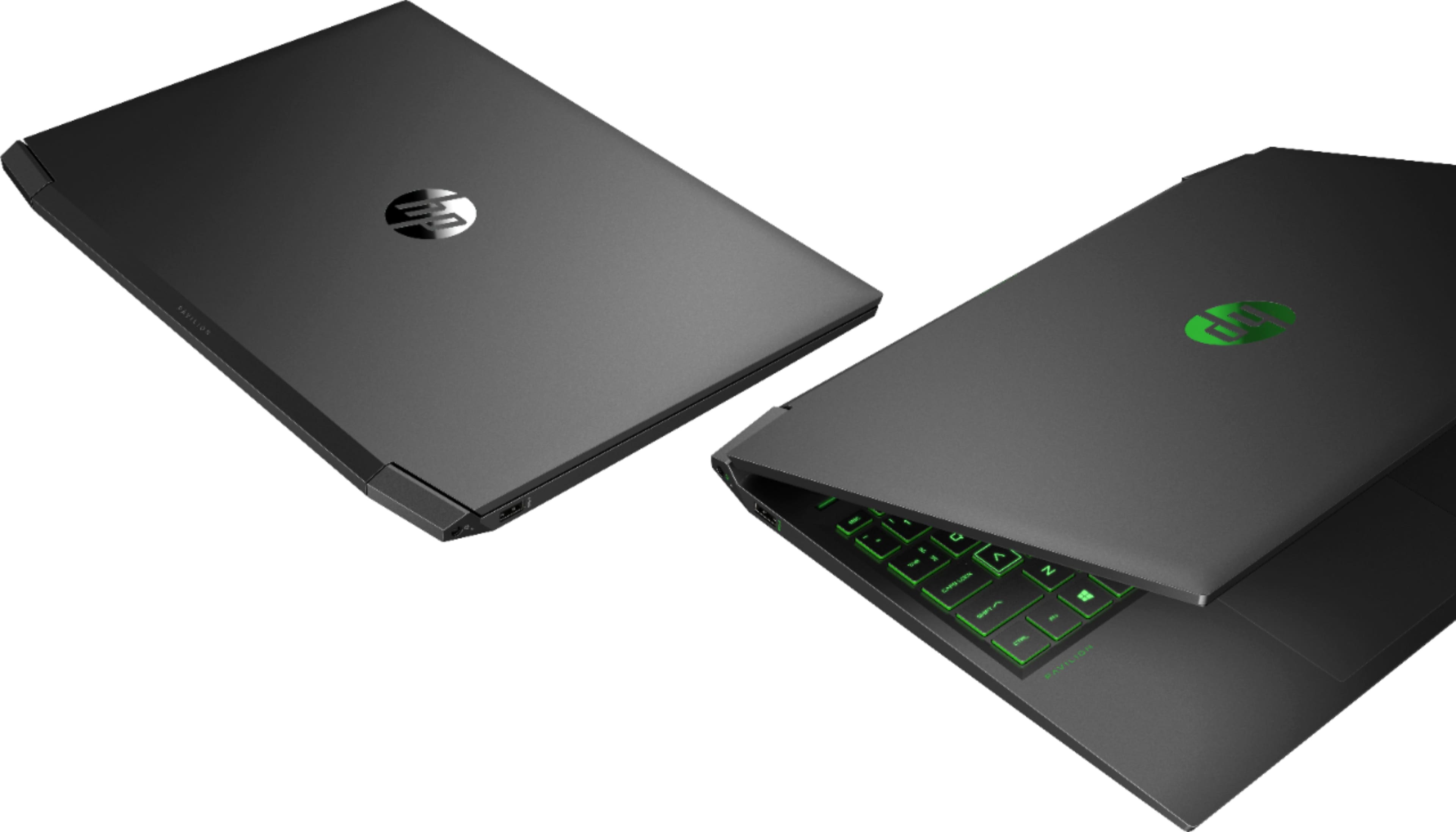
A:AnswerUnfortunately you can't upgrade the GPU. I don't know if any laptop will let you do that. Yes you can choose which hardware will run specific games or apps. You can run 1 external monitor and you can either turn off the laptop monitor, run it as a clone or extend to it.
A:AnswerNo, it’s incredibly rare that laptops have any way to change out the processor or GPU.
The only upgrades you can do to this machine is to add a 2.5” drive and increase how much ram it has.
A:AnswerOptane is a second memory stick that help speed up the loading of files and programs. It works in the background and can not be accessed by the user.
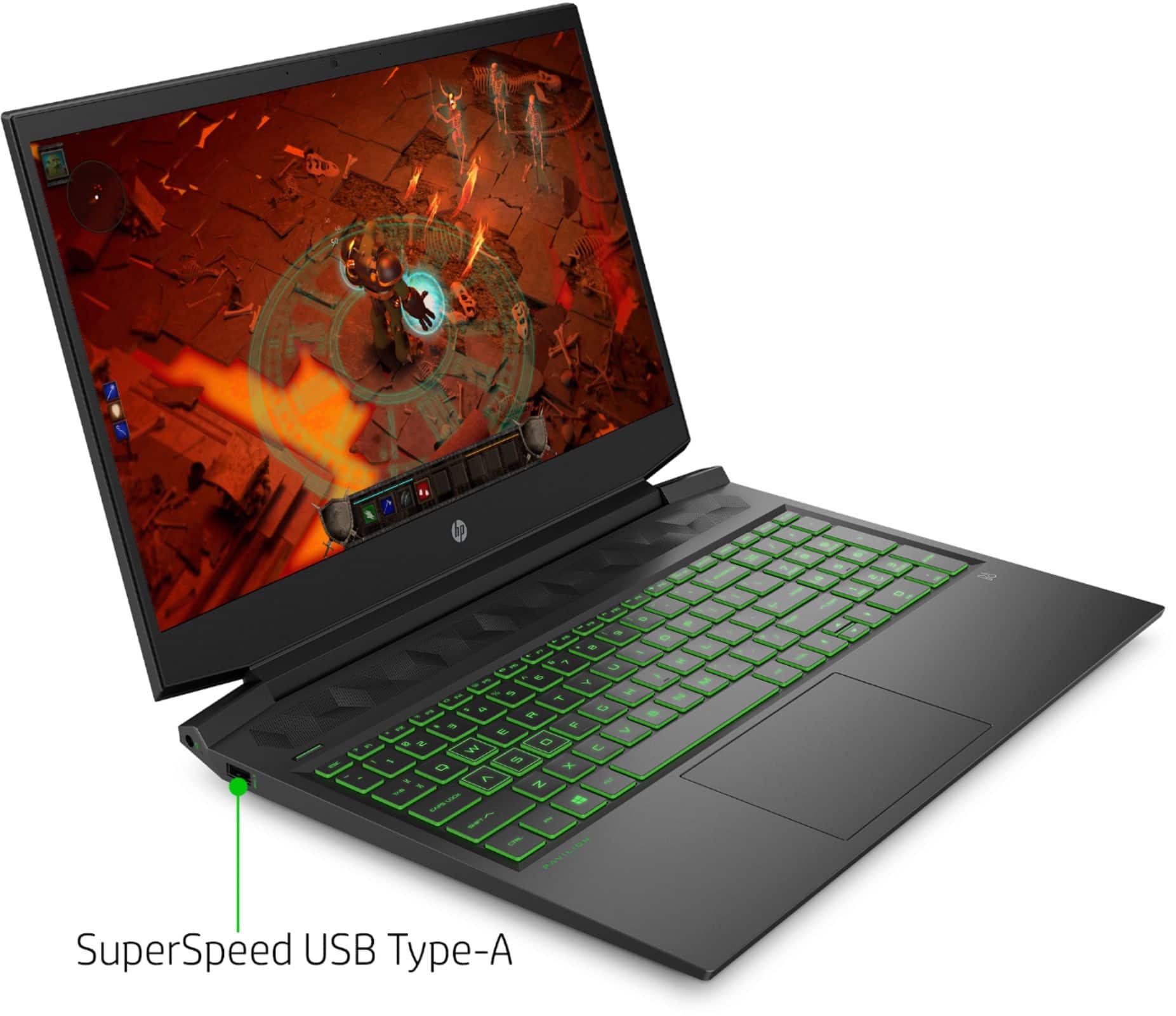
A:AnswerThe 512GB SSD is an NVME drive that is also home to the 32GB optane drive. There is a 2.5” slot that appears occupied at first but it’s a blank shell, there to hold the drive’s cable and keep airflow their same as if there was a drive in place.
It’s a standard Sata connection, so any 2.5” work.
A:AnswerThe installed memory is DDR4-2933. If you install DD4 3200 memory it will default down to the 2933 speed of the installed memory. But it will be hard to notice a difference between 3200 and 2933 speeds.
A:AnswerCables and mounting bracket ARE included. The only part necessary to purchase would be the compatible 2.5" SSD or HDD itself. I just installed a 1tb Firecuda SSHD two days ago and it is working smoothly, no further equipment necessary (beyond a screwdriver)!
A:AnswerWhile you can put in RAM with a higher speed, it should run at the speed the motherboard allows. However, installing slower RAM will probably result in errors as the processor asks for information that the RAM is unable to provide in time.
A:AnswerYes you can! It has the following storage options:
Multiple Storage Options:
- Single: Up to 1 TB 7200 rpm SATA HDD or 1 TB PCIe® NVMe™ TLC M.2 SSD
- Dual: Up to 1 TB 7200 rpm SATA HDD + 256 GB PCIe® NVMe™ TLC M.2 SSD
or 512 GB Intel® SSD + 32 GB Intel® Optane™ memory