A:AnswerHello! Thank you for your question! Yes, you could run three monitors with this system since it has three available video ports. DisplayPorts are not HDMI as they are a different connector.
A:AnswerHi Belle, thank you for the question. This refurbished desktop has an i7 processor, 16GB of RAM and a large capacity hard drive. That should be plenty for Photoshop.
A:AnswerHello Brenda, yes you can add WiFi to this desktop model. The easiest and least expensive way would be to purchase an external WiFi adapter, usually able to connect to one of the USB ports on the back side of this desktop.
A:AnswerHere is a great article on how to transfer old stuff to the new one
Here you go: https://store.hp.com/app/tech-takes/how-to-transfer-files-from-pc-to-pc
A:AnswerHi. This refurbished computer has a 90 day warranty. You can add geek squad warranties to this computer. Here is a link to geek squad:
https://www.bestbuy.com/site/services/geek-squad/pcmcat138100050018.c?id=pcmcat138100050018
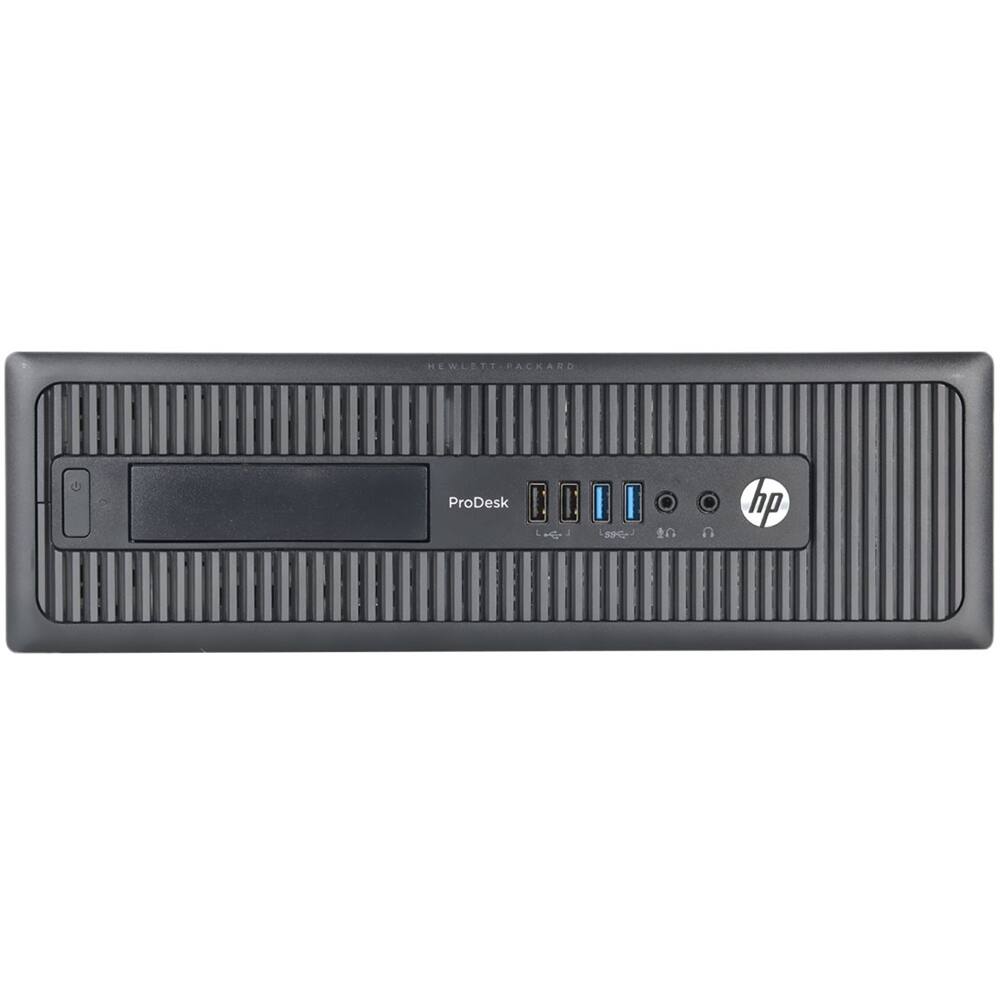
A:AnswerThis PCC came with an Ethernet Port. There was no Bluetooth or WiFi connectivity. However there are ample USB 2 and USB 3 ports for adding a Bluetooth or WiFi device.
A:AnswerThis computer doesn't come with WIFI because it will be more stable just hooking it to your WIFI modem via ethernet; however you do have the option of installing a WIFI card in the computer if you decide you need to.
A:AnswerThis runs windows 10 Pro and it works fantastic; however other versions of older windows versions comes pre-installed but you will have to uninstall one to use another one because you can only use one operating system at a time. Look at the specification file they have for download from Best Buys site and that will be explained in it.