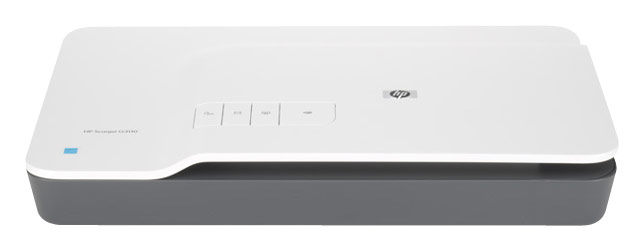
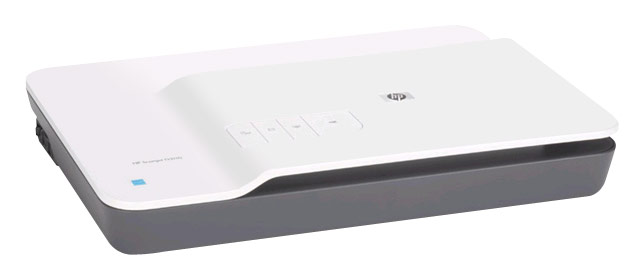
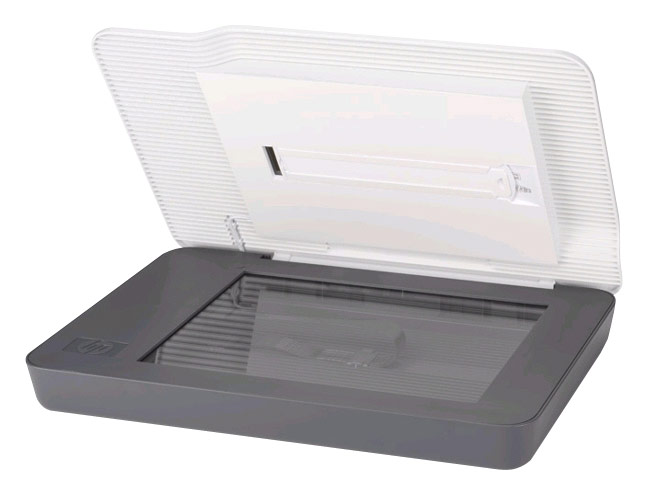
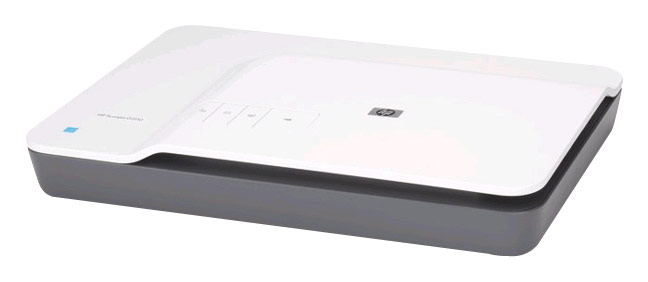
A:AnswerYes, the HP Scanjet G3110 Photo Scanner will allow you to scan up to four 35 mm slides, five negatives, or three 4 x 6-inch photos at once and save them to separate files
A:AnswerAs long as the photograph is handled with care, using a flatbed photo scanner such as the HP Scanjet G3110 Flatbed Photo Scanner should have no effect on the photo.
It is not recommended to use a scanner with an automatic document feeder when handling fragile media.
A:AnswerThis HP Scanner is compatible with the Microsoft Windows 8.1 operating system with a free full feature software and driver download from the HP web site at:
http://support.hp.com/us-en/drivers/selfservice/HP-Scanjet-G3110-Photo-Scanner/3723463/model/3723466#Z7_3054ICK0KGTE30AQO5O3KA30R1
A:Answera decated scanner has a very high pixel count, so the resoulation is much sharper, given much more for allowing larger photo pictures, a printer scan is usualy used for e-mail stuff. blowen up will pixulate.
A:AnswerYes, this scanner includes Optical Character Recognition software for scanning editable text into a variety of programs, including Microsoft Works.