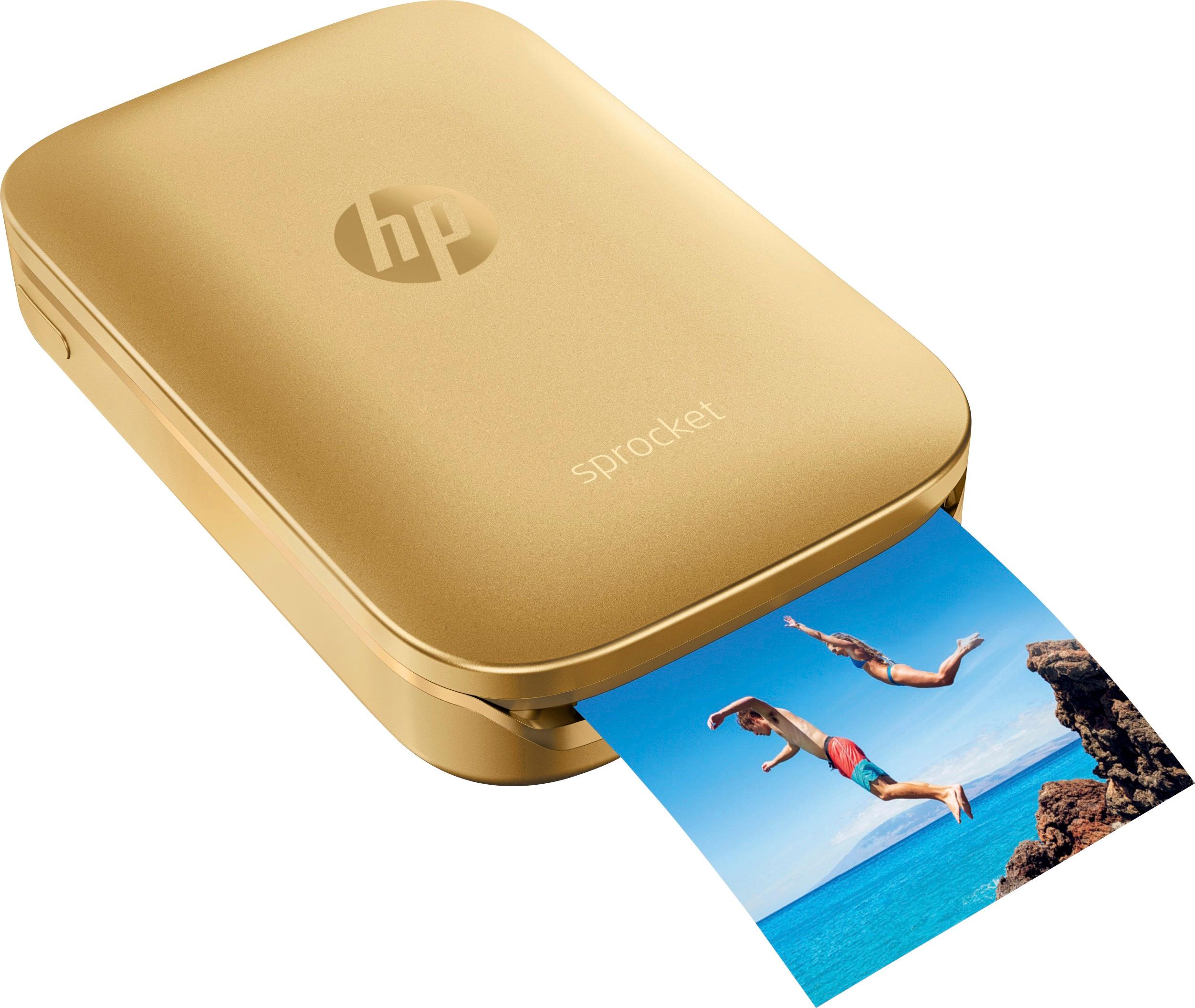
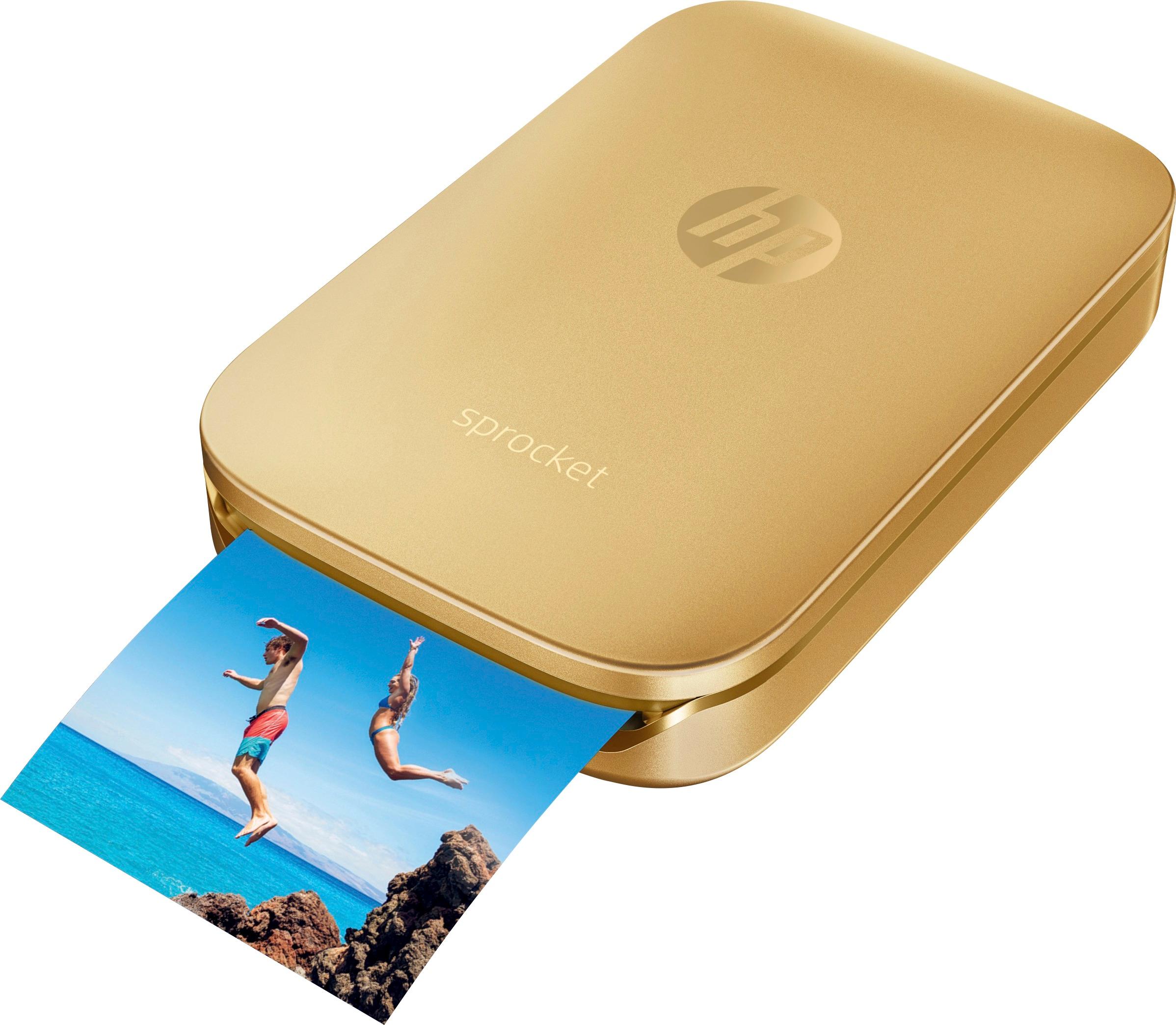
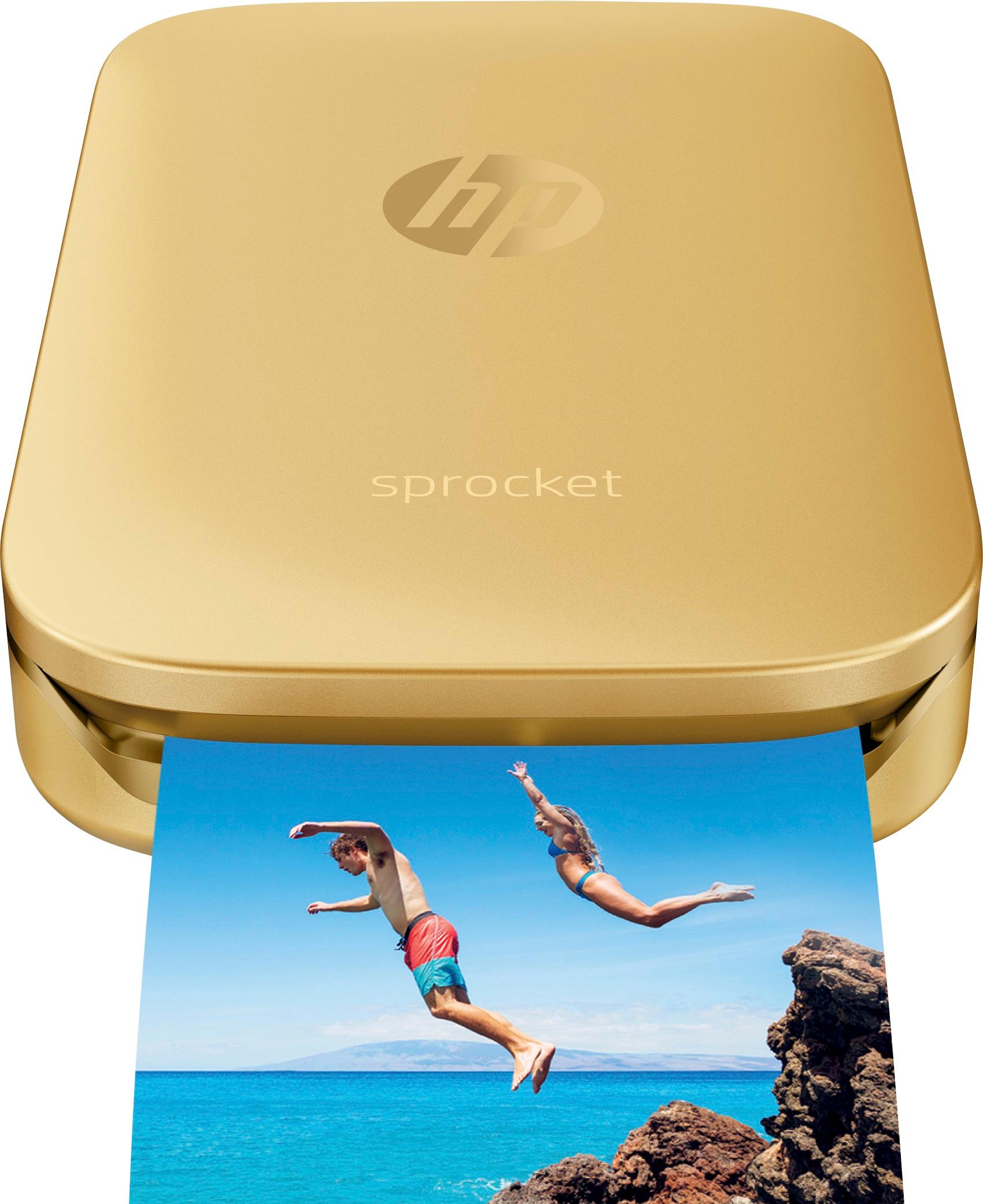
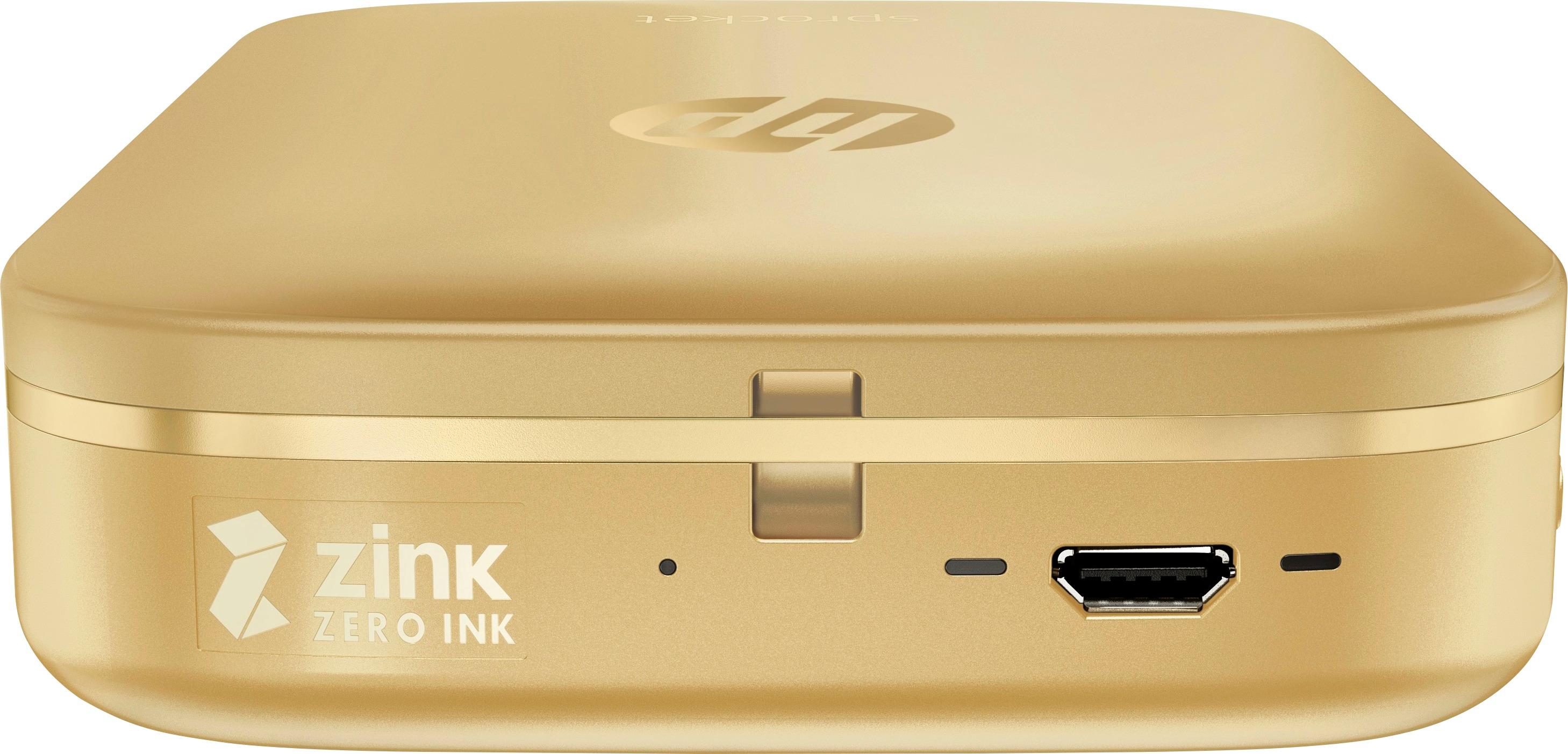
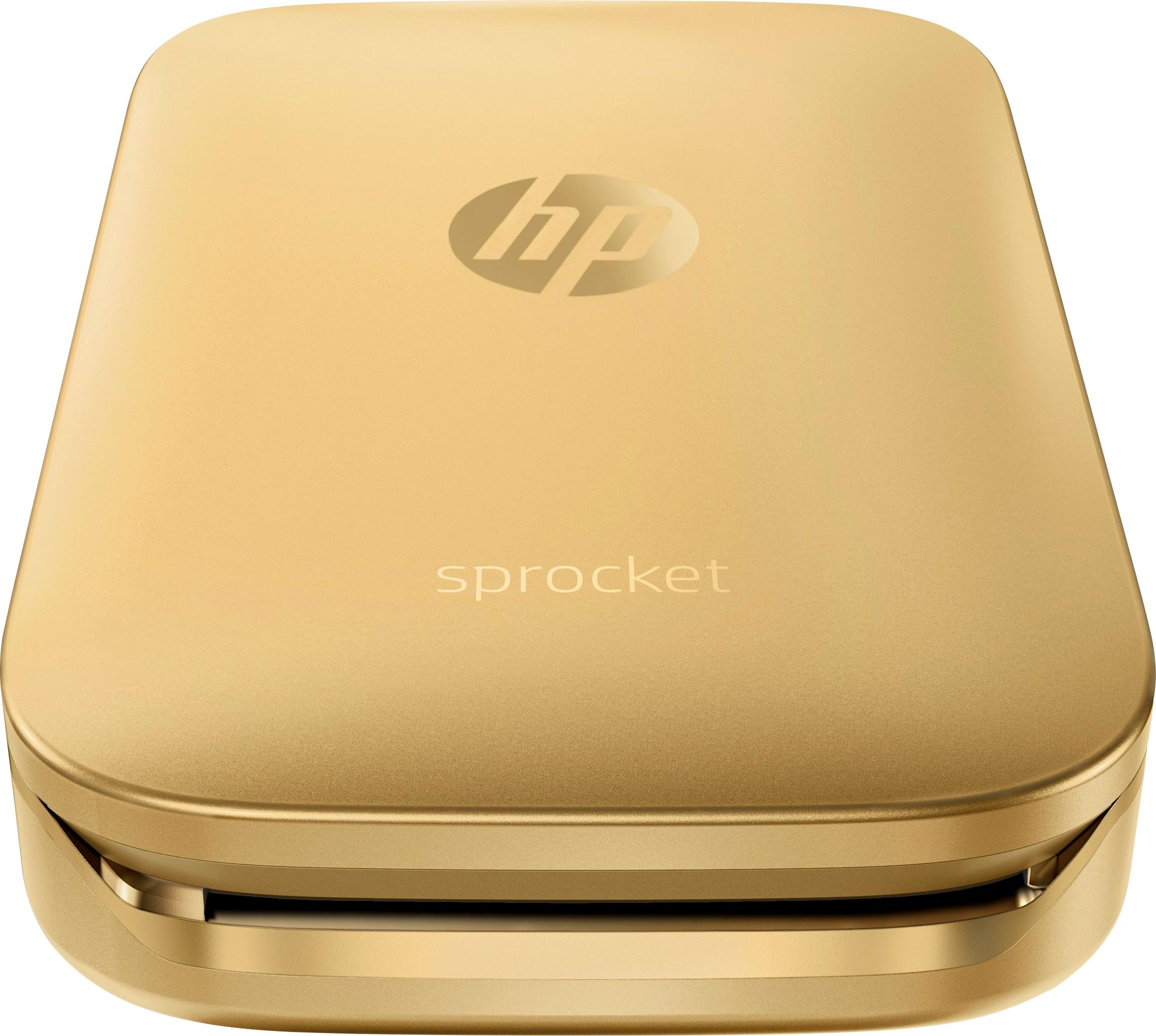
A:AnswerIt does not use any ink. Uses ZINK paper which is a paper that is an advanced composite material with cyan, yellow, and magenta dye crystals embedded inside and a protective polymer overcoat layer outside. Which means the paper itself is the "ink" so you only need to buy more paper, never need to buy ink.
A:AnswerThe paper has a nice thickness to it, and I've had a few pictures in my wallet I take out frequently with no scratches or crinkles. Paper seems very durable.
A:Answeryes u can. // aper Info
Maximum Photo Length2 inches
Maximum Photo Width3 inches
Supported Paper Sizes2 x 3 in
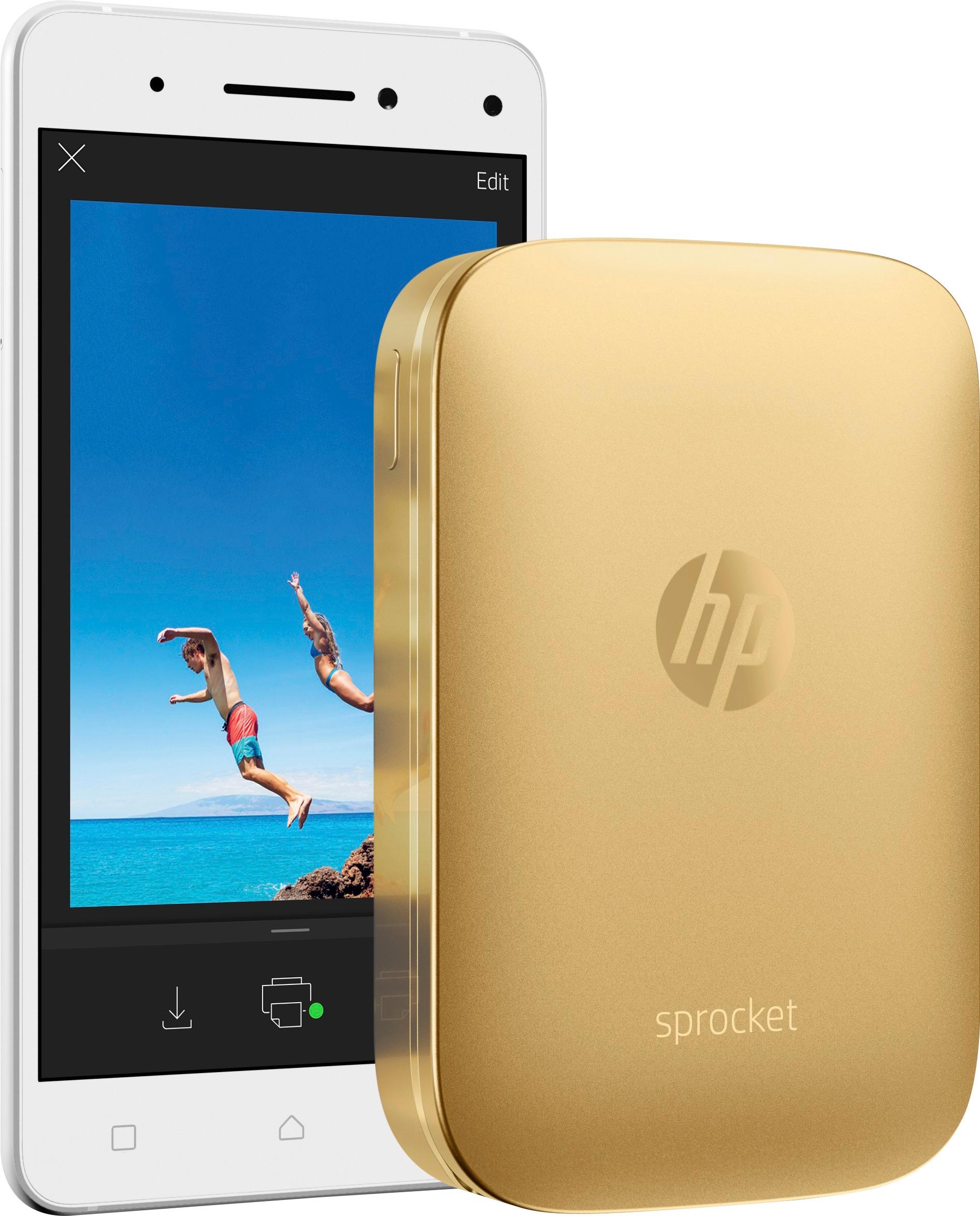
And yes u can edit it like a mini photo shop :P
A:AnswerYou need to purchase Zink photo printing paper separated you can also purchase sprocket pouch to carry your printer in. Oh photo paper glossary or peel back if you are a scrapbook-er.
A:AnswerThe Sprocket takes approximately 2 hours to fully charge. I charged it yesterday, then had it on for 4 hours, even after printing 5 pictures.
It still had over 35% battery life.
The Sprocket will also let you set a power off time. You can set it to power off in 5 minutes, 10 minutes, etc..., or never until you push
the power button. We love it.It was a great to give instant photos to family and friends at graduation. The photos print out very quickly,
even if you edit them. The App is the easiest of the tiny printers.
Hope this helps.
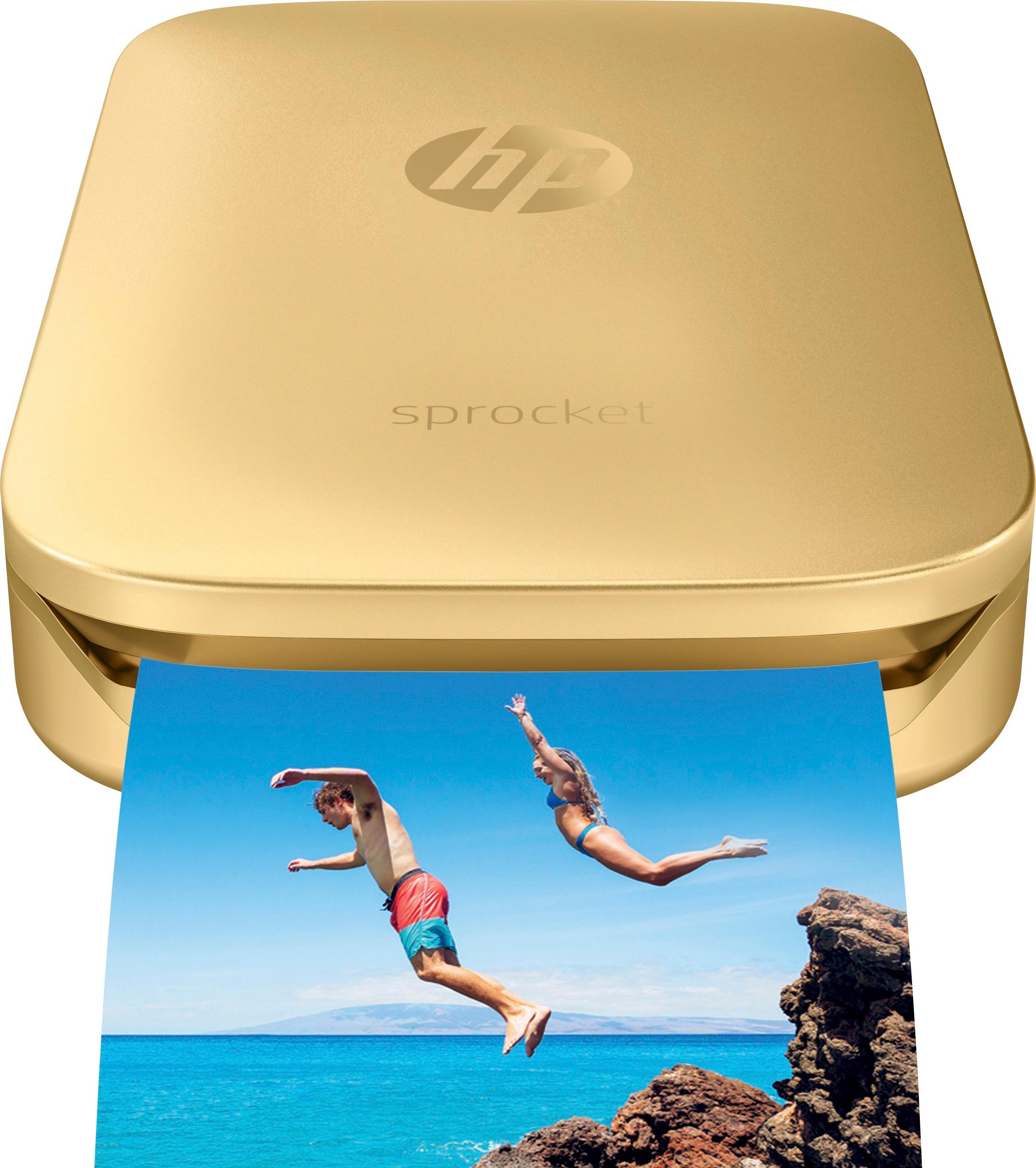
A:AnswerHi there! The HP Sprocket uses absolutely no ink! The technology is all in the HP ZINK (Zero-Ink) paper, which you can buy in packs of 20 sheets or 50 sheets. The Sprocket itself can print about 35 sheets in a single charge. Hope this helps!