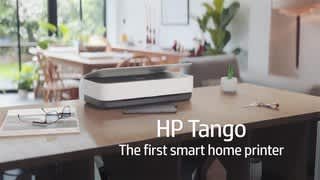
A:AnswerI don’t think so, because this specific printer seems to run on WiFi. Once I tried to print from my phone when I had my WiFi turned off and it didn’t work. As soon as I reconnected to the WiFi it worked immediately.
A:AnswerI use this printer for my Etsy shop- but I print directly on paper and then tape it onto the box. I haven’t tried using labels in this, but I assume if you buy 8,5” x 11” label paper (probably 2 labels on a page) and arrange them properly on the computer to print, it should work? I haven’t tried this though.
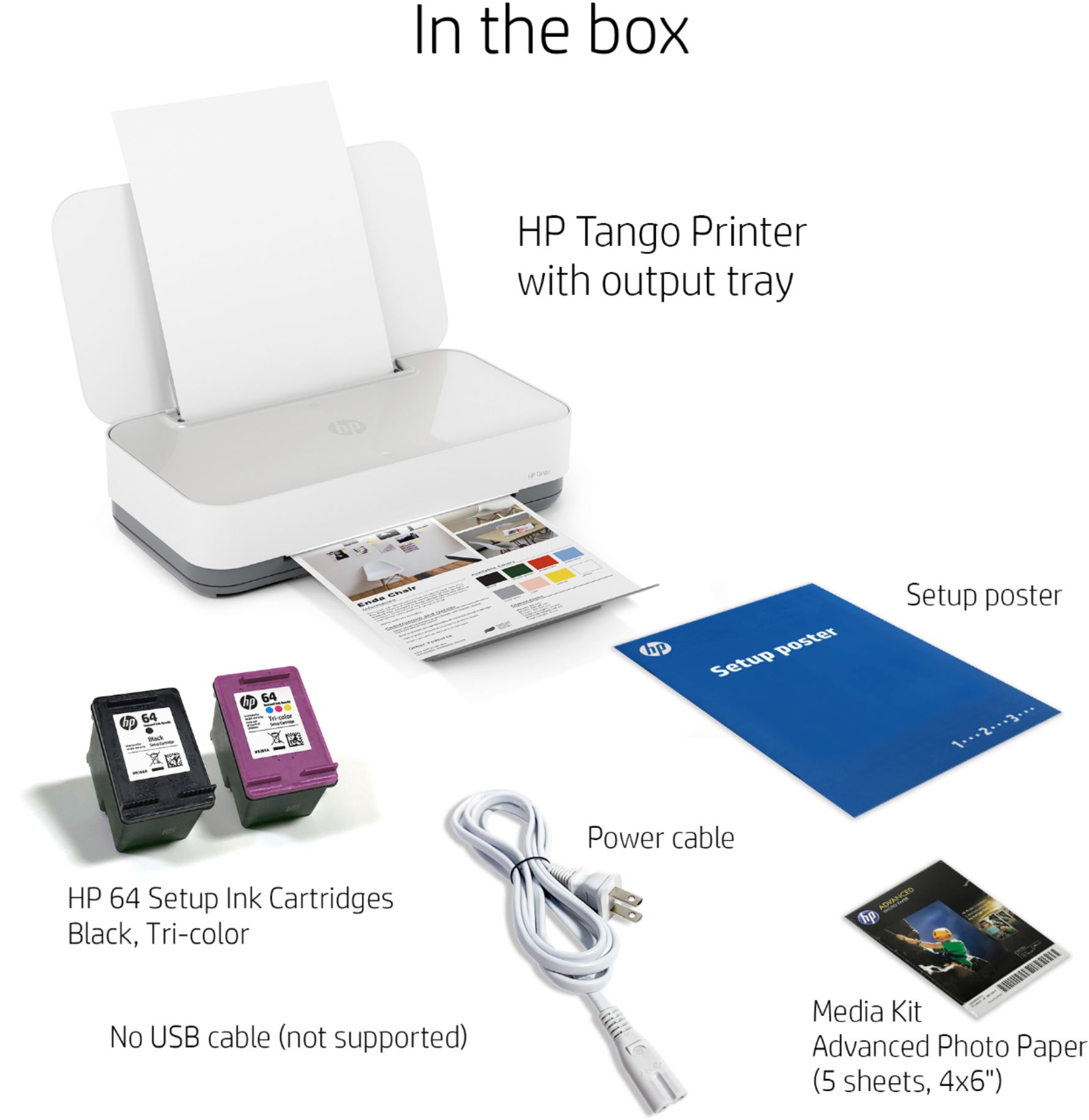
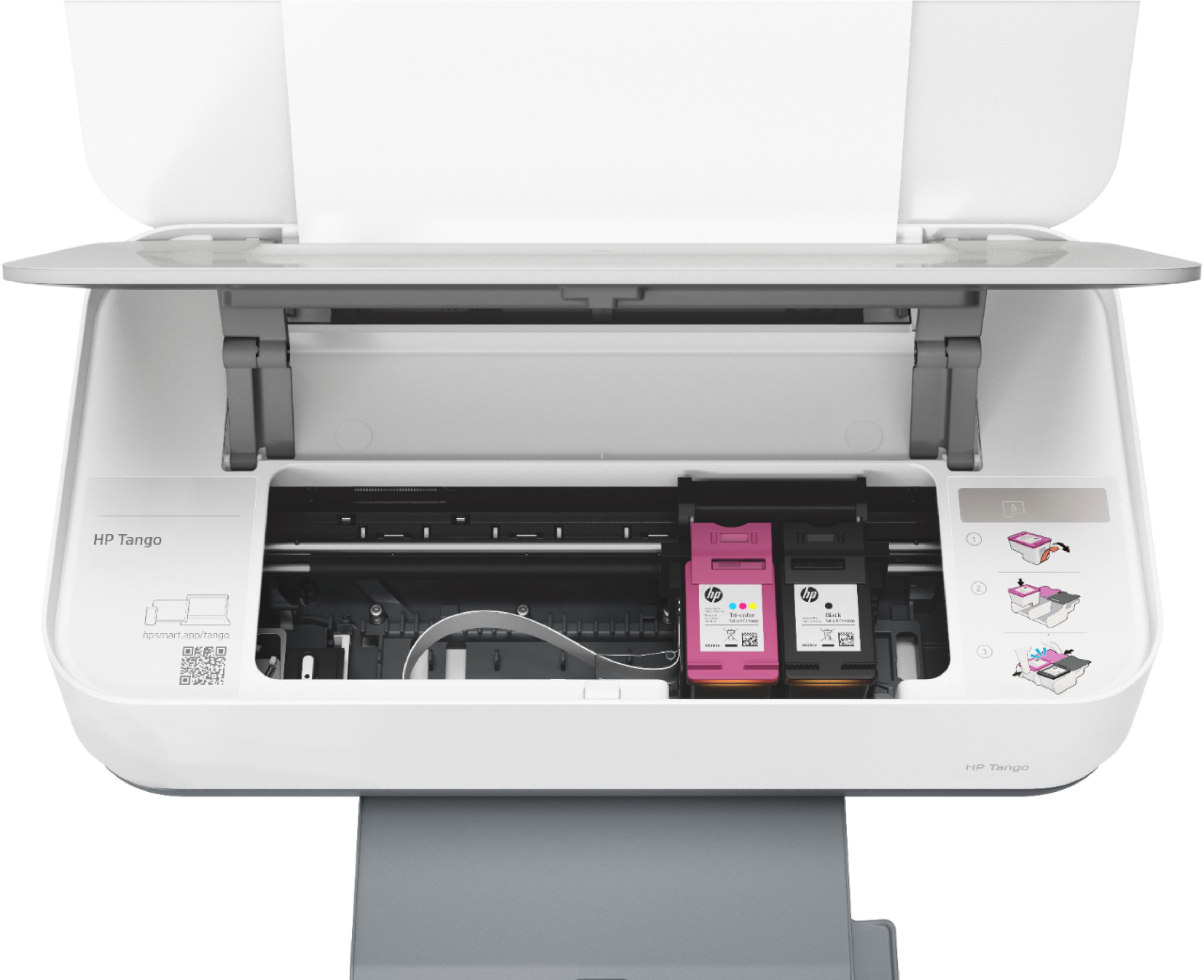
A:AnswerNo. The HP Tango printer uses HP 64 or HP 64XL ink catridges. You can buy ink cartridges online or in store. HP also has an optional ink delivery program called HP Instant Ink, where you can pay for pages printed, instead of buying ink. With the HP Instant Ink program, your printer and cartridges are smart and notify HP when you begin to run low, and will sent you ink so you can have it before you need it. With the HP Instant Ink program you can save 50% on the cost of ink and never run out. Here is a link to more information: https://instantink.hpconnected.com/us/en/l/
A:AnswerYou can scan documents on your computer using Adobe Scan. For instance, you can scan a paper document into your smartphone, save it as a PDF, then go to Acrobat files and print it from there.