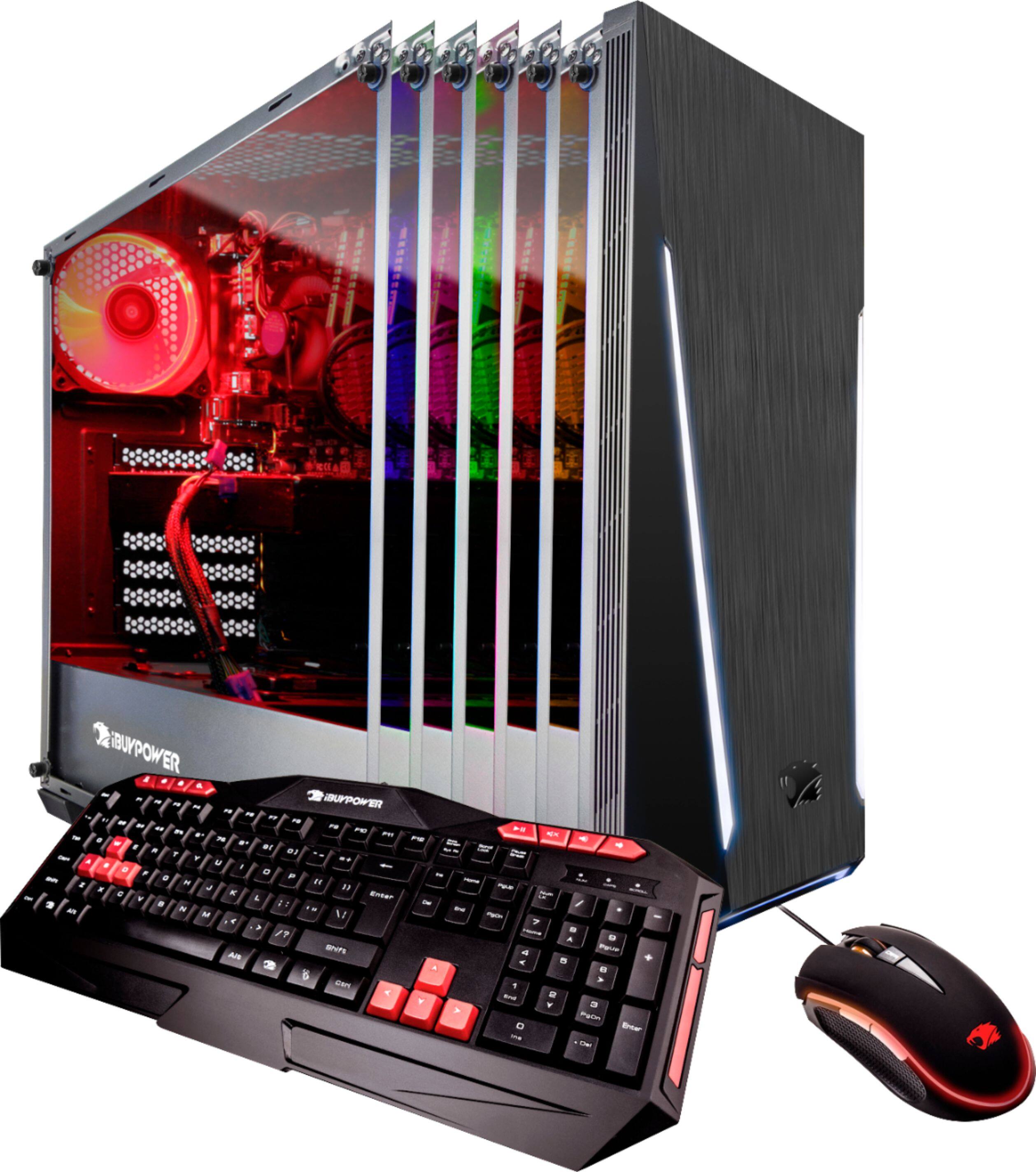
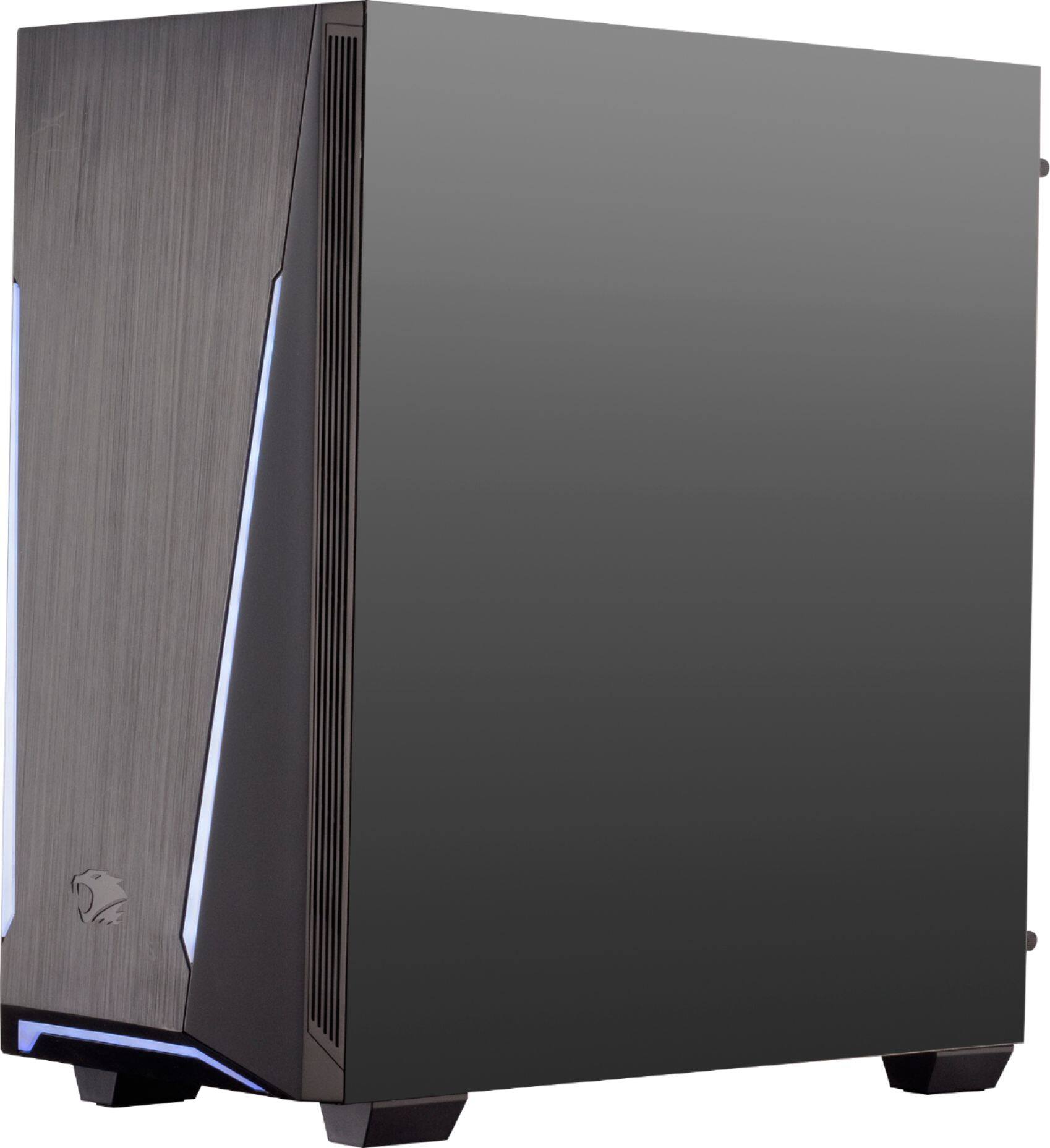
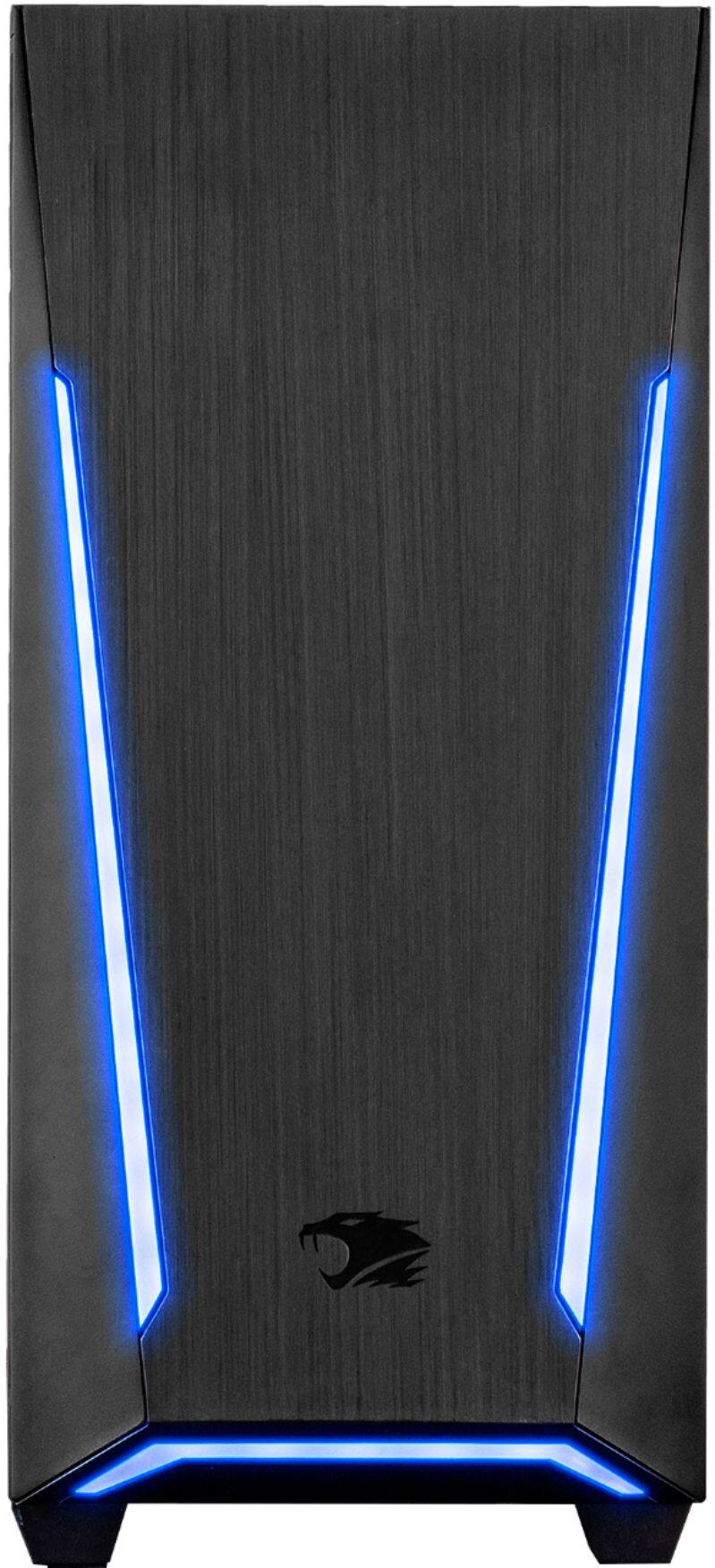
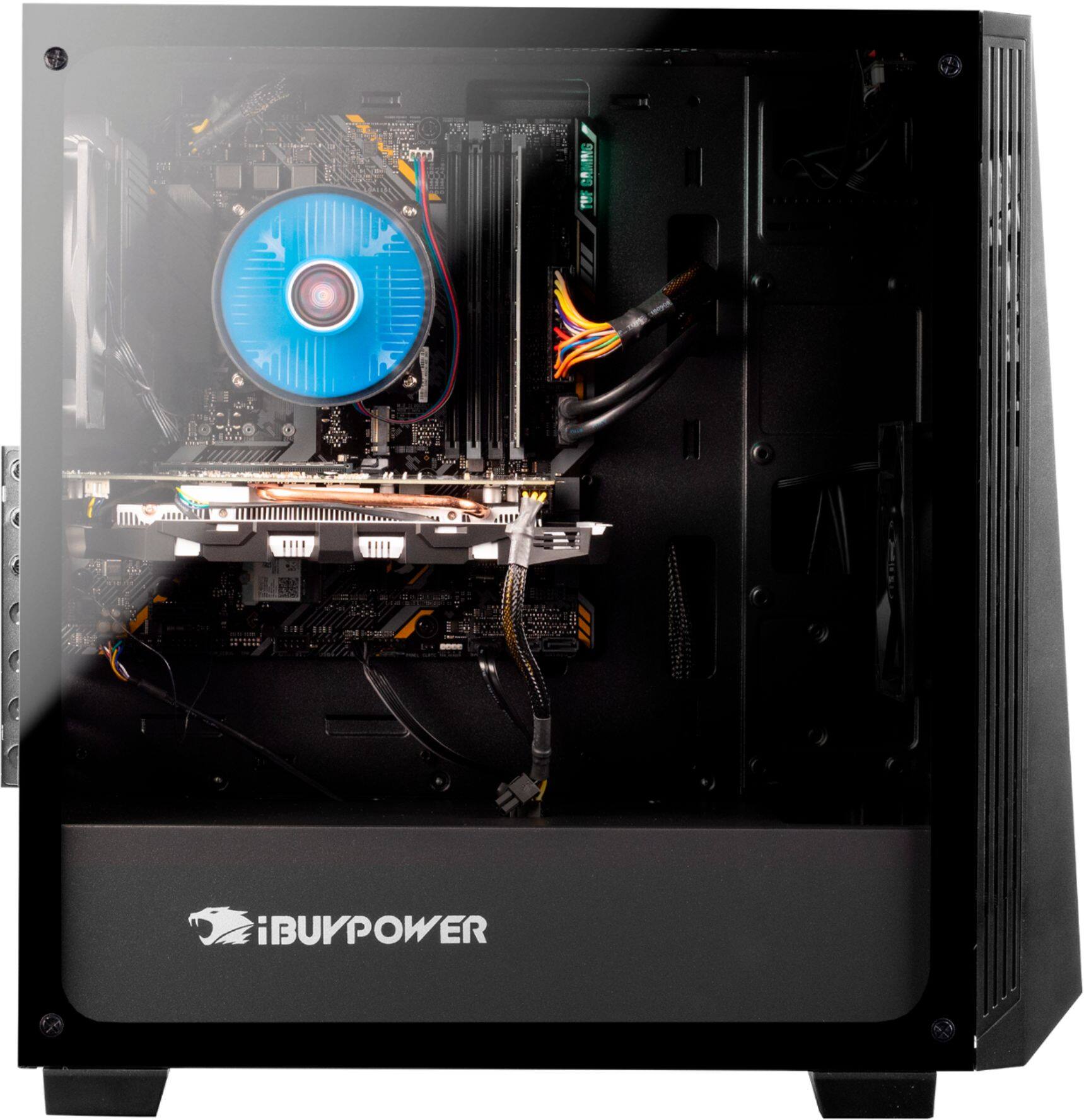
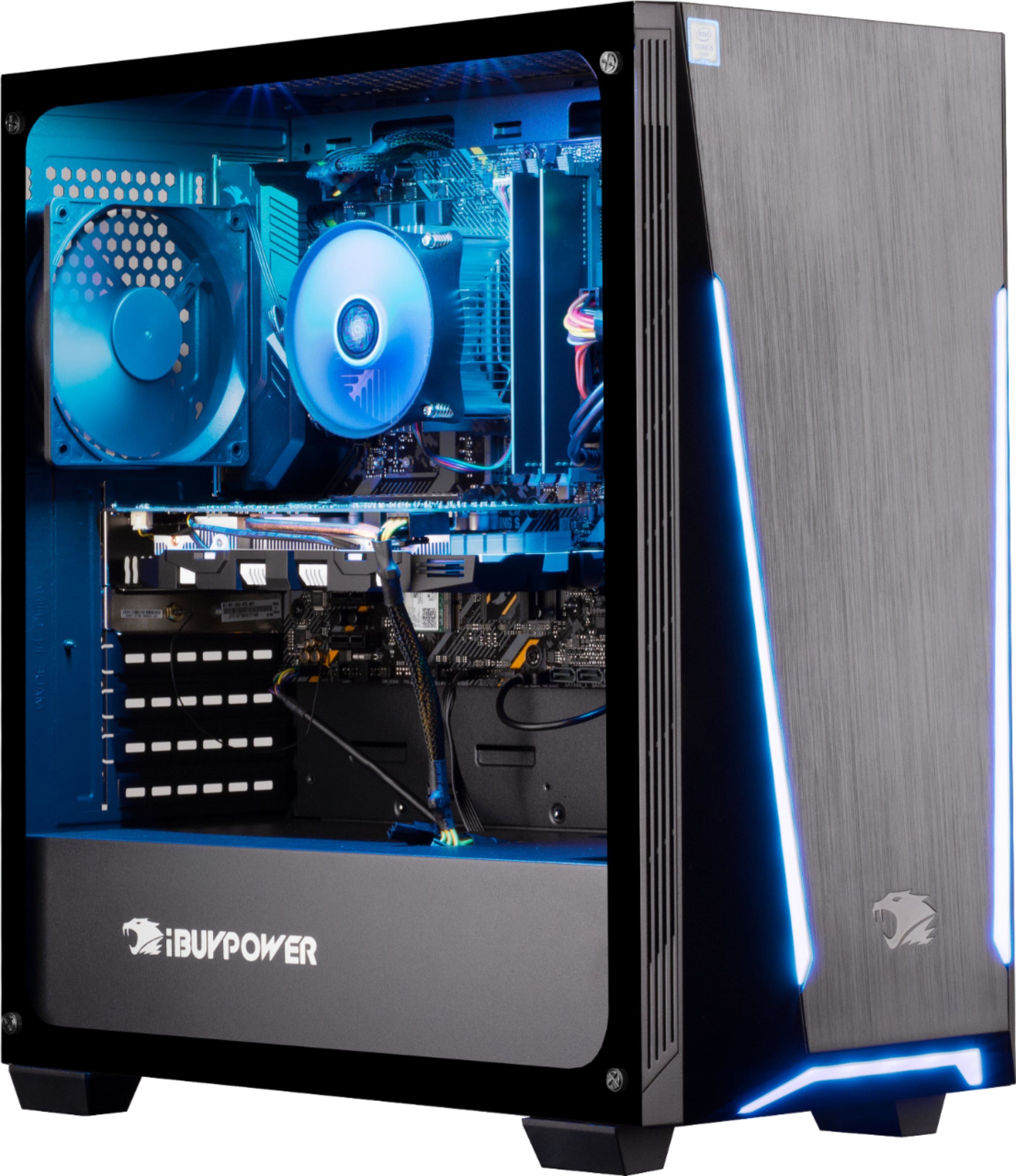
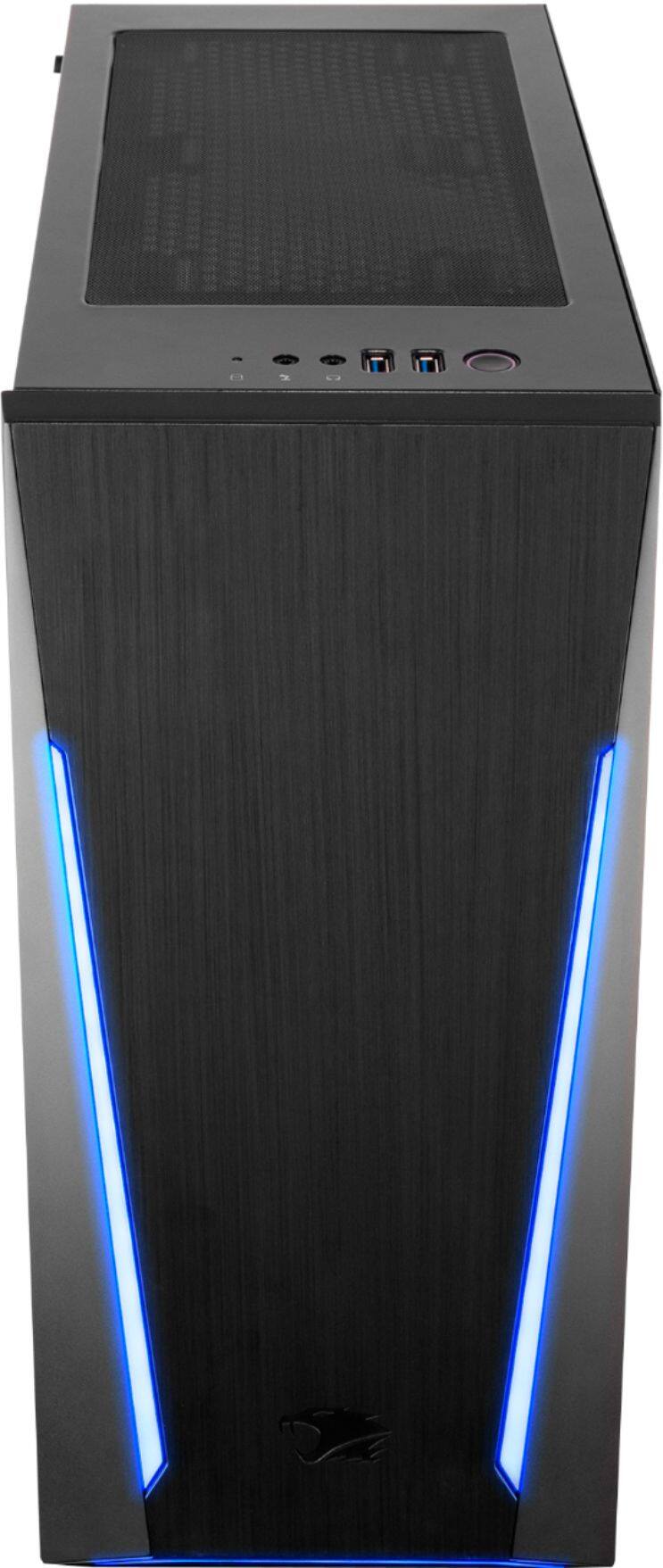
A:Answer It's an easy upgrade with the help of youtube how too's. You also need to look at the motherboard and see if it will support the i7 - 8700. if it does then all youll need to do is remove the CPU fan, clean off the Thermal Paste, take out the i5 - 8400, then add in the i7 - 8700, match up the triangles on the corner, close the bracket, reapply thermal paste, and put on the cpu fan. or upgrade the cpu fan to an AIO or a hug as heatsink like the hyper 212