A:AnswerHello,
Many monitors work well with this system, you would have to conduct your own research to find one that best suits your needs. Thank you for your question!
A:AnswerHello,
The disc is a guide for the graphics card but you do not need it as you can find the same material on the AORUS website, thank you for your question!
A:AnswerHello,
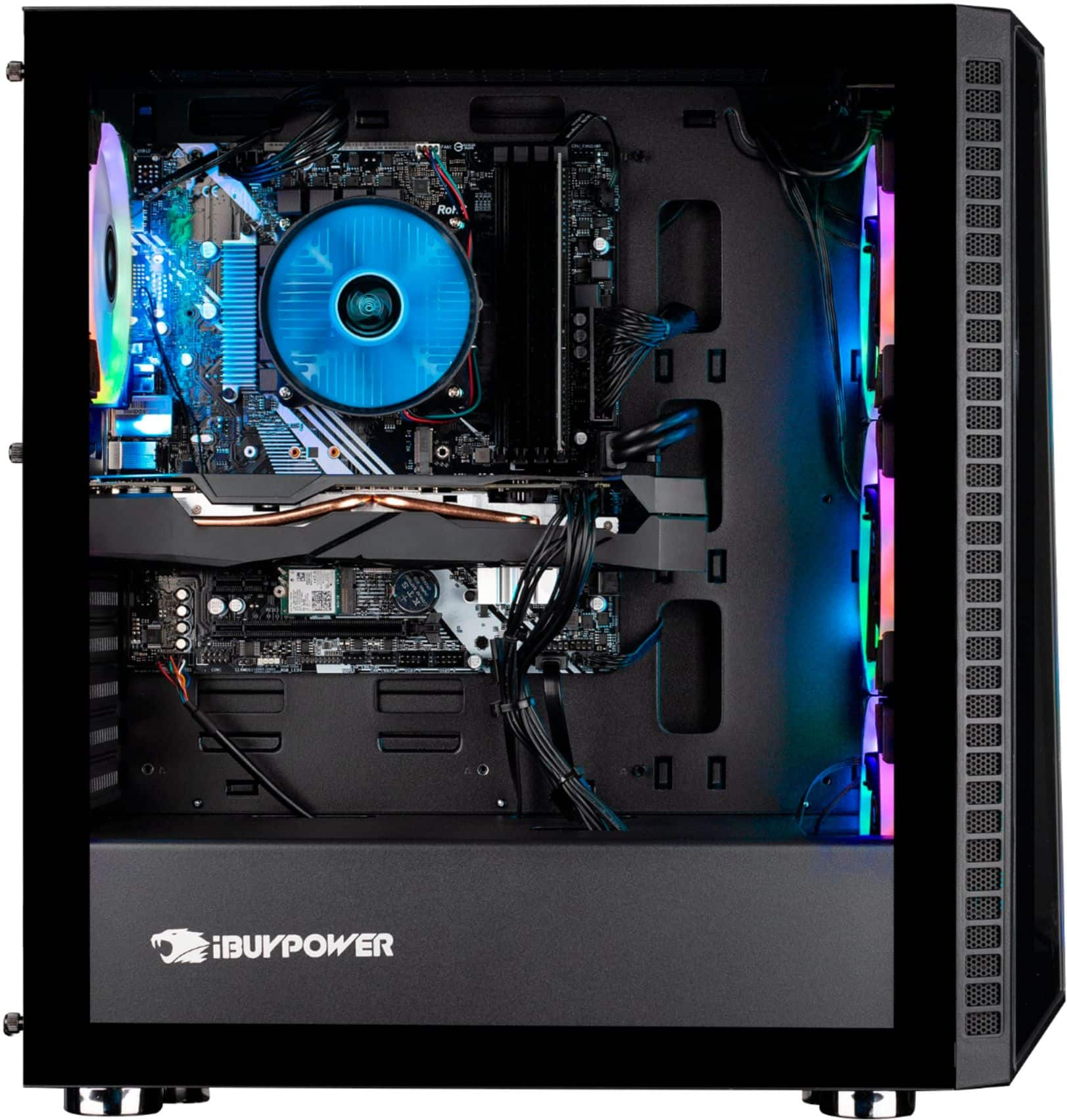
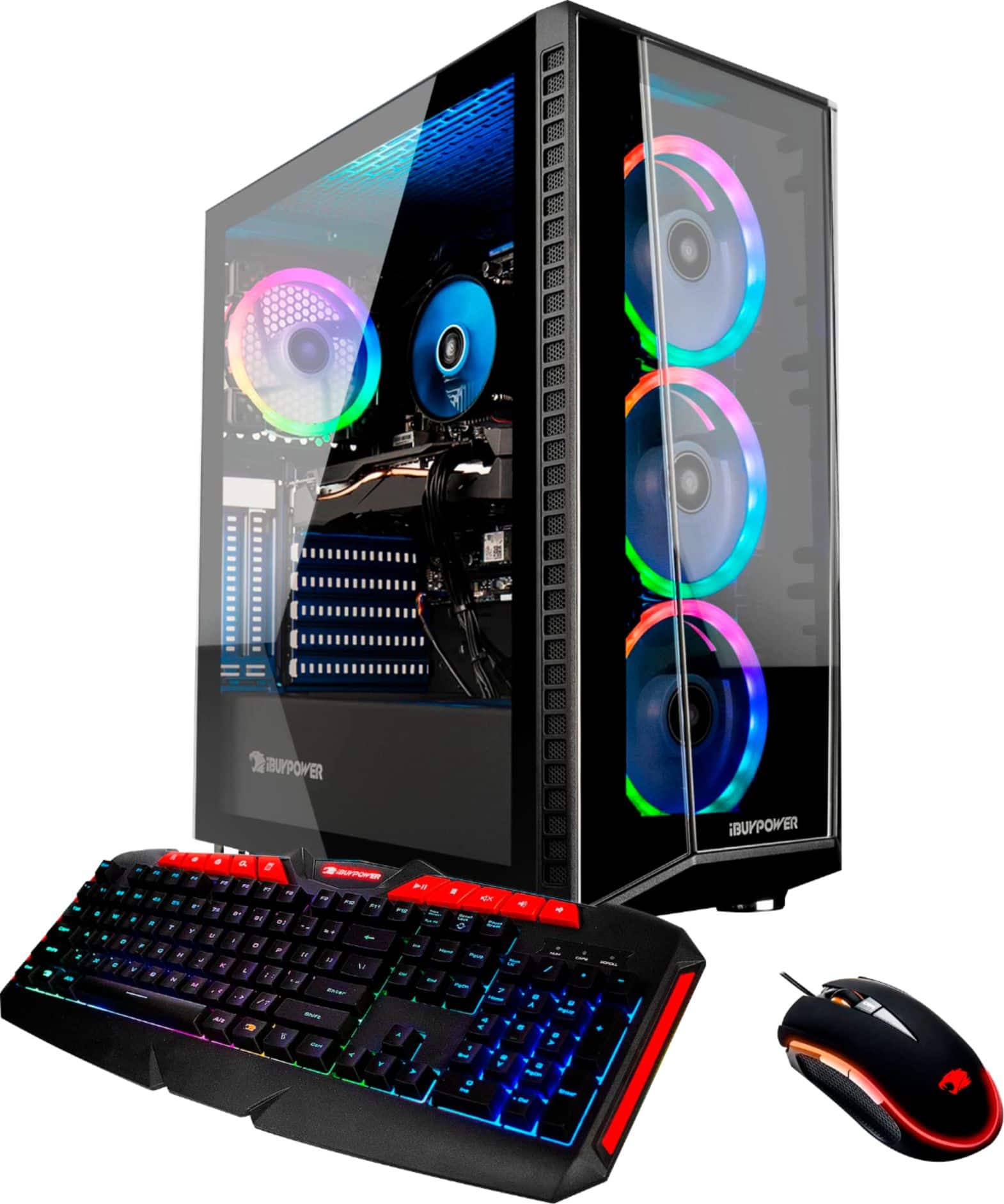
The reason the cooler is different from the one in the picture is because we use a variety of coolers in our systems depending on what we have in stock. The cooler that comes with the system should provide adequate cooling, just make sure to monitor your CPU temperature. If you notice that it is running high, then you may want to consider an upgrade. If the temperature is normal, then performance is not being affected. As far as your RGB lights, you should be able to turn the lights on with ASROCK Polychrome RGB, which is a software you can download from ASROCK's site Thank you for your question!
A:AnswerHello there,
This system can stream while you play well. Your internet download and upload speeds will determine the upload speed and frame rate. Thank you and please let us know if you have any other questions!
A:AnswerI waited about a month, the sales rotate really randomly and A LOT of people are buying PC's right now. There are other pcs with similar specs that go around 7 or 8 hundred but they sell FAST. keep a tab open on your phone and check it every now and then for new stock updates.
A:AnswerLook up reviews or Bb971 fortnite. on youtube look it up it can handle fortnite with compittive settings up to 220 and up I saw a yt video about fortnite and he gave all setting low to epic to see how it runs
A:Answeryes of course. Every decent mother board has a red / green / blue aux port. (red for microphone, green - line OUT, for your speakers , and blue is Line IN , like an aux port )
It should be noted that devices with headphone jacks are being amplified and can damage the motherboard if plugged in the blue jack. Plug in a "line-out" from a stereo in there, but not an iPod.
A:AnswerHello,
Make sure that the cables are attached correctly to the monitor and that the system is powered on and running correctly. If you are still experiencing issues please give our technical support a call.
A:AnswerThe White little ASUS brand antenna it comes with sucks, unusable for gaming imo, it jumps between the 2.4 ghz and 5.0 ghz signals constantly. I suggest you Buy a high speed wifi adapter or use Ethernet.
A:AnswerHello,
Please make sure all power cables are properly attached and that the computer is turned on (there is a switch on the back). If it is still not powering on, please give our technical support a call. Thank you for your question!
A:AnswerHello,
Please make sure your monitor cables are plugged in correctly. Make sure the monitor is plugged into the graphics card and not the motherboard. If the PC is on and the monitor is not showing anything, then the monitor has an issue not the computer. Please call our technical support if you require more assistance, thank you for your question!