A:AnswerHello Adam,
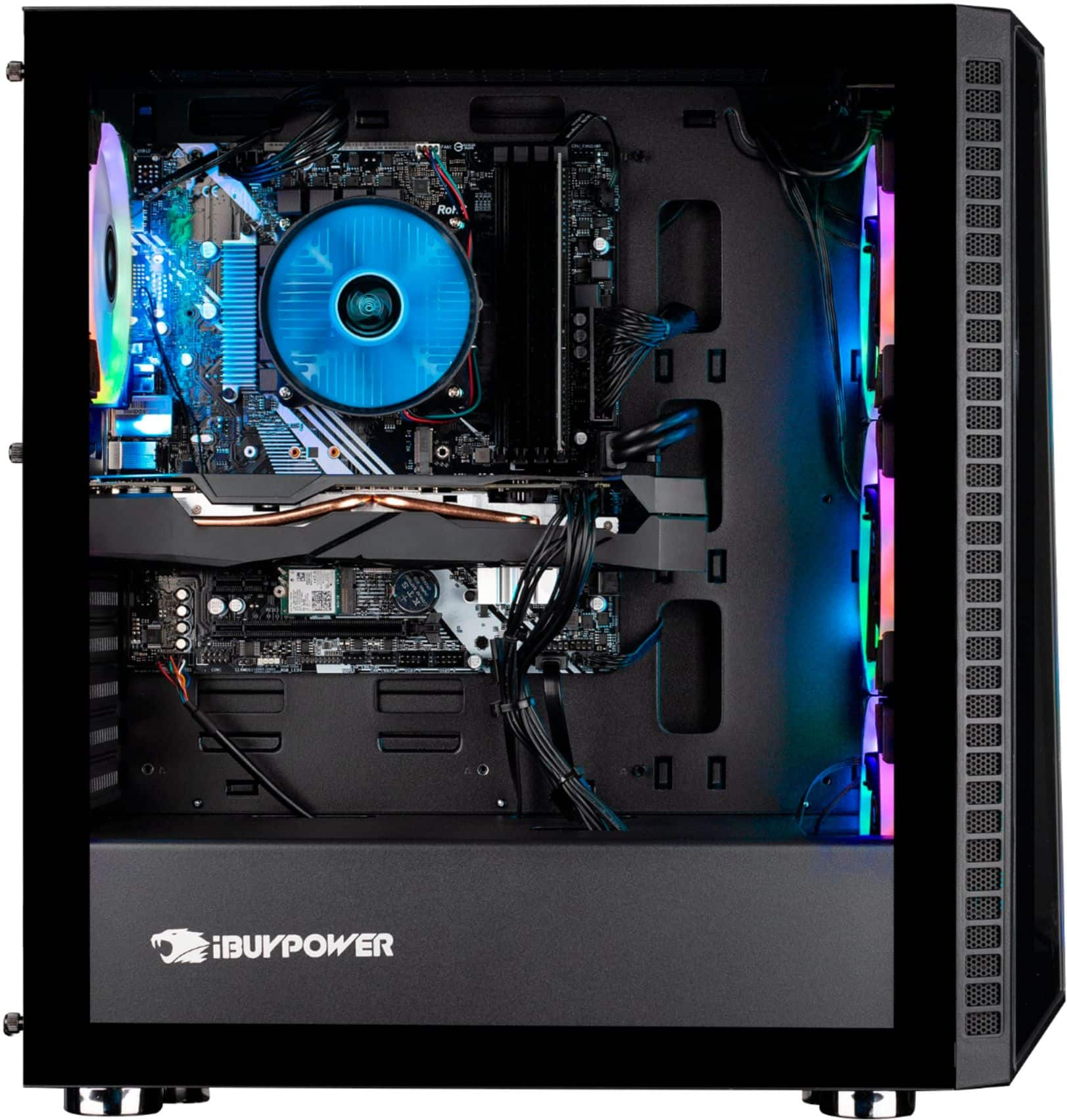
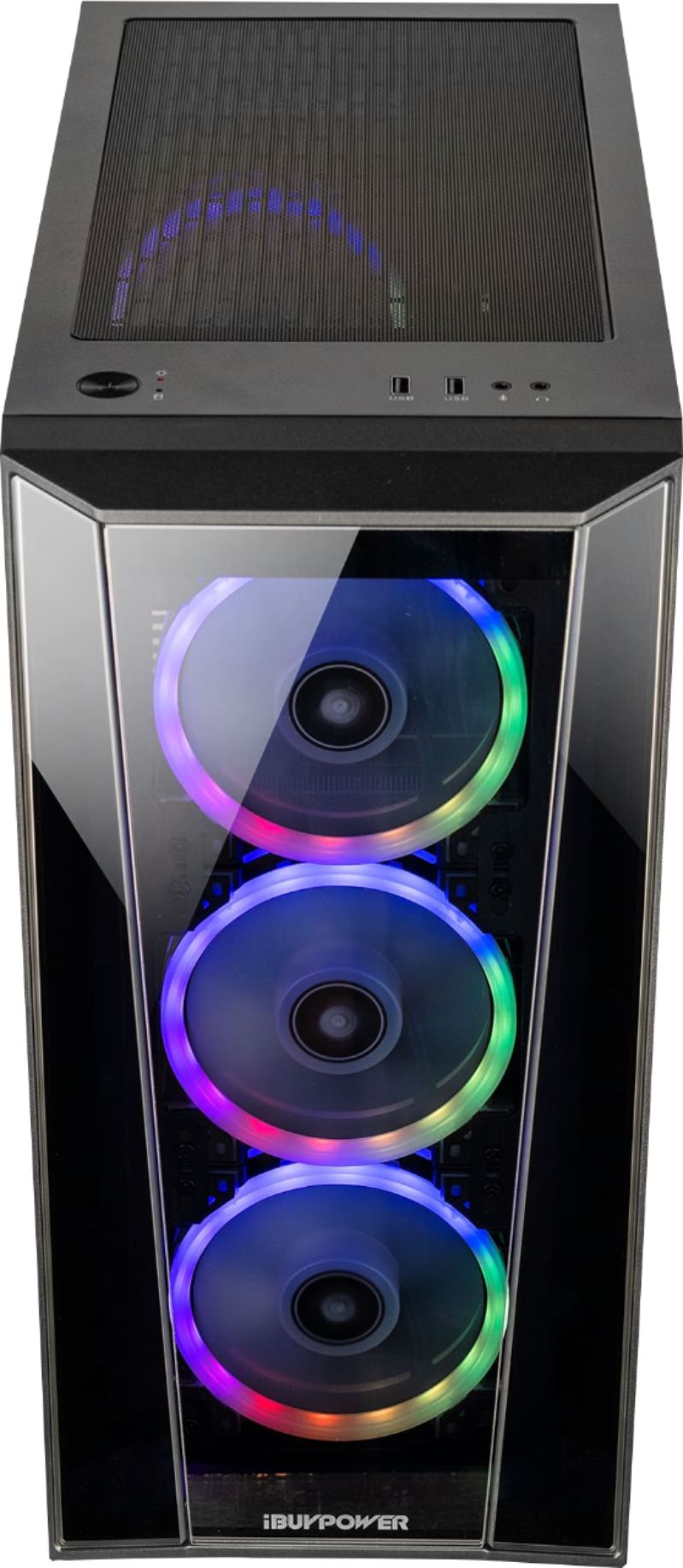
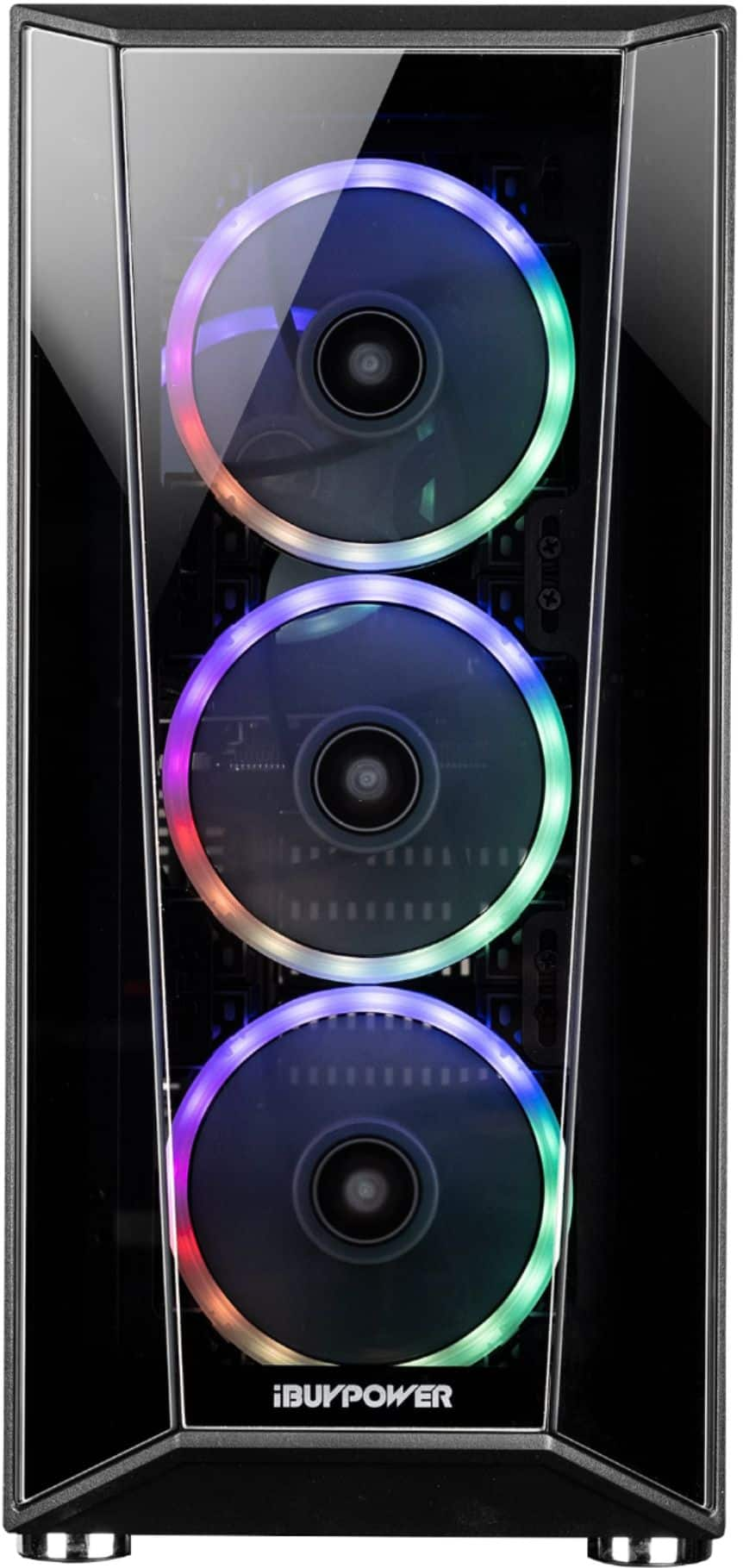
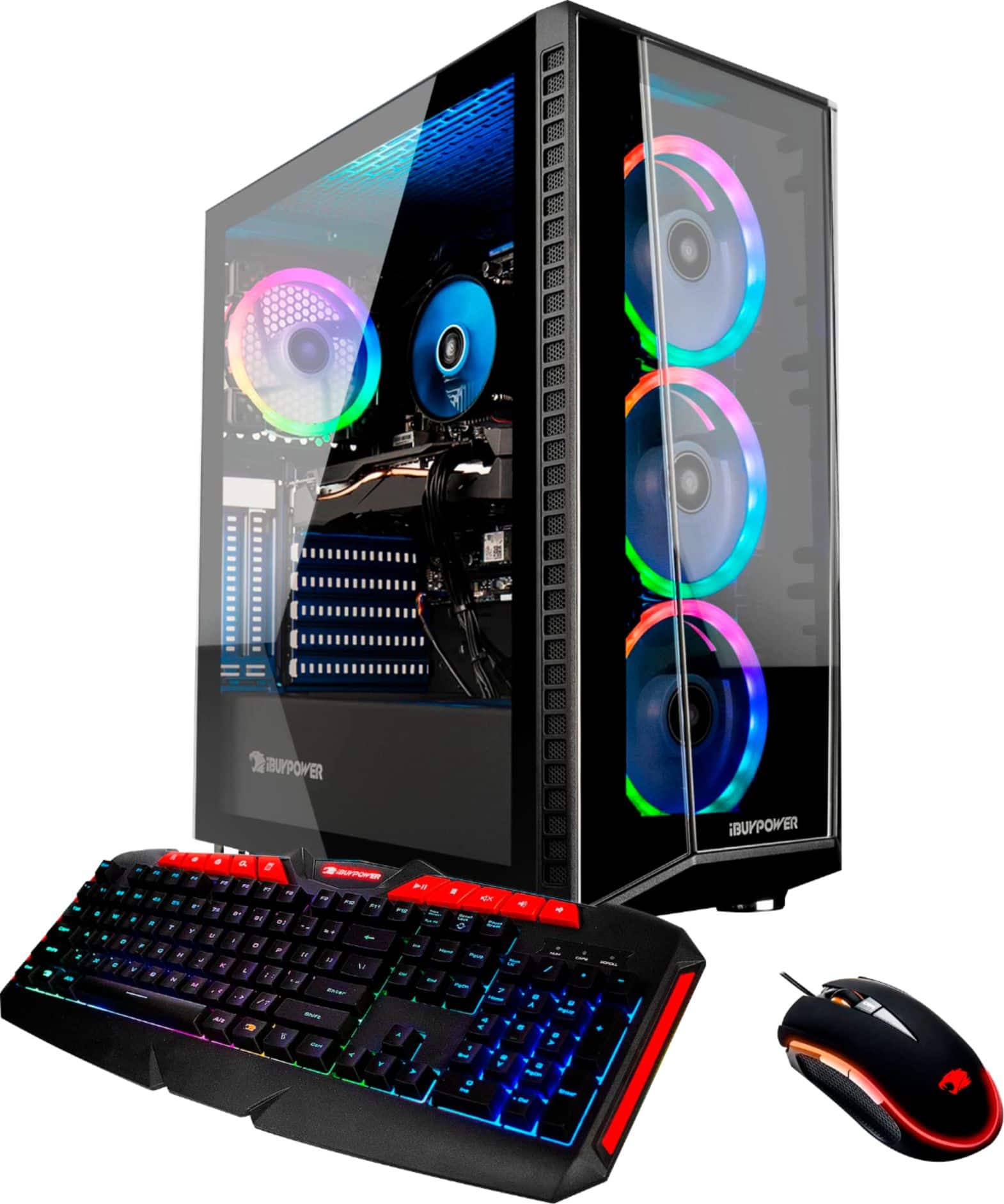
We are sorry to hear your front lights are not working. Here are a few things you can try. Download the ASRock RGB Sync software off the ASRock website, and mess around with the lighting software to see if that turns them on. Another option is you can open up the case and look for any loose wiring from the lights, this is usually the issue since wiring can come loose during shipment. If that still doesn't work, feel free to contact our Tech Support!
A:AnswerHello! We are sorry to hear about your experience and thank you for expressing your concern. Please give us a call at (888)-618-6040 and our technical support will be able to assist you further in resolving this. Our Technical Support hours are Mon - Fri from 8:30 am - 5:00 pm PST. Thank you for your question!
A:AnswerI had the same issue. On the back below where the HDMI ports that are visible. There is a row with these black plastic things (they look like buttons almost) those are caps to the HDMI ports you need to use. Those HDMI ports are directly plugged into the graphics card which disables the other ones.
A:AnswerHello! We are sorry to hear about your experience and thank you for expressing your concern. Please give us a call at (888)-618-6040 and our technical support will be able to assist you further in resolving this. Our Technical Support hours are Mon - Fri from 8:30 am - 5:00 pm PST. Thank you for your question!
A:AnswerHello Austin,
To access the hard drive, click on the yellow file explorer tab at the bottom of your screen and then click on "This PC". You will be able to see both your SSD and HDD in this location. Thank you and please let us know if you have any other questions!
A:AnswerHello! We are sorry to hear about your experience and thank you for expressing your concern. Please give us a call at (888)-618-6040 and our technical support will be able to assist you further in resolving this. Our Technical Support hours are Mon - Fri from 8:30 am - 5:00 pm PST. Thank you for your question!
A:AnswerI recommend getting 2666 ram since the I5-9400F can only support that memory type and below, but if you a speed above 2666 it will down clock your ram speed to 2666.