A:AnswerHello there,
We are sorry to hear you are having trouble with the setup. This system should have everything you need to immediately start using it. Please make sure that you have already connected the included WiFi adapter so you can connect wirelessly to your internet. If you are still having trouble, please give us a call at (888)-618-6040 and our technical support will be able to assist you further in resolving this. Our Technical Support hours are Mon - Fri from 8:30 am - 5:00 pm PST. Thank you for your question!
A:AnswerHello Rob,
You are correct. This PC does meet the recommended processor and RAM requirements to run the Oculus Rift S. The GTX 1660 is the successor to the GTX 1060, so this PC easily fulfills the graphics card requirement as well. Hope this helps and please let us know if you have any other questions!
A:AnswerHello,
This PC can connect to WiFi. You can use the included WiFi adapter for a wireless connection or use an Ethernet cable running from your router to your PC. Hope this helps and please let us know if you have any other questions!
A:AnswerHello there,
You can expect to see high frames because this PC can easily run Rocket League. Unfortunately we cannot provide FPS numbers as that is dependent on the settings you choose when playing the game. Hope this helps and please let us know if you have any other questions!
A:AnswerHello there,
This PC comes with a WiFi adapter so you can connect wirelessly to your internet. Thank you and please let us know if you have any other questions!
A:AnswerHello there,
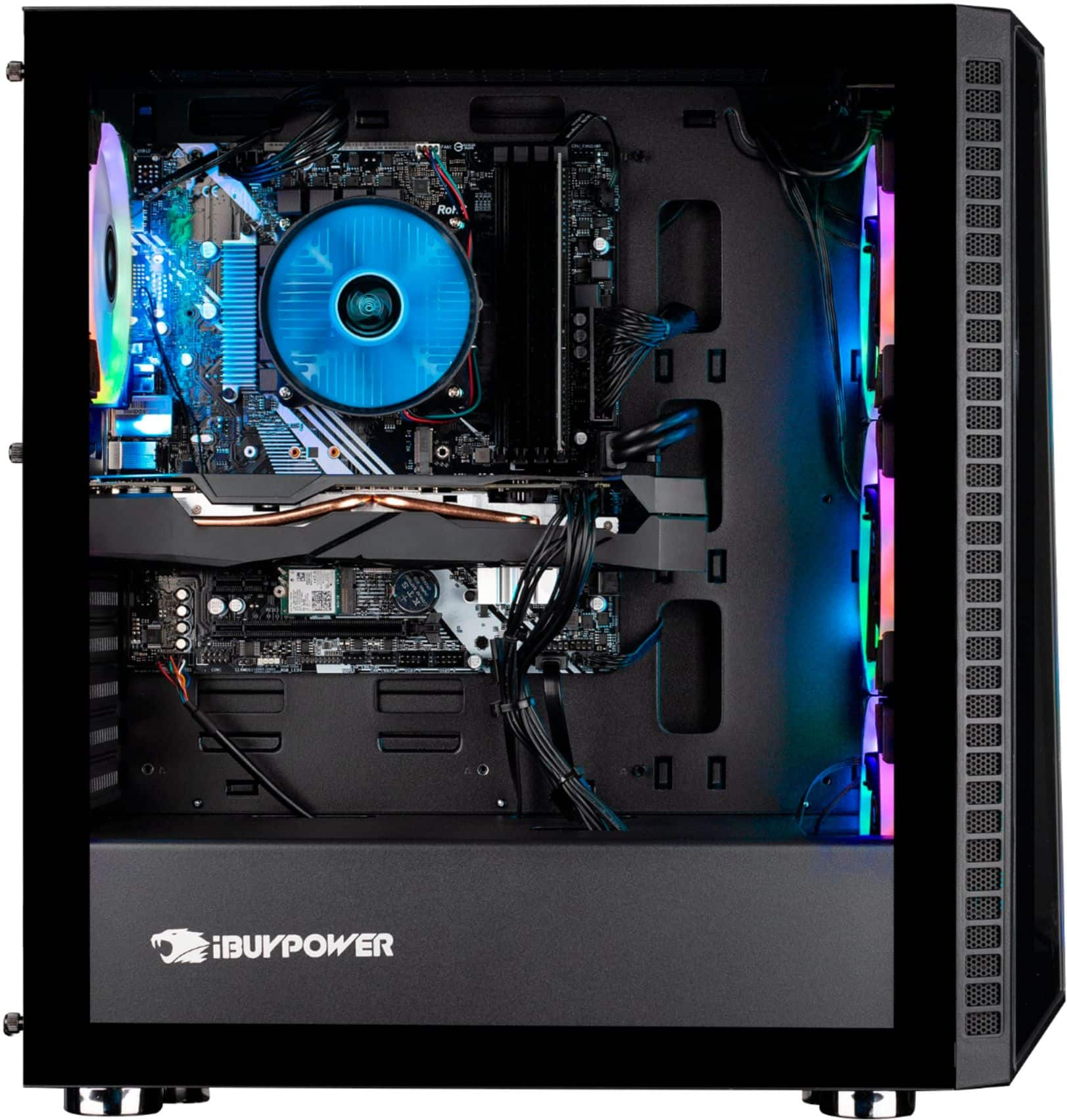
Yes, this PC is fully upgradable, including the RAM. We use various brands of RAM depending on what we have in stock at the time of assembly, so unfortunately we cannot provide information about the RAM. We recommend taking out the existing RAM, as using two different RAM sticks may cause issues. Hope this helps and please let us know if you have any other questions!
A:AnswerHello James,
This PC comes with a WiFi adapter so you can connect wirelessly to your internet. Thank you and please let us know if you have any other questions!
A:AnswerHello Alex,
You may connect a 2nd monitor through either the HDMI or DisplayPort located on the graphics card at the back of your PC. Hope this helps and please let us know if you have any other questions!