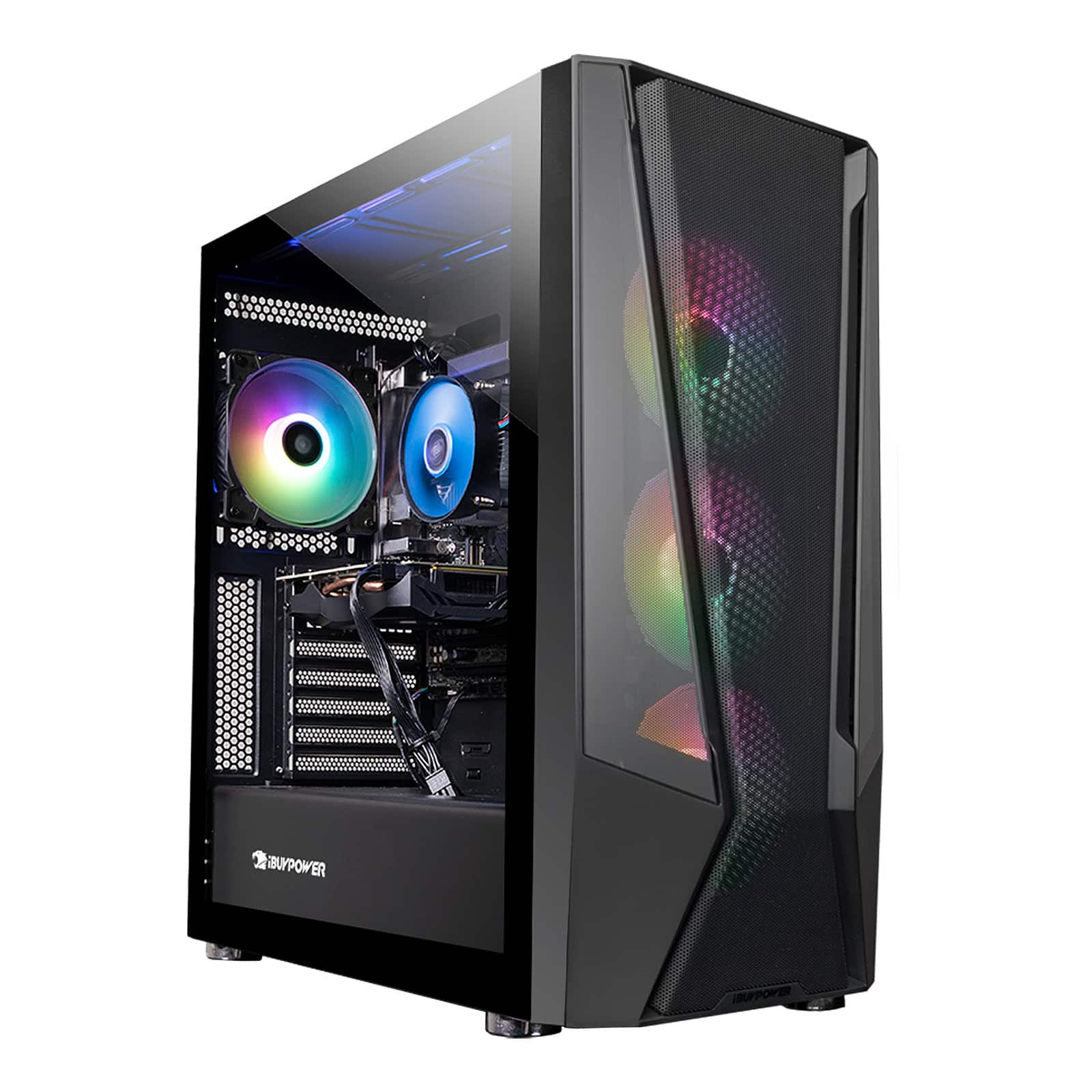
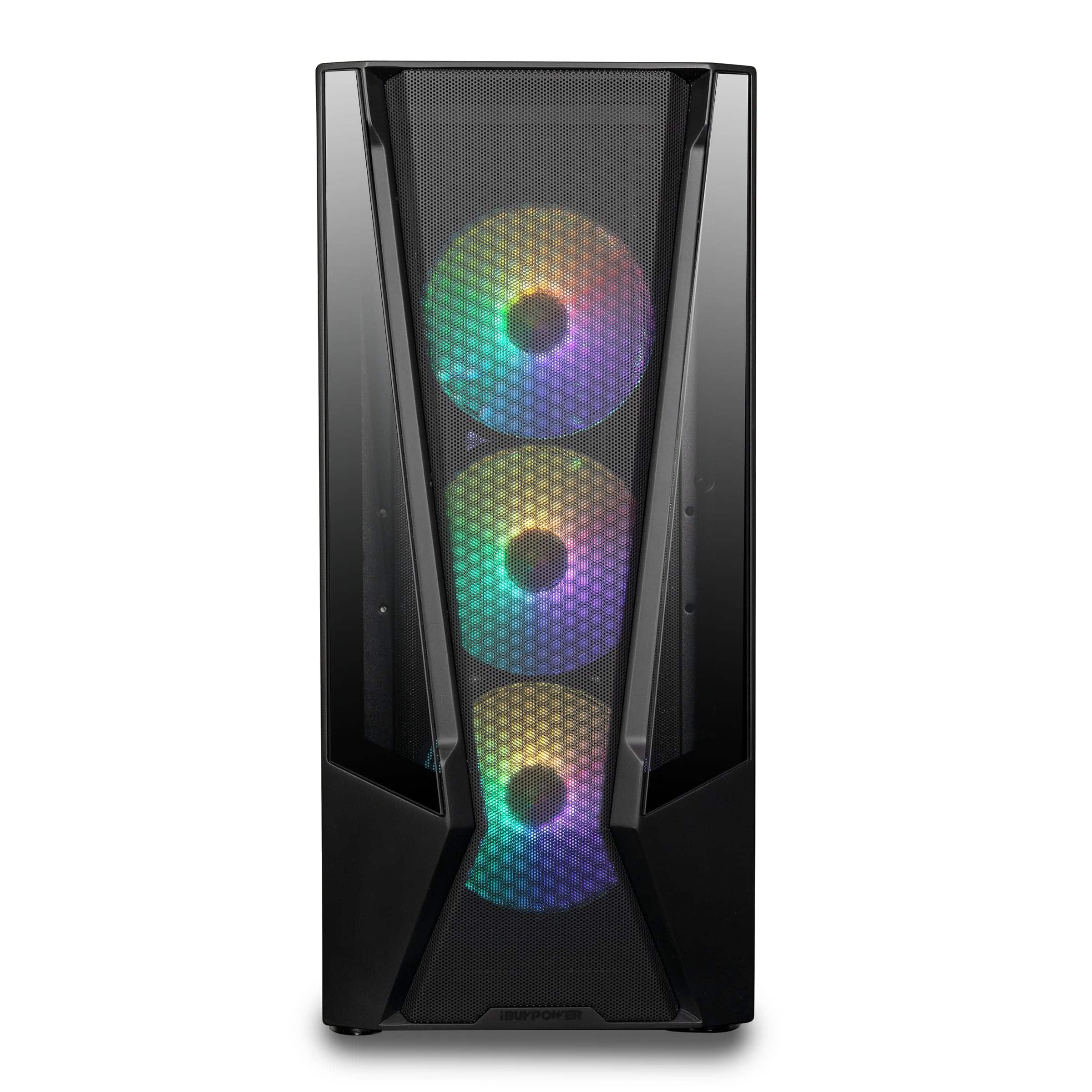
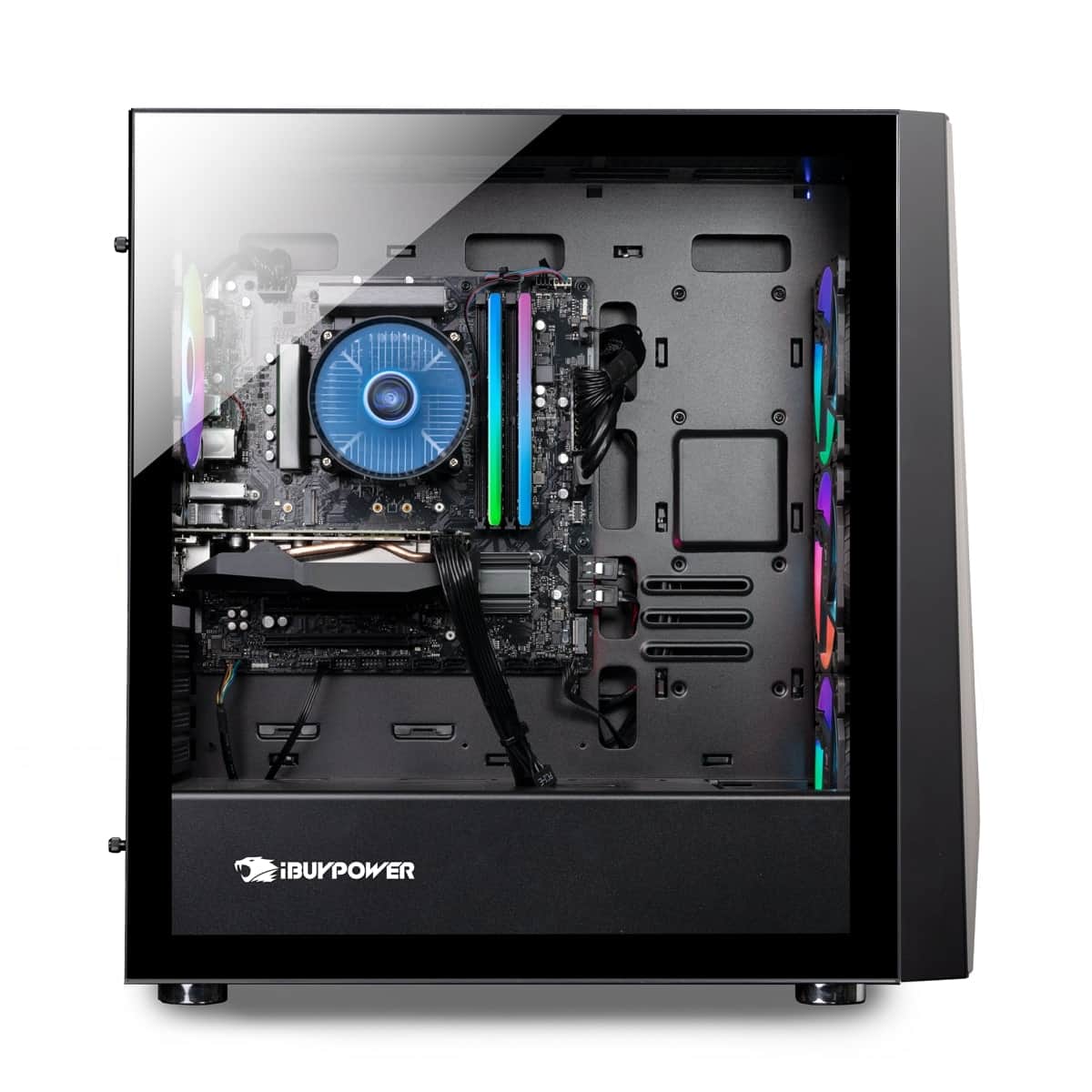
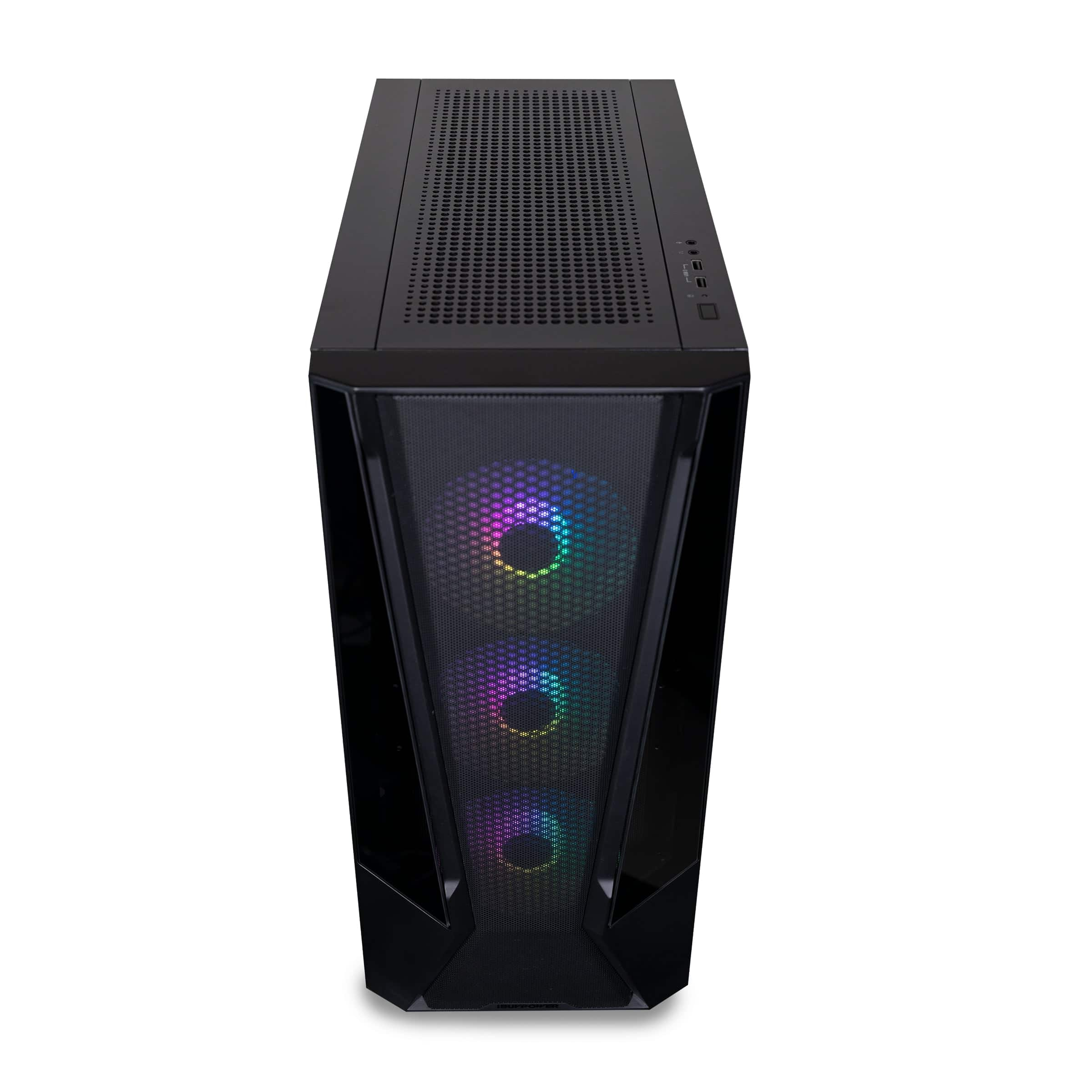
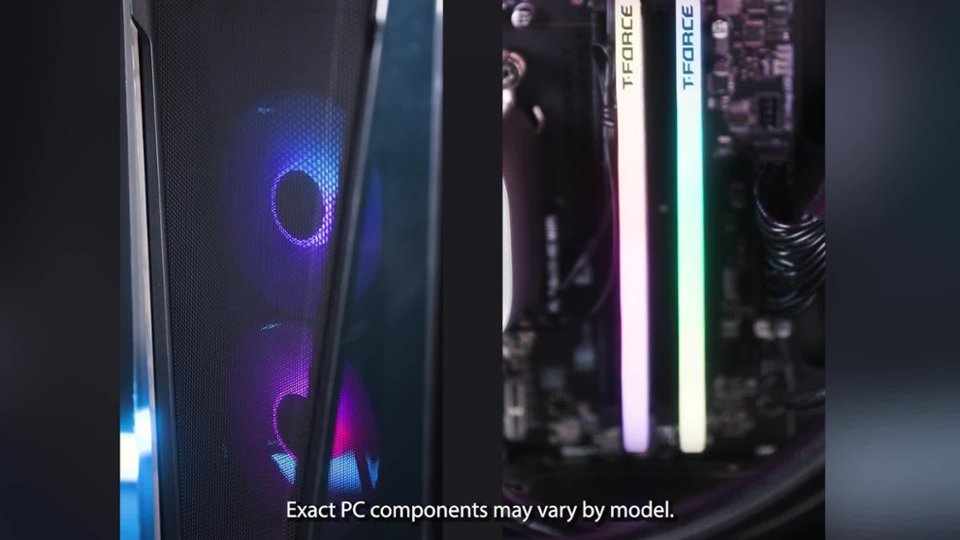
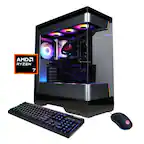
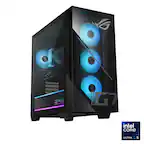
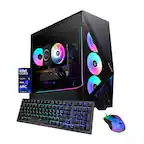
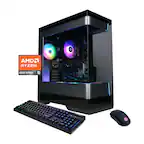
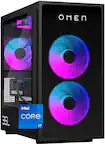
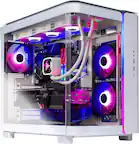
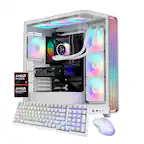
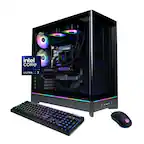
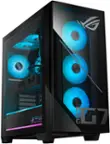
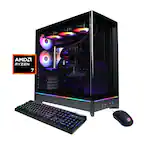
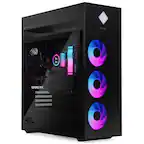
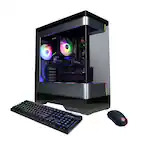
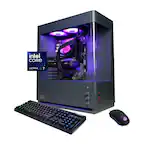
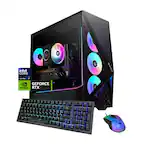
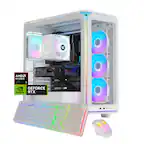
A:AnswerThis system should come with the RGB software pre-installed. If there is no RGB software you will need to look at the brand of the MB that is installed in your system and go to their website to download their RGB software.
A:AnswerYou should have received an email within a couple of days after you purchased your PC which should have included instructions on how to use them and the activation keys to both the Xbox game pass and Micro Internet Security. Please refer to the email you provided during checkout and review your order details to see if they got sent to your email or if they're still being processed.
A:AnsweriBUYPOWER typically uses off-the-shelf components for their gaming desktops, which means that most of the parts are not proprietary. However, it's important to note that manufacturers may change their designs and components over time.
To determine if any of the parts in a specific model are proprietary, you should refer to the product documentation, contact iBUYPOWER's customer support, or check reviews and teardowns of the exact model you are interested in. Manufacturers can change their designs and components between different product releases, so it's always a good idea to verify the specific details of the model you are considering purchasing.
A:AnswerThe number of monitors you can hook up to the iBUYPOWER TraceMesh Gaming Desktop with an Intel Core i5-13400F and NVIDIA GeForce RTX 3060 largely depends on the available video outputs and the specific configuration of the GPU.
The NVIDIA GeForce RTX 3060 typically comes with multiple video outputs, which can include DisplayPort and HDMI. The exact number and type of outputs may vary depending on the specific manufacturer and model of the RTX 3060.
Most RTX 3060 graphics cards offered at least three video outputs. This means you can generally connect up to three monitors simultaneously.