A:AnswerIf you are still within the return period please contact Best Buy at 1-888-237-8289 so they can process a replacement for you.
Mary II Insignia Products II https://www.insigniaproducts.com/contact-us
A:AnswerHello Art,
No, this Portable DVD player does not support screen mirroring from smartphones.
Insignia Support,
Merjorie
www.insigniaproducts.com/support
A:AnswerHi there! make sure that the remote is less than 9.8 ft. (3 m) away from your DVD player.
Rudson S.| Insignia Support. https://www.insigniaproducts.com/contact-us
A:AnswerHi ulce12768,
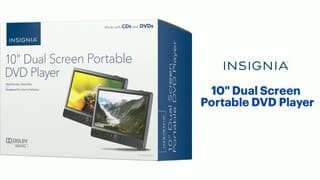
This Insignia™ - 10" Dual Screen Portable DVD Player - Black will not automatically turn off. But in the event that this device has been accidentally stopped/paused then shuts off, it will automatically remember and resume where you left off.
Insignia Products
Lisa
https://insigniaproducts.com
A:AnswerNo, but it can be controlled with any universal remote if you have the correct programming guide and the correct remote codes.
Rudson S.| Insignia Support. https://www.insigniaproducts.com/contact-us
A:AnswerThis DVD player has an AV in. The player with the AV OUT connection is the master player, and the player with the AV IN connection is the secondary player. Try the Apple - Lightning Digital A/V Adapter - Model: MD826ZM/A with the HDMI to RCA Converter Model: NS-HZ331
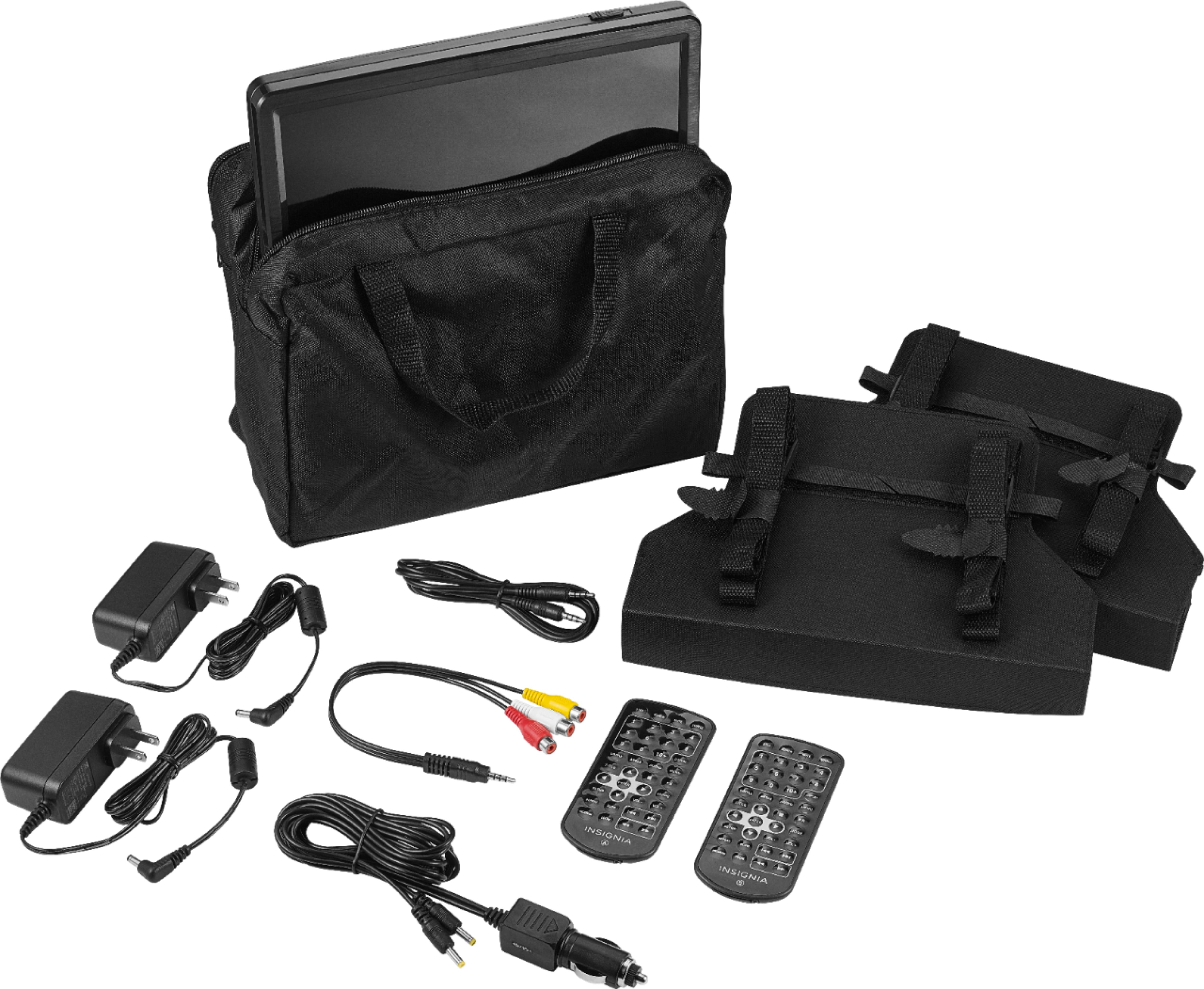
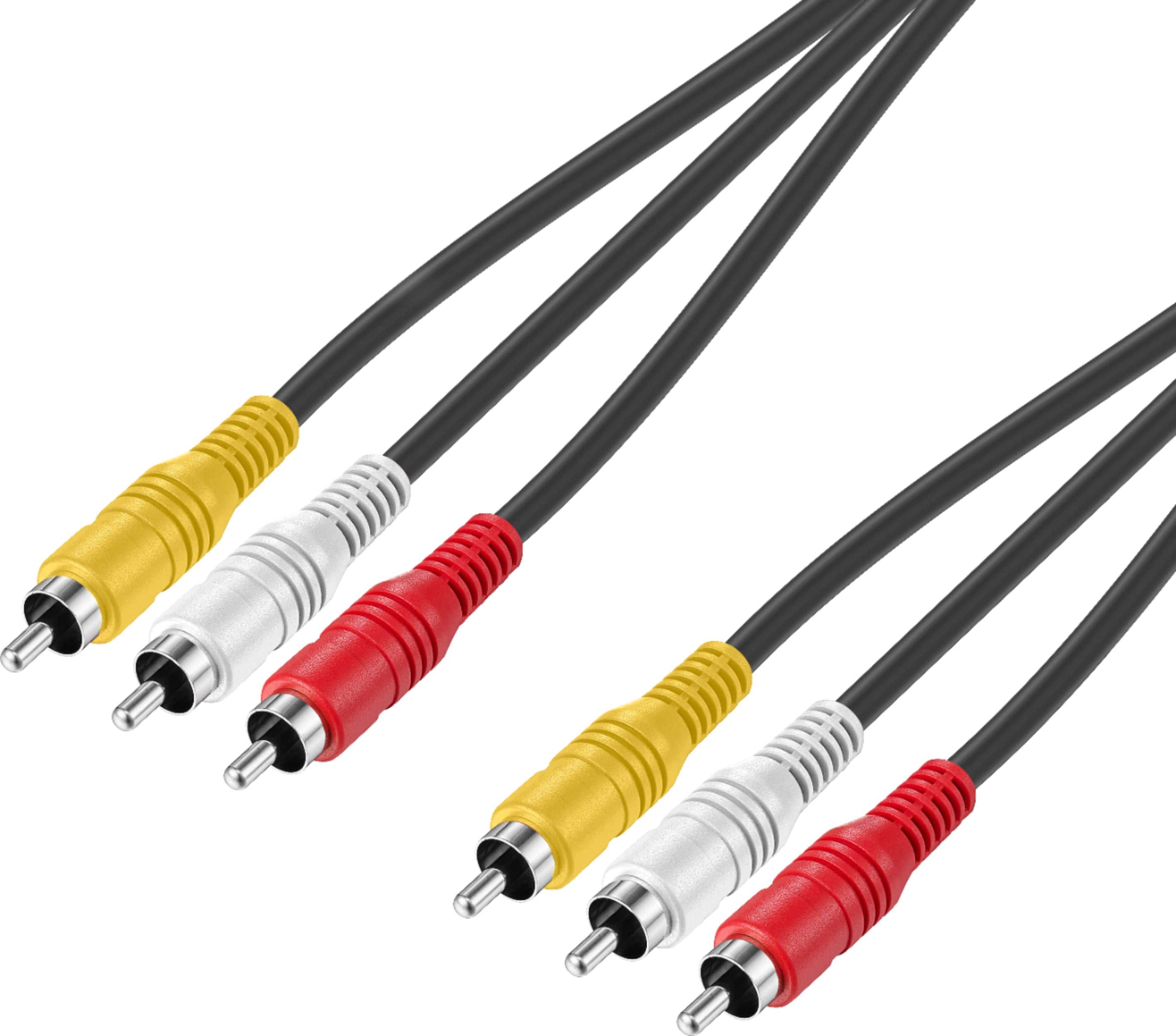
A:AnswerYes, you can connect the players to a TV. The DVD players come with an AV adapter cable. You will need to purchase an RCA cable (see recommendation) to be able to connect it to the TV. Best Buy has one available for about $16.99 (SKU: 6458767).
A:AnswerFrom reading other answers, these don't have batteries and would have to be plugged into a power source to function (regular power outlet or "cigarette lighter" outlet).
A:AnswerConnect either the AV connecting cable to the AV OUT jack to share playback with the other DVD player or the AV adapter cable to view playback on a TV
or monitor.