A:Answer Hi RickZ,
I do apologize for the inconvenience.
Please follow these steps:
1. Please make sure that your TV’s power cord is unplugged and the digital speaker system or sound bar is turned off.
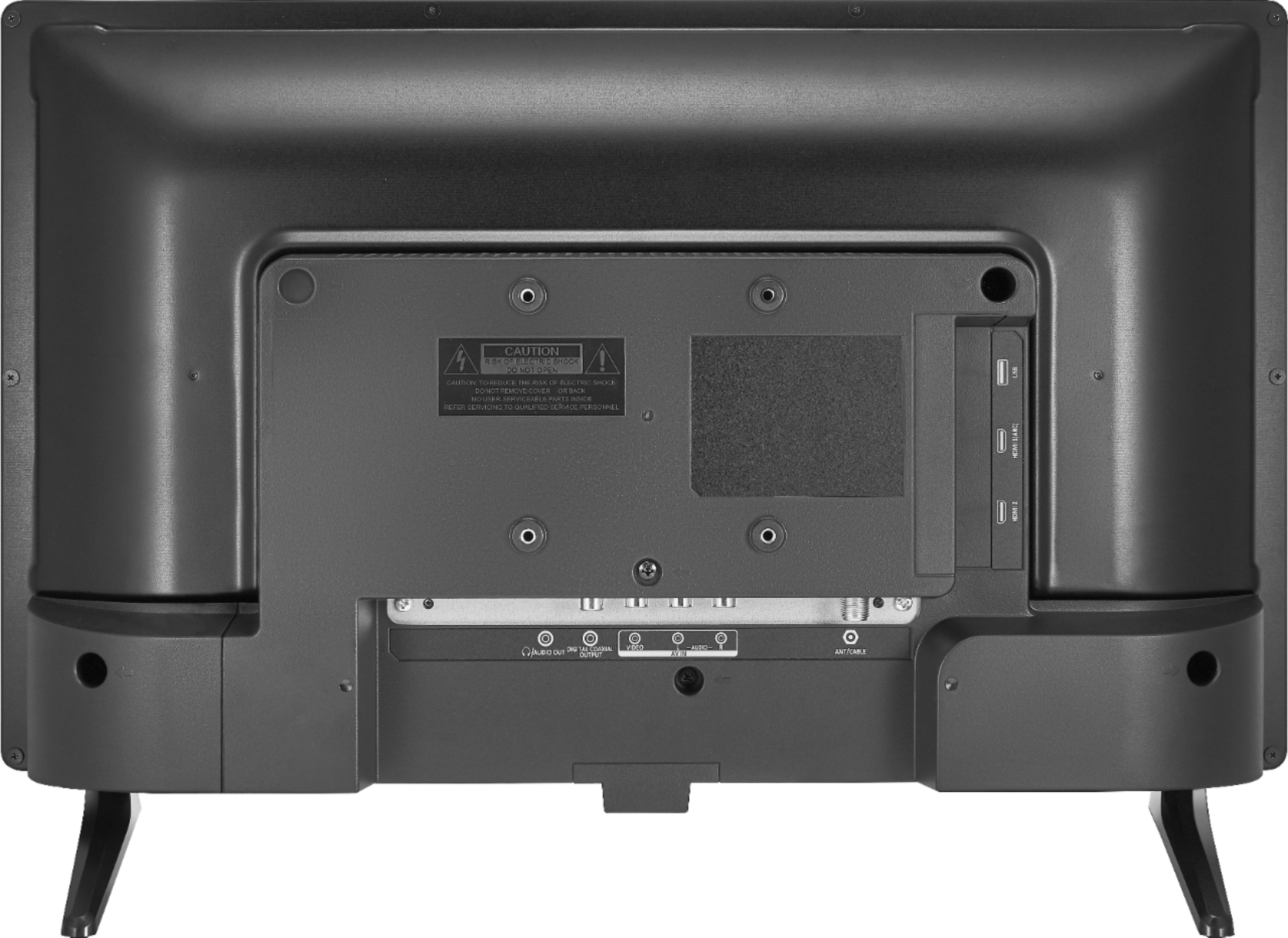
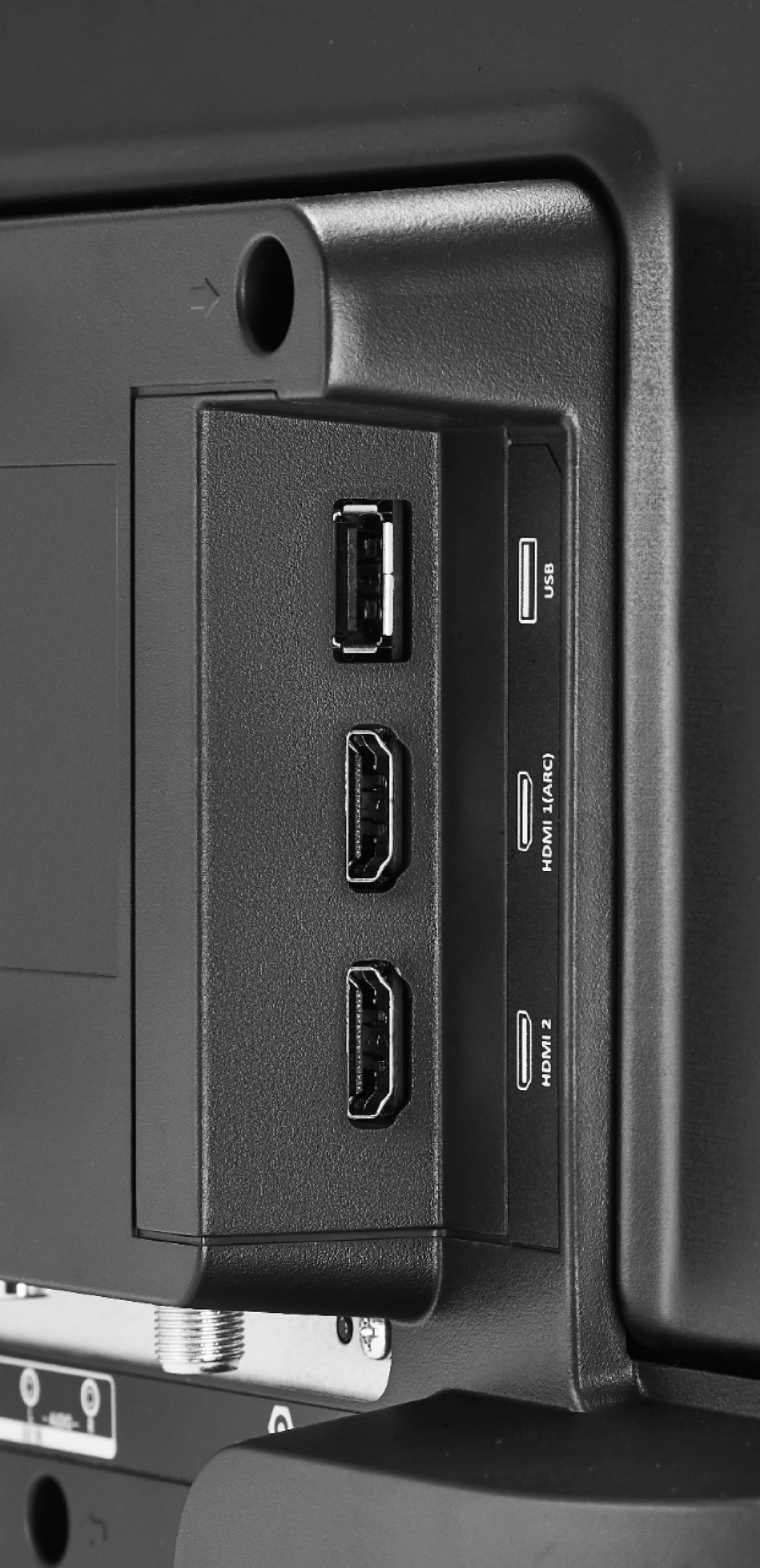
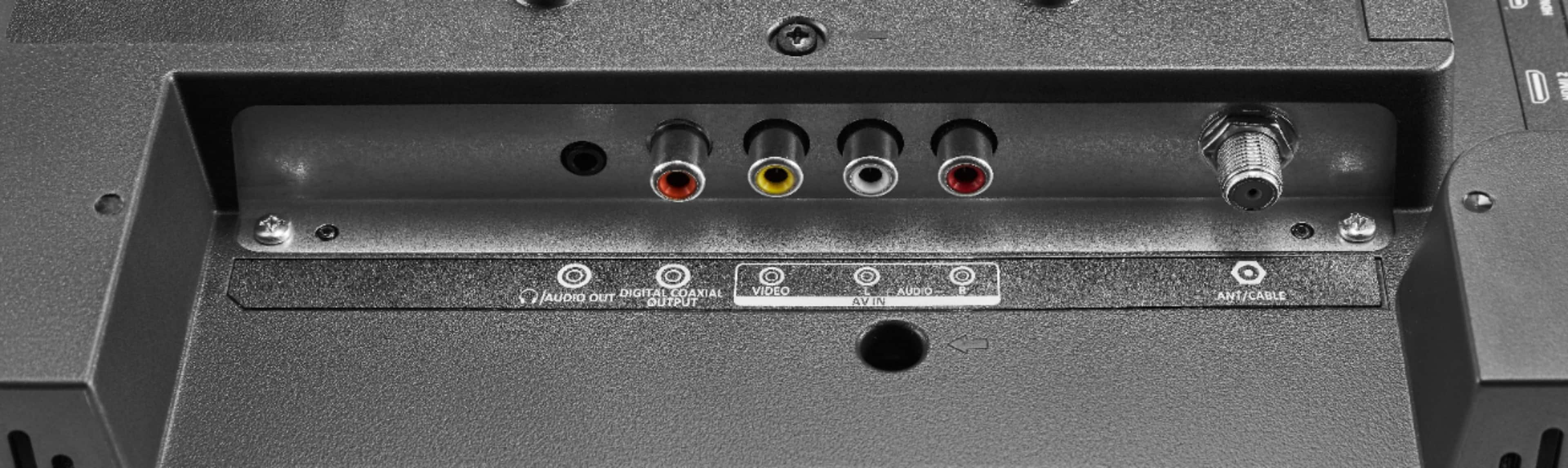
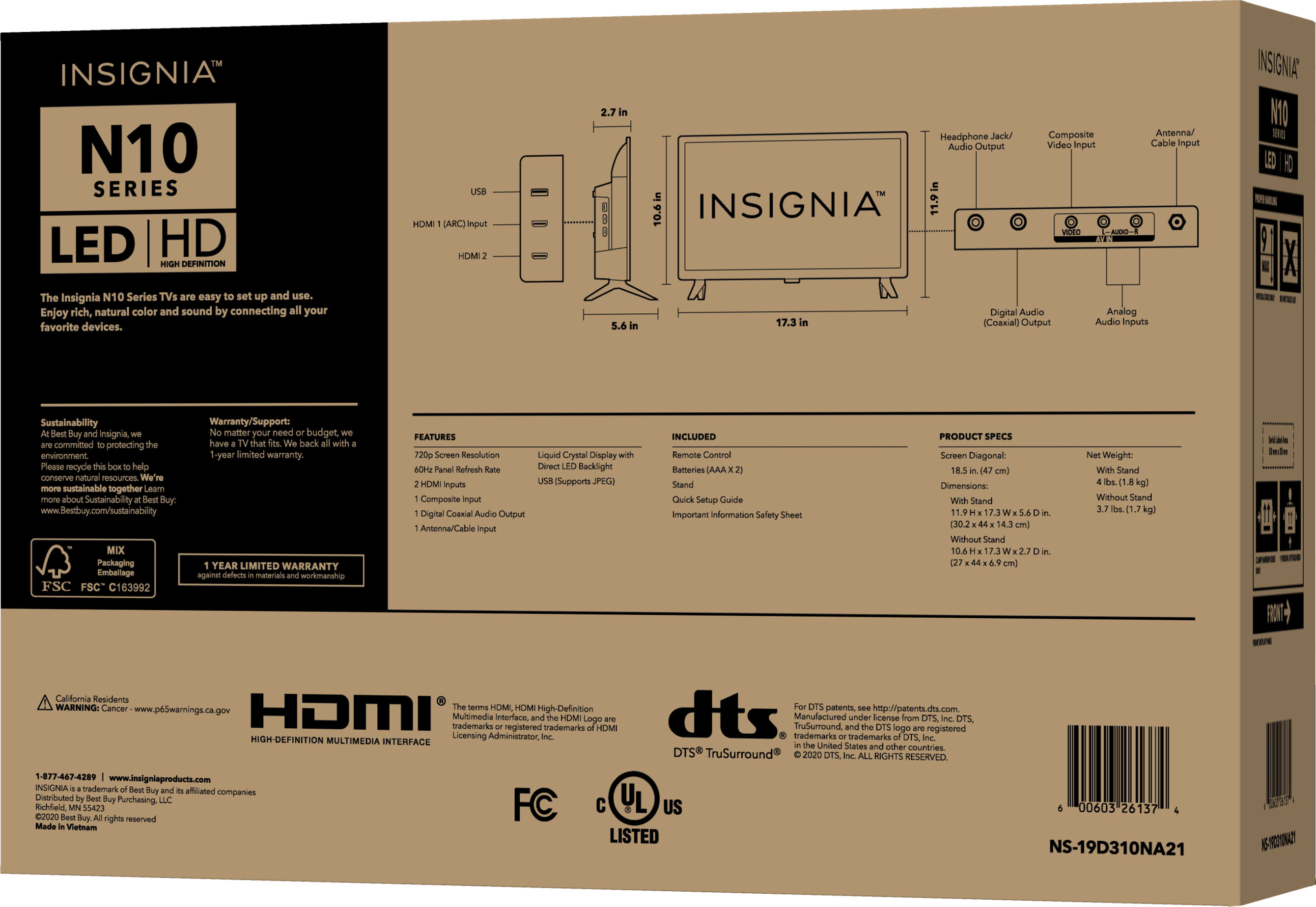
2. Please connect a digital coaxial or digital optical audio cable (not provided) to the digital output jack on your TV and to the audio
in jack on the digital speaker system or sound bar.
3. Please plug your TV’s power cord into a power outlet, then turn on your TV.
4. Please turn on the digital speaker system or sound bar, then set it to the correct source. See the documentation that came with
the digital speaker system or sound bar.
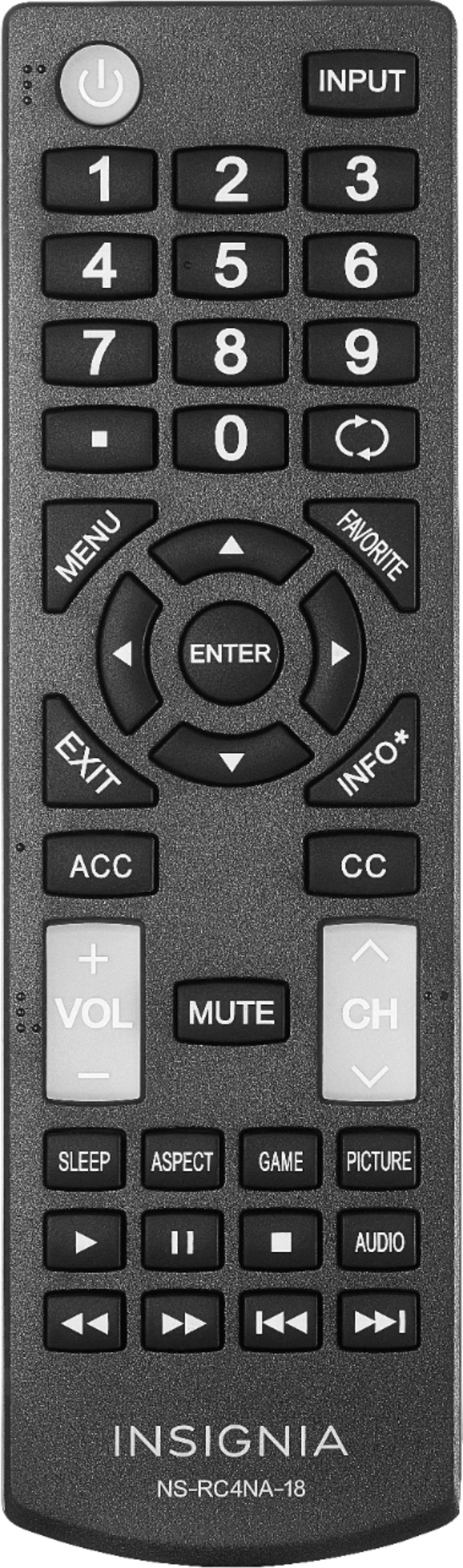
5. On your TV’s Audio menu, please select Digital Audio Format / Audio Delay, then set the Audio Format option to PCM
Renee
Insignia Support