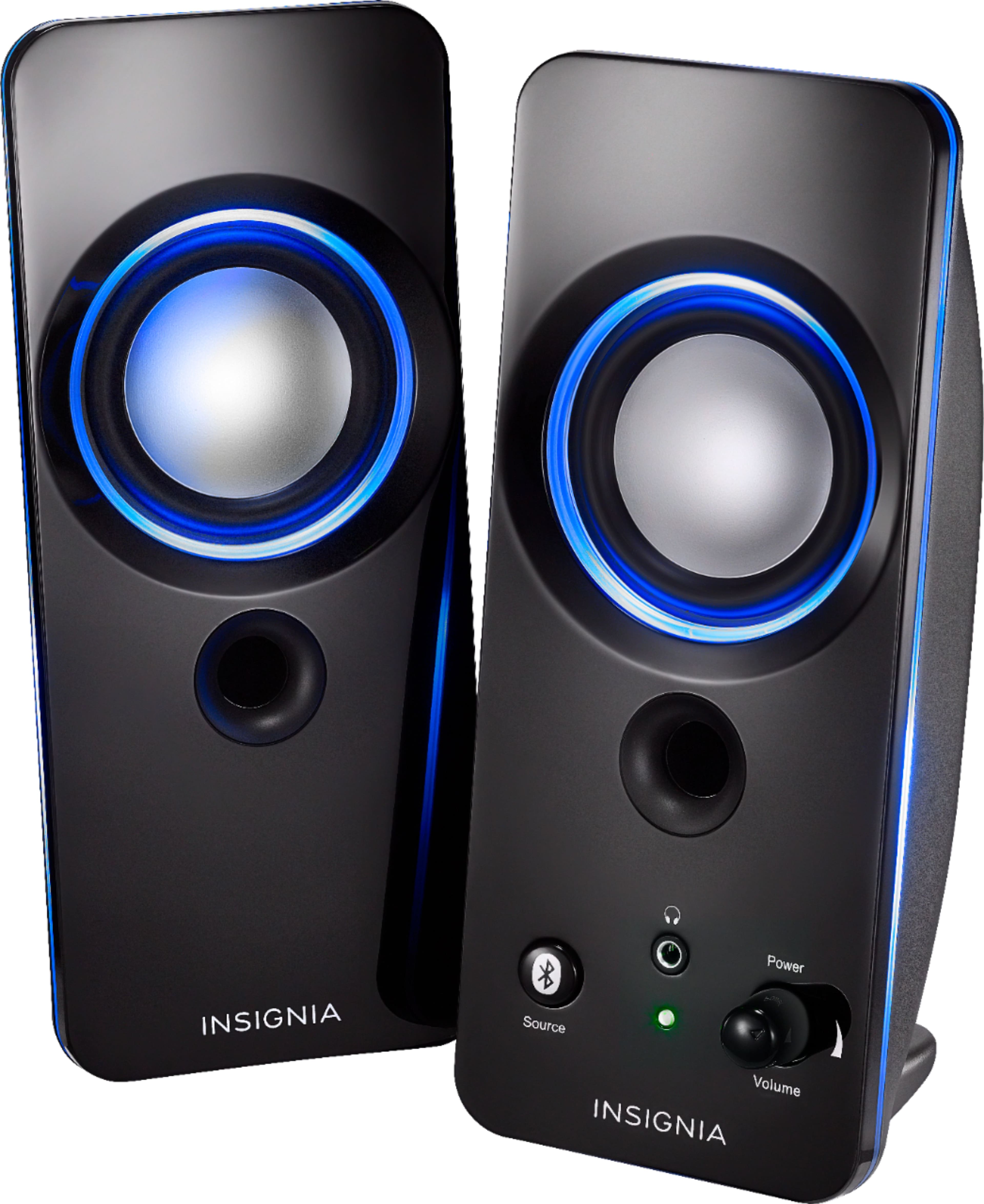
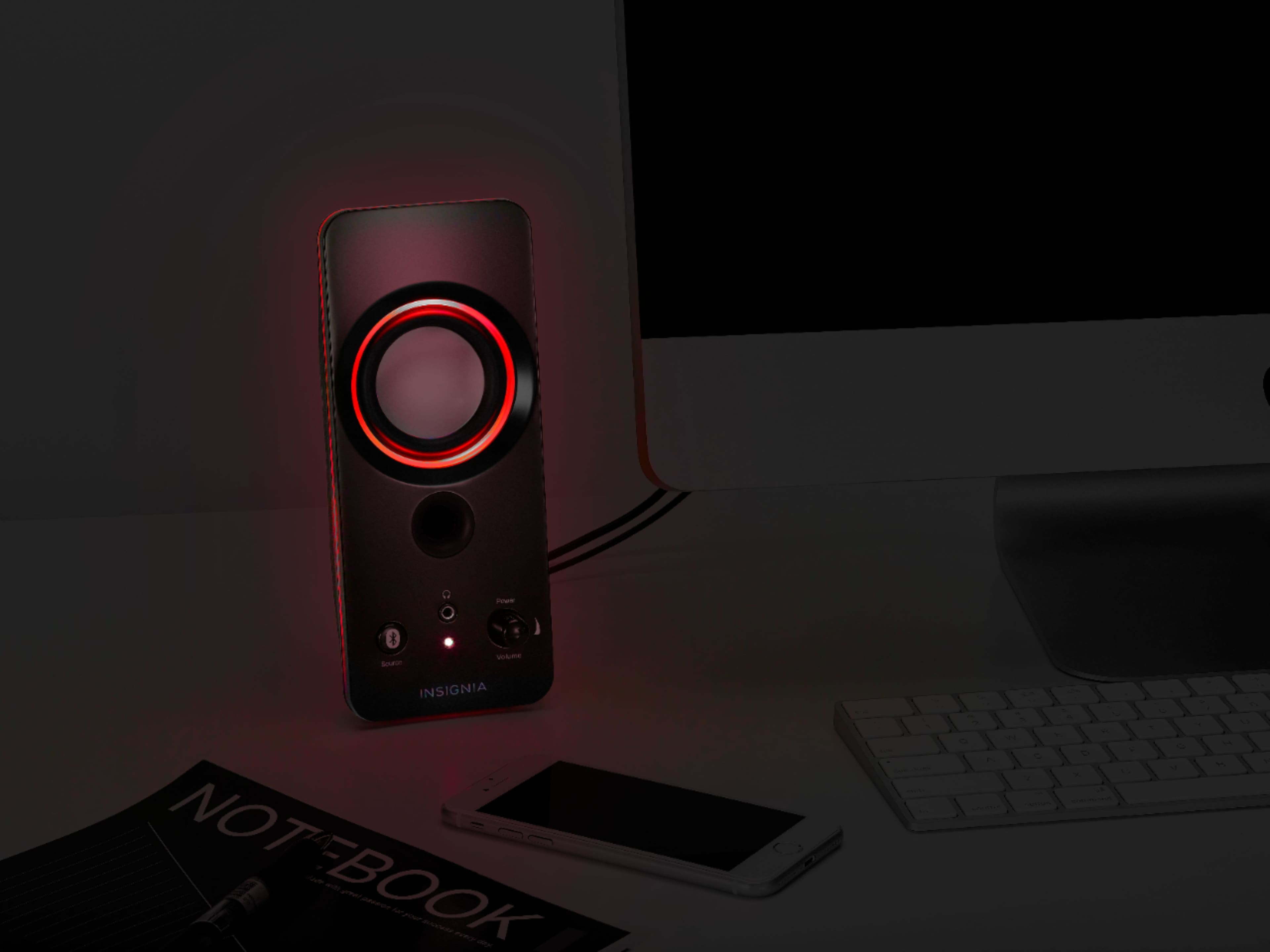
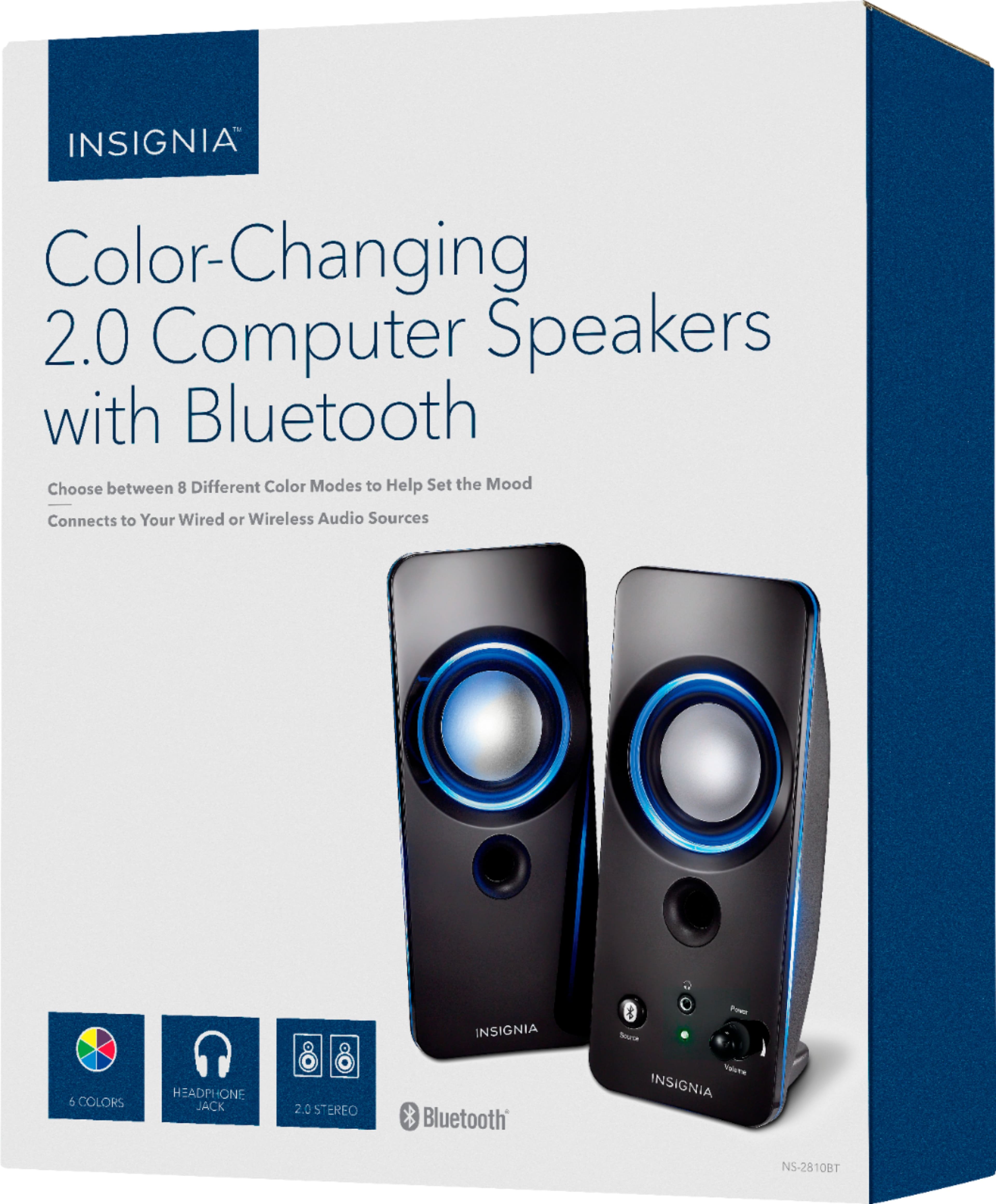
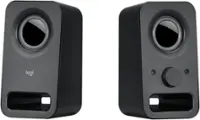
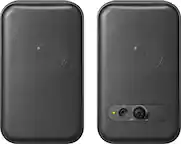
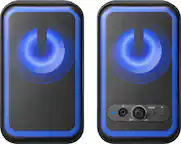
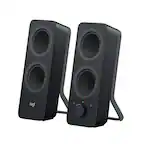
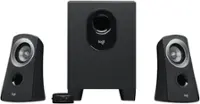
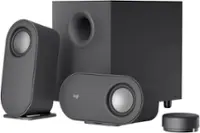
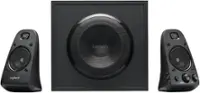
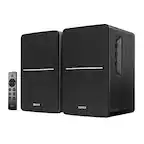
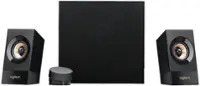
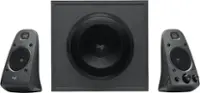
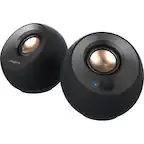
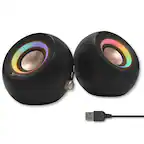
A:AnswerI wouldn't think so, as these are 2.0 speakers. If they were 2.1 speakers, then there would be a subwoofer output. 2.1 speakers accommodate left+right+subwoofer, hence the "2.1" part, vs 2.0 speakers.
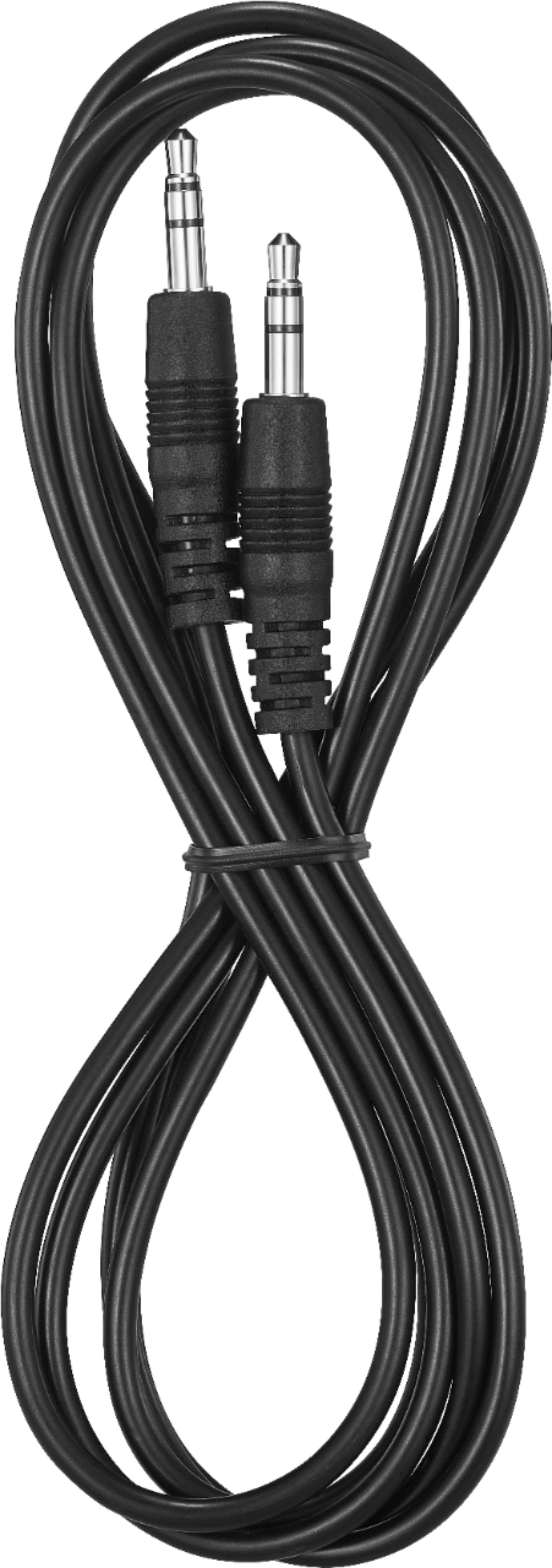
A:AnswerThis Speaker System is compatible with most audio devices with a 3.5mm output (headphone jack) including most Mac and PC computers, smartphones, tablets and MP3 players for wide-ranging use.
A:AnswerYes, you can plug it in to PC, and connect to Bluetooth on a second device.
No, it will not play simultaneously. There is a "source" button to change the output mode on the speaker.
A:AnswerIt hasn’t worked for me to do both. I have either use the hardwire from my laptop to my mp3 for music or switch to the Bluetooth for my phone music. It doesn’t let me use both at the same time. So if I’m using hardwire to mp3 and a call comes through my phone for the Bluetooth it won’t let the call through while I’m listening to music hardwired.
A:AnswerThis Speaker System is compatible with most audio devices with a 3.5mm output, including most Mac and PC computers, smartphones, tablets and MP3 players for wide-ranging use.