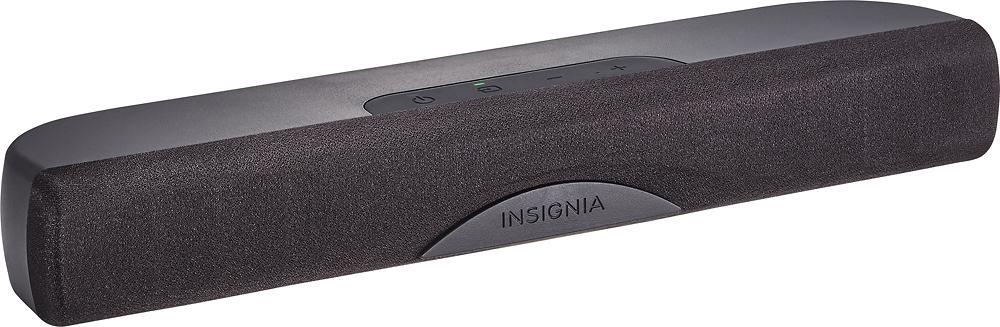
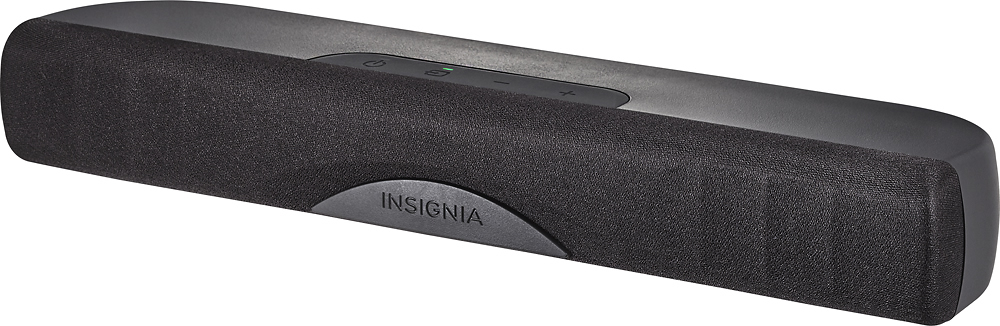
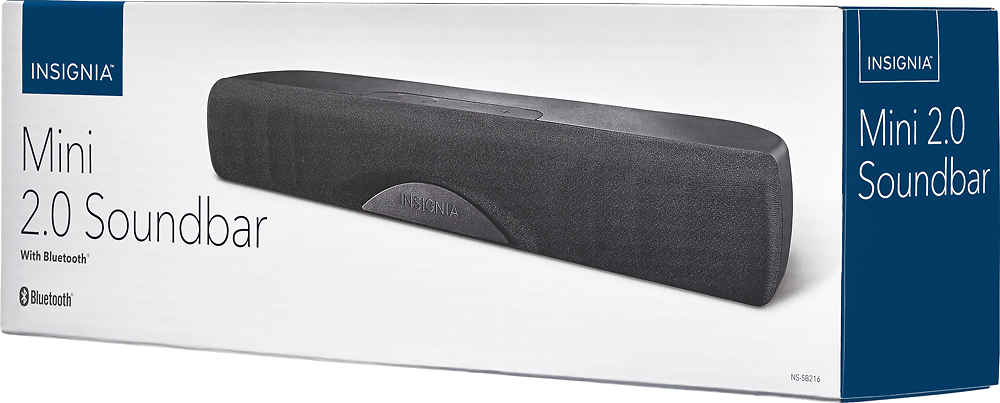
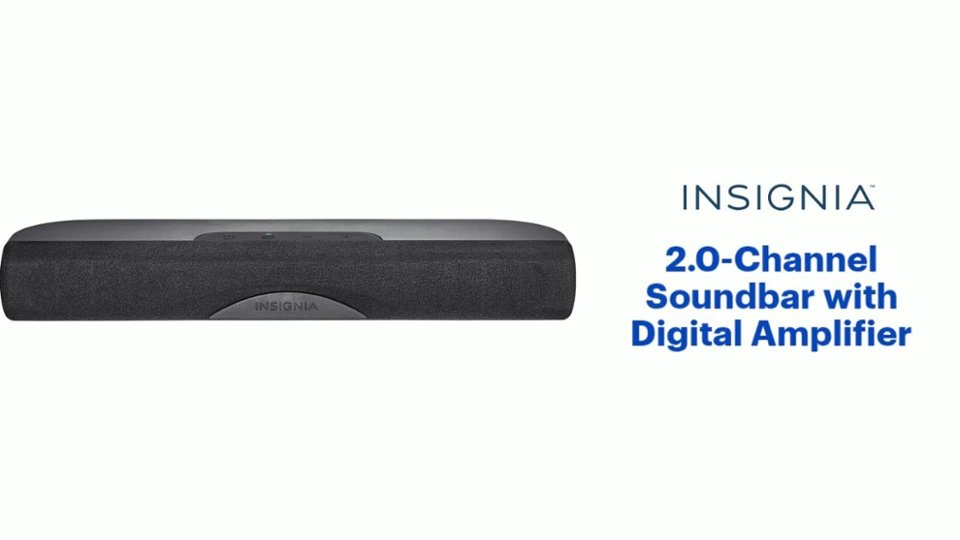
A:AnswerHi! The cables that came with this soundbar are RCA Audio Cable and 3.5 mm to RCA adapter. You can also connect the soundbar via digital optical cable. The connection depends on the available jacks on your TV.
Viridiana E.
Insignia Support.
https://www.insigniaproducts.com/contact-us
A:AnswerHi, Brett.
Thank you for sharing this inquiry with us. There are multiple scenarios for lack of audio and I would like to provide you with the correct options for this. Please reach us at https://www.insigniaproducts.com/contact-us.
Cesar G. - Insignia Support
A:AnswerUsing this sound bar improved the sound quality of my flat TV by a lot (note that most flat TVs were not designed with space for real good speakers. I further (and considerably) improved sound quality by adding an amplified subwoofer. which is noticeable when playing movies with sound effects.
A:AnswerHi, Tracy.
Thank you for sharing your inquiry with us. The soundbar working while on Direct TV confirms that it is properly connected and running. For streaming apps is important to check the sound settings on each app. I recommend to contact Netflix's or Prime's support.
Alexander G. - Insignia Support
A:AnswerScrew holes are 4mm. Be sure that screws are not too long or over-tightened, you will run the risk of breaking the brass insert loose from the case.
A:AnswerHi! to check what exactly could be happening with your soundbar and TV, please contact us on the link below and we will gladly continue assisting you. Viri E. Insignia Support. https://www.insigniaproducts.com/contact-us
A:AnswerHi.
Thank you for leaving us this question trusting that we will answer you accurately. This can certainly be connected to a computer, either via Bluetooth or the AUX 3.5 mm cable included. Not only for TV watching, also music listening and even gaming. We are always here to help you in case you have need any assistance with it and thanks for your interest in this product.
Charles V. - Insignia Support
https://www.insigniaproducts.com/contact-us
A:AnswerMost phones have a volume limiter, and it will sometimes re-set when reconnecting a device. Try turning up the volume on the phone itself, and you may get a warning. Acknowledge the warning, and you should be able to increase the volume.
A:AnswerWe purchased this to use on our second tv in our den. Room is 12 by 14 . We use it to watch sports and news and and channels like history and National Geographic. Also stream SiriusXM music through the unit. Never movies. For our purposes it works great. If you try and turn it pretty loud it starts to sound a little tinny. But again you have not paid big bucks. I didn’t expect it to have the quality of a 300 dollar unit and it doesn’t. I am happy and it meets our needs.
A:AnswerThis unit has inputs for line level analog audio and digital audio. It would not work with your turntable unless you have a preamplifier before it. The signal from a turntable is much smaller than line level, so you need something to bring the signal up.