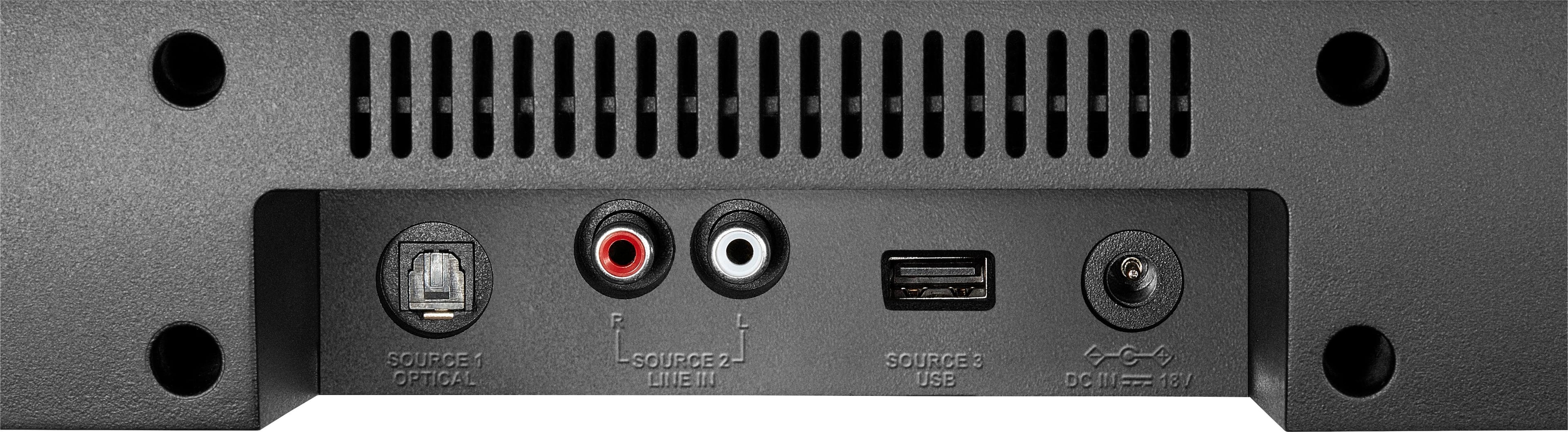
A:AnswerI had the same issue sort of. Only for me it wouldn't work on any source just Bluetooth. What I did and worked, was that I bought on Amazon a digital optical audio cable, and it works like a charm. Love it. Doesn't matter what source I use it works.
A:AnswerIt depends on the length of the sound cables you are using or if your TV has bluetooth capability, which would limit the distance to your TV's bluetooth range. I use an 18" optical cable, and the RCA cables it comes with are about the same length.
A:AnswerHi, there.
This soundbar does not provide audio out to another device. It only can receive sound from an external source. Thus, it would not connect to your speakers.
Cesar G. - Insignia Support
A:AnswerHi, there.
We can happpily help you troubleshooting thi. Please reach us at https://www.insigniaproducts.com/contact-us
Cesar G. - Insignia Support
A:AnswerHi, Gene.
This could be caused by several reasons. Please reach us at https://www.insigniaproducts.com/contact-us to properly troubleshoot.
Cesar G. - Insignia Support
A:AnswerHi there,
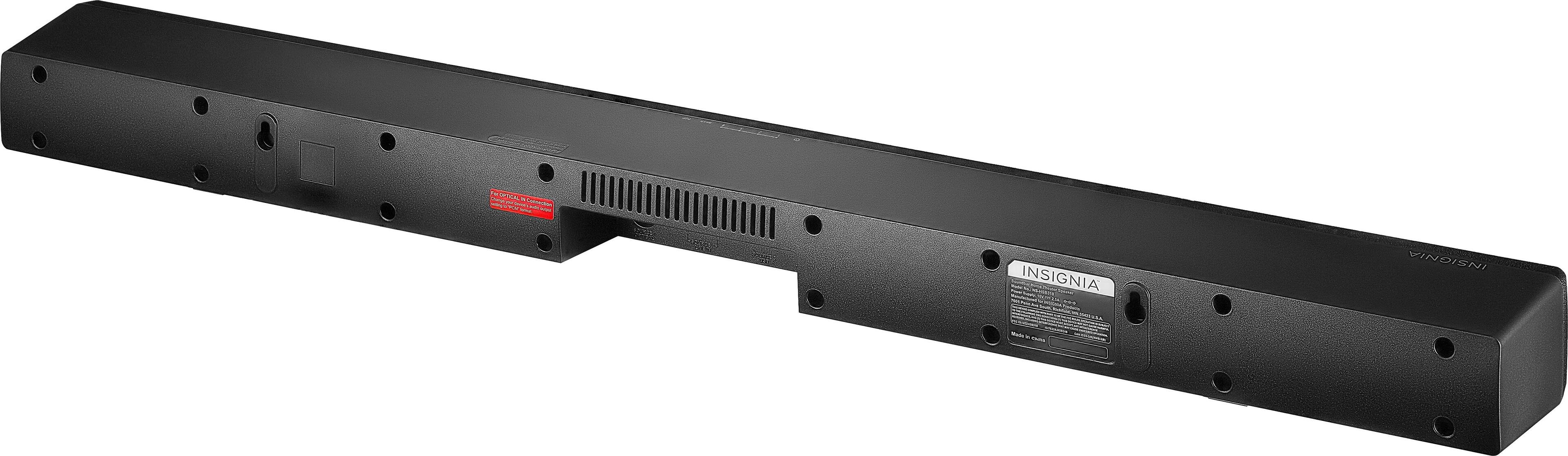
If you do not wish to take advantage of the Bluetooth fature, you have the option of using the cables tht came included (3.5mm and RCA cable), you can also use a digital optical cable if you wish to purcahe one.
- Janína G. | Insignia Support | https://www.insigniaproducts.com/contact-us

A:AnswerLook at your connections and see if they match what your device has on it. There are way too many models to give a direct answer as you did not include that info. It works well for my XBOX
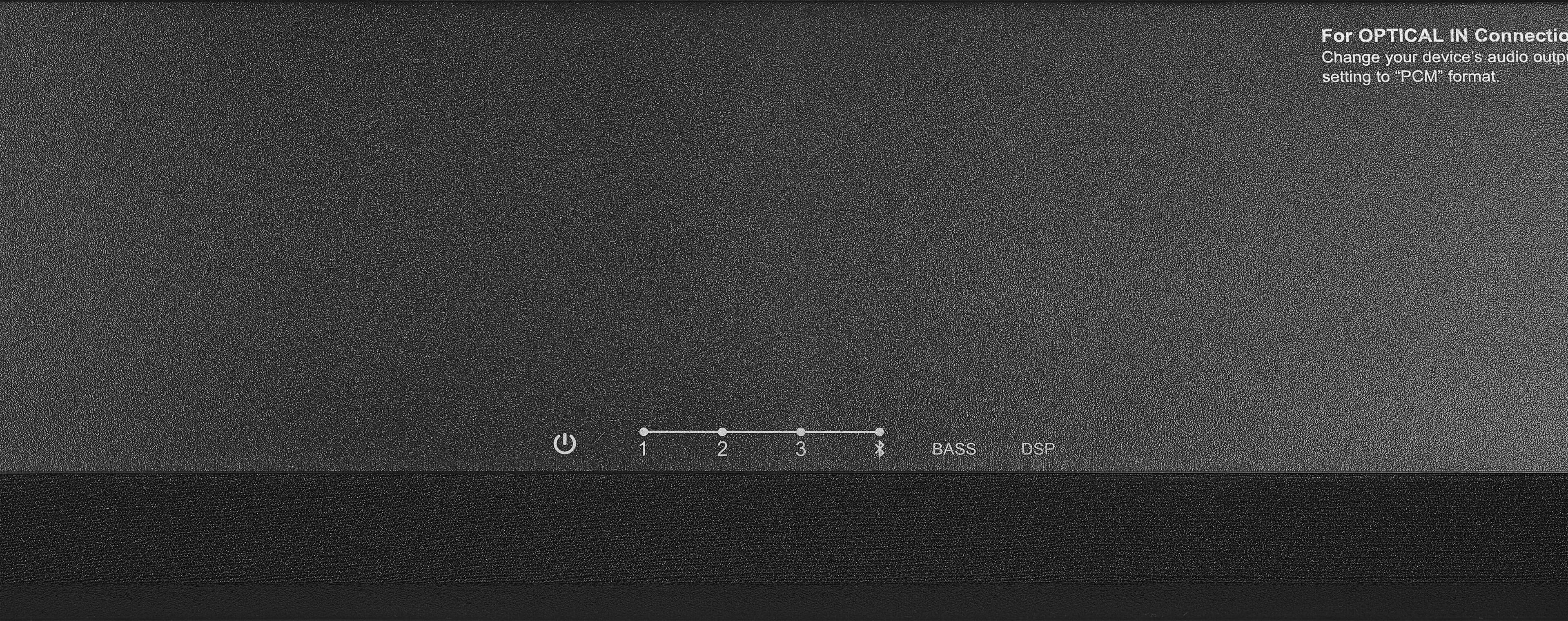
A:AnswerI am using it with my Roku Smart t.v. right now. In the sound setting of your t.v. is where you need to select the pcm setting. You can also select the t.v. speakers to stay on or off. I keep mine on with the soundbar.