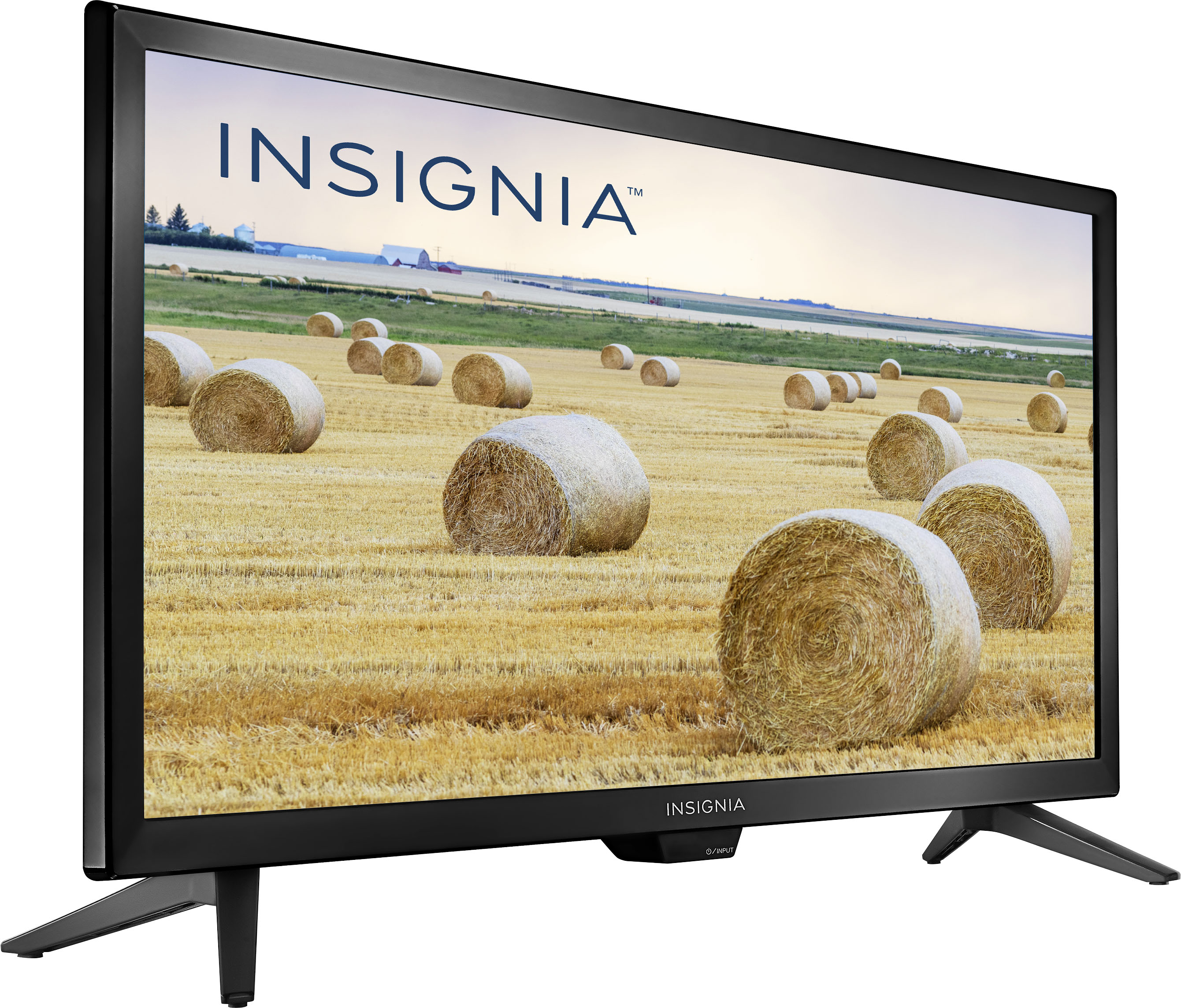
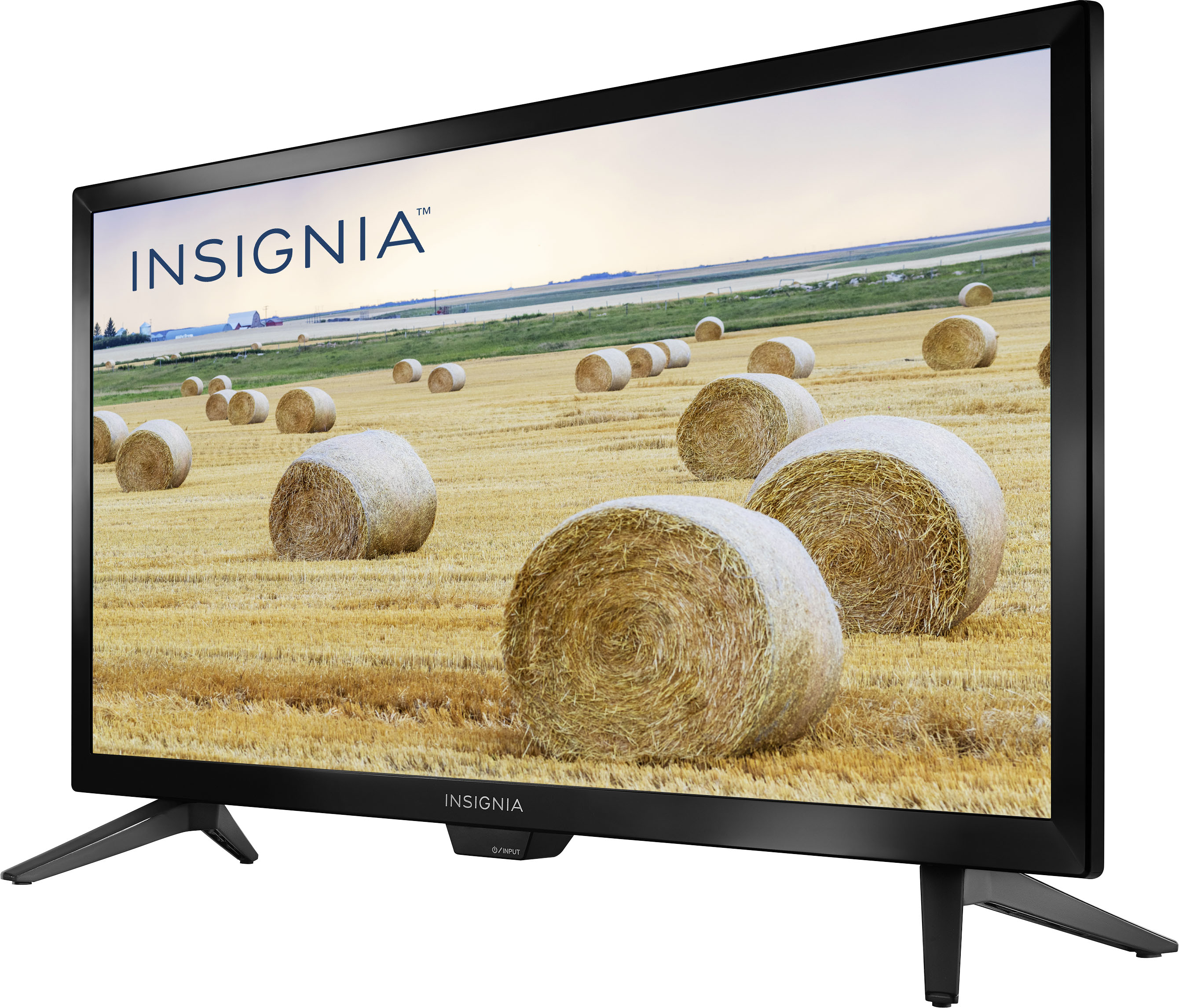
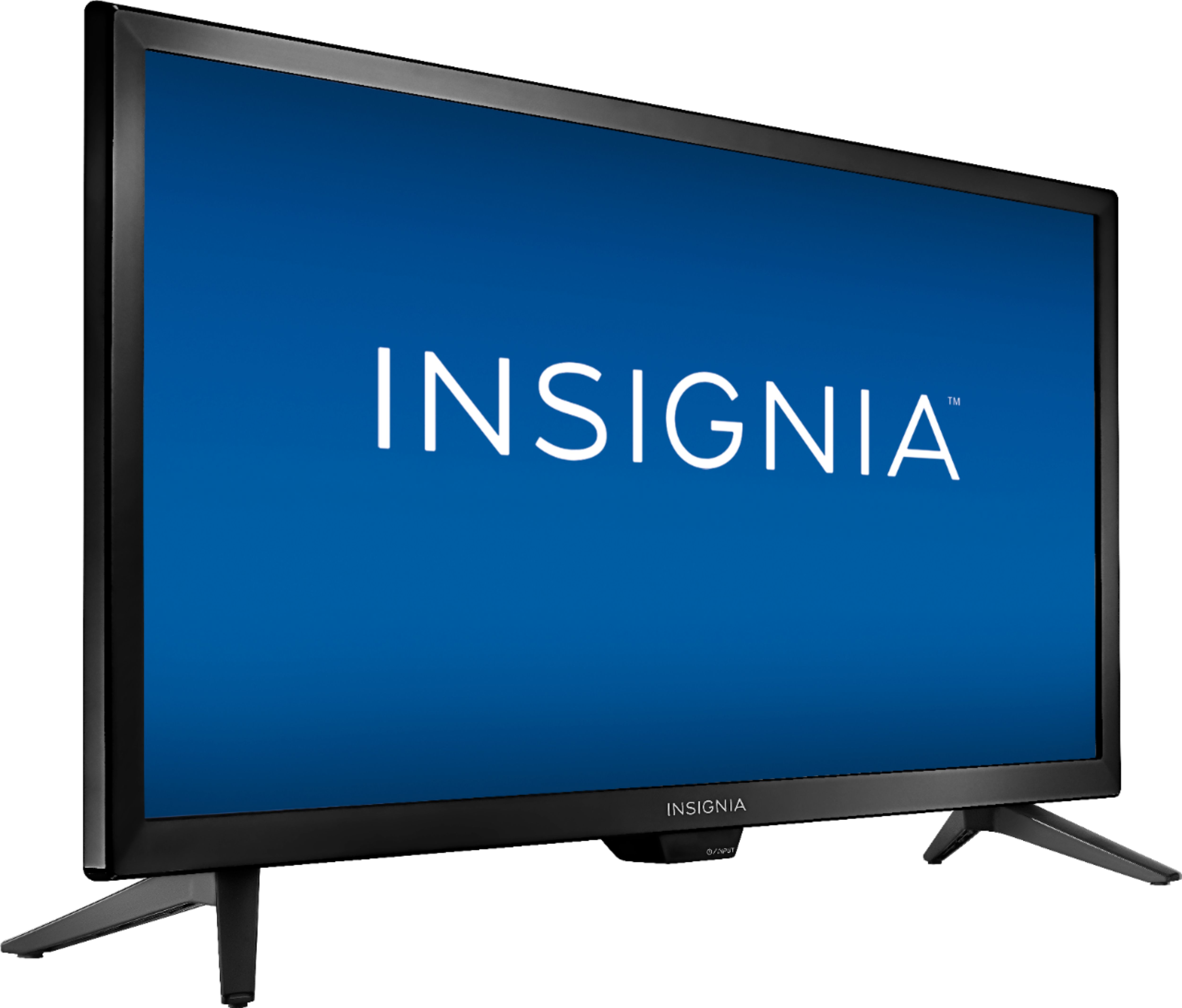
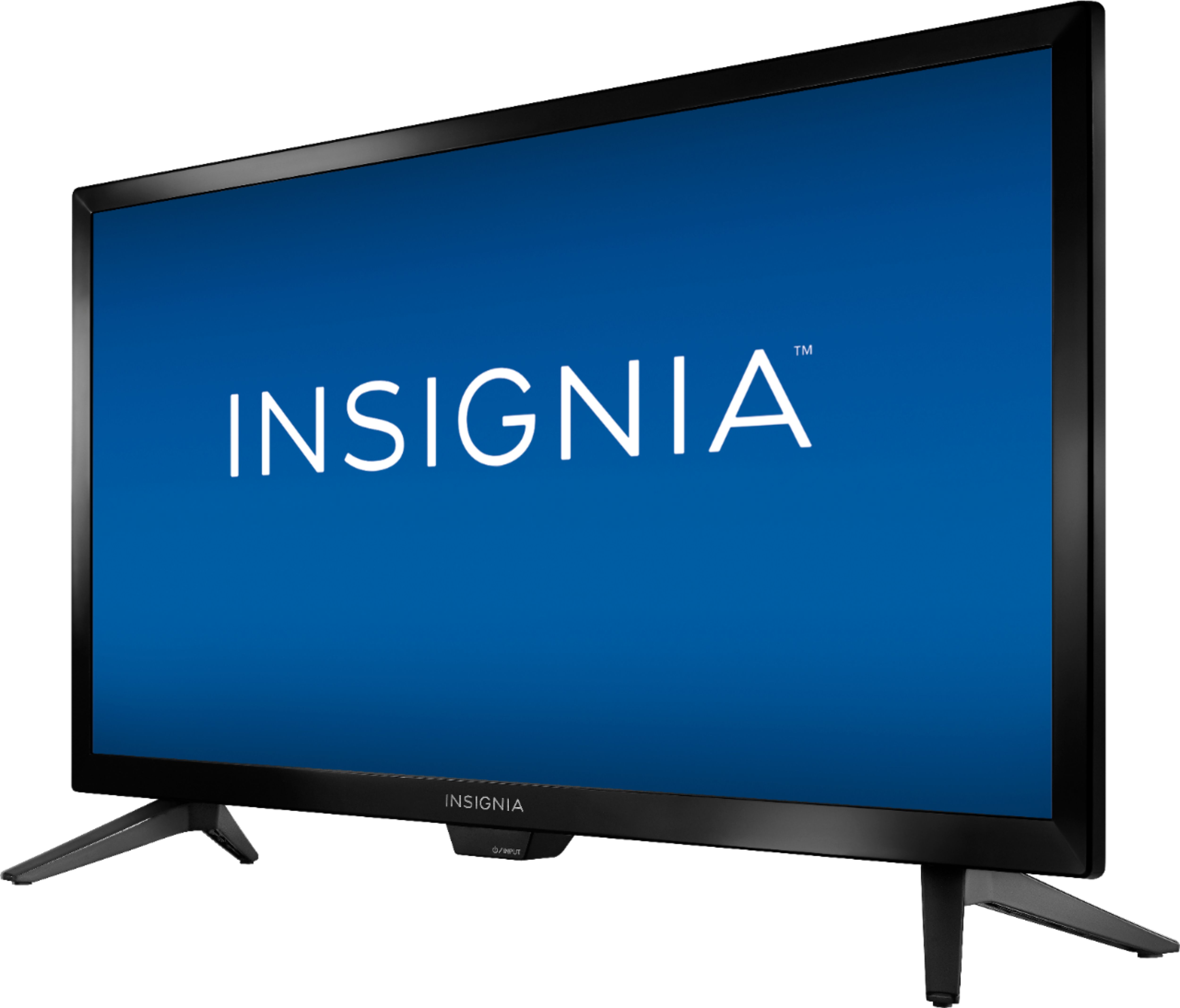
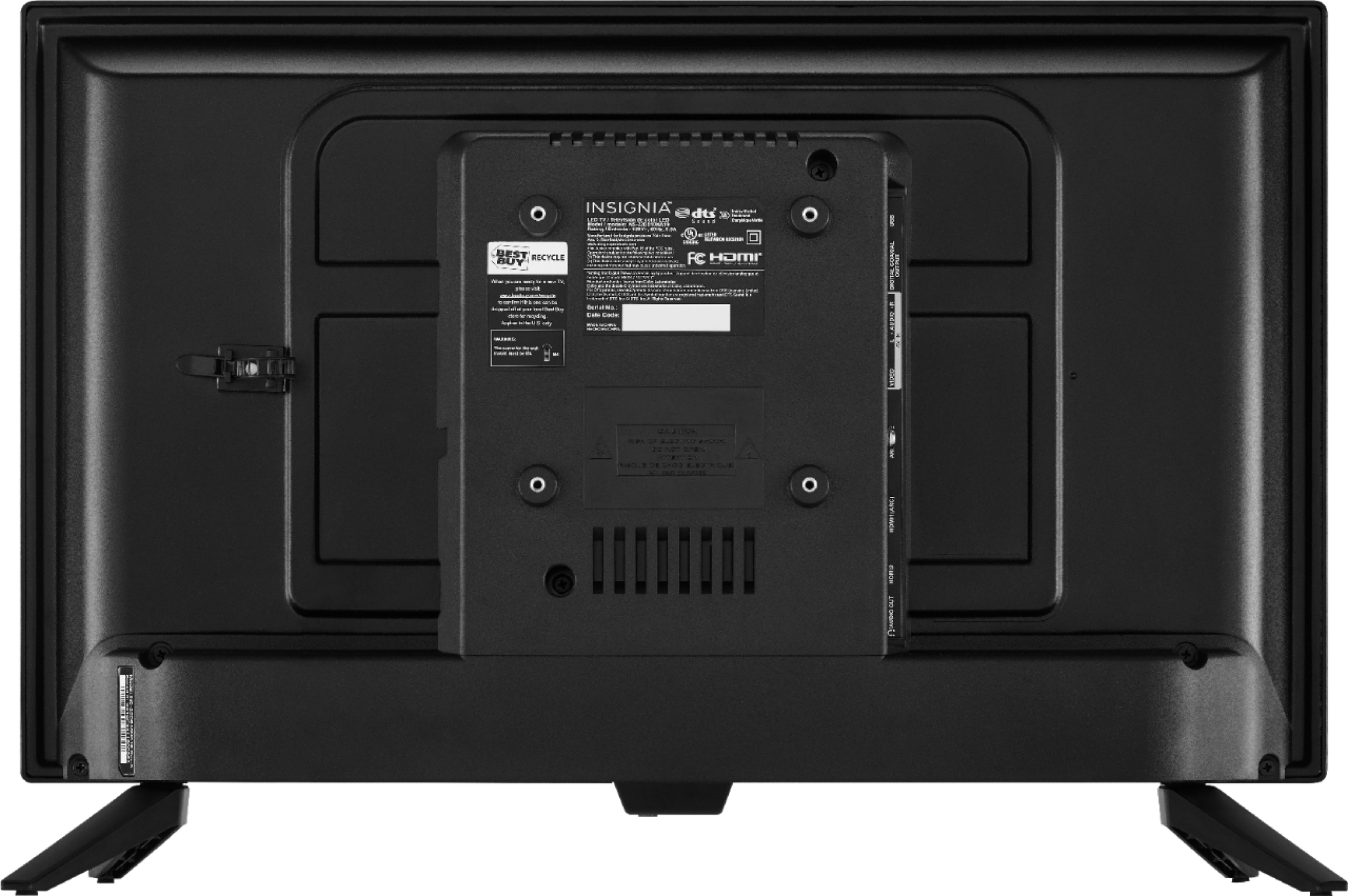
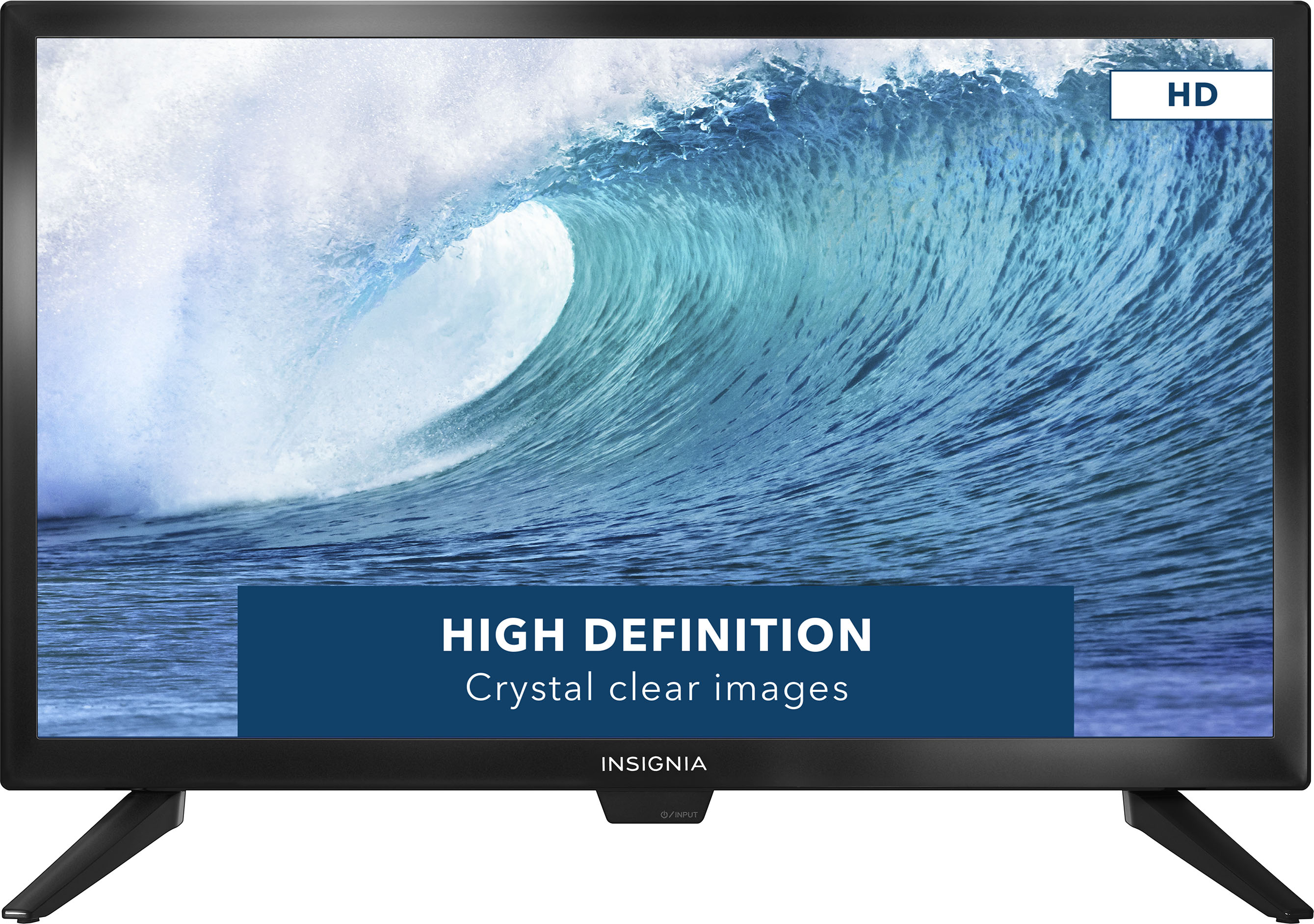
A:AnswerThis is NOT a Smart TV. I got this for my wife as a second monitor for her home office. The nice thing about it is that it is small and is VESA capable. It sits short with those end legs so I got an adjustable VESA monitor stand and hooked it up for her.
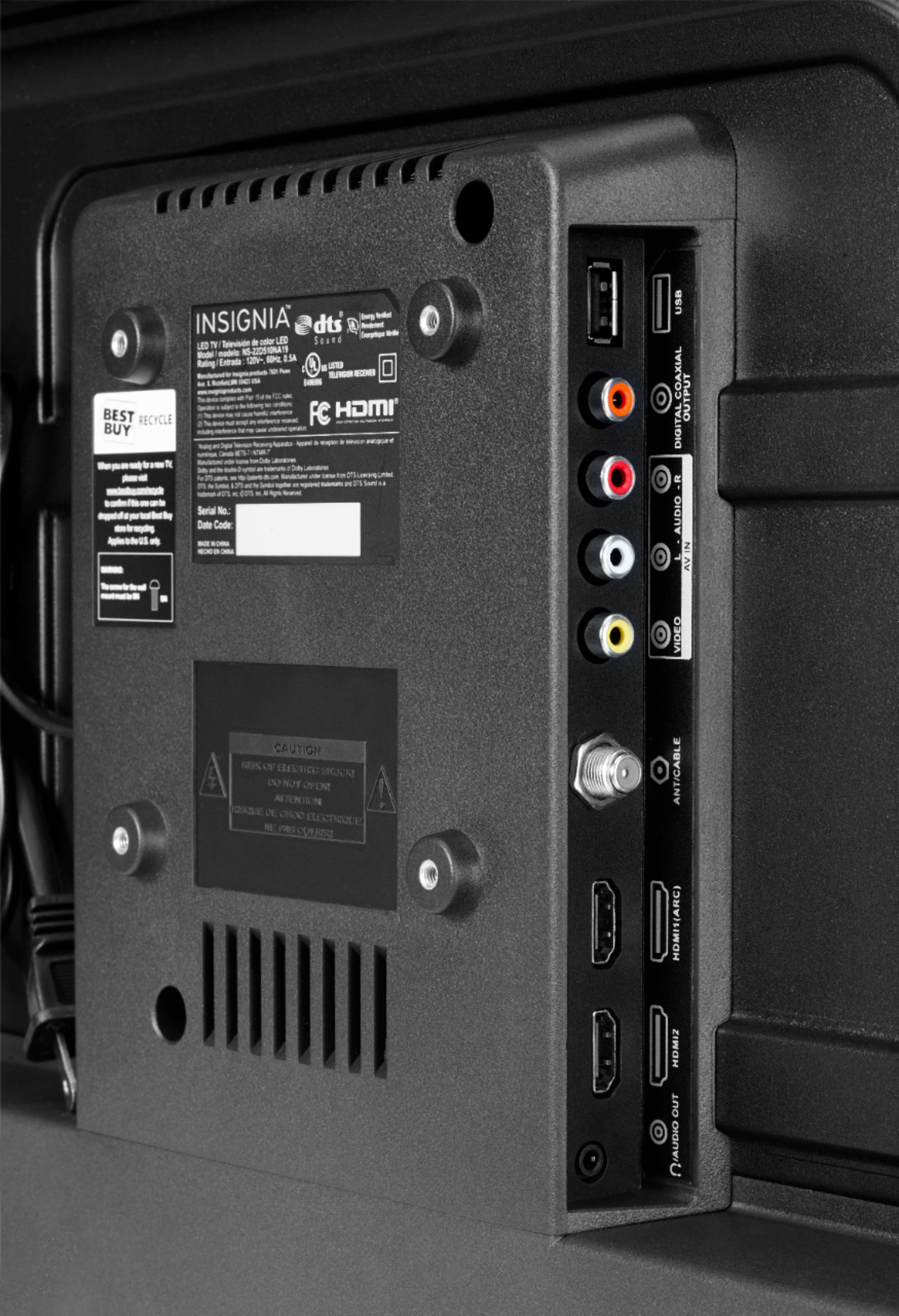
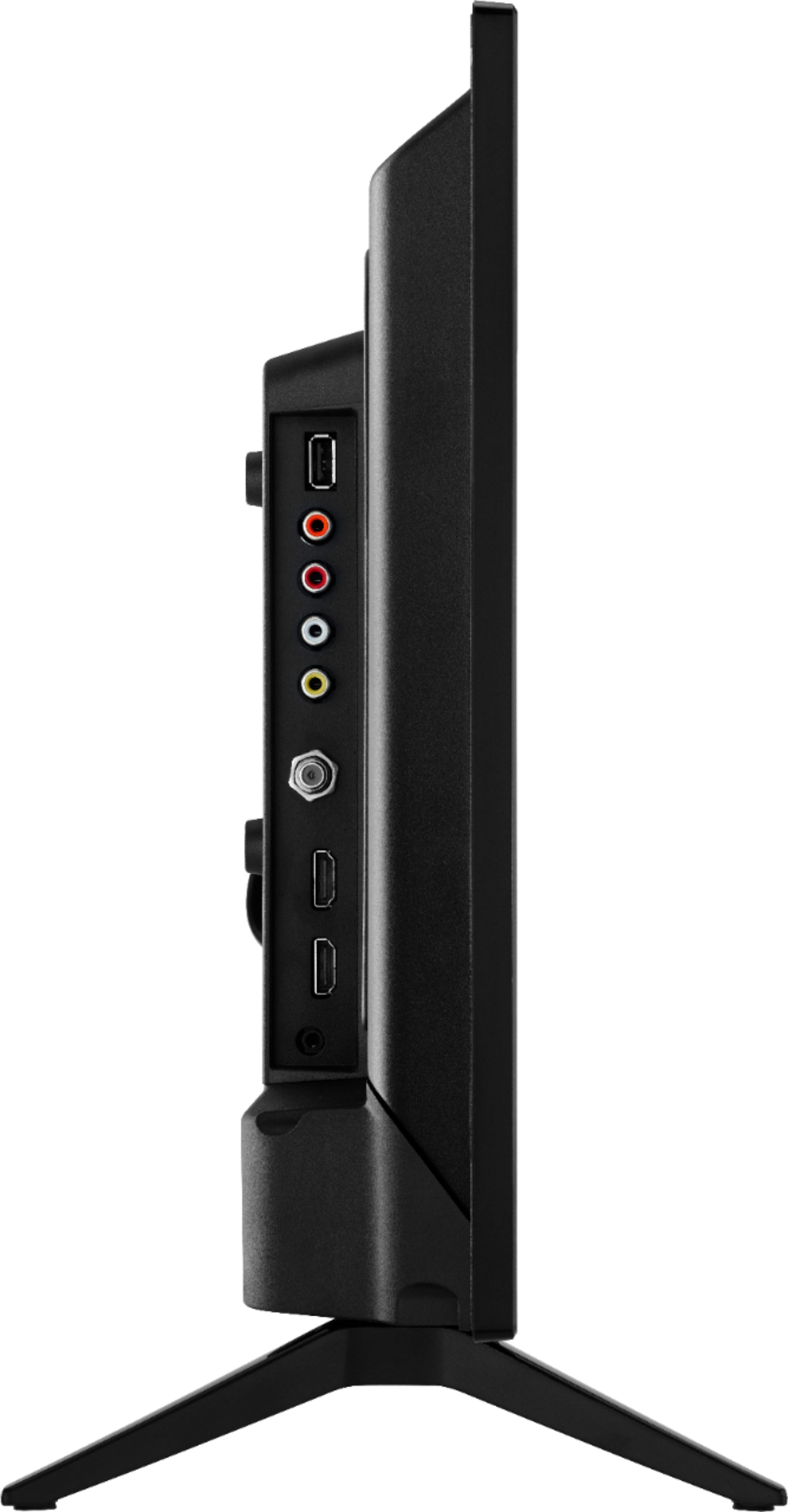
A:AnswerNot a "smart" TV. It doesn't connect to internet. It doesn't do apps. It has HDMI ports for components that can do Netflix (i.e. Roku, Firestick, gaming console, etc.).
A:AnswerThe screen is 20” wide and 12” high. The stand adds another 1 and 1/2 inches. ( the feet add a slight flare to the 20”, maybe 21”) We love the little TV and it protects our big OLED from burnin when we watch CNN!
A:AnswerThe built-in speakers are along the bottom of the display, pointing downwards. They are mounted just behind the display. They sound surprisingly good for such a small sized and light weight TV. There is not much stereo separation though, since they are mounted within inside the optional stand legs instead of maximizing separation by mounting them further apart.
A:AnswerNo, this TV is not designed for doing that. Inside that plastic piece is a small circuit board with the Infrared IR receiver module, the "powered down" LED indicator light, and a power on/off button.
If you were to take apart the TV, you could theoretically remove that plastic piece, but then you'd have to jerry-rig some other way of mounting the IR receiver circuit board. Probably not a good idea.
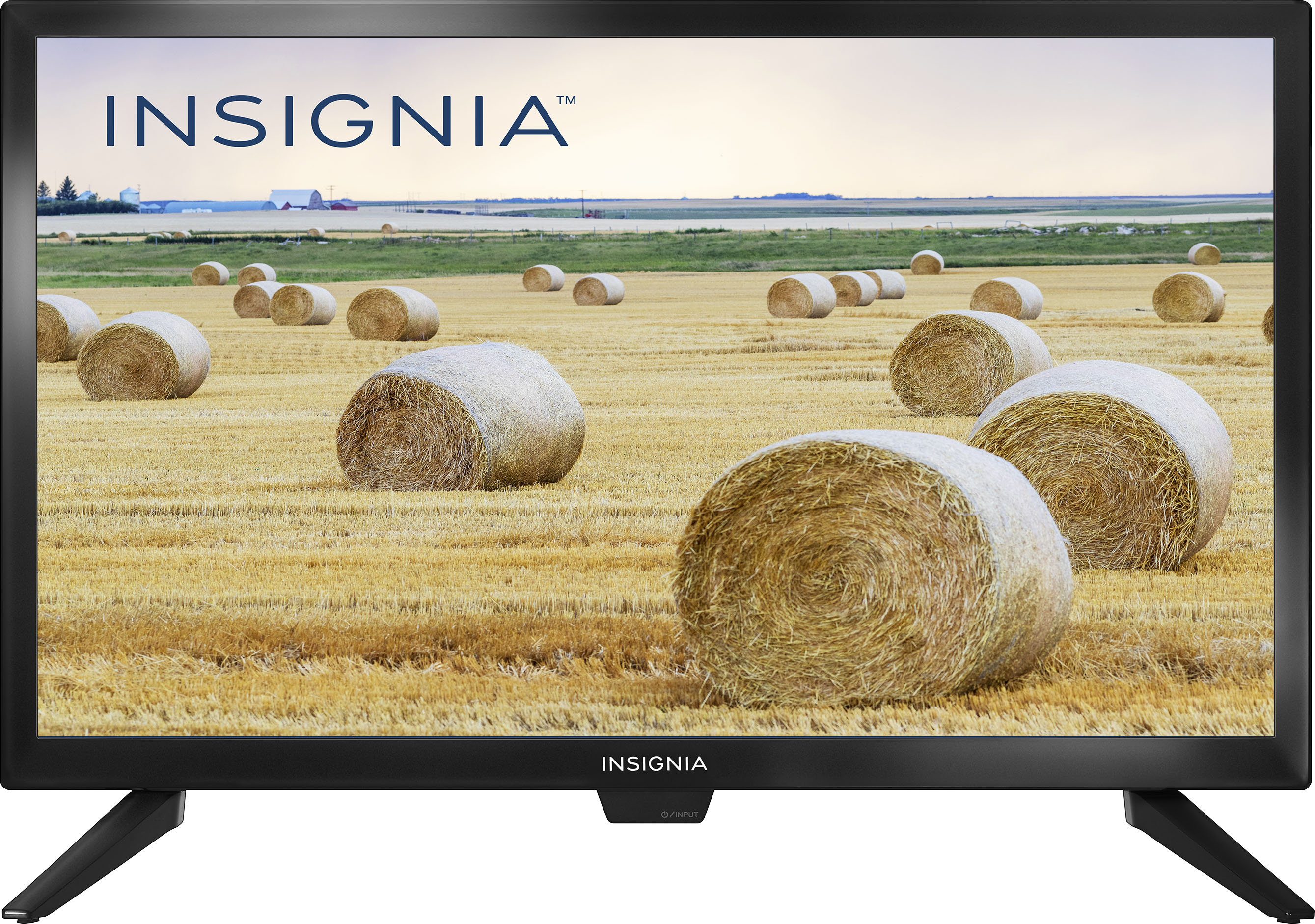
A:AnswerI would narrow that to 3 problem areas. 1) loose connection in your DVR where the HDMI plug is soldered on the motherboard, 2) HDMI cord loose at either end or possibly has a break in one of the wires itself. Make sure it is plugged in securely at each end or 3) loose connection in the back of your TV where the HDMI plug is soldered on the motherboard. If the TV is still under warranty, I would get it back to Best Buy for their techs to check out for you. Be sure to take the HDMI cable with you to be checked as well. Good luck. So far, mine has worked perfectly. Only had it about 1 month.
A:AnswerMine always comes back on after a loss of power and also, just tested it by unplugging it and it came back on again. A switch is exactly the same as unplugging it, so it should work just fine.
A:AnswerAnytime you use a battery for any AC power item, you would need an inverter. Find one that is powered from 12 VDC and converts to 120V / 60 Hz. AC power which is what this TV runs on. So, yes, you can do this with an inverter super easily and Best Buy or other sources have inverters. Any auto supply store would have one.
A:AnswerFor hooking up to get Off Air free channels, one will need an off air antenna and a coaxial cable coming from the antenna to the Coax input behind the TV. If one has a cable box or a DISH TV box then a HDMI cable will be needed. A RCA cable with Red, White and Yellow connectors can also be used if such output is available on the cable or Dish receiver box. Alternatively a device like a Firestick can be plugged into the HDMI port and used to watch online programming over wifi.
A:AnswerHello, Landon,
Yes. This TV has a VESA mounting pattern of 100 x 100. M4 type screws will be required.
Eduardo L - Insignia Support
https://www.insigniaproducts.com/contact-us
A:AnswerThe dimensions are;
Product Height With Stand
13.7 inches
Product Width
20 inches
Product Depth With Stand
7.1 inches
Product Height Without Stand
12 inches
Product Depth Without Stand
2.6 inches
A:AnswerYes it can be mounted to a wall because it has the traditional Vesa mount. I have it mounted to a special portable stand (looks like a microphone stand). Vesa mounts have 4 threaded holes in varying spacing depending on the tv size (most common are 75x75mm...100x100mm...200x200mm and 400x400mm). This tv has a Vesa dimension of 100mmx100mm so make sure your tv wall mount bracket has this size. Most tv brackets have multiple holes so they can fit many tv sizes...but if you have a bracket made for a 50"+ tv the vesa holes may start at 200c200mm and not offer the smaller 75mm or 100mm options. But it would look very ridiculous to use a giant tv wall bracket on this very tiny tv.