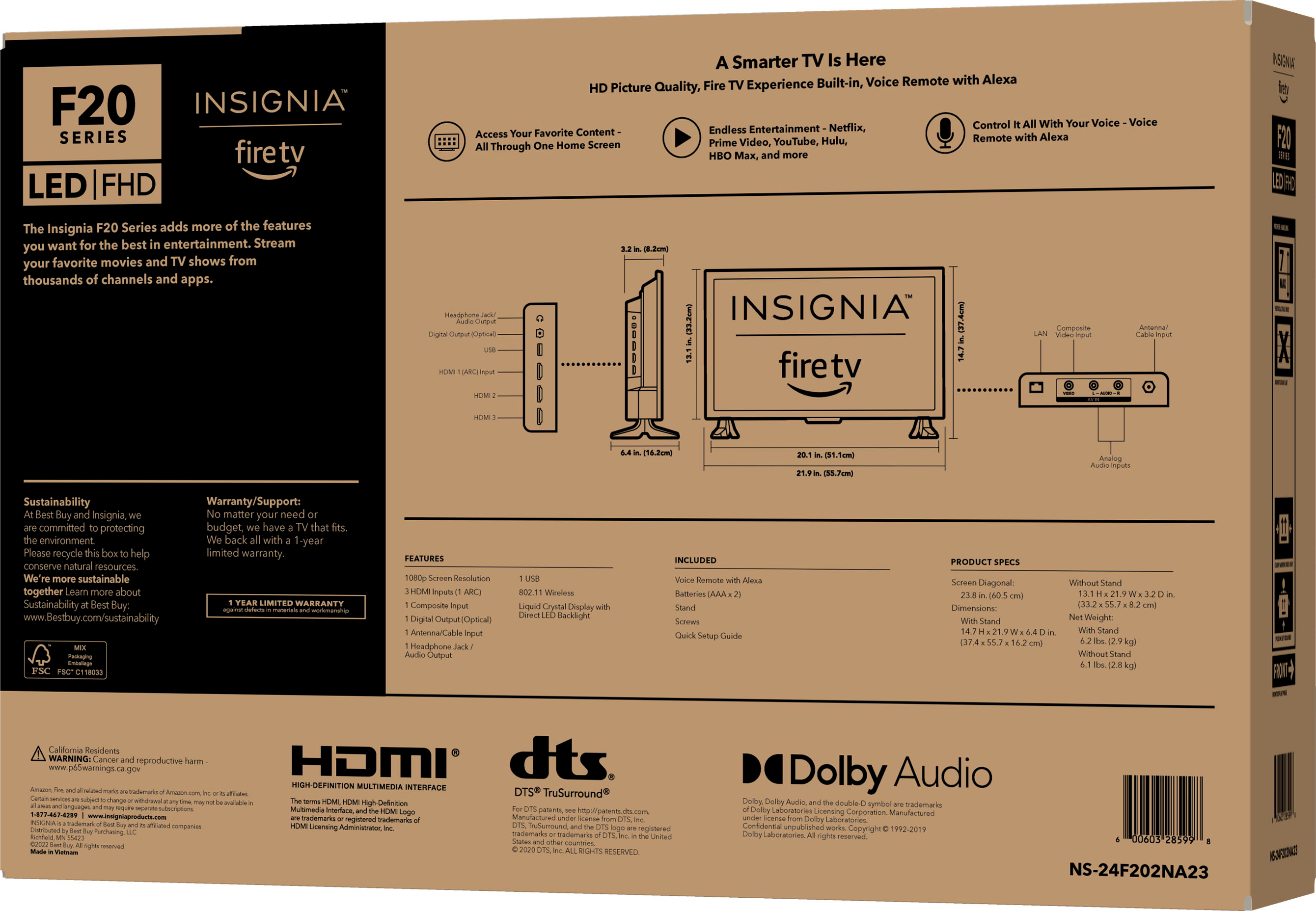
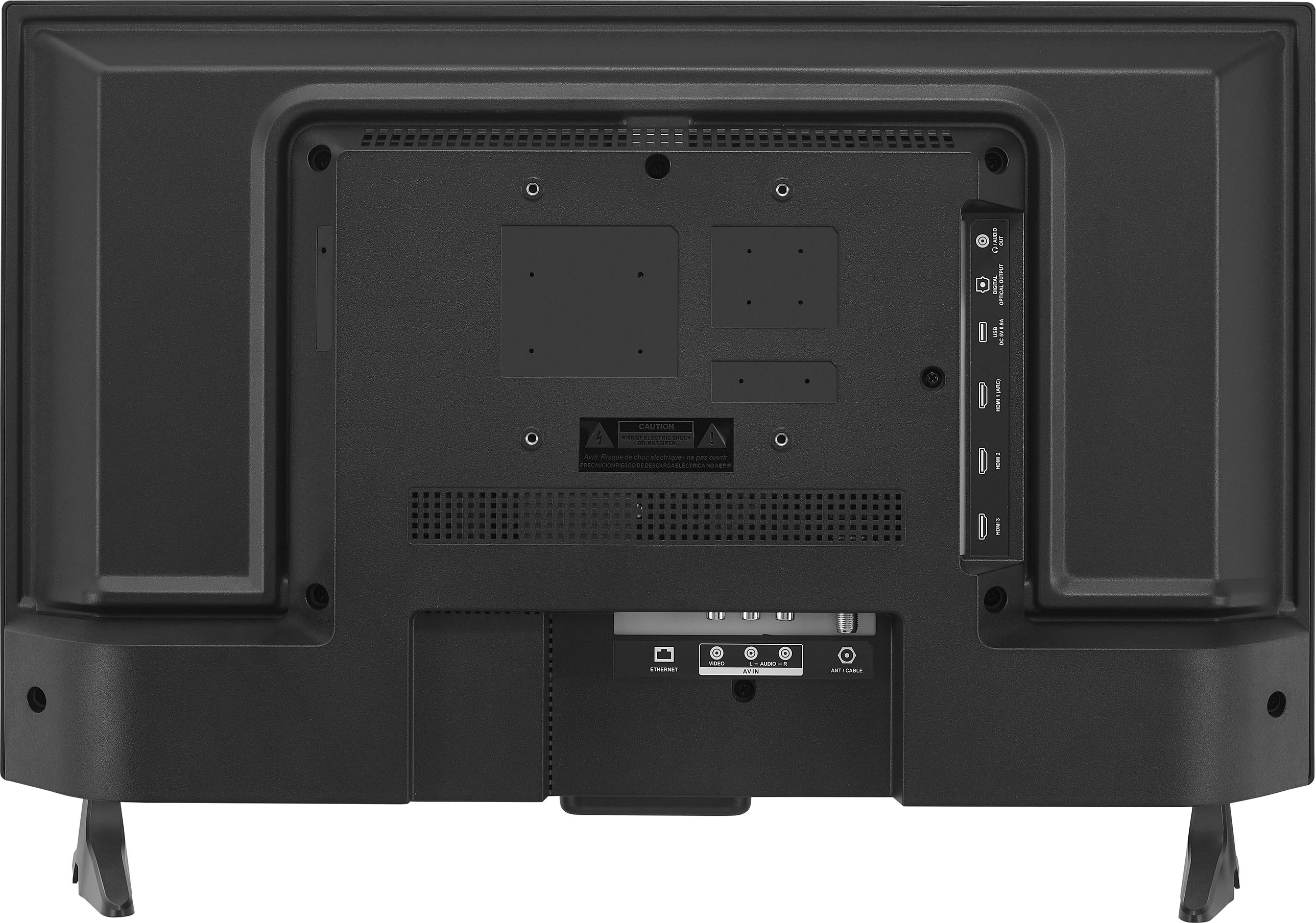
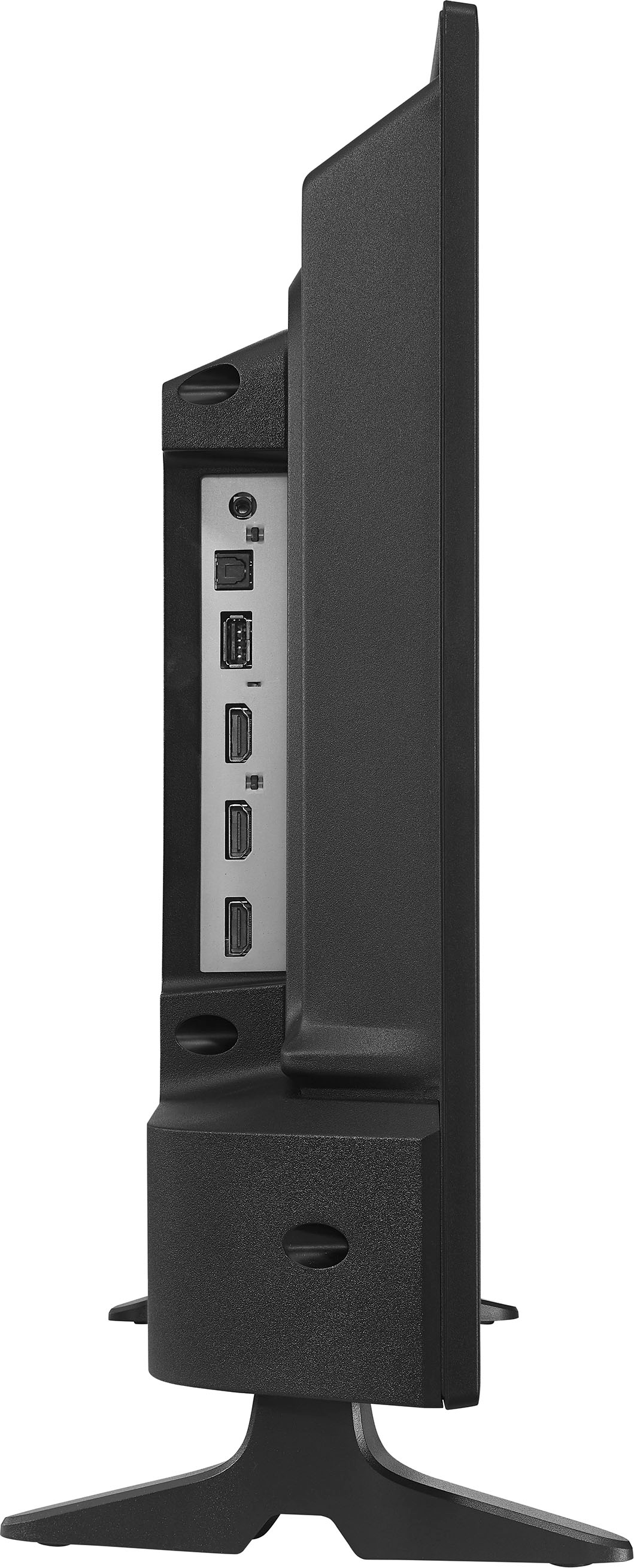
A:AnswerI measured with tape measure and the TV is 21 and 14/16ths inches wide. The Legs attach at an angle. The widest is front of the legs which measure 19 and 15/16ths inches wide and the back of legs angled inward is 17 inches wide.
A:AnswerI tried this and it does not work. Called Insigna and the walked me through the process. Still does not work! Was told to switch for another of the same TV. They were thinking it would be different. It was not! Was a waste of time. Keith is incorrect!
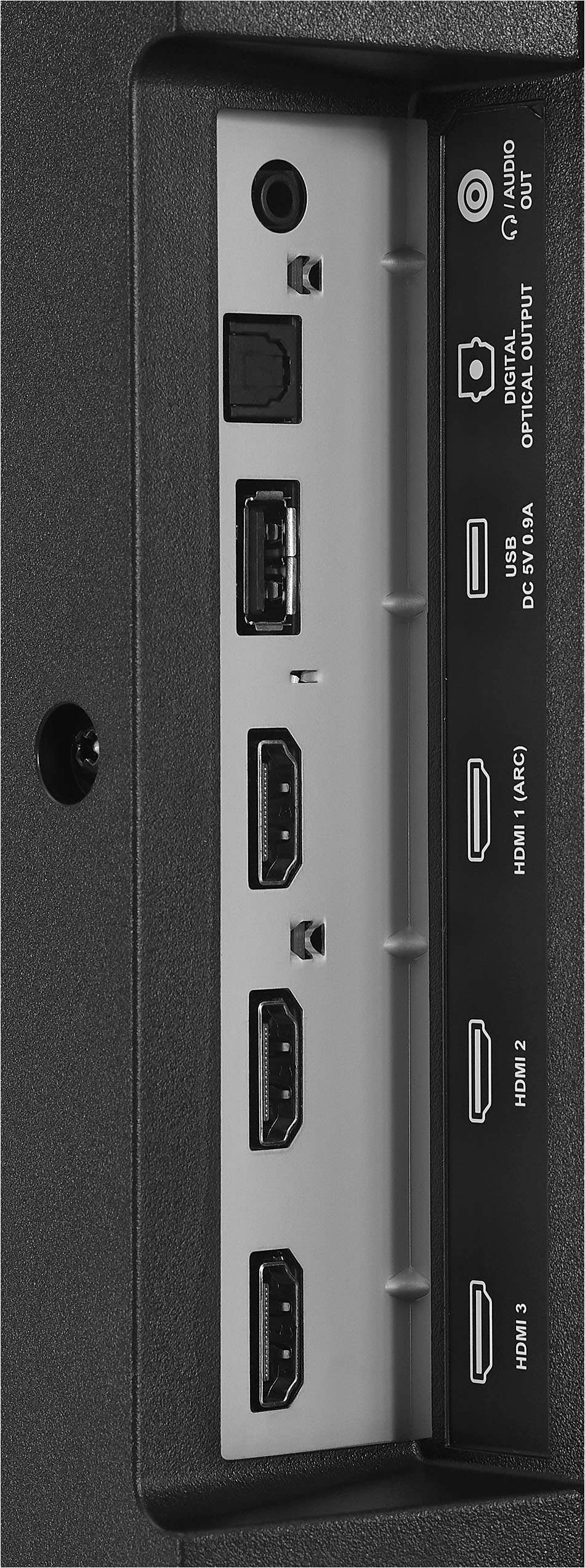
A:AnswerHi nontechie, thank you for your inquiry about our Insignia™ - 24" Class F20 Series LED Full HD Smart Fire TV. Yes, you can plug an external speaker into this TV. For more information, you can check the link below, go to Features and look for quick start guide. Ivy | Insignia Support. https://www.bestbuy.com/site/insignia-24-class-f20-series-led-full-hd-smart-fire-tv/6490138.p?skuId=6490138
A:AnswerHi Bunt,
Well, you can use web browser apps on Amazon's Fire TV Sticks to access websites just as you would on your computer or smart device. This guide will walk you through the process of downloading a web browser on Fire TV Sticks, how to use Google Chrome, and which internet browsers are popular with Fire Stick users.
Insignia Products
Lisa
https://insigniaproducts.com
A:AnswerHi Willie! We appreciate your interest in Insignia™ - 24" Class F20 Series LED Full HD Smart Fire TV. Thus, the power cord is 6ft long. For more product information, please visit the link below. |Angelica| Insignia Support| https://www.bestbuy.com/site/insignia-24-class-f20-series-led-full-hd-smart-fire-tv/6490138.p?skuId=6490138
A:AnswerHello there,
Kindly follow these basic troubleshooting steps:
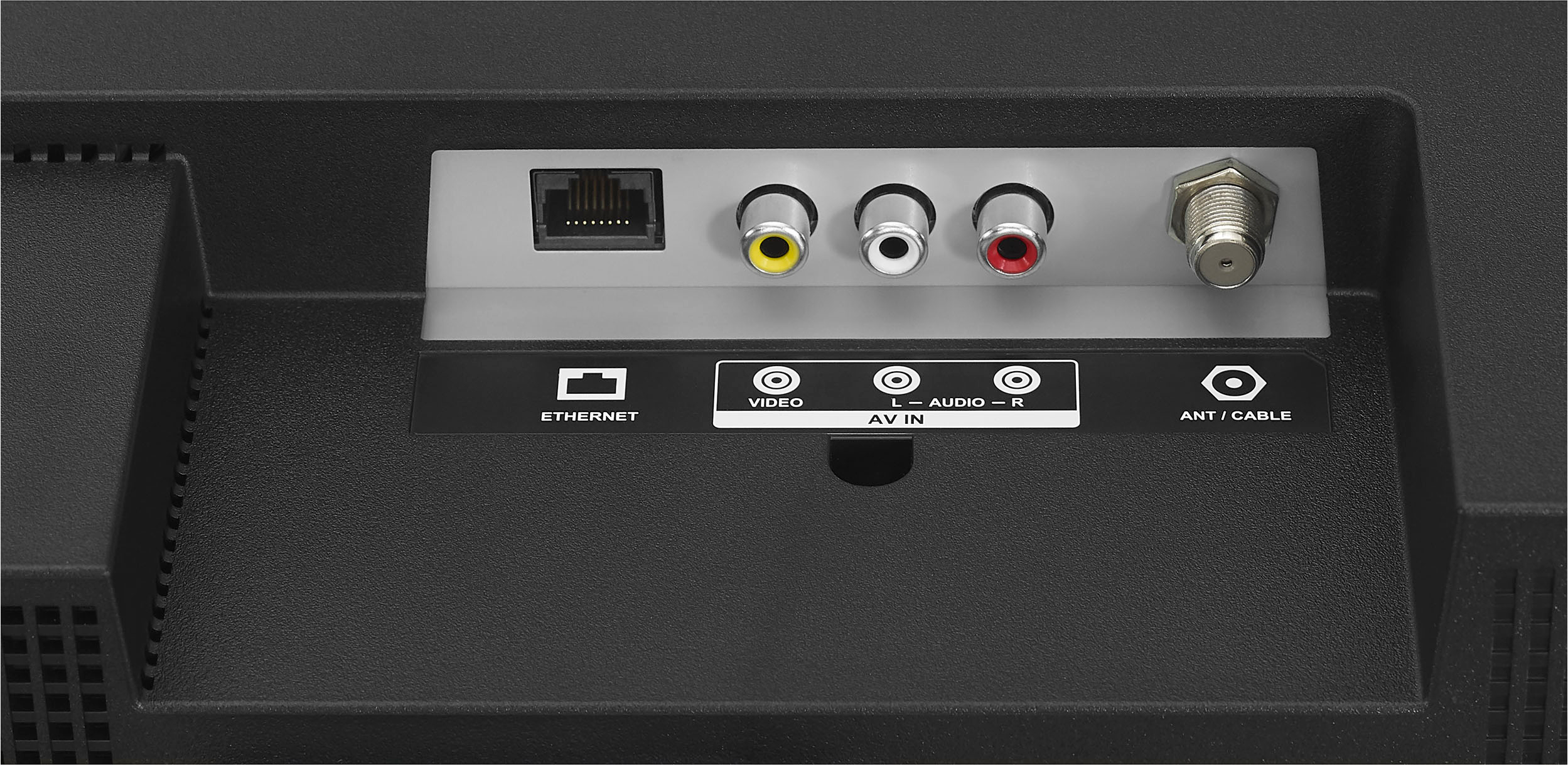
1 Make sure that your TV’s power cord is unplugged and all connected equipment is turned off. 2 Connect a coaxial cable to the antenna/cable jack on your TV and to the antenna or cable TV wall jack. 3 Plug your TV’s power cord into a power outlet, then turn on your TV. 4 On the HOME screen, navigate to the INPUTS row, then select Antenna. 5 If you cannot tune to channels you know exist, scan for channels. Go to Settings > Live TV > Channel Scan.
Make sure the OTA antenna is connected securely to the AirTV Adapter. If you are still having problems and the wiring is correct and secure, continue on to the next step. Move your OTA antenna to try to increase signal strength. Refer to antennaweb.org for positioning tips.
Renee,
Insignia Products Support
Please visit https://www.bestbuy.com/site/brands/best-buy-brands/pcmcat1596746025285.c?id=pcmcat1596746025285
A:AnswerI found a User Guide hers: https://files.bbystatic.com/6Ku%2BuLYzTdVzCIKa9a88FA%3D%3D/User%2BGuide
If you go to the Best Buy website product link and scroll to the end, there are links to a Warranty, User Manual and Quick Start Guide
A:AnswerHi,
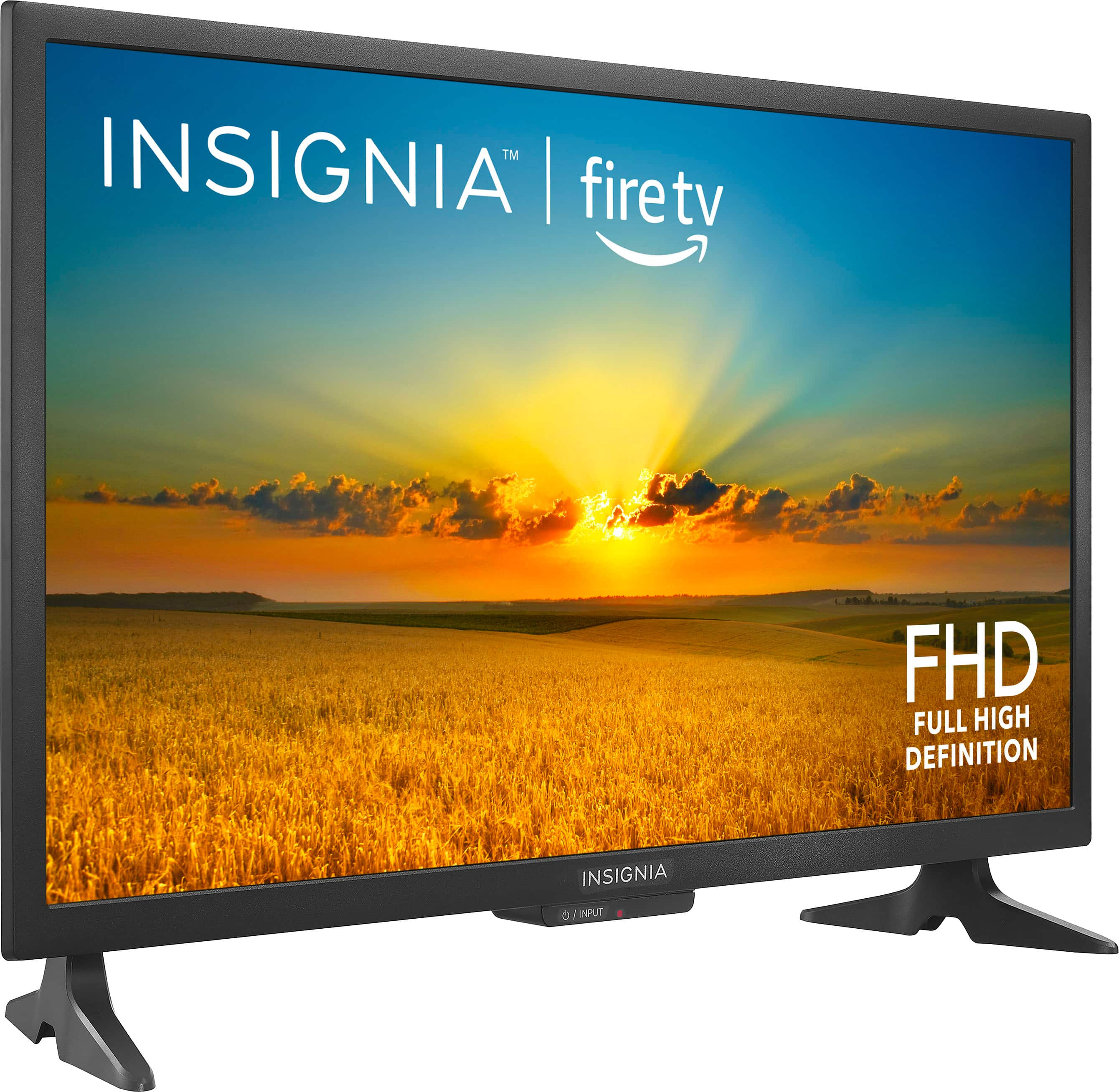
Yes it does have atsc. For ore product details, please visit https://www.bestbuy.com/site/brands/best-buy-brands/pcmcat1596746025285.c?id=pcmcat1596746025285
Insignia Support
https://www.bestbuy.com/site/brands/best-buy-brands/pcmcat1596746025285.c?id=pcmcat1596746025285