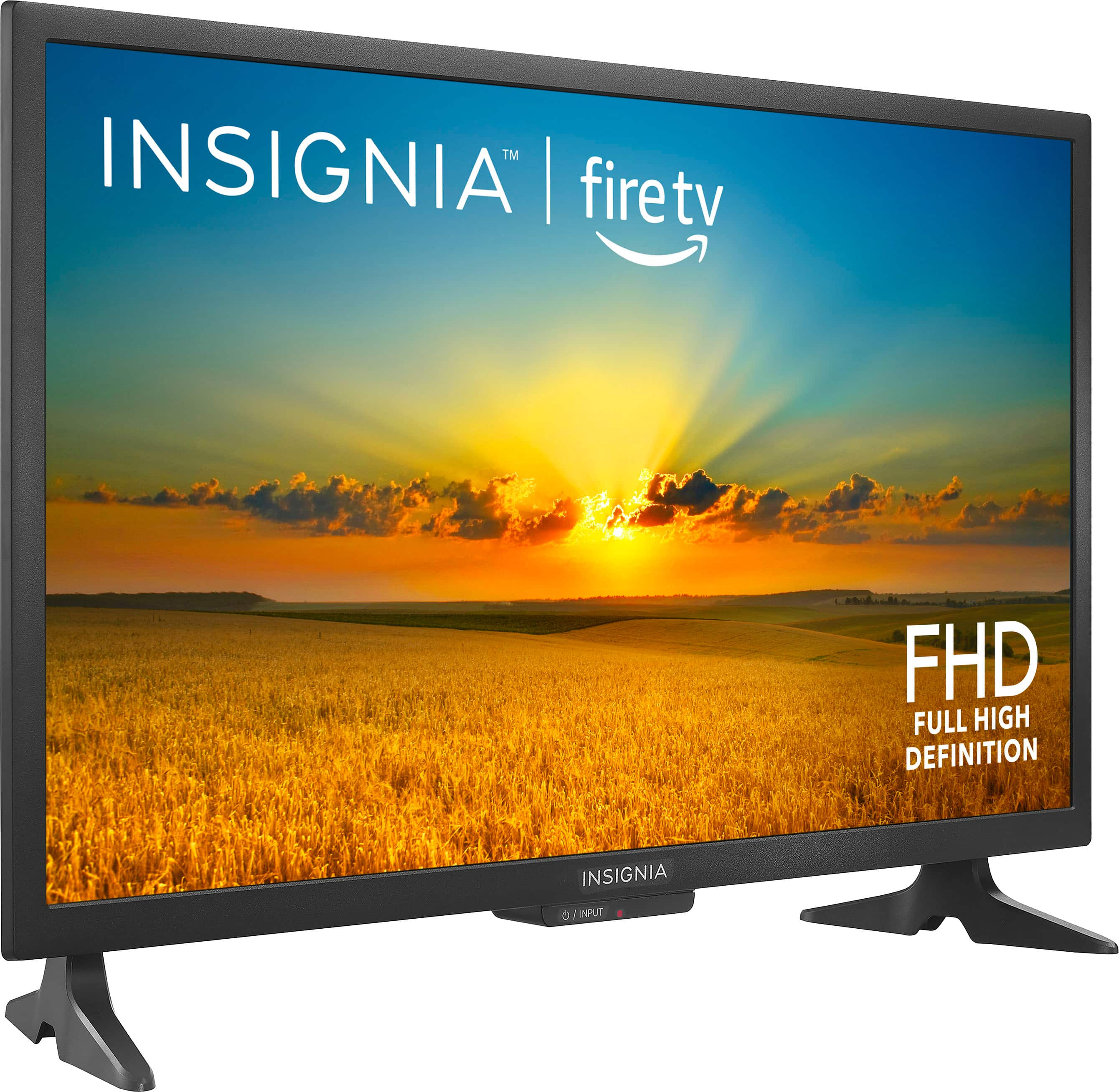
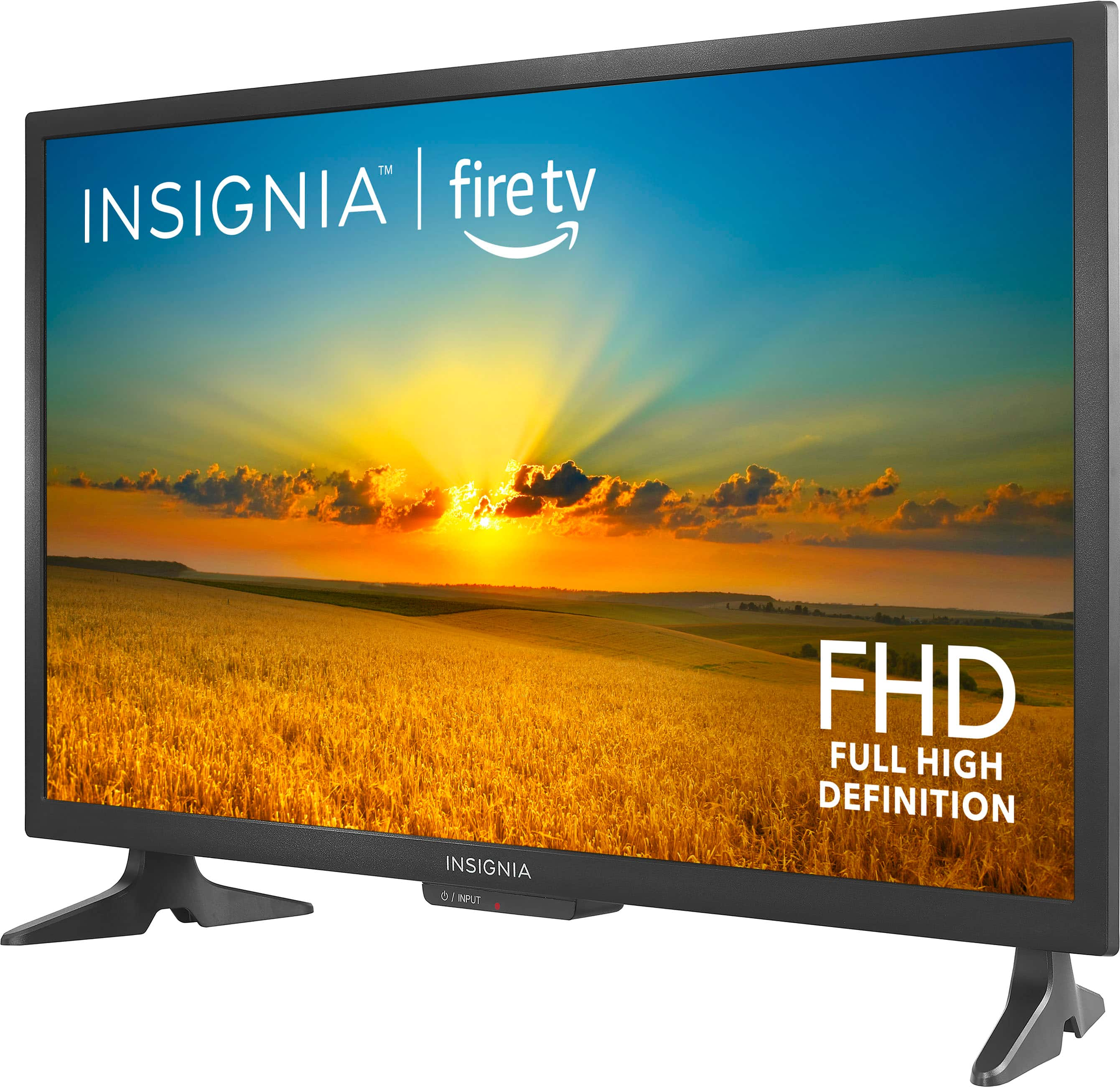
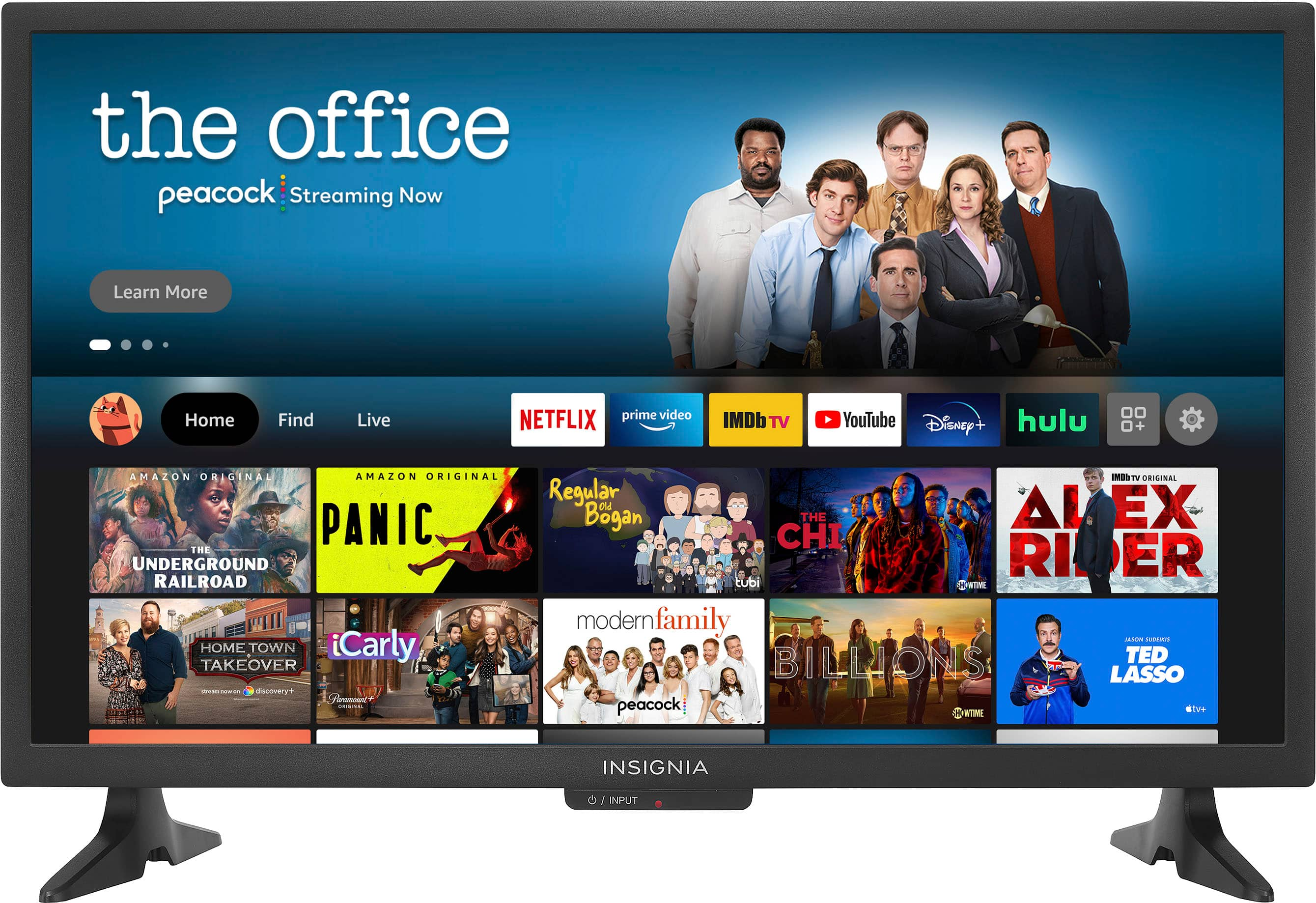
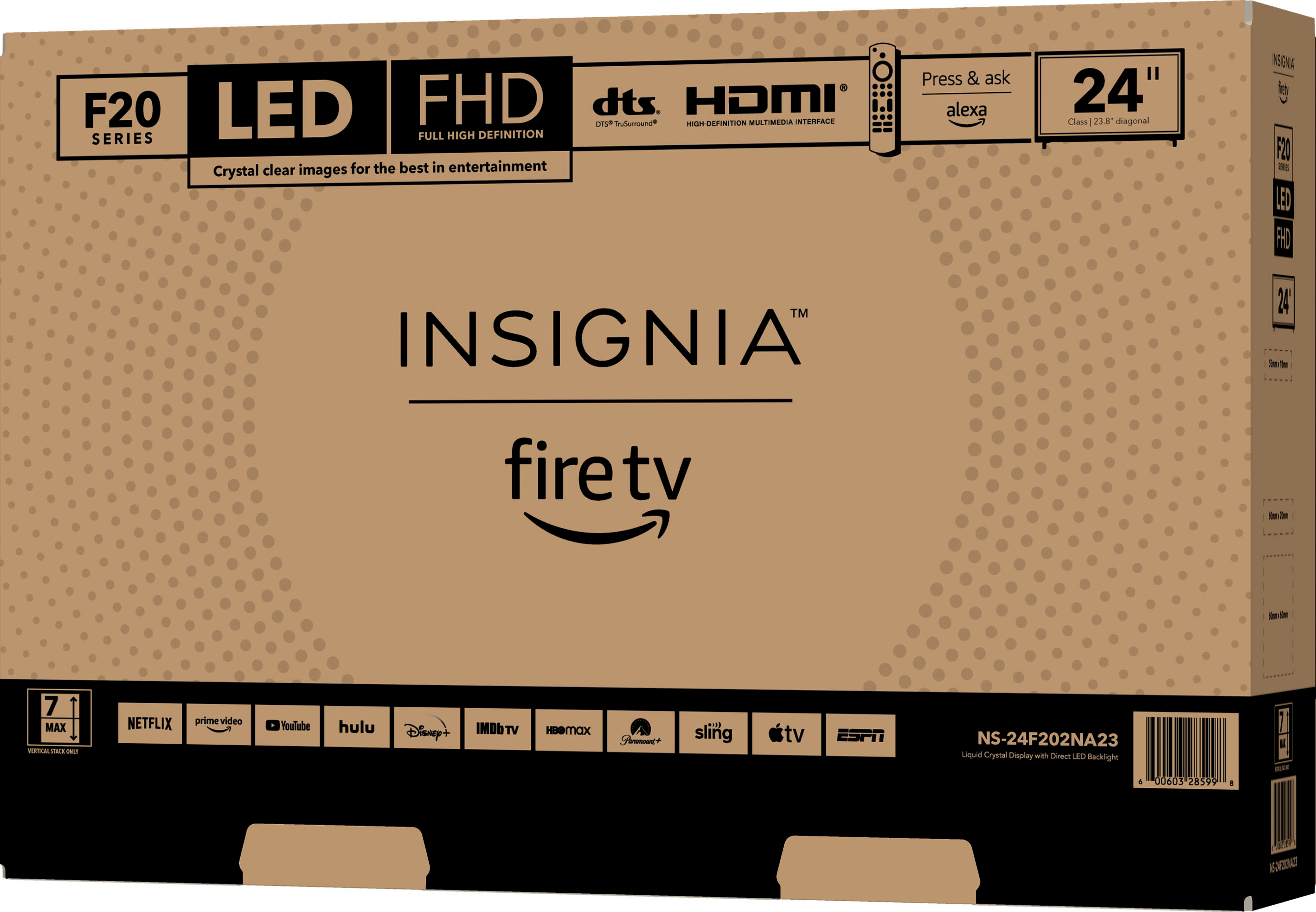
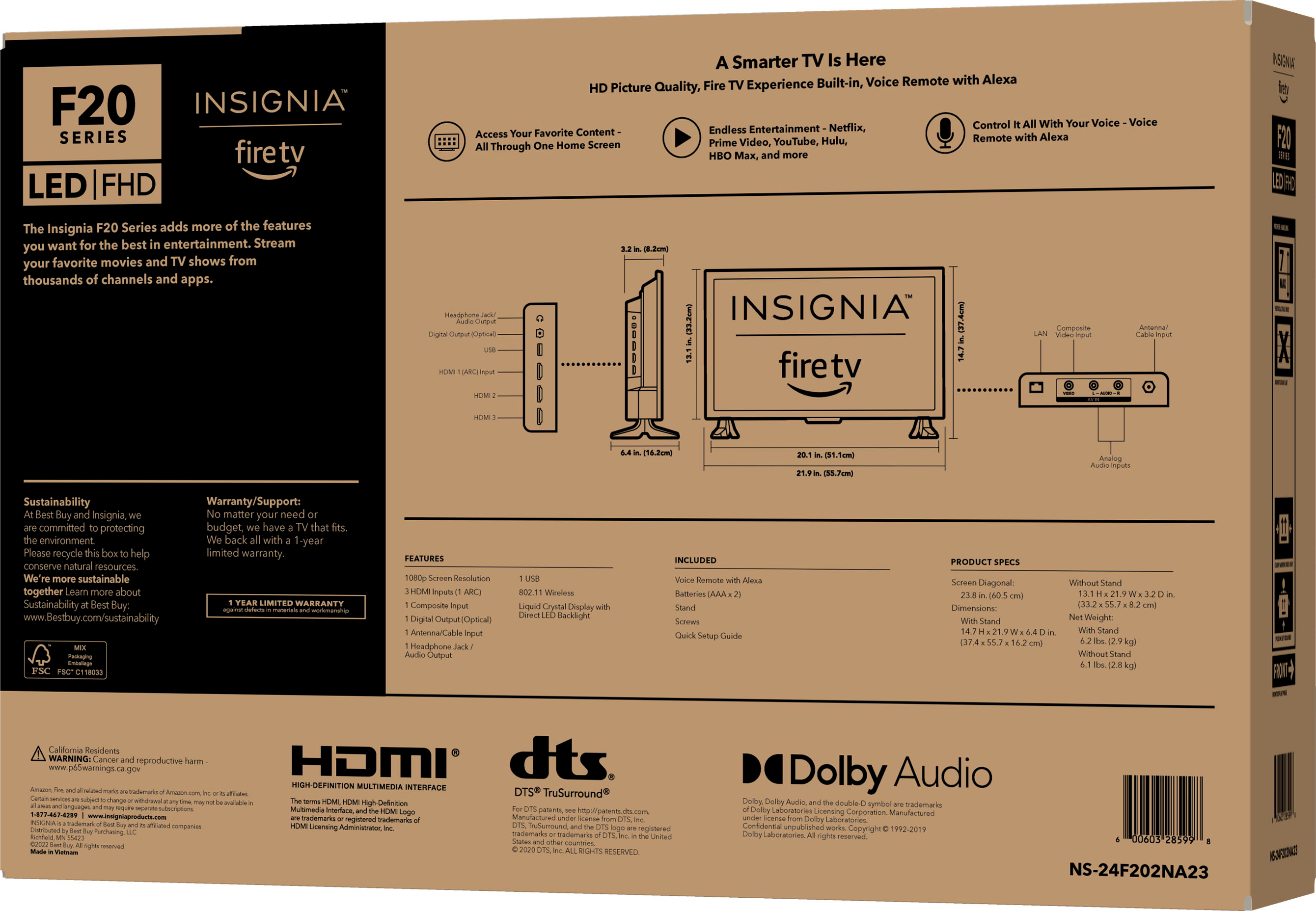
A:AnswerThe Insignia 24" Class F20 Series LED Full HD Smart Fire TV weighs approximately 6.1 pounds without the stand.
Regarding mounting, it's generally recommended to mount TVs on studs for better stability and support, especially for larger or heavier models. However, since this TV is relatively light, you might be able to use wall anchors if studs are not available. Just ensure the wall mount you choose is rated for the TV's weight and VESA pattern (100 mm x 100 mm).
If you have any questions or need further assistance, please don't hesitate to reach out. Thank you for choosing Insignia! | Insignia Support | https://www.bestbuy.com/site/brands/best-buy-brands/pcmcat1596746025285.c?id=pcmcat1596746025285
A:AnswerTo download the user manual for the Insignia™ 24" Class F20 Series LED Full HD Smart Fire TV, please follow these steps: Visit this link: https://www.bestbuy.com/site/insignia-24-class-f20-series-led-full-hd-smart-fire-tv/6490138.p?skuId=6490138. Navigate to the “Features” section. Under “Manuals and Guides,” you will find the User Manual. Click on it to download. Patricia | Insignia Support
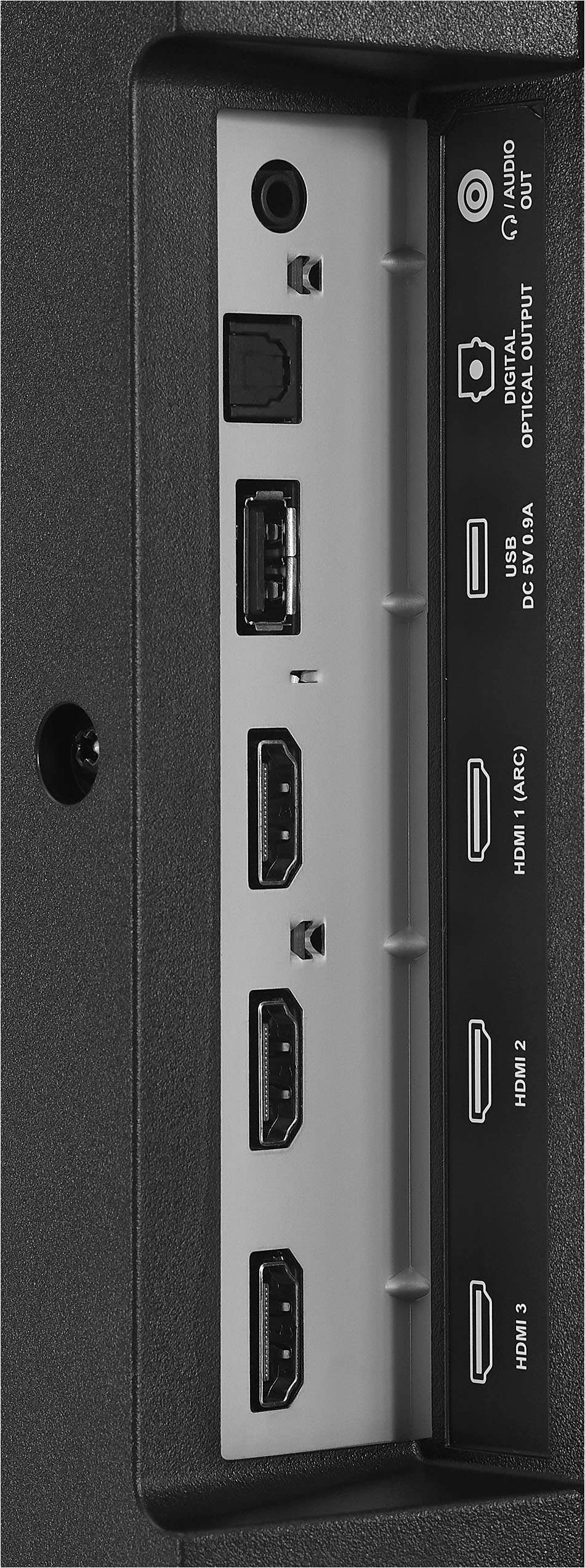
A:AnswerTo switch to cable without using voice commands on your Insignia™ - 24" Class F20 Series LED Full HD Smart Fire TV, press the Home button on your remote, navigate to the Inputs row, and select the HDMI input where your cable box is connected. This will switch the TV to display the cable input. Patricia | Insignia Support https://www.bestbuy.com/site/insignia-24-class-f20-series-led-full-hd-smart-fire-tv/6490138.p?skuId=6490138
A:AnswerNo, the Spectrum app is not available for download on Fire TV Edition televisions, such as the Insignia™ - 24" Class F20 Series LED Full HD Smart Fire TV. Patricia | Insignia Support https://www.bestbuy.com/site/insignia-24-class-f20-series-led-full-hd-smart-fire-tv/6490138.p?skuId=6490138
A:AnswerThe power cord for the Insignia™ 24" Class F20 Series LED Full HD Smart Fire TV is approximately 5 feet long.
If you have any questions or need further assistance, please don't hesitate to reach out. Thank you for choosing Insignia! - Emman | Insignia Support | https://www.bestbuy.com/site/brands/best-buy-brands/pcmcat1596746025285.c?id=pcmcat1596746025285
A:AnswerHello, Thank you for reaching out. I apologize for the issue you encountered with our TV. Please feel free to call our hotline at 877-467-4289, and we will be happy to provide you with assistance and troubleshooting steps. - Carl | Insignia Support
A:AnswerThe Insignia™ 24" Class F20 Series LED Full HD Smart Fire TV supports both 2.4 GHz and 5 GHz Wi-Fi bands. However, it has some restrictions when connecting to certain 5 GHz networks. If your college dorm’s 5 GHz network has specific settings or limitations, it might affect the TV’s ability to connect. Patricia | Insignia Support https://www.bestbuy.com/site/insignia-24-class-f20-series-led-full-hd-smart-fire-tv/6490138.p?skuId=6490138
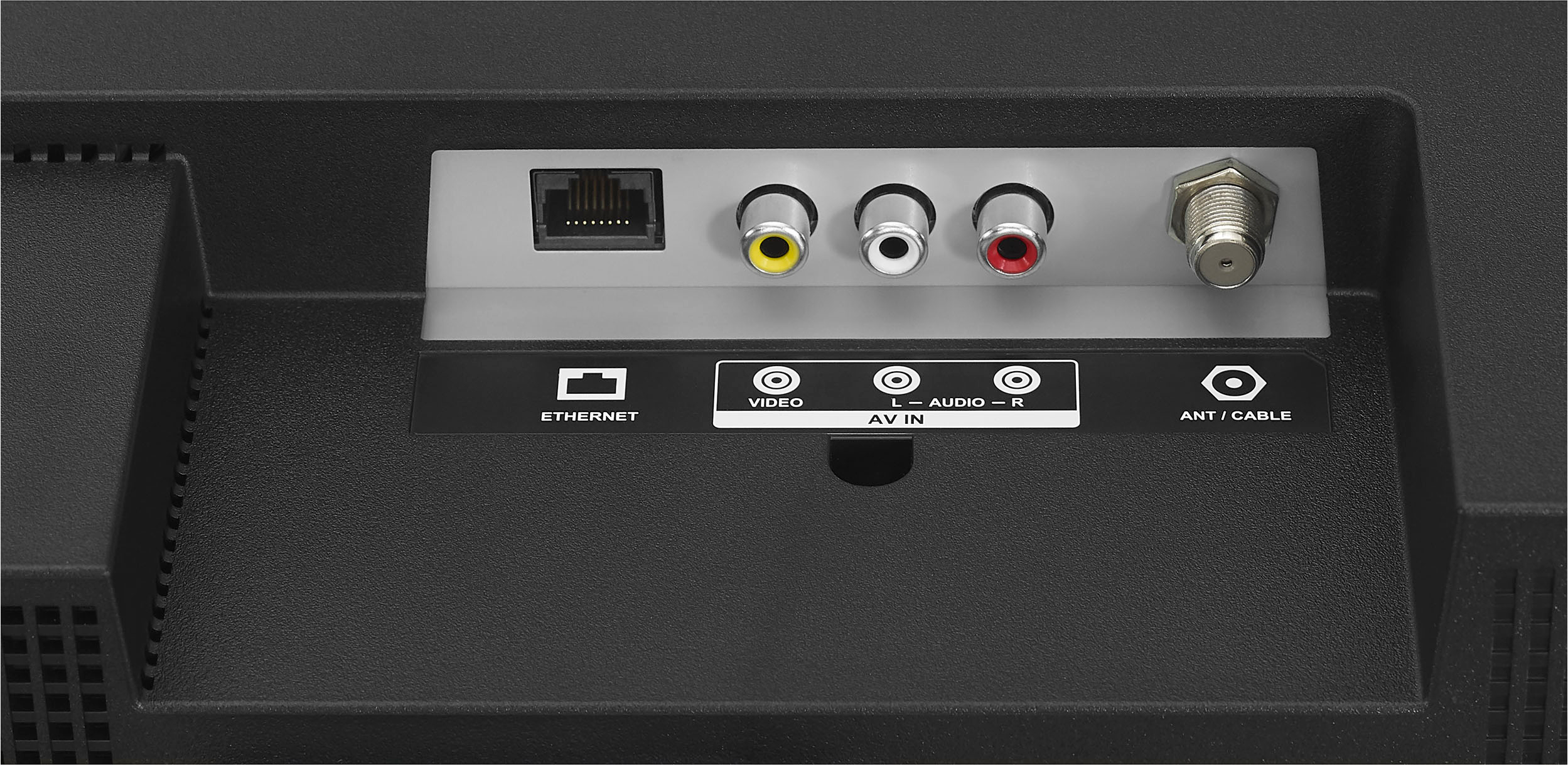
A:AnswerI can't solve this but i've found a useful shortcut. As soon as the TV boots up, hit the voice control button and say "Input HDMI1". Works! I use the command to go right to my DirectTV box connected via composite input cables.
A:AnswerTo set your Insignia™ 24" Class F20 Series LED Full HD Smart Fire TV to default to the antenna input on power up, you can try the following steps:
1. Navigate to Settings:
- Press the Home button on your remote.
- Go to Settings.
2. Select Display & Sounds:
- Scroll down and select Display & Sounds.
3. Set Power On Behavior:
- Look for an option like Power On or Power On Behavior.
- Set it to Last Input or Antenna if available.
If you have any questions or need further assistance, please don't hesitate to reach out. Thank you for choosing Insignia! - Emman | Insignia Support | https://www.bestbuy.com/site/brands/best-buy-brands/pcmcat1596746025285.c?id=pcmcat1596746025285
A:AnswerIt sounds like your TV is having trouble finding channels. Make sure your antenna is properly connected and try repositioning it. If that doesn't work, check for software updates or reset the TV to factory settings. You may contact our customer service team at this phone number 1-877-467-4289 if you need further assistance. Patricia | Insignia Support https://www.bestbuy.com/site/insignia-24-class-f20-series-led-full-hd-smart-fire-tv/6490138.p?skuId=6490138
A:AnswerThe Insignia 24" Class F20 Series LED Full HD Smart Fire TV has a decent volume output that should be sufficient for most rooms. While it might not be as powerful as a dedicated sound system, it does a good job of delivering clear audio. If you want to ensure you can hear it clearly from another room, you might consider pairing it with a soundbar or external speakers for an even better experience. Patricia | Insignia Support https://www.bestbuy.com/site/insignia-24-class-f20-series-led-full-hd-smart-fire-tv/6490138.p?skuId=6490138
A:AnswerThank you for your inquiry! Yes, you can purchase a replacement power cord for your Insignia™ - 24" Class F20 Series LED Full HD Smart Fire TV. Best Buy typically carries replacement parts for Insignia products, including power cords. The price for a replacement power cord is usually around $10 to $20, but it can vary depending on the specific model and availability12.
To ensure you get the correct cord, you might want to visit your local Best Buy store or check their website. You can also contact Insignia customer support for assistance in finding the exact replacement part you need.
If you have any other questions or need further assistance, feel free to ask! Keith | Insignia Support
A:AnswerHi Pepper, to access the pre-installed YouTube application on your Insignia™ 24" Class F20 Series LED Full HD Smart Fire TV, please connect the television to the internet. Once connected, open the app and sign in. If you need further assistance, feel free to reach out. Patricia | Insignia support https://www.bestbuy.com/site/insignia-24-class-f20-series-led-full-hd-smart-fire-tv/6490138.p?skuId=6490138
A:AnswerHello al! No, the Insignia™ 24" Class F20 Series LED Full HD Smart Fire TV (NS-24F202NA23) does not have a built-in battery backup. It needs to be plugged into a power source to operate. If you have any other questions about this TV or need further assistance, feel free to ask! Jeth | Insignia Support. https://www.bestbuy.com/site/insignia-24-class-f20-series-led-full-hd-smart-fire-tv/6490138.p?skuId=6490138
A:AnswerOn your TV, go to the main menu and open the Settings menu.
Look for a section like Remote Control, Inputs, or Buttons. This could vary depending on the TV brand.
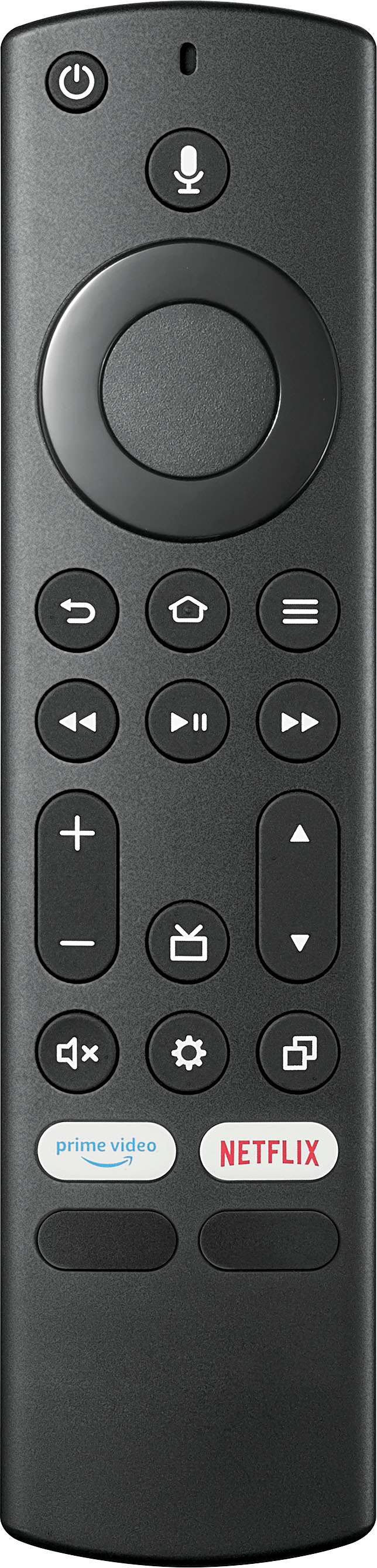
A:AnswerThere is a toggle switch on the left side of the remote with a + and a - sign. That makes the channel go up and down. Whether the channels display on your TV depends on your broadcast source.