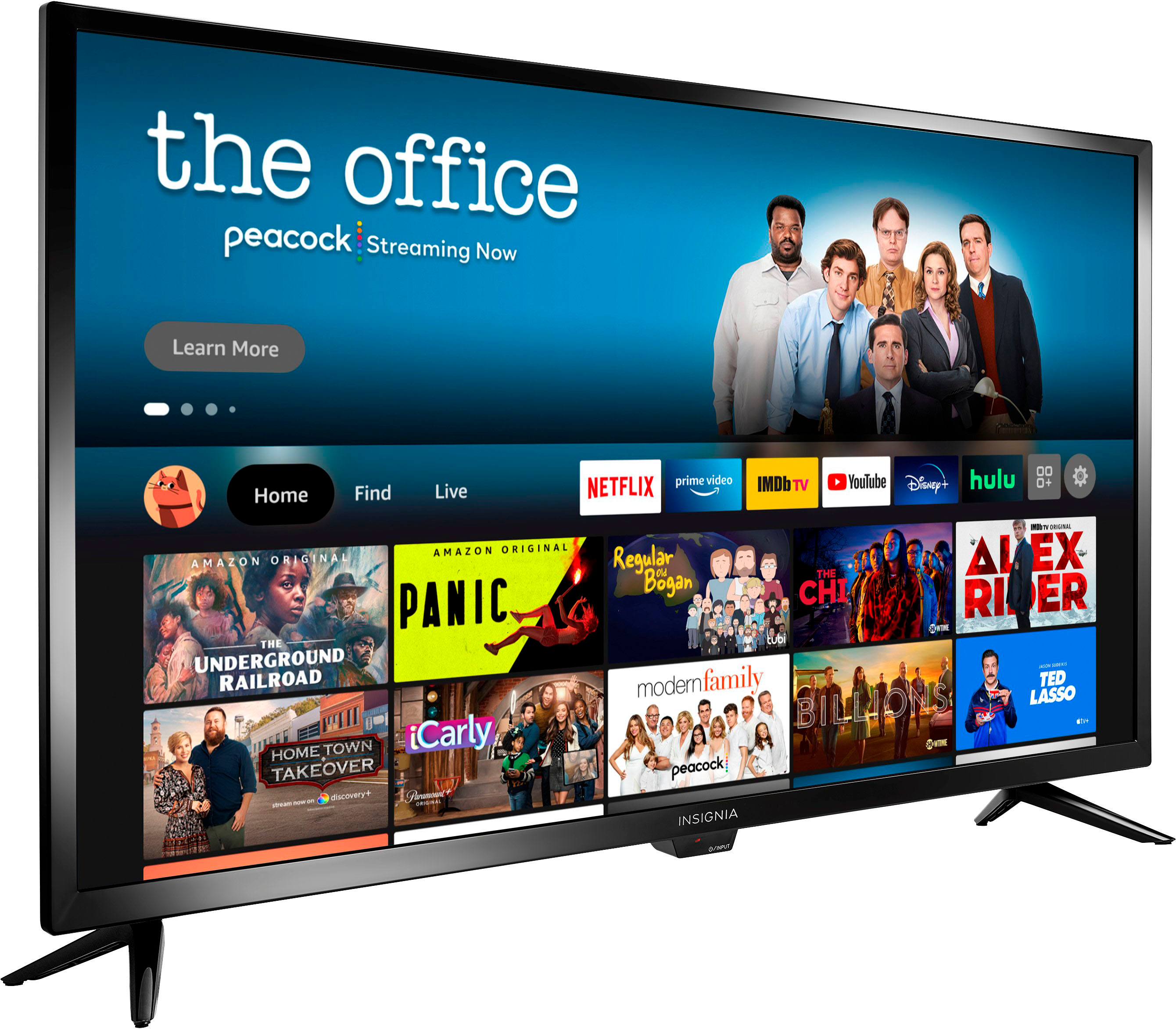
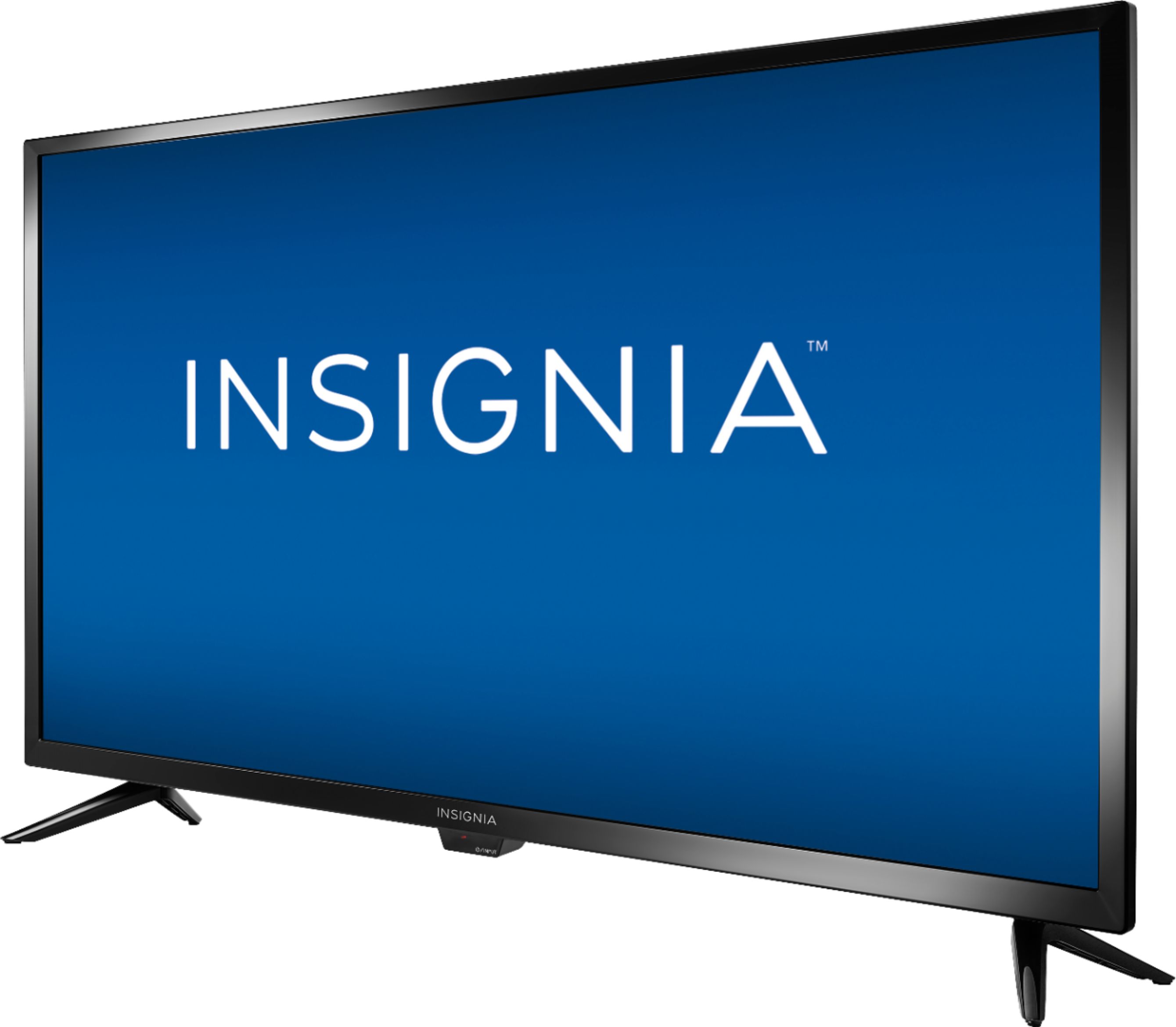
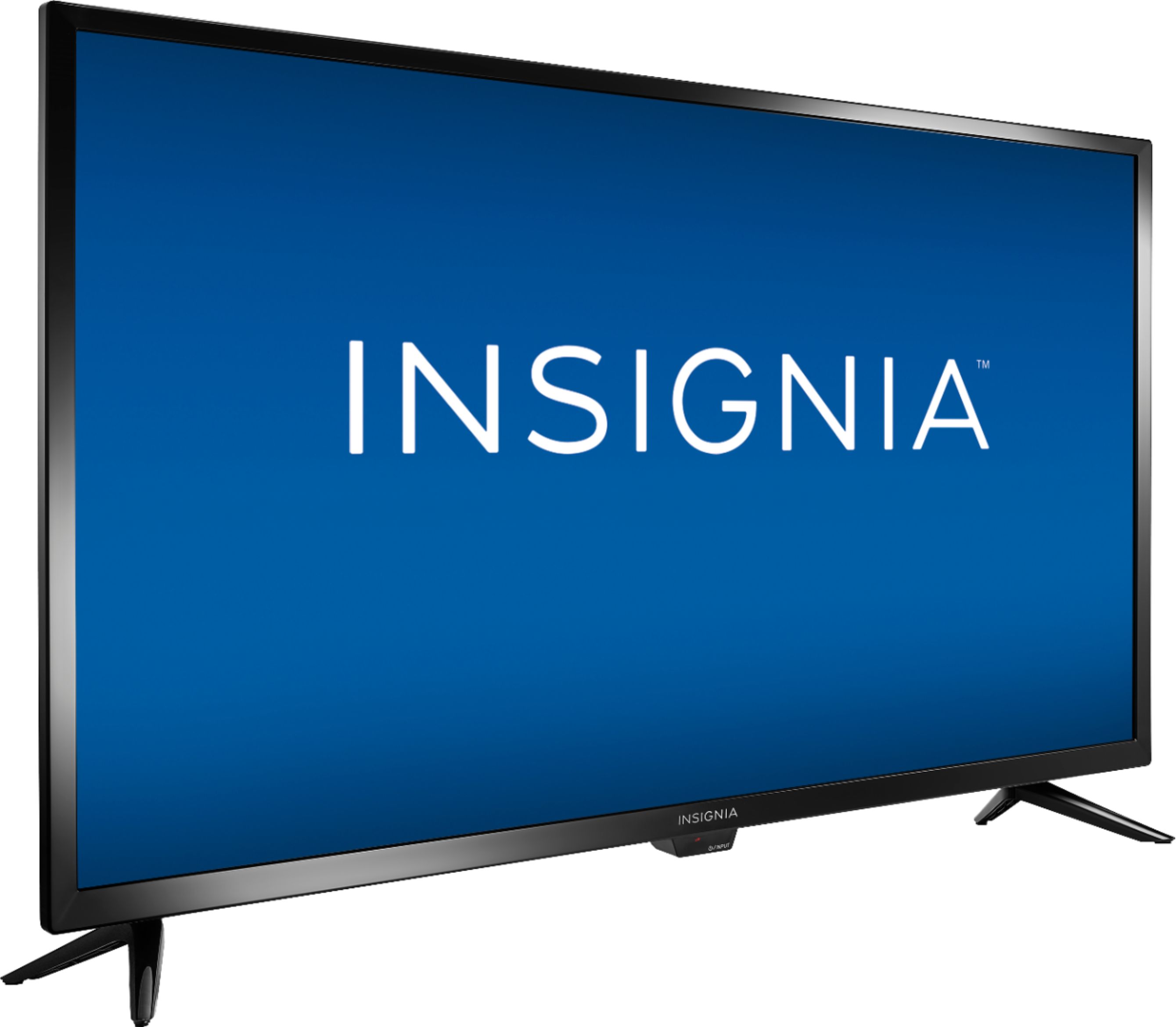
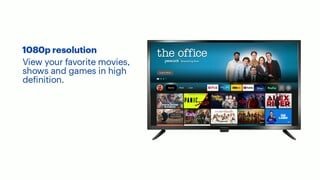
A:AnswerThe default settings are too bright and contrasty, which is better than the opposite, because at least you can use the picture controls to tone that down. Try the "Natural" setting as a starting point, then adjust to your liking. However, I've found that the image looks exceedingly bright when viewed at a strong side angle. If you want to walk around the room and view it from the side as well as from directly in front of it, then you're going to have to compromise and choose a priority for fine tuning your picture. That's a weakness of this cheap TV.
A:AnswerYes you can, but buy a Vizio, or check out other tvs at Best buy to view the screen pic. This insignia doesn't have the picture quality of a Vizio or Samsung, etc. My VIzio finally died and I have other Insignia's, but this model's pic just doesn't have the quality or side view capabiliy of my old Vizio. Just a suggestion. Hope it helps. Save and spend a few extra dollars, its worth it in the long run.
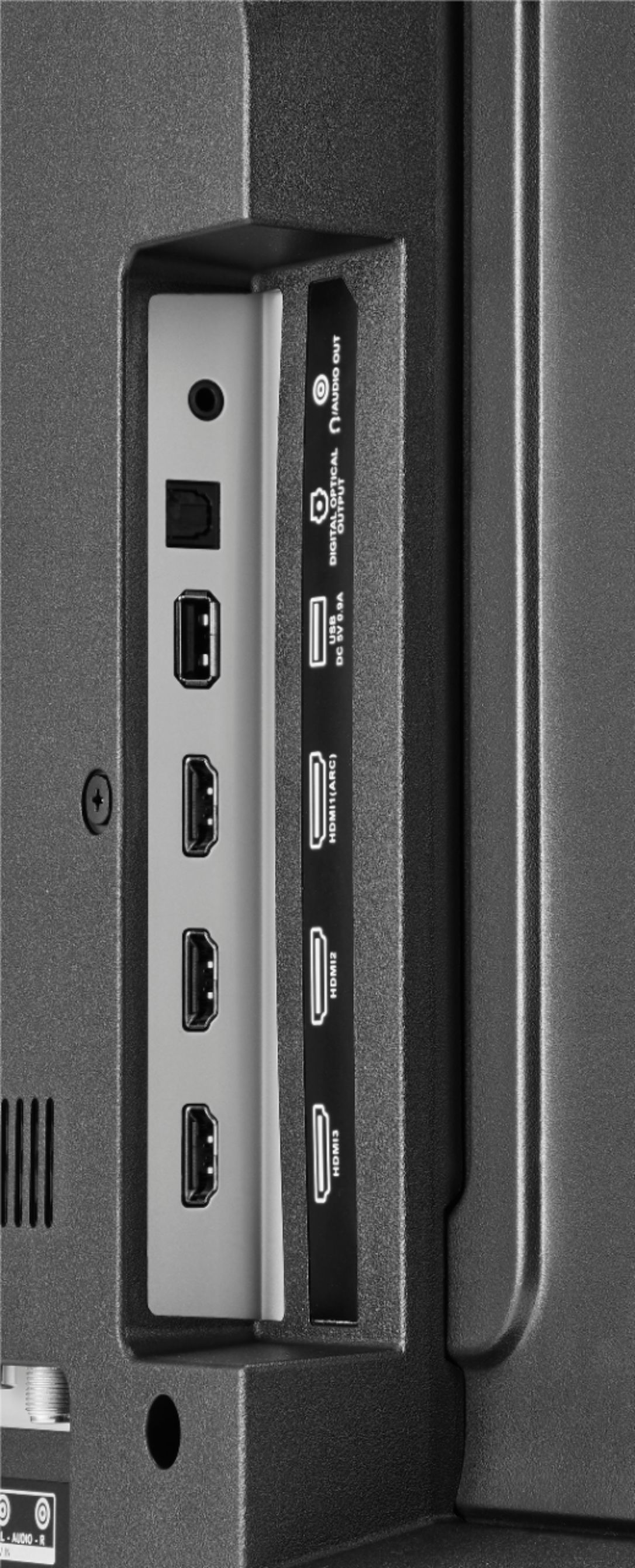
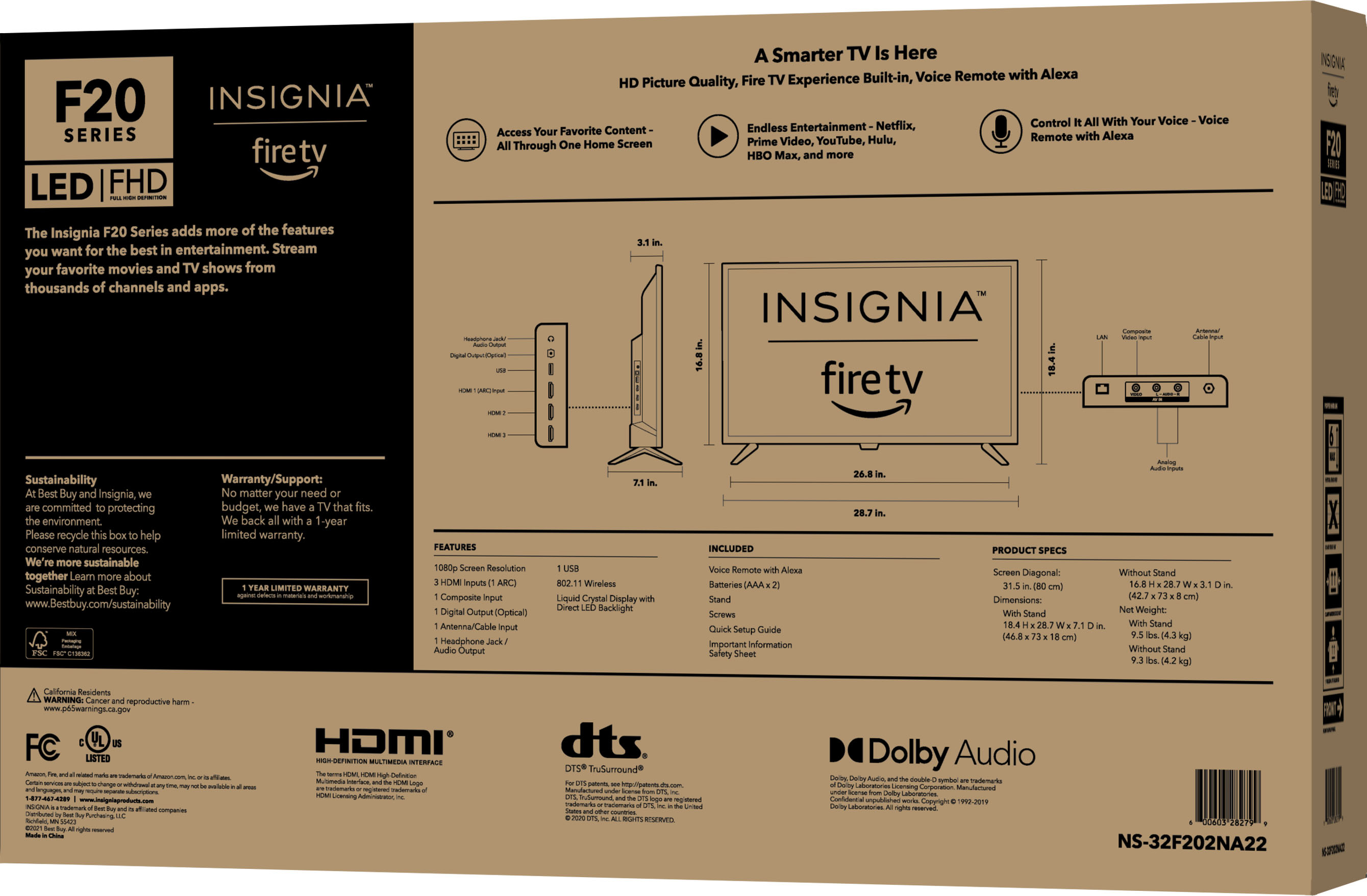
A:AnswerYou can use the Apple - Lightning Digital A/V Adapter - White Model: MD826ZM/A SKU:7007013 to hook up your iPhone into one of the HDMI inputs on the TV.
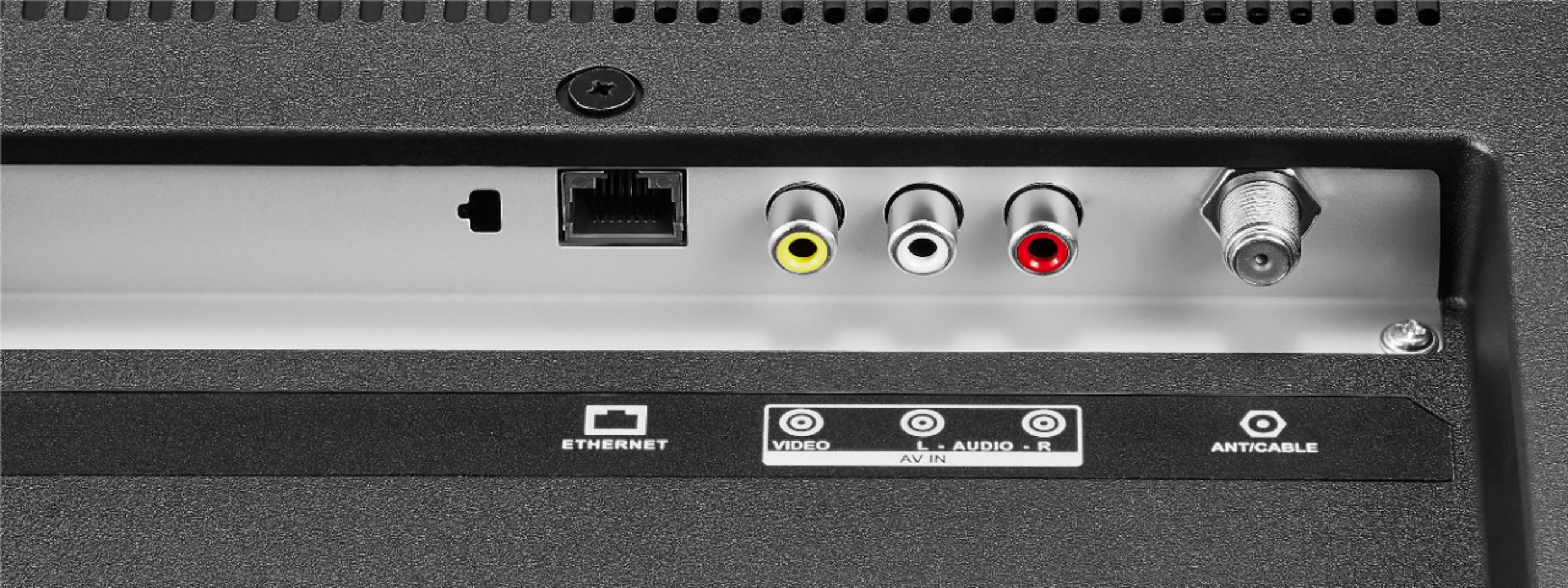
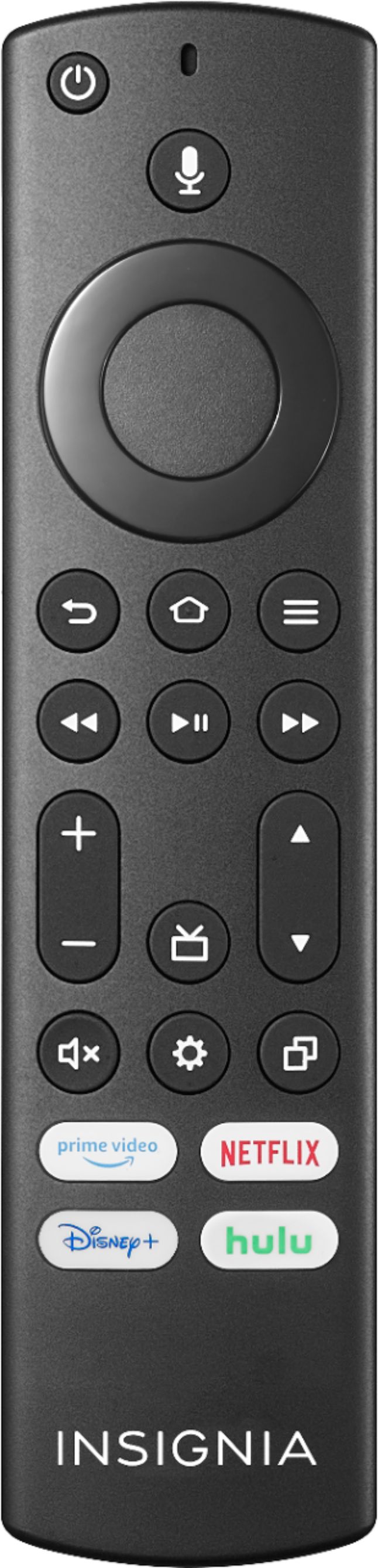
A:AnswerYou can hook up your Spectrum Cable Box into one of the HDMI inputs on the TV and use the Spectrum Remote to control the Spectrum Cable Box.
Also, you can stream HBO Max on this TV.