A:Answer Hi there,
Screensaver is actually not part of the feature of this TV but a sleep timer. To activate or deactivate the sleep time, users can use either of the following methods:
- Go to "Home" > "Settings" > "Sleep Timer".
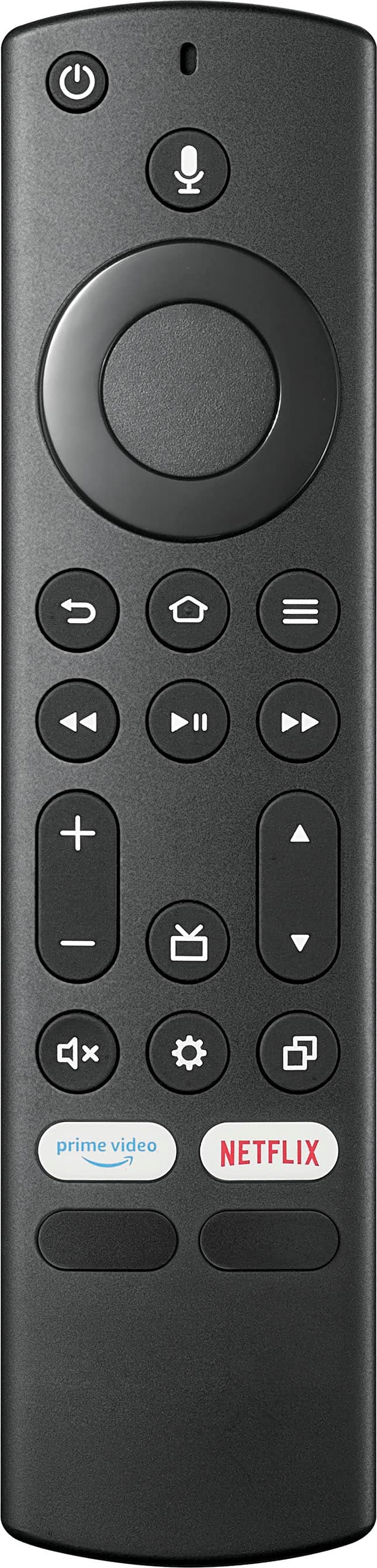
- Long press the "Home" button and select "Sleep Timer".
This function turns off the TV in: 5, 10, 15, 30, 60, 90, 120, 150, 180 and 240 minutes.
The "OFF" function appears after you select the desired time. Select "OFF" to turn the unit off.
NOTE: The TV will automatically turn off if there is no video playing on the screen. This feature cannot be disabled.
If you have any more questions or concerns, please use the link below to reach us.
Shai | Insignia Support
https://www.bestbuy.com/site/best-buy-brands/support/pcmcat1693515381920.c?id=pcmcat1693515381920