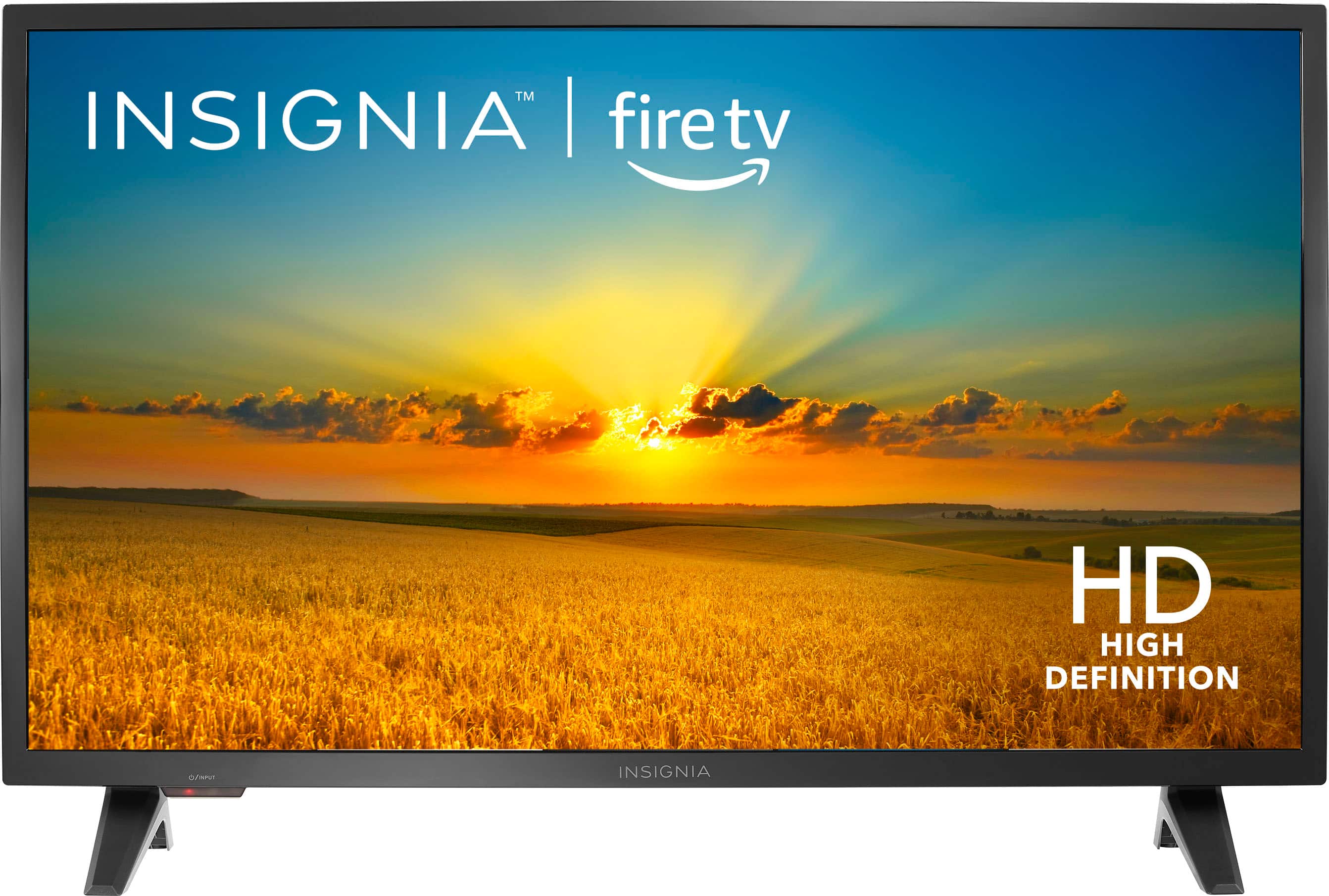
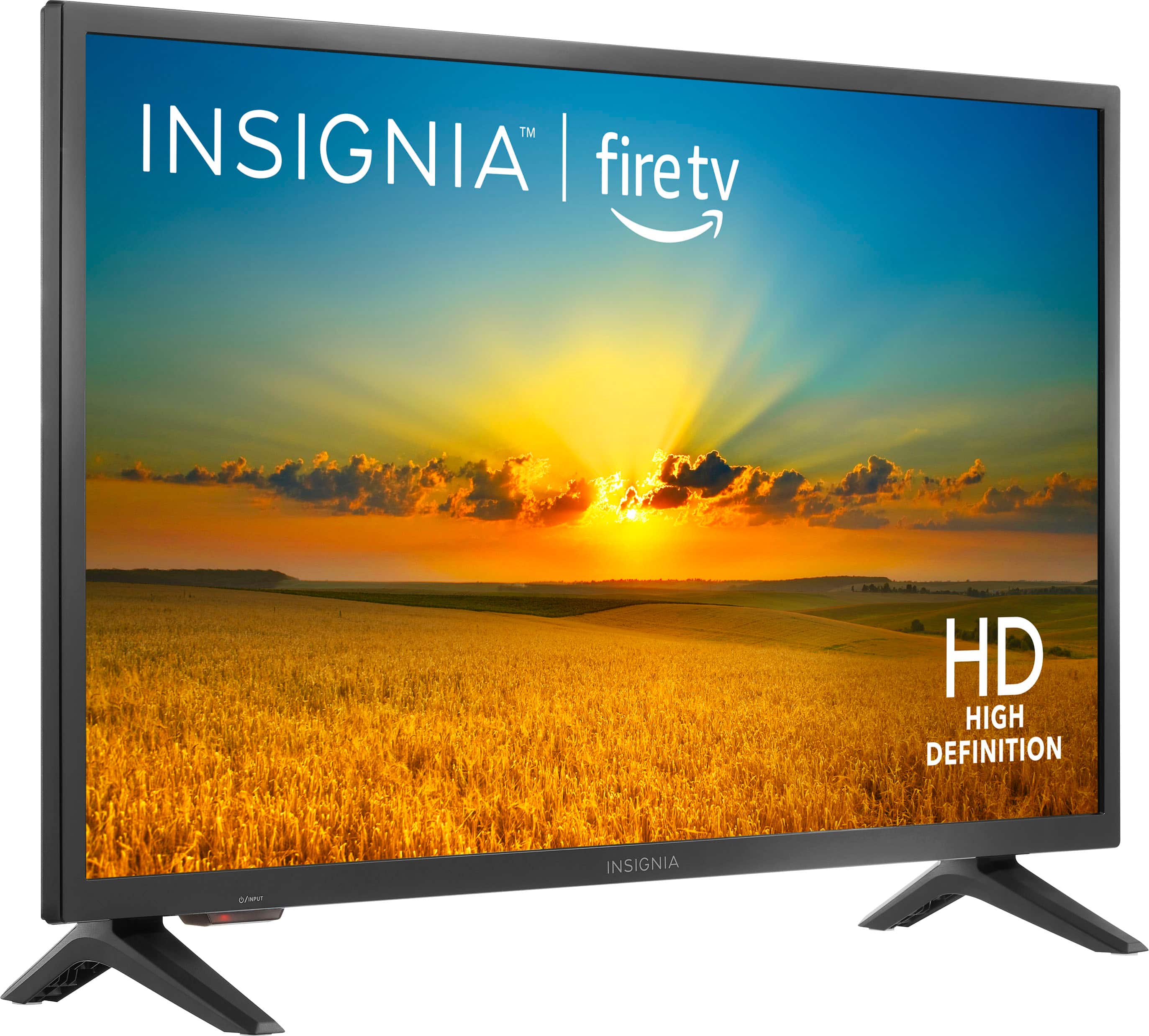
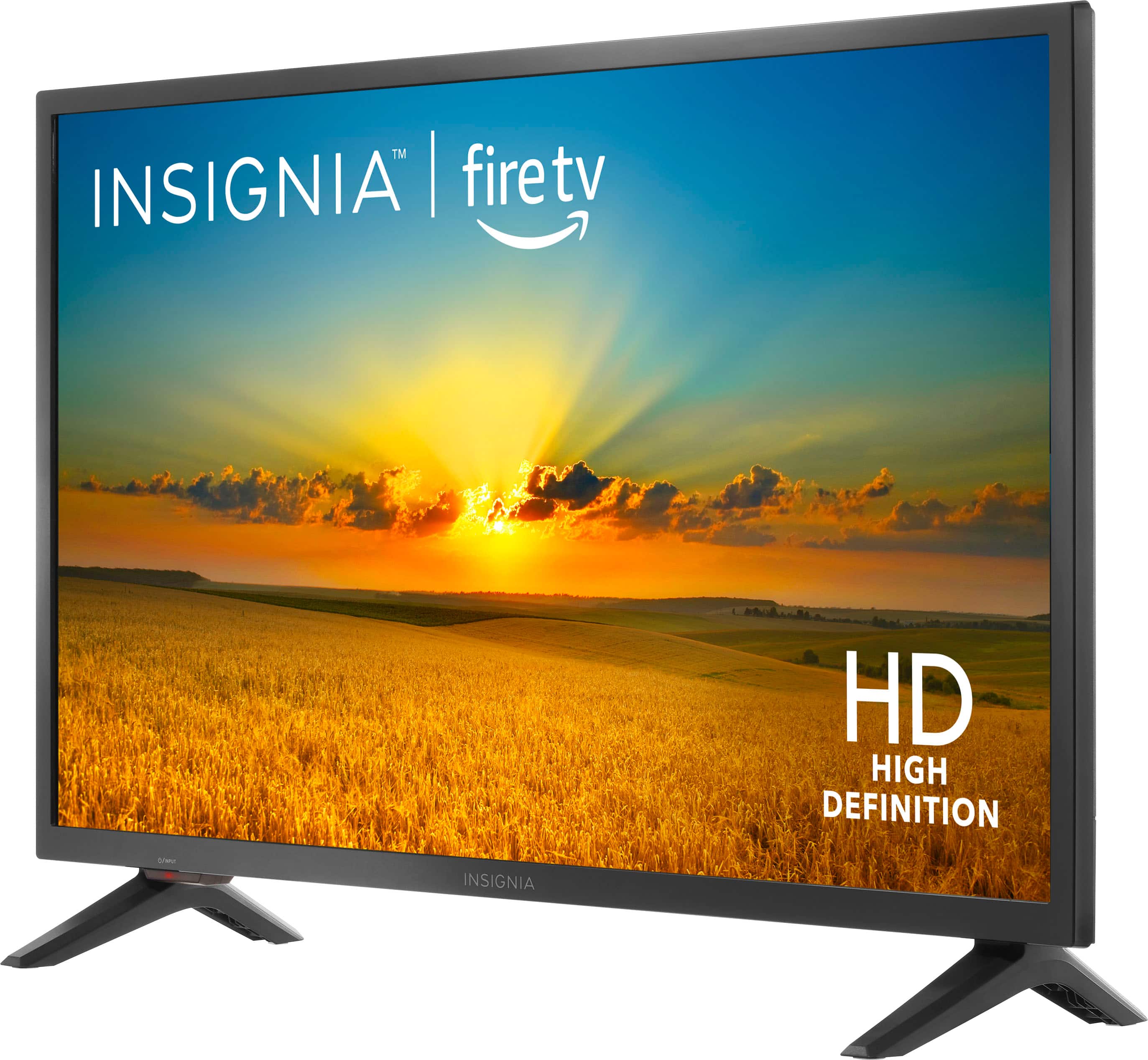
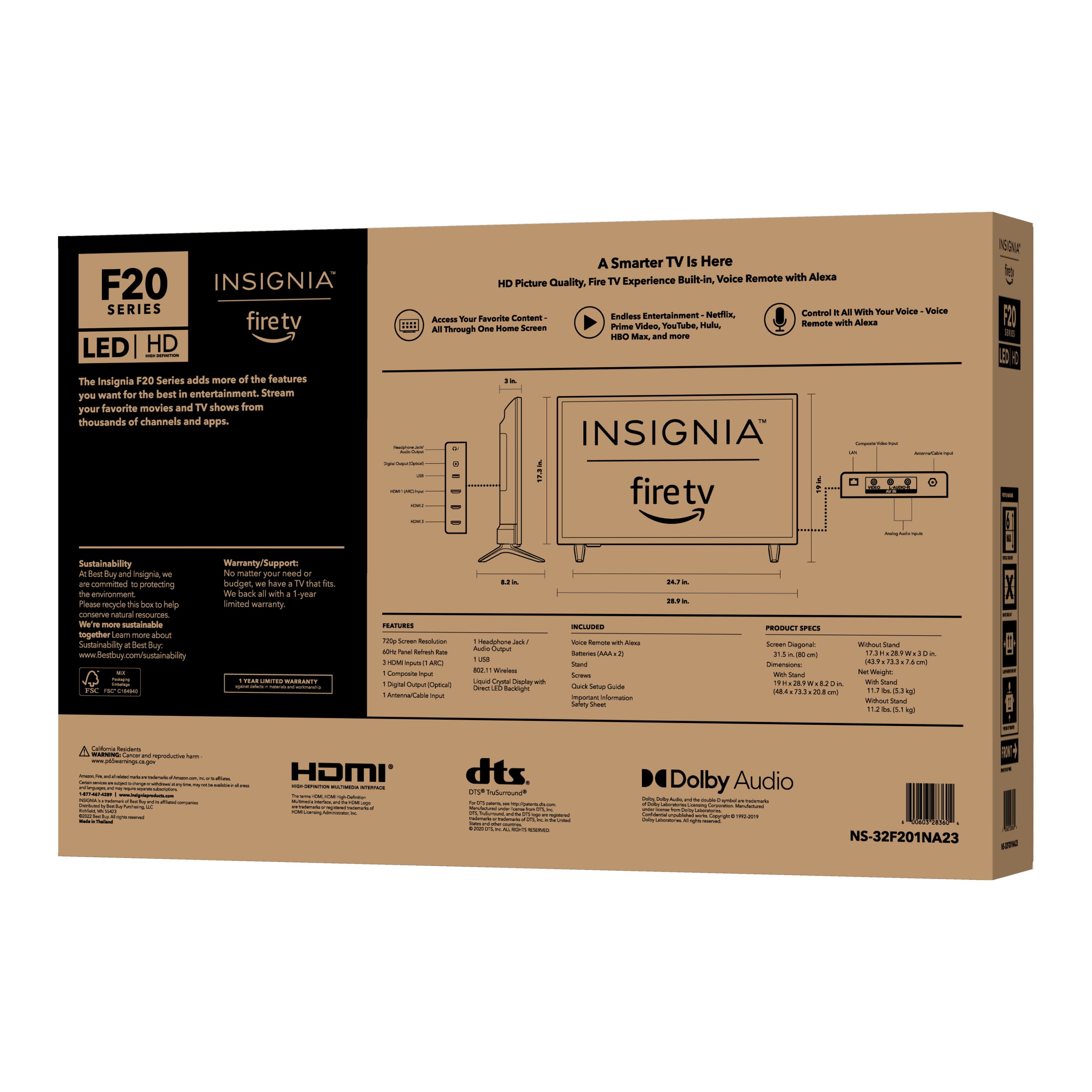
A:AnswerType your question in to YouTube. And i'm sure there's a video to help you or into, like reddit, or just type it into google and see what comes up also if you type in the t. V type in manual, you can get the manual offline. You'll download it and you'll have it. Yeah, type in other information. Like the model number, put the name of the t v I don't know what else but you can find the information online. I hope this helps, if not call the company. Which is number you can find online. Let's see what they say.Everything's got tech support
A:AnswerThe main differences between a Fire TV, a Vizio TV, and a Roku TV come down to their operating systems, built-in features, and app ecosystems. Here’s how they compare:
1. Fire TV (Amazon Fire TV OS)
Runs on Amazon’s Fire TV OS
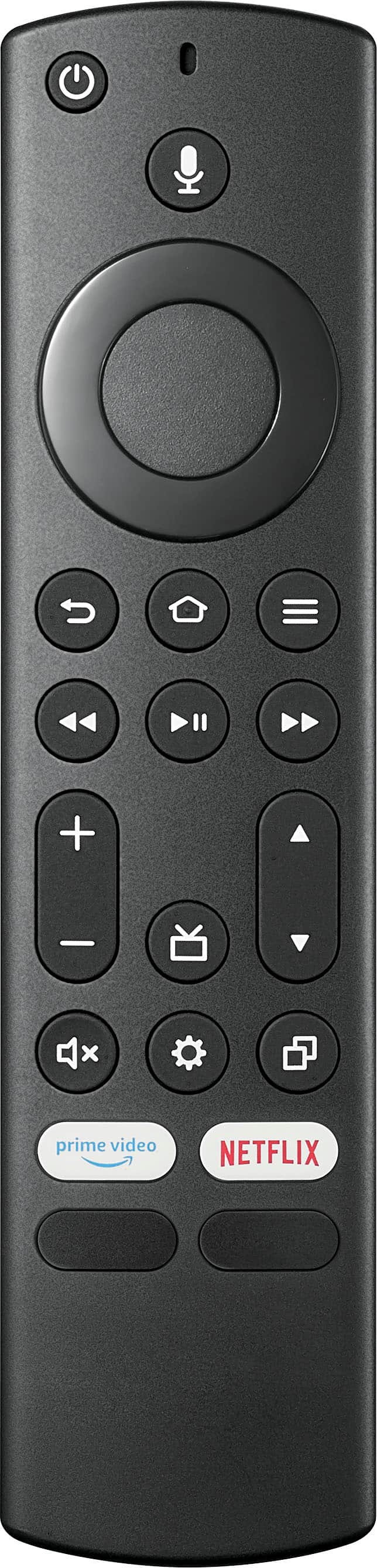
Built-in Alexa for voice control
Best for those who use Amazon Prime Video and Alexa smart home integration
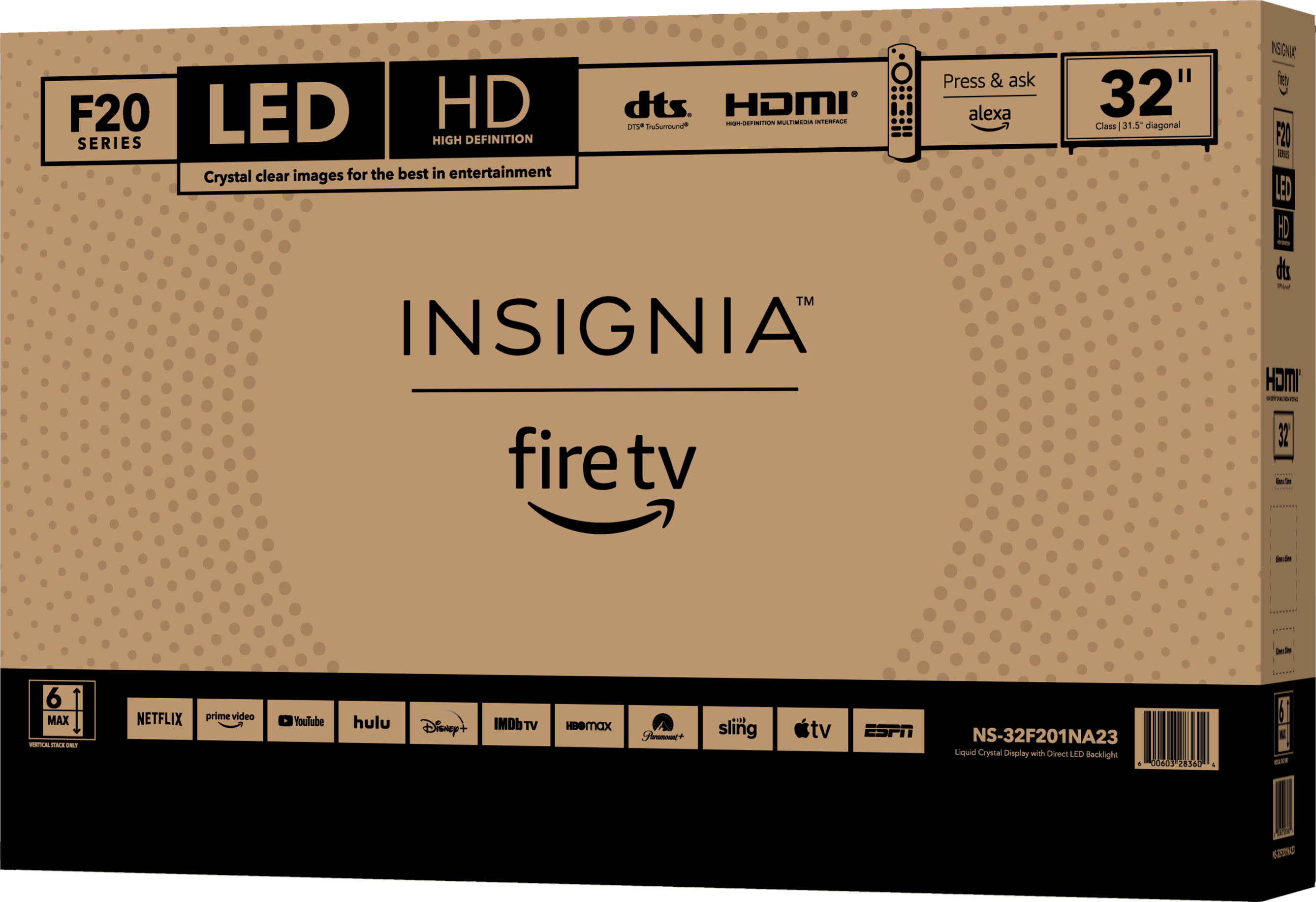
Comes in Amazon Fire TV models and is also used in brands like Toshiba, Insignia, and Hisense
2. Vizio TV (SmartCast OS)
Runs on Vizio’s SmartCast platform
Has Chromecast built-in (great for casting from phones)
Supports Apple AirPlay for iPhone users
Doesn't have as many apps as Roku or Fire TV, but still supports popular ones like Netflix, Hulu, and YouTube
Works best for Vizio soundbars and home theater setups
3. Roku TV (Roku OS)
Runs on Roku OS, one of the most user-friendly streaming platforms
Features the most streaming apps (Netflix, Hulu, Disney+, HBO Max, etc.)
Has a simple remote with voice control on higher-end models
Works with Google Assistant, Alexa, and Apple AirPlay
Best for users who want an easy-to-use interface without a focus on one specific ecosystem
Which One is Best?
Choose Fire TV if you’re deep into the Amazon ecosystem and want Alexa integration.
Choose a Vizio TV if you like built-in Chromecast & AirPlay and prefer better picture quality for the price.
Choose Roku TV if you want a simple, reliable, and app-packed experience with fewer ads than Fire TV.
If you’re looking for a TV with the best streaming experience, Roku TVs are generally the most recommended for their ease of use and broad app support.
A:AnswerFirst you must make sure that you have the R (right) and the L (left) legs in the correct place. Notice the R and the L on the TV and on the legs.
You then must make sure they are pointing the right dirrection and that you have them all matched with the shapes of the plastic. Once that is done, you will see they do not jiggle. You put the proper screw in and it should be very firm. Do not over-tight, as you will strip the plastic.
A:Answeryou can connect the tv to WiFi without any issues, but as far as other programs/apps goes, depends if apps are available to download.(or connect the tv to your laptop via hdmi cable if your laptop has the hdmi port).
A:AnswerYes, you can access WGAL on your Amazon Fire TV device. To do this, you need to download the official WGAL app from the Amazon App Store. Once installed, you will be able to watch the news and weather in real time, provided by the WGAL News 8 team.