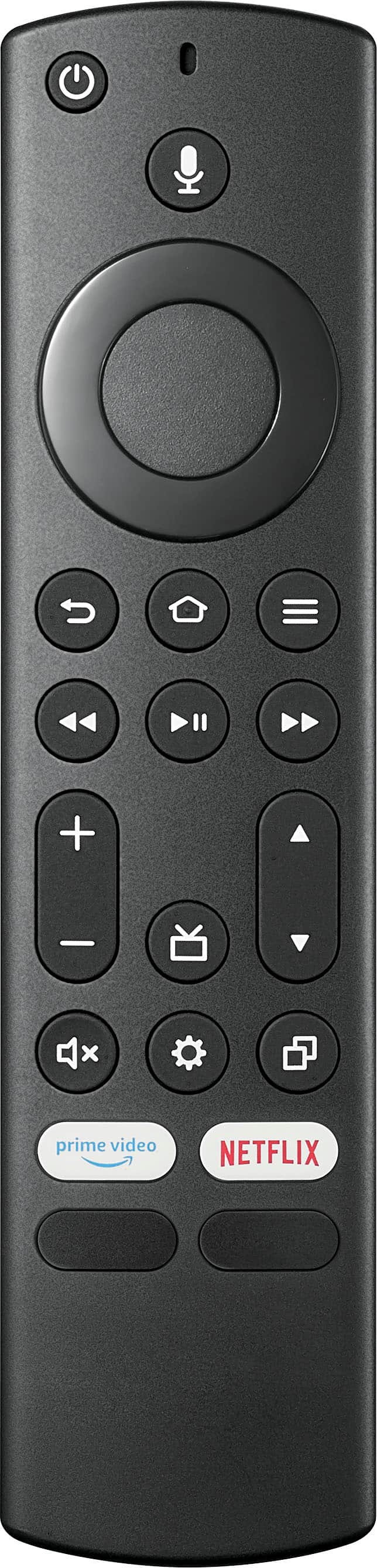
A:AnswerYou can have go to whatever you were last watching when it was on. Go to "Settings" "Display & Sounds" "Power Controls" . Then Highlight "Last Input" and hit select. The check mark should move from "Home" to "Last Input"
A:AnswerHi Paul,
We really need the TV stand so that it can correct the level for your eyes and will also be placed in a way that will prevent light reflections; This will also make it much easier to keep a correct posture while watching a long movie.
Renee,
Insignia Support
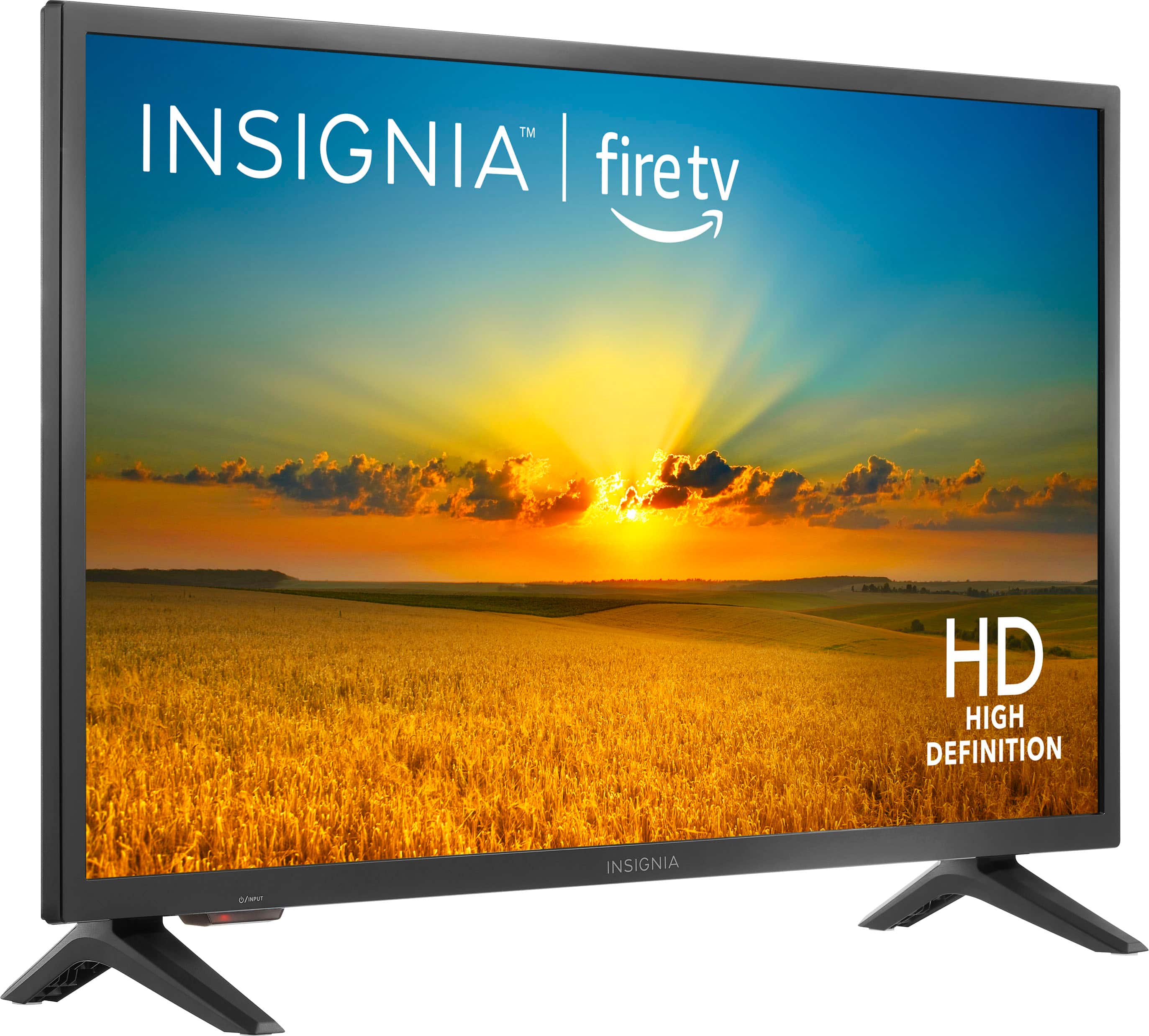
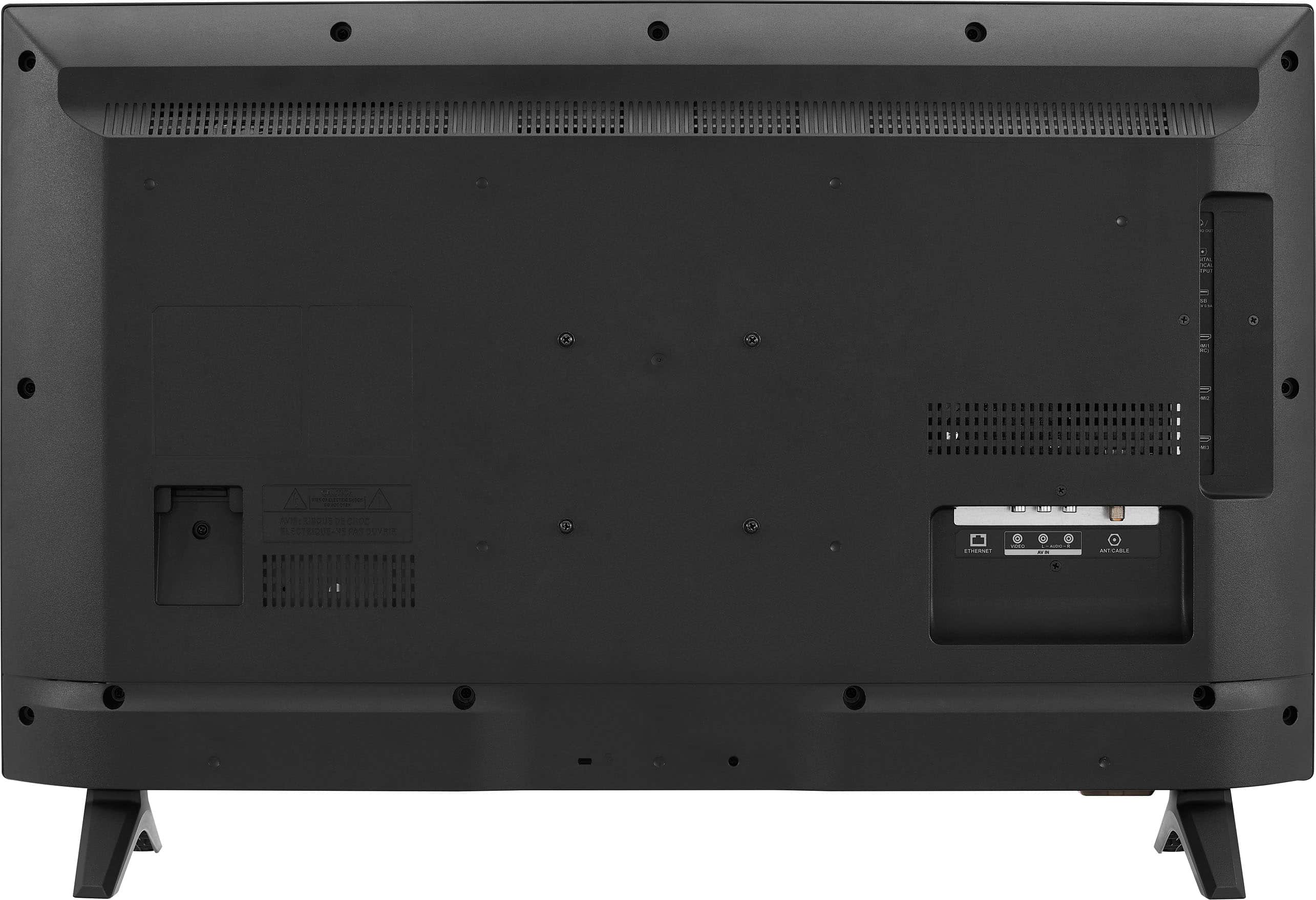
A:AnswerHi Abby, thank you for your inquiry! Yes, you can order a replacement stand feet for for Insignia™ - 32" Class F20 Series LED HD Smart Fire TV (Model: NS-32F201NA23). For more information you may click this link: https://partstore.encompass.com and search for the model # or dial 855-975-6831. -Carlo, Insignia Support
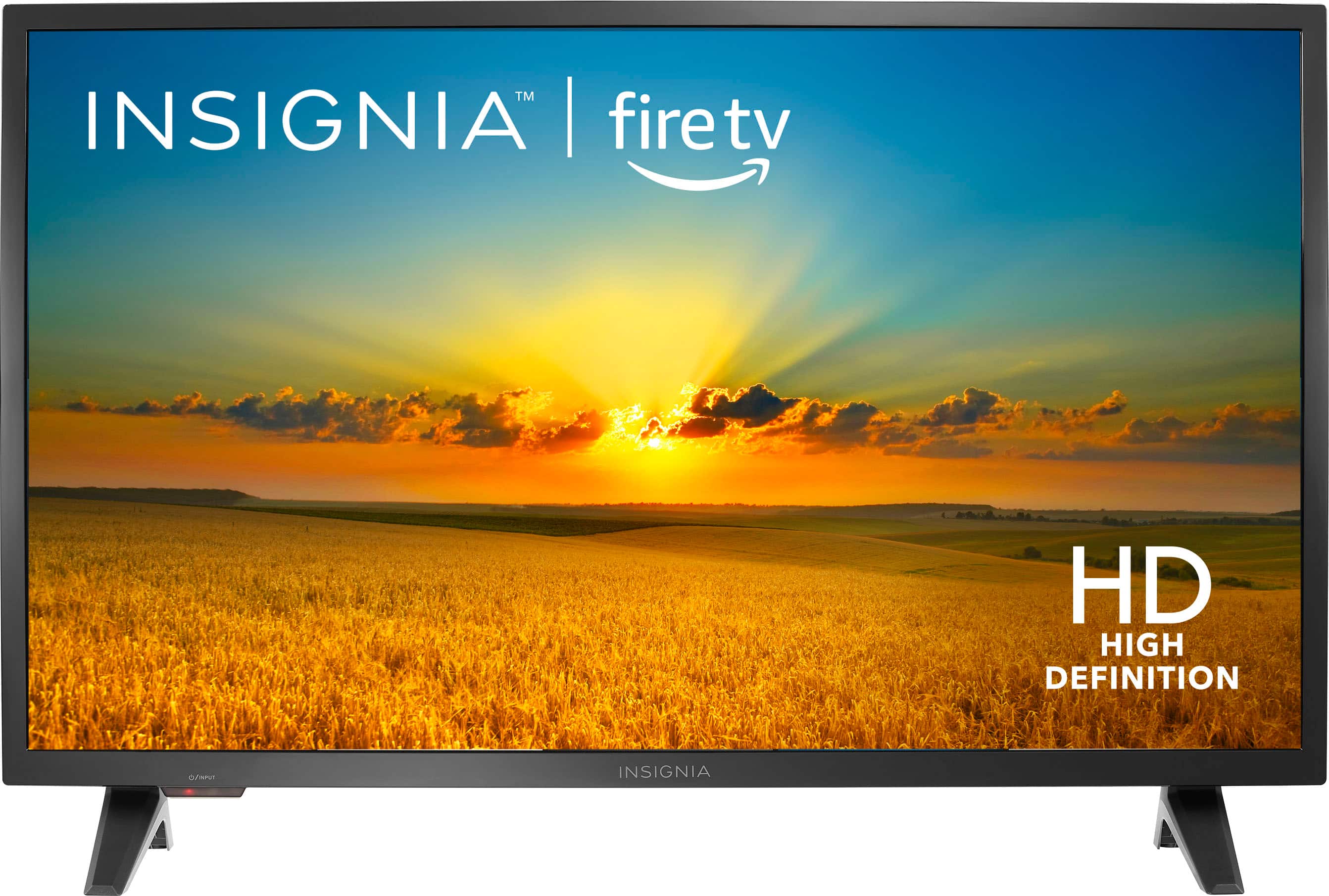
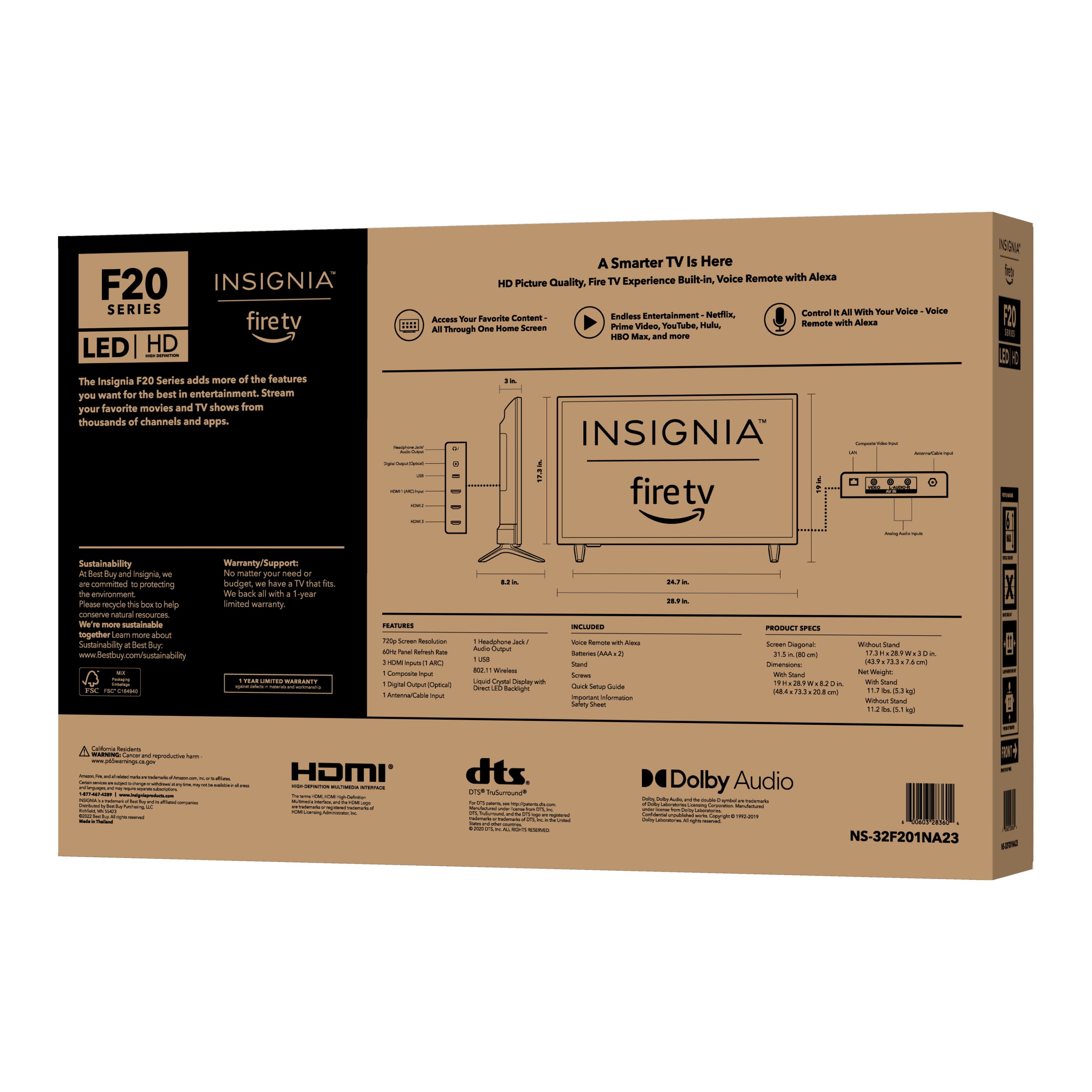
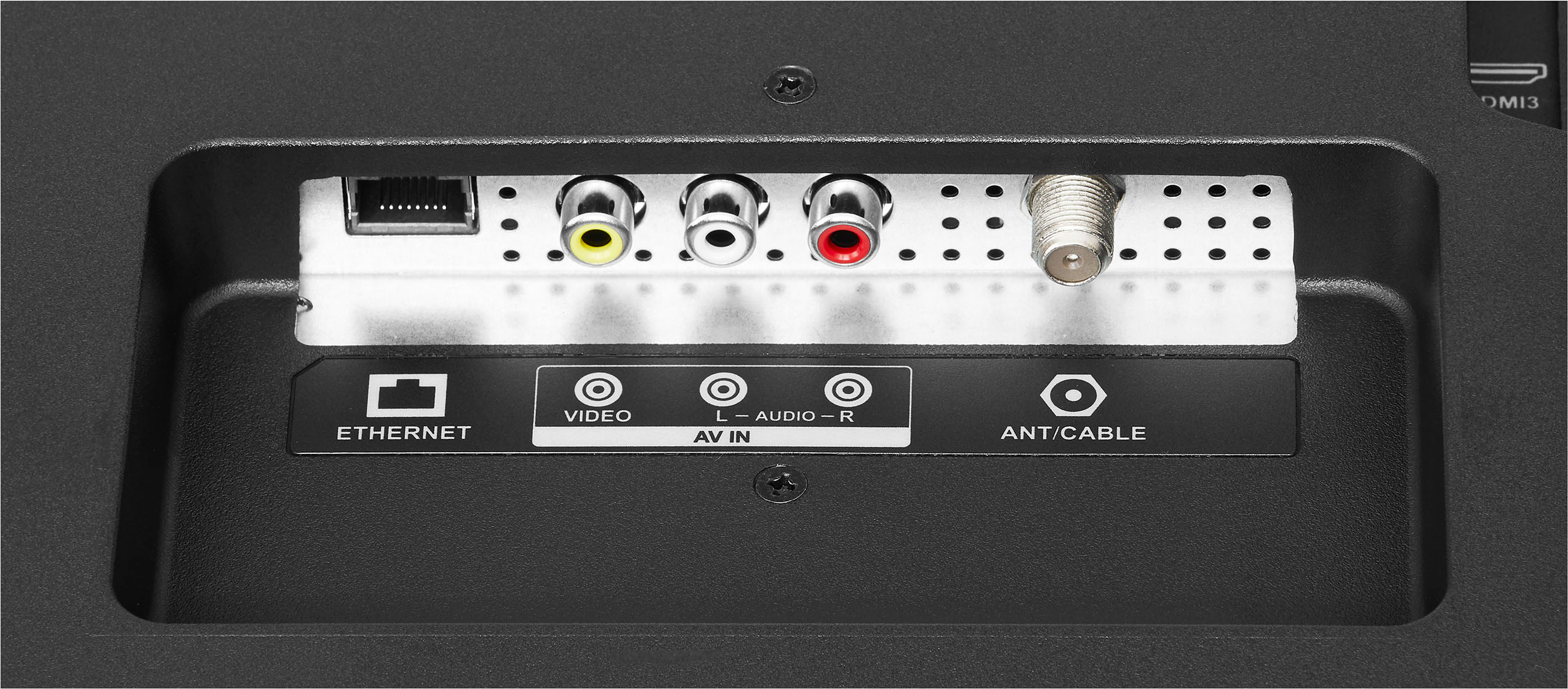
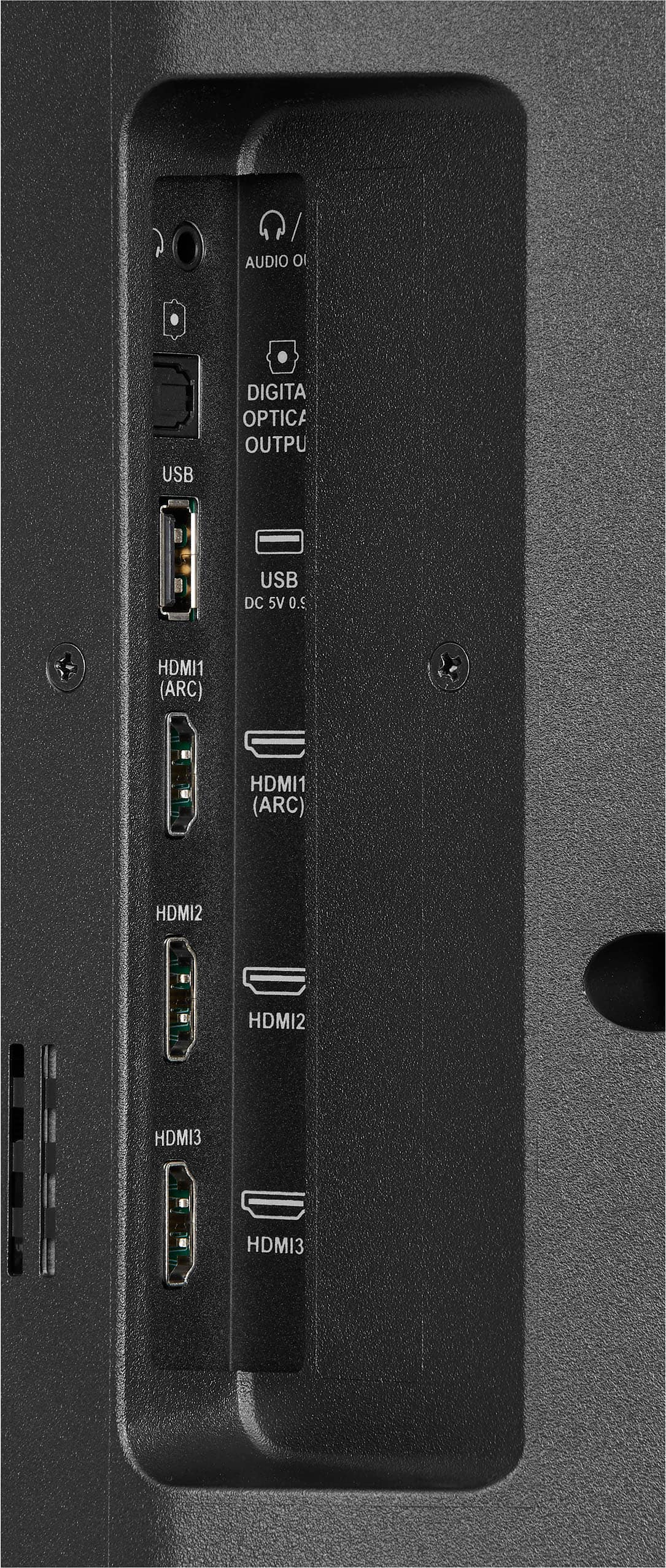
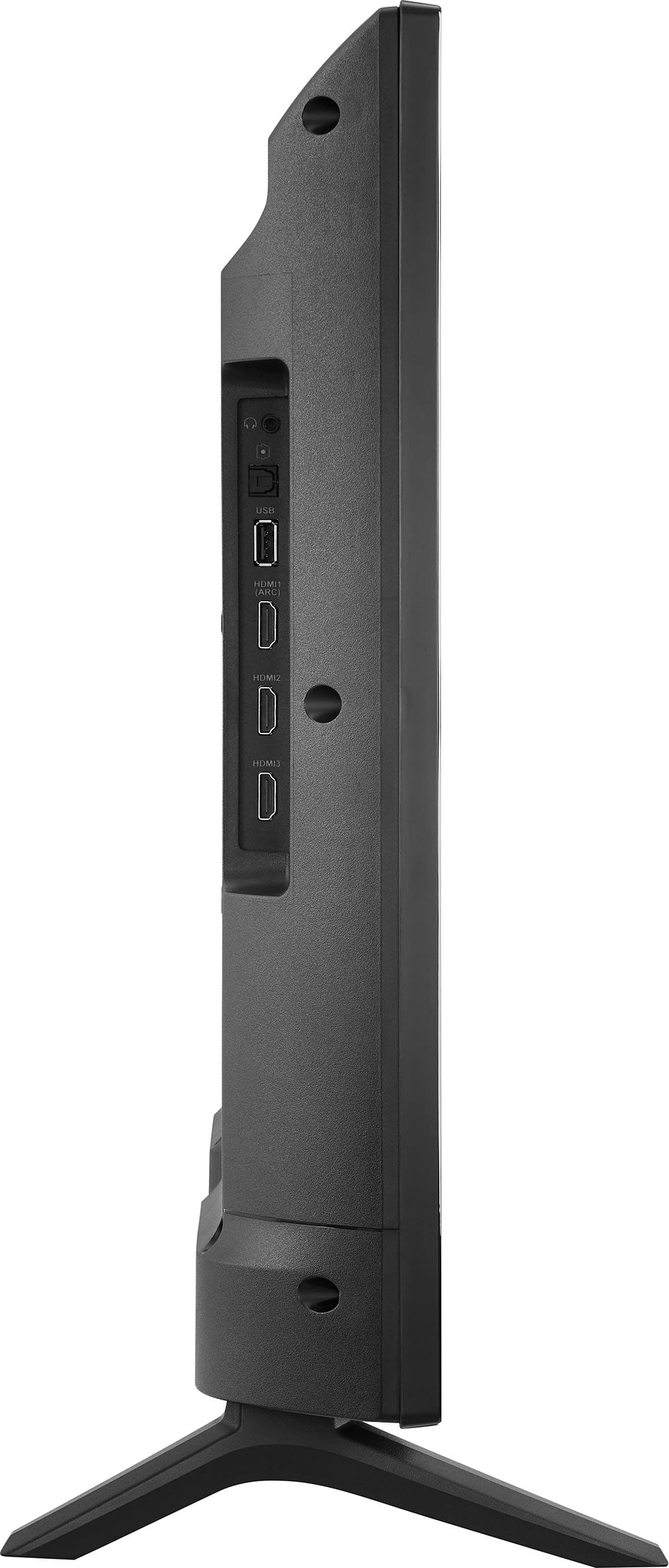
A:AnswerHi, Steve. Thak you for your inquiry! Yes, you can connect a VCR player to the Insignia™ - 32" Class F20 Series LED HD Smart Fire TV. You would typically use the composite or component inputs on the TV to connect the VCR player, depending on the available connections on both the TV and the VCR player. Keith | Insignia Support https://www.bestbuy.com/site/insignia-32-class-f20-series-led-hd-smart-fire-tv/6482022.p?skuId=6482022

A:AnswerNo, you can connect a coaxial cable to the antenna/cable jack on your TV and to the antenna or cable TV wall jack.
Rudson S.| Insignia Support. https://www.insigniaproducts.com/contact-us
A:AnswerM4 screws, 16mm length, flare Phillips head.
They were unable to help me at the Best Buy store, but the screws are really available at hardware stores.