Questions & Answers
- Model:
- NS32-FEFL26
- |
- SKU:
- 6632491
Highly rated by customers for: Picture Quality, Setup Ease, Size
Page Showing 81-100 of 141 questions
Q: Questionhow much does the tv weigh
Asked by dale.
- A:Answer They say 11 pounds, but it feels even lighter than that. When it was delivered. I could hardly believe there was something in the box!
Answered by extech
Q: QuestionCan you download the xfinity app and stream channels?
Asked by jimbo.
- A:Answer Hello, and thank you for your question. Yes, the Insignia 32" FE Series Smart Fire TV can download and use the Xfinity Stream app through the Amazon Appstore. Mueez | Insignia
Answered by InsigniaCustomerSupport
Q: QuestionDoes this TV support Youtube TV?
Asked by Kaner.
- A:Answer Yes. I have YouTube and watch it all the time.
Answered by Bonnie
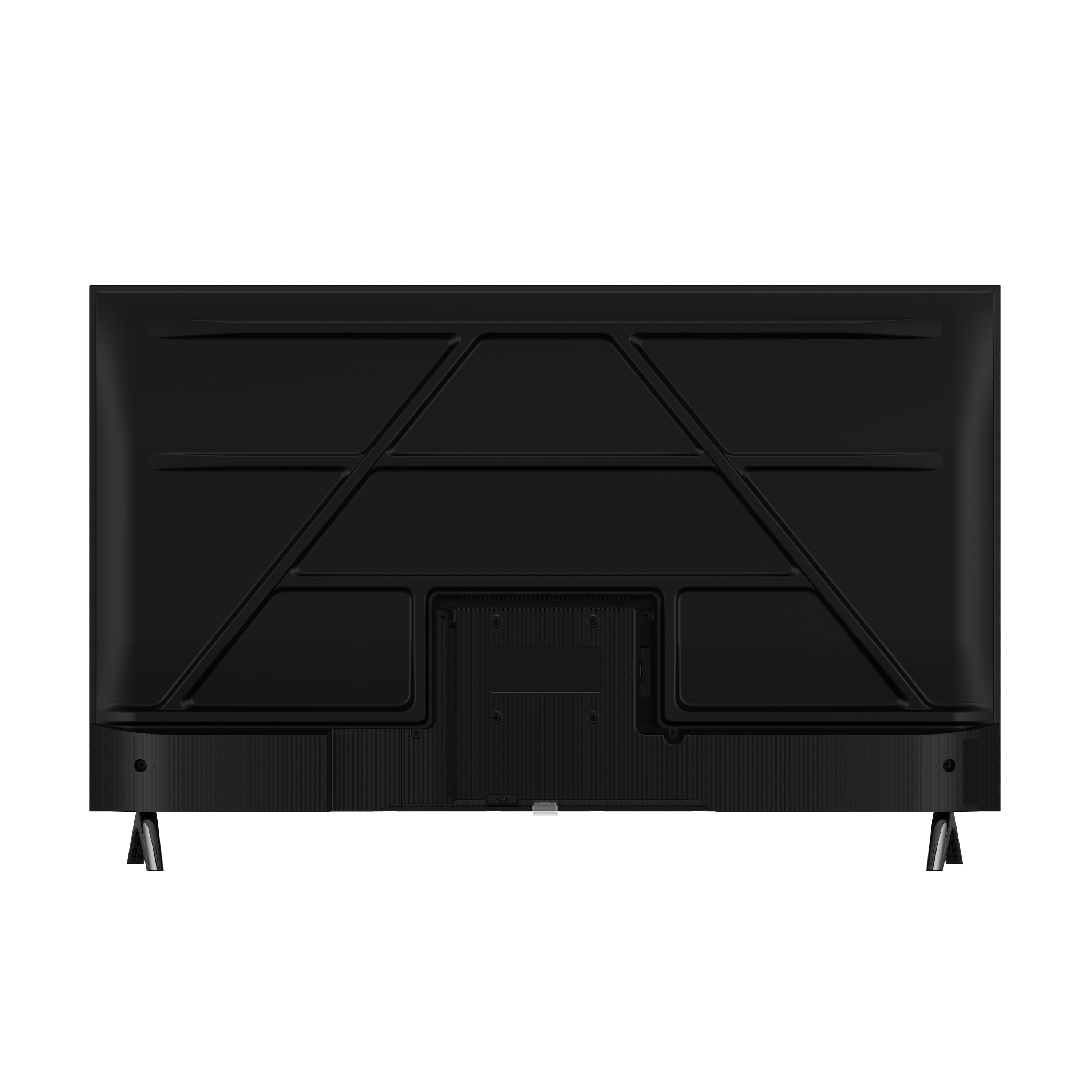
Q: QuestionCan you use and install a center stand on the back of TV? If so, do you know which one would work.
Asked by pkstaeck.
- A:Answer yes and I did! SUPTEK Model ML132 -perfect with 3 optional heights.
Answered by HamOp
Q: QuestionCan I hook this up to my computer for internet.
Asked by 9mmjon.
- A:Answer Yes.
Answered by TimothyD
Q: QuestionDoes it have a sleep timer
Asked by KennyV.
- A:Answer Hello Kenny, thanks for reaching out. Yes, the Insignia 32 inches FE Series Smart Fire TV does have a sleep timer. If you have any other questions about features or settings, please feel free to reach out to us. Sandhya | Insignia
Answered by InsigniaCustomerSupport
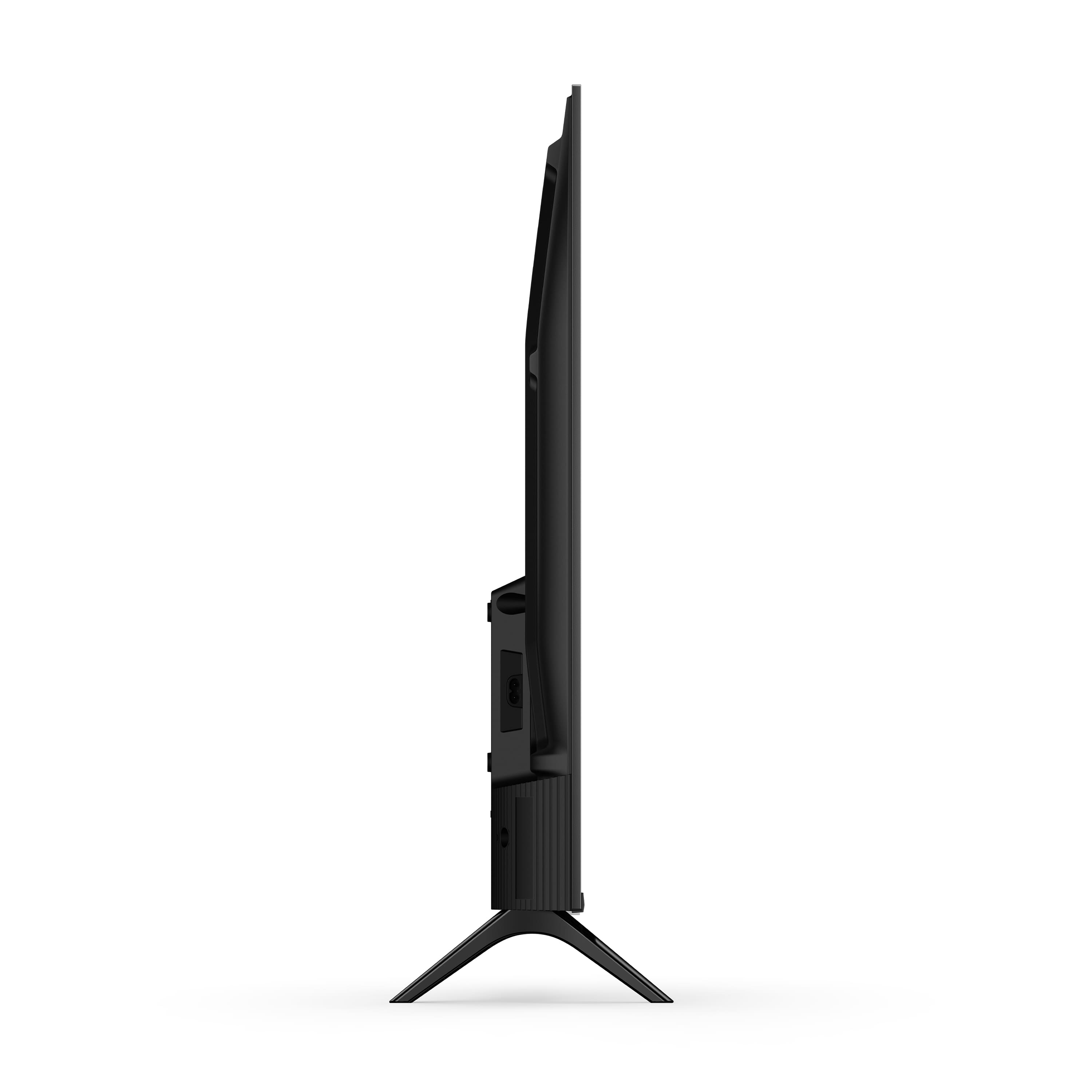
Q: QuestionDoes this TV have a detachable power cord?
Asked by MacLdl.
- A:Answer Yes
Answered by user925687
Q: QuestionWhat tv and simple equipment needed to play Eagle Brook Church on wifi at our chapel. Thanking you in advance for your help.
Asked by Ron.
- A:Answer There is an app on the FireTV menu called “Internet”. It is the “Silk” web browser. Load that up and input the web address of your Church’s website.
Answered by extech
Q: QuestionIs this compatible with a headset or air pods ?
Asked by Airpods.
- A:Answer Yes, I connected my Apple AirPods to this tv. That actually helped with the horrible sound offered by the TV itself.
Answered by user925687
Q: QuestionWhat the FE stand for
Asked by Peter.
- A:Answer Not sure of the actual abbreviation, but F = the HD 720 resolution model FE= the HD 1080 resolution model
Answered by extech
Q: QuestionDoes it support Miracast screen mirroring?
Asked by Alex.
- A:Answer Hi Alex, Thanks for your question. The Insignia 32" Class FE Series 1080p Full HD Smart Fire TV does not support Miracast screen mirroring. You can mirror compatible Android and Windows devices directly to the TV. Rihan | Insignia
Answered by InsigniaCustomerSupport
Q: QuestionCan the light on the bottom of the TV that is on when the TV is off be turned off?
Asked by Guest.
- A:Answer That was a little annoying. I don't think you can completely remove it. It's the sensor for the remote. What I did was put black tape over the bottom and sides. Can't do the front. Remote won't work at a distance if front is covered.
Answered by VictorM
Q: QuestionHow much does this tv weigh?
Asked by Slithis.
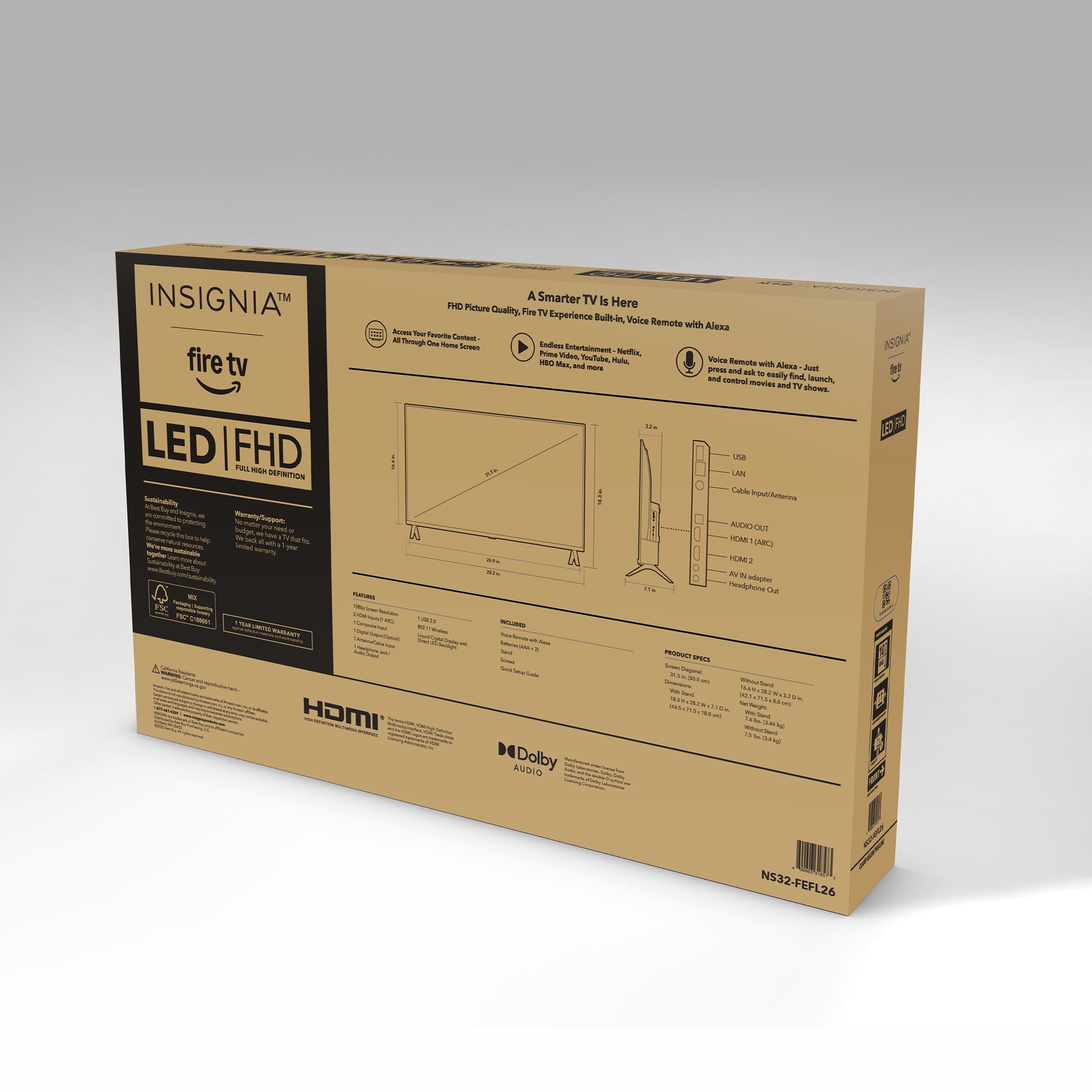
- A:Answer Hello! Thank you for your question. The Insignia 32" FE Series Full HD Smart Fire TV weighs 10.8 lb without the stand and 11.4 lb with the stand attached, making it a lightweight and easy‑to‑handle option for most setups. Darshan | Insignia
Answered by InsigniaCustomerSupport
Q: QuestionCan you connect a dvd player up to tv
Asked by Anonymous.
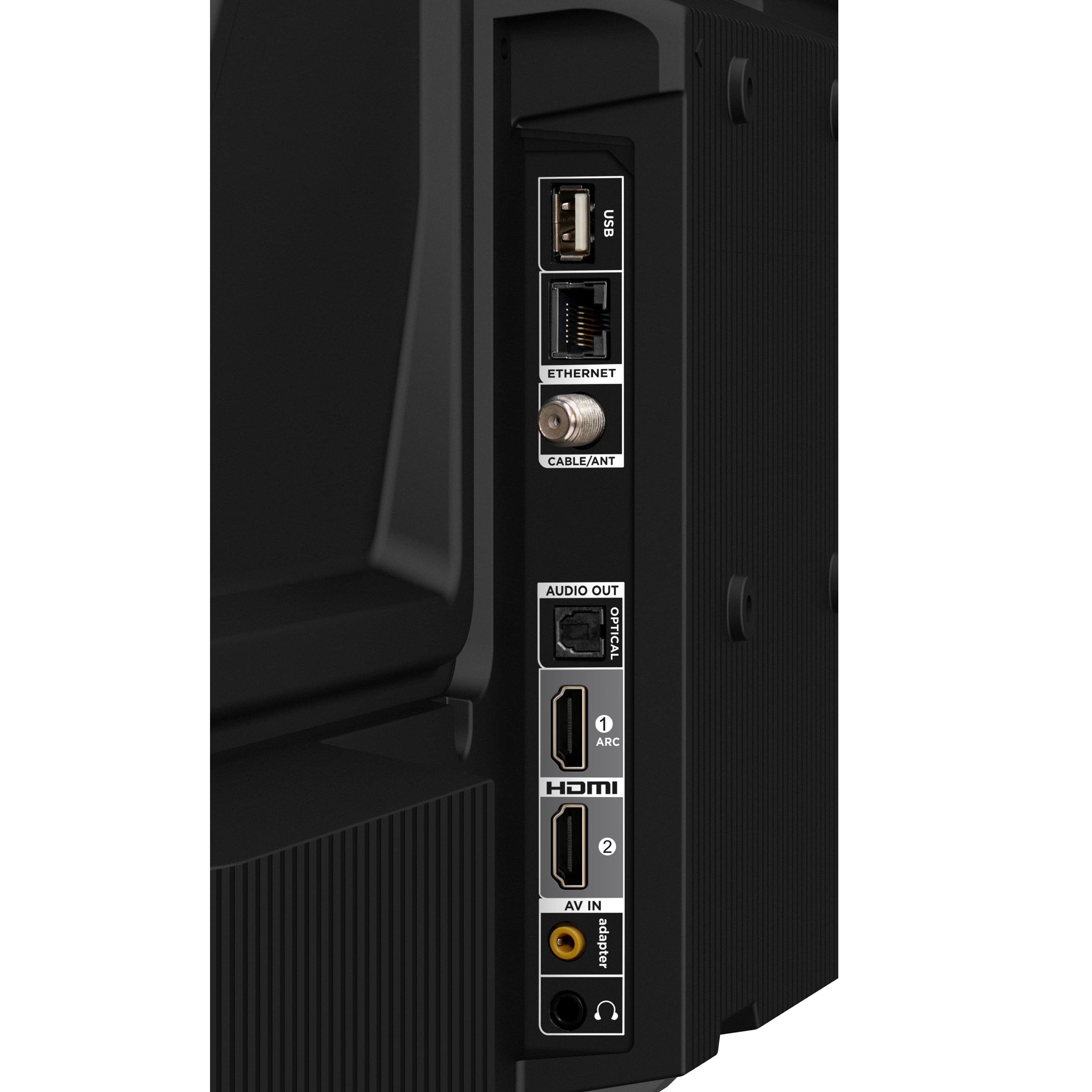
- A:Answer Hello! Thank you for your question. Yes, you can connect a DVD player to the Insignia 32" FE Series 1080p Full HD Smart Fire TV using HDMI for the best quality or AV connections if your player uses the red/white/yellow cables. Darshan | Insignia
Answered by InsigniaCustomerSupport
Q: QuestionHow do i connect to spectrum?
Asked by Tina.
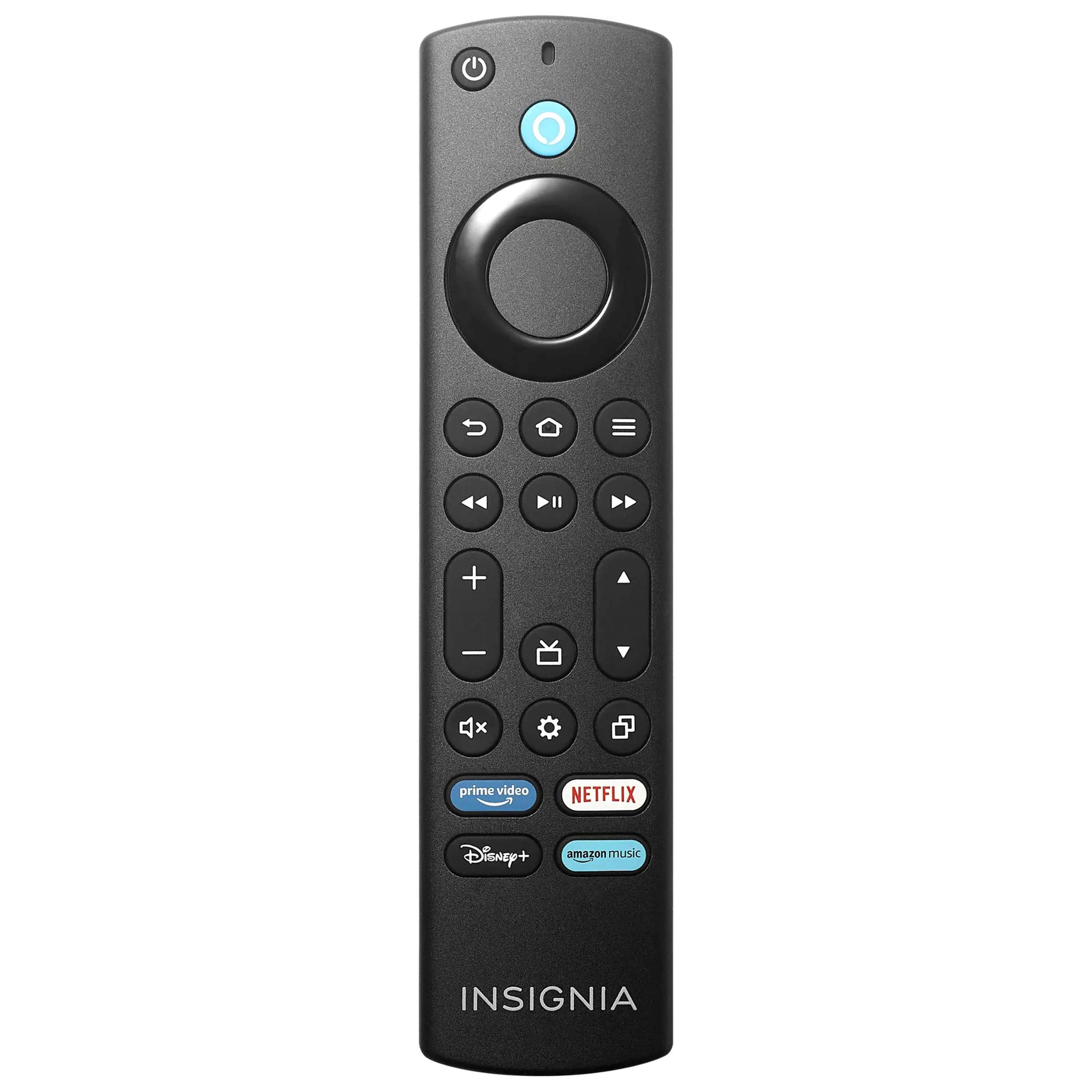
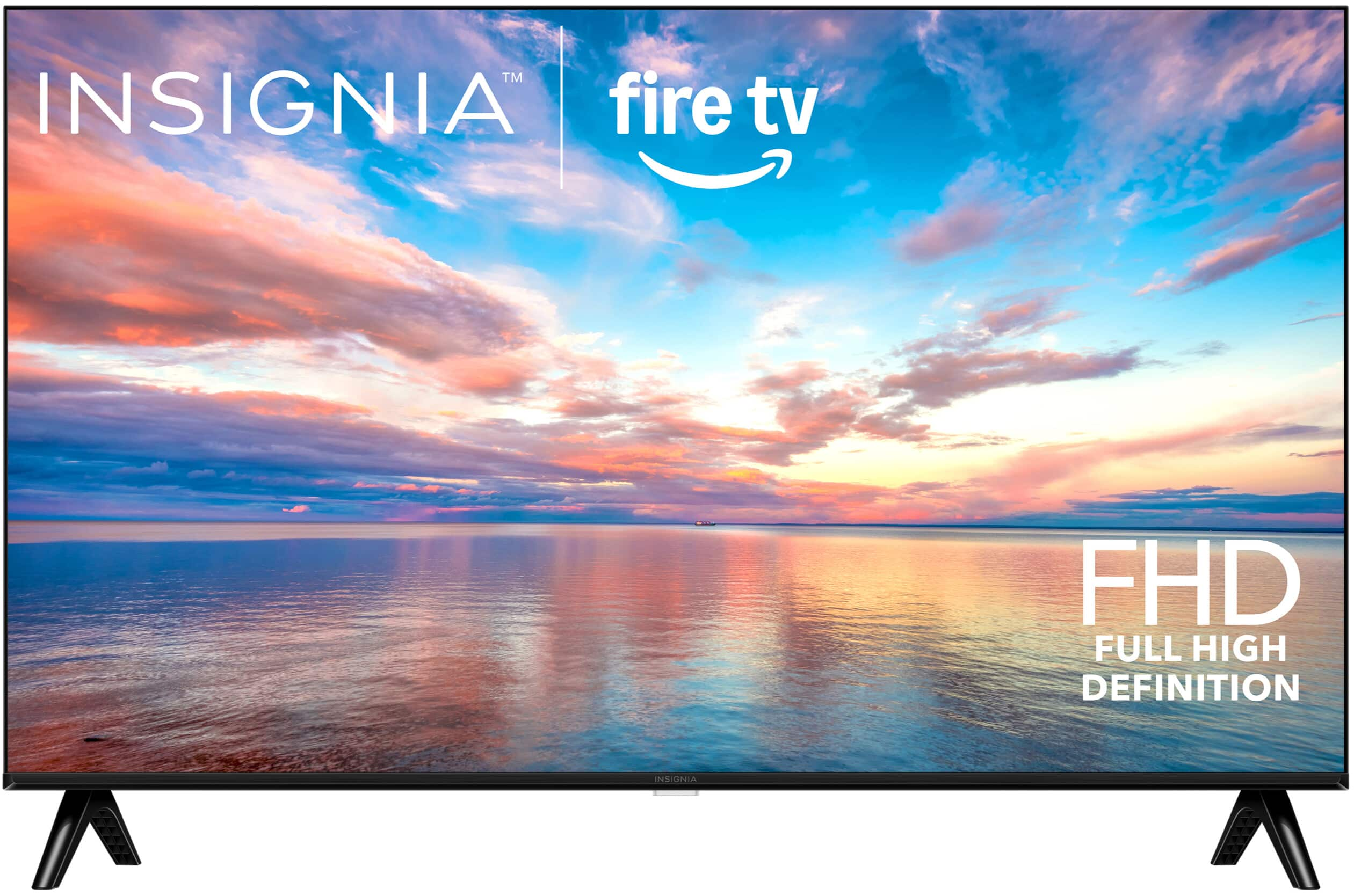
- A:Answer Spectrum equipment comes with an HDMI cable, which you can use to connect the cable/DVR unit to one of the three HDMI port. After you turn the TV on, press the settings button. It will bring up a list of options: Channel Guide, Inputs, Display Mirroring, Apps, Sleep Timer, and a few other options. Move the highlighted profile setting using the large circle button, to Inputs and press to select which HDMI port you plugged the cable into. From there, you will have access to any and all cable channels using the Spectrum remote.
Answered by CarolynG
Q: QuestionDoes this tv support blue tooth headphones?
Asked by Anonymous.
- A:Answer Yes you can connect many types of Bluetooth devices like headphones game controllers or a speaker
Answered by Nicholas