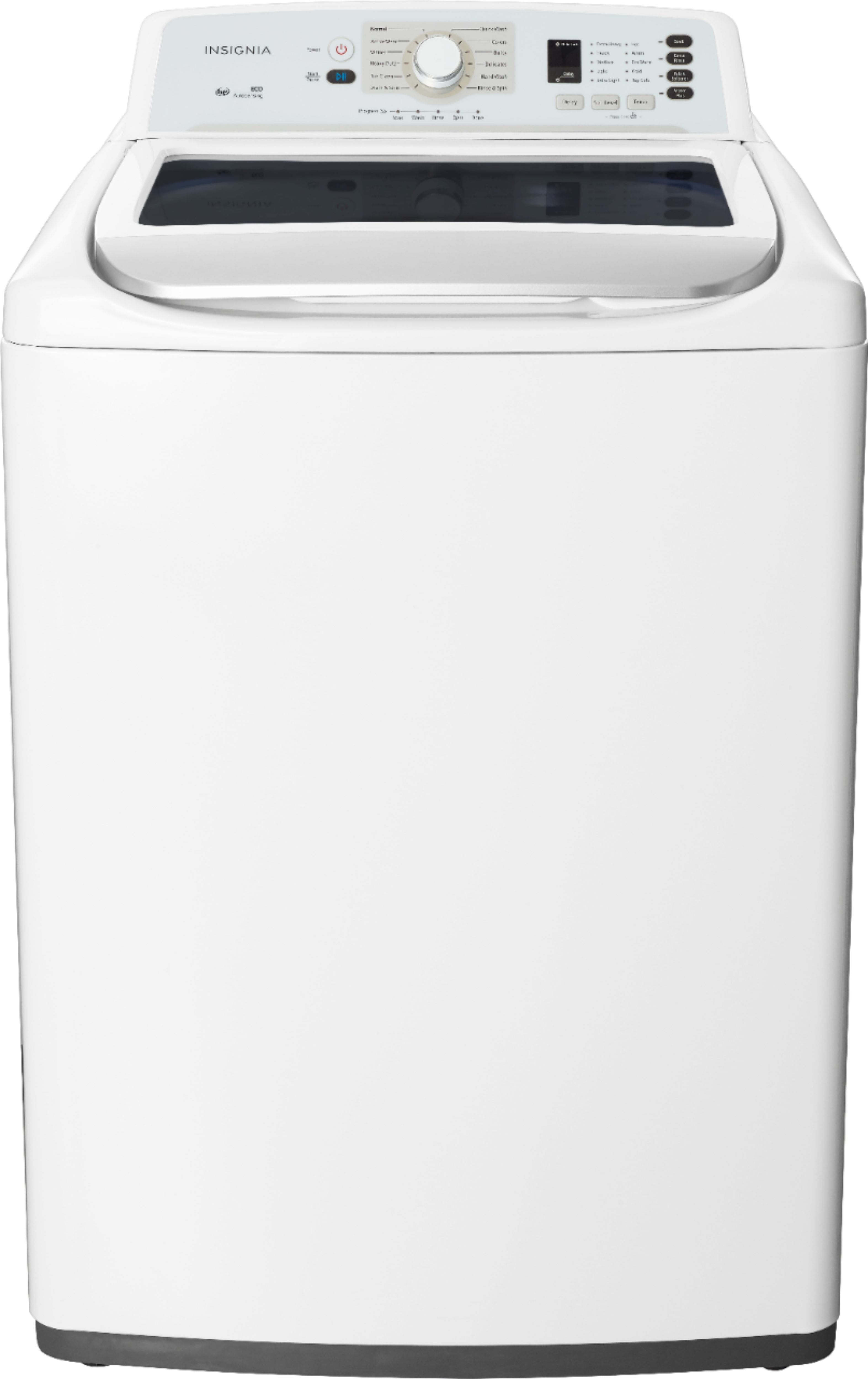
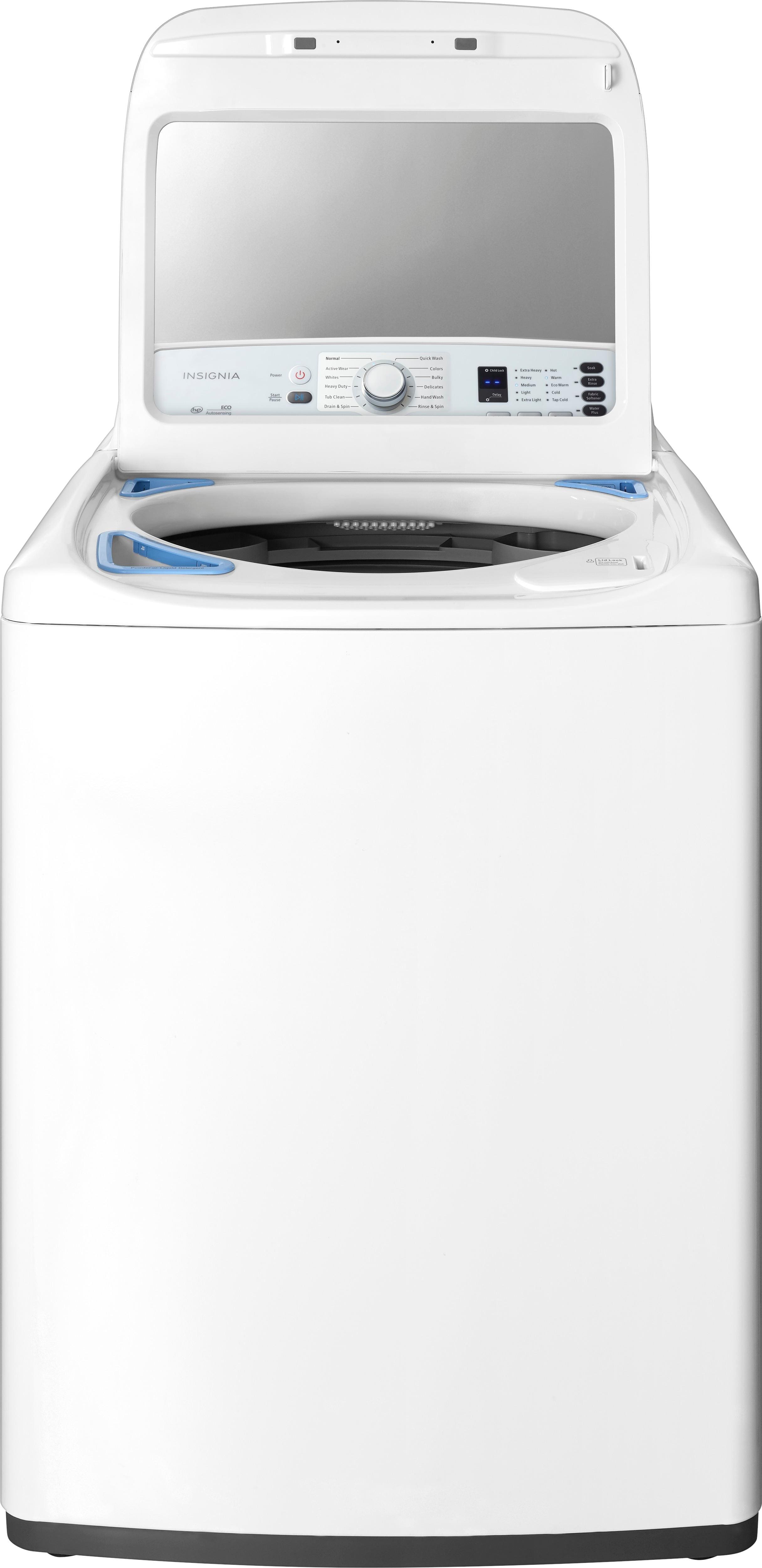
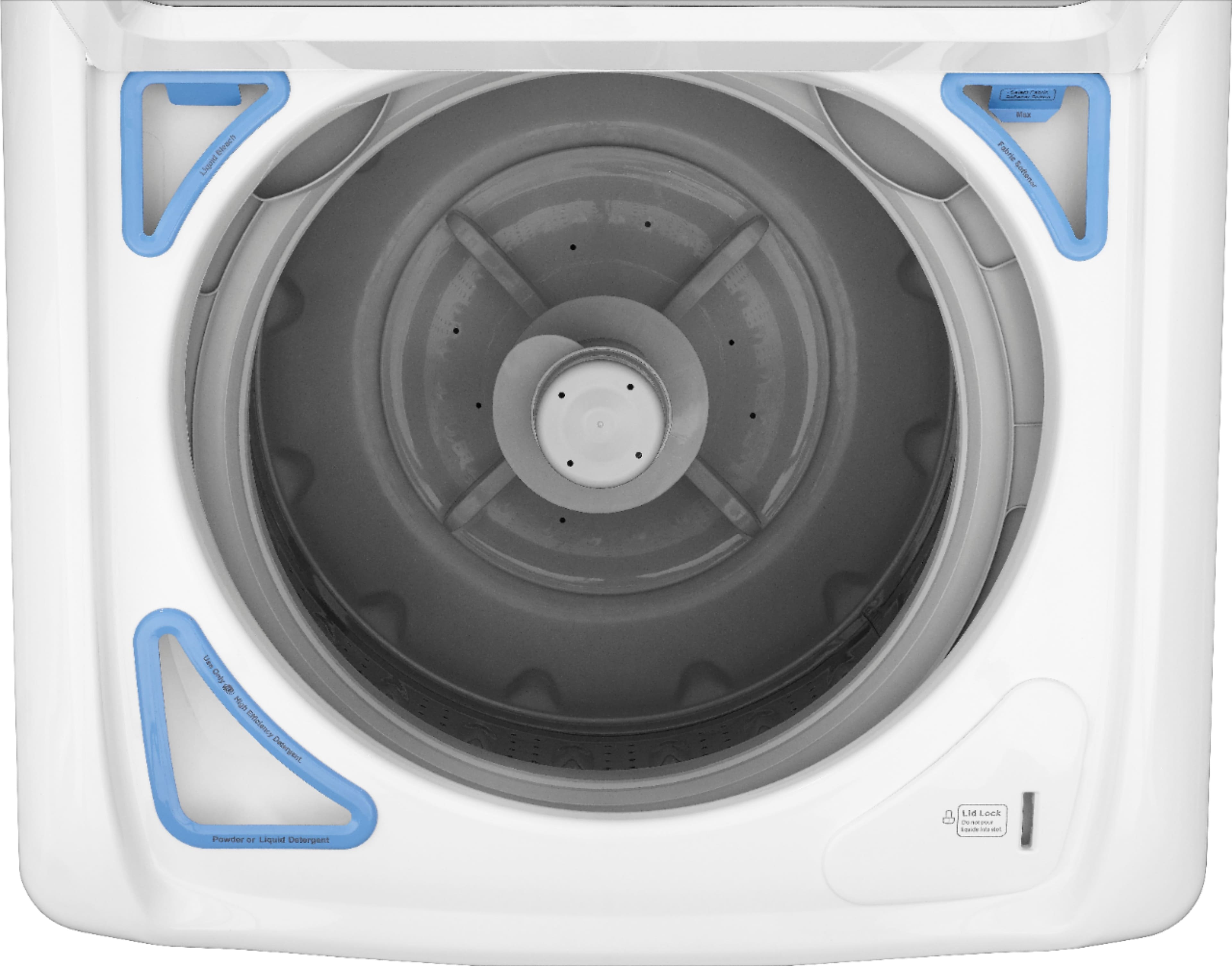
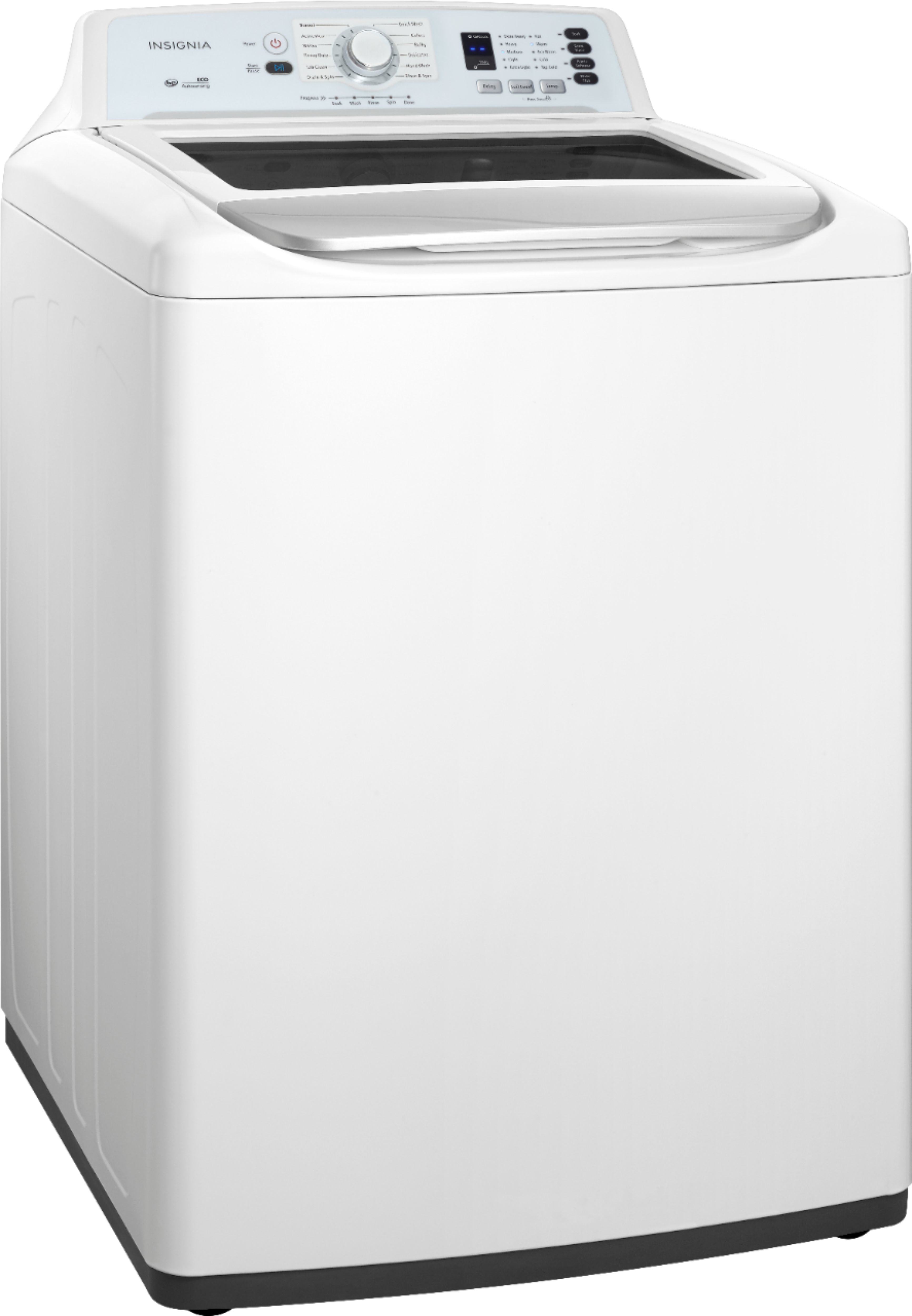
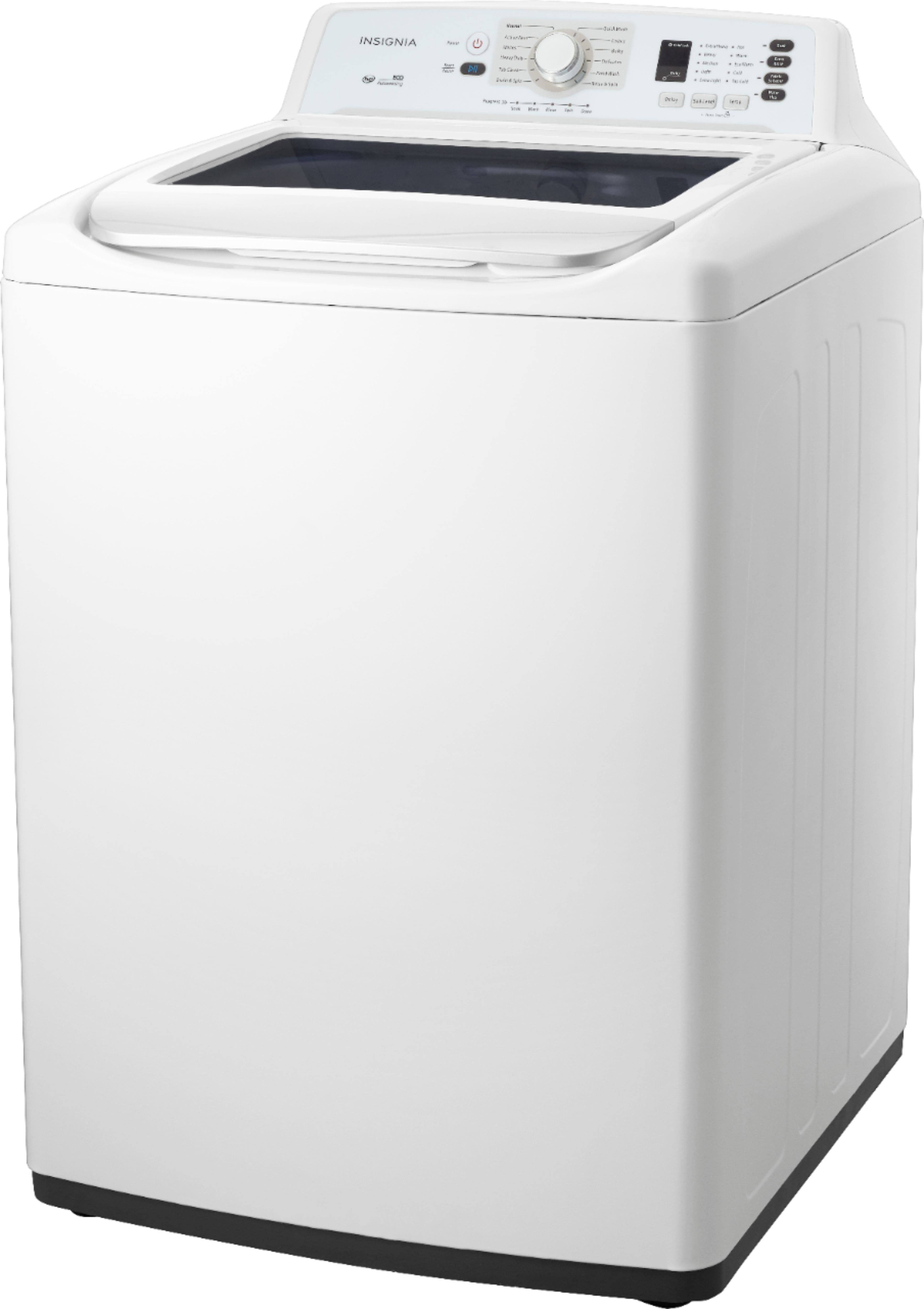
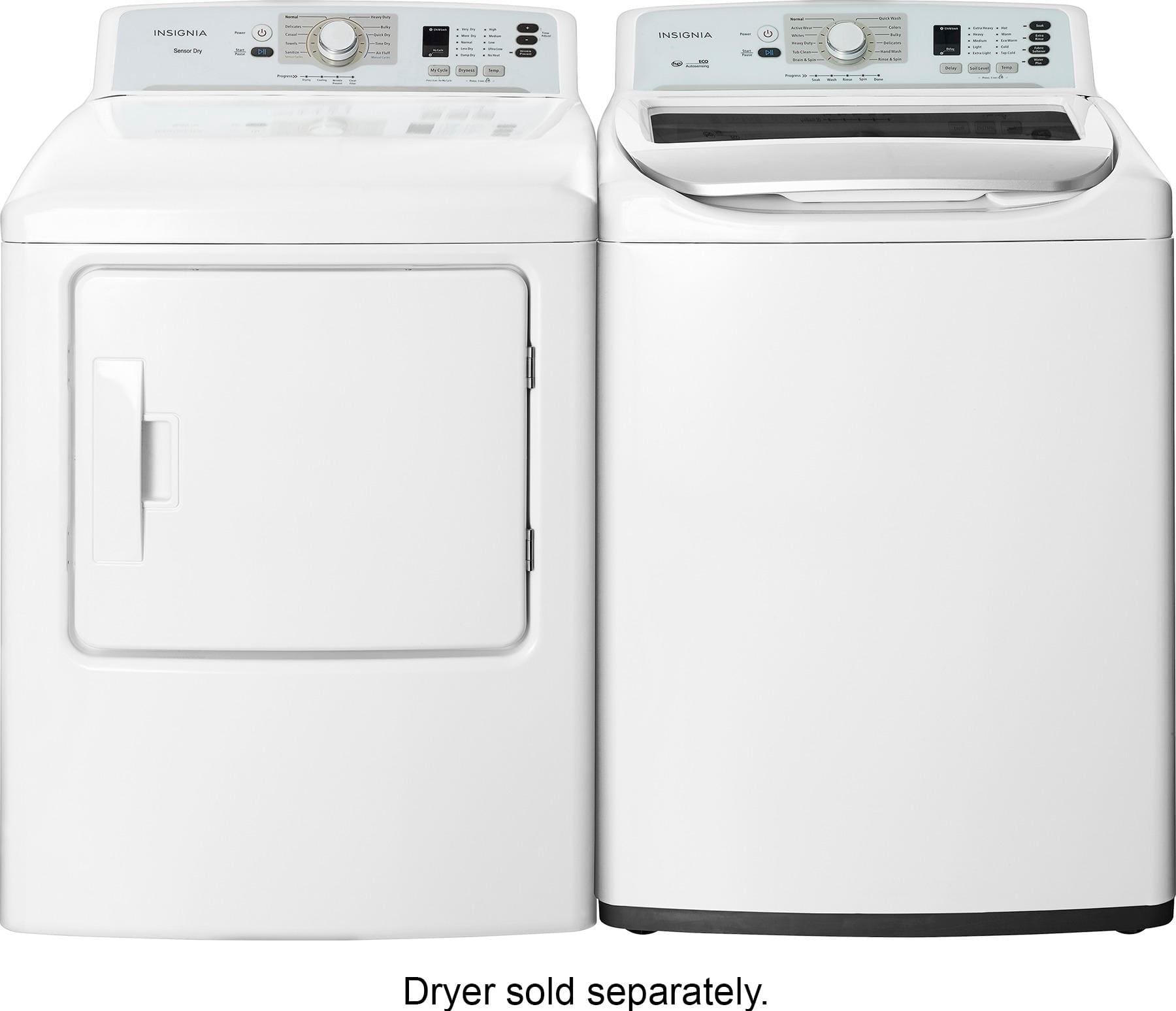
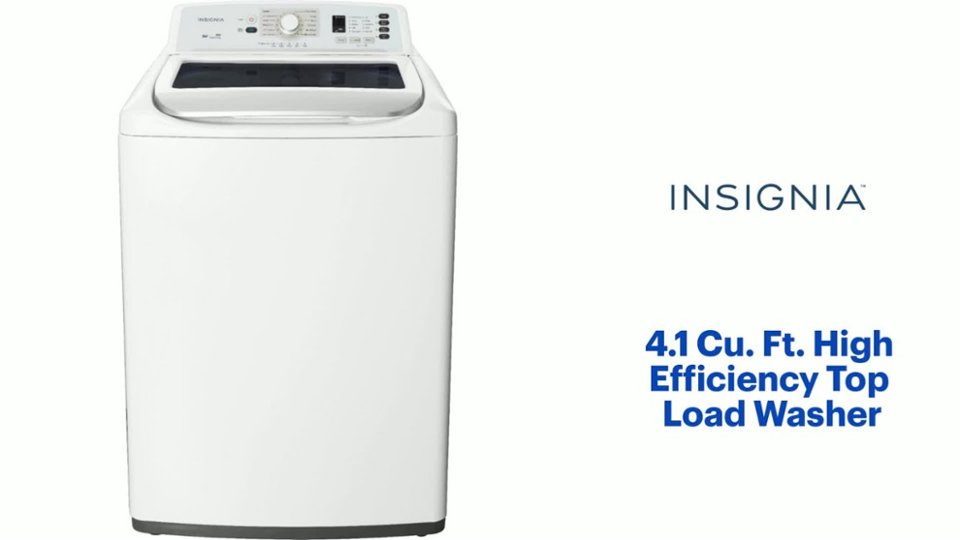
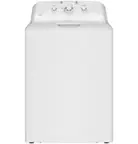
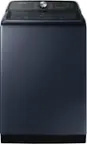
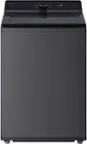
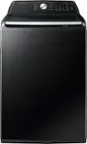
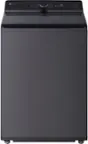
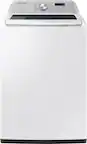
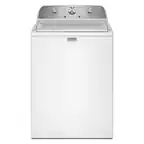
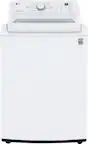
A:AnswerI'm sorry to hear you're having trouble with your new Insignia™ 4.1 Cu. Ft. High Efficiency Top Load Washer. It sounds like there might be an issue with the detergent dispenser. Here are a few steps you can try to resolve this:
1. Check the Detergent Dispenser: Ensure that the detergent dispenser is properly seated and not damaged. Sometimes, if the dispenser is not correctly aligned, it can cause leaks.
2. Use the Correct Detergent: Make sure you are using high-efficiency (HE) detergent, as this washer is designed for HE detergents).
3. Avoid Overfilling: Do not overfill the detergent dispenser. Follow the manufacturer's recommendations for the amount of detergent to use.
4. Inspect for Blockages: Check for any blockages or debris in the detergent dispenser area that might be causing the detergent to overflow.
If these steps do not resolve the issue, it might be a good idea to contact Insignia customer support or Best Buy for further assistance. They can provide more specific troubleshooting steps or arrange for a technician to inspect the washer.
A:AnswerIt sounds like you're experiencing a problem with your Insignia top load washer not draining properly, despite having clean hoses and a new drain pump. Here are a few troubleshooting steps you can try:
1. Check for Blockages: Even if the hoses look clean, there may still be blockages in the drain filter or in the pump itself. Make sure to check and clean the drain filter, if your model has one.
2. Inspect the Drain Pump: Since the pump is new, ensure that it is properly installed and that the electrical connections are secure. Sometimes, a loose connection can cause a malfunction.
3. Verify the Power Supply: Ensure that the washer is receiving adequate power. Sometimes, a voltage issue can lead to the humming and clicking sounds you hear.
4. Look for Obstructions in the Drum: Check the washer drum for any items that could be obstructing drainage. A foreign object may be stuck in the pump or drain hose.
5. Test the Lid Switch: If the lid switch is faulty, the washer may not be able to operate properly. Check if the lid switch clicks when you close the lid.
6. Examine the Control Board: If everything else checks out, there may be an issue with the control board that needs professional attention.
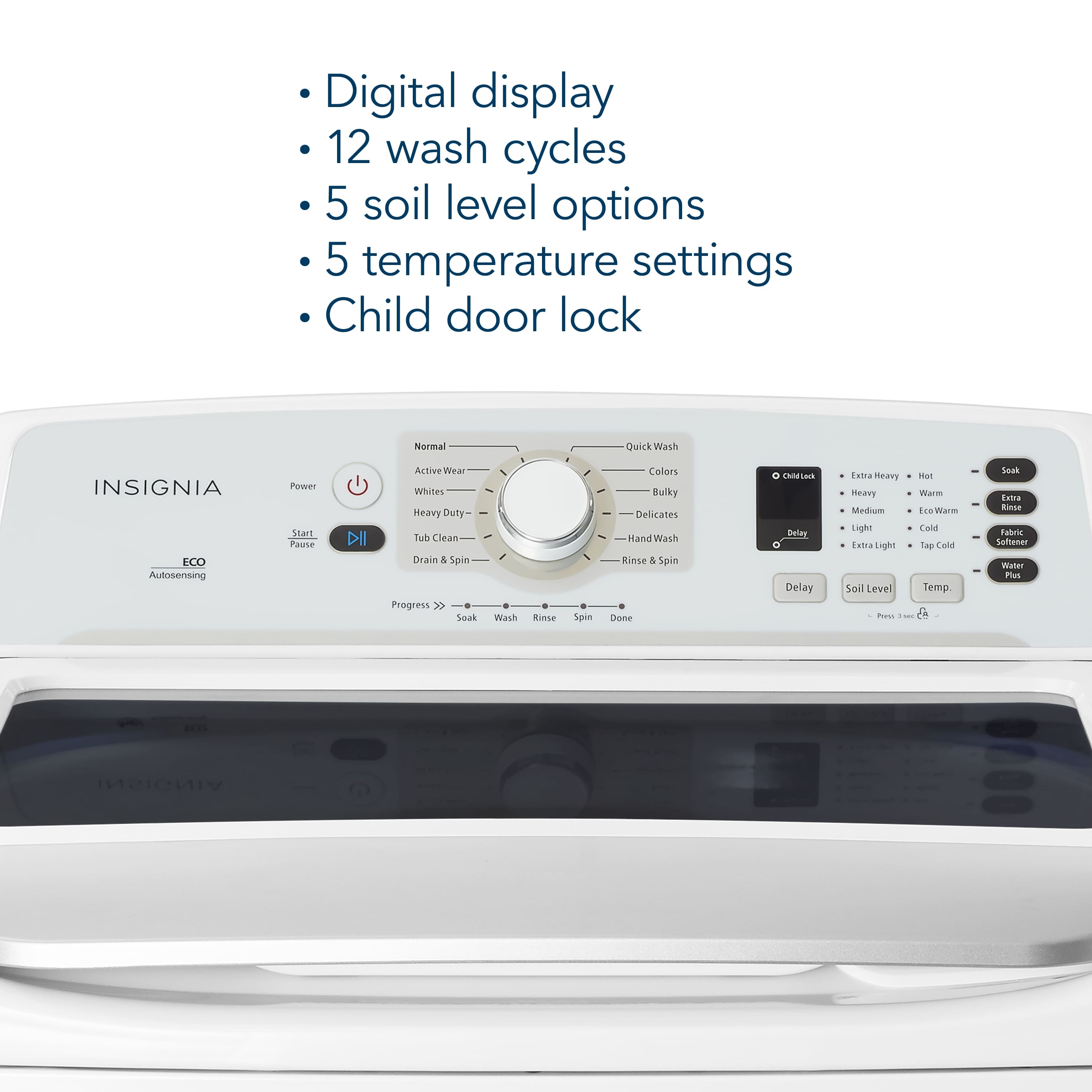
7. Error Codes: If your washer has a digital display, check for any error codes that may indicate the problem.
If you've gone through all these steps and the issue persists, it may be best to contact Insignia customer support or a qualified appliance repair technician for further assistance.
A:AnswerI'm sorry to hear that your washer is causing so much noise! The Insignia™ 4.1 Cu. Ft. High Efficiency Top Load Washer is generally known for its quiet operation, so excessive noise could indicate an issue.
Here are a few things you might want to check:
1. Leveling: Ensure the washer is level on the floor. An unbalanced washer can cause loud noises during operation.
2. Load Distribution: Make sure the laundry load is evenly distributed. Uneven loads can cause the washer to become unbalanced and noisy.
3. Installation: Verify that all shipping bolts and packing materials have been removed. These can cause noise if left in place.
4. Internal Issues: There might be an internal issue with the washer, such as a loose part or a problem with the motor.
If you've checked these factors and the noise persists, it might be best to contact Insignia customer support or the retailer where you purchased the washer for further assistance. It could be a defect that needs professional attention.
A:AnswerNo it went straight to our floor not in the washer at all. It was pouring in dispenser and leaked out onto the floor not the bottom of the drum
A:AnswerHi David! Thank you for reaching us out. You may purchase the part at www.partstore.encompass.com. You may see the list of parts when you type in the model number of the washer on the search bar.
JC | Insignia Support https://www.bestbuy.com/site/insignia-4-1-cu-ft-high-efficiency-top-load-washer-white/5963916.p?skuId=5963916
A:AnswerHi DJ,
The E2 error code on your washer indicates an issue related to water filling or draining. Ensure that the lid is properly closed during operation, and make sure there are no water leaks. If the problem persists, please feel free to call our customer service at 1-(877)-467-4289 or contact us at the link below for further assistance.
Shai | Insignia Support
https://www.bestbuy.com/site/best-buy-brands/support/pcmcat1693515381920.c?id=pcmcat1693515381920
A:AnswerHello Thanks,
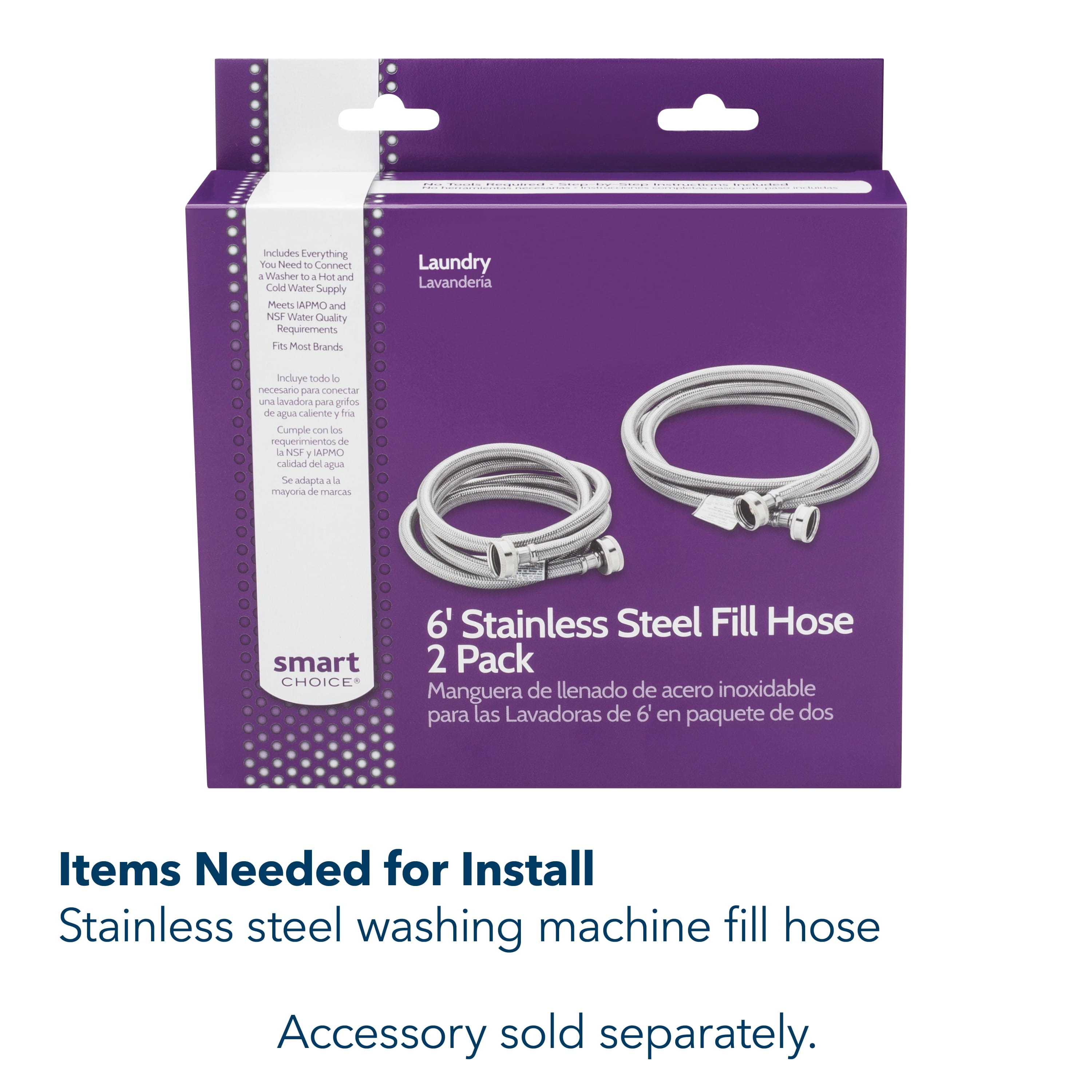
I understand how important it is to find a replacement black hose that connects the washer to the drain hose and metal bracket. For further assistance, I would highly advise to visit this link https://encompass.com/. For more questions and product support you may contact our customer service at 1-(877)-467-4289 Monday to Saturday 8am - 9pm CST.
Chelsea
Insignia Support
Please give us a visit at: https://www.bestbuy.com/site/brands/best-buy-brands/pcmcat1596746025285.c?id=pcmcat1596746025285
A:AnswerHello there,
The drain pump is at the lower back of the washer.
Insignia Support
Molina
https://www.bestbuy.com/site/brands/best-buy-brands/pcmcat1596746025285.c?id=pcmcat1596746025285