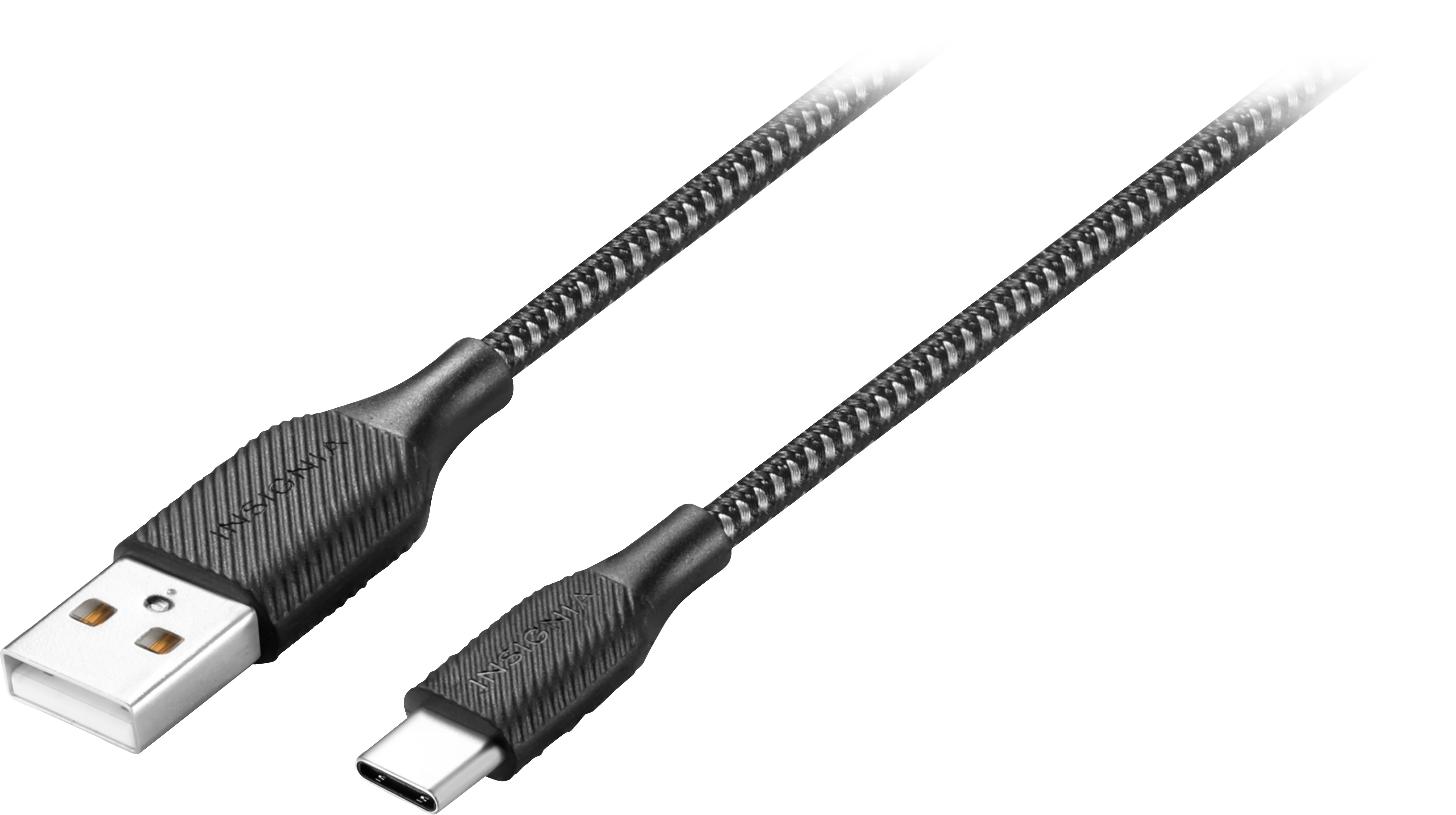
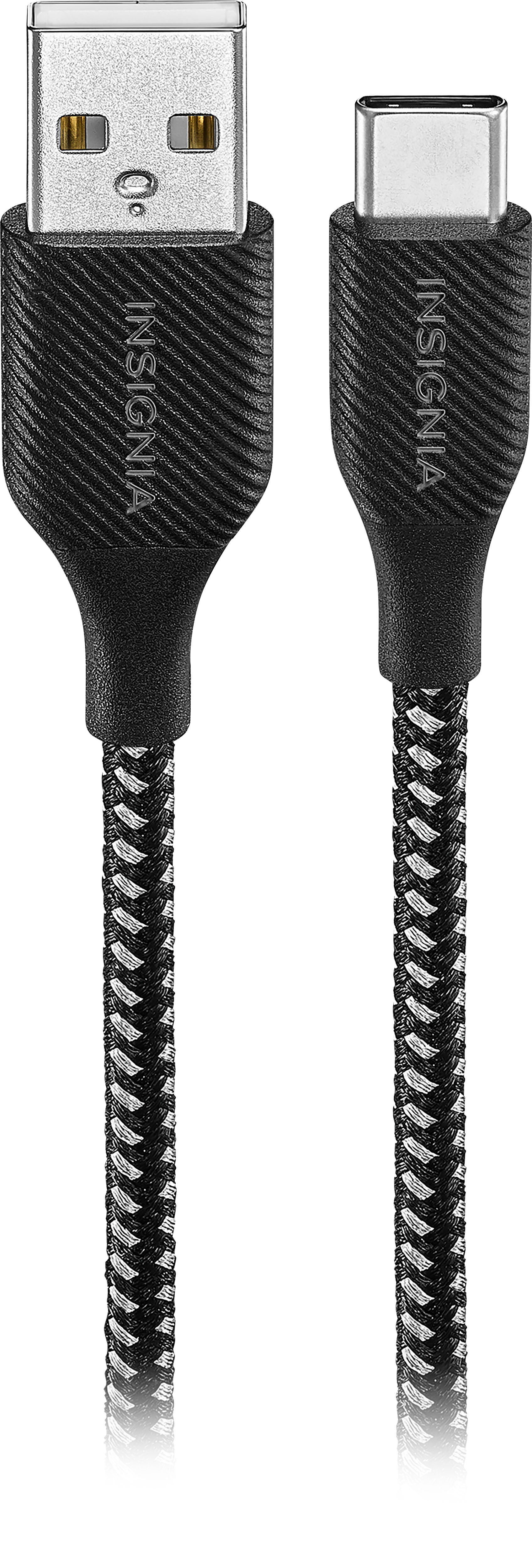
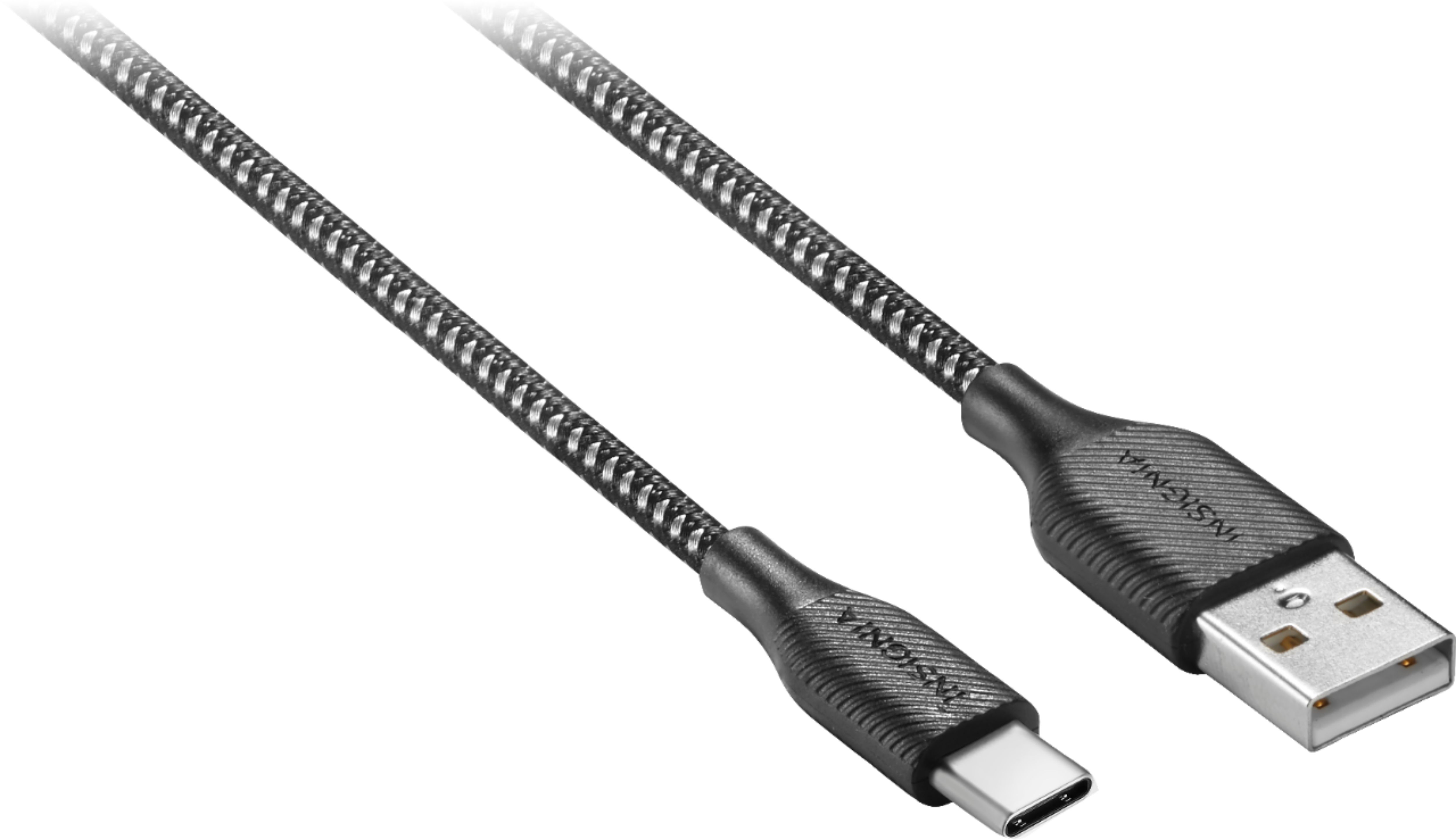
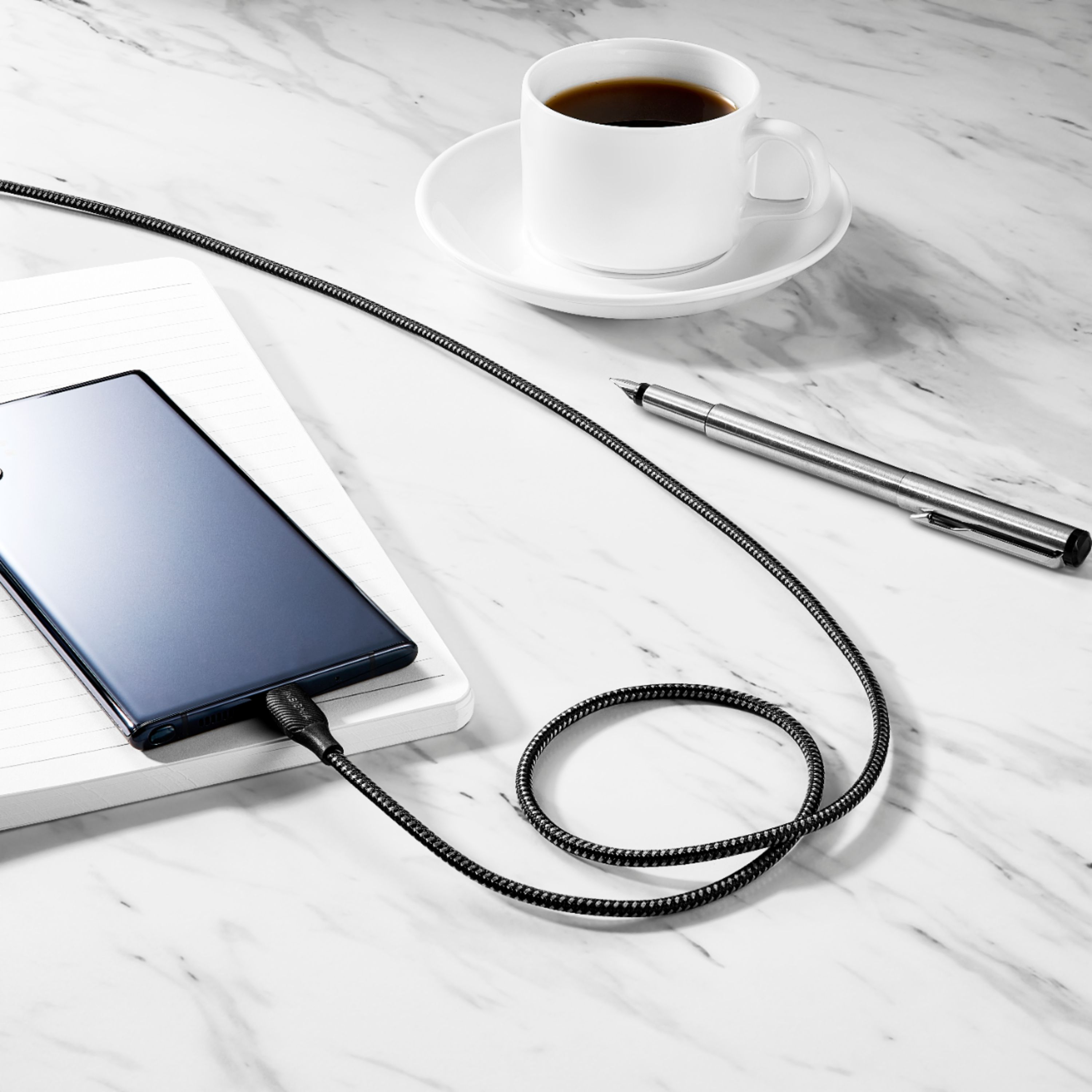
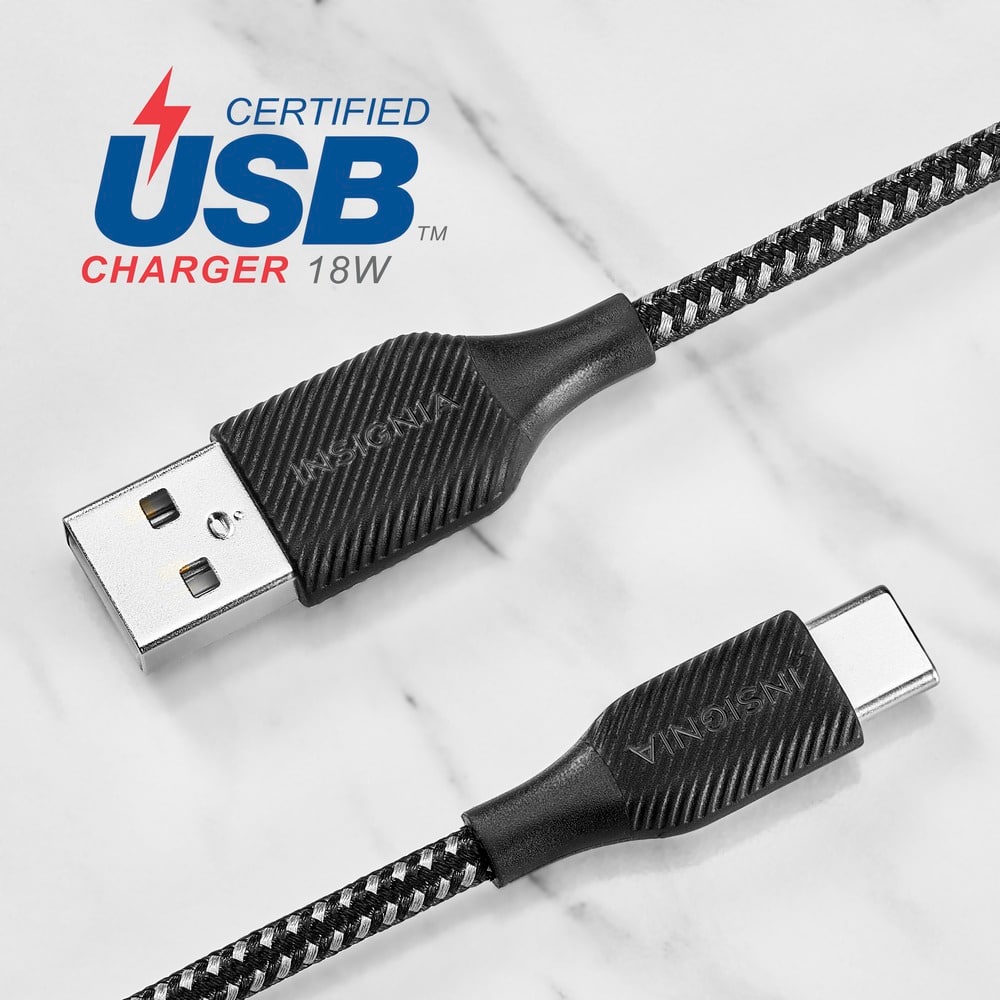
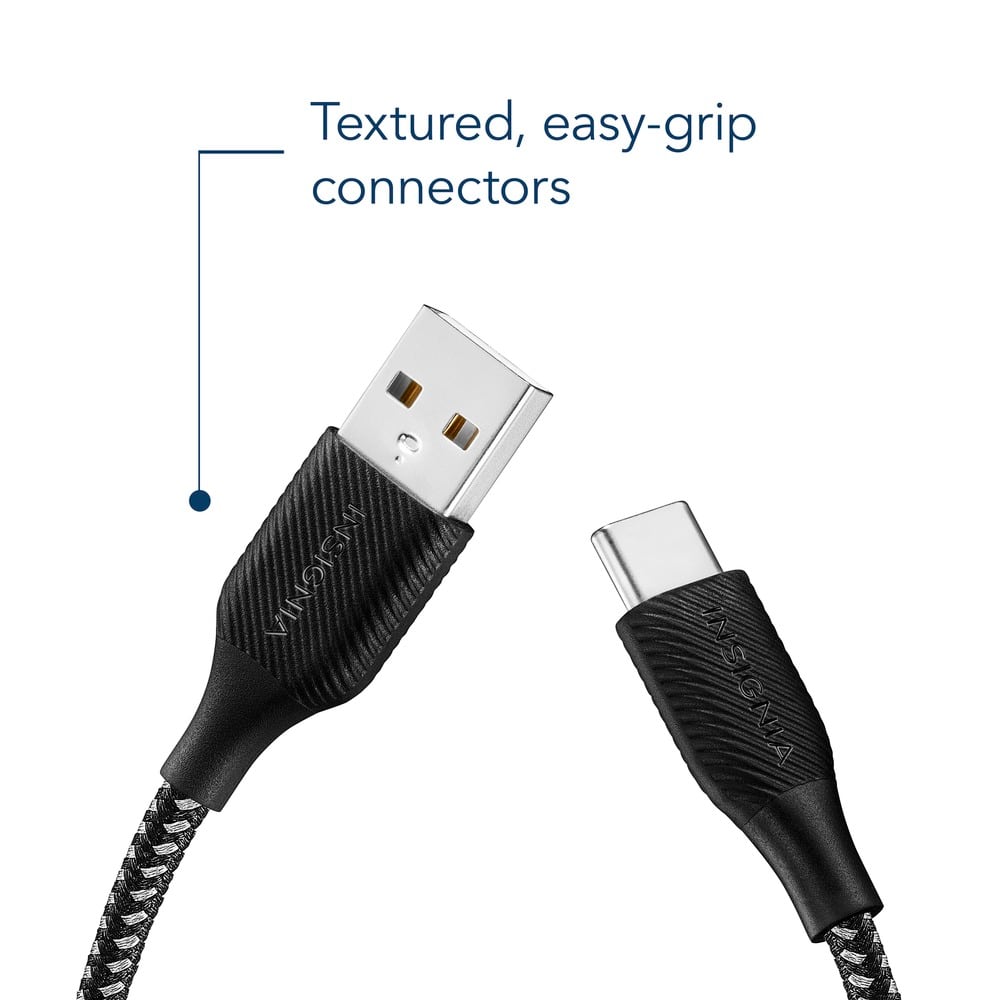
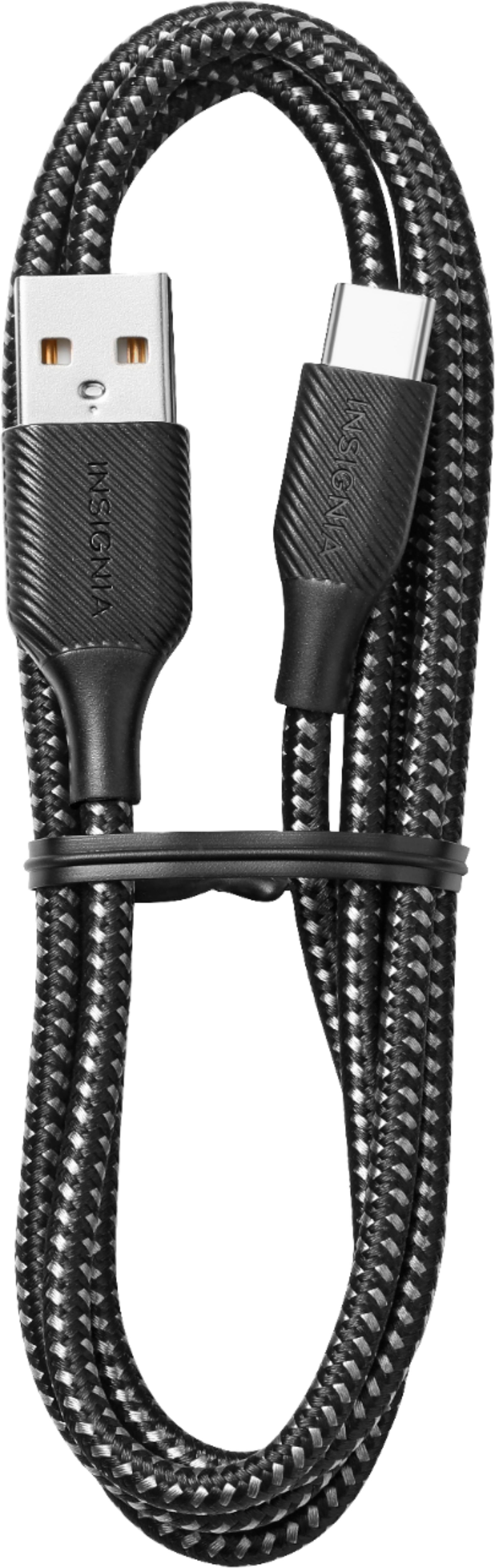
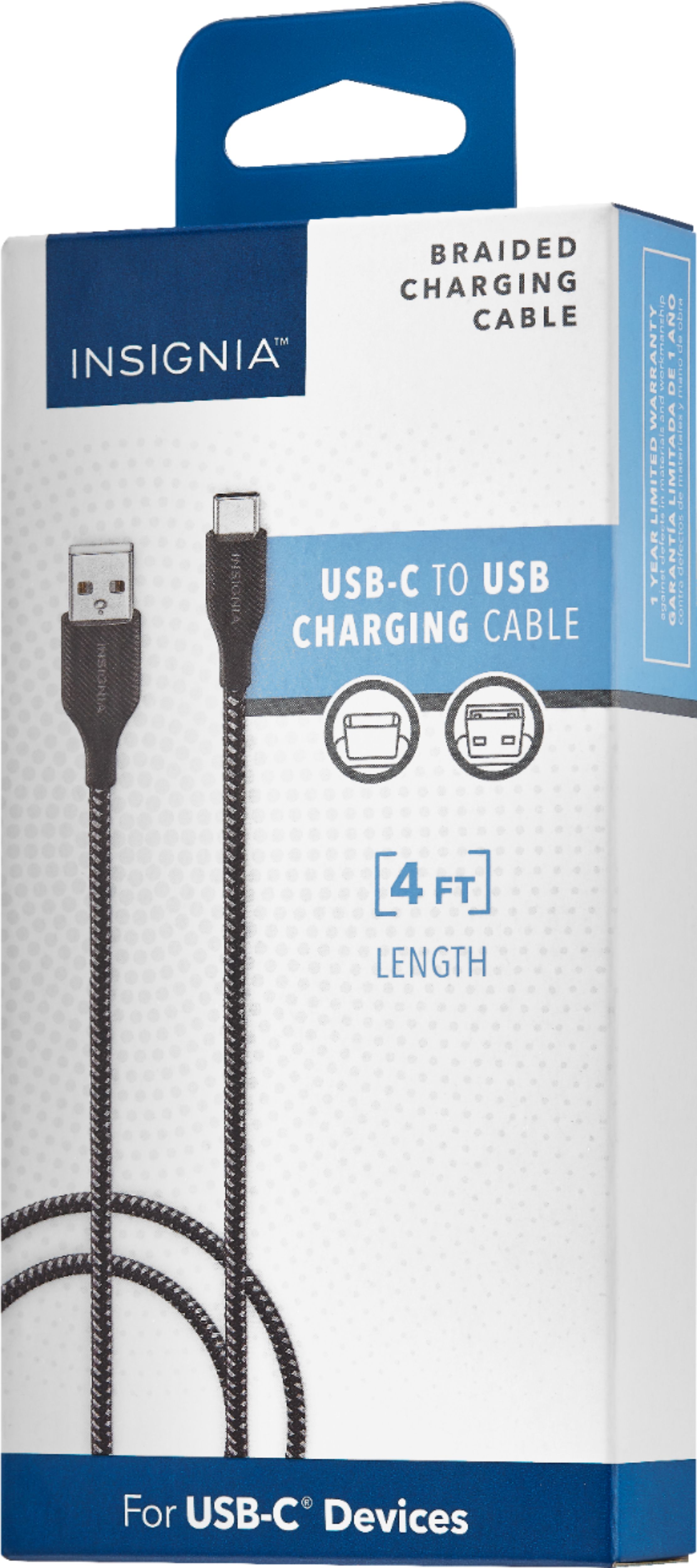
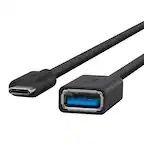
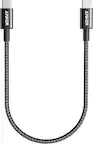
A:AnswerHi Emme! The Insignia™ 4’ USB-A to USB-C Charge-and-Sync Cable (NS-MCA421C) supports charging up to 15 watts (5V/3A). If you have any other questions or need further assistance, feel free to ask! Jeth | Insignia Support. https://www.bestbuy.com/site/insignia-4-usb-a-to-usb-c-charge-and-sync-cable-charcoal/6410815.p?skuId=6410815
A:AnswerThank you for your inquiry! Yes, you can use the Insignia™ 4' USB-A to USB-C Charge-and-Sync Cable to connect your dash cam, provided that your dash cam has a USB-C port for charging or data transfer. Just ensure the cable's length and specifications meet your needs for both charging and data syncing if that's required for your dash cam’s functionality. Keith | Insignia Support https://www.bestbuy.com/site/insignia-4-usb-a-to-usb-c-charge-and-sync-cable-charcoal/6410815.p?skuId=6410815
A:AnswerHi GC! Yes, the Insignia™ 4’ USB-A to USB-C Charge-and-Sync Cable (NS-MCA421C) should work with the Jitterbug 4 Smart phone. The Jitterbug 4 Smart phone uses a USB-C port for charging and data transfer, and this cable is designed to connect USB-C devices to USB-A ports. Jeth | Insignia Support. https://www.bestbuy.com/site/insignia-4-usb-a-to-usb-c-charge-and-sync-cable-charcoal/6410815.p?skuId=6410815
A:AnswerOnly if you have a car jack that you can stick a USB into. I have an old Sprint power cord that sticks into what used to be called the cigarette lighter thingy. That cord has a USB port and the old b charger so I can use that old cable to put this cable into to charge phone. Old cable also has wall charging capability so this cord works fine C to USB.
A:AnswerIt should. The Quest2 if I remember only has a C input - I have never side loaded anything to my Quest. Unless you have seen it done (friend or someone you personally know) and therefore know it works - I wouldn't do it. You never know what the Zuck did to prevent side loading just for fun.