Main Content

Questions & Answers

$109.99
Save $40
The comparable value is $149.99
Page Showing 41-60 of 70 questions
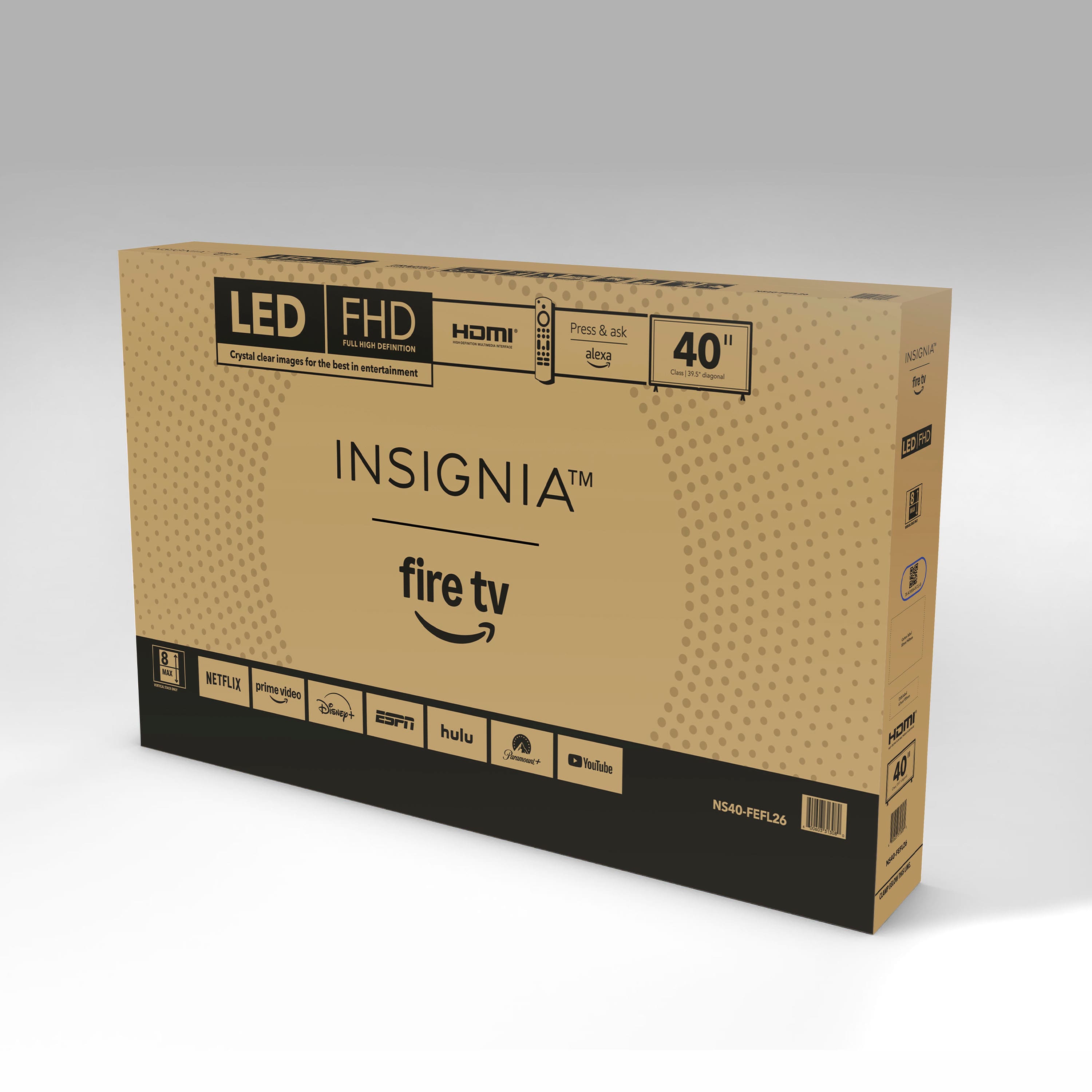
  • QuestionDoes anyone know how heavy the tv is when packaged? I'm trying to get an idea for shipping purposes. Thanks.

    Asked by Chuffy2.

    • Answer Maybe 10 pounds maximum

      Answered by LuisantonioM

  • QuestionCan ROKU work with this tv?

    Asked by Anonymous.

    • Answer Yes

      Answered by LuisantonioM

  • QuestionWhat is dynamic contrast ratio?

    Asked by Baturin.

    • Answer Thank you for your inquiry! Dynamic contrast ratio refers to the difference between the darkest black and the brightest white a TV screen can display over time, rather than at a single moment. For the Insignia™ 40" Class FE Series LED Full HD Smart Fire TV, this means the TV automatically adjusts its backlight depending on the content being shown—dimming during dark scenes to enhance black levels and brightening during light scenes to make whites more vivid. This creates the impression of a higher contrast image and can improve the viewing experience in certain situations.

      Answered by InsigniaCustomerSupport

  • QuestionAm I able to mount it on the wall?

    Asked by Jayjay.

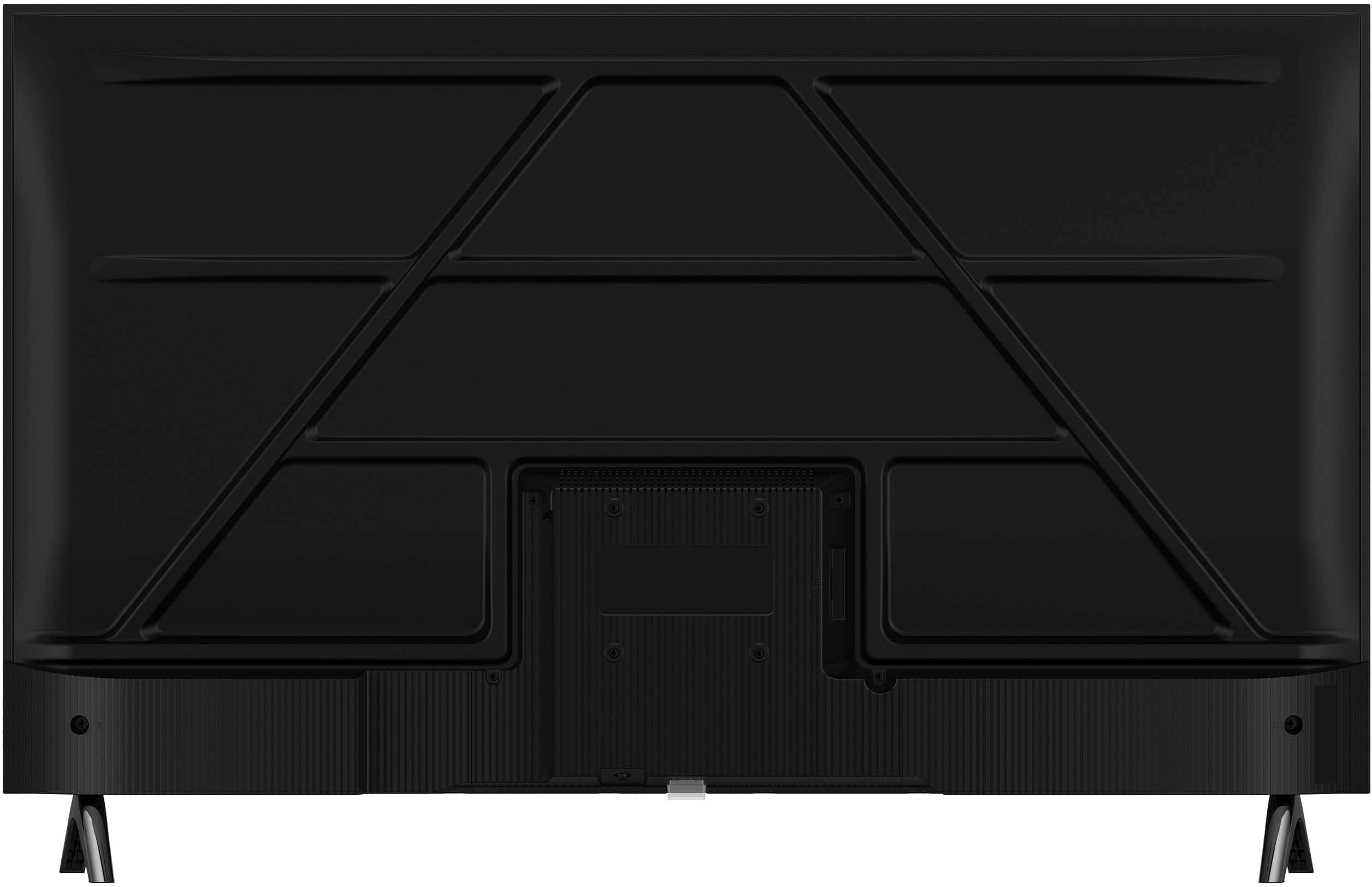
    • Answer Hi Jayjay! Yes, Jayjay — the Insignia™ 40" Class FE Series LED Full HD Smart Fire TV is wall-mountable! It supports the VESA 200mm x 100mm wall mount standard, so just make sure your wall mount matches that size. — Shiela | Insignia Support

      Answered by InsigniaCustomerSupport

  • QuestionCan I use YouTube TV with this tv? I have a subscription. If so, how do I connect?

    Asked by Tineypiney.

    • Answer Yes, you can use YouTube TV with the Insignia™ 40" Class FE Series LED Full HD Smart Fire TV, as it supports the YouTube TV app through its built-in Fire TV platform. To get started, simply go to the Home screen, use the search function to find “YouTube TV,” and download the app. Once installed, open it and sign in with your existing YouTube TV subscription credentials. Patricia | Insignia Support

      Answered by InsigniaCustomerSupport

  • QuestionCan I get my spectrum app on this tv

    Asked by Anonymous.

    • Answer Hi there! Unfortunately, it appears that the Spectrum TV app is generally NOT available on Amazon Fire TV devices, which includes your Insignia Smart Fire TV. According to Spectrum's official support and various user reports, the Spectrum TV app is not currently supported on Amazon Fire TV streaming devices or Fire TV Edition TVs like your Insignia. While Fire TVs have access to a wide range of streaming services, Spectrum seems to be an exception. — Shiela | Insignia Support

      Answered by InsigniaCustomerSupport

  • QuestionCan you connect a Xbox?

    Asked by Dan.

    • Answer Yes

      Answered by user200237

  • QuestionDoes this tv have Bluetooth? Can I connect my Bluetooth headphones to it?

    Asked by Anonymous.

    • Answer Yes

      Answered by user200237

  • QuestionDoes it have Bluetooth capabilities? I want to link a wireless speaker to it.

    Asked by Sami.

    • Answer Hi Sami, Yes, the Insignia™ 40" Class FE Series LED Full HD Smart Fire TV (Model: NS40-FEFL26) does include Bluetooth connectivity. That means you should be able to pair it with a compatible wireless speaker for a more immersive audio experience. Tine | Insignia Support

      Answered by InsigniaCustomerSupport

  • QuestionDo you have to log into an Amazon account to be able to use Airplay screen mirroring? I followed the setup instructions for Airplay, everything appears to be correct but none of my Apple devices will “see” the TV.

    Asked by dhdave41.

    • Answer Yes, you do need to be signed into an Amazon account to use AirPlay screen mirroring on the Insignia™ 40" Class FE Series Fire TV. While you can technically skip the Amazon login during setup, doing so limits access to most smart features, including AirPlay. Once you're signed in, make sure AirPlay is enabled by going to Settings > Display & Sounds > AirPlay & HomeKit, and ensure both your TV and Apple device are on the same Wi-Fi network. If your Apple devices still can’t detect the TV, restarting both the TV and your Apple device can help re-establish the connection. Patricia | Insignia Support

      Answered by InsigniaCustomerSupport

  • QuestionHello, is the AC power cord detachable on this set? Thank you

    Asked by wc2w.

    • Answer Thank you for your inquiry! The Insignia™ 40" Class FE Series LED Full HD Smart Fire TV appears to have a non-detachable (fixed) AC power cord. Keith | Insignia Support

      Answered by InsigniaCustomerSupport

  • QuestionWhat size and length are the mounting screws for a wall mount?

    Asked by Kev.

    • Answer For the Insignia™ 40" Class FE Series LED Full HD Smart Fire TV, the appropriate wall mounting screws are ST4 screws with a length of 25mm. Patricia | Insignia Support

      Answered by InsigniaCustomerSupport

  • QuestionDoes this tv have a built in Fire stick

    Asked by Babydove.

    • Answer Yes it does!

      Answered by LucyR

  • QuestionSometimes no sounds are coming from tv. We have to unplug tv and run then it is working. What can be the solution that in future it will not happens?

    Asked by Audio.

    • Answer It sounds like your Insignia™ 40" Class FE Series LED Full HD Smart Fire TV is experiencing an intermittent audio issue where the sound cuts out and only returns after unplugging and restarting the TV. This is often caused by a temporary software glitch or a conflict in the audio settings. Please ensure that the correct audio output is selected in the settings and that your TV’s firmware is up to date. If the issue continues after these steps, we encourage you to contact our customer service team for further assistance at 877-467-4289. Patricia | Insignia Support

      Answered by InsigniaCustomerSupport

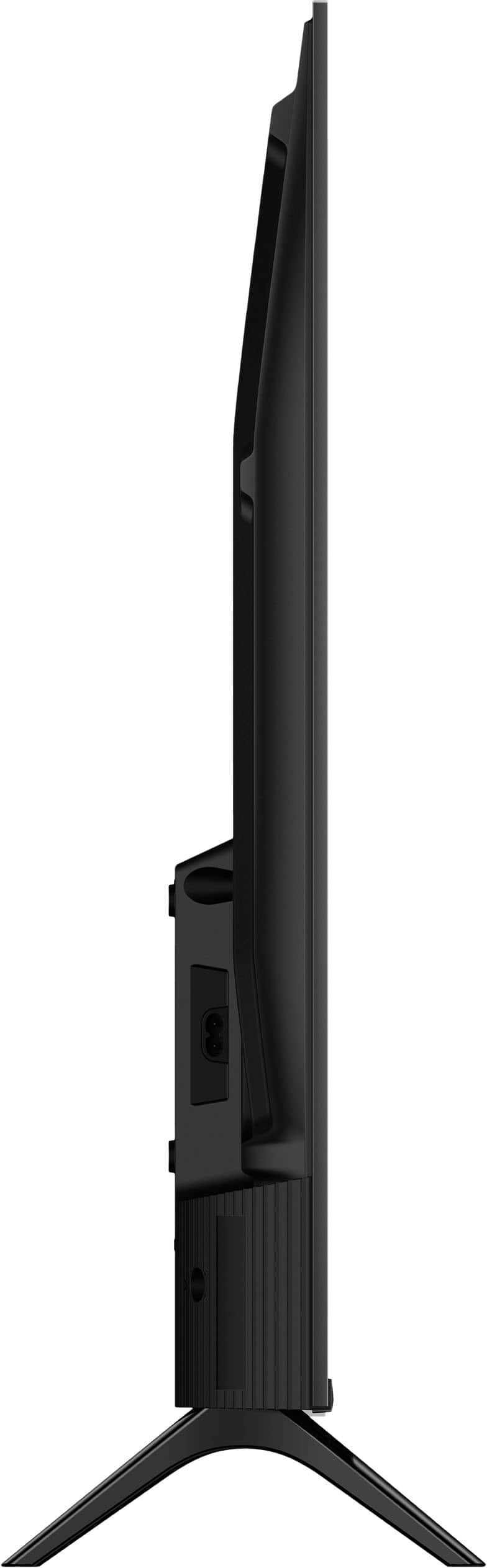
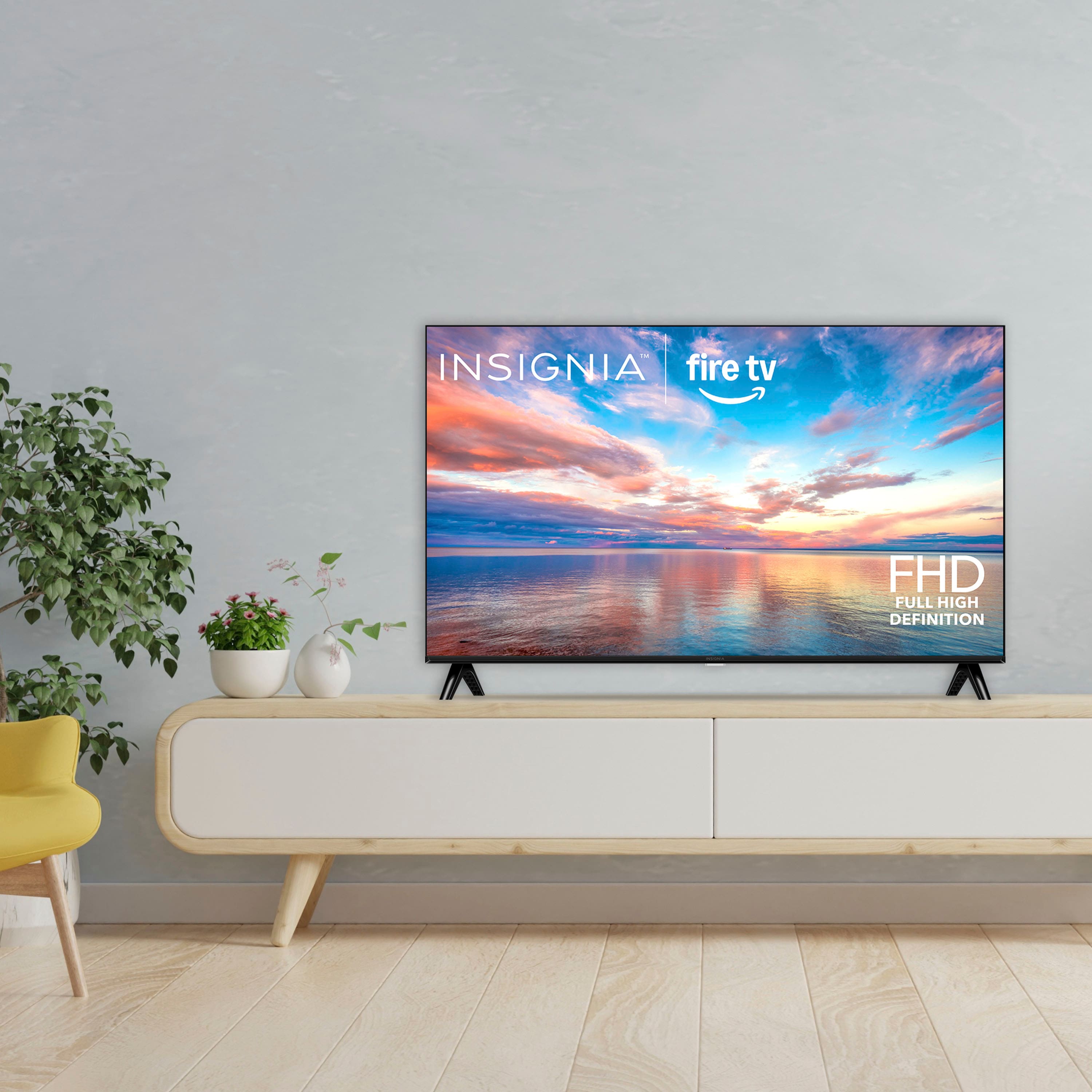
  • QuestionMy table top is 28" wide. Will the legs of the stand fit on the table, or will they be just a little too widely spaced to fit on a 28 inch table top?

    Asked by nongeek.

    • Answer No, the legs are ~32” apart

      Answered by Dani

  • QuestionDo you sell any tv's that don't require the use of a computer or wi-fi?

    Asked by hankee.

    • Answer Thank you for reaching out, Anthony! Yes, you can still use the Insignia™ 40" Class FE Series LED Full HD Smart Fire TV without Wi-Fi. While Wi-Fi is needed for streaming apps and smart features, you can watch cable TV, play content from external devices like gaming consoles or Blu-ray players, and use antenna channels—all without an internet connection. Hope that helps! Tine | Insignia Support.

      Answered by InsigniaCustomerSupport

  • Questiondoes the tv come with mounting screws?

    Asked by fred.

    • Answer That is not correct. Screws are already screwed into the back of TV. At least mine were. Only problem is they may be a little short.

      Answered by MrCollier

  • Questioncan this access the internet?

    Asked by Goody.

    • Answer Yes

      Answered by Dani

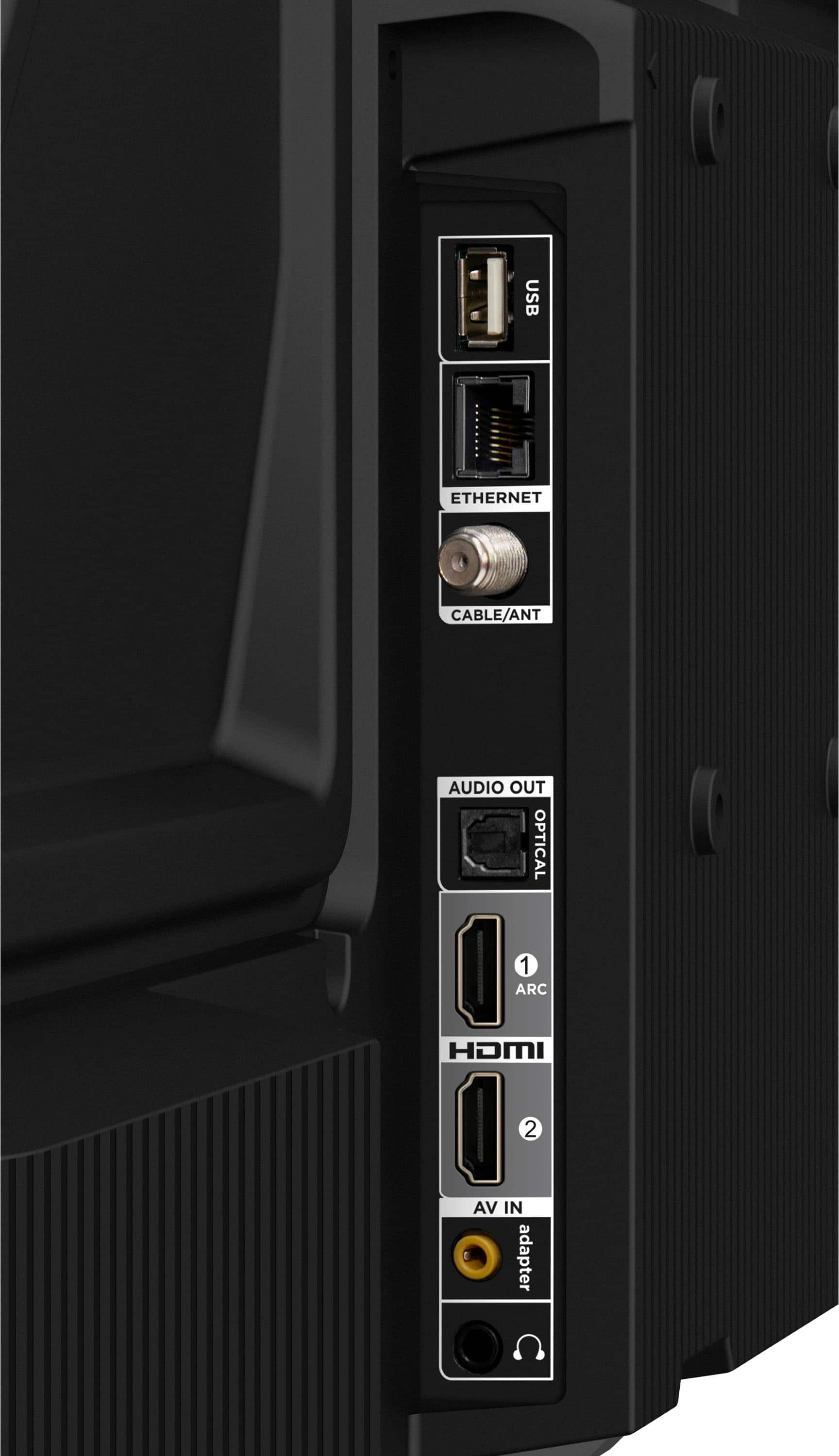
  • Questionhow do I connect my modem to the TV?

    Asked by Anonymous.

    • Answer Hi there! Connecting your Insignia™ 40" Smart Fire TV to the internet requires a router, as your modem alone provides the internet signal. To do this, first, connect your modem to a router using an Ethernet cable. Then, turn on your TV and navigate to Settings > Network. From there, you have two options: either select Wi-Fi and choose your router's network, entering your Wi-Fi password if prompted, or connect an Ethernet cable directly from the router to your TV for a wired connection. Once connected, you'll be all set! — Shiela | Insignia Support

      Answered by InsigniaCustomerSupport

  • QuestionWhat is the storage size in GB for additional apps?

    Asked by Tech40.

    • Answer Thank you for your inquiry, Tech40. The storage capacity for additional apps on the Insignia™ 40" Class FE Series LED Full HD Smart Fire TV depends on the built-in storage available on the device. Typically, Fire TV models come with 8GB of internal storage, but a portion of that is used by the operating system and pre-installed apps. This means the actual space available for additional apps may be less. If there’s anything else we can do to assist, we are here to help. Tine | Insignia Support

      Answered by InsigniaCustomerSupport