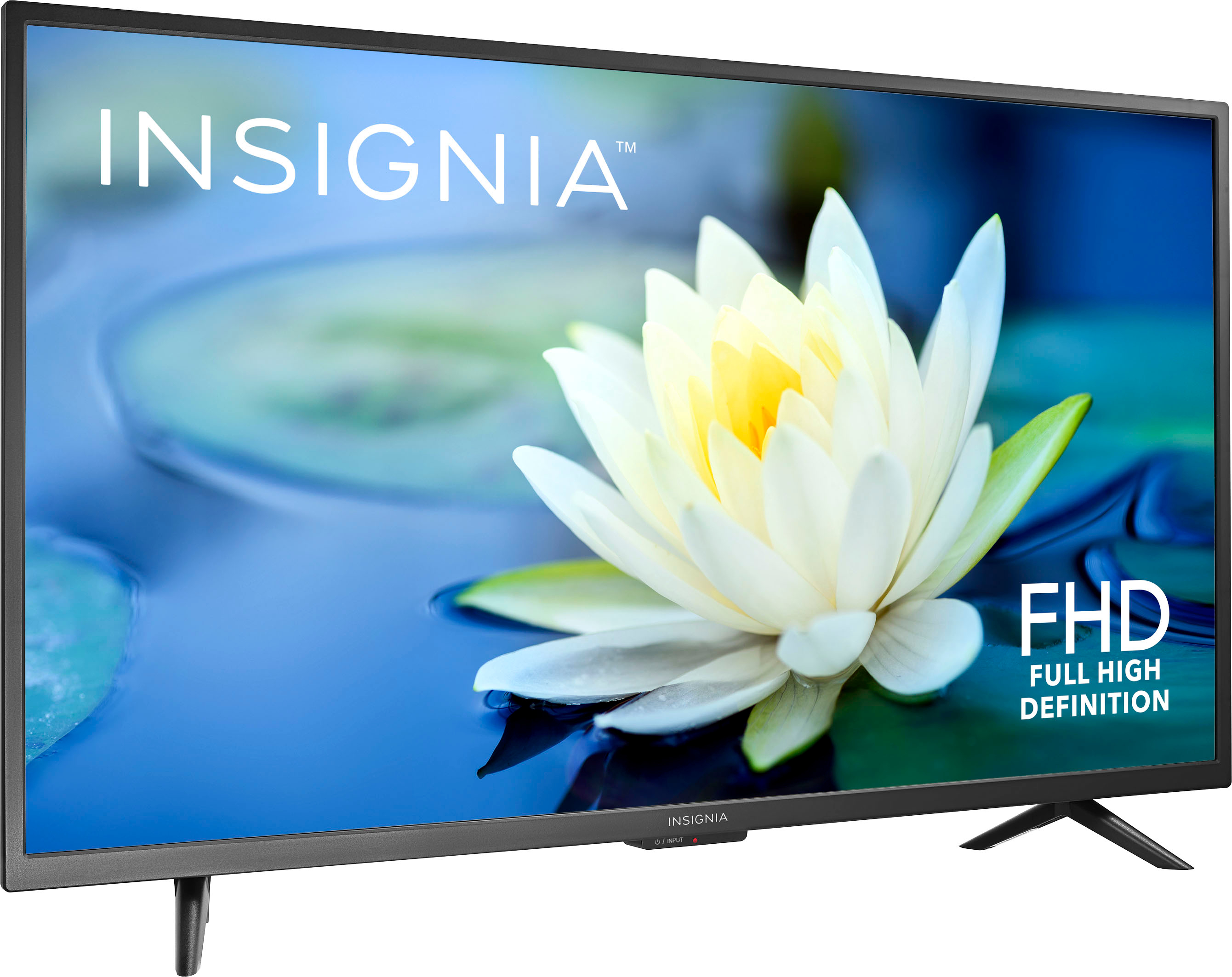
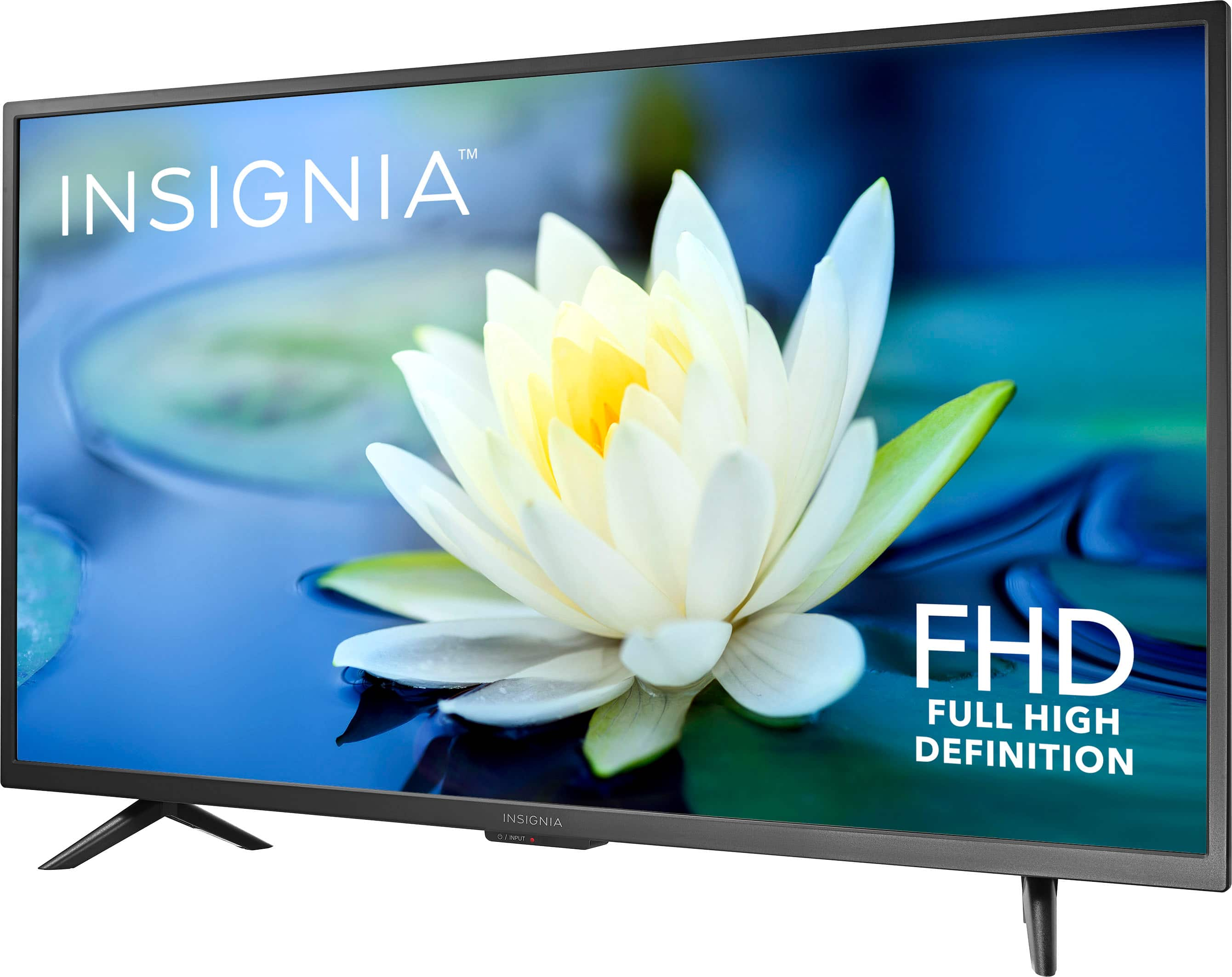
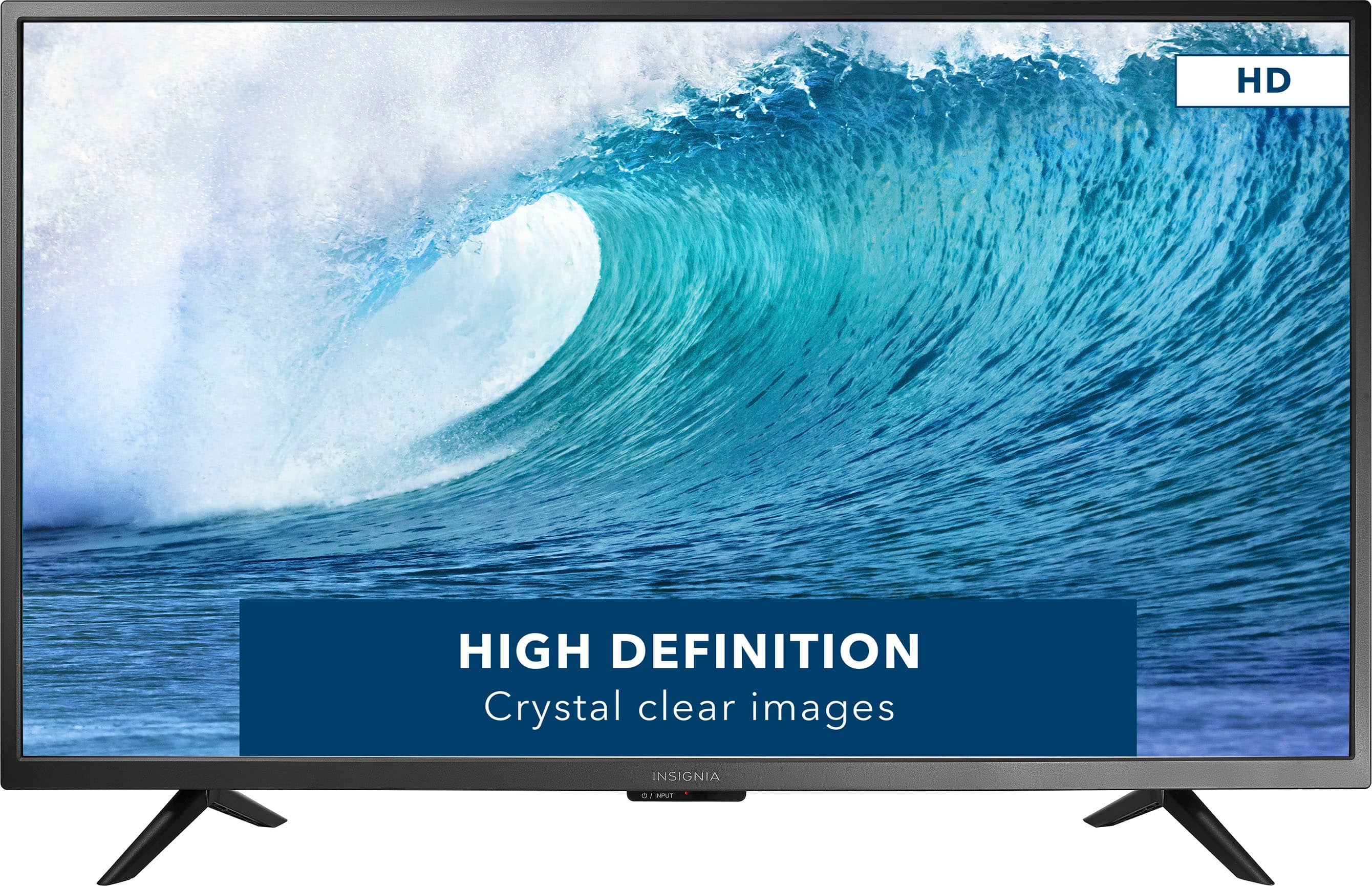
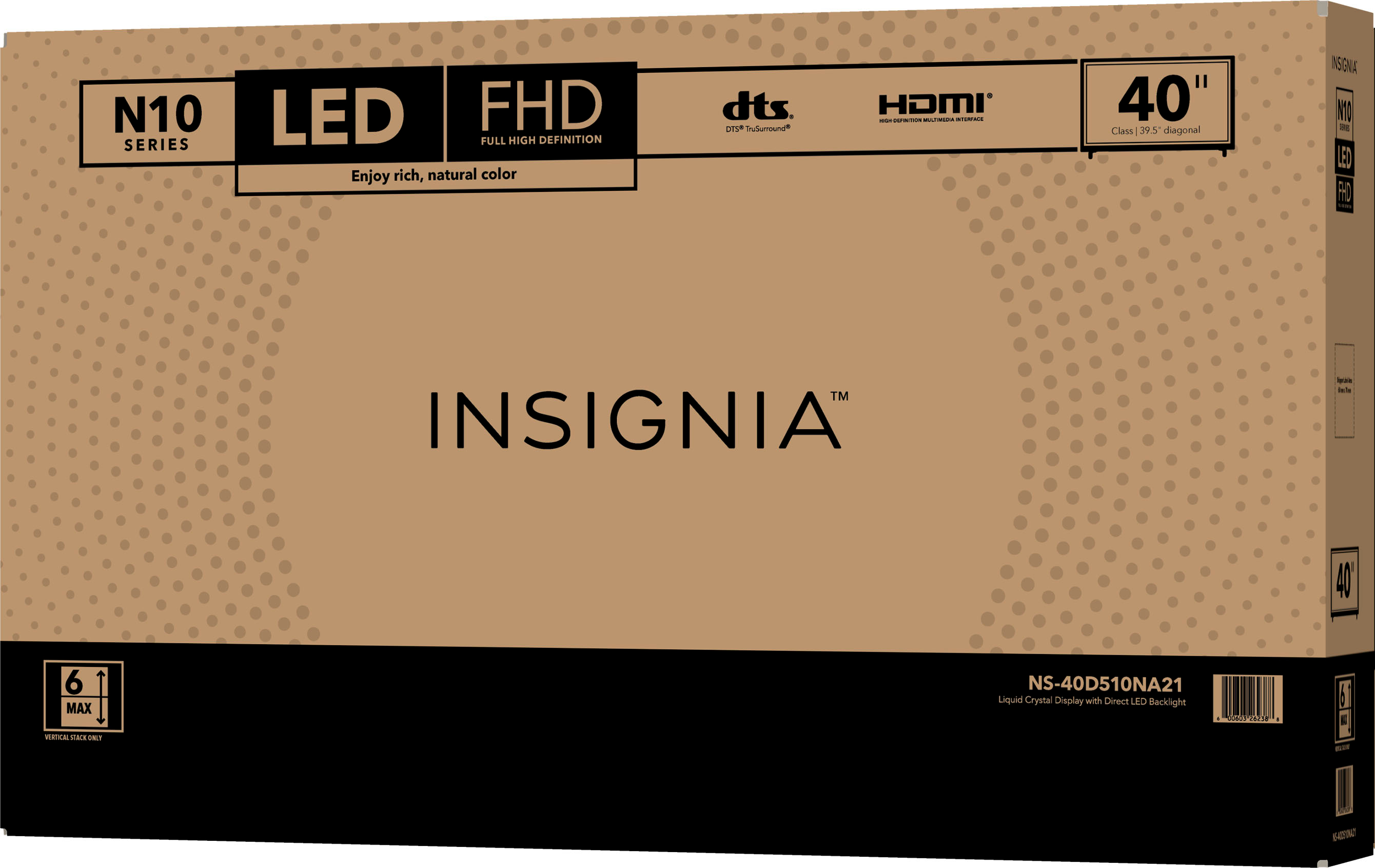
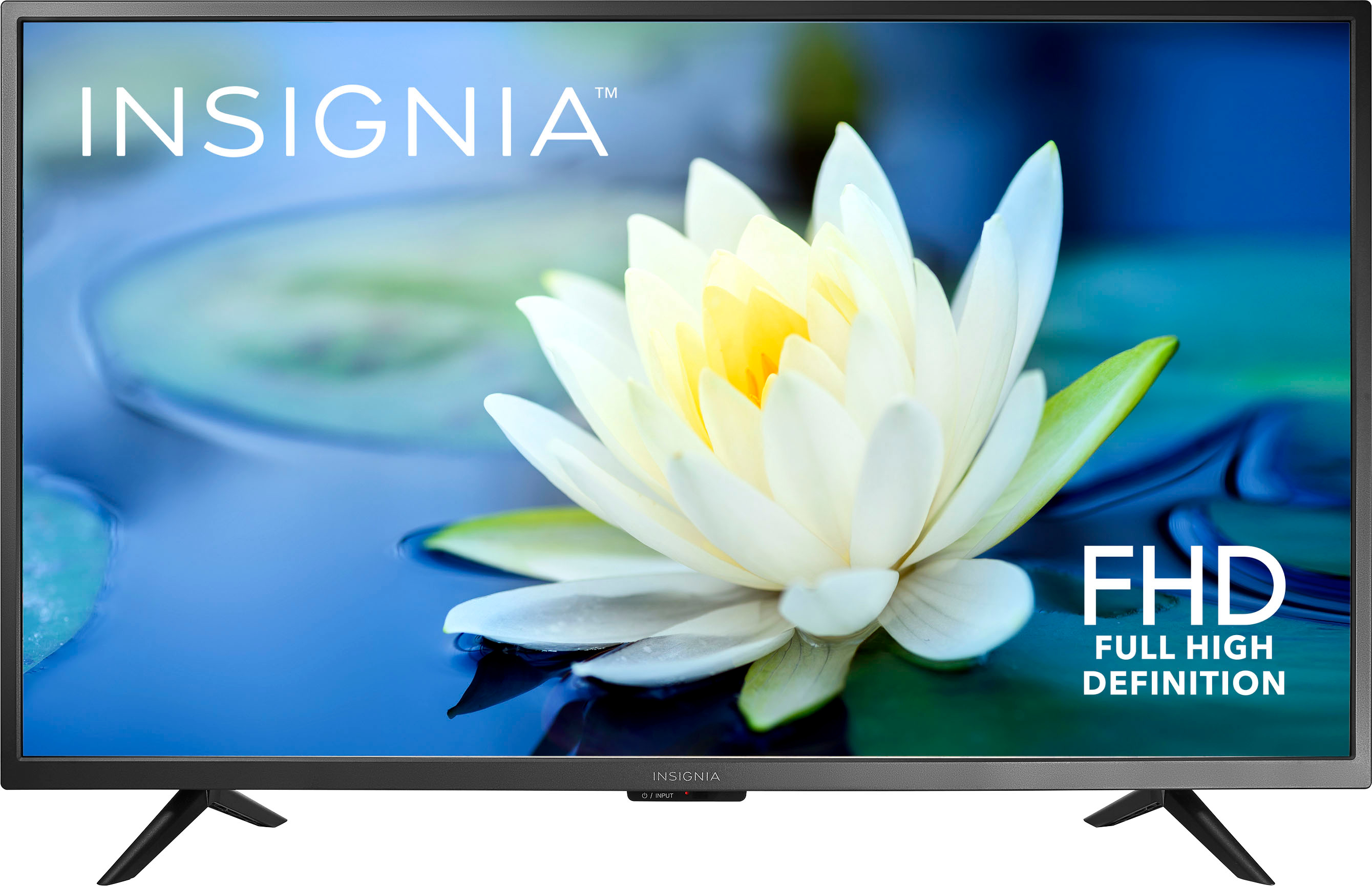
A:AnswerHi Steve! The Insignia™ 40" Class N10 Series LED Full HD TV has a moderate viewing angle. The optimal seating position for the best picture quality is directly in front of this model. When viewed from the sides, the image quality may show some loss. Thus, the Resolution: Full HD (1080p), so it’s not 4K. Please note that this is a common characteristic of LED TVs. I hope this helps! If you have any other questions, feel free to ask. |Angelica| Insignia Support Team| https://www.bestbuy.com/site/insignia-40-class-n10-series-led-full-hd-tv/6398122.p?skuId=6398122
A:AnswerHi Nikki,
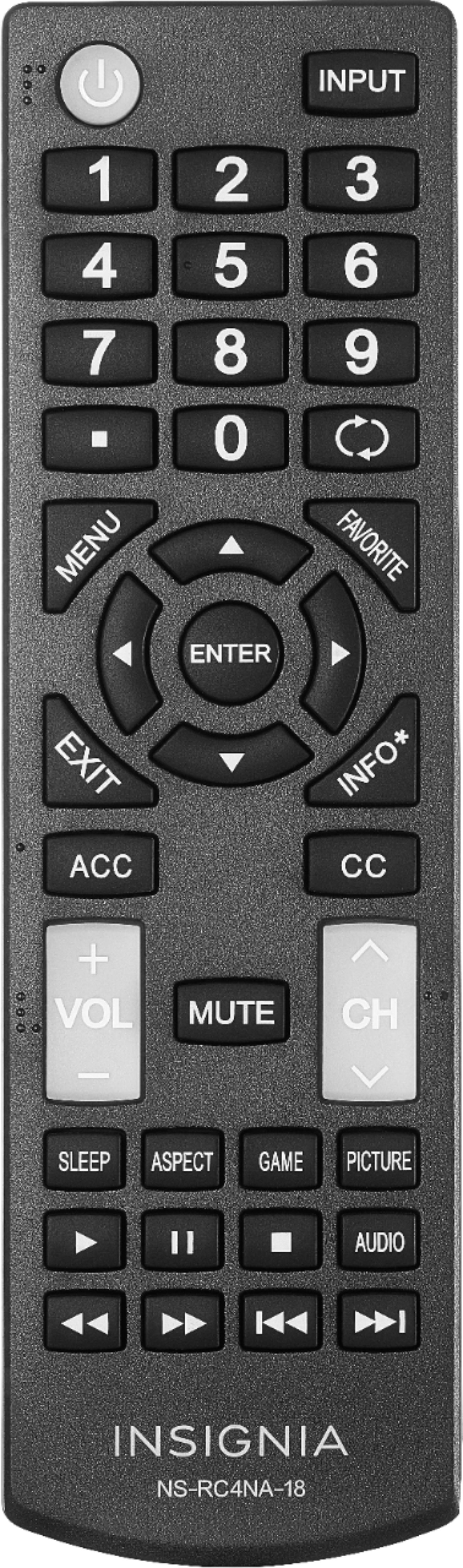
Thanks for the response. I already did what you suggested. We have tried every way possible. The remote has an "Aspect" button, which cycled between "Normal" and "Wide". I then went into the Menu->Picture->Advanced Settiings and only those two settings are there. So I turned "OverScan" on and this made "Zoom", "Cinema", and "Auto" available. I then cycled through all of 5 of the settings and none of them get me a 4:3 ratio for older shows. My question is whether this is a limitation of this model, or if I got a specific TV that doesn't do what it's supposed to do?
A:AnswerHi there,
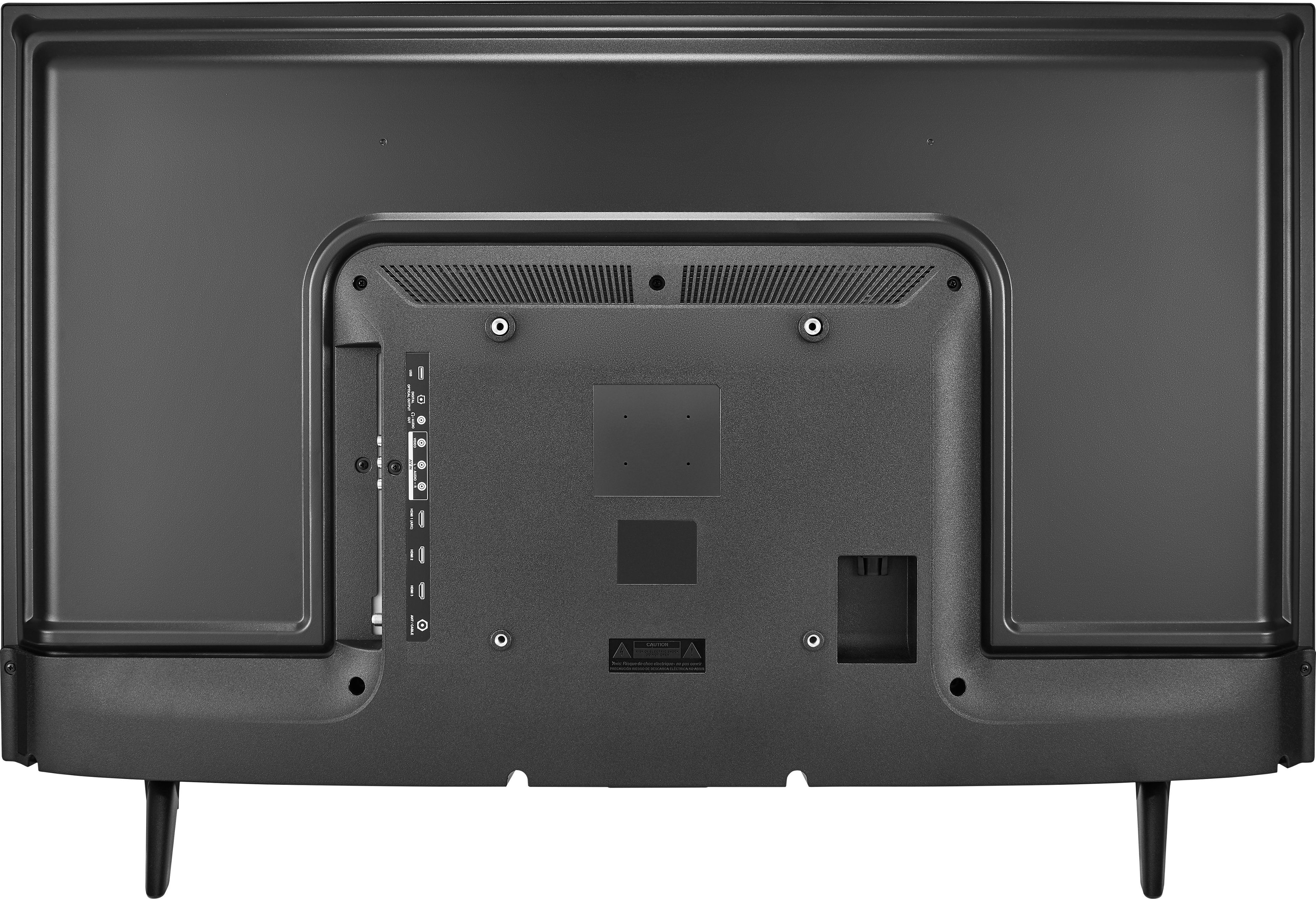
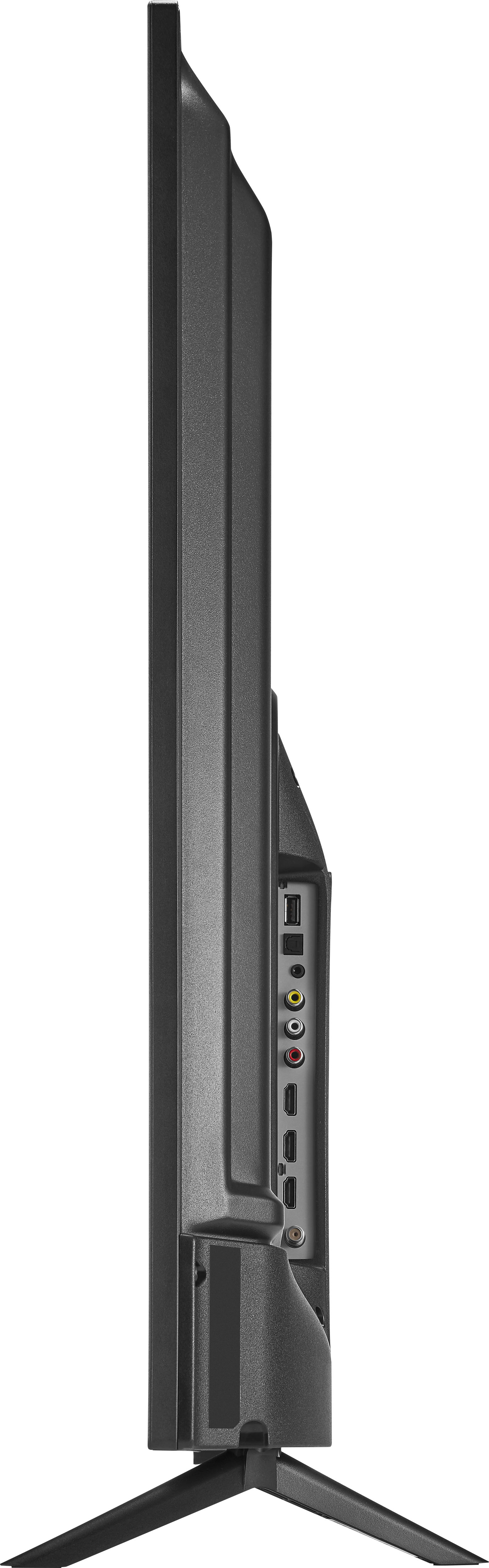
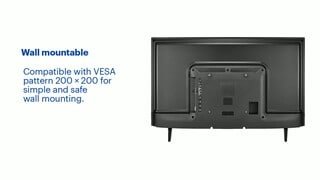
It is design to have 2 legs, as it has 2 holes at the bottom of your TV intended for the TV stand legs and can be found on the left and right side of the TV at the bottom part.
Ritchie |Insignia Support
https:https://www.bestbuy.com/site/brands/best-buy-brands/pcmcat1596746025285.c?id=pcmcat1596746025285
A:AnswerHi DJD,
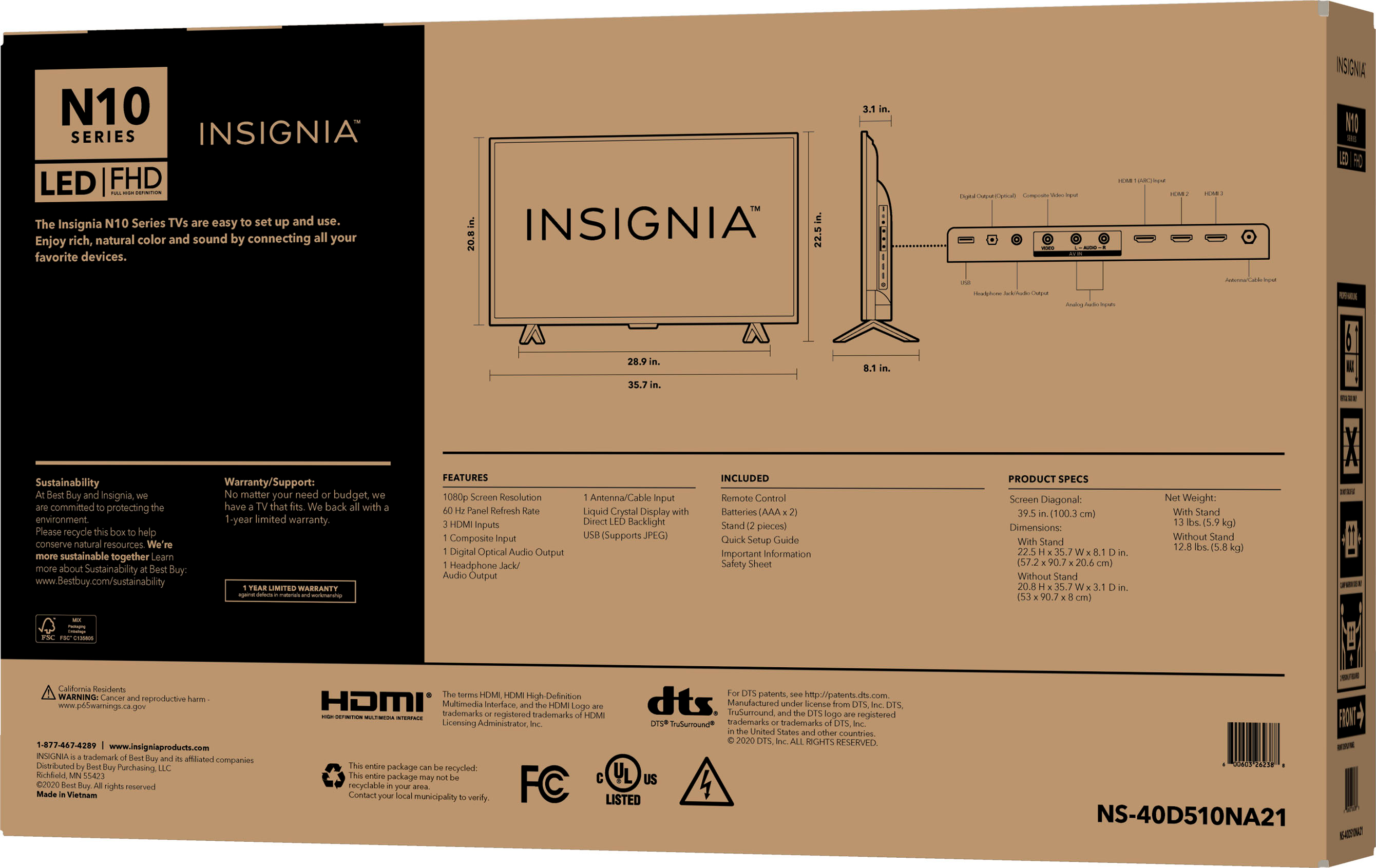
Product Height With Stand 22.5 inches //Product Width 35.7 inches//Product Depth With Stand 8.1 inches//Product Height Without Stand 20.9 inches//Product Depth Without Stand 3.1 inches//Product Weight With Stand 13 pounds//Product Weight Without Stand 12.8 pounds//Stand Width 28.87 inches
Insignia Support
Shella
https://www.bestbuy.com/site/brands/best-buy-brands/pcmcat1596746025285.c?id=pcmcat1596746025285
A:AnswerI'm sure you can find that spec in the manual or call an engineer.
What i can say is if you are looking for a inexpensive 40" TV to bev used in a 270 line resolution environments tge picture quality is as good asxa Samsung or LG that would cost you over $200.
If you are using HDMI 720 or 1080 resolution its got as good a quality picture as compared to the same size in Samsung and LG's TV in the $250-300 price range.
A:AnswerIt is not a smart tv, this tv does not connect to the internet. A smart tv can basically connect to the internet and stream stuff like amazon prime video, netflix, hulu, etc... without the need for an external device
A:AnswerThis is a nonsmart tv without bluetooth, but if you have a streaming device like a Firestick hooked up you can project your tablet to the tv through that.
A:AnswerI did not understand what the actual issue is, please provide me with some more details.
Rudson S.| Insignia Support. https://www.insigniaproducts.com/contact-us
A:AnswerWe had a similar situation thinking the Closed Caption (CC) function did not work. When we tried to turn on the CC either thru the remote or via the Menu's Accessibility section - which when accessed only showed a grayed out and non-selectable option.
The problem was that the CABLE COMPANY'S BOX only permits Closed Caption only through selecting it in the CABLE BOX'S settings. I'm guessing the direct CC signal/code is filtered out on the output of the CABLE BOX. The TV does not/can not "see" the source CC signal. This setup is a PITA because you are prevented to the size/position/color of the CC text options that the TV can provide and limited to the single (in my case) CABLE Co option in the CABLE BOX setup/settings. I came to the "filtered" conclusion since the TV's CC option(s) were accessible through other source inputs such as DVD.
A:AnswerYou can automatically scan for channels (but it does not have a feature to manually add channels). You can control which channels are displayed, set up and view favorite channels, change channel labels, and check a digital channel’s signal strength.